

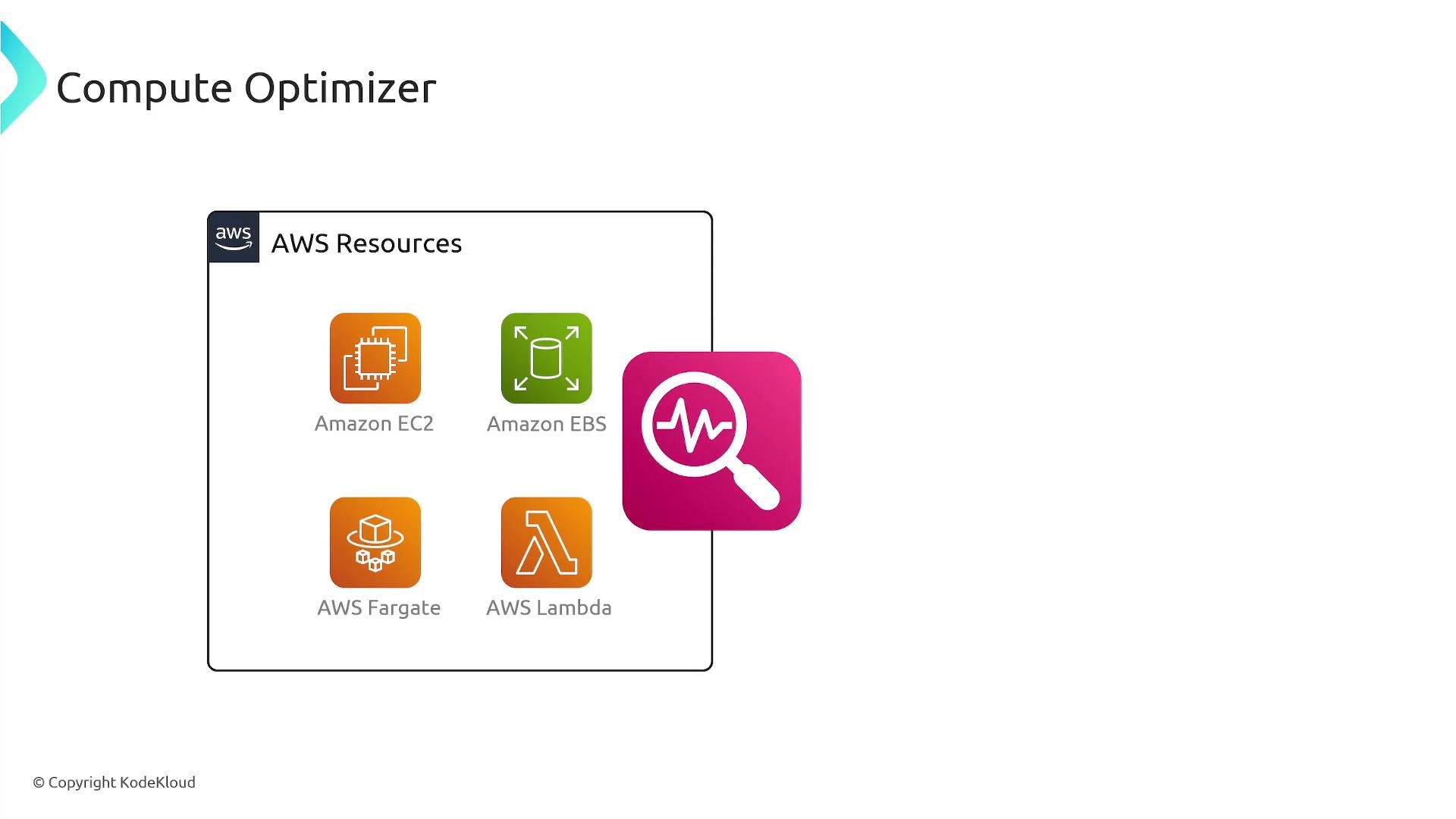
- Reduce cloud costs by identifying overprovisioned resources.
- Improve application performance by detecting underprovisioning and recommending larger or different instance families.
- Get confidence scores, estimated monthly savings, and performance-risk indicators to guide changes.
- Integrate recommendations into automation pipelines (CLI, SDKs, CloudFormation, Systems Manager) for repeatable remediation.
- Resource analysis: It examines utilization and performance metrics over time, detects patterns and anomalies, and classifies resources as overprovisioned, underprovisioned, or well‑provisioned.
- Recommendation generation: Using that analysis, it suggests alternative instance families/sizes, EBS configurations, Fargate CPU/memory pairings, or Lambda memory adjustments that aim to optimize cost and performance.
- Actionable guidance: Each recommendation includes expected monthly cost savings, performance risk level, and a confidence score. Compute Optimizer does not change resources automatically — you apply approved changes manually or via automation.
Enable Compute Optimizer and grant it the necessary IAM permissions to access CloudWatch metrics and resource metadata. Allow up to 14 days of historical data collection for reliable recommendations after enrollment.
Practical CLI examples
- Enable Compute Optimizer (basic enrollment):
- Retrieve EC2 instance recommendations:
- Retrieve EBS volume recommendations:
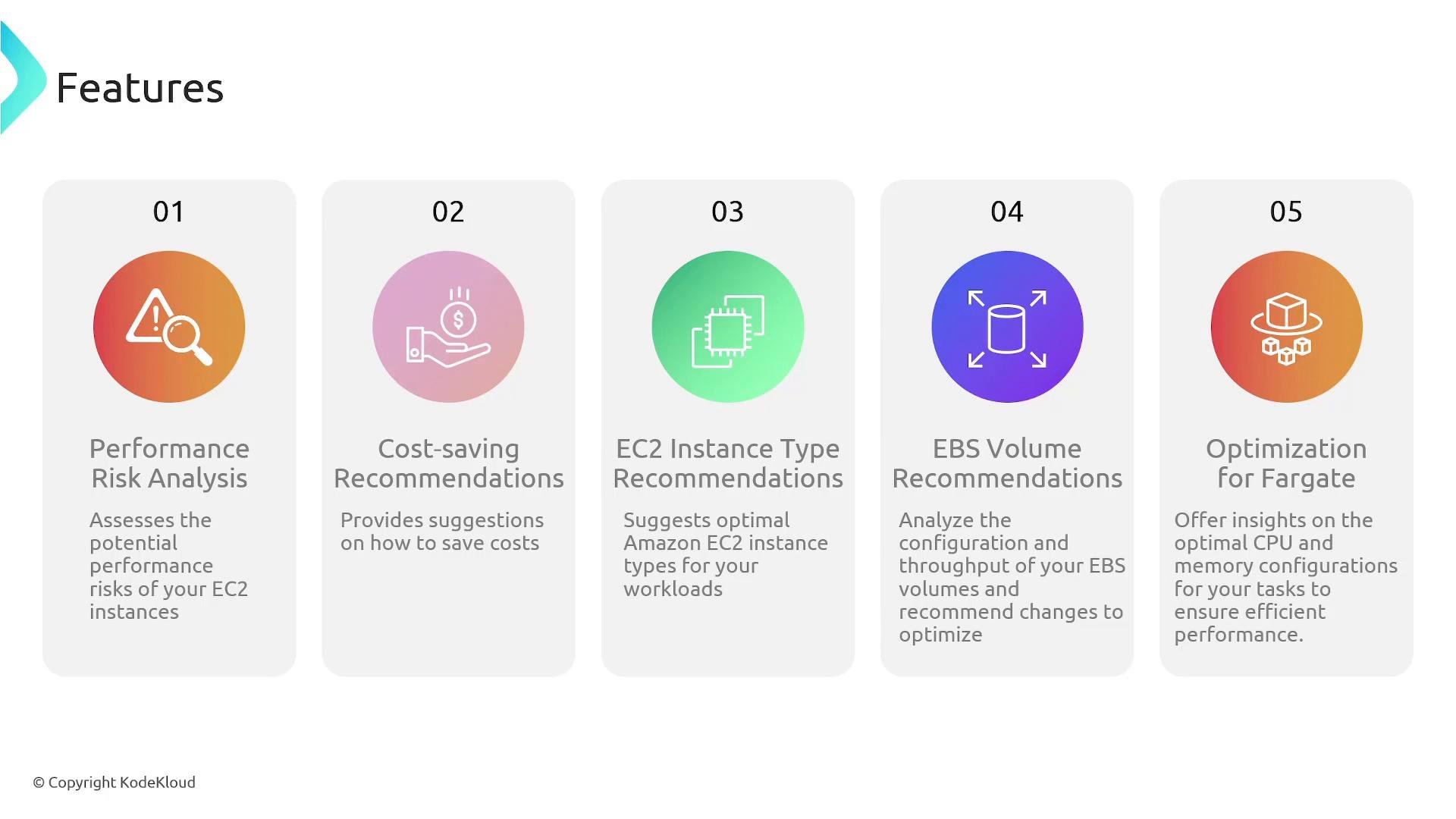
- Performance risk analysis for Amazon EC2 instances to detect under‑provisioning and recommend appropriate size/family changes.
- Cost‑saving suggestions that propose smaller instance sizes or different instance families when workloads are overprovisioned.
- Tailored EC2 instance type and size recommendations based on actual workload characteristics.
- Amazon EBS volume recommendations driven by throughput and IOPS usage to optimize cost and performance (for example, switching to
gp3and adjusting provisioned IOPS). - Recommendations for CPU/memory configurations for Amazon ECS on Fargate tasks and memory sizing for AWS Lambda.
- Incorporate Compute Optimizer into a regular review cycle: review recommendations, validate with application-level acceptance tests, then apply changes via your deployment pipelines.
- Correlate recommendations with business requirements and performance SLAs before applying changes.
- Use the confidence score and performance-risk indicators to prioritize which recommendations to implement first.
- Combine Compute Optimizer findings with cost allocation tags and billing reports to measure actual savings after changes.
- AWS Compute Optimizer Documentation
- AWS CLI: compute-optimizer commands
- Amazon CloudWatch
- Amazon EC2
- Amazon EBS
- AWS Fargate
- AWS Lambda