

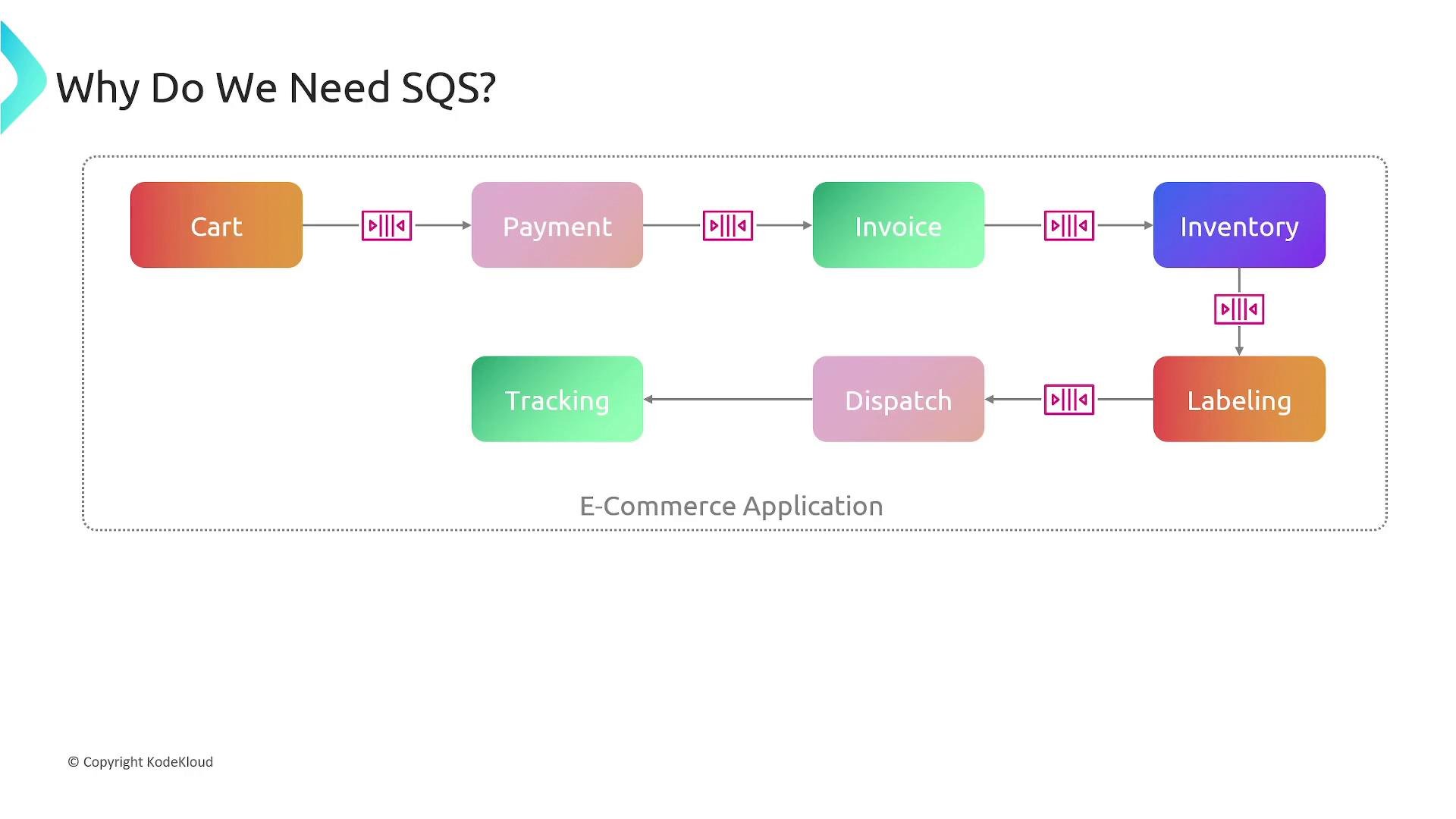
- Message decoupling — Producers send messages to a queue without needing to know consumer implementation details, enabling loose coupling and flexible system evolution.
- Load leveling — Queues absorb traffic spikes so downstream consumers are not overwhelmed.
- Asynchronous processing — Consumers process messages independently, enabling background work and faster user-facing interactions.
- Serverless and event-driven fit — SQS integrates well with serverless architectures and event-driven workflows using Lambda, Step Functions, and other AWS services.
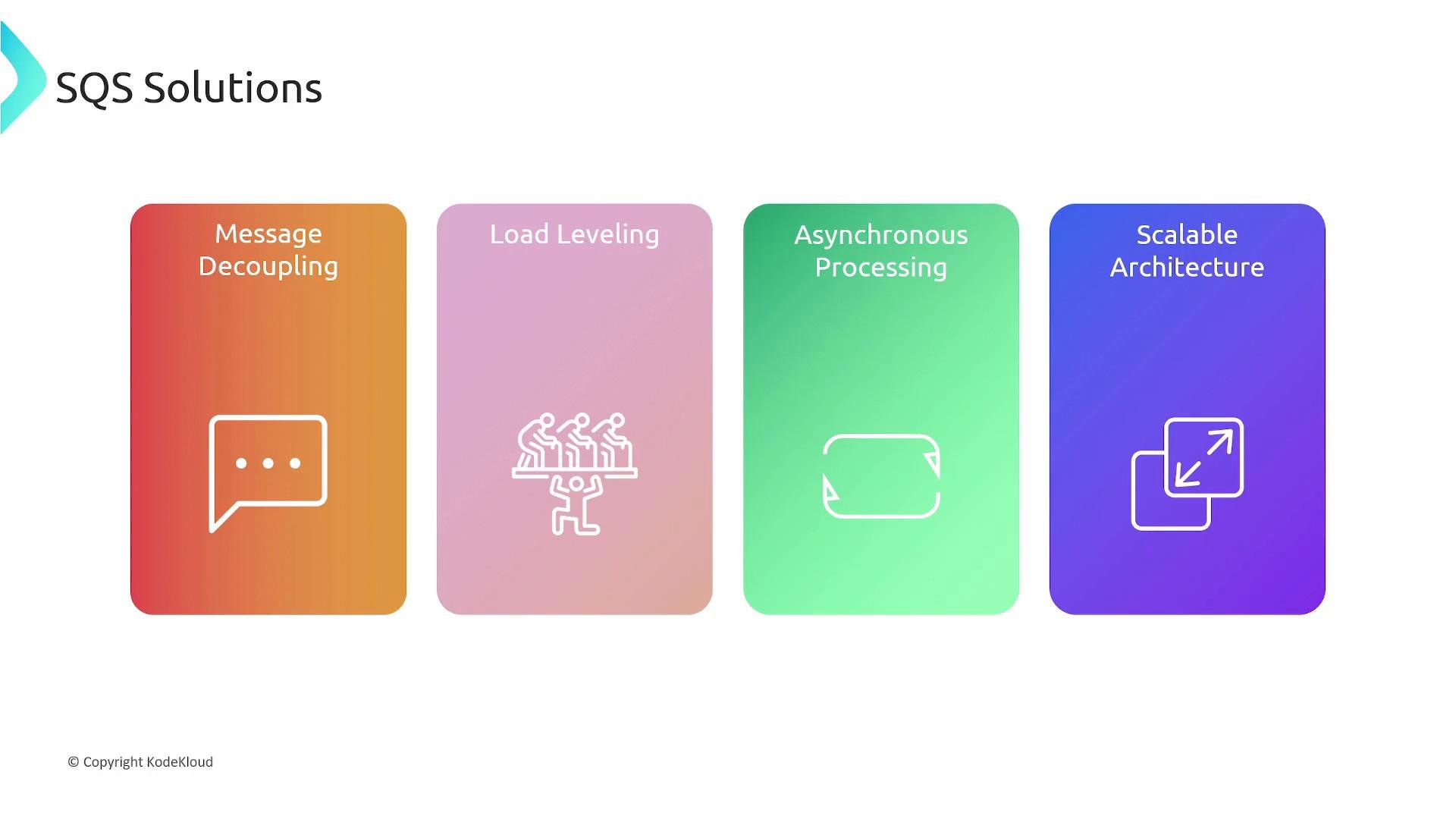
- Queue: A durable buffer that stores messages sent by producers until consumers retrieve them.
- Message: The unit of data exchanged via SQS. Maximum message size is 256 KB.
- Producer: Any entity (application, AWS service, SDK client) that sends messages to a queue.
- Consumer: Any entity that receives and processes messages from a queue.
- Message attributes: Optional metadata (name/value pairs) attached to a message to help routing or filtering.
- Dead‑letter queue (DLQ): An optional queue that collects messages that cannot be processed successfully after a configured number of attempts (controlled by a redrive policy and
maxReceiveCount). - Visibility timeout: The period after a consumer receives a message during which the message is hidden from other consumers. This prevents multiple consumers from processing the same message simultaneously (configurable up to 12 hours).
- Message locking and retries: When a consumer receives a message, it becomes temporarily invisible (locked) for the visibility timeout. If the consumer fails to delete the message before the timeout expires, the message becomes visible again and may be redelivered.
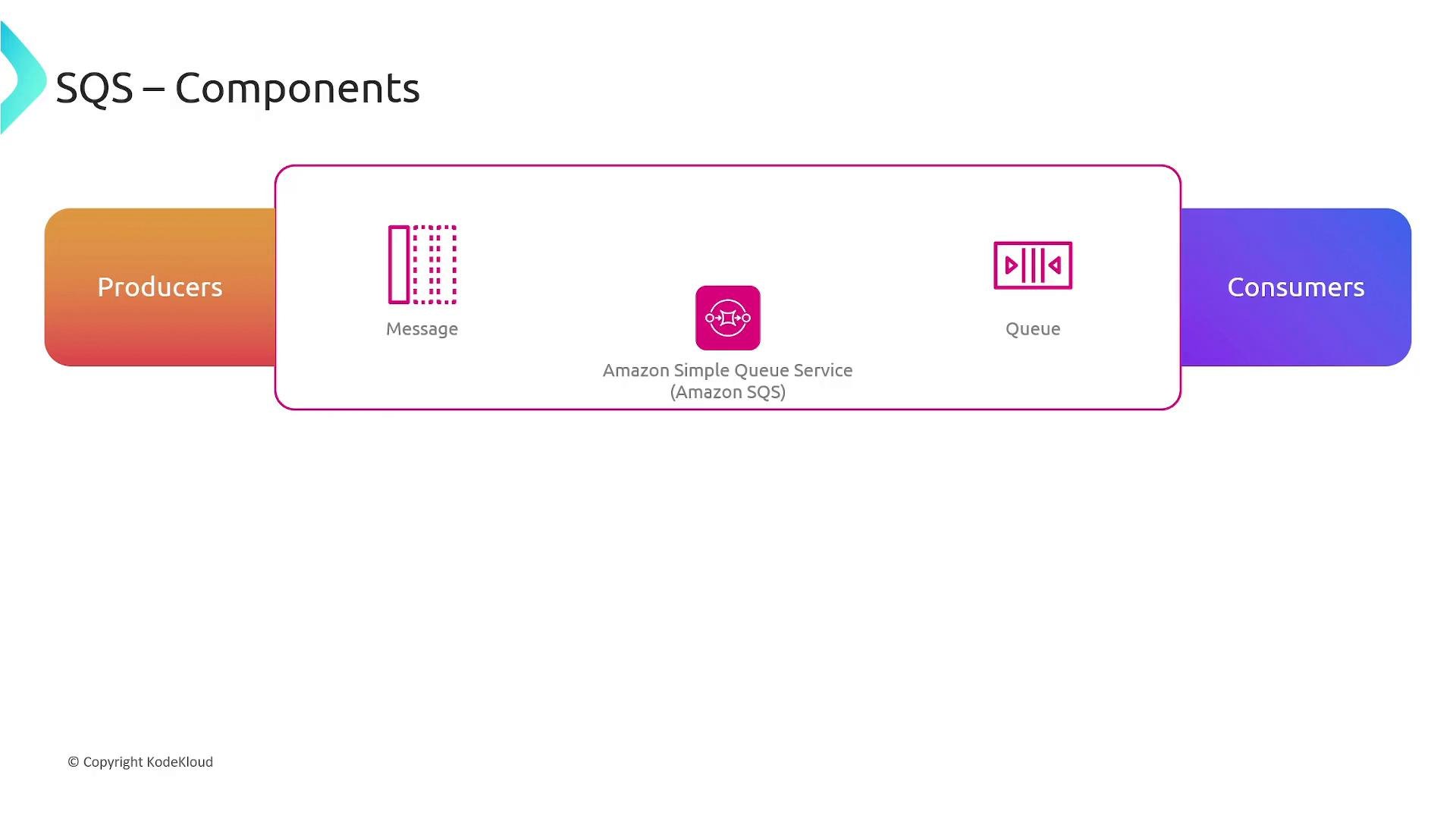
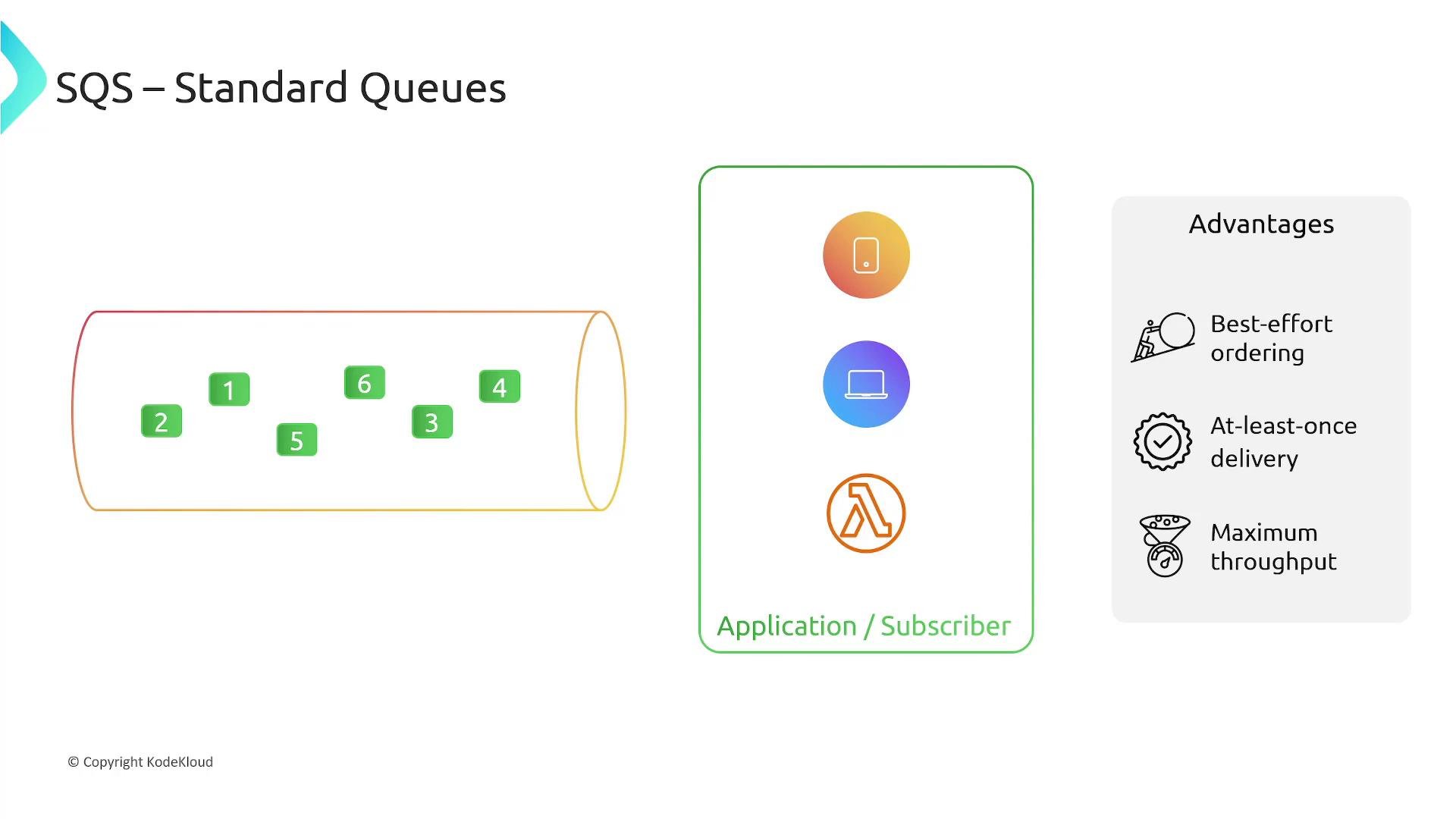
- Best-effort ordering — SQS attempts to preserve ordering but does not guarantee strict ordering.
- At-least-once delivery — Messages are delivered at least once; duplicates can occur.
- Very high throughput — Standard queues support virtually unlimited transactions per second and are ideal when strict ordering and deduplication are not required.
- Exactly-once processing (deduplication) — FIFO queues provide deduplication using a deduplication ID or content-based deduplication within a short deduplication window.
- First-in-first-out ordering — Messages are processed in the order they are sent within a message group.
- Message groups — Use
MessageGroupIdto preserve ordering per group while allowing multiple groups to be processed in parallel. - Throughput constraints — By default FIFO queues support up to 300 send/receive operations per second (or 3,000 with batching). For higher throughput, use high-throughput FIFO features or request quota increases.
Note: choose FIFO when strict ordering and deduplication are required; choose Standard when you require maximum throughput and can accept relaxed ordering.
Features and operational details
- Message retention — Configure how long SQS retains messages; maximum retention is 14 days.
- Redelivery and retries — SQS redelivers messages that are not deleted by consumers. Use visibility timeout settings and DLQs to manage repeated failures.
- Dead‑letter queues — Use a redrive policy with
maxReceiveCountto move repeatedly failing messages to a DLQ for analysis and debugging. Example redrive policy snippet:
- Message size — Up to 256 KB per message. For larger payloads, store the payload in S3 and place a pointer (S3 object key) in the SQS message.
- Prioritization — SQS does not provide native priority queues. Implement prioritization by using multiple queues (e.g.,
high-priorityandlow-priority) or by implementing priority logic in consumers based on message attributes.
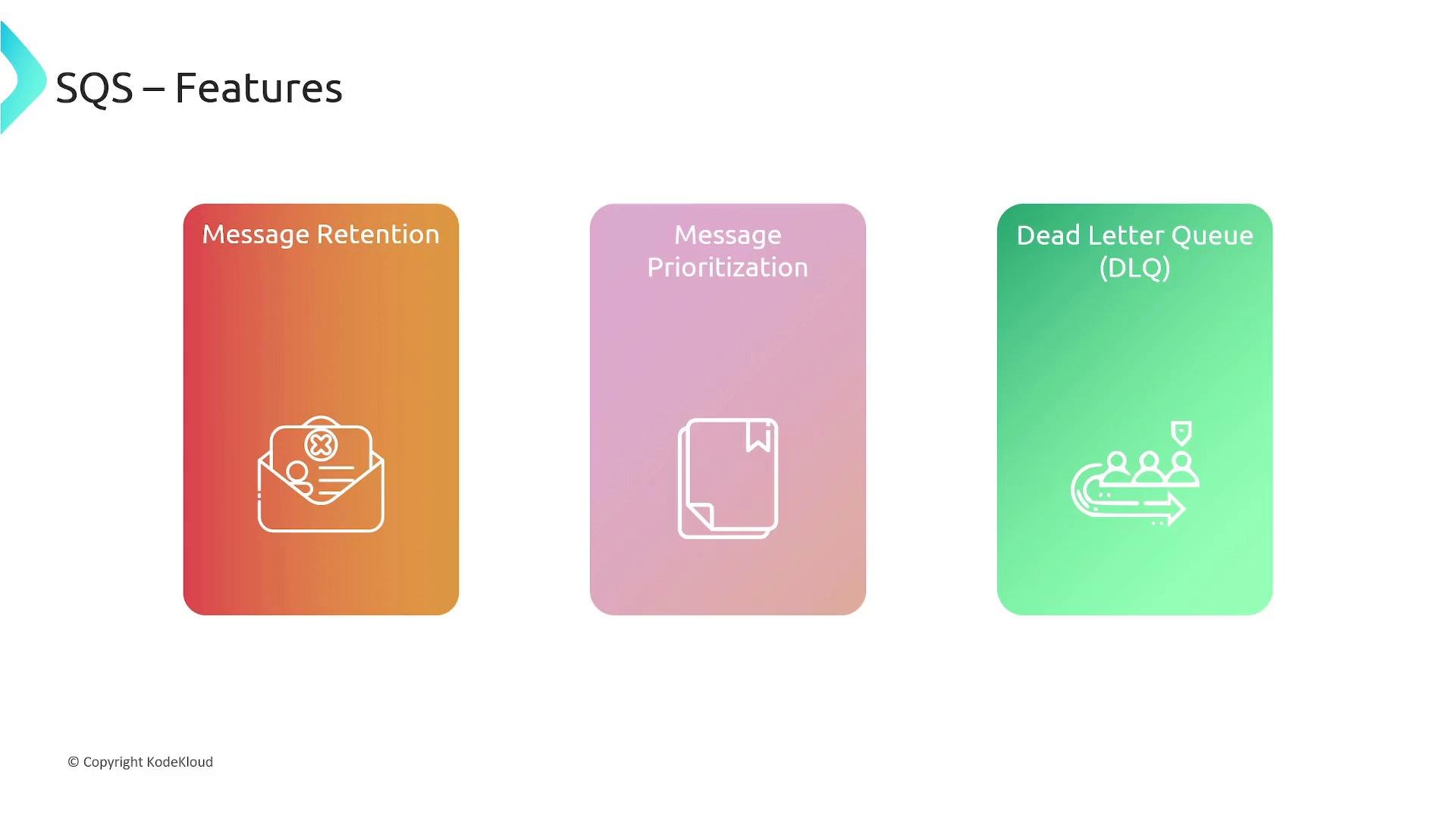
SQS does not include a built-in priority queue. If you need prioritization, use multiple queues (e.g., high/low priority) or implement priority handling in the consumer based on message attributes.
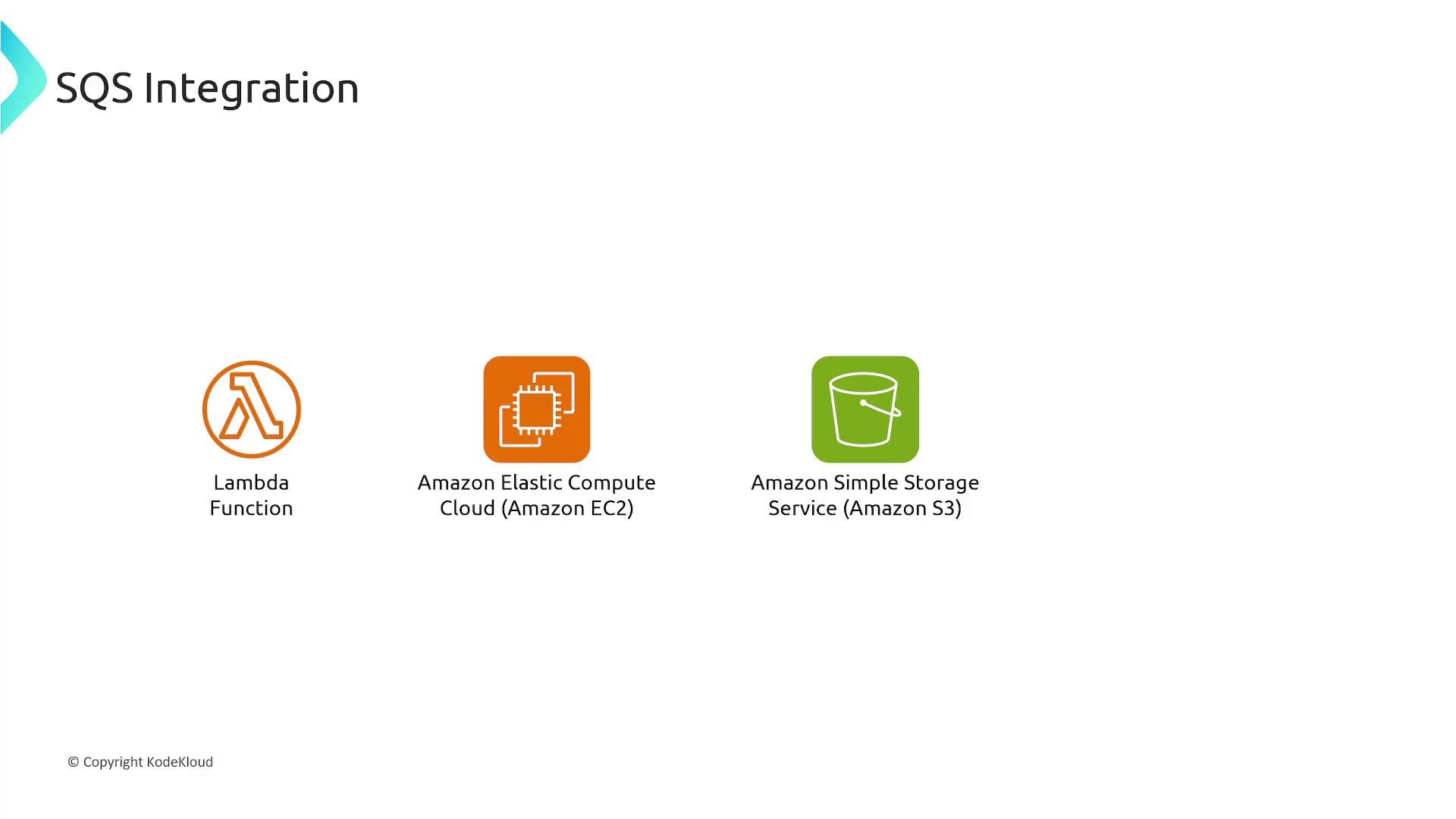
- Lambda — Lambda can be an event source for SQS (Lambda consumes from an SQS queue) and can also act as a producer.
- EC2 — Applications on EC2 instances can send and receive SQS messages.
- S3 — S3 can publish object event notifications directly to an SQS queue.
- Step Functions — Use Step Functions to coordinate workflows that post to or consume from SQS.
- Decouple microservices so producers are not blocked by slow consumers.
- Offload background tasks and build event-driven, serverless pipelines (acknowledge the front end immediately while the backend processes asynchronously).
- Scale processing workers — place tasks on a queue and allow an Auto Scaling group of workers to pull and process them.
- Smooth spikes in workload and protect downstream services from being overwhelmed.
Summary
AWS SQS offers a simple, managed mechanism for reliable, scalable message buffering and delivery in distributed systems. Select the appropriate queue type and tune settings (visibility timeout, retention, DLQ, batching, and throughput) to match your application’s requirements for reliability, ordering, and scale.
Links and references
- AWS SQS Documentation
- Lambda and SQS integration
- AWS Step Functions
- Amazon S3 Event Notifications to SQS