

Key themes
- Apply least privilege to the identities that deploy or access management services.
- Never embed secrets in templates or code that will be stored or transmitted.
- Protect observability data (logs, traces, metrics) using encryption, sampling, and redaction.
- Review cross-account / trusted access carefully and grant only required permissions.
Provisioning
When we say “provisioning” we mean services that create other AWS resources. CloudFormation is the canonical example: provide a template (local or in S3) and CloudFormation builds the stack you described.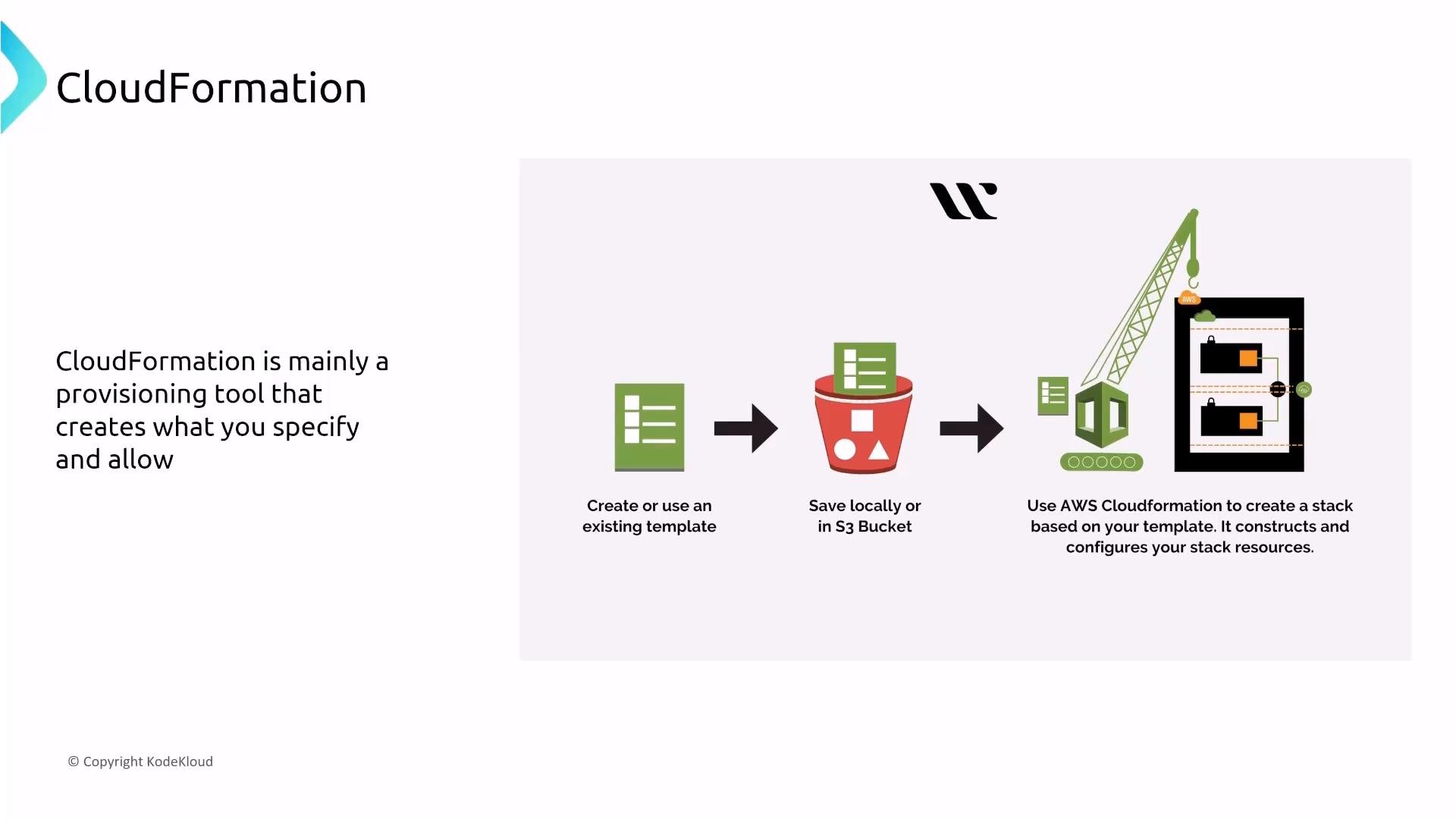
CloudFormation security considerations
- Principle of least privilege for the role CloudFormation uses. The runtime permissions available while a stack runs determine what it can create or change. Avoid deploying stacks with overly permissive user or role credentials.
- For multi-tenant or cross-account scenarios, prefer dedicated service roles with narrowly scoped policies, or break templates into multiple roles when necessary.
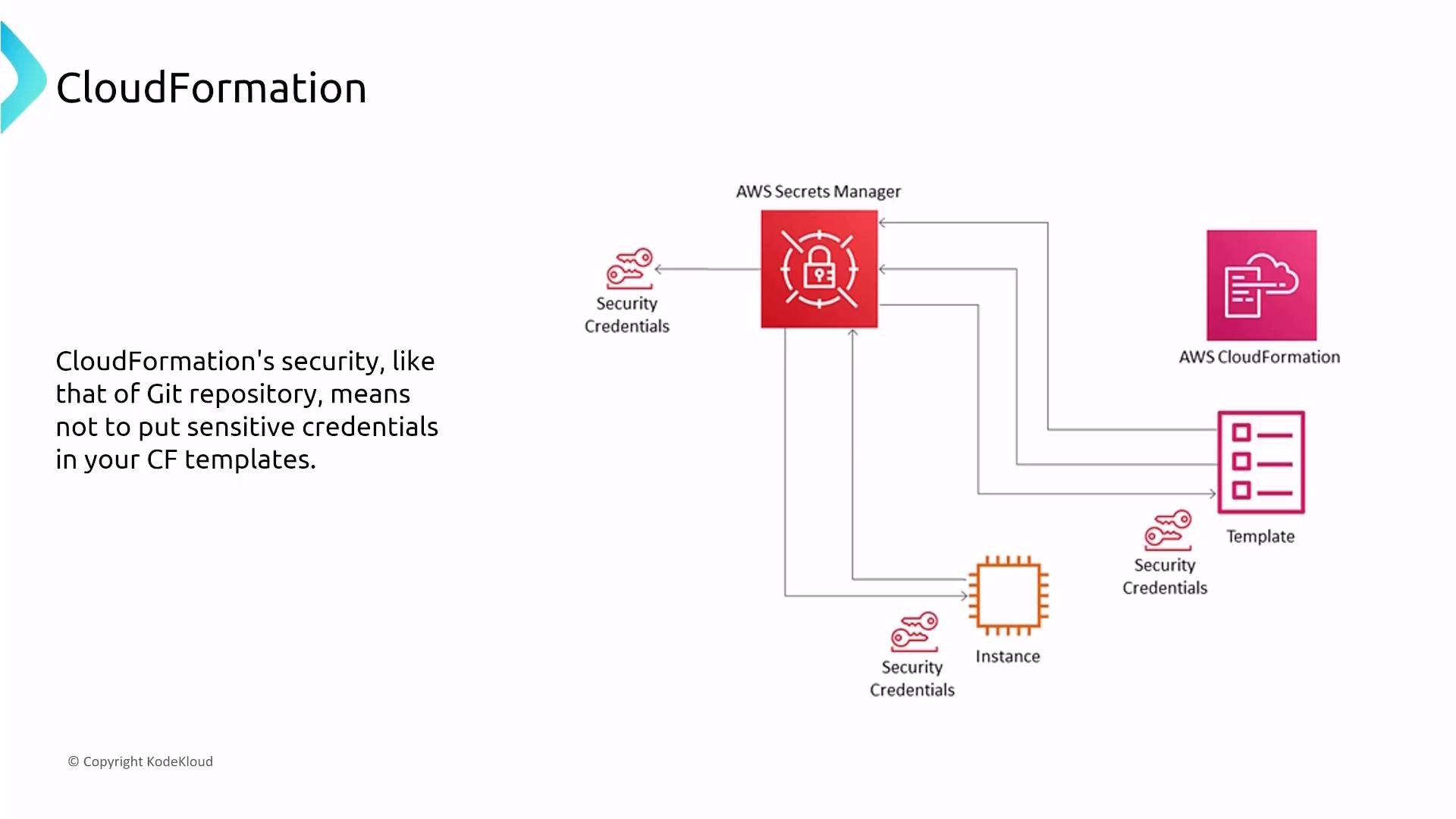
- Never store credentials or secrets in templates. Use Systems Manager Parameter Store (
SecureString) or AWS Secrets Manager (recommended when rotation is required). - Monitor CloudFormation activity: use CloudTrail for auditing stack operations and EventBridge/CloudWatch Events for notifications or automated workflows.
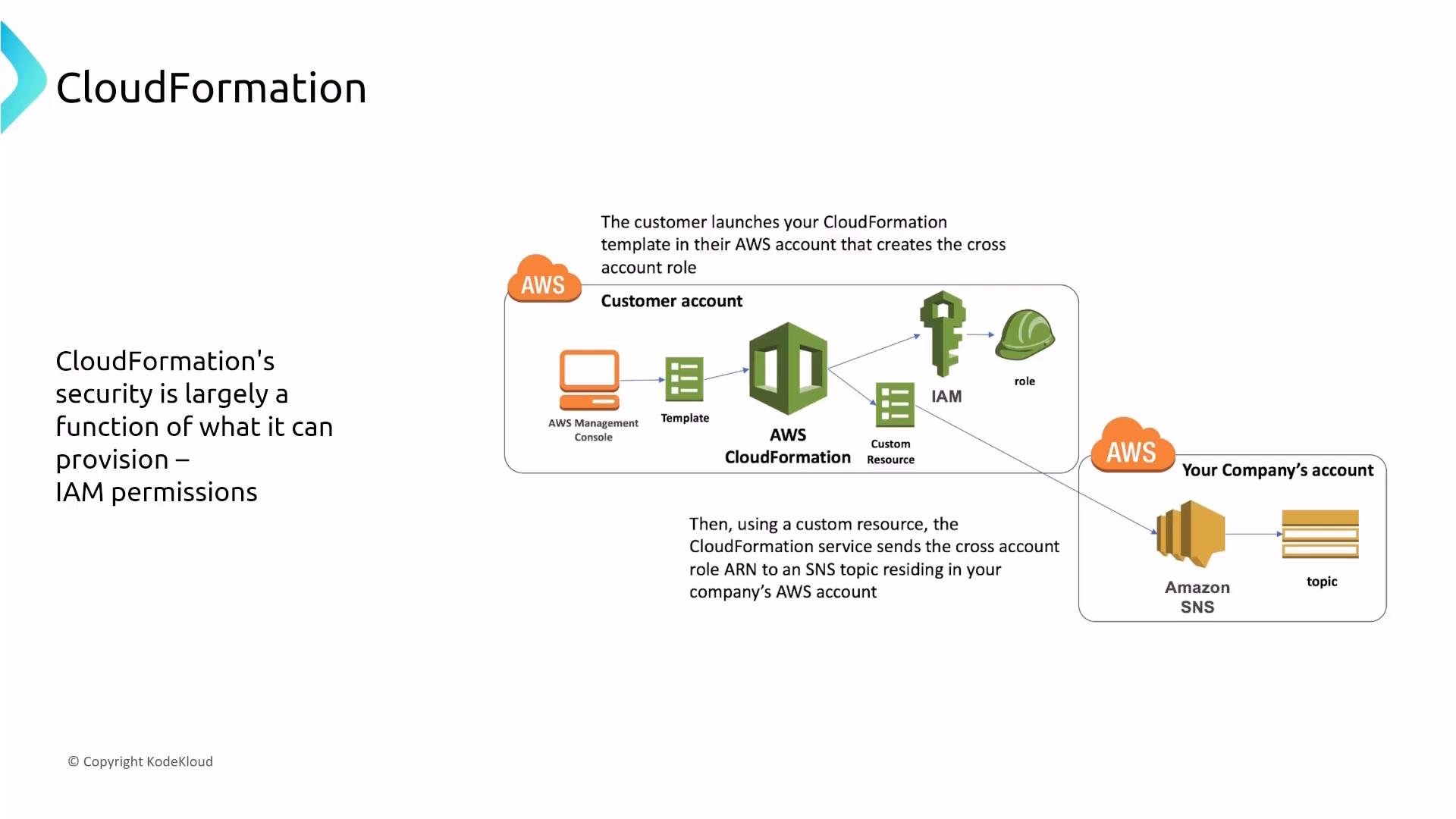
Never put sensitive credentials in CloudFormation templates. Use Secrets Manager for rotation-capable secrets or SecureString in Systems Manager Parameter Store for static secrets.
CloudFormation events, audit, and encryption
CloudFormation emits stack events to the console and CloudTrail. Ingest these events for audit, troubleshooting, and automation via the CLI, SDKs, EventBridge, or CloudWatch.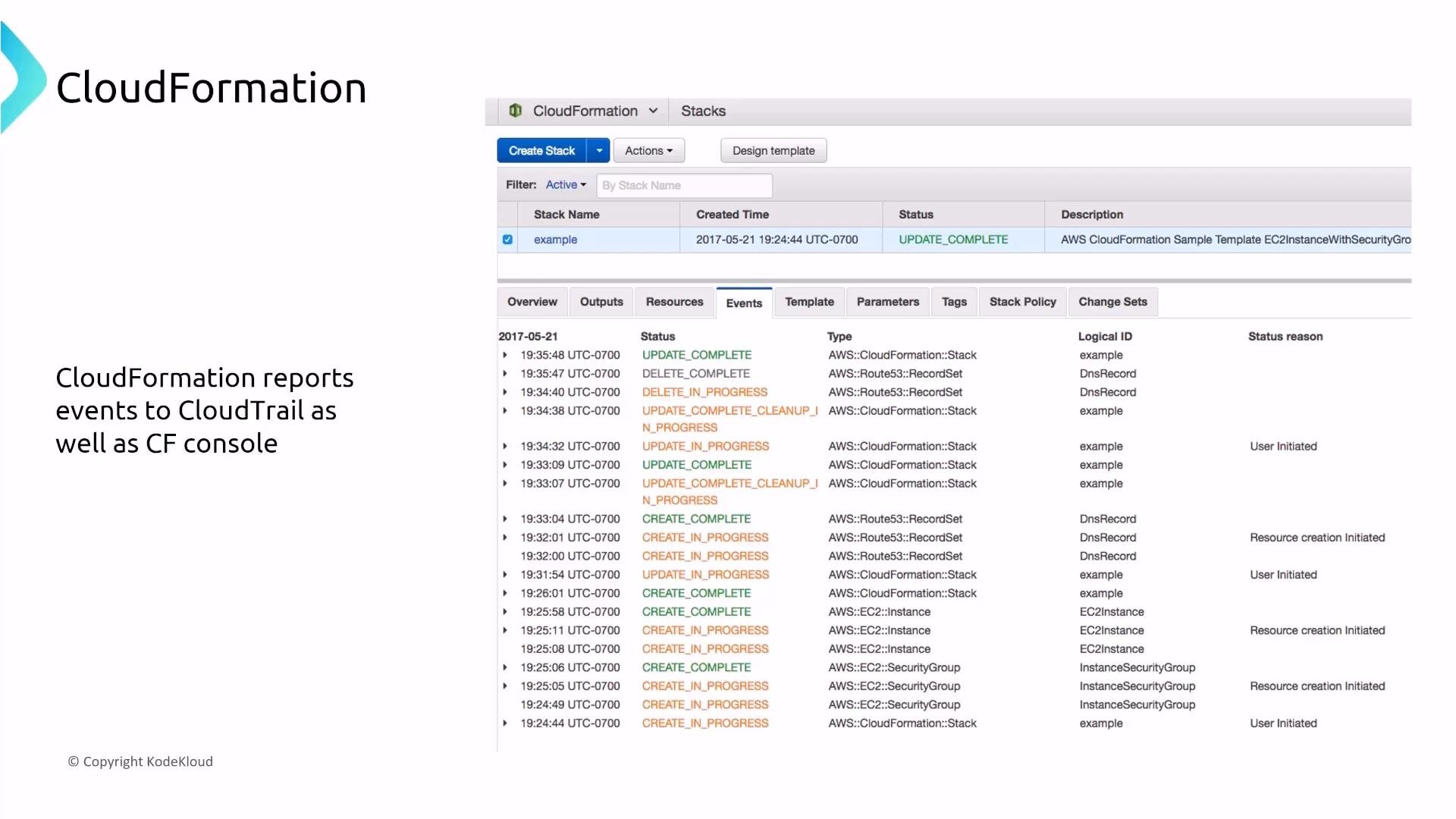
AWS Cloud Development Kit (CDK)
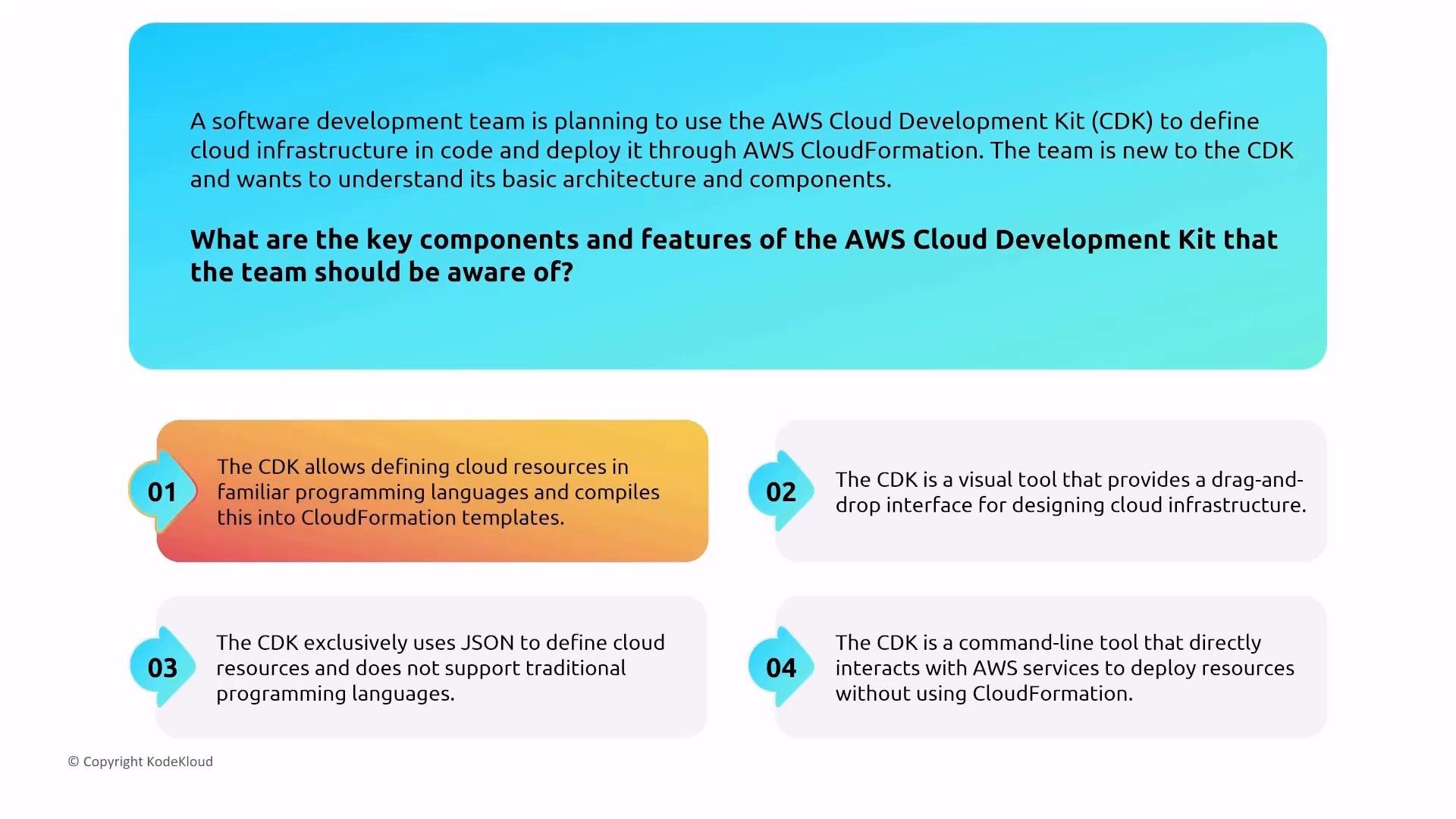
CDK v2 lets you define infrastructure as code in languages such as TypeScript, Python, Java, and C#. CDK synthesizes CloudFormation templates as its deployment artifact, so the same security controls apply.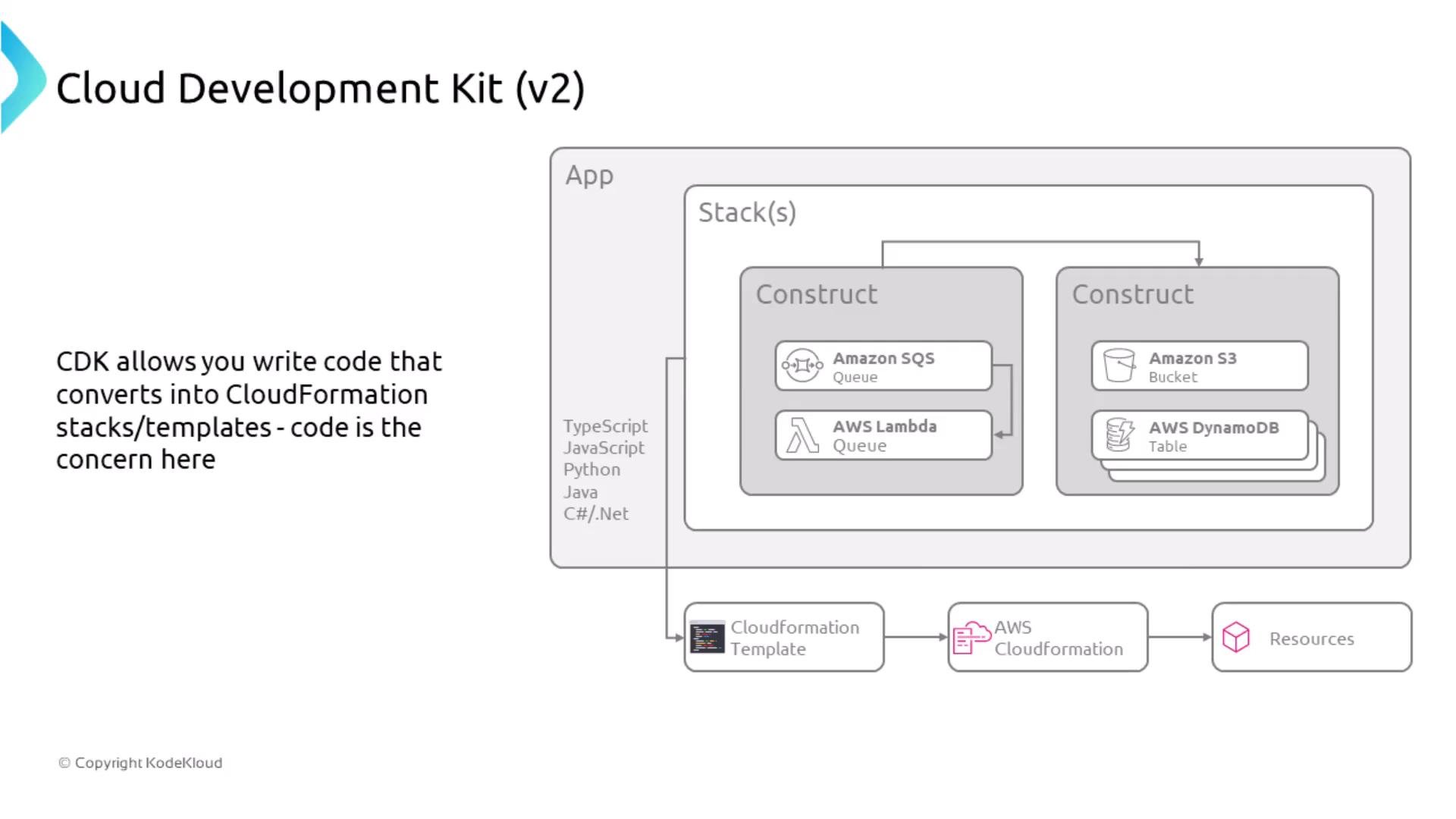
- CDK synthesizes CloudFormation templates—focus on the IAM identity used to deploy the synthesized templates and on IAM roles/policies created by those templates.
- Codify least-privilege roles and policies in code so deployments produce narrow permissions by default.
- Review synthesized CloudFormation (the
cdk synthoutput) for resource policies, IAM roles, and any accidentally included secrets before deployment.
Observability
Observability services collect metrics, logs, traces, and synthetic checks. Treat them as sensitive data sinks: they may contain PII, credentials, or other secrets inadvertently emitted by applications.CloudWatch overview
CloudWatch provides metrics, logs, alarms, EventBridge, Application Insights, Synthetics (canaries), and X-Ray integration. Use the right feature for each problem:- Metrics — performance and capacity trends
- Alarms — threshold-based alerting
- Logs — detailed records and retention control
- X-Ray — distributed tracing
CloudWatch Synthetics (Canaries)
Canaries simulate user interactions and measure responsiveness. If they capture or generate sensitive data, ensure input/output scrubbing and data protection policies are applied so PII is never persisted in logs or traces.X-Ray (distributed tracing)
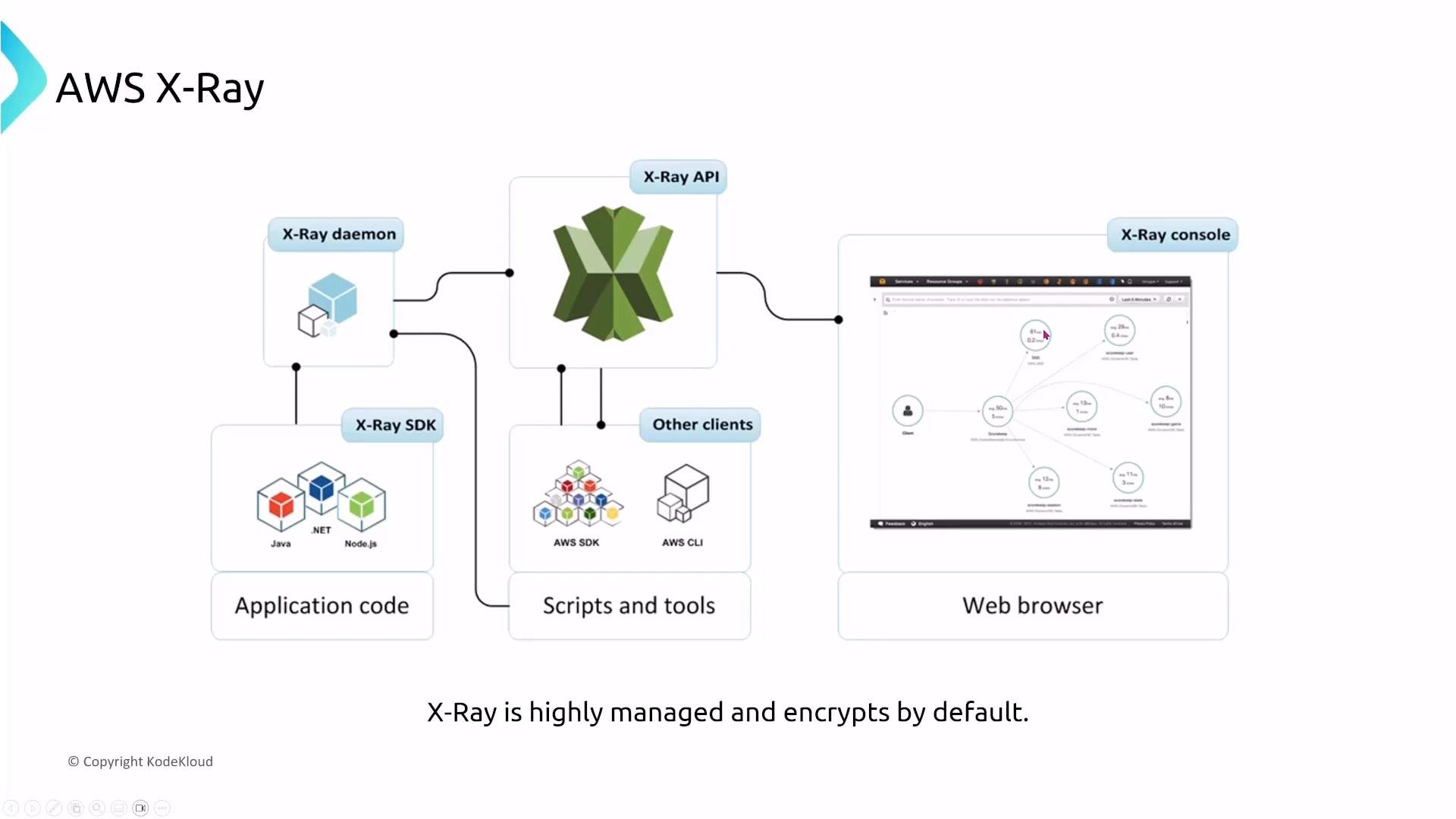
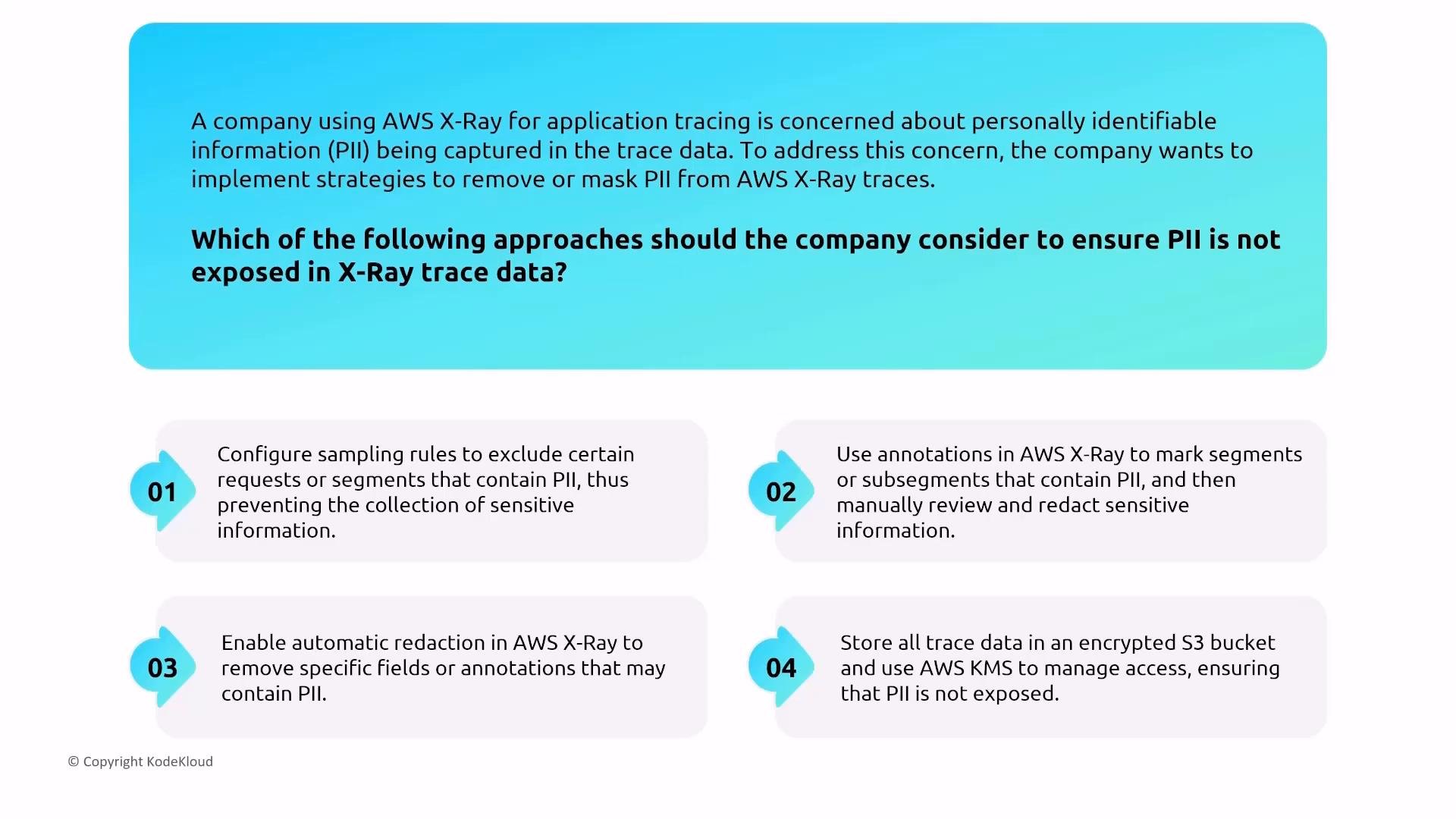
X-Ray provides end-to-end tracing with encryption in transit and at rest. Control who can query or view traces using IAM. To reduce PII exposure in traces:- Use sampling rules to exclude high-risk or sensitive traffic.
- Apply annotations with care and implement manual redaction of sensitive fields.
- Store traces encrypted with AWS KMS and restrict KMS usage to authorized roles.
Personal Health Dashboard (PHD)
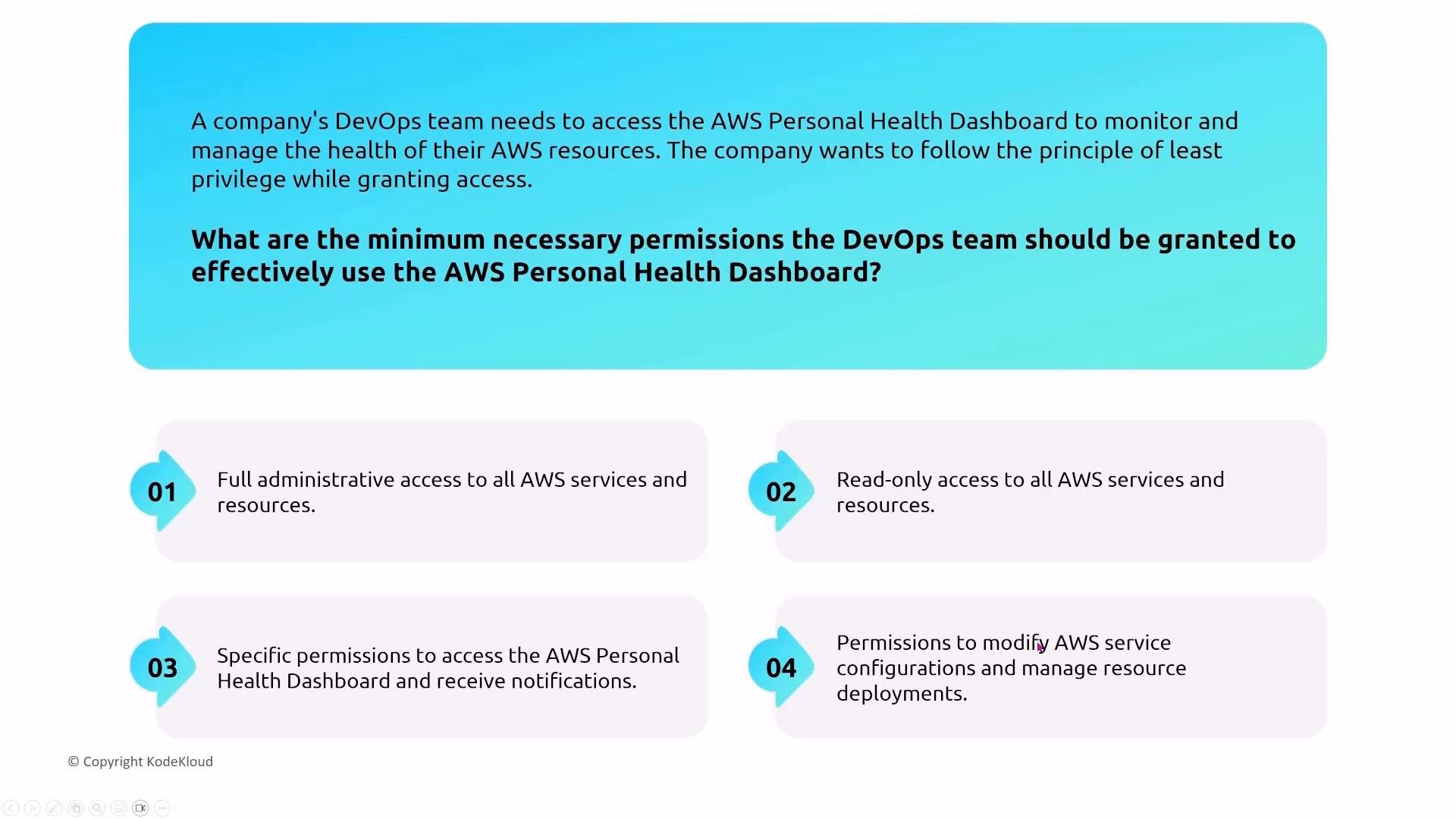
PHD delivers real-time alerts about AWS events that affect your specific resources. It maps service issues to your account resources and helps prioritize remediation. Access control guidance:- Grant DevOps and operations only the minimum permissions required to view PHD and manage notifications.
- Do not grant broad administrative privileges only to access PHD details.
Managed Monitoring: Prometheus (AMP) and Grafana (AMG)
Amazon Managed Service for Prometheus (AMP)- Managed Prometheus-compatible ingestion and query service for metrics.
- Controls: IAM for read/write, VPC interface endpoints, KMS encryption at rest, and CloudTrail for API auditing.
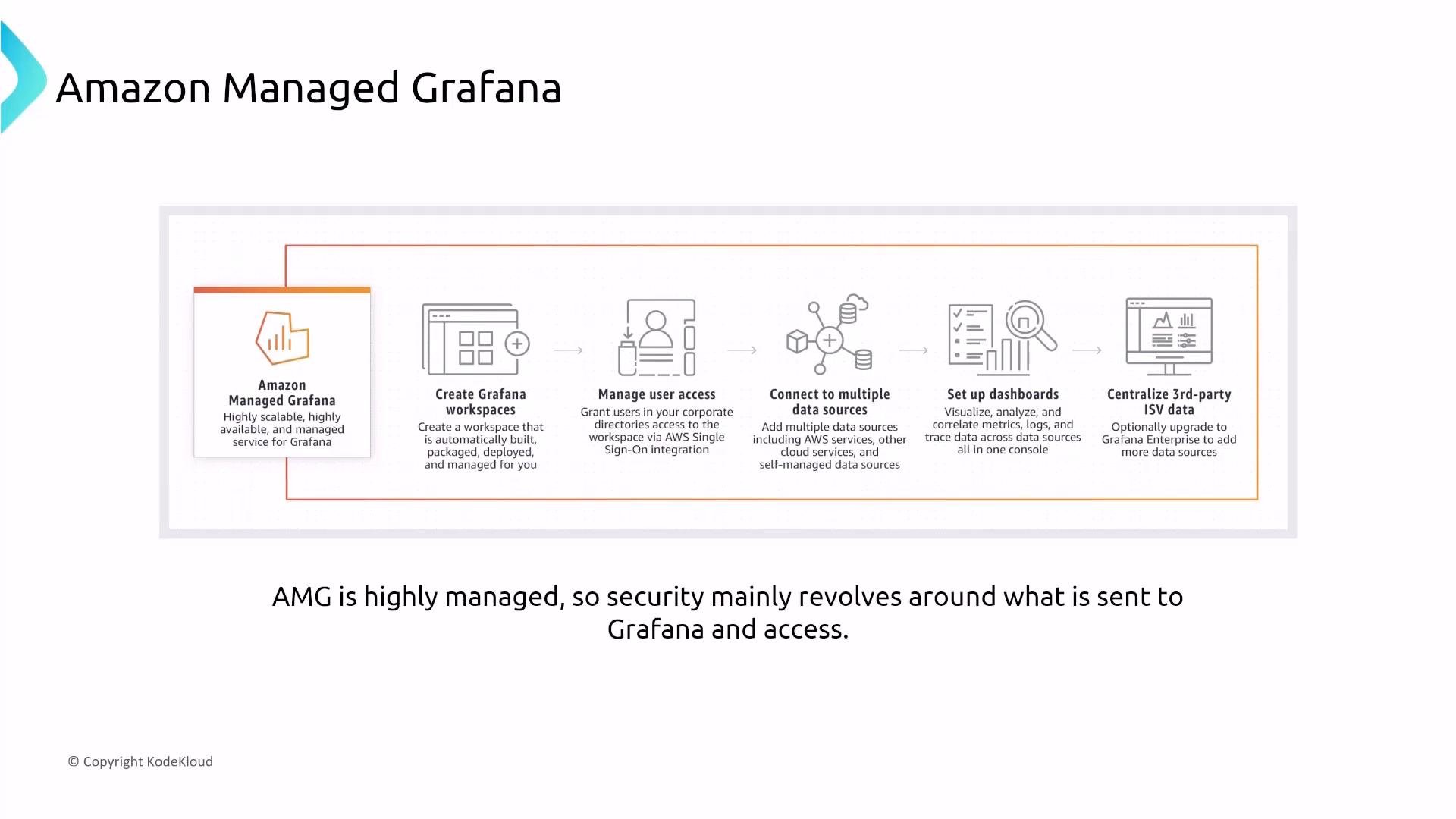
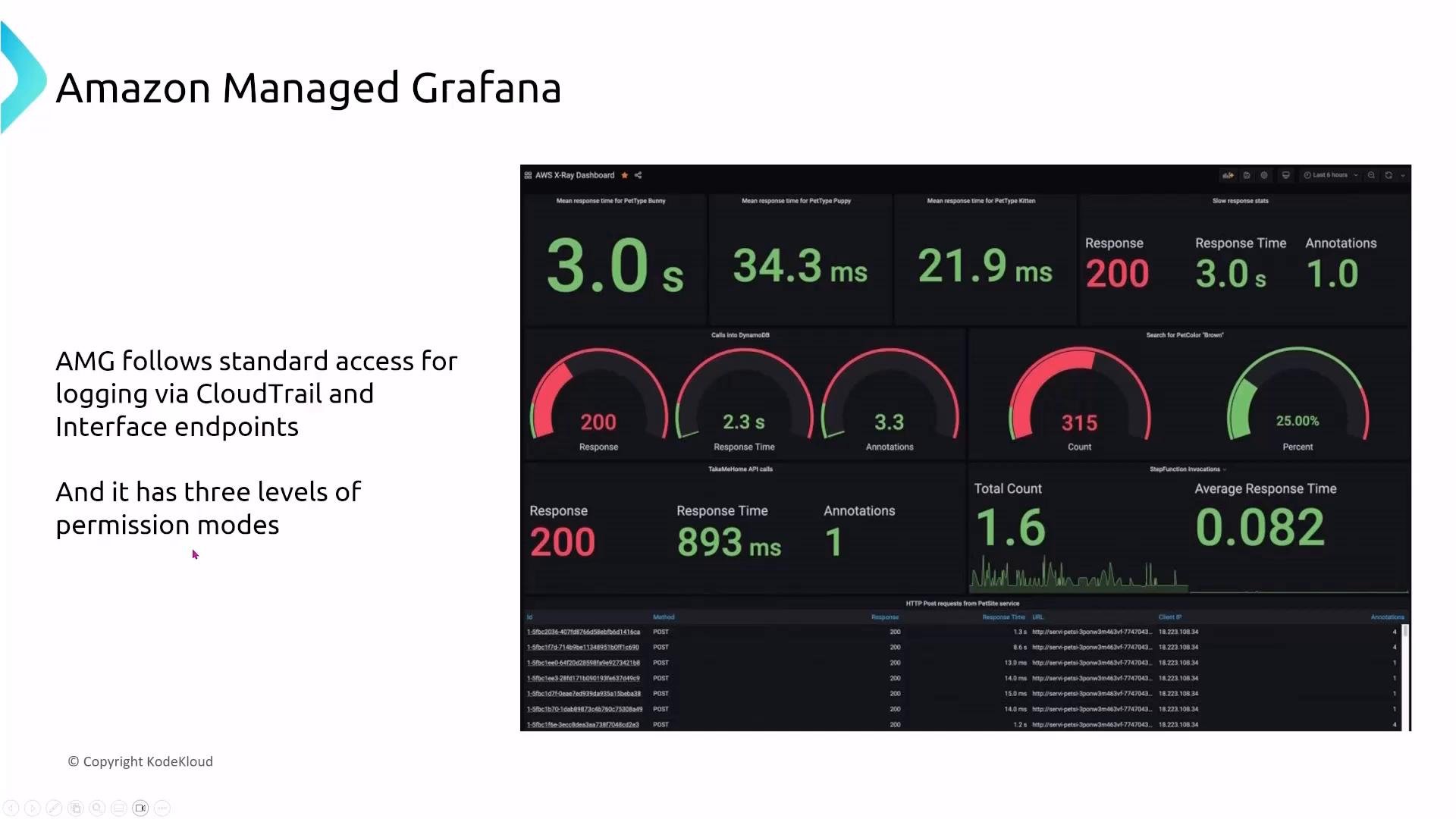
- Grafana is a dashboarding layer that aggregates data sources (CloudWatch, AMP, Elasticsearch, etc.).
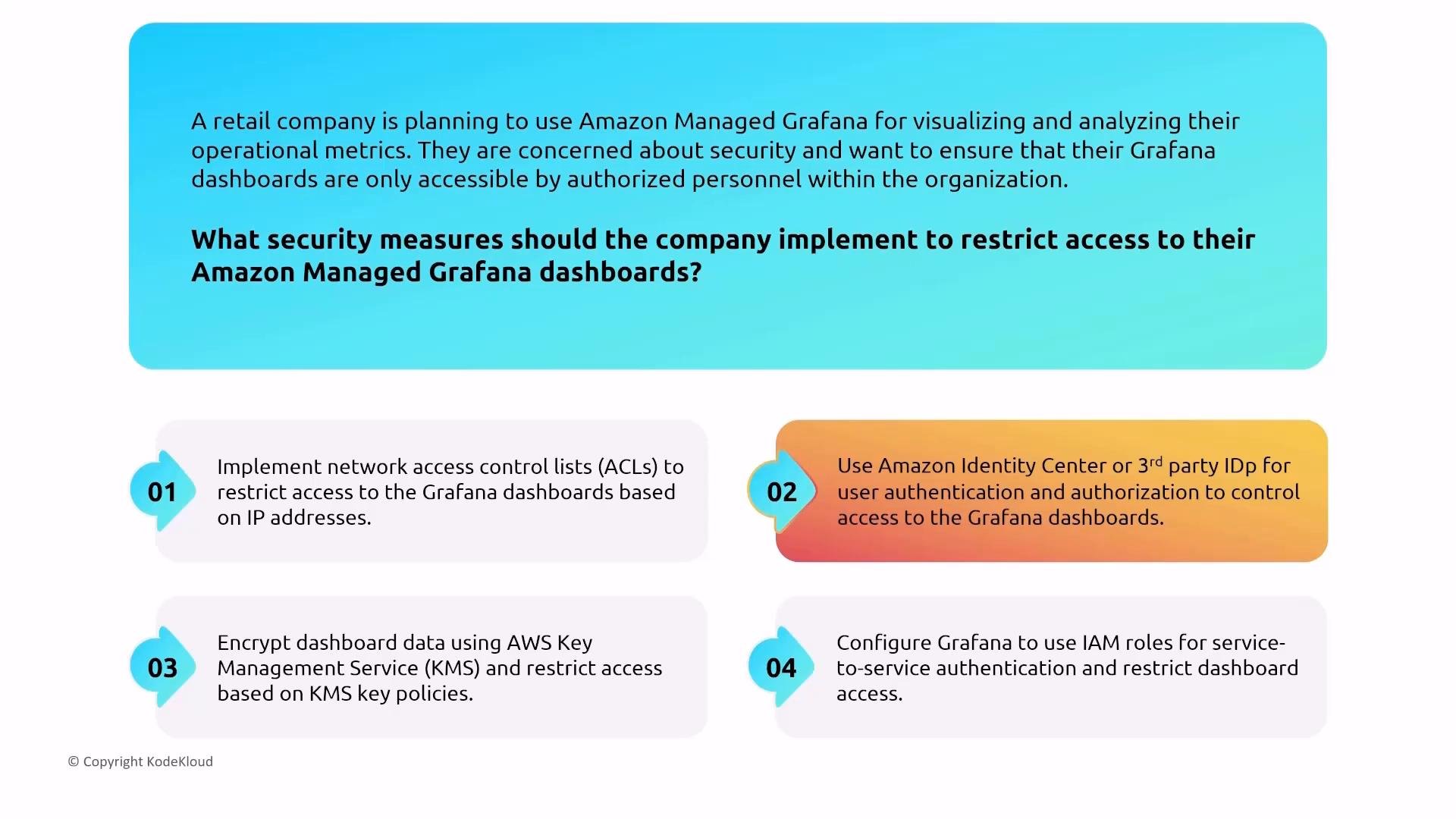
- AMG uses Amazon Identity Center (previously AWS SSO) or a third-party IdP (SAML/OIDC) for interactive user authentication; it does not use IAM for interactive user sign-in.
- Permission models: service-managed (account or org) and customer-managed. For enterprise environments, prefer customer-managed permissions for fine-grained access.
Remember: For Amazon Managed Grafana, configure authentication through Amazon Identity Center or an external IdP (Okta, Azure AD, etc.). Use customer-managed permissions for fine-grained access control.
Advisors and Automation Tools
These tools give prescriptive guidance or automate deployment tasks. Understand their privileges and what they inspect.Trusted Advisor
Trusted Advisor runs checks across cost, performance, security, fault tolerance, and service limits. For security, it flags issues like open security groups and overly permissive IAM policies. Use it as an operational checklist, but not as a substitute for a full security assessment.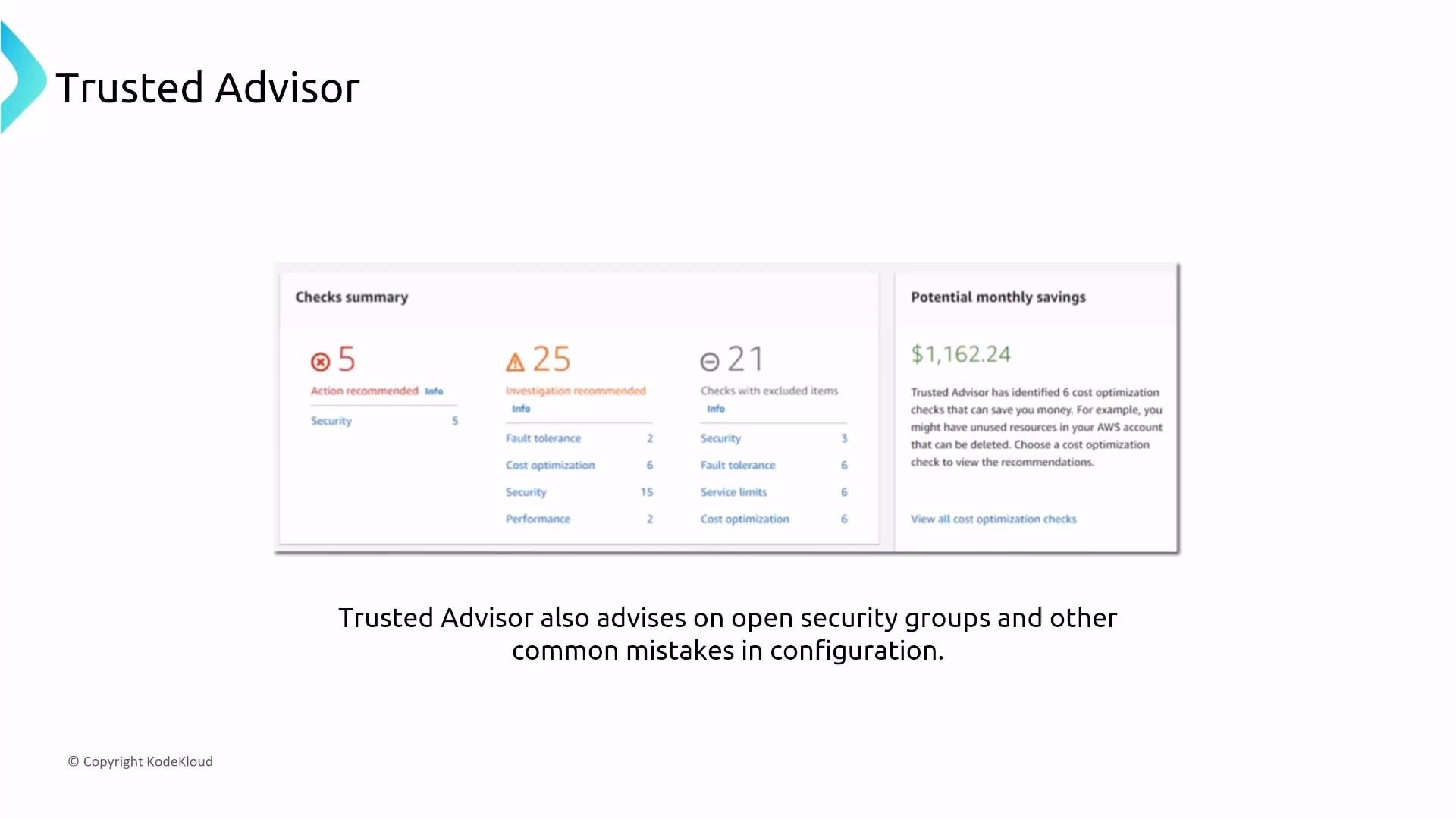
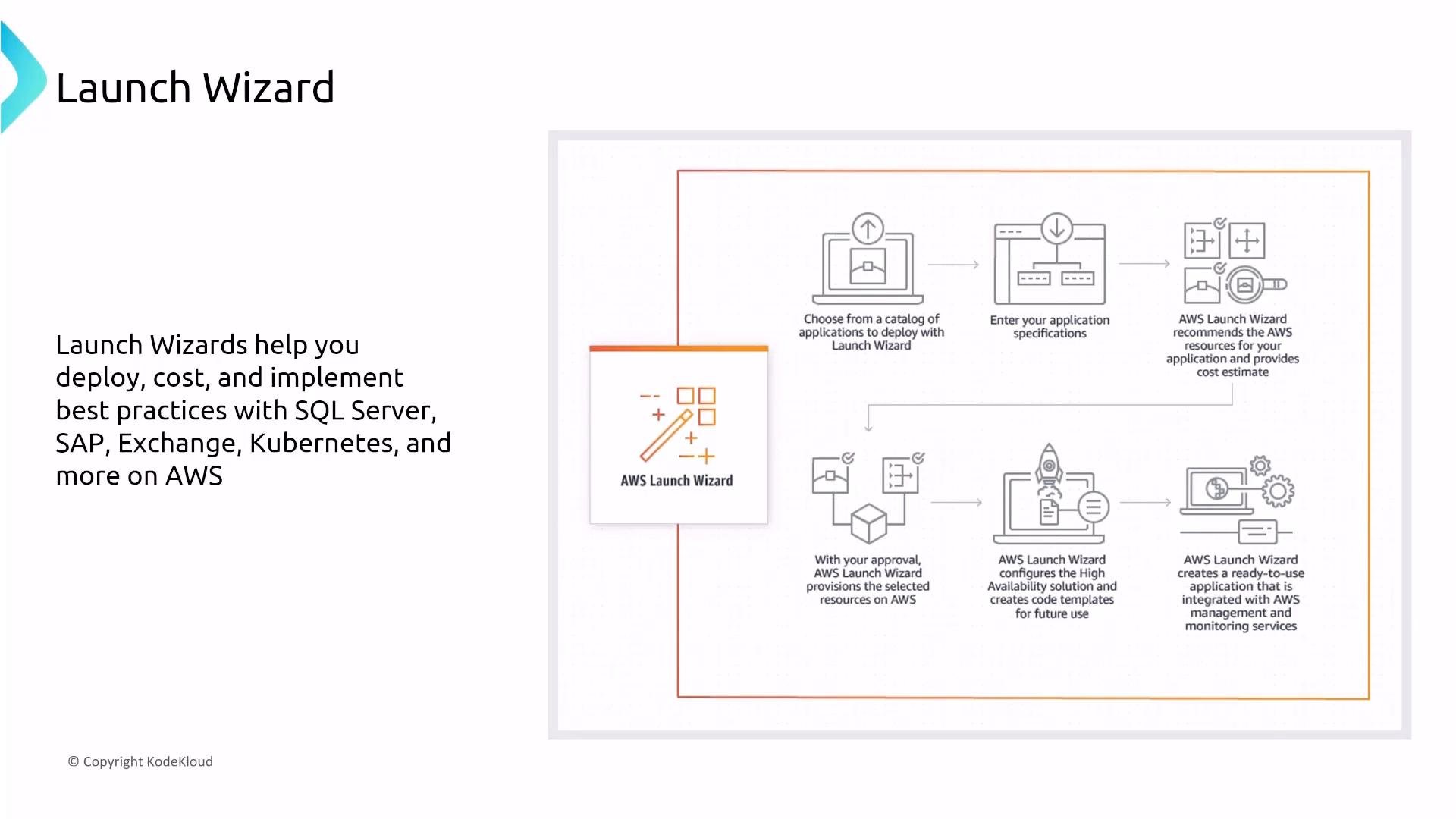
AWS Launch Wizard
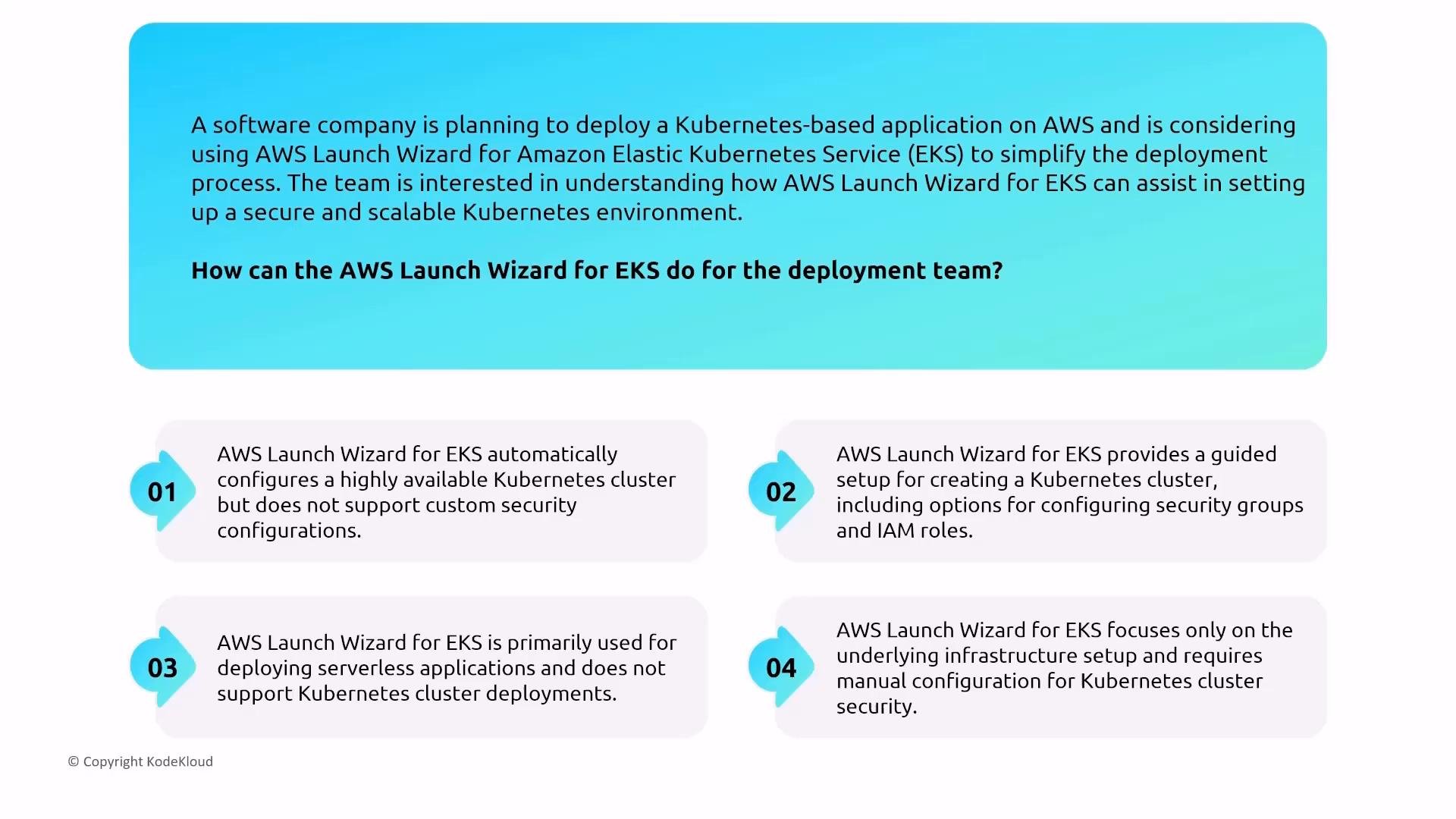
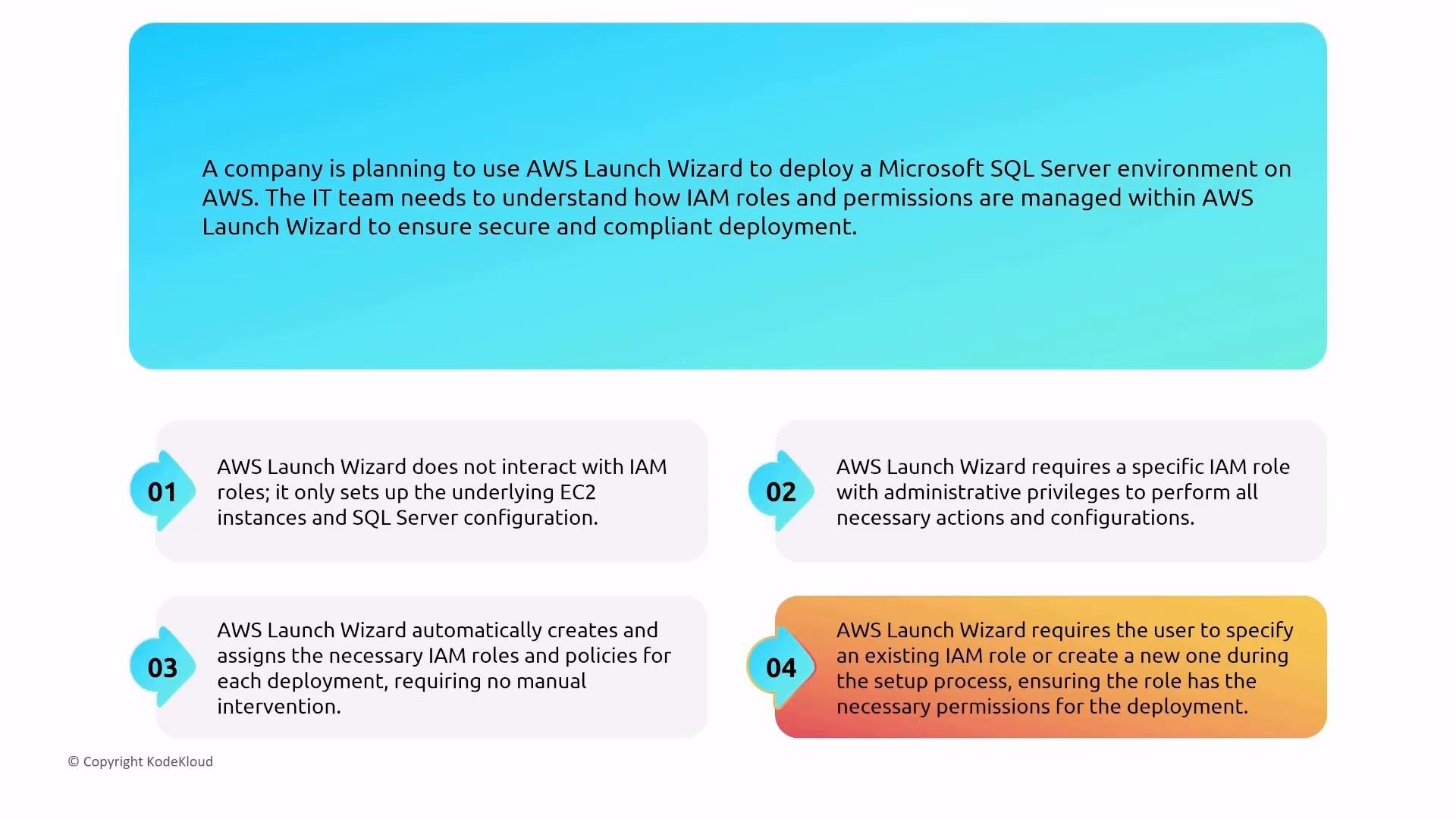
Launch Wizard provides guided deployments for complex applications (e.g., Microsoft SQL Server, SAP, Exchange, and some EKS patterns). It helps with sizing, cost estimates, and best-practice choices. Security tips for Launch Wizard:- Ensure the IAM user/role running Launch Wizard has only the permissions required; when it creates roles, review the policies and scope them down.
- The tool can recommend security groups and roles, but you must verify and restrict the IAM permissions granted to the deployment role.
Compute Optimizer and Amazon Inspector
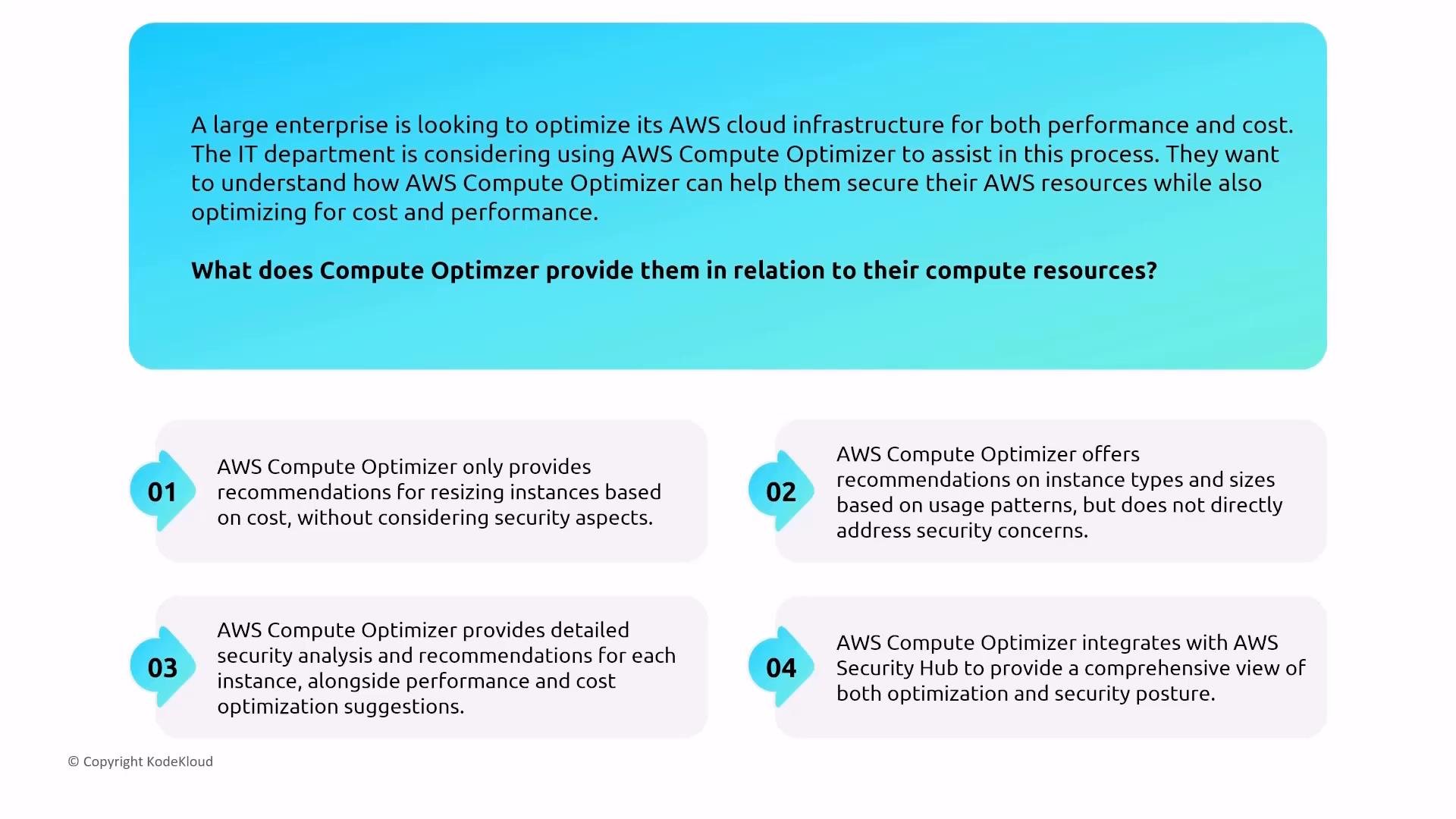
- Compute Optimizer recommends instance types and sizing for cost and performance. It requires IAM permissions to analyze resources and can be granted trusted access for cross-account analysis.
- Amazon Inspector performs vulnerability scanning and runtime assessments of instances and container images. Use Inspector for vulnerability and configuration scanning; it complements, but is distinct from, Compute Optimizer.
Cross-account / Trusted Access
Many management services support “trusted access” or cross-account integrations (Compute Optimizer, AWS Config, GuardDuty, etc.). When enabling trusted access:- Review the roles and permissions created.
- Enable trusted access only for accounts that require it.
- Apply least privilege and use resource-level restrictions where supported.
Quick Reference: Services, Purpose, and Security Controls
Summary / Actionable Checklist
- Provisioning: Use dedicated deployment roles, minimize privileges, avoid secrets in templates.
- Observability: Encrypt, sample, and redact; lock down who can view dashboards, logs, and traces.
- Automation/Advisors: Understand required privileges, limit trusted access, and validate recommended changes before applying.
Links and references
- AWS CloudFormation — https://docs.aws.amazon.com/cloudformation/
- AWS CDK — https://docs.aws.amazon.com/cdk/
- Amazon CloudWatch — https://docs.aws.amazon.com/cloudwatch/
- AWS X-Ray — https://docs.aws.amazon.com/xray/
- AWS Secrets Manager — https://docs.aws.amazon.com/secretsmanager/
- Systems Manager Parameter Store — https://docs.aws.amazon.com/systems-manager/
- Amazon Managed Grafana — https://docs.aws.amazon.com/grafana/
- Amazon Managed Service for Prometheus — https://docs.aws.amazon.com/prometheus/
- Trusted Advisor — https://docs.aws.amazon.com/trustedadvisor/
- AWS Launch Wizard — https://docs.aws.amazon.com/launchwizard/
- AWS Compute Optimizer — https://docs.aws.amazon.com/compute-optimizer/
- Amazon Inspector — https://docs.aws.amazon.com/inspector/