

Uploads to S3 (ingress) are free. Downloads or transfers out of S3 (egress) are billed per gigabyte and may incur additional data transfer charges depending on the destination.
- Replication and resiliency (multi-AZ vs single-AZ)
- Retrieval latency and retrieval fees
- Minimum storage duration and minimum billable object size
- Typical use cases and cost trade-offs
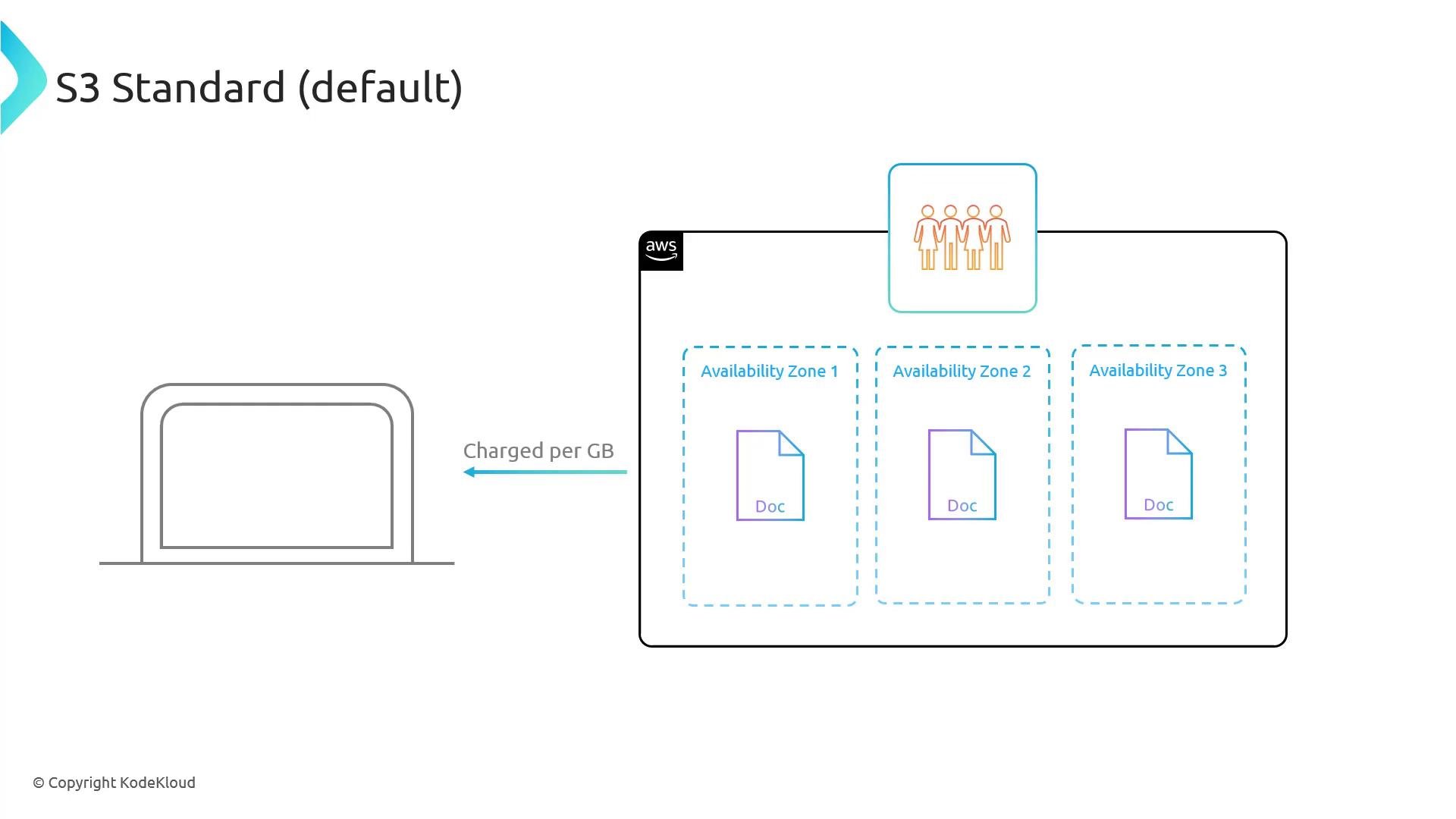
S3 Standard (default)
- Default storage class when none is specified during upload.
- Redundantly stores objects across multiple Availability Zones (designed to sustain two simultaneous AZ failures).
- 11 nines of durability (99.999999999%) and low (millisecond) GET latency.
- Charged per gigabyte per month for storage, plus egress charges on retrieval.
- No retrieval fee, no minimum storage duration, and no minimum object size billing.
- Objects can be served publicly via bucket policy/ACL or presigned URLs.
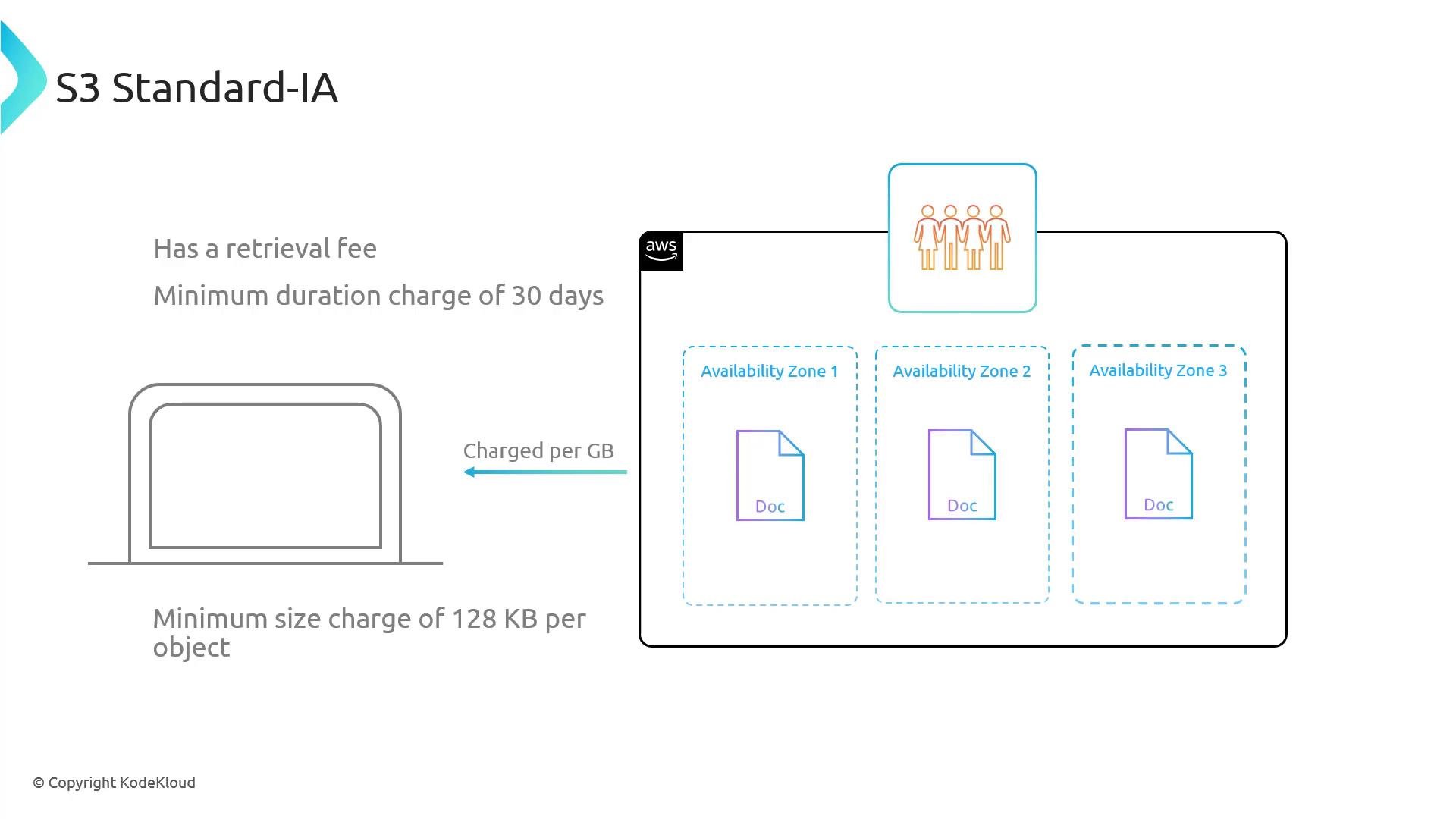
S3 Standard‑Infrequent Access (Standard‑IA)
- For data accessed less frequently but requiring rapid access when requested.
- Multi-AZ redundancy and similar durability to Standard.
- Lower storage cost per GB than S3 Standard, but retrievals incur an additional retrieval fee (plus egress).
- Minimum storage duration: 30 days. Minimum billable object size: 128 KB (objects smaller than 128 KB are billed as 128 KB).
- Low-latency (millisecond) access; can be made public if required.
S3 One Zone‑Infrequent Access (One Zone‑IA)
- Same access and retrieval characteristics as Standard‑IA but stores objects in a single Availability Zone (no multi‑AZ redundancy).
- Lower storage cost than Standard‑IA because it does not provide AZ-level redundancy.
- Retrieval fee applies; minimum storage duration: 30 days; minimum billable object size: 128 KB.
- Low-latency access while the AZ is available; however, the single-AZ design increases risk if that AZ becomes unavailable.
- Objects can be made public when accessible.
One Zone‑IA reduces cost but increases risk: if the single AZ suffers a failure or data loss event, objects stored only in One Zone‑IA could be unavailable or lost. Use it only when AZ-level redundancy is not required.
The S3 Glacier family (archival storage)
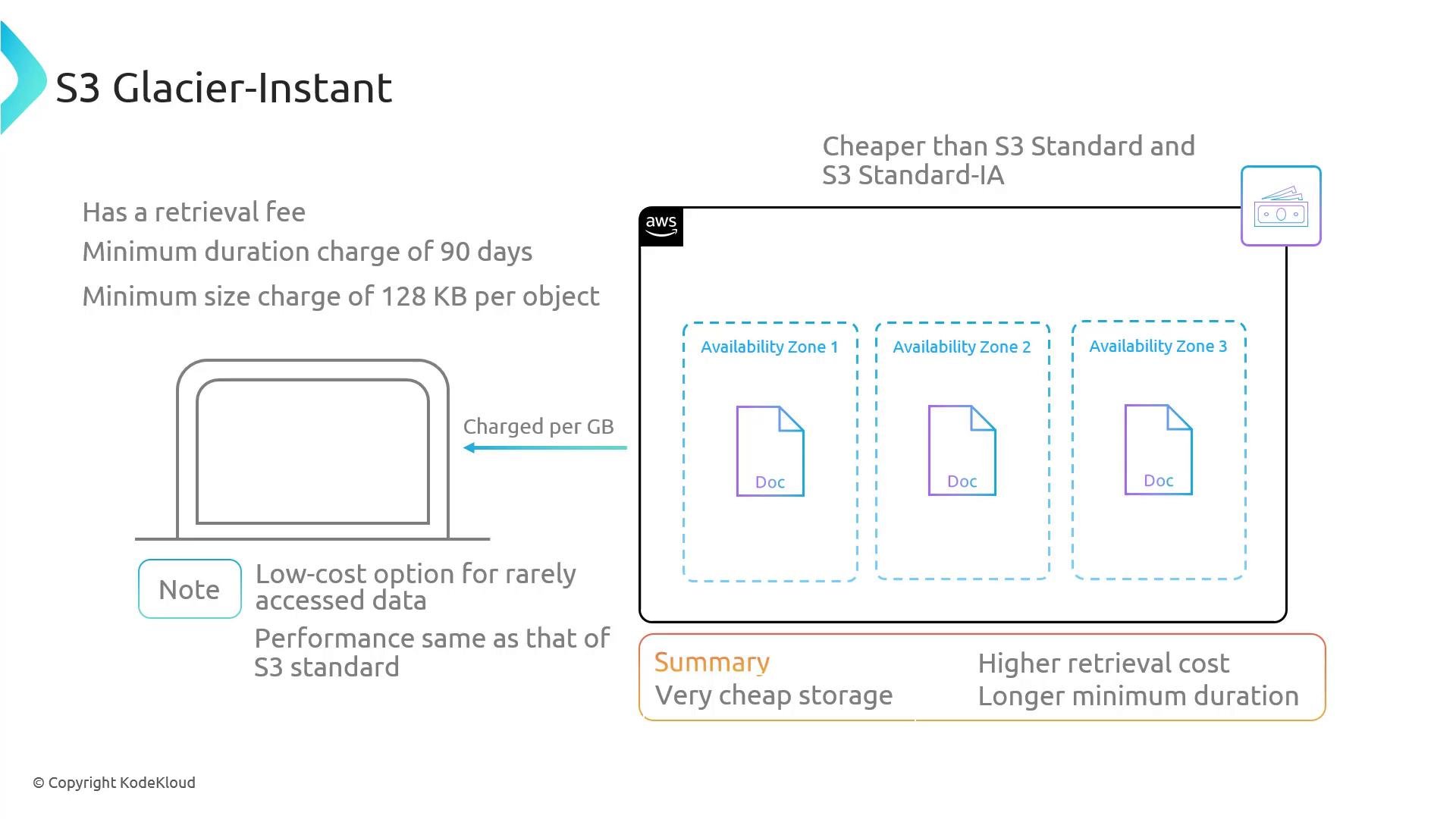
The Glacier family targets long-term retention and archival use cases. These classes trade lower storage cost for higher retrieval latency and/or retrieval fees. Choose between immediate-availability archival (Glacier Instant Retrieval) or slower retrieval options (Flexible Retrieval, Deep Archive) based on how quickly you need access.S3 Glacier Instant Retrieval
- For long-lived archive data that is rarely accessed but requires immediate (millisecond) access when requested.
- Multi-AZ durability (11 nines).
- Very low storage cost per GB compared with Standard and Standard‑IA.
- Retrieval fees apply. Minimum storage duration: 90 days. Minimum billable object size: 128 KB.
- No restore step required — objects are available for GET immediately.
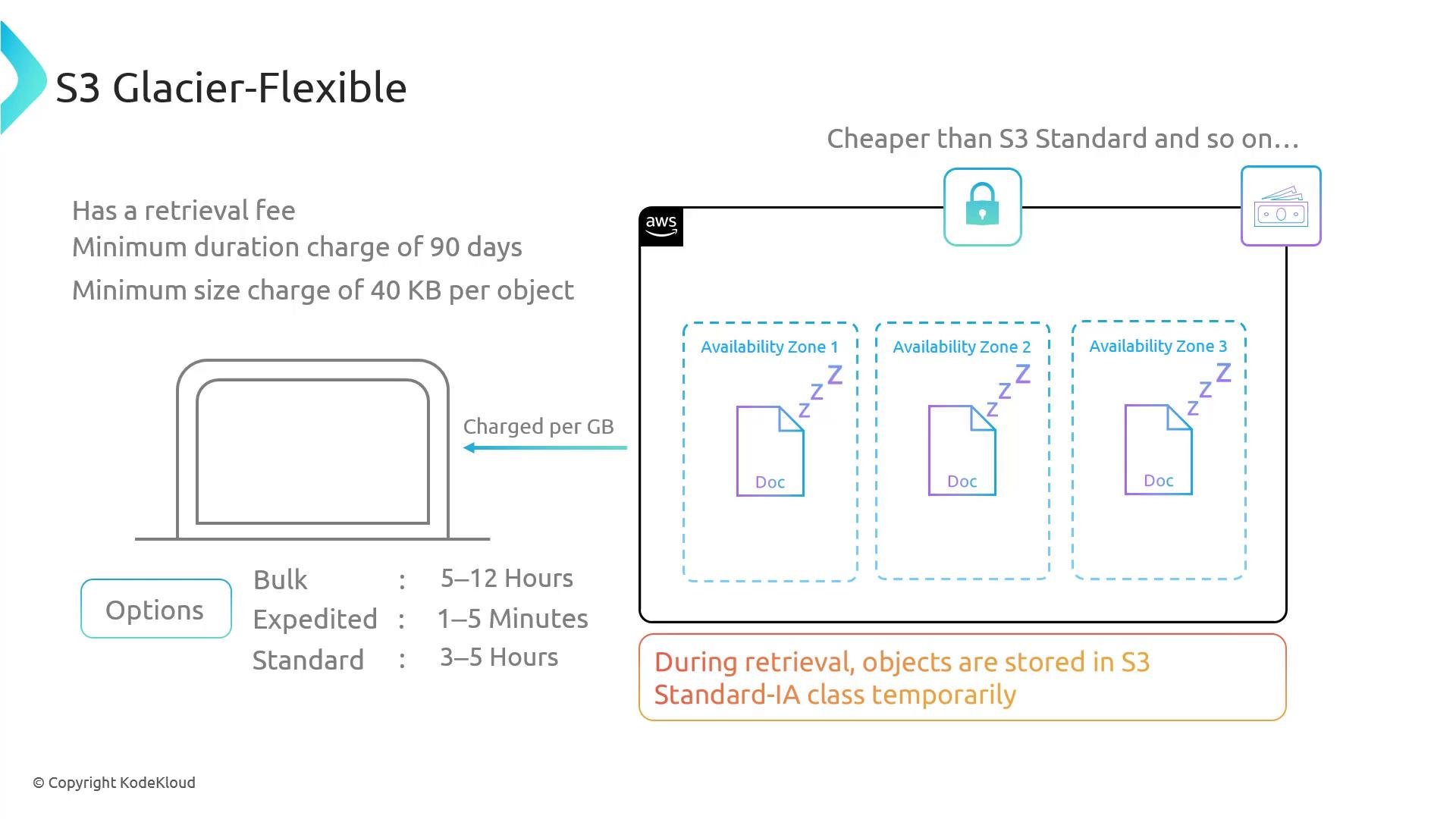
S3 Glacier Flexible Retrieval
- Archival class for rarely accessed data where immediate access is not required.
- Objects must be restored (a retrieval operation) before they are available for GET.
- Multi-AZ durability like other multi-AZ tiers.
- Lower storage cost per GB than non-archival tiers.
- Minimum storage duration: 90 days. Minimum billable object size: 40 KB.
- Retrieval options (cost and time trade-offs):
- Expedited: ~1–5 minutes
- Standard: ~3–5 hours
- Bulk: ~5–12 hours
- Restored data is temporarily available (often staged in a different access tier such as Standard‑IA) for the chosen restoration period.
S3 Glacier Deep Archive
- Lowest-cost S3 storage class for long-term retention of rarely accessed data.
- Objects must be restored before access; retrievals are the slowest among Glacier classes.
- Multi-AZ durability.
- Minimum storage duration: 180 days. Minimum billable object size: 40 KB.
- Retrieval options:
- Standard: typically accessible within ~12 hours
- Bulk: typically accessible within ~48 hours
- Retrieval fees and egress charges apply. Use slower, cheaper retrieval options (Bulk) when possible.
- Restored data may be staged temporarily in a faster access tier for the restoration window.
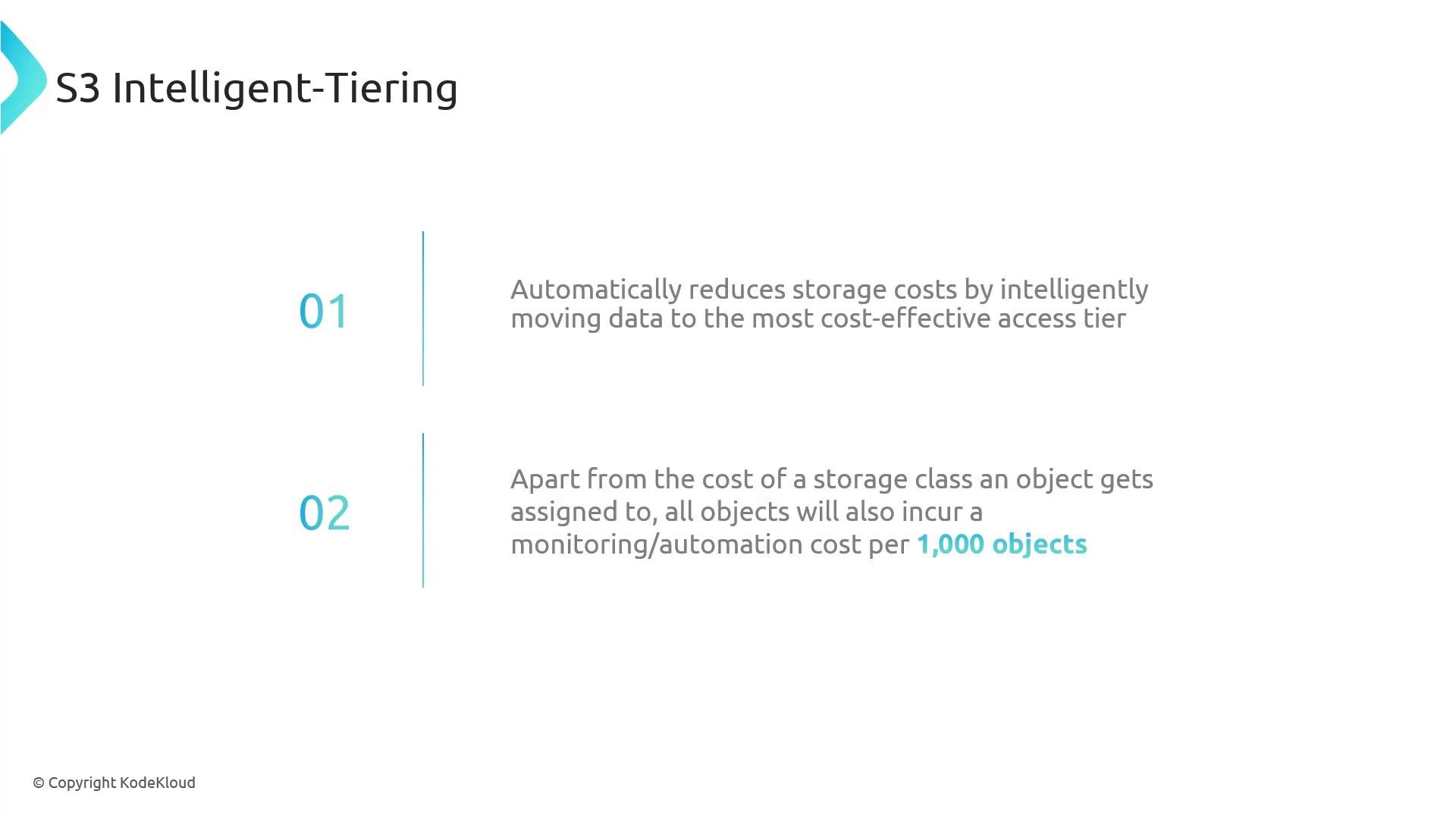
S3 Intelligent‑Tiering
- If you can’t predict the optimal storage class per object, Intelligent‑Tiering automatically moves objects between access tiers to reduce costs.
- Monitors access patterns and transitions objects to the most cost‑effective tier.
- Small monitoring/automation fee in addition to the storage fee for the tier the object currently occupies (charged per 1,000 objects).
- Supports multiple access tiers (frequent, infrequent) and optional Archive/Deep Archive tiers (these introduce archival retrieval characteristics).
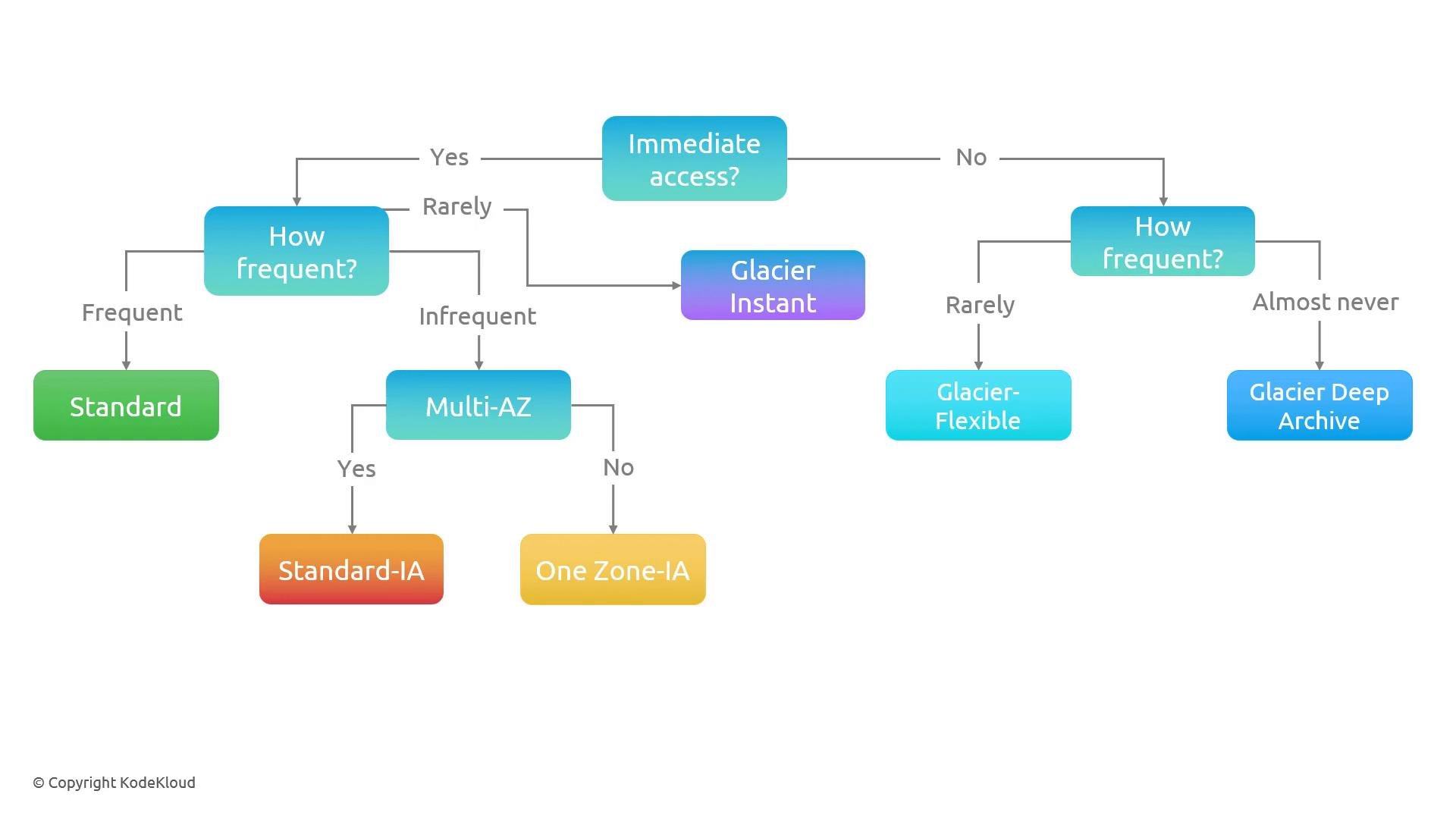
Quick decision flow
Start by asking whether you need immediate access to objects (millisecond latency). Use this flow as a practical guide:- Need immediate access?
- Frequently accessed → S3 Standard
- Infrequently accessed but immediate when needed → Standard‑IA or One Zone‑IA (choose One Zone‑IA only if you can tolerate single‑AZ risk)
- Almost never but must be immediately available → Glacier Instant Retrieval
- Do not need immediate access:
- Rarely accessed, can wait hours → Glacier Flexible Retrieval
- Very rarely accessed, long‑term retention with minimal cost → Glacier Deep Archive
- Unsure / unpredictable access patterns → S3 Intelligent‑Tiering
Storage classes at-a-glance
Summary
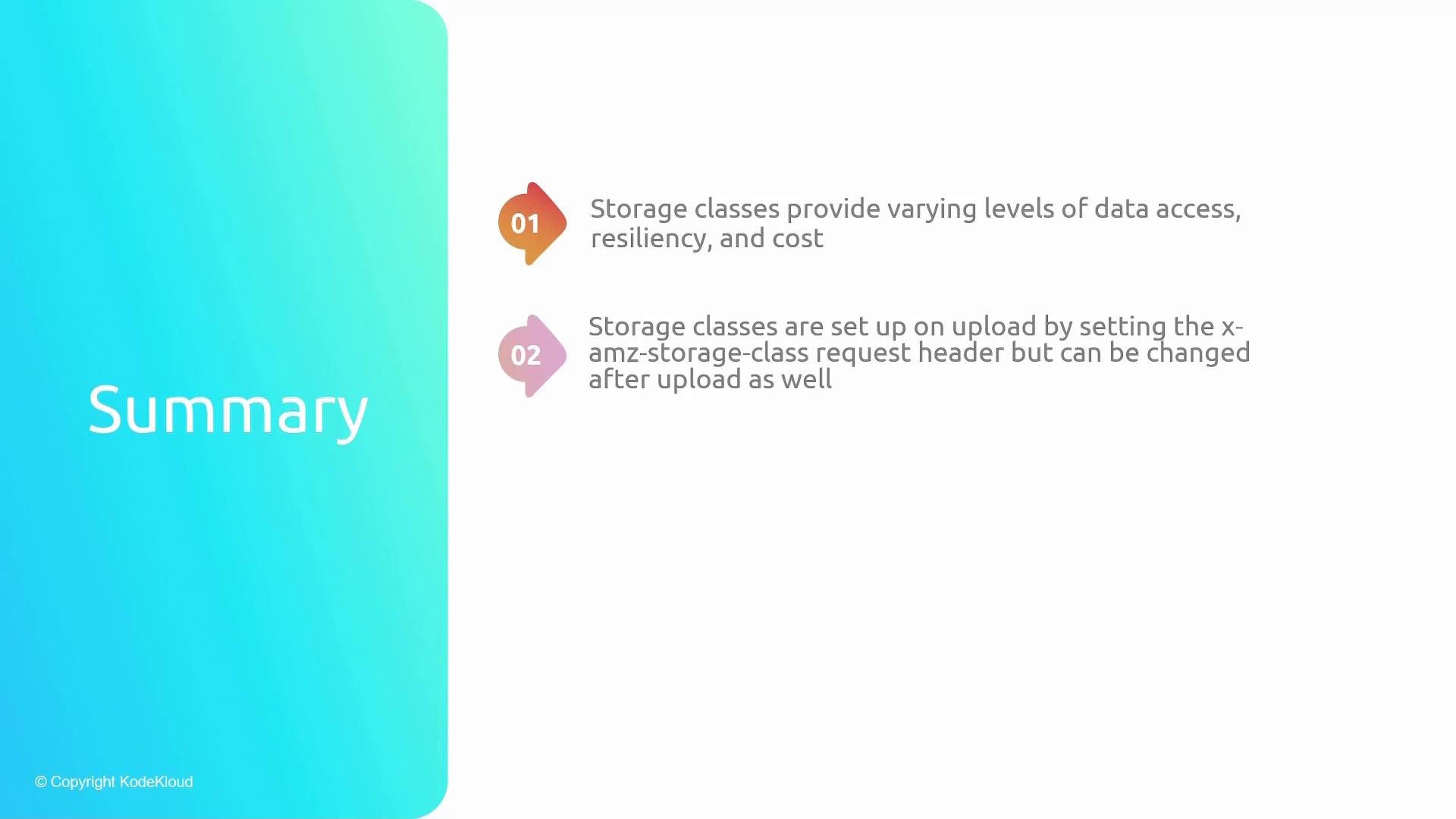
- Storage classes let you balance access latency, resiliency, and cost to match workload requirements.
- Set the storage class when uploading an object, or transition objects later with lifecycle rules or by copying the object to the same key with a different storage class.
Examples: specifying a storage class on upload
- S3 REST PUT with header (example using curl — header shown as backticks per MDX rules):
- AWS CLI example:
- To change the storage class of an existing object, copy it to the same key with the desired storage class (CLI):