

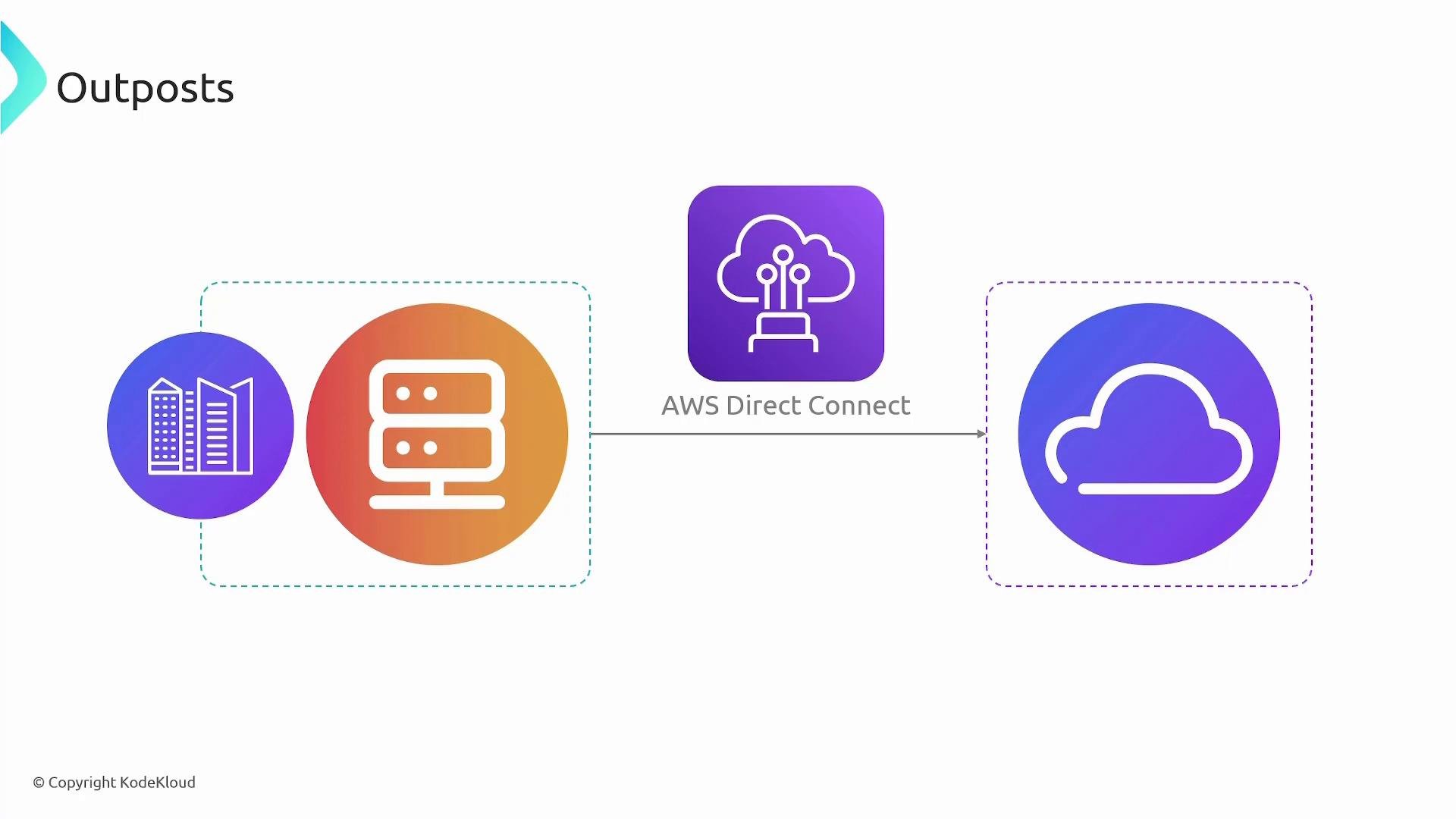
How Outposts works
AWS delivers and installs an Outposts rack (hardware) in your facility; you provide power and network connectivity. The Outpost connects securely to the nearest AWS Region using a dedicated connection (such as AWS Direct Connect) or an IPsec VPN. This regional connectivity enables control plane integration, centralized management, and access to regional AWS services while allowing compute and storage to run locally. Operationally, Outposts behaves like resources in the AWS Region:- You can create subnets associated with an Outpost so instances receive private IP addresses that integrate with your VPC.
- The same IAM roles, security groups, and AWS APIs apply to on‑prem Outpost resources as they do in the Region.
- AWS handles delivery, installation, maintenance, and software updates for the Outpost hardware and firmware.
Local services and integrations
Outposts supports a core set of AWS services locally — typically compute (EC2), block storage (EBS), and object storage (S3-compatible on Outposts) — while also integrating with regional services for things like managed databases, analytics, and control-plane functionality. You can run containerized workloads and orchestration platforms on Outposts, and connect to additional managed services in the Region as needed.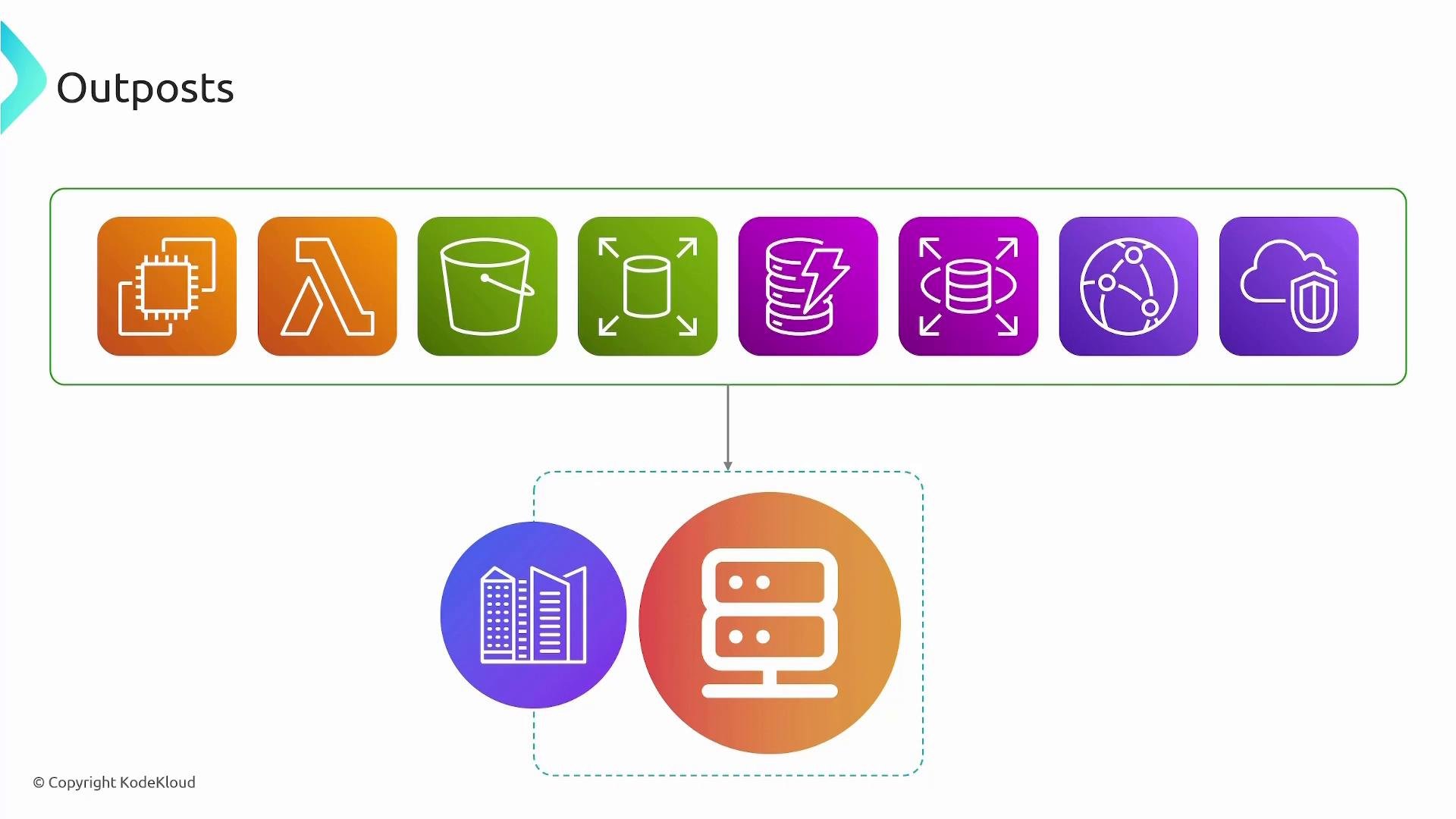
Key features and benefits
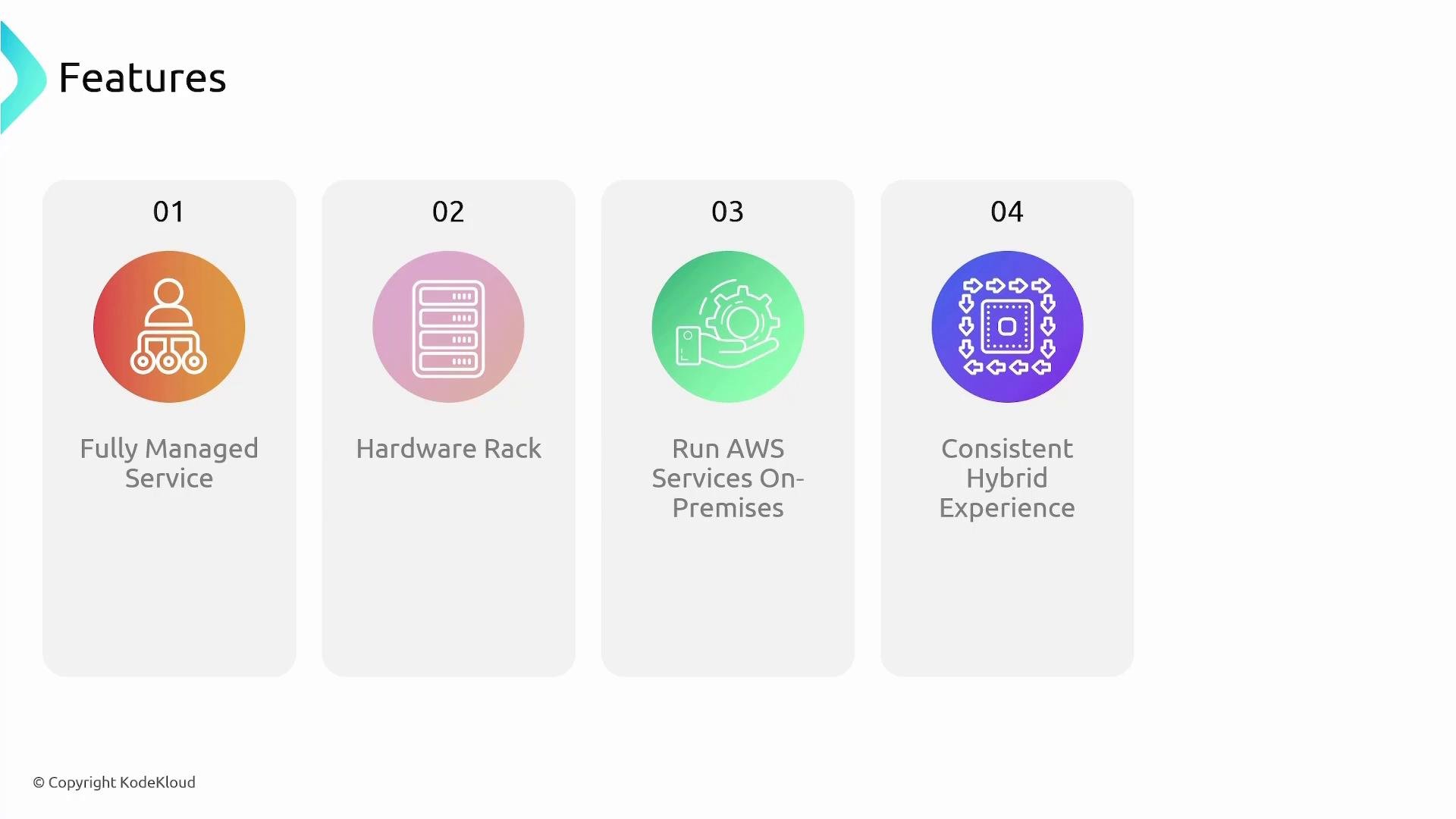
- Fully managed service: AWS handles installation, maintenance, and updates for Outposts hardware and its software components.
- Physical hardware rack: Deployed at your site, the rack includes servers, network switches, a patch panel, and a power shelf.
- Run AWS services on‑premises: Use familiar AWS APIs, SDKs, and management tools for workloads that must remain local.
- Consistent hybrid experience: Apply the same operational models, IAM controls, networking constructs, and monitoring tools across both Outposts and AWS Regions.
Typical use cases
Planning considerations
Before deploying Outposts, plan for the following operational requirements:- Network: Ensure sufficient bandwidth, low latency, and redundancy between the Outpost and the chosen Region (Direct Connect or VPN).
- Power and physical space: Provide rack space, power capacity, and environmental conditions per AWS requirements.
- Security and access: Integrate Outpost resources into your VPC, IAM, and monitoring systems.
- Lifecycle and support: Coordinate with AWS for delivery, installation, and ongoing maintenance.
Outposts requires network connectivity to an AWS Region (typically via a dedicated network connection or a VPN). Plan for bandwidth, latency, and redundancy needs based on your application requirements.
Links and references
- AWS Outposts overview: https://aws.amazon.com/outposts/
- AWS Direct Connect: https://aws.amazon.com/directconnect/
- Hybrid cloud patterns on AWS: https://aws.amazon.com/architecture/hybrid-cloud/