

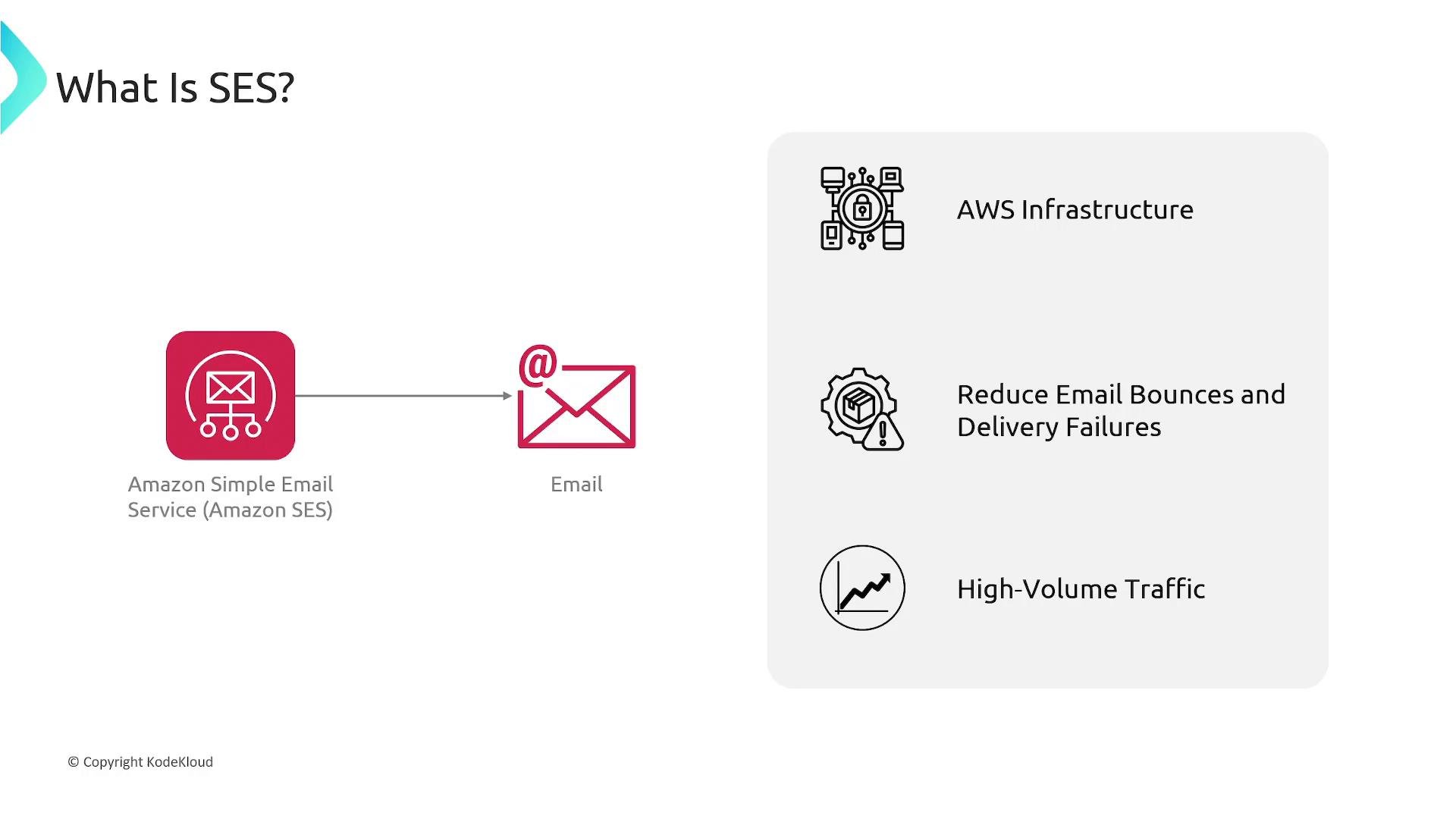
SES is regional and accounts often begin in a sandbox environment with sending restrictions. To send to unverified recipients or increase quotas, request production access through the AWS Support console.
Core components of an SES deployment
Quick CLI examples
Verify a domain identity:Authentication and deliverability features
- DKIM (DomainKeys Identified Mail): Cryptographic signing that verifies a message was authorized by the sending domain.
- SPF (Sender Policy Framework): DNS records that list mail servers allowed to send for your domain.
- DMARC (Domain-based Message Authentication, Reporting, and Conformance): Policy and reporting built on SPF and DKIM to reduce domain abuse.
Key features
- Email templates — Create and reuse templates to personalize messages (for example, customer name or order details) and send them via the SES API or SMTP.
- Receiving emails — Accept inbound emails for verified domains and apply receipt rules to store or process inbound messages.
- Mailbox simulator — Simulate bounces, complaints, and other scenarios to validate how your application reacts without impacting production reputation.
- Suppression lists — Manage addresses that should not be contacted due to prior bounces/complaints; can be account-level or configuration-set-level.
SES integrations
SES natively integrates with several AWS services to enable processing, storage, notifications, and custom logic: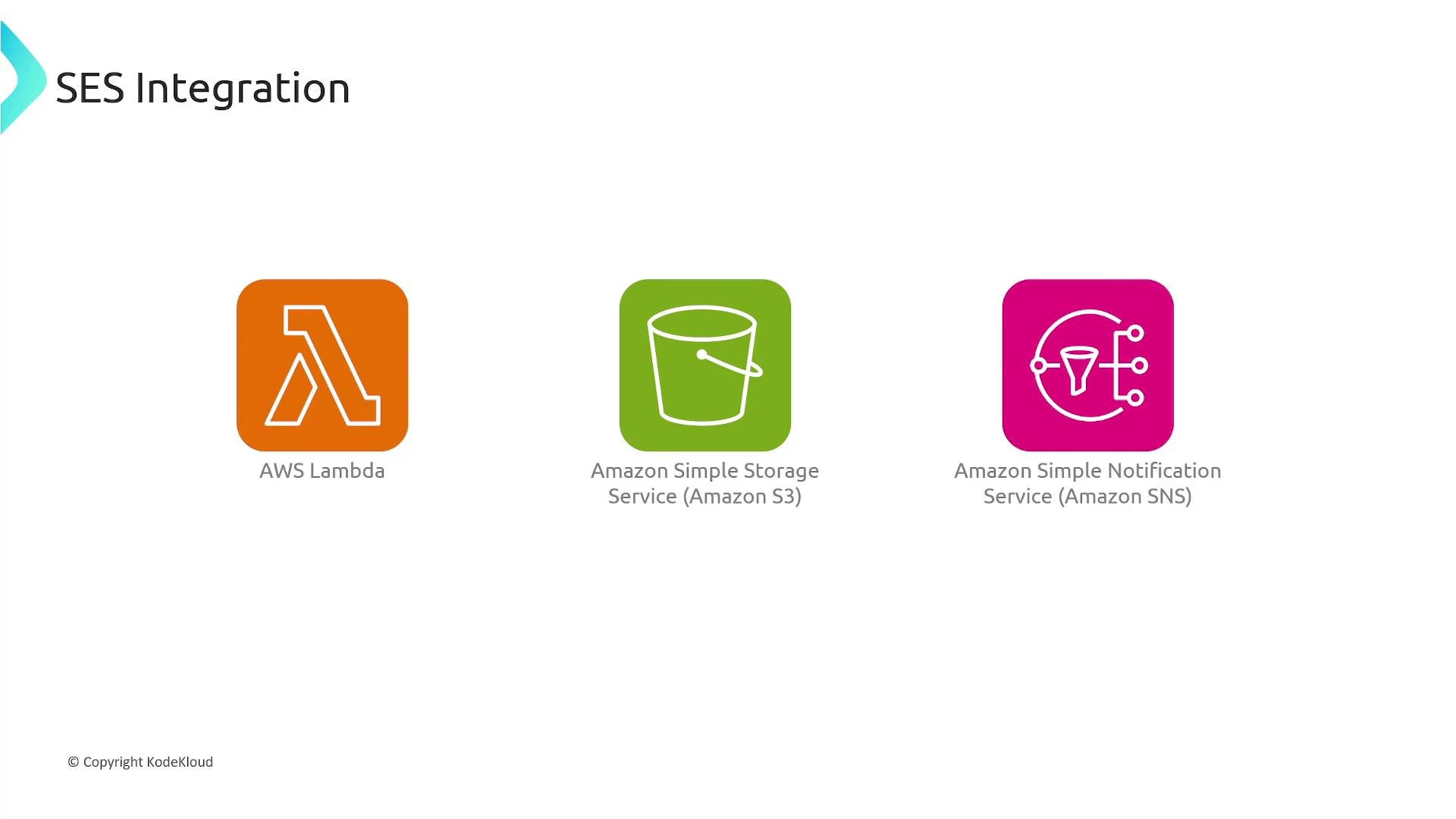
Common use cases
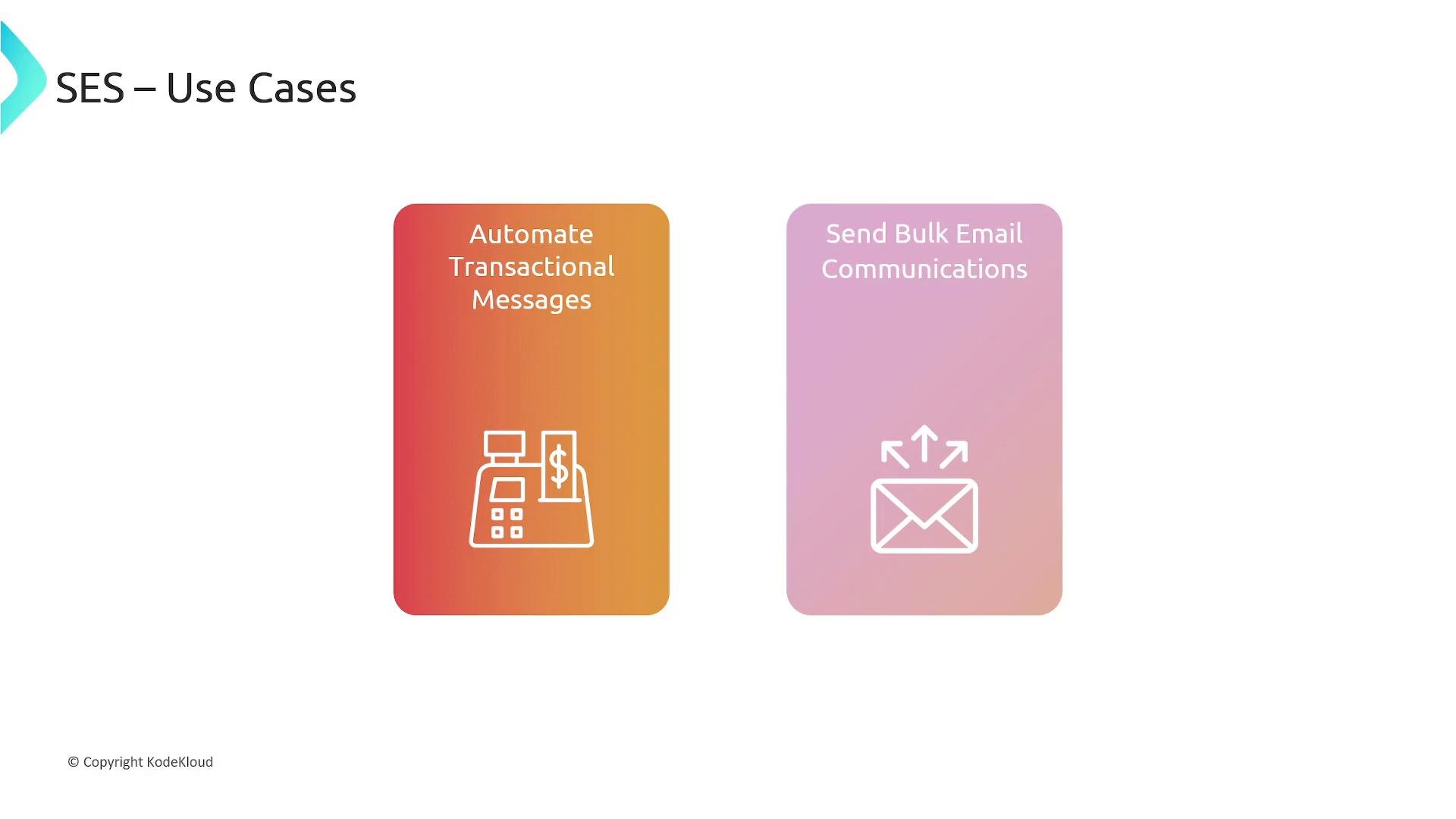
- Automated transactional messages — Order confirmations, shipping notifications, password resets, and other time-sensitive messages that require reliable delivery.
- Bulk email communications — Newsletters, promotional campaigns, and announcements where deliverability and sender reputation must be managed at scale.
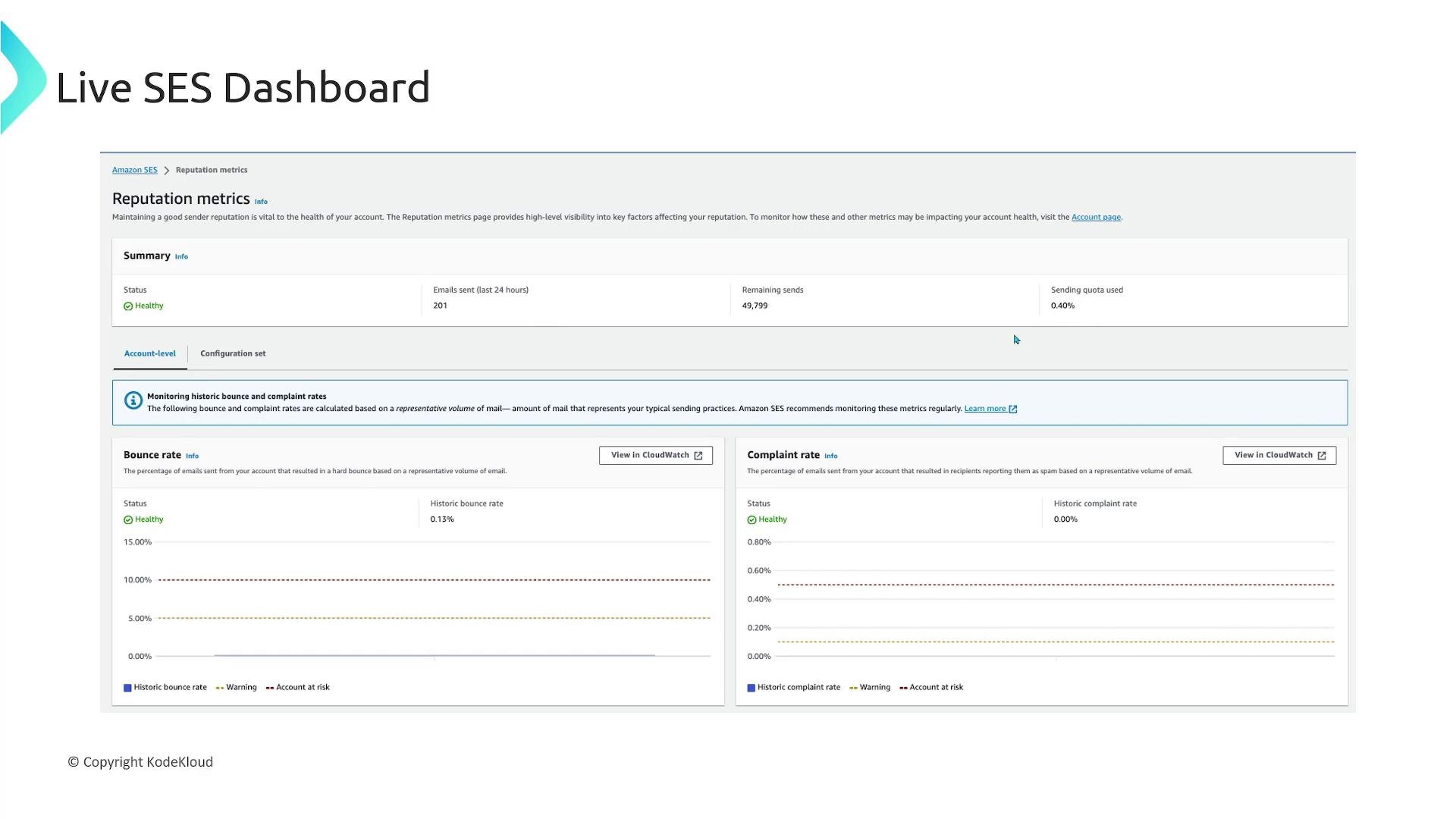
Monitor deliverability metrics (bounce and complaint rates). High rates can lead to account throttling or suspension. Use the mailbox simulator, suppression lists, and configuration sets to test and protect your sender reputation.
Links and references
- AWS SES documentation: https://docs.aws.amazon.com/ses/latest/
- SPF, DKIM, DMARC overview: https://www.cloudflare.com/learning/email-security/
- AWS Lambda: https://aws.amazon.com/lambda/
- Amazon S3: https://aws.amazon.com/s3/
- Amazon SNS: https://aws.amazon.com/sns/