

What is AWS Artifact?
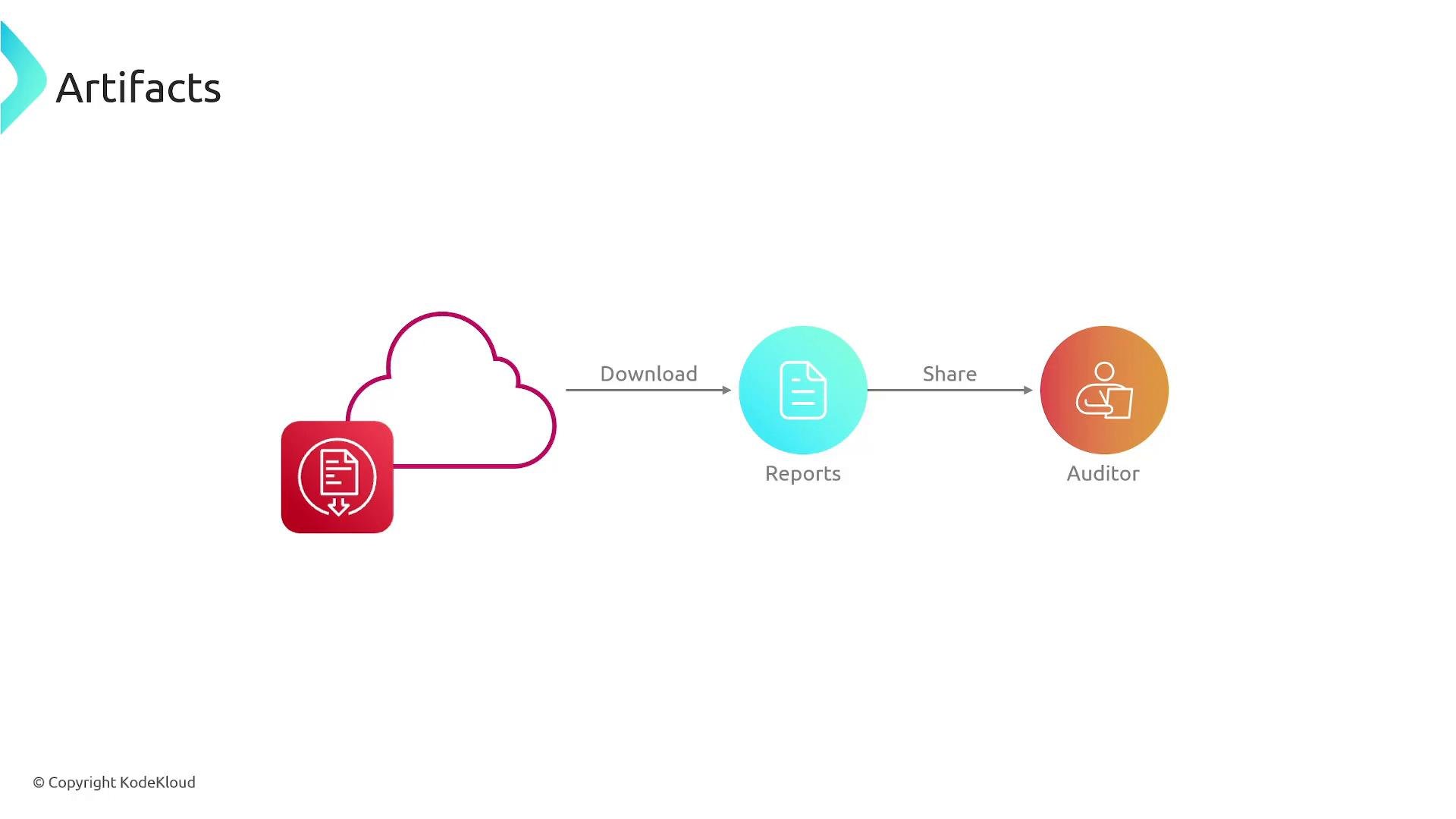
AWS is audited and validated by multiple external and internal governing bodies to maintain compliance with global and industry standards. AWS Artifact centralizes access to those third-party audit reports and certifications so you can:- Download audit reports and certifications to provide to your auditors.
- Review how AWS controls map to compliance frameworks.
- Demonstrate that the AWS infrastructure and managed services you rely on are covered by relevant certifications.
Artifacts provided by AWS describe controls for AWS infrastructure and managed services only. You are still responsible for securing and documenting compliance for your own data, configurations, and applications under the AWS shared responsibility model.
Key benefits and capabilities
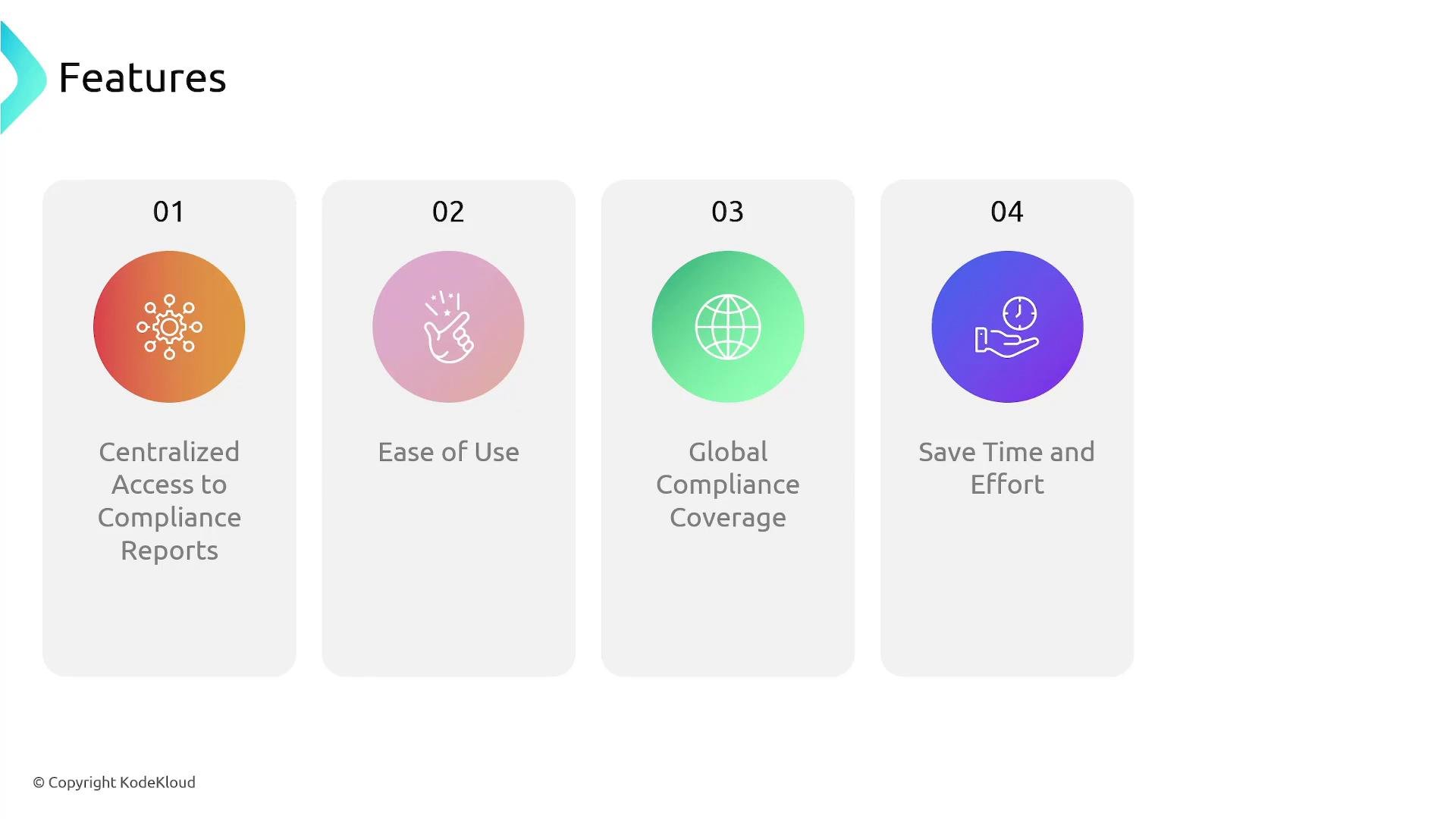
- Centralized access: Find SOC reports, PCI DSS attestations, ISO certificates, and regional/industry-specific evidence in one place.
- On-demand downloads: Retrieve reports and supporting evidence directly from the AWS Management Console.
- Time savings: Reduce administrative overhead when responding to audits or compliance requests.
- Shareability: Download and share artifacts with auditors or internal compliance teams.
Common Artifact document types
How to access Artifact
- AWS Artifact is available from the AWS Management Console.
- Search or browse reports and agreements, then download the documents you need with a click.
- Use these artifacts to speed up reviews, prepare audit packages, or map AWS controls to your compliance requirements.
AWS Artifact is provided at no additional cost. It delivers a centralized, easy-to-use portal for accessing AWS third-party audit reports and compliance documentation. Artifact includes both Reports and Agreements (when applicable) for customers to review and accept.
Best practices when using Artifact
- Identify the specific compliance framework(s) your auditors require (e.g., HIPAA, PCI DSS, ISO) before downloading artifacts.
- Keep a documented trail of which reports were shared and when, to support audit evidence and internal tracking.
- Map controls in AWS reports to your internal control requirements to speed up compliance assessments.
- Ensure you continually assess and document your own responsibilities under the AWS shared responsibility model.