

- Both Amazon FSx and Amazon EFS provide managed file storage, but they target different workloads and client operating systems.
- Amazon EFS is Linux-native and best suited for POSIX workloads.
- Amazon FSx offers multiple purpose-built file systems (flavors) for Windows-native workloads and specialized use cases such as high-performance computing and enterprise-grade data management.
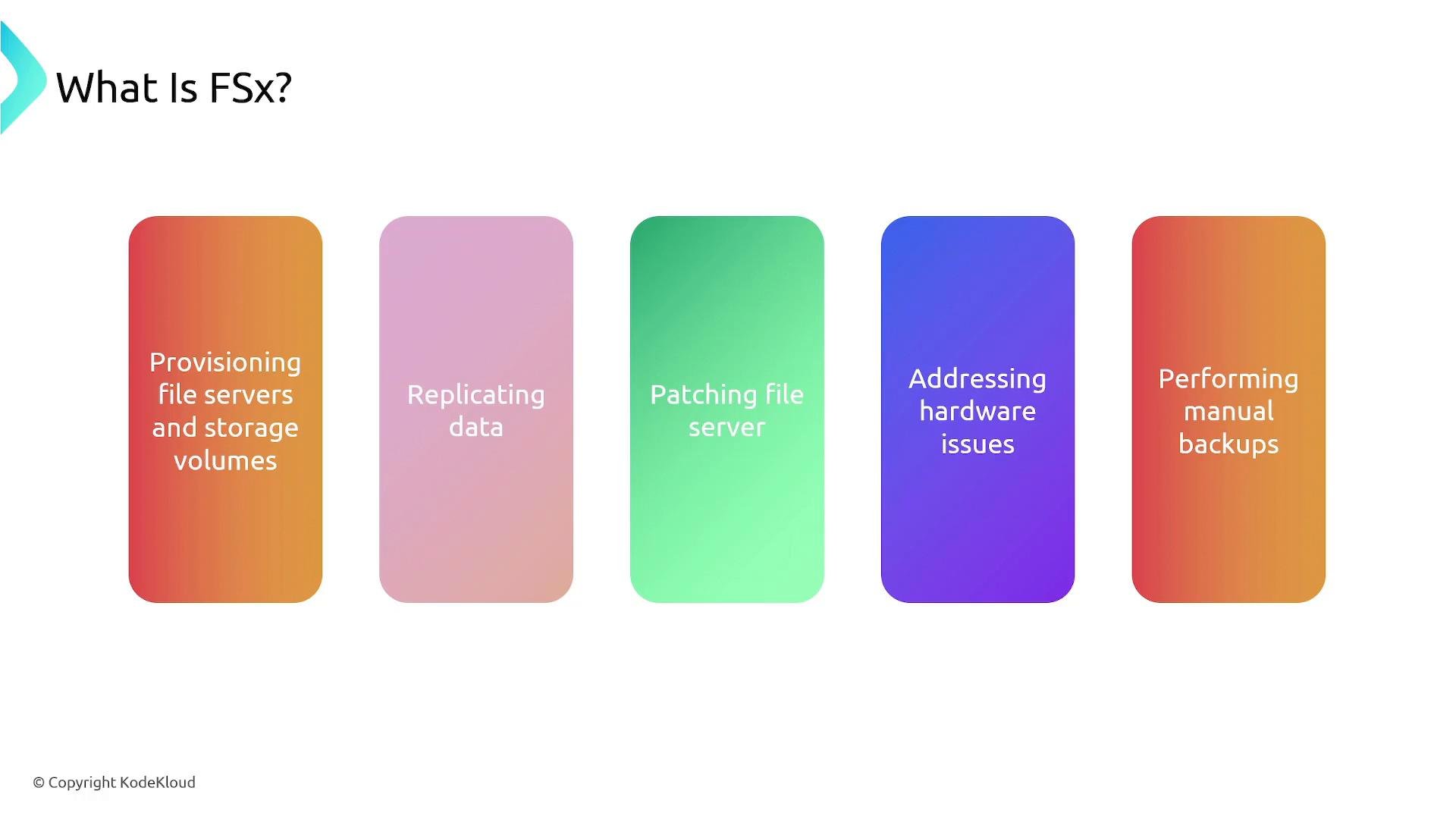
- Durable, managed file storage for applications with built-in backups and maintenance.
- AWS manages server provisioning, patching, and hardware replacement.
- Flexible capacity and performance scaling to match workload demands.
- Concurrent shared access for multiple clients.
- Automated backup and snapshot options to protect data.
- Amazon FSx for Windows File Server
- Purpose-built for Windows workloads and fully compatible with Microsoft Windows Server file sharing.
- Uses the SMB protocol and integrates with Microsoft Active Directory for authentication, access control, and group policies.
- Supports Windows-specific features such as data deduplication and quotas.
- Ideal when you require native Windows file semantics and AD integration.
- Amazon FSx for Lustre
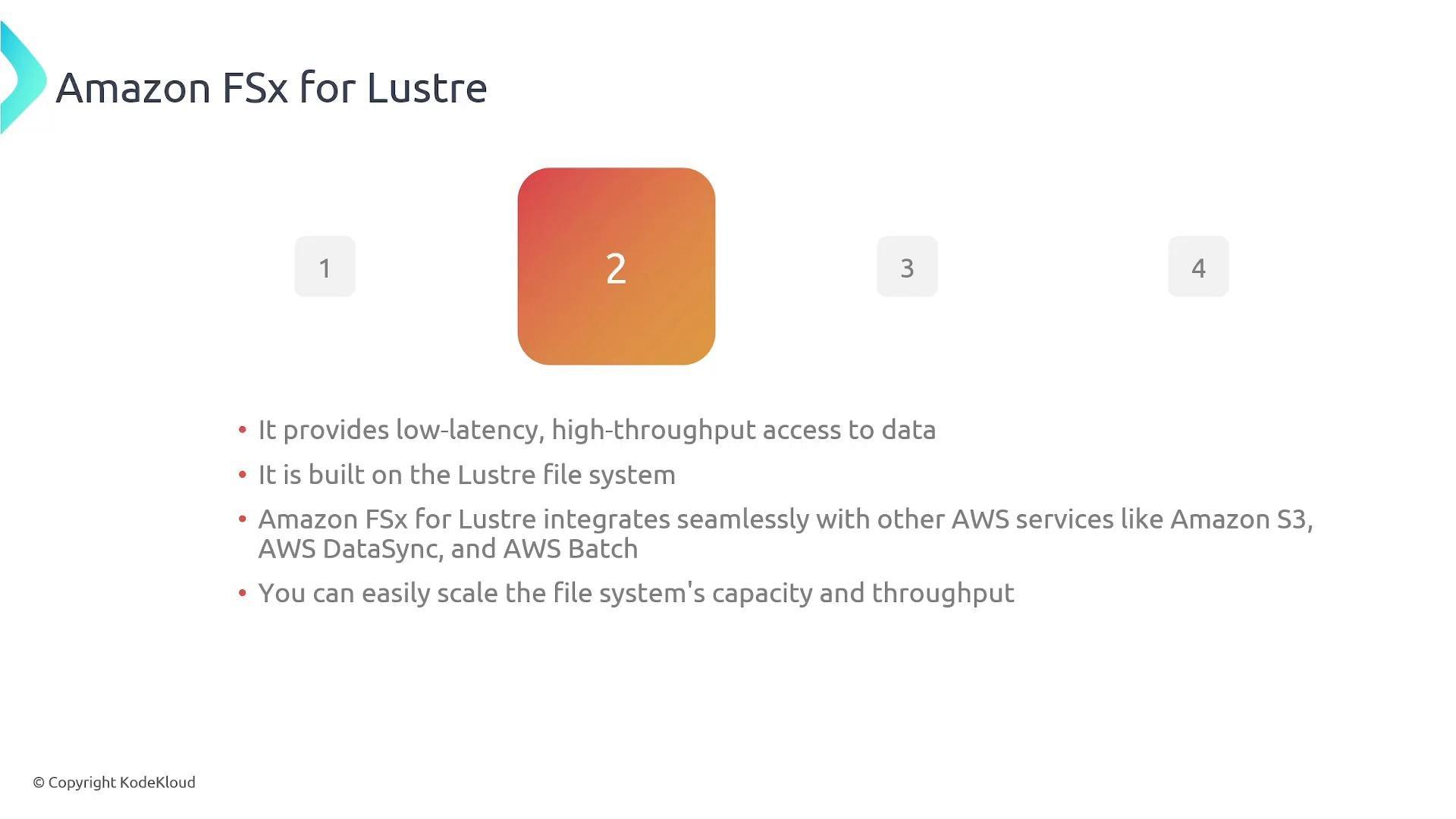
- Optimized for high-performance, parallel file processing common in scientific computing, machine learning, and analytics.
- Built on the Lustre file system for low-latency, high-throughput access and can integrate with Amazon S3 for data import/export.
- Integrates with AWS services such as AWS DataSync and AWS Batch to support large-scale compute workloads.
- Designed to scale capacity and throughput to match compute demand.
- Amazon FSx for NetApp ONTAP
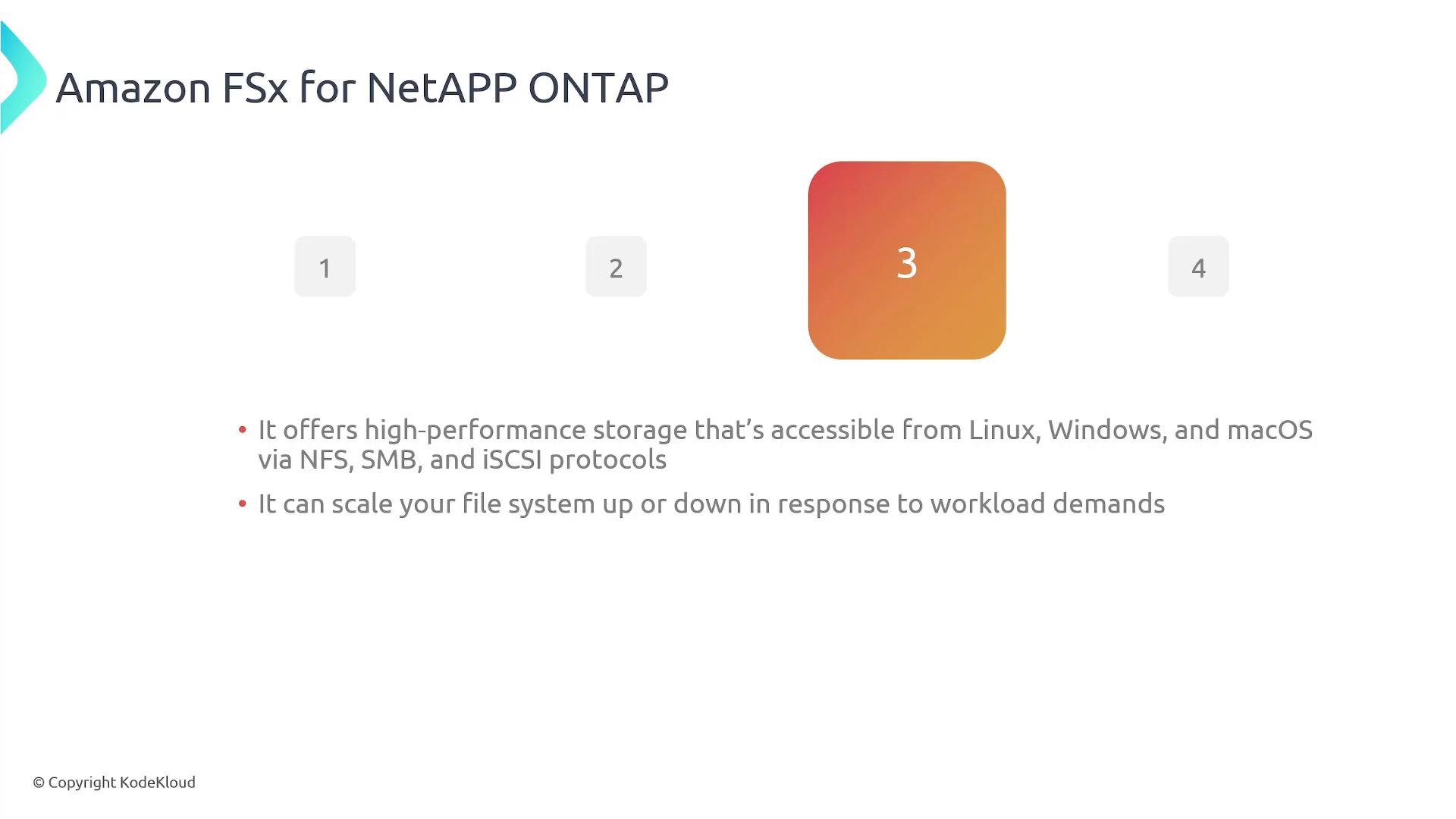
- Built on NetApp ONTAP to deliver enterprise-grade data management features and performance.
- Accessible from Linux, Windows, and macOS using NFS, SMB, and iSCSI protocols.
- Supports snapshots, clones, tiering, and cross-region replication; suitable for enterprise applications and storage-lifecycle management.
- Scales to address changing workload requirements with NetApp-compatible features.
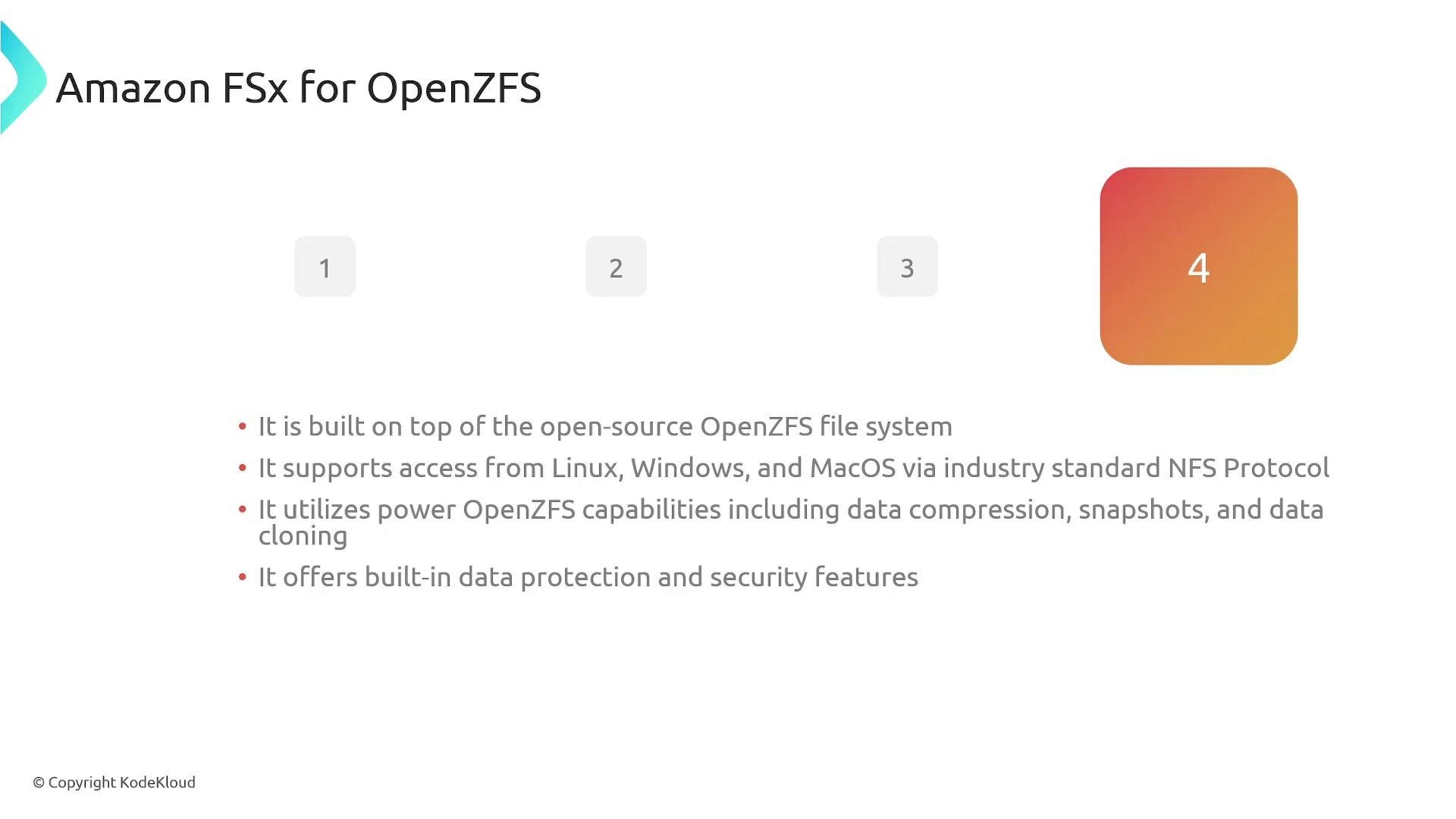
- Amazon FSx for OpenZFS
- Managed file system built on the open-source OpenZFS project.
- Exposes NFS access (Linux and macOS); Windows clients can use NFS clients if required.
- Leverages OpenZFS features such as compression, snapshots, cloning, and strong data integrity protections.
- Good fit for workloads that benefit from ZFS data-management capabilities and snapshot-based workflows.
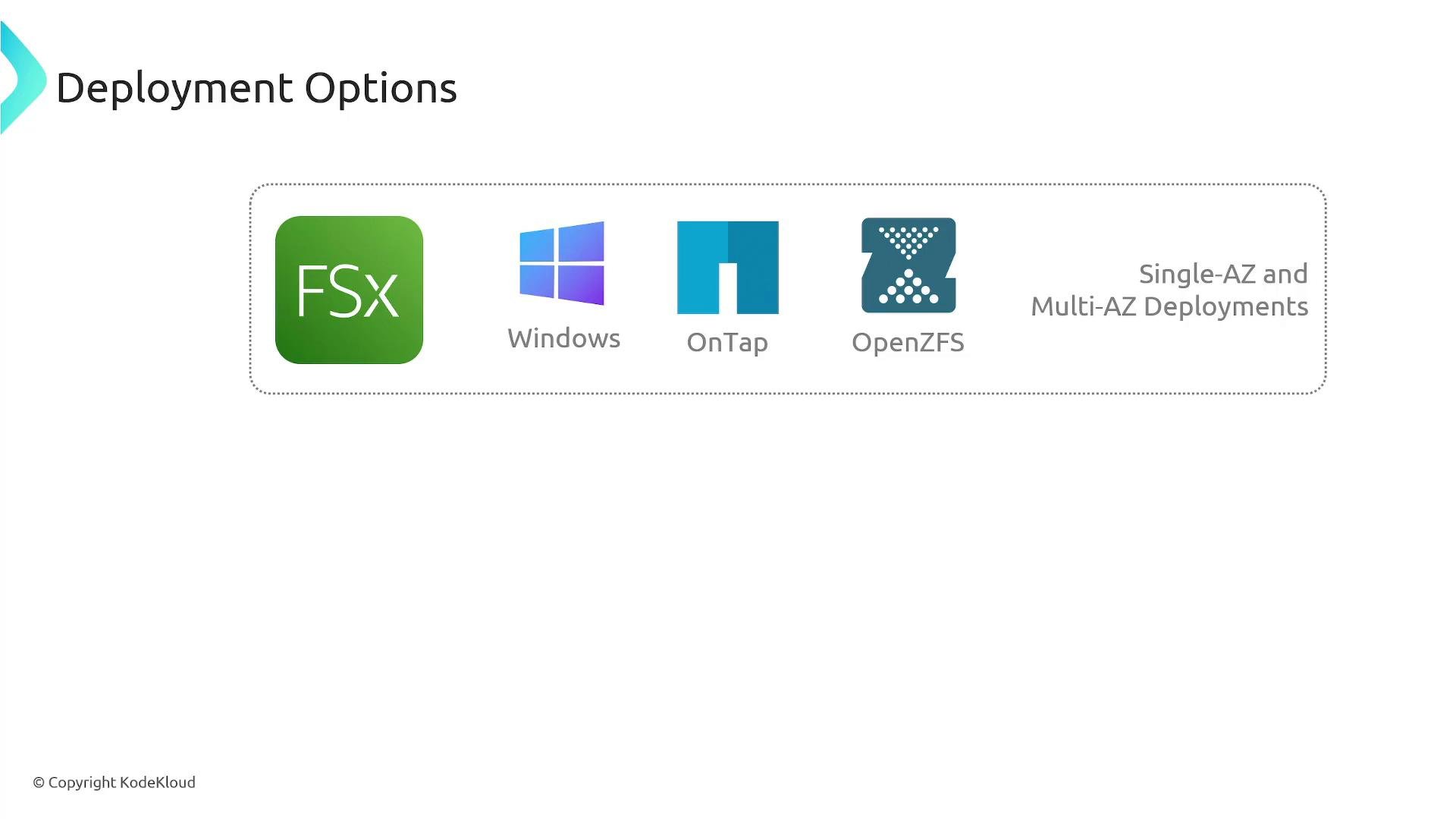
- FSx for Windows File Server, FSx for NetApp ONTAP, and FSx for OpenZFS support both single-AZ and multi-AZ deployments to provide high availability and failover.
- FSx for Lustre is commonly offered in single-AZ configurations (verify current AWS documentation for updates and multi-AZ options).
- When planning architecture, evaluate your desired RTO/RPO, cross-AZ traffic patterns, and replication requirements.
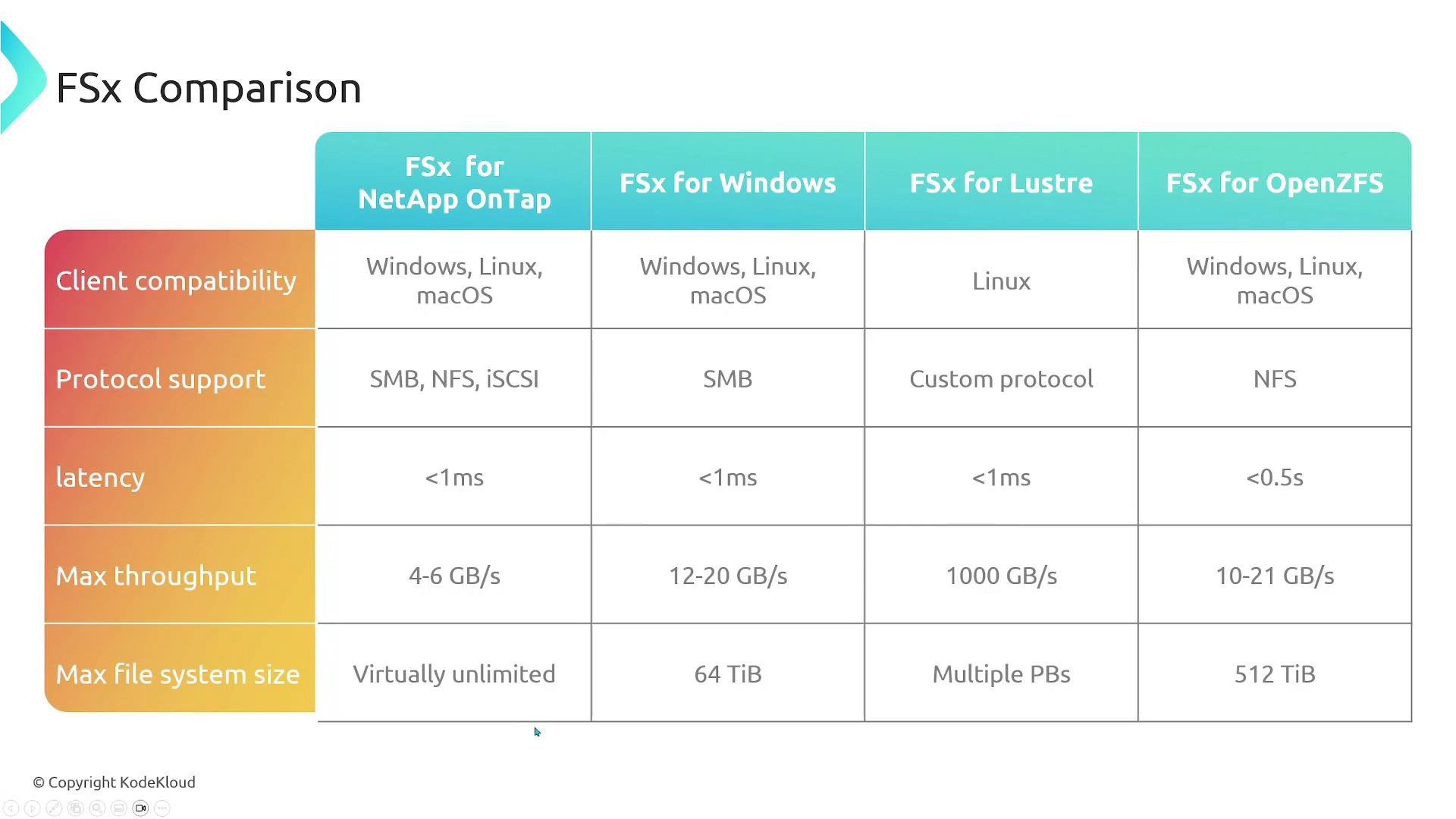
- Consider client OS compatibility, protocol support (SMB, NFS, iSCSI, Lustre), latency, throughput, and maximum filesystem size when selecting a flavor.
- The image below contains a detailed comparison table; the concise table that follows highlights the most common decision points.
When to choose each FSx flavor — practical guidance
- Choose FSx for Windows File Server when you need native SMB semantics, Group Policy and AD authentication, or Windows-only workloads.
- Choose FSx for Lustre for large-scale, parallel compute jobs that need high throughput and low latency (e.g., ML training, HPC).
- Choose FSx for NetApp ONTAP when enterprise data management, multi-protocol access, and NetApp ecosystem compatibility are required.
- Choose FSx for OpenZFS when you value ZFS features (compression, snapshotting, clones) and NFS access across POSIX systems.
- Amazon FSx provides fully managed, high-performance file systems tailored to different workloads and client operating systems.
- Four main options: FSx for Windows File Server, FSx for Lustre, FSx for NetApp ONTAP, and FSx for OpenZFS — each optimized for specific protocols, performance needs, and data-management features.
- Evaluate client OS compatibility, required protocols, latency/throughput needs, and HA requirements to pick the right FSx flavor.
Choose the FSx flavor that aligns with your client OS, protocol requirements, and performance profile. For Windows-native file sharing and Active Directory integration, FSx for Windows is the natural choice; for high-performance parallel workloads, consider FSx for Lustre.