In this lesson we cover AWS EventBridge: what it is, why you need it, and how its main components (event buses, pipes, and the scheduler) help you build scalable, loosely coupled, event-driven systems. Monolithic or tightly coupled integrations create coordination overhead: teams must know each other’s interfaces, tests, and deployment cycles. A distributed, event-driven architecture reduces this coupling by letting services publish events and letting consumers subscribe to the events they care about. That sounds simple, but building a reliable event bus brings new challenges:
  • Reliable event transmission and persistence across failures.
  • Fan-out to multiple consumers.
  • Filtering, transformation, and enrichment of events.
  • Operational scaling with traffic growth.
AWS EventBridge solves these problems by providing a fully managed, serverless event bus that ingests events from AWS services, SaaS partners, and your applications — then routes them to targets based on rules you configure. Key benefits:
  • Decoupling and scalability through event-driven communication.
  • High-throughput event ingestion and delivery.
  • Flexible routing, filtering, and transformation of events.
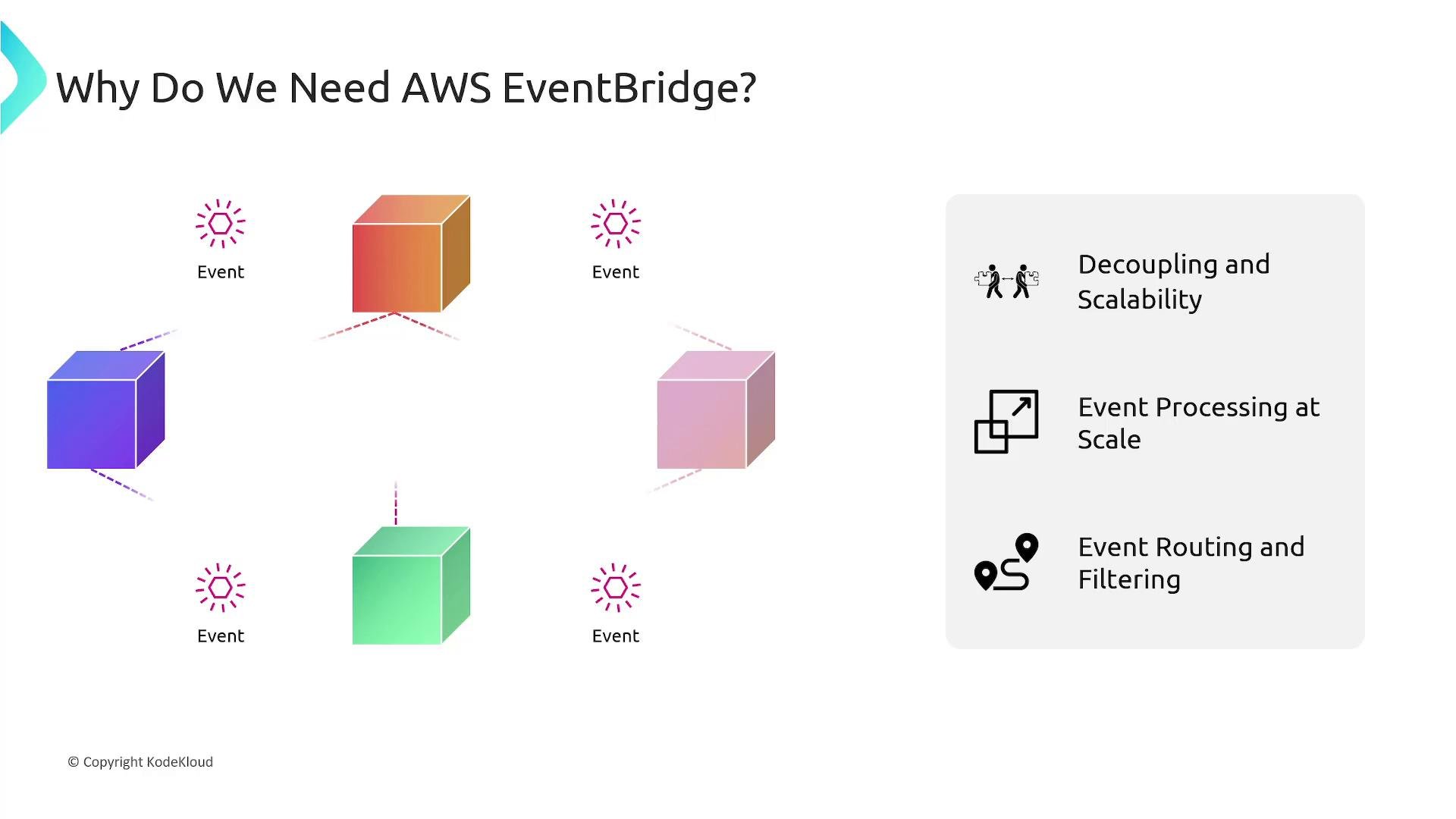
A slide titled "Why Do We Need AWS EventBridge?" showing colorful service/component cubes with event icons connecting them on the left and a gray panel on the right listing benefits: Decoupling and Scalability, Event Processing at Scale, and Event Routing and Filtering. The graphic illustrates multiple event sources being routed and processed independently.
EventBridge offloads the operational burden of running an event bus so you can focus on domain logic. Below we examine its main components and capabilities.
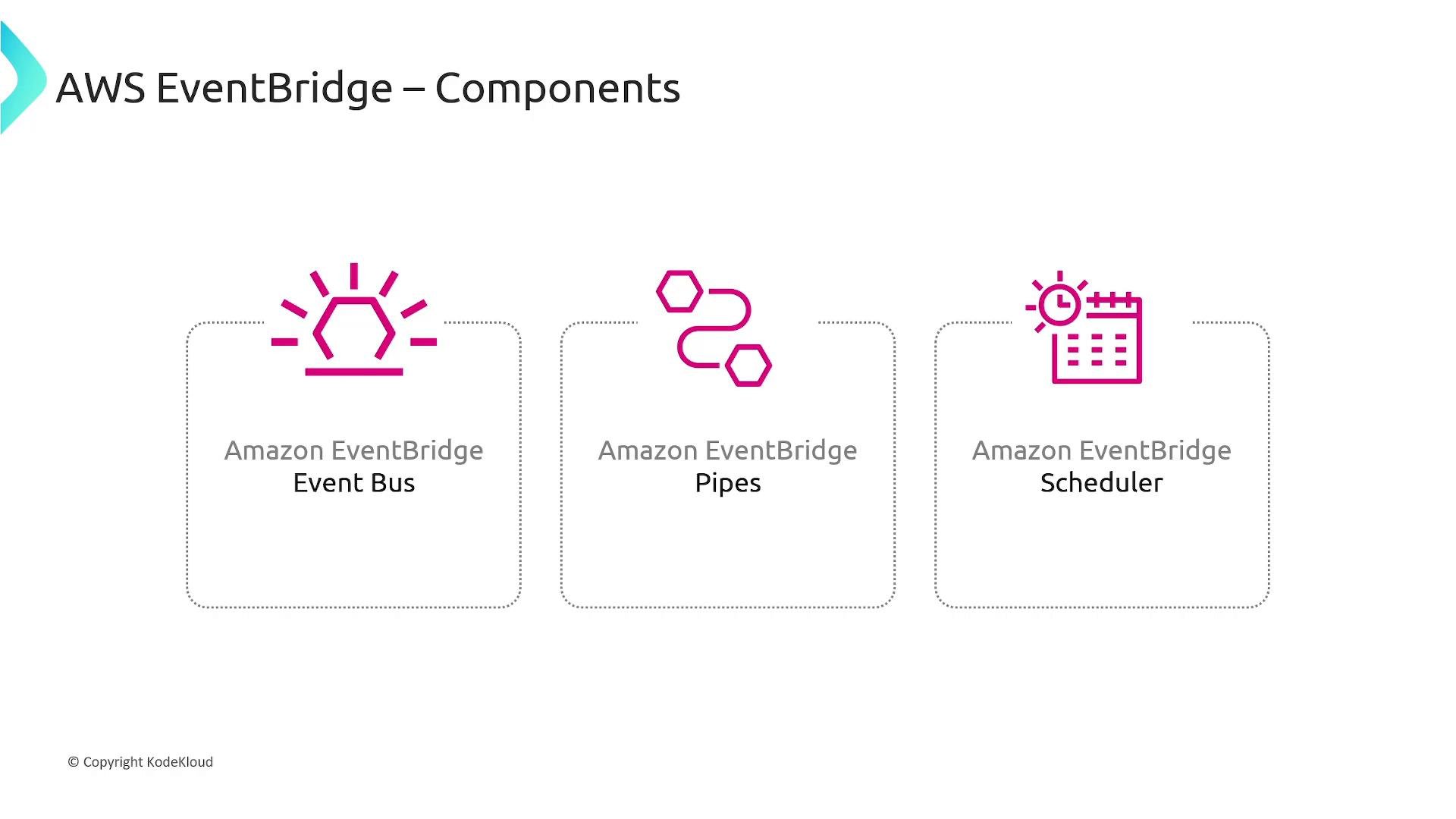
A slide titled "AWS EventBridge – Components" showing three labeled components: Amazon EventBridge Event Bus, Pipes, and Scheduler, each with a magenta icon.

Event bus

An EventBridge event bus is the central channel that receives events and routes them to targets. Events can originate from:
  • AWS services (for example, an S3 object-created event),
  • your applications (using PutEvents via SDK/CLI),
  • integrated SaaS providers.
Every AWS account includes a default event bus. You can also create custom buses to isolate events per application, team, or environment. When publishing an event you specify which bus to send it to. Rules let you select and route events. A rule contains an event pattern to match event content and a list of targets (Lambda, SNS, SQS, Step Functions, HTTP endpoints, and more). Multiple rules can match the same event, enabling parallel processing and fan-out. Example: publish an event to EventBridge using the AWS CLI
Example event pattern (used by a rule) that matches OrderCreated events:
Each AWS account provides a default event bus you can use right away. Create custom event buses to separate events by application, environment, or trust boundaries.

Pipes

Pipes provide a simple, point-to-point integration between a single source and a single target, with built-in helpers for filtering, enrichment, and transformation. Use pipes where you want a linear flow without involving the broader event bus routing. Common pipe capabilities:
  • Filter events so the target only receives relevant messages.
  • Enrich payloads by calling a function or API (for example, look up full transaction details).
  • Transform payloads into the target’s expected schema.
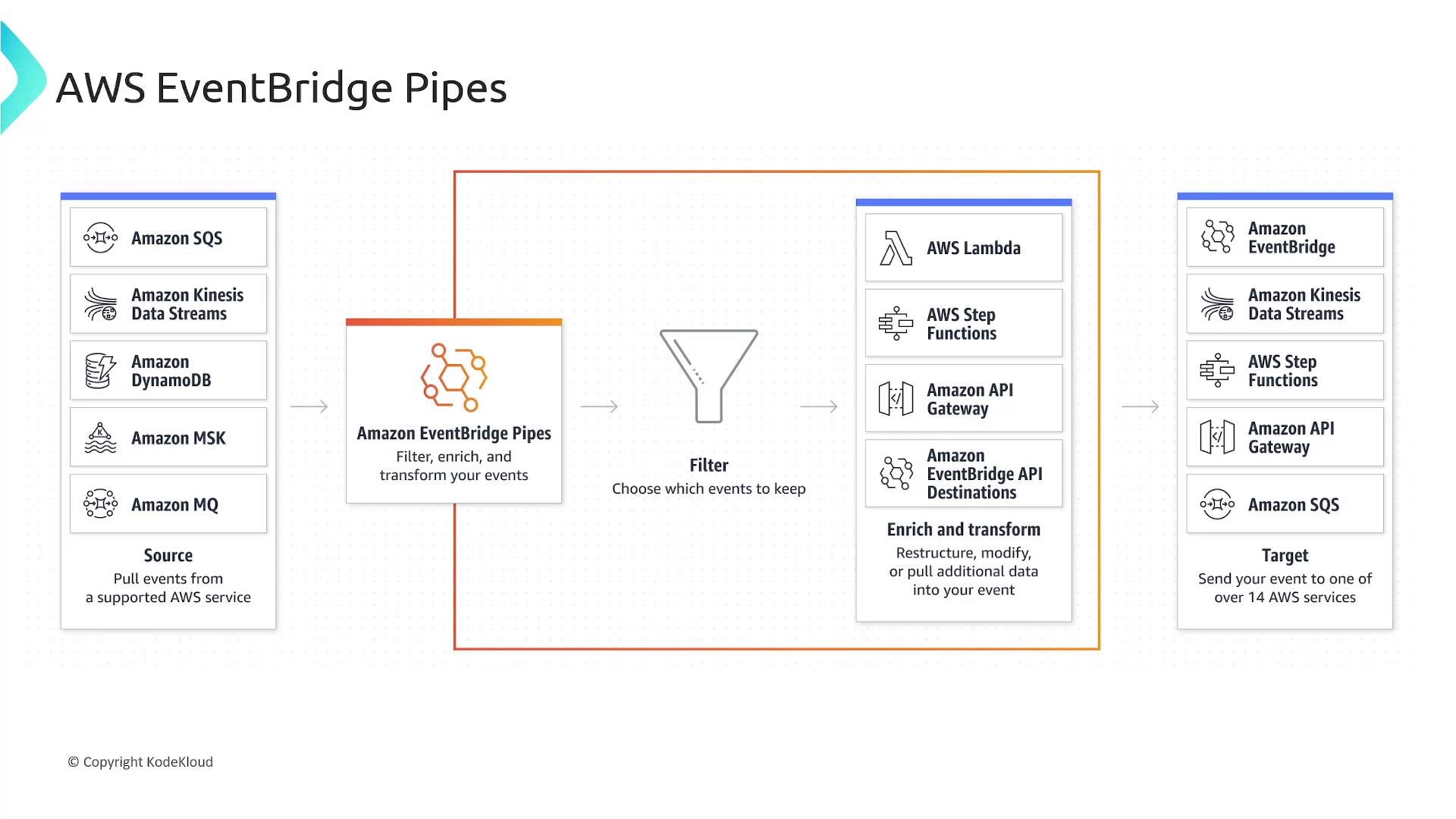
Typical pipe flow: read from SQS → filter unwanted messages → enrich via Lambda → transform payload → deliver to Kinesis Data Streams.
A diagram illustrating AWS EventBridge Pipes and how it pulls events from sources, filters/enriches them, and sends them to targets. Sources shown include SQS, Kinesis, DynamoDB, MSK and MQ, while targets include Lambda, Step Functions, API Gateway, EventBridge and SQS.

Scheduler

EventBridge Scheduler is a managed, serverless scheduler for running tasks on a schedule. It supports cron-like expressions, one-time schedules, delivery windows, retry policies, and many supported targets. Use cases:
  • Run periodic data aggregation jobs.
  • Trigger daily/weekly reports.
  • Schedule retries or delayed tasks.
Key scheduler features:
  • Recurring or one-time schedules.
  • Delivery windows and retry policies.
  • Broad target support: Lambda, Step Functions, API endpoints, and more.
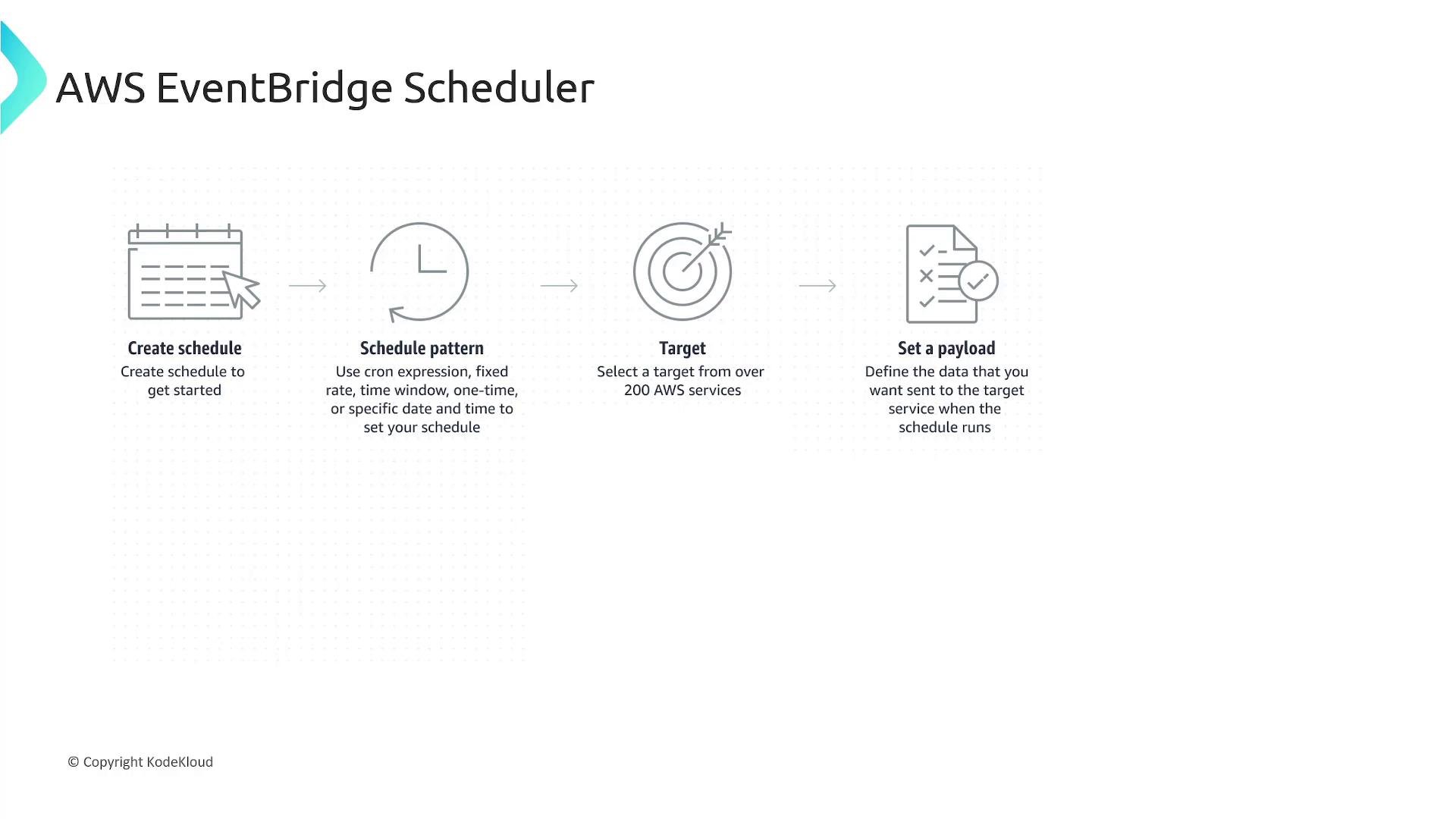
A slide titled "AWS EventBridge Scheduler" showing a four-step workflow—Create schedule, Schedule pattern, Target, and Set a payload—each accompanied by an icon and brief explanatory text. The image also shows a "© Copyright KodeKloud" notice at the bottom.

Features worth calling out

EventBridge provides many production-ready features that simplify building resilient event-driven systems.
EventBridge provides at-least-once delivery. Consumers must design for idempotency and handle potential duplicate events (for example, by using deduplication keys or idempotent operation logic).
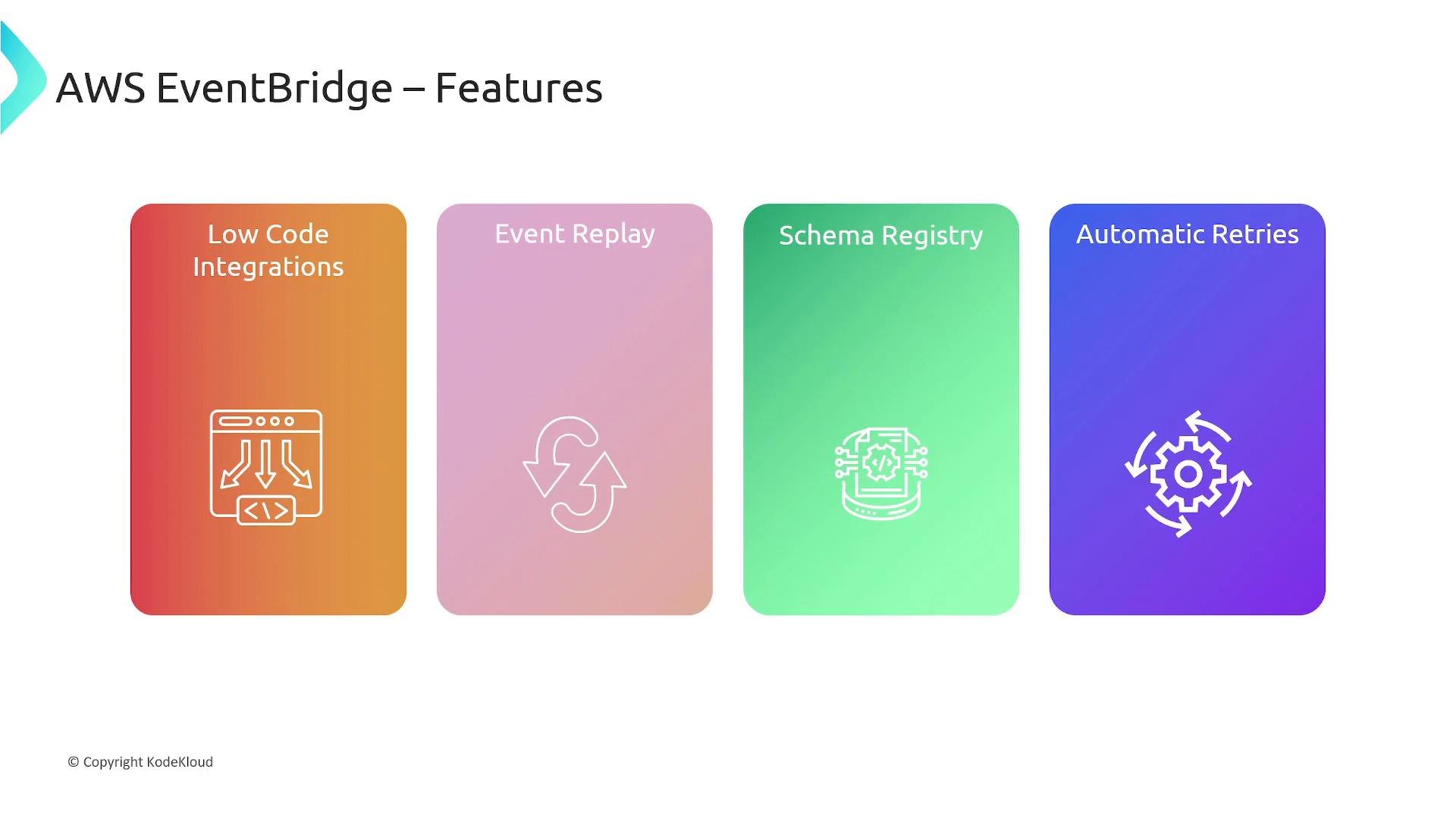
A presentation slide titled "AWS EventBridge – Features" showing four colorful panels labeled "Low Code Integrations," "Event Replay," "Schema Registry," and "Automatic Retries," each with a matching icon. The slide includes a small "© Copyright KodeKloud" at the bottom.

Integrations

EventBridge integrates with over 200 built-in sources and targets. Many AWS services act as either sources or targets, including Lambda, SQS, SNS, Step Functions, Kinesis Data Streams, and Kinesis Data Firehose. EventBridge also supports a wide range of SaaS partners. Common targets and typical use cases: For the full list of integrations and provider-specific setup steps, consult the official AWS documentation: https://docs.aws.amazon.com/eventbridge/latest/userguide/
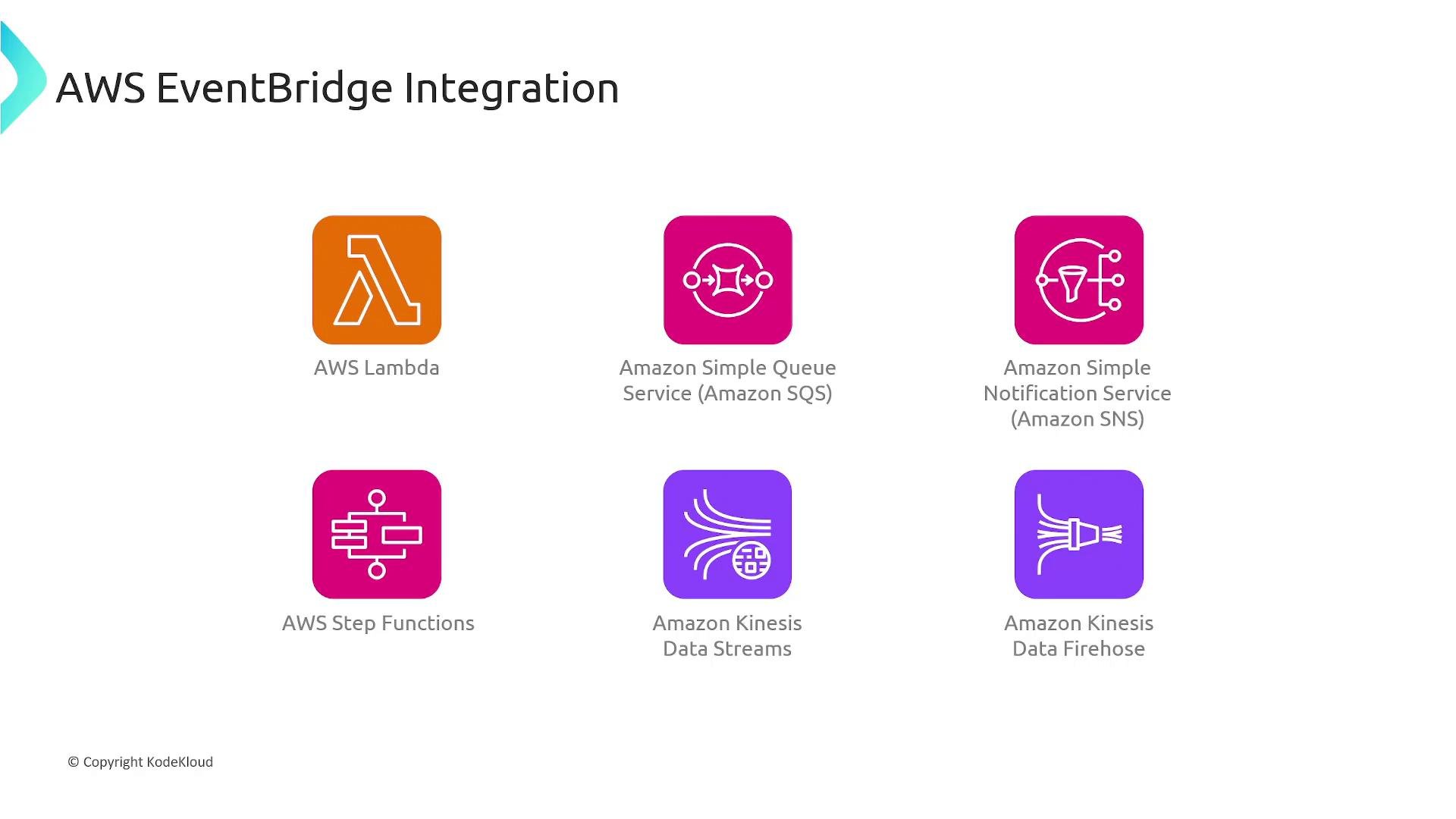
A slide titled "AWS EventBridge Integration" showing icons and labels for AWS services. It lists AWS Lambda, Amazon SQS, Amazon SNS, AWS Step Functions, Amazon Kinesis Data Streams, and Amazon Kinesis Data Firehose.

When to use EventBridge

  • You need a managed, serverless event bus to decouple services.
  • You want built-in routing, filtering, and transformation without running infrastructure.
  • You require integrations with AWS services, SaaS providers, or external HTTP endpoints.
  • You need replay, schema governance, and a production-grade retry model.
In summary, AWS EventBridge is a managed, scalable event bus that simplifies building event-driven, loosely coupled architectures. Use event buses for broad pub/sub-style routing, pipes for optimized point-to-point flows, and the scheduler for timed workloads. Together with features like Event Replay and the Schema Registry, EventBridge helps you reliably route, transform, and process events at scale.

Watch Video