

What is Amazon Forecast?
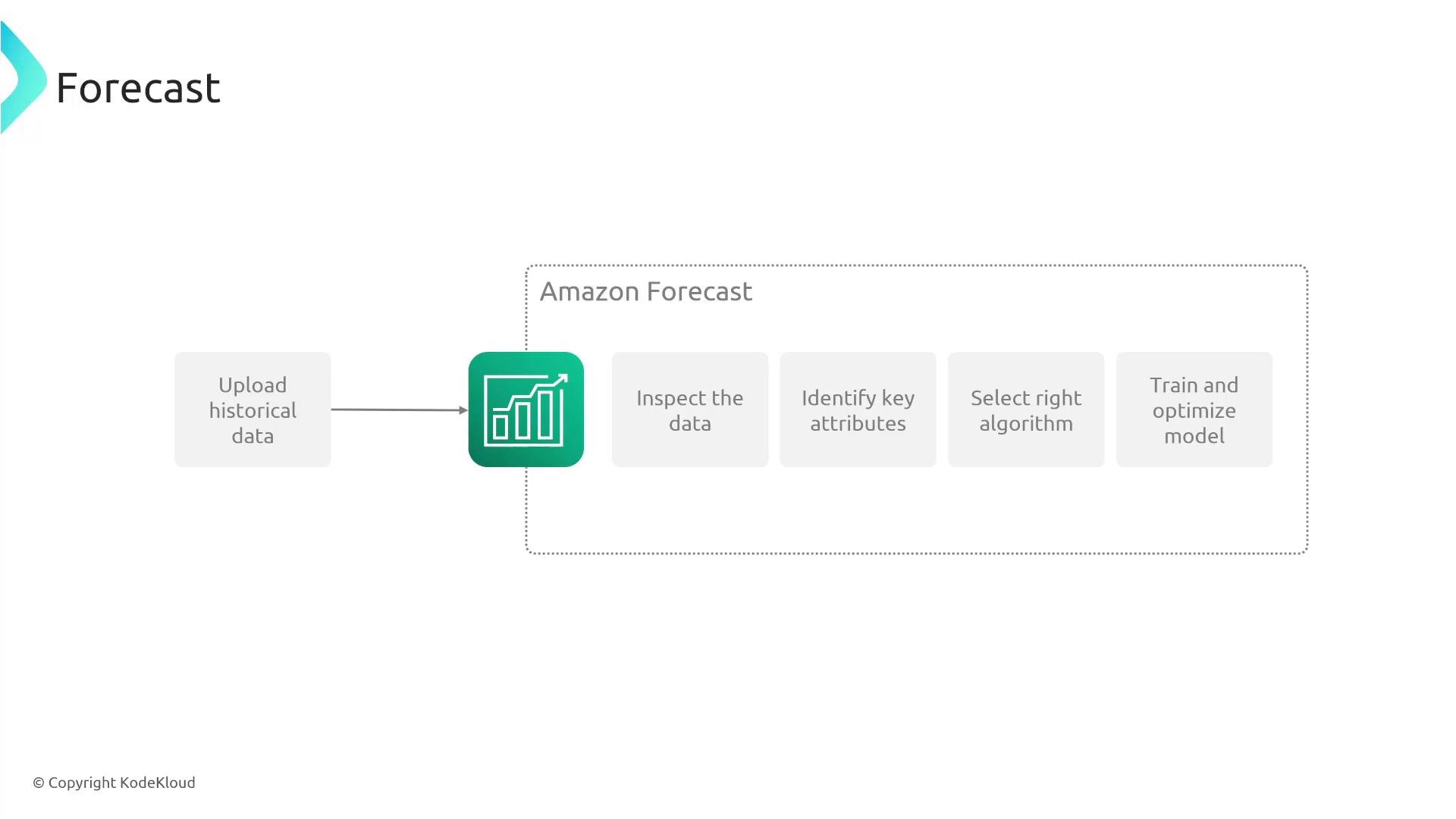
Amazon Forecast automates time-series forecasting tasks: data validation and profiling, feature and algorithm selection, model training, and tuning. It outputs probabilistic forecasts (quantiles) so you can plan across best-case, median, and worst-case scenarios. Typical workflow:- Upload historical time-series data.
- Let Forecast inspect and characterize the dataset.
- Choose or accept a recommended algorithm.
- Train and optimize the model.
- Deploy or export forecasts for downstream use.
How Forecast processes your data
Forecast performs a sequence of automated steps to prepare and model your time-series:
After training, you have a trained Forecast model capable of producing forecasts for future timestamps using patterns learned from your historical data. While you could build custom forecasting models in Amazon SageMaker, Forecast automates many time-series-specific steps (data formatting, algorithm selection, hyperparameter tuning), accelerating delivery for teams without deep ML backgrounds.
Consuming Forecast results
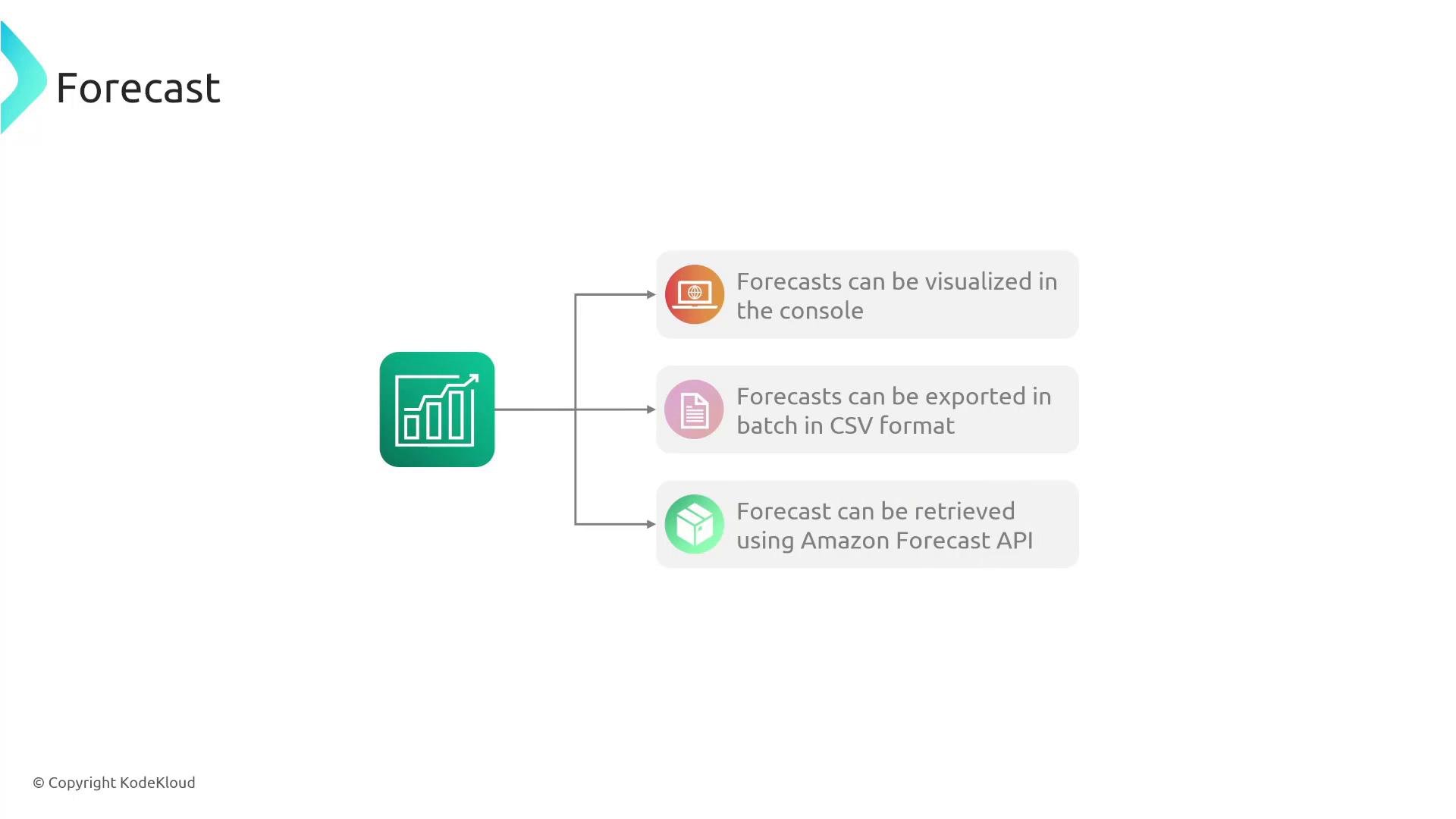
Forecast provides several options to retrieve and use predictions:- Visualize forecasts directly in the Forecast console for quick analysis.
- Export forecasts in batch as CSV files for downstream processing or archival.
- Retrieve forecasts programmatically via the Amazon Forecast API for real-time or automated workflows.
Probabilistic outputs (Quantiles)
Instead of returning a single point estimate, Forecast produces probabilistic forecasts expressed as quantiles (percentiles). Common quantiles include the 10th, 50th (median), and 90th percentiles. These values represent confidence boundaries and let you plan for different outcomes:
Use-case examples:
- Use the 90th percentile for provisioning infrastructure or inventory to avoid shortages.
- Use the 10th percentile for conservative budgeting or risk-averse decisions.
Amazon Forecast expects structured inputs: a target time series (the metric you want to forecast), optional related time series (external signals), and optional item metadata. Supplying relevant related time series or metadata (item identifiers, categories, holidays, promotions) can significantly improve forecast accuracy.
Integrations, security, and automation
Forecast integrates with common AWS services for storage, access control, auditing, and automation:- Amazon S3 — store input data and export forecast CSVs.
- AWS IAM — control access to Forecast resources and APIs.
- AWS CloudTrail — audit Forecast API calls and changes.
- AWS Lambda — trigger downstream processing when Forecast outputs land in S3.
Key features
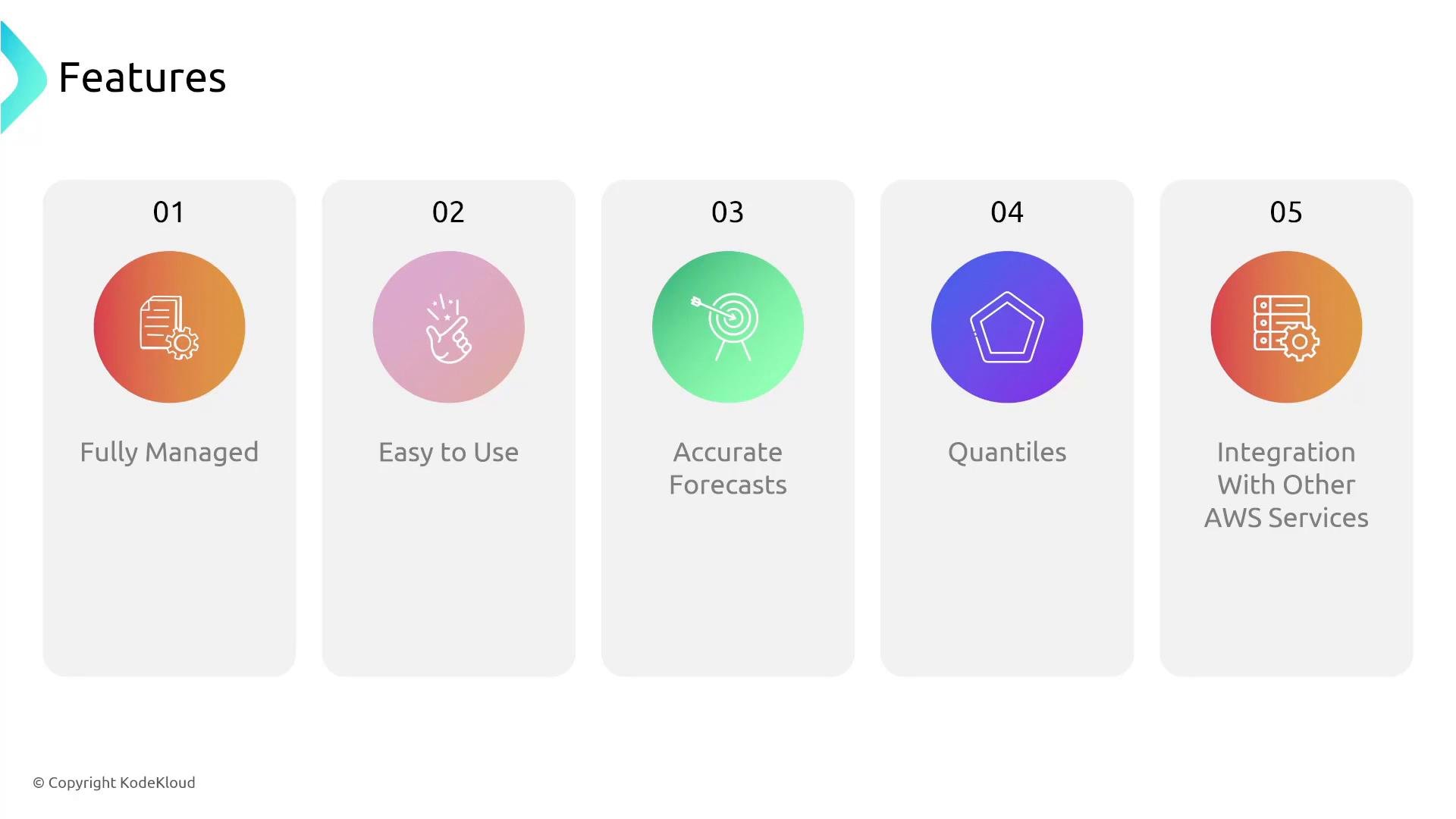
- Fully managed: AWS handles model training, scaling, and infrastructure.
- Easy to use: Designed for users without deep ML knowledge.
- Accurate forecasts: Automated algorithm selection and hyperparameter tuning improves accuracy.
- Probabilistic outputs (quantiles): Evaluate risk and plan for multiple scenarios.
- AWS integrations: Secure, auditable, and automatable workflows using S3, IAM, CloudTrail, Lambda, and more.
When to choose Amazon Forecast
Consider Forecast when:- You need time-series forecasts (sales, inventory, traffic) but lack in-house ML expertise.
- You want probabilistic forecasts (not just point estimates) to support risk-aware planning.
- You prefer a managed service that integrates with existing AWS tooling and storage.
Exam tip
On AWS certification exams, if the scenario asks for time-series forecasting and the team has limited ML experience or you need a fully managed solution, Amazon Forecast is frequently the recommended answer.Links and references
- Amazon Forecast product page: https://aws.amazon.com/forecast/
- Amazon S3 — Simple Storage Service
- AWS IAM
- AWS Lambda
- AWS CloudTrail
- Amazon SageMaker (for custom ML): https://learn.kodekloud.com/user/courses/aws-sagemaker