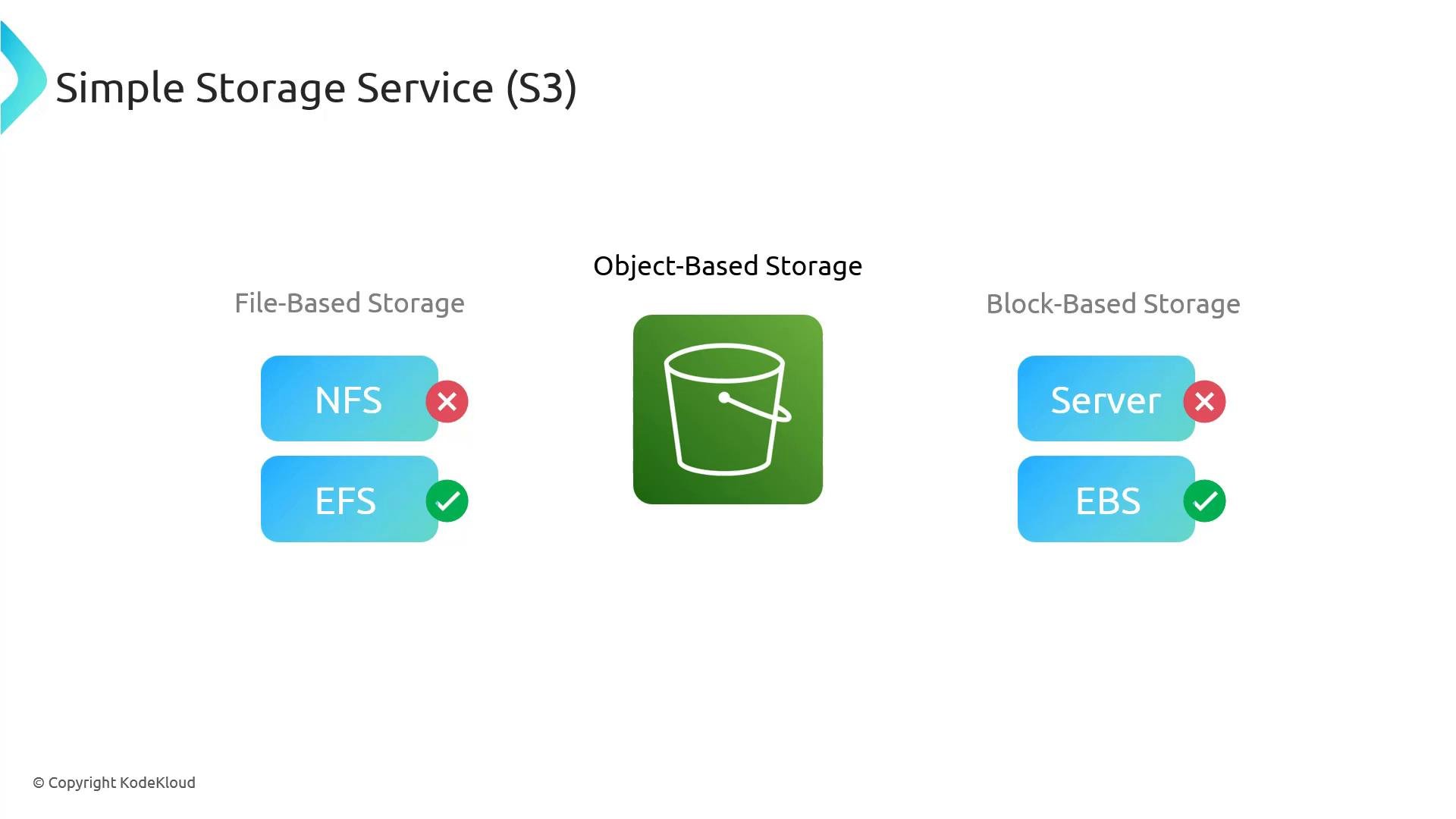
What is S3? S3 stands for Simple Storage Service — three S’s, hence “S3”. Amazon S3 is an object storage service that provides industry-leading scalability, data availability, security, and performance. It is designed for storing and retrieving whole objects (files) rather than providing a POSIX filesystem or block device.
A presentation slide titled "Simple Storage Service (S3)" showing four colored icons labeled Scalability, Data Availability, Security, and Performance. Each rounded-square icon contains a white line illustration representing its feature.
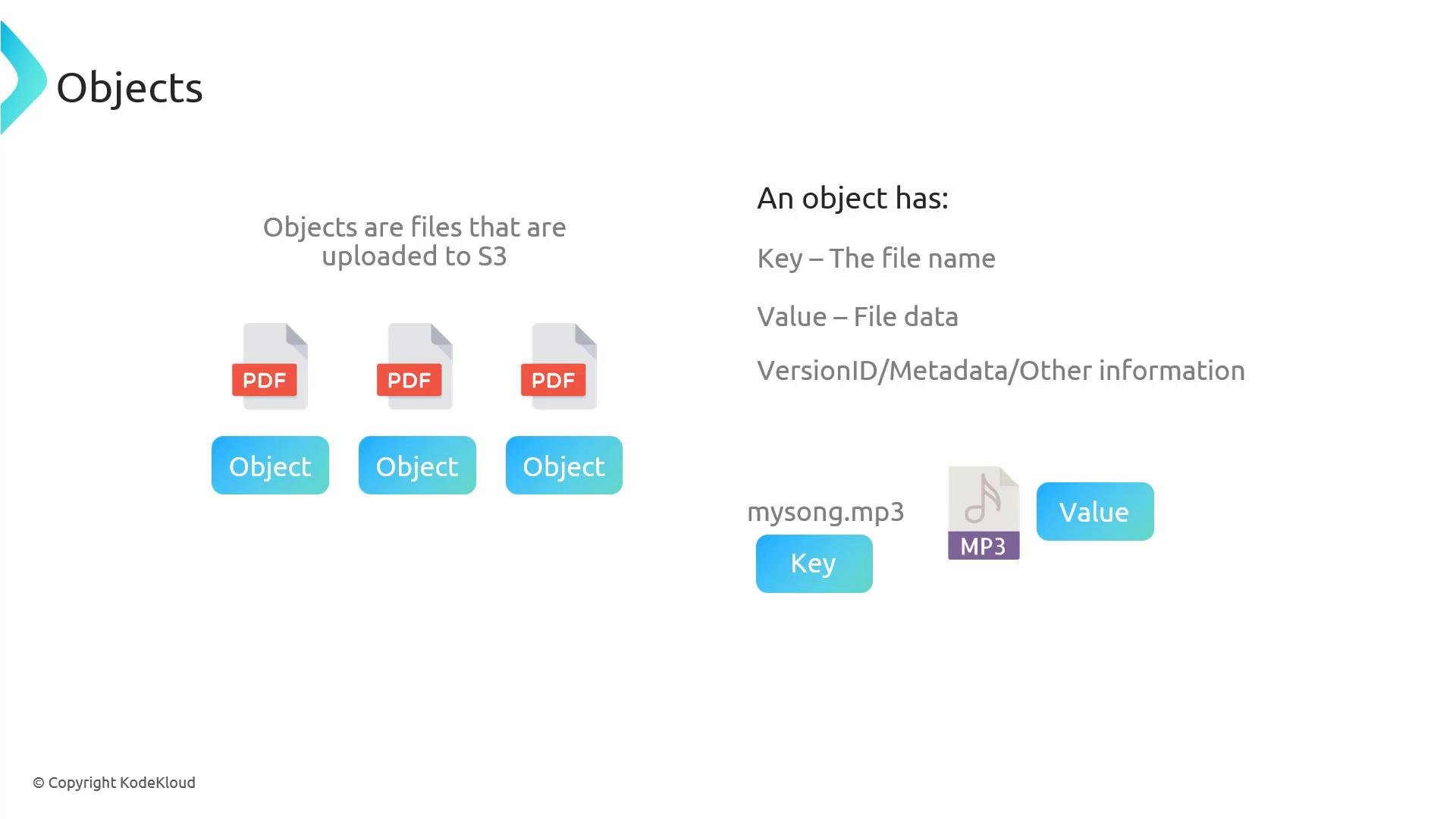
At a high level, S3 is a place to store files — think of it like Dropbox or Google Drive, but managed by AWS and deeply integrated with the AWS ecosystem. This integration means S3 works seamlessly with EC2, Lambda, CloudFront, and IAM for fine-grained access control. You can interact with S3 using the AWS Management Console, the AWS CLI, AWS SDKs, or directly via the REST API. S3 is object-based storage, which differs from:
  • File-based storage (e.g., NFS/EFS), and
  • Block-based storage (e.g., EBS).
Object storage is optimized for storing and retrieving whole objects (files). It is not a POSIX file system and cannot be mounted as an NFS share or used as block storage.
A slide titled "Simple Storage Service (S3)" showing an object-storage bucket icon in the center. It contrasts file-based (NFS with a red X, EFS with a green check) and block-based (Server with a red X, EBS with a green check) storage options.
If you require NFS-style shared file storage, use Amazon EFS. For block storage (boot volumes, databases), use Amazon EBS. Use S3 when you need scalable object storage. Common S3 use cases:
  • Log storage and archival
  • Media hosting (images, audio, video)
  • CI/CD artifacts and build outputs
  • Backups and snapshots
  • Data lakes and analytics
  • Hosting static website assets (HTML, CSS, JS)
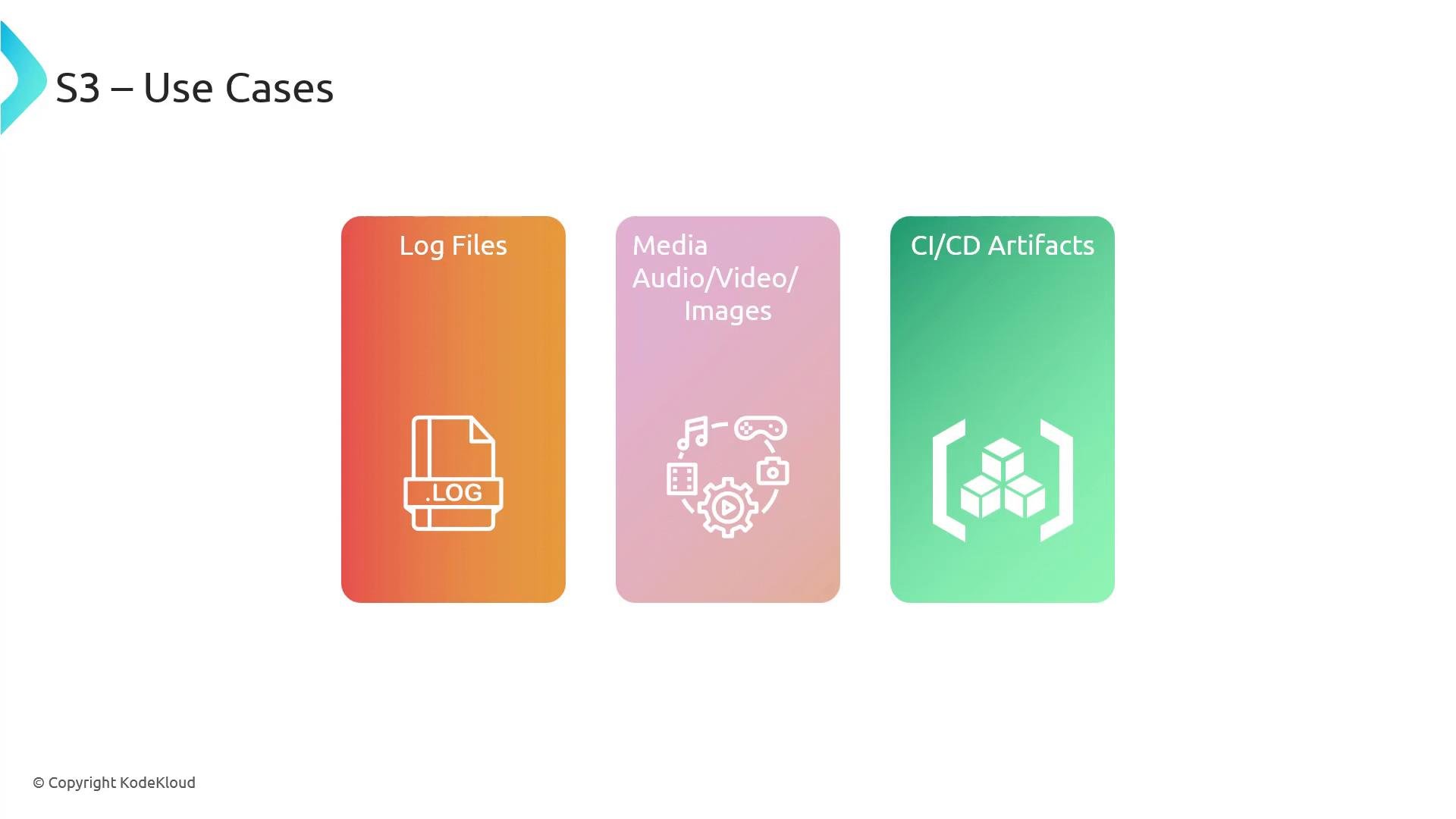
A slide titled "S3 – Use Cases" showing three gradient panels labeled "Log Files," "Media Audio/Video/Images," and "CI/CD Artifacts," each with a white icon. The slide also has a small "© Copyright KodeKloud" note at the bottom left.
Example: offloading media from web servers
  • Traditional setup: web servers store both site HTML and media. For large sites, storing terabytes on every web server is inefficient.
  • With S3: keep small static assets (HTML, CSS, JS) on your web servers and place large media (videos, images) in S3. Serve HTML that contains URLs pointing to S3-hosted objects so clients fetch media directly from S3 or via CloudFront, offloading storage and bandwidth from your web servers.
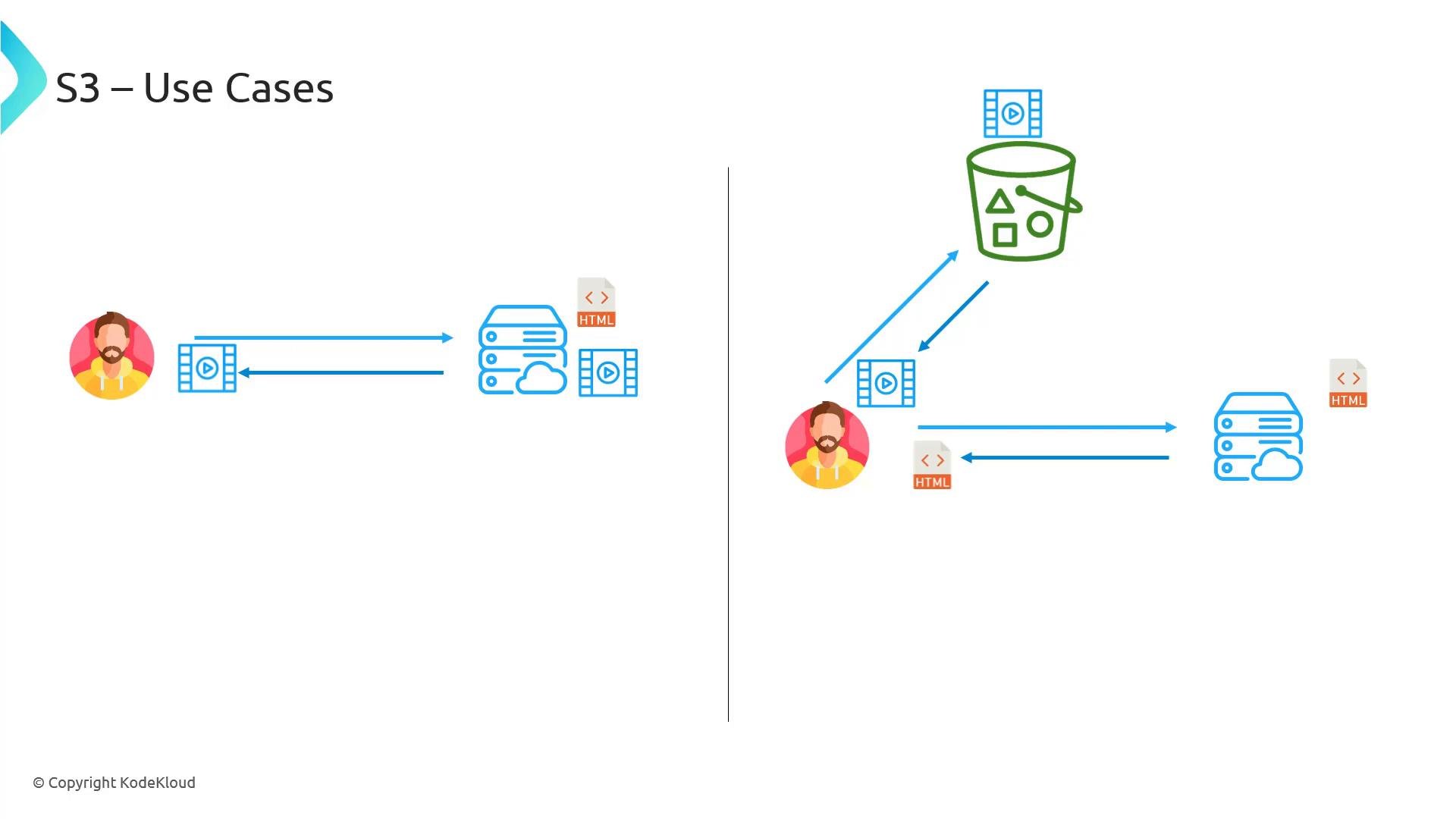
A slide titled "S3 – Use Cases" showing two diagrams: the left shows a user exchanging video with a backend server, and the right shows a user fetching video from an S3-style storage bucket while the server serves HTML.
Terminology: buckets and objects Buckets
  • A bucket is a container for objects — think of it as a top-level namespace that groups related files (for example, logs/, media/, artifacts/).
  • You can create multiple buckets per AWS account and organize them by application, environment, or purpose.
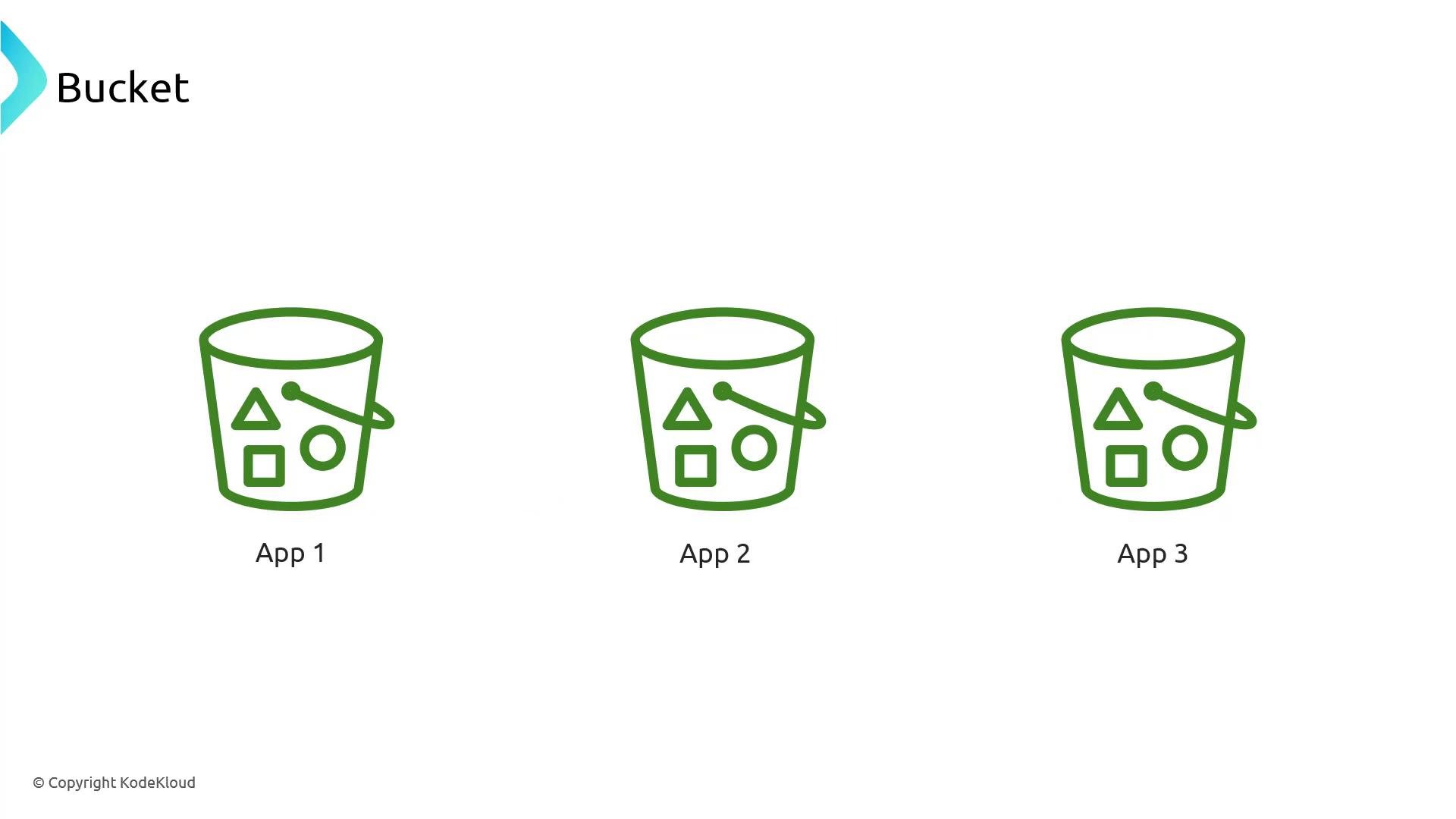
A slide titled "Bucket" showing three identical green bucket icons labeled "App 1", "App 2", and "App 3", each containing simple shape symbols (triangle, circle, square). The layout is minimal with wide white space and a small company copyright at the bottom.
Objects
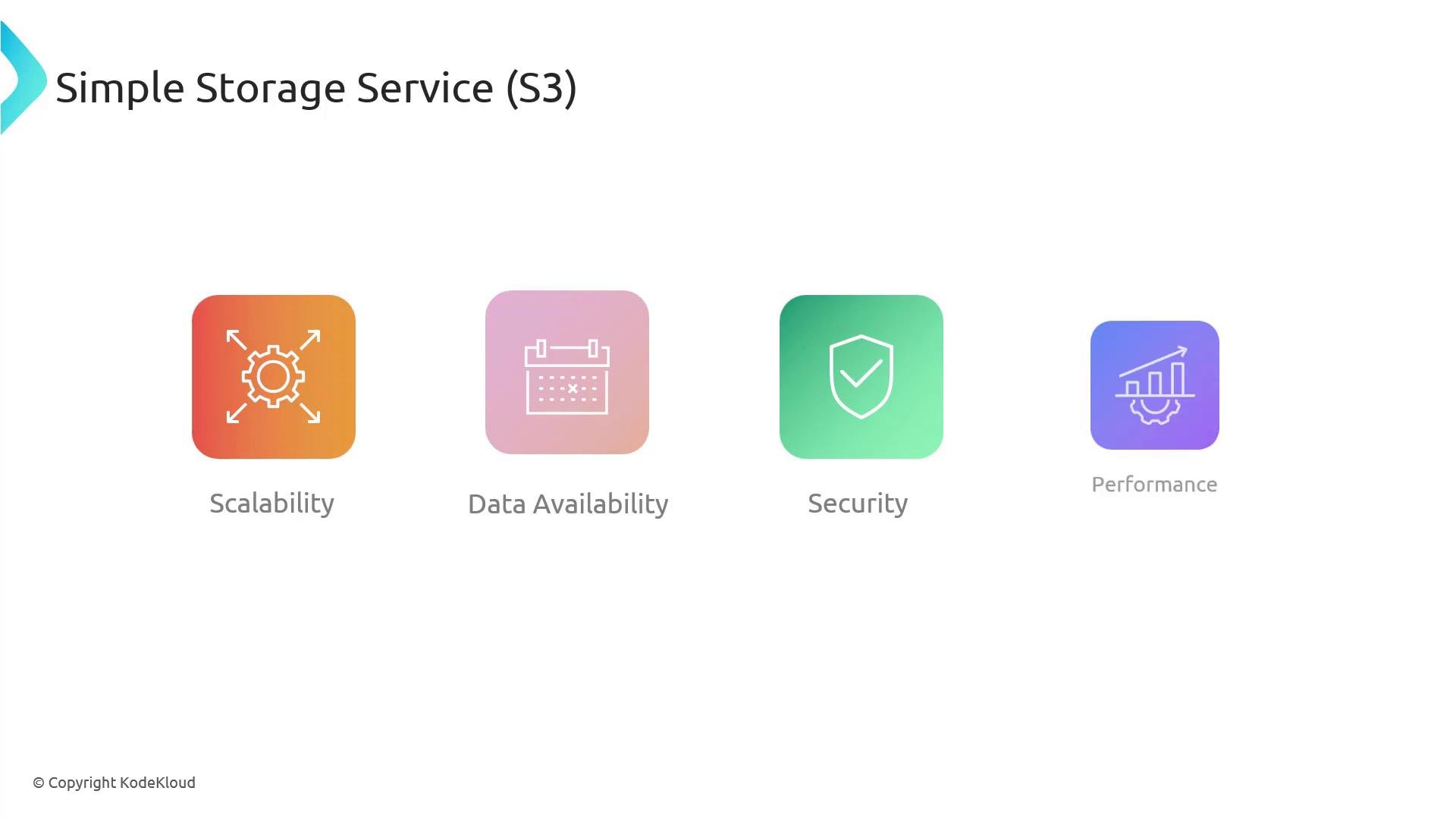
  • An object is a file uploaded to S3. Each object includes:
    • a key (the object name, e.g., mysong.mp3),
    • a value (the object data/content),
    • optional metadata and a version ID (if versioning is enabled).
A presentation slide titled "Objects" that explains S3 objects as files uploaded to S3, illustrated with PDF icons labeled "Object." A small diagram on the right shows an object's components—Key (filename), Value (file data), and metadata/version info—using "mysong.mp3" as an example.
S3 uses a flat namespace
  • S3 stores objects in a flat keyspace — there are no true nested directories. The AWS Console shows a folder-like UI by grouping objects with key prefixes (for example, music/song1.mp3 and music/song2.mp3 appear under a virtual music/ folder).
  • These “folders” are purely a UI convenience; they are part of the object key name.
S3 presents virtual folders in the console by grouping objects that share the same prefix (for example, photos/2026/). These are not real directories — they are just part of the object key.
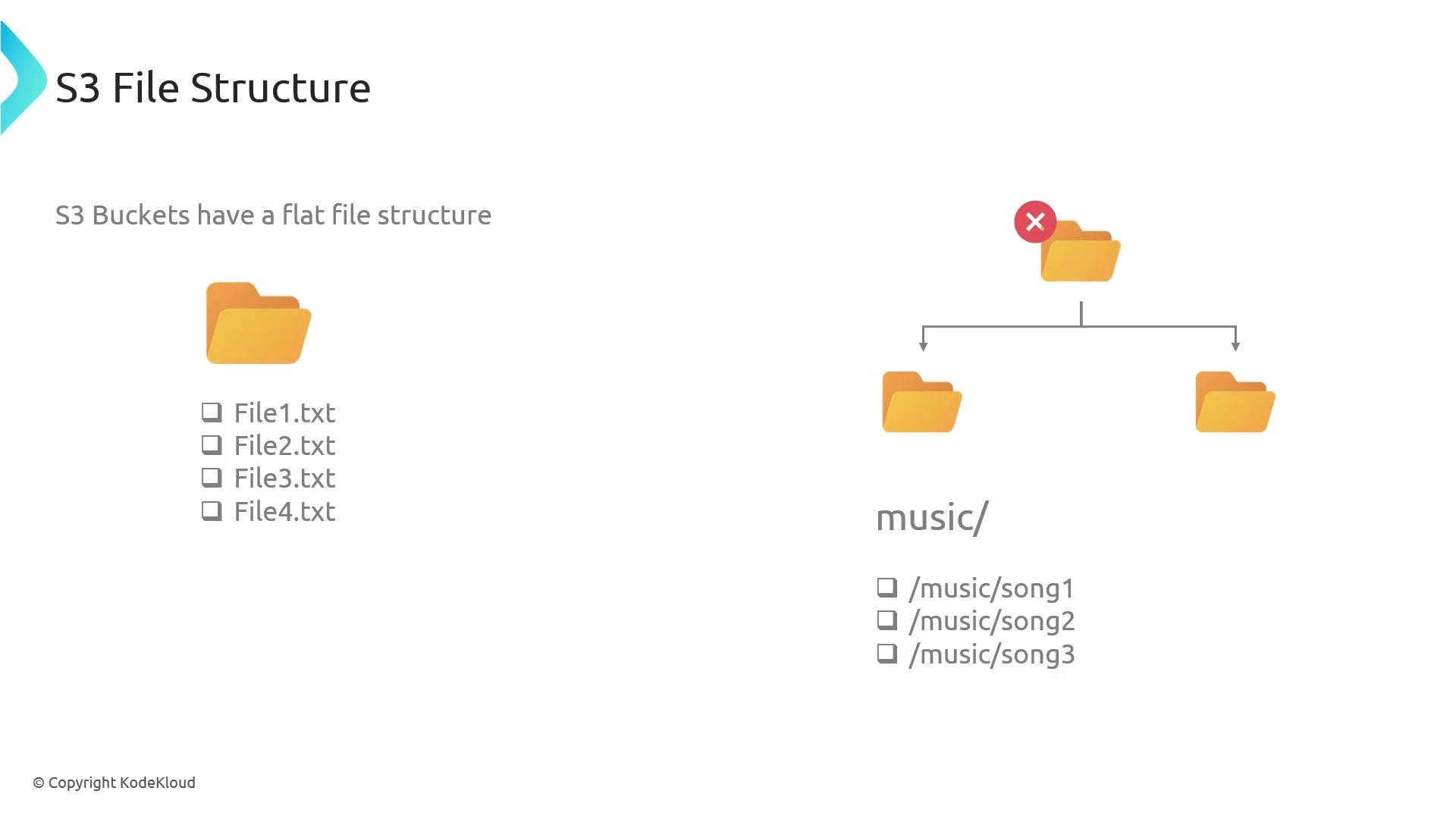
A presentation slide titled "S3 File Structure" showing that S3 buckets use a flat namespace with folder icons (including a crossed-out parent folder) to illustrate virtual folders. It lists example object keys like File1.txt and /music/song1 to demonstrate how files are stored.
Durability and availability
  • When you upload an object, S3 replicates data across multiple physical servers and multiple Availability Zones (AZs) to provide very high durability and availability. Cross-AZ replication protects objects from server or AZ failures.
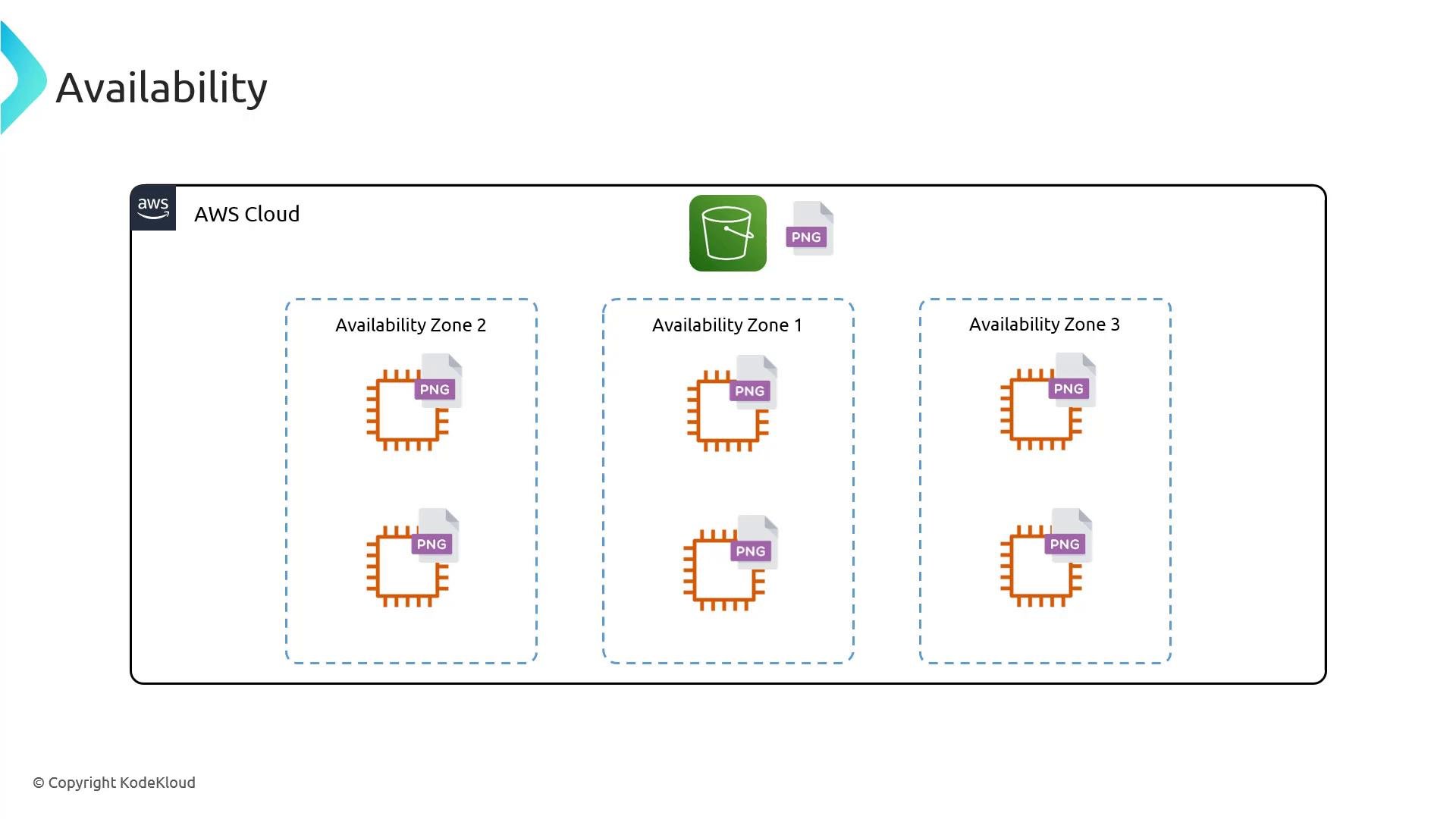
A diagram titled "Availability" showing an AWS Cloud boundary with three dashed Availability Zones labeled 1–3. Each zone contains orange compute/EC2 icons with PNG file overlays, and a green S3 bucket icon is shown above the zones.
Bucket naming and URL implications
  • Bucket names are globally unique across all AWS accounts because the bucket name forms part of the globally addressable endpoint for objects. For example:
    • https://<bucket-name>.s3.amazonaws.com/<key>
  • Some endpoint patterns include region names (e.g., s3.us-east-1.amazonaws.com). Certain bucket name patterns (for example, names containing dots) can affect TLS/SSL validation for virtual-hosted–style URLs, so pick names carefully and follow AWS naming rules.
Bucket names are globally unique. Choose names carefully and follow AWS naming rules because the name becomes part of the URL for your objects.
S3 limits and best practices Multipart upload is useful when uploading very large objects: it lets you split an object into parts, upload parts in parallel, and complete the upload once all parts are uploaded. This improves performance and reliability for large files.
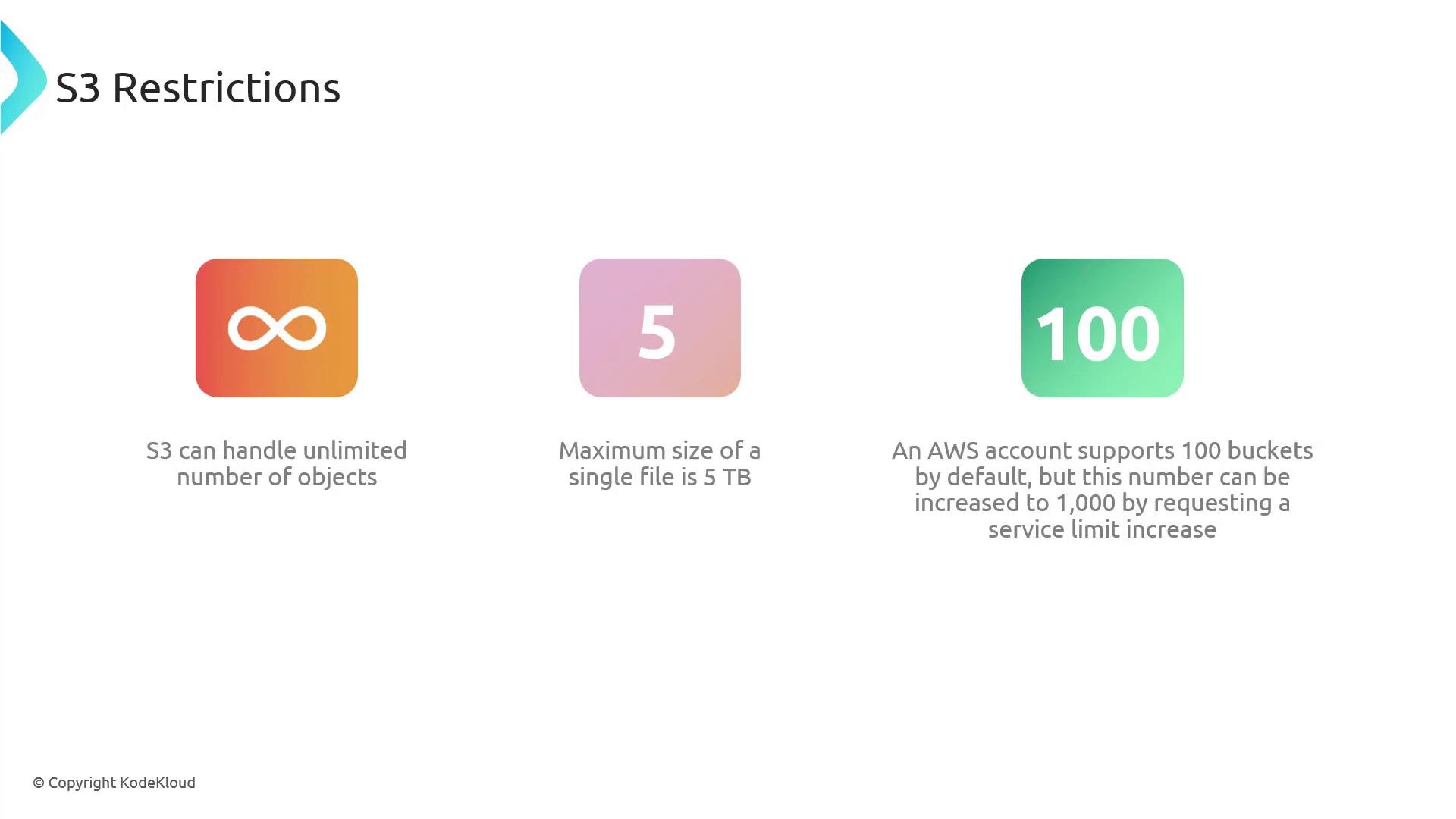
A presentation slide titled "S3 Restrictions" showing three icons that summarize S3 limits: unlimited objects (infinity), maximum single file size 5 TB, and a default 100 buckets per AWS account (can be raised).
Summary
  • Amazon S3 is a highly scalable, durable, and available object storage service optimized for security and performance.
  • Typical use cases: media hosting, logging, CI/CD artifacts, backups, and static website hosting.
  • S3 uses a flat object namespace; the console provides virtual folders by grouping on key prefixes.
  • Objects consist of a key (name), a value (data), and optional metadata/versioning.
  • Buckets are containers for objects and must have globally unique names; bucket names appear in object URLs.
  • S3 supports virtually unlimited objects, individual objects up to 5 TB, and multipart upload for large files.
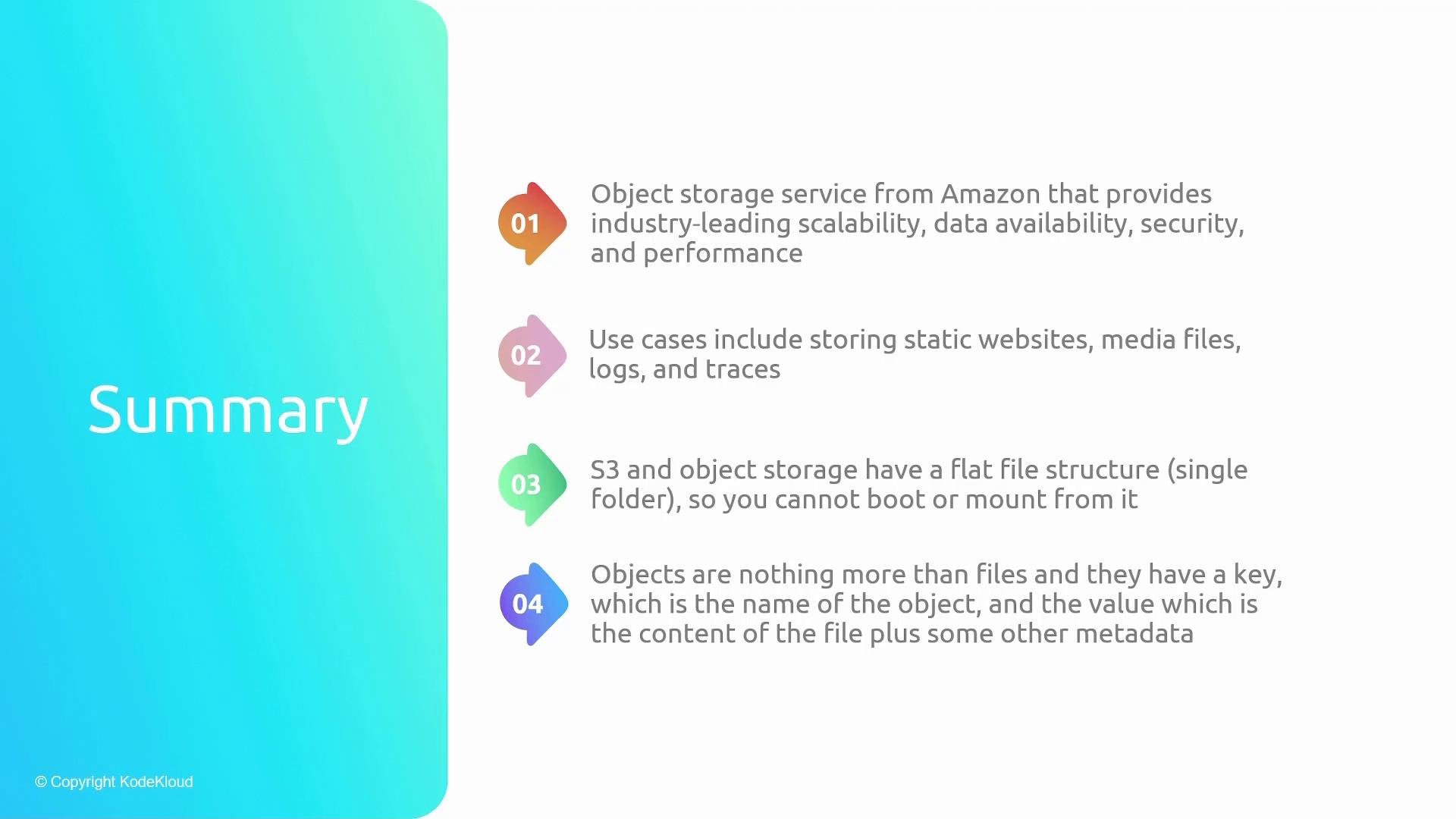
A presentation slide titled "Summary" showing four colorful numbered points describing Amazon S3/object storage, its use cases, flat file structure, and object metadata. The slide has a blue-green gradient panel on the left and white background for the text on the right.
Links and references

Watch Video