

What problem do pre-signed URLs solve?
- You have a private S3 bucket (recommended for sensitive data).
- IAM-authenticated identities with proper permissions can get/put objects in that bucket.
- But sometimes you need to allow a non-AWS (public/unauthenticated) user to access a specific object temporarily.
- Create an AWS account for that person — impractical for most workflows.
- Make the bucket or object public — often undesirable for security and compliance.
Typical use cases
- Secure streaming of private videos (membership-only content).
- Letting clients upload directly to S3 from the browser or mobile app (reduces backend bandwidth).
- Sharing a single file with a contractor or vendor for a limited time.
- Temporary links for downloads in emails or support workflows.
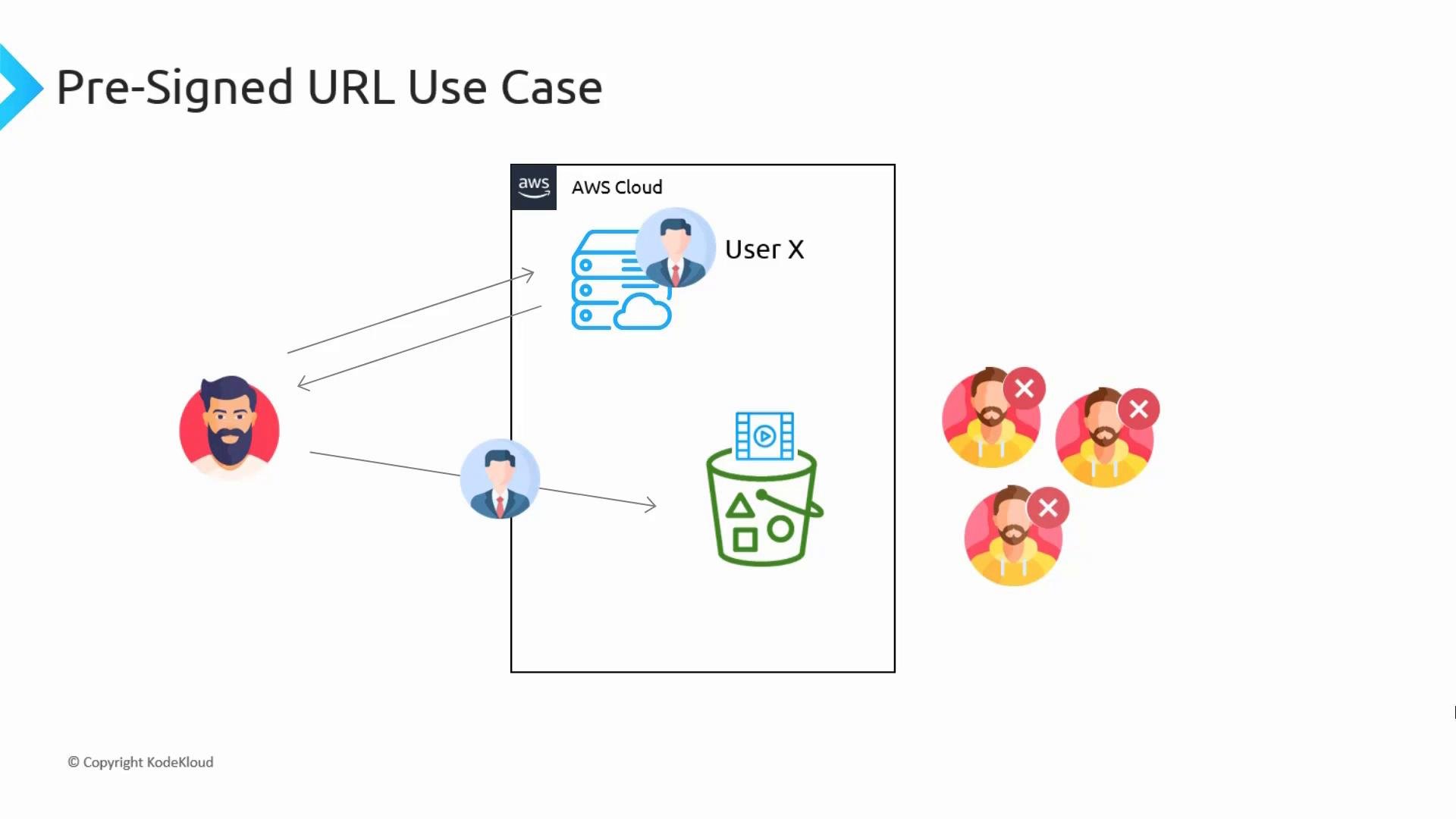
- A video-hosting site stores large media files in private S3 buckets.
- When a paying user requests a video, the backend issues a pre-signed GET URL for the object and returns it to the client.
- The client fetches the video directly from S3 with the pre-signed URL. S3 authorizes the request using the credentials of the URL creator; users without the URL cannot access the private content.
Direct uploads: cut out the backend
A common pattern is:- Client requests a pre-signed upload URL from your API.
- Your API (running with permissions to
PutObject) generates a pre-signed PUT or POST URL and returns it to the client. - The client uploads directly to S3 using that pre-signed URL.
- Files do not traverse your backend — reduces bandwidth and server load.
- Uploads are faster and more scalable.
- Backend still controls access (it issues the pre-signed URL and validates metadata, size, etc.).
- PUT: Use when you want a simple single-file upload.
- POST: Use when you need form-based uploads and constraints (e.g., content-type, file size limits).
Example commands and code
AWS CLI (generate a GET presigned URL, valid for 1 hour):Key points and constraints
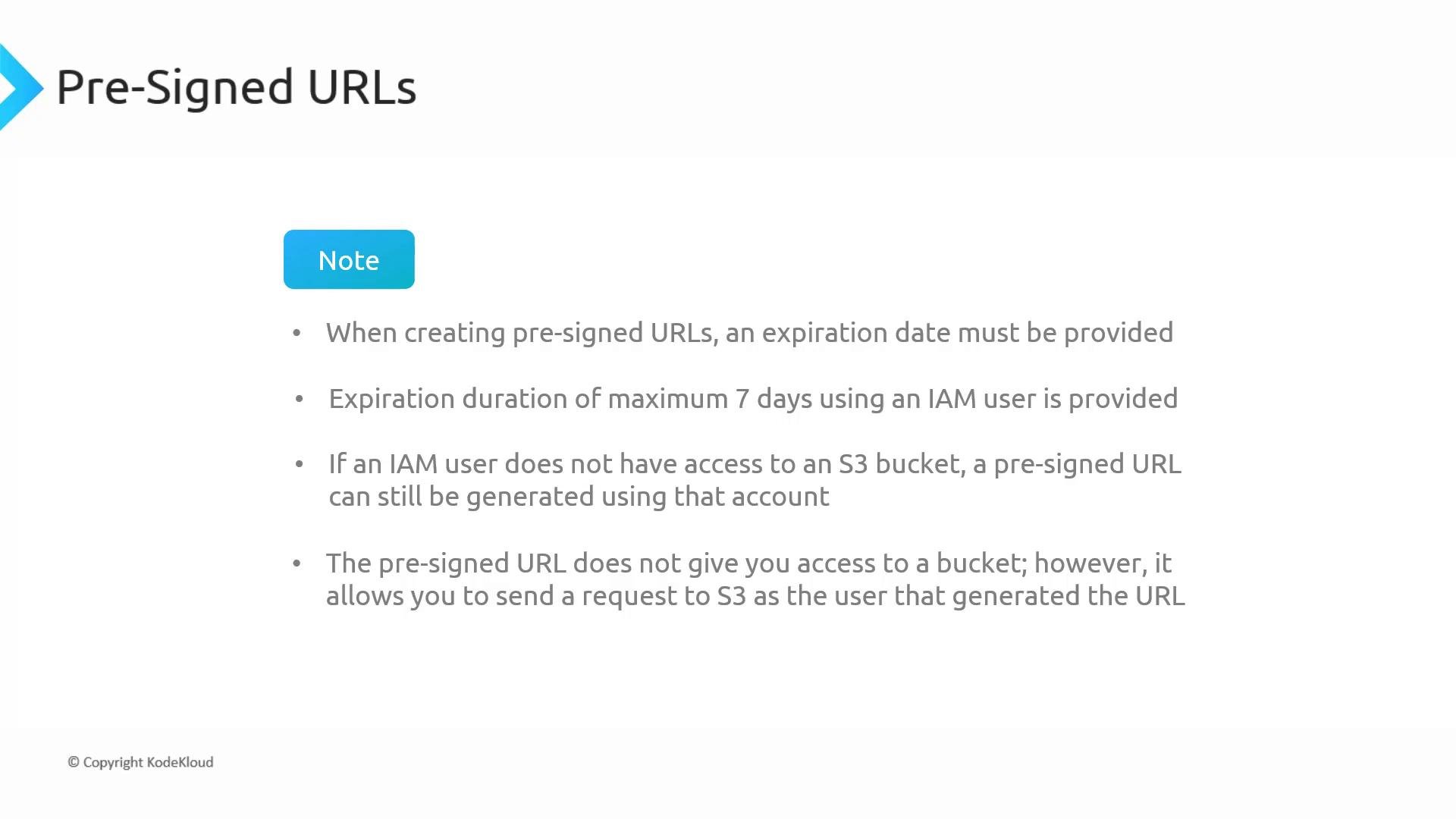
Pre-signed URLs let you perform time-limited operations on S3 as the identity that created the URL — they do not change or escalate permissions. Always ensure the creating identity has only the minimum necessary permissions and set short expirations whenever possible.
How pre-signed URLs work (brief)
- The URL contains a signature, timestamp, and other metadata. S3 validates this signature on each request.
- The signature is computed using the signing identity’s credentials (long-term keys or temporary STS tokens).
- The allowed HTTP method and optional headers are encoded into the signature; requests that do not match the signed parameters are rejected.
- Anyone with the URL may use it until it expires — treat pre-signed URLs as sensitive secrets and rotate or revoke access by invalidating credentials or changing object keys if necessary.
Anyone who obtains a pre-signed URL can use it until it expires. Do not embed long-lived pre-signed URLs in public repositories, logs, or untrusted locations. Use short expirations and validate uploads on the backend when necessary.
Security best practices
- Use the principle of least privilege for the identity that creates pre-signed URLs.
- Keep URL expirations as short as practical for the use case.
- Validate uploaded content server-side if you rely on file type, size or metadata for downstream processing.
- Prefer pre-signed POST with conditions when you need to restrict fields (content-type, filename prefixes, max size).
- If you must revoke access immediately, rotate the IAM credentials used to sign URLs or change the object key/location.
Summary
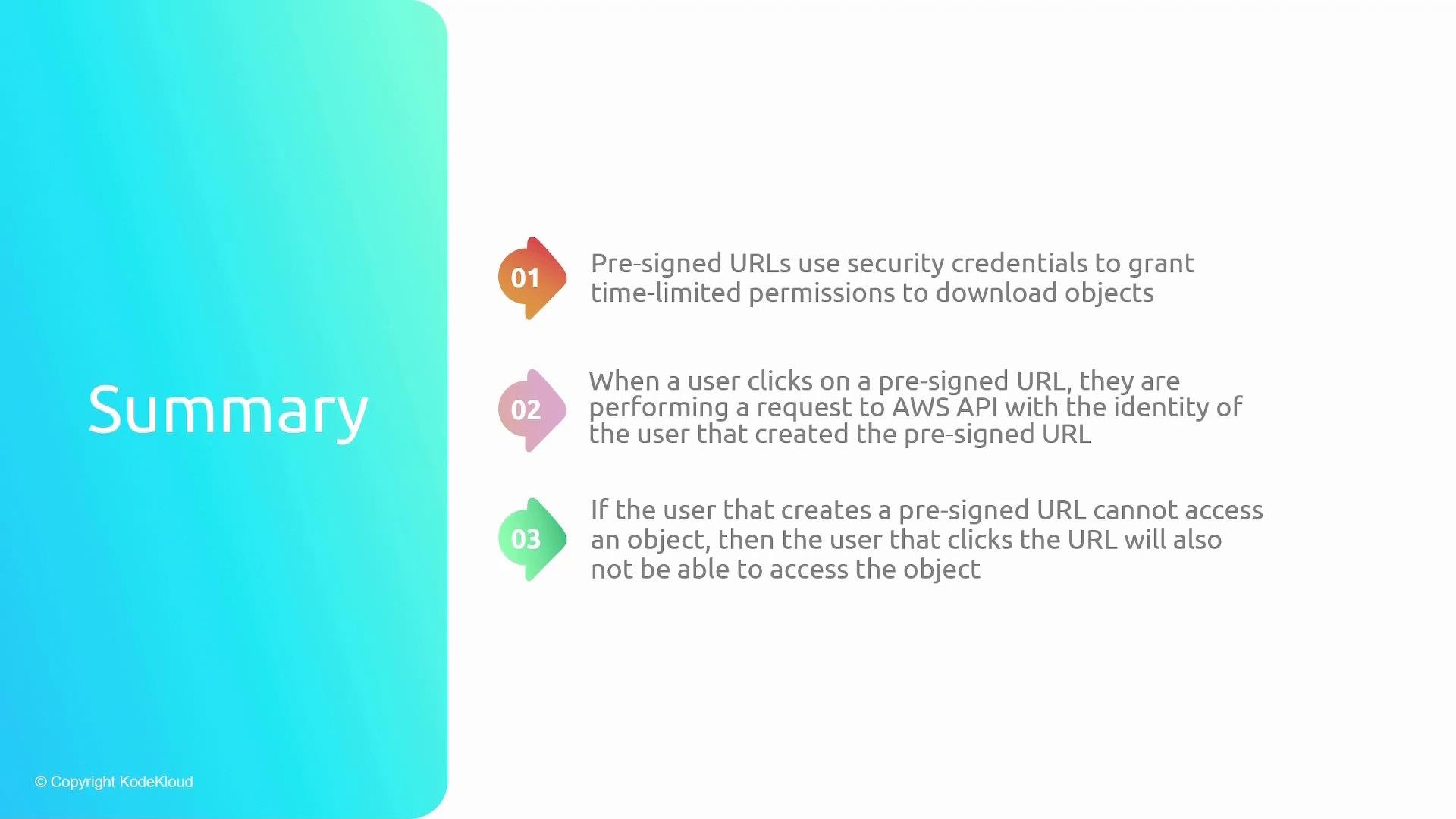
- Pre-signed URLs let you grant time-limited download or upload access to S3 objects without making the bucket public or creating AWS accounts for recipients.
- Requests using a pre-signed URL are executed with the identity and permissions of the URL generator.
- A generated pre-signed URL cannot grant access beyond the generating identity’s permissions; if the creator lacks access, the URL will fail.
References
- AWS S3: Share an object using a presigned URL — https://docs.aws.amazon.com/AmazonS3/latest/userguide/ShareObjectPreSignedURL.html
- AWS STS (temporary credentials) — https://docs.aws.amazon.com/STS/latest/UsingSTS/Welcome.html
- AWS CLI
s3 presign— https://docs.aws.amazon.com/cli/latest/reference/s3/presign.html