

Why Elastic IPs exist
When you launch an EC2 instance into a public subnet, AWS assigns a public IPv4 address from Amazon’s pool (for example,1.1.1.1). That automatically assigned public IP is not reserved for your instance — it can change if the instance stops, starts, or moves to another host. Because these ephemeral public IPs are not persistent, using them for long-lived endpoints results in operational problems: clients, DNS records, or integrations would have to track changing IPs.
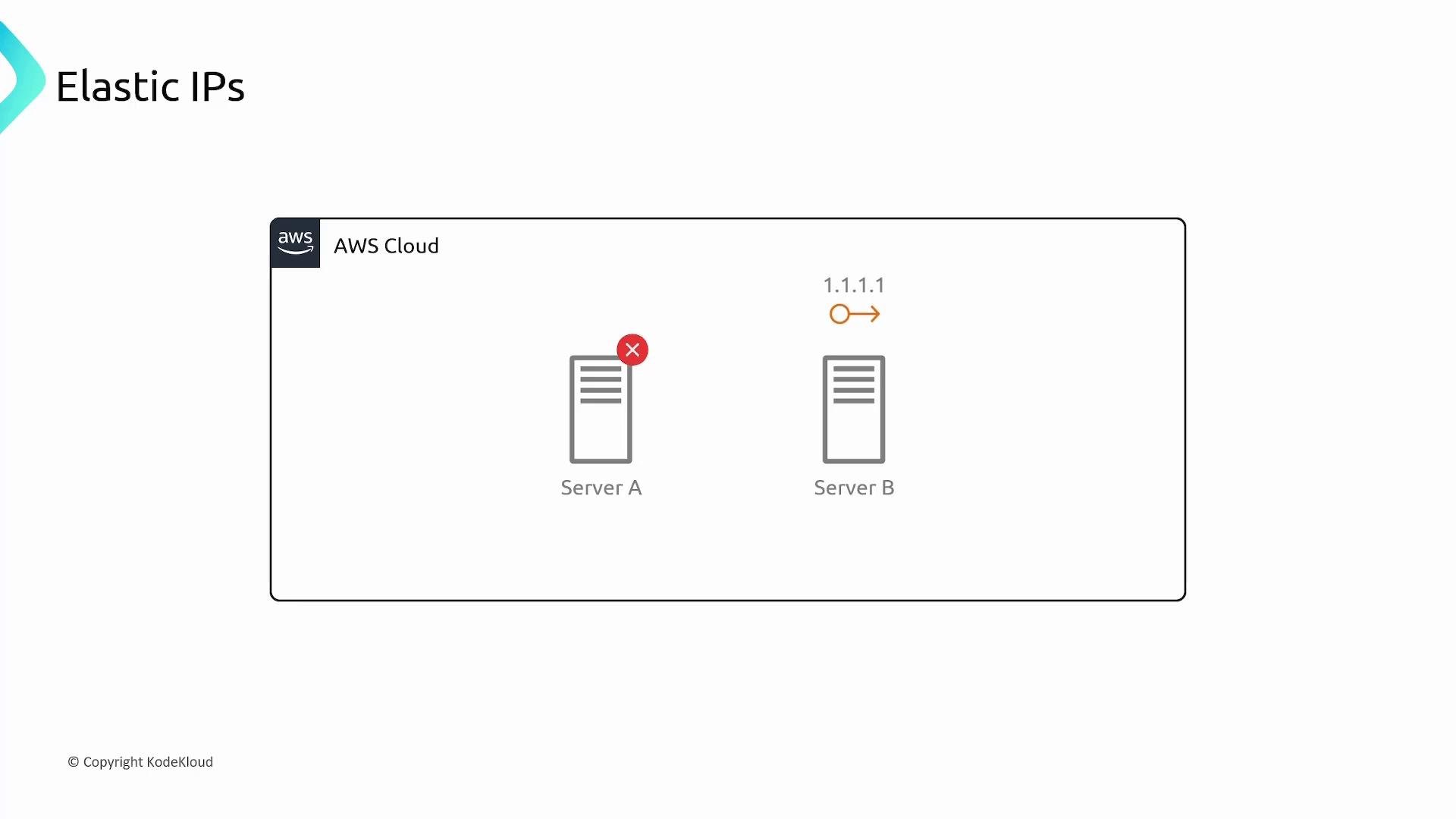
Elastic IP addresses solve this by giving you a static IPv4 address reserved for your AWS account. You can associate that address with an instance or a specific network interface (ENI), and the public IP remains stable across reboots, stop/start cycles, or instance replacement.
- Allocate an Elastic IP to your AWS account.
- Associate the Elastic IP with an EC2 instance or ENI.
- If you need to perform maintenance or failover, disassociate and re-associate the Elastic IP with another instance — clients keep using the same public IP.
Practical uses
- Static public endpoints: keep a fixed IPv4 address for services that require a stable IP (legacy systems, IP allowlists).
- Simple failover: move the Elastic IP between instances in the same region to redirect traffic immediately.
- Maintenance: assign an Elastic IP to replacement instances without changing DNS records.
Pricing and charging behavior
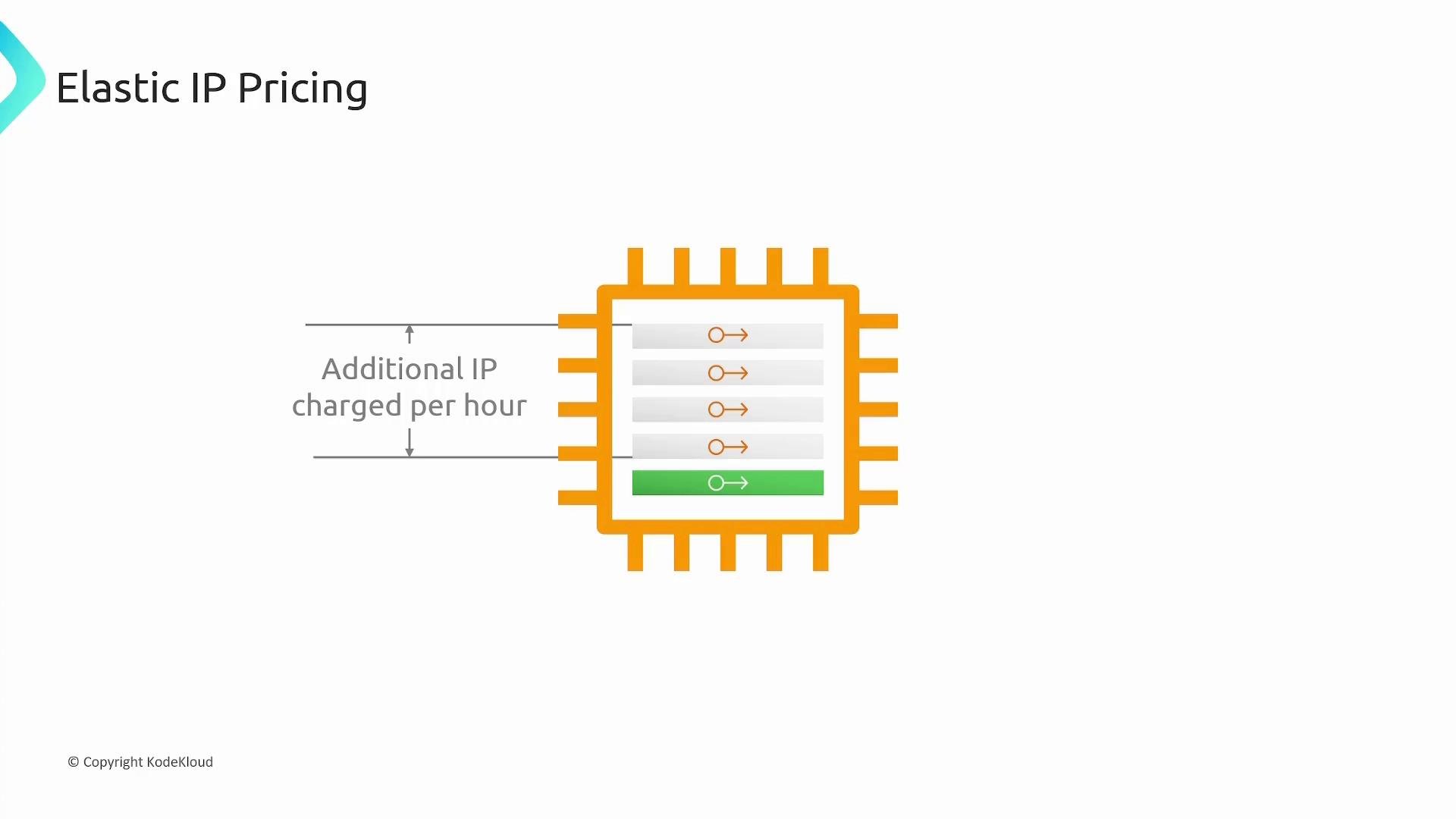
AWS pricing is designed to discourage hoarding of public IPv4 addresses. Typical billing behavior is:Keep in mind: AWS intends Elastic IPs to be used sparingly. If an Elastic IP remains allocated but unused (not associated), you will be billed a small hourly fee until you release it.
Important limitations and region behavior
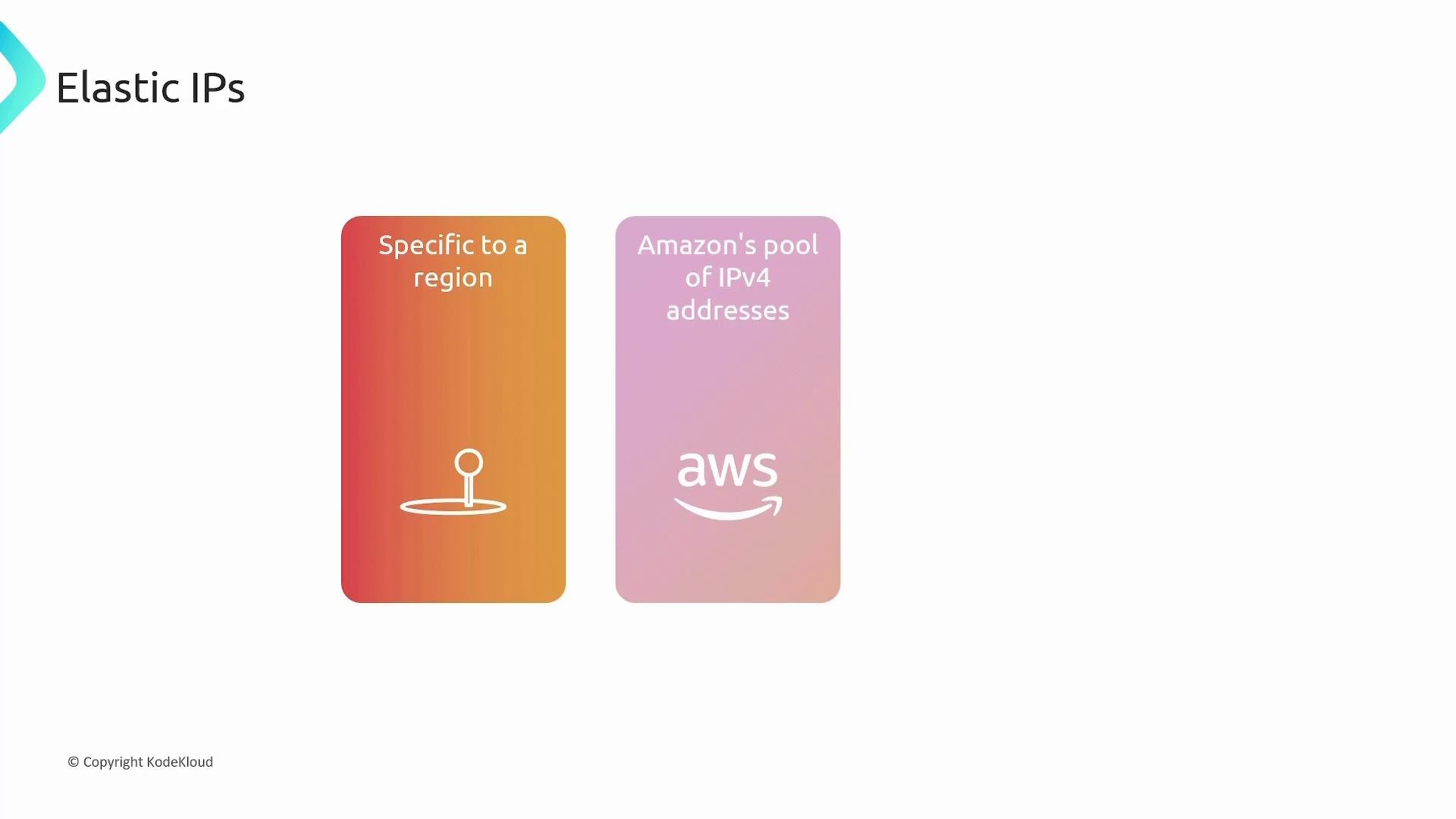
- Region-specific: Elastic IPs are allocated per AWS region. You cannot move an Elastic IP between regions.
- Source pool: Elastic IPs may be from Amazon’s AWS-owned IPv4 pool or from a custom BYOIP (Bring Your Own IP) pool that you imported.
- Attachment targets: Elastic IPs attach to instances or ENIs and map to the instance’s private IP address.
- Account scoped: Elastic IPs are associated with your AWS account; they remain allocated until you release them.
Elastic IPs are region-bound. If you need global static addressing, consider using an AWS-managed service such as Global Accelerator or using Route 53 with health checks and failover — Elastic IPs cannot be moved across regions.
Quick AWS CLI examples
Allocate an Elastic IP for VPC:AllocationId from allocate-address):
AssociationId from associate-address):
AllocationId):
Summary
- Default AWS-assigned public IPv4 addresses are ephemeral and can change when an instance is stopped, started, or replaced.
- Elastic IPs are static IPv4 addresses you allocate to your account and associate with instances or ENIs to maintain a persistent public IP.
- Elastic IPs are region-specific and can be reassigned between instances in the same region.
- AWS discourages unused Elastic IPs via small hourly charges when they are allocated but not associated, and for additional IPs attached to the same instance.
Links and references
- Amazon EC2 Elastic IP Addresses (AWS Docs)
- AWS CLI reference: allocate-address
- AWS CLI reference: associate-address