

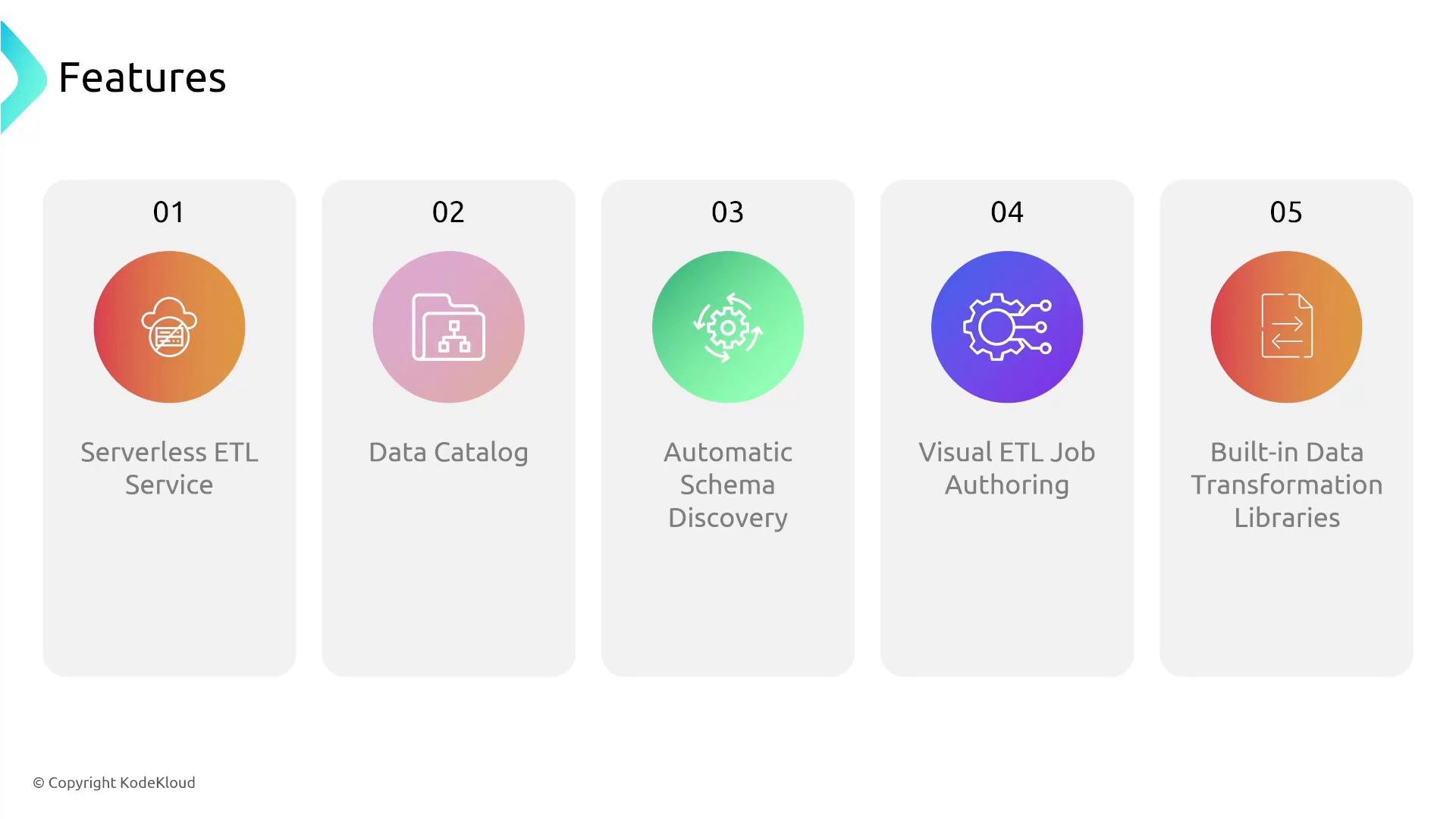
- Serverless ETL (Spark-based or Python shell)
- Centralized Data Catalog for metadata
- Automatic schema discovery via crawlers
- Visual ETL authoring with Glue Studio
- Built-in transforms and libraries to speed common ETL tasks
Key components and behaviors
- Crawlers perform automatic type inference. If the inferred schema is incorrect, refine the schema in the Data Catalog or add custom classifiers.
- Use job bookmarks to enable incremental ETL and avoid reprocessing already-processed data.
- Glue integrates tightly with the AWS analytics ecosystem (Athena, EMR, Redshift Spectrum, QuickSight).
Typical Glue workflow
- Point a crawler at one or more data sources (S3, JDBC, DynamoDB, etc.).
- The crawler discovers the schema and creates/updates tables in the Glue Data Catalog.
- Author a Glue job (PySpark or Scala for Spark jobs, or Python shell for light tasks) or use the Glue Studio visual editor.
- Trigger the job on-demand, on a schedule, or via events (EventBridge / CloudWatch Events).
- The job extracts data, applies transforms, and writes results to the target (S3 data lake, Redshift, etc.).
- Use the Glue Data Catalog as the metadata source for Athena, EMR, Redshift Spectrum, or visualization tools like QuickSight.
Examples
Start a crawler via the AWS CLI: AWS CLI start-crawler referenceIntegrations and outputs
- Common targets: Amazon S3 and Amazon Redshift.
- The Glue Data Catalog is consumable by: Amazon Athena, Amazon EMR, Amazon Redshift Spectrum.
- Downstream visualization and BI tools (e.g., Amazon QuickSight) can use datasets produced by Glue jobs.
Transforms and libraries
AWS Glue provides built-in transforms via the DynamicFrame API to handle common tasks:- Field operations: rename, drop, add
- Filtering, mapping, joining, aggregations
- Format conversions (CSV, JSON, Parquet, ORC)
- Schema reconciliation when source schemas vary
Best practices and tips
- Use the Glue Data Catalog as the single source of truth for table metadata across analytics services.
- Do not rely solely on automated schema inference for production-critical pipelines — validate inferred schemas or supply explicit classifiers.
- Use job bookmarks for incremental processing to prevent duplicate processing.
- Start with Glue Studio for rapid prototyping; export and refine job code when you need advanced custom logic or performance tuning.
- Monitor job runs and set up alerts using CloudWatch and EventBridge for production reliability.
Glue is serverless and you pay for resources consumed during job execution; you don’t manage underlying instances. Use this to reduce operational overhead compared to managing your own Spark clusters.
Automatic schema discovery is convenient but not infallible. Validate inferred schemas and add custom classifiers or explicit schema definitions where accuracy is required.
Links and references
- AWS Glue product page
- AWS Glue documentation
- Amazon S3
- Amazon Redshift
- Amazon Athena
- Amazon EMR
- Amazon QuickSight