

How it works
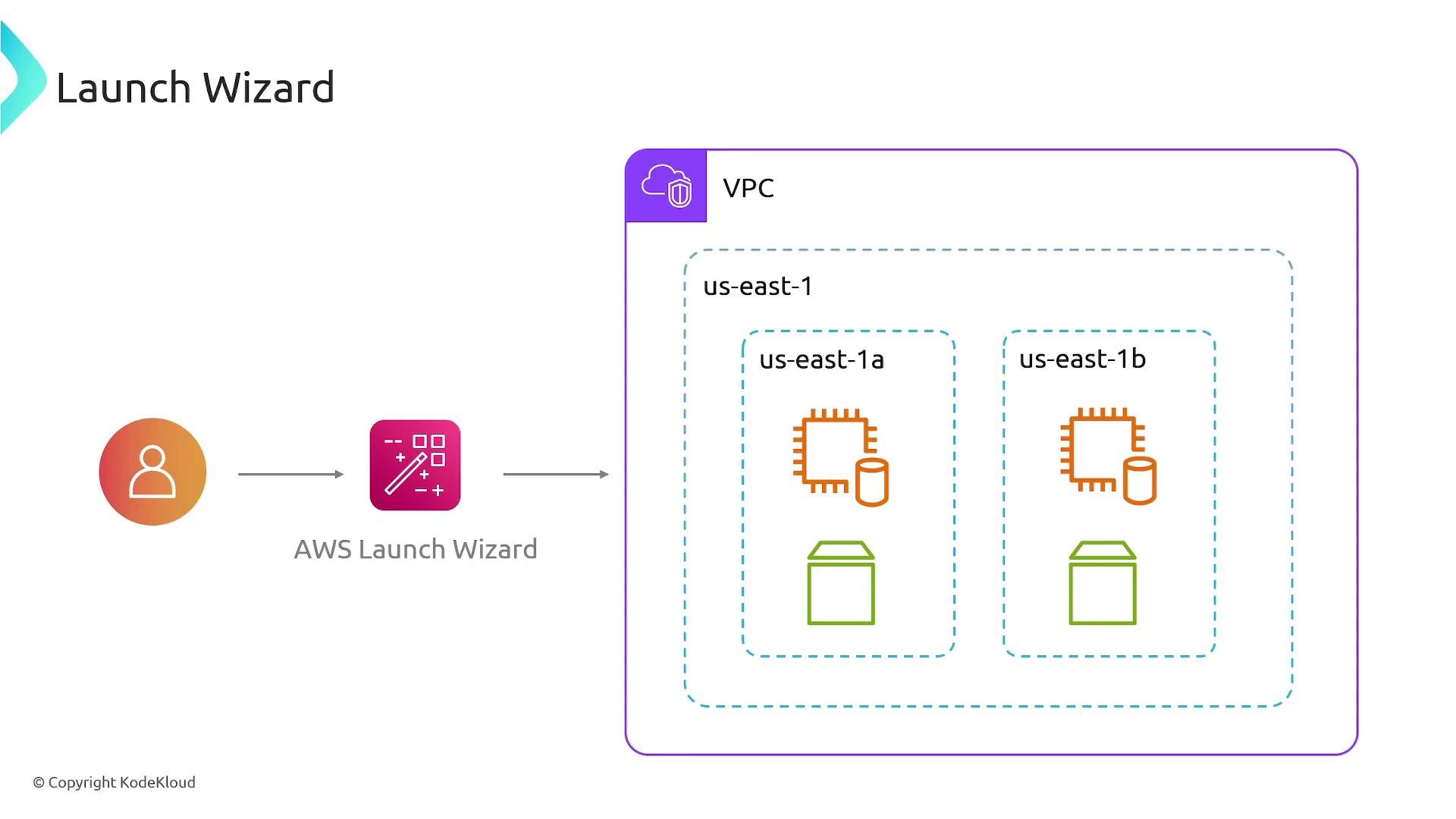
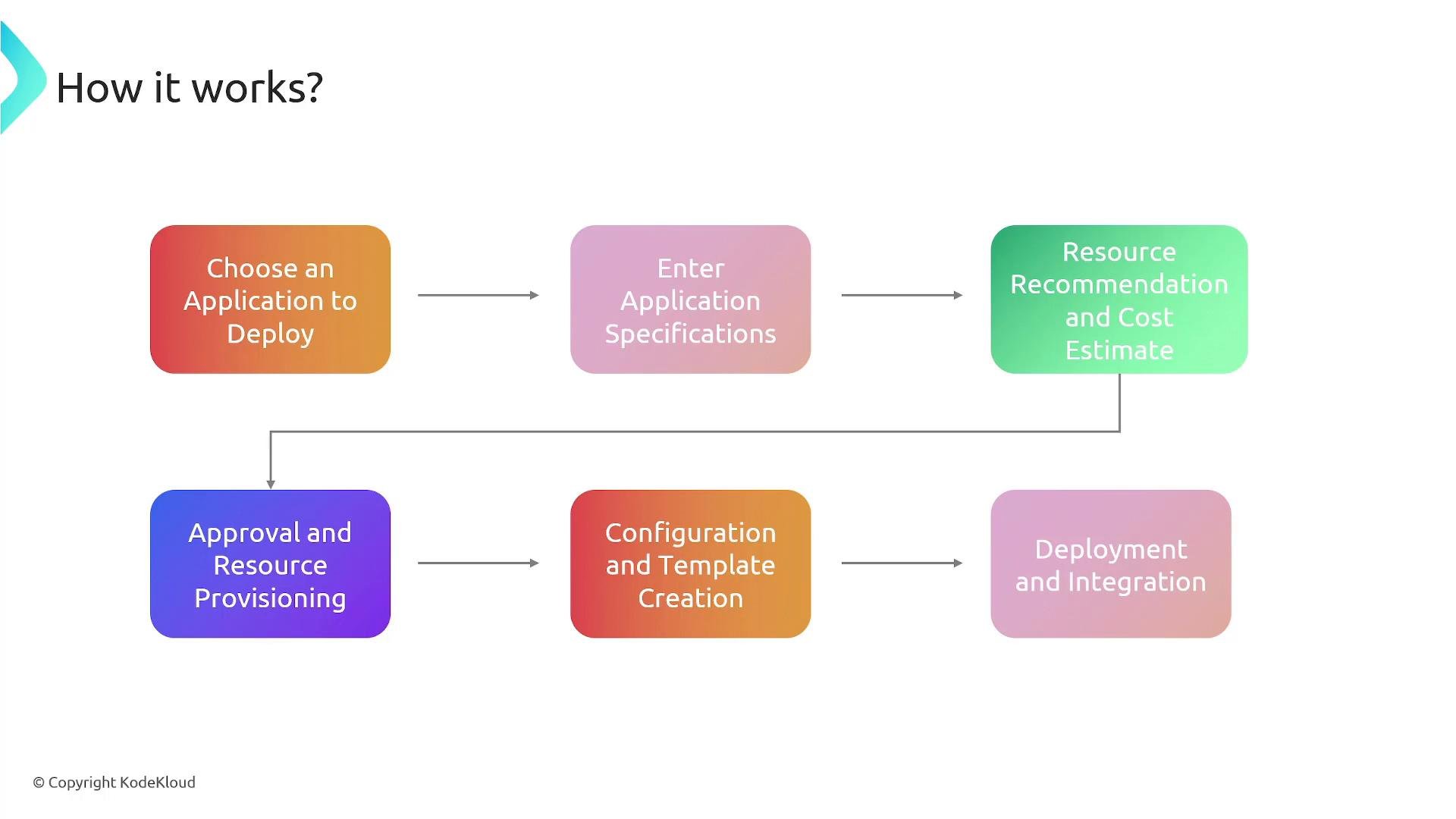
- Choose an application from the Launch Wizard catalog — supported applications are commonly used enterprise platforms and databases.
- Provide application configuration details such as instance sizing, storage type and capacity, licensing options, and high-availability requirements.
- Launch Wizard analyzes the inputs and recommends an AWS architecture (EC2 instance types, EBS volumes, networking patterns) and provides an estimated monthly cost for the recommended resources.
- Review the recommendations and approve them to proceed.
- Launch Wizard generates and deploys AWS CloudFormation stacks that provision the specified resources and configure the application for HA and resiliency.
- The service integrates the deployed application with AWS monitoring (CloudWatch), IAM for access control, and other platform services, then saves the generated CloudFormation templates for future reuse or customization.
Supported applications and common use cases
- SQL Server (single-node or high-availability deployments)
- Microsoft Active Directory
- SAP applications and database tiers
- Other enterprise applications commonly deployed in AWS that require specific sizing and topology
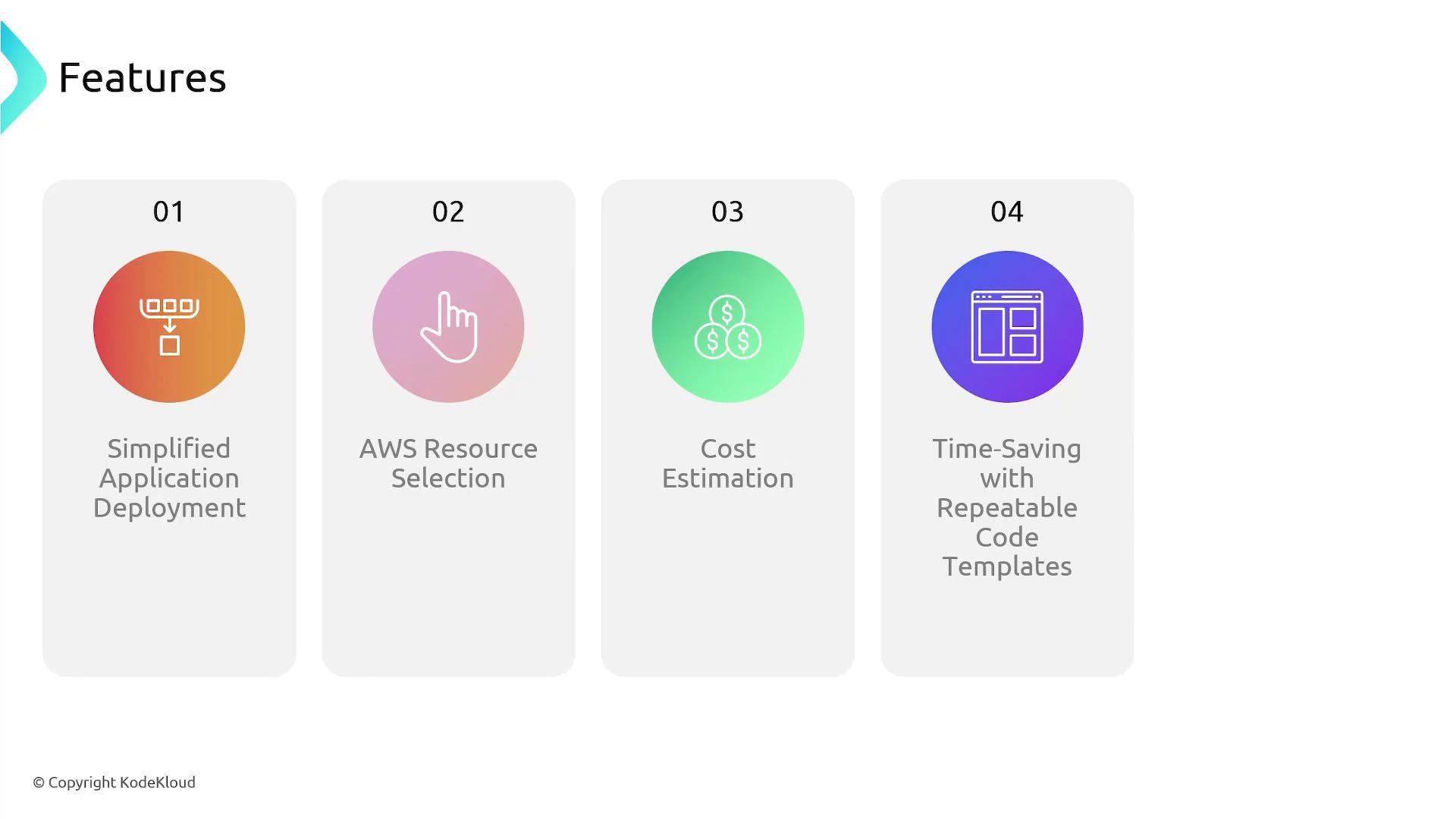
- You need a fast, repeatable way to deploy complex third-party applications.
- You want recommended AWS resource selections and an upfront cost estimate.
- You prefer infrastructure-as-code outputs (CloudFormation templates) you can version and reuse.
Benefits
AWS Launch Wizard is free to use — you only pay for the underlying AWS resources it provisions (for example, EC2 instances, block storage volumes, and any other billable services).
To provision resources, Launch Wizard needs permissions to create CloudFormation stacks and manage resources (EC2, block storage, [IAM]-related resources, etc.). Ensure the IAM user or role you use has the required permissions or that you deploy using an appropriately privileged role.
Summary
AWS Launch Wizard speeds up and standardizes deployments of supported third-party enterprise applications by recommending appropriate AWS resources, generating CloudFormation templates, and deploying production-ready stacks that follow AWS best practices. It reduces operational overhead, provides cost visibility, and gives you reusable infrastructure-as-code artifacts — while you remain responsible for the costs of the underlying AWS resources.Links and references
- AWS CloudFormation overview
- Amazon EC2 documentation
- Amazon CloudWatch documentation
- AWS IAM documentation