This article explores IAM Identity Center, a service for centralized authentication and authorization across multiple AWS accounts, highlighting its advantages over traditional IAM.
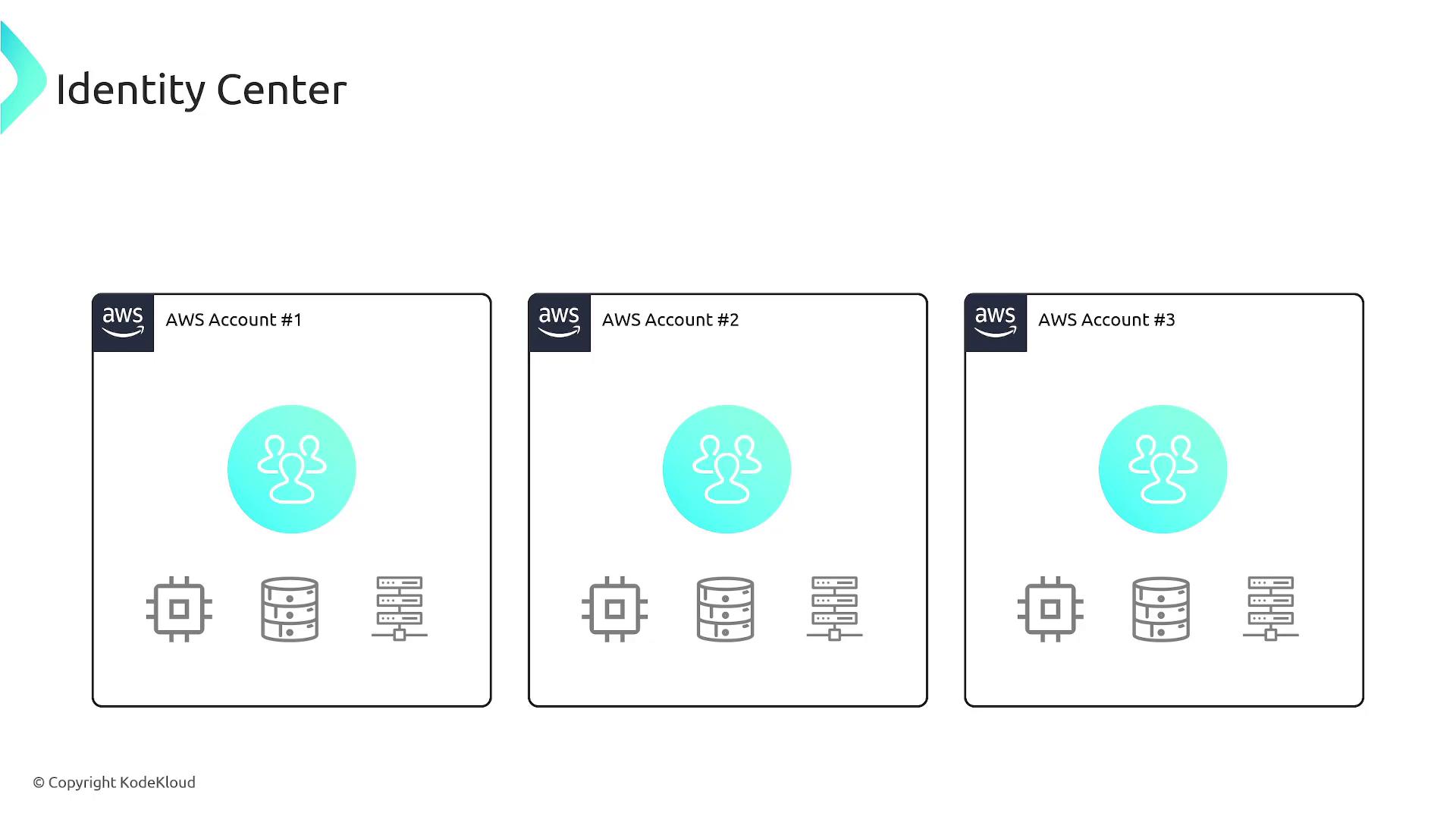
In this lesson, we explore IAM Identity Center—a service that extends traditional AWS IAM functionality by providing centralized authentication and authorization across multiple AWS accounts. By the end of this guide, you’ll understand the operational differences and advantages of using IAM Identity Center over standard IAM.Imagine an organization managing several AWS accounts. In a traditional setup, if a user (for example, Bob) requires access to resources in accounts one, two, and three, you must manually create an IAM user in each account with the necessary permissions. This repetitive process becomes even more cumbersome when another employee, Mark, needs access to different sets of accounts.
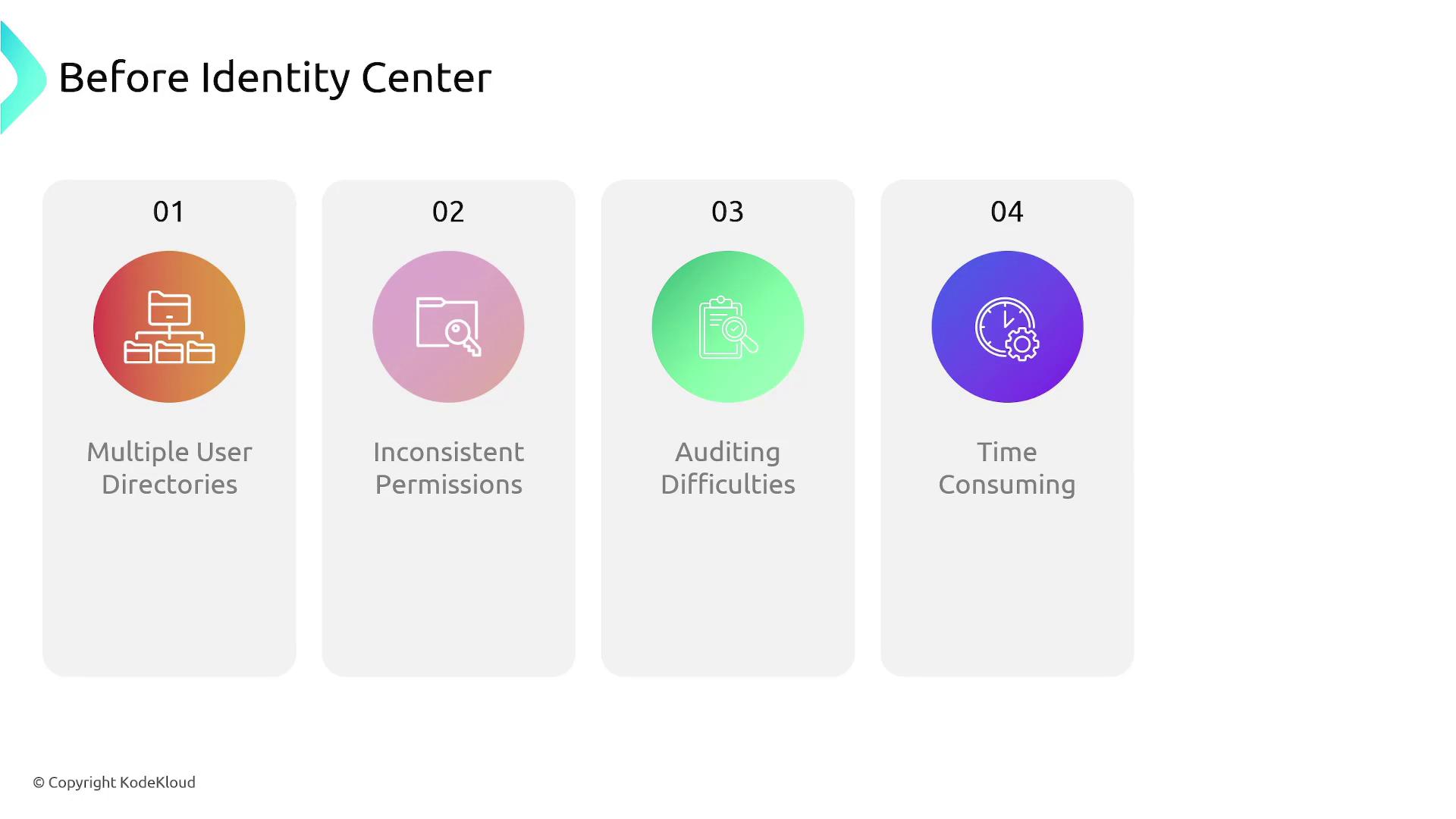
Managing authentication and authorization across multiple AWS accounts comes with several challenges:
Duplicated user management tasks due to creating separate IAM users in each account.
Inconsistent permissions, as changes in one account need manual replication in others, resulting in configuration drift.
Complex auditing processes because of the absence of centralized tracking.
Time-consuming role definitions and individual permission management for each AWS account and application.
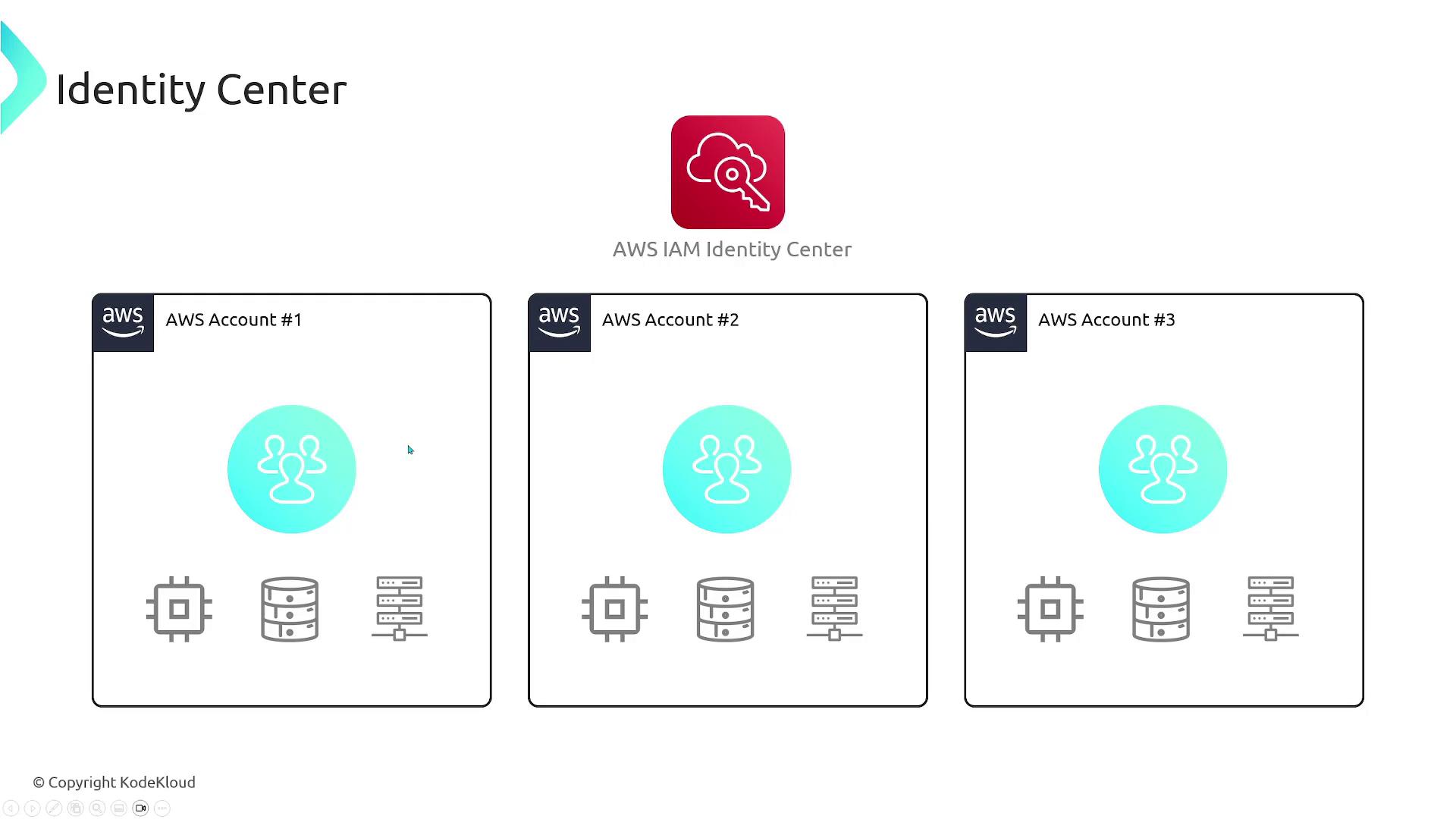
IAM Identity Center centralizes user management, allowing you to create users once and assign them to various AWS accounts with defined permission sets. This drastically reduces administrative overhead and minimizes errors.
IAM Identity Center simplifies operations by letting you manage users from a single location. Instead of creating a new user in every account, you define a user once within the Identity Center and assign them appropriate access to specific accounts. This centralized approach streamlines access control and enhances security.
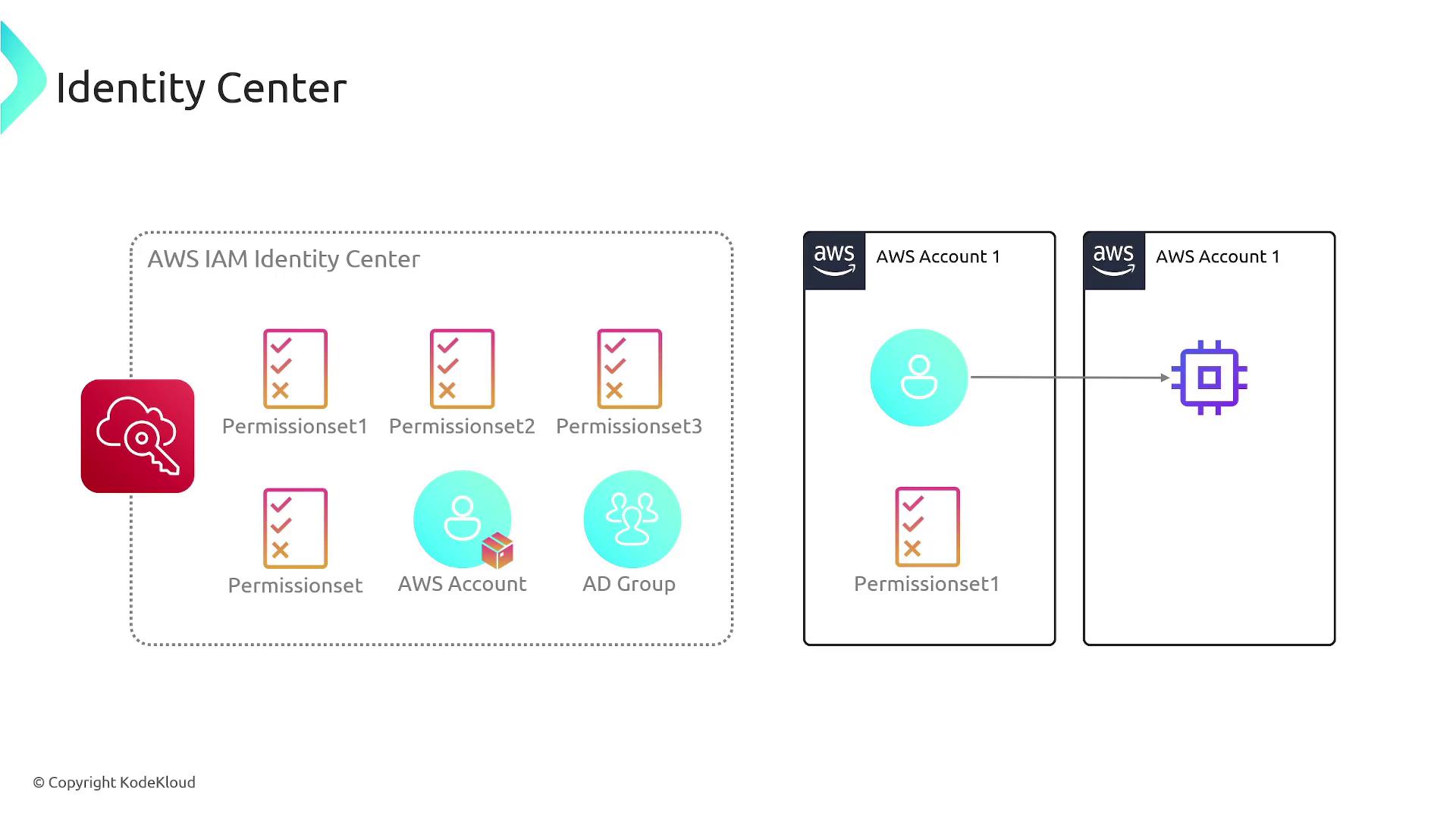
The operational model of IAM Identity Center is similar to that of traditional IAM. Here’s how it works:
Create users in the Identity Center.
Assign users to specific AWS accounts.
Define user permissions using a “permission set,” which is essentially a collection of one or more IAM policies indicating what actions the user can perform in the account.
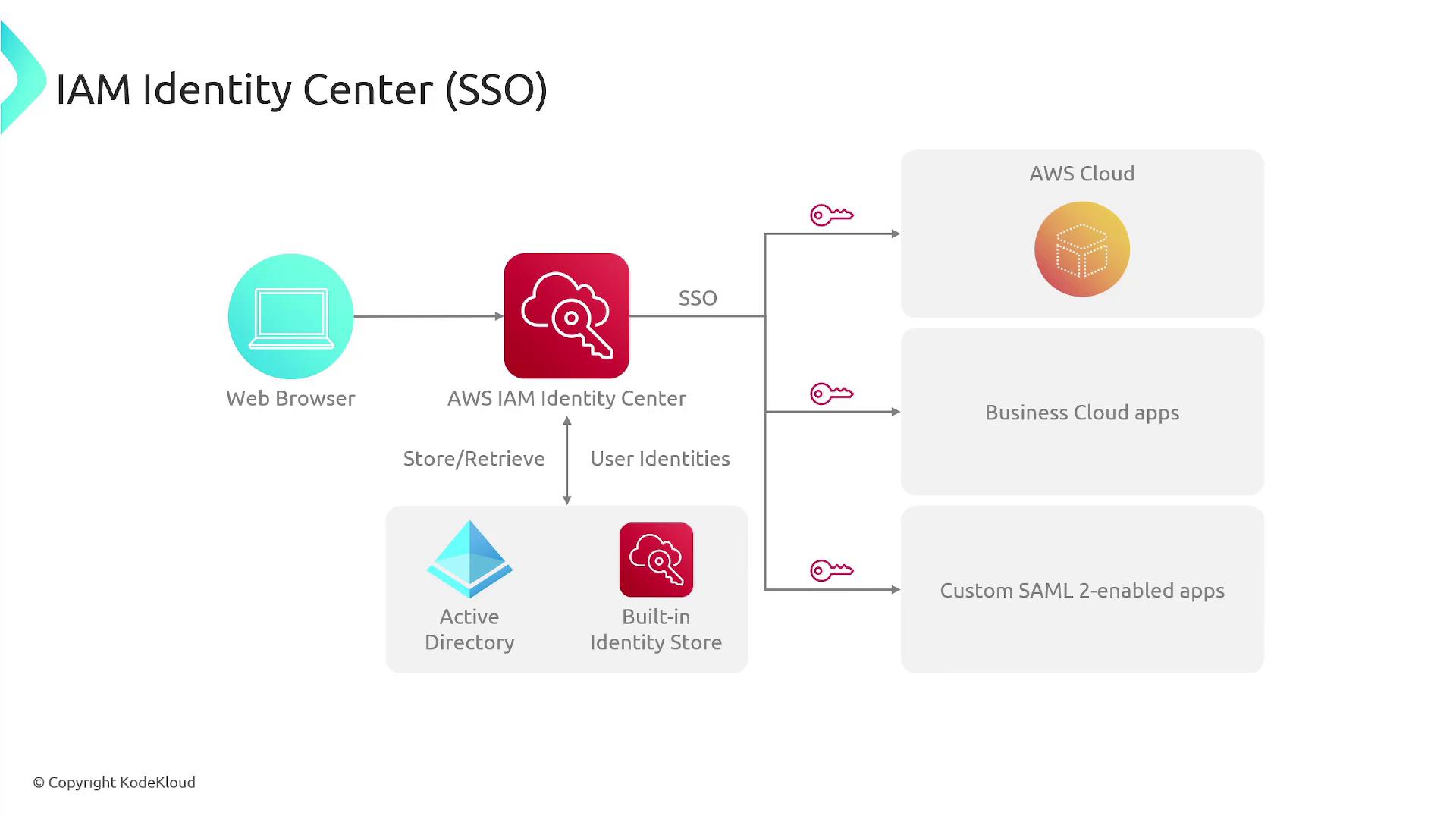
When a user initiates an action in AWS, IAM Identity Center handles both authentication and authorization. Unlike traditional IAM—where users are created and managed individually in each account—IAM Identity Center allows for integration with well-known cloud identity providers such as Active Directory, OneLogin, Okta, and Microsoft Active Directory. This integration facilitates Single Sign-On (SSO) access to AWS resources and various applications.IAM Identity Center also integrates seamlessly with business cloud applications like managed Grafana services, SageMaker, and Systems Manager, as well as custom SAML-enabled applications. This versatility makes it an effective solution for centralized workforce identity management.
Centralized user management across multiple AWS accounts
Streamlined process with permission sets
Integration with popular cloud identity providers
Simplified auditing and reduced configuration drift
Scalable and free of charge for AWS access management
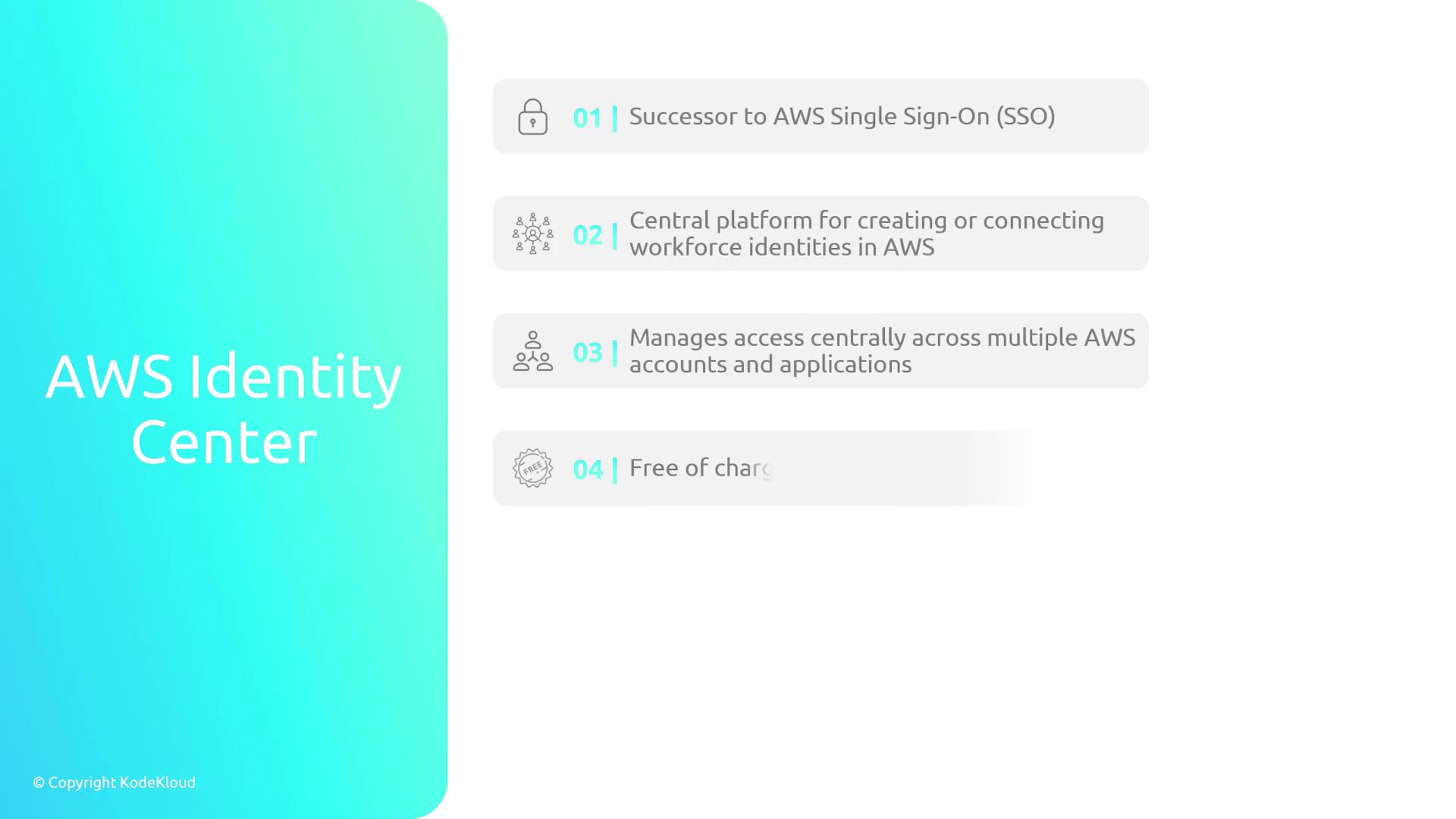
In summary, Amazon Identity Center—formerly AWS Single Sign-On—is a powerful and centralized platform designed to connect or create workforce identities in AWS. It simplifies access management across multiple AWS accounts and applications, scales effortlessly, and even supports SSO for Amazon EC2.