Enabling versioning mitigates risks of accidental deletion or unwanted overwrites by preserving older versions of your objects.
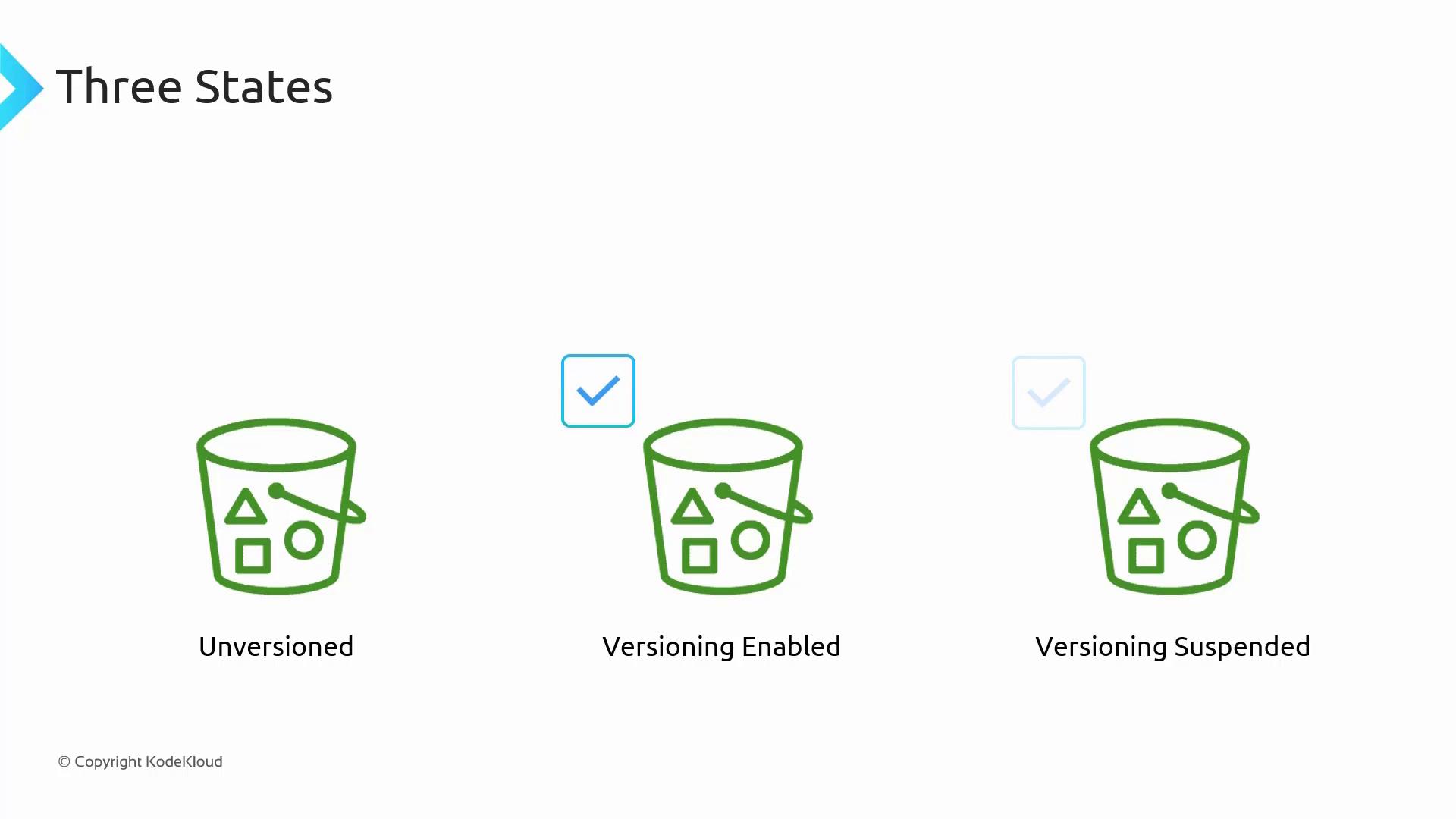
- Unversioned (Default State) – Versioning is disabled.
- Versioning Enabled – New versions of objects are recorded.
- Versioning Suspended – Existing versions are kept, but new uploads do not receive version IDs.
How Versioning Works Under the Hood
When versioning is enabled, each uploaded object is assigned a unique version ID. For example, if the first version of an object is assigned “1” (in practice, S3 uses a long unique string), subsequent uploads with the same key create new versions with distinct IDs (e.g., “2”, “3”, etc.). The most recent version is always considered the current version. If you access the object without specifying a version ID, the latest version is returned. Within the S3 console, object uploads such as file1.txt are listed with their corresponding version IDs and metadata, including modification dates. This allows you to track changes over time.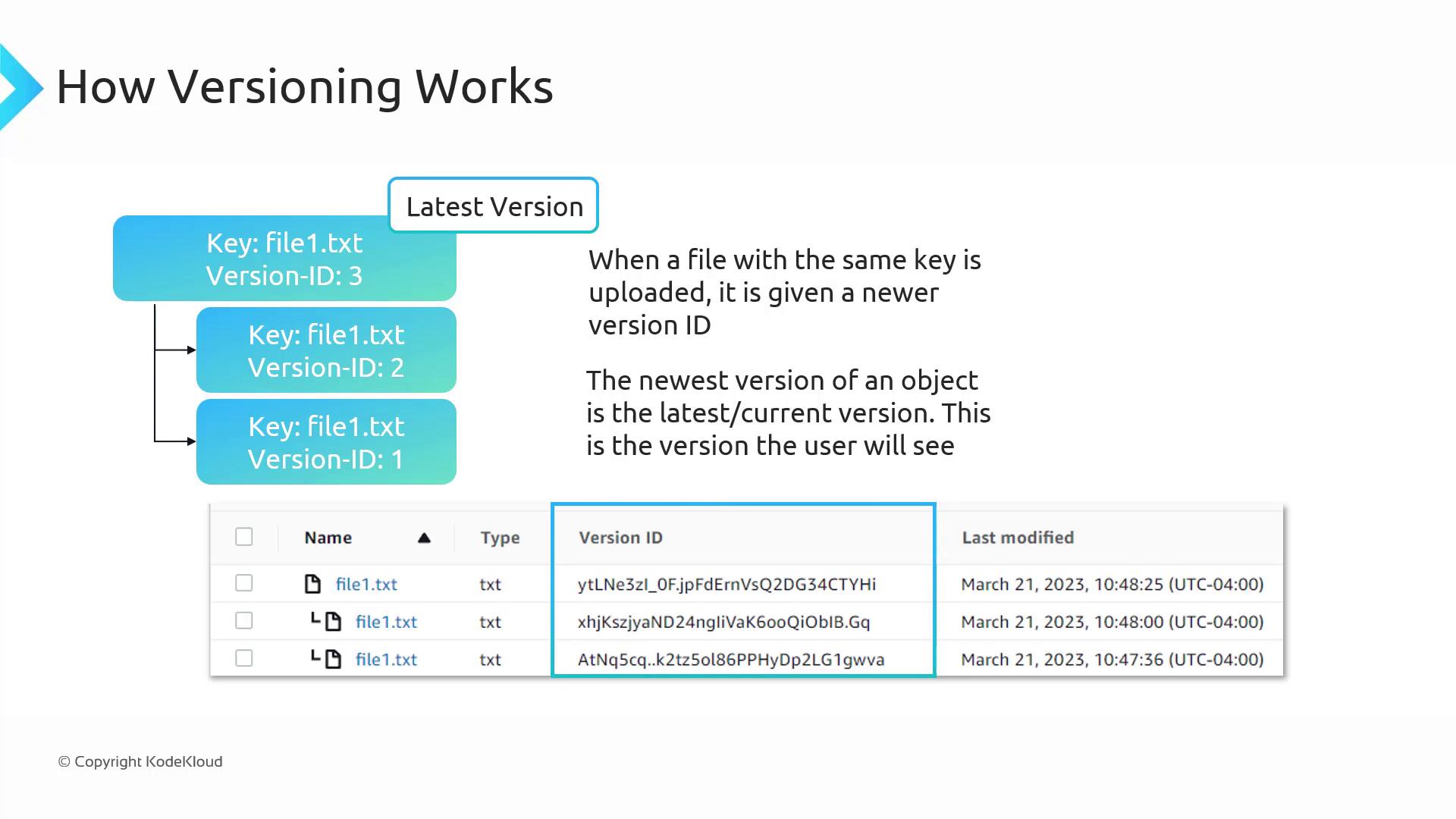
Deleting Objects with Versioning
When you delete an object without specifying a version ID while versioning is enabled, S3 adds a “delete marker” instead of permanently removing older versions. This delete marker makes it appear as if the file is deleted, while previous versions remain intact. Removing the delete marker in the S3 console will restore the most recent previous version as the current version.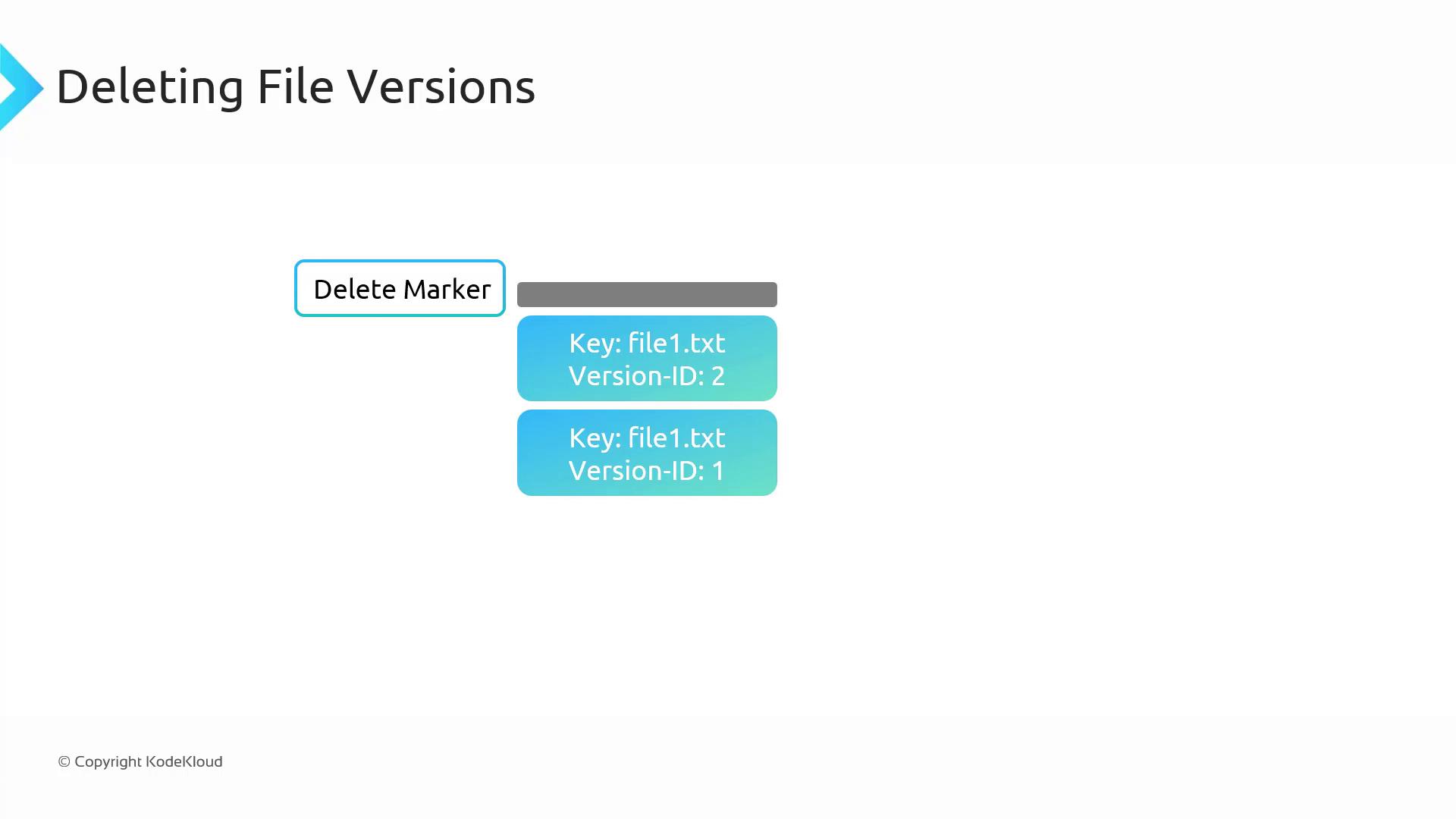
Versioning and Pricing
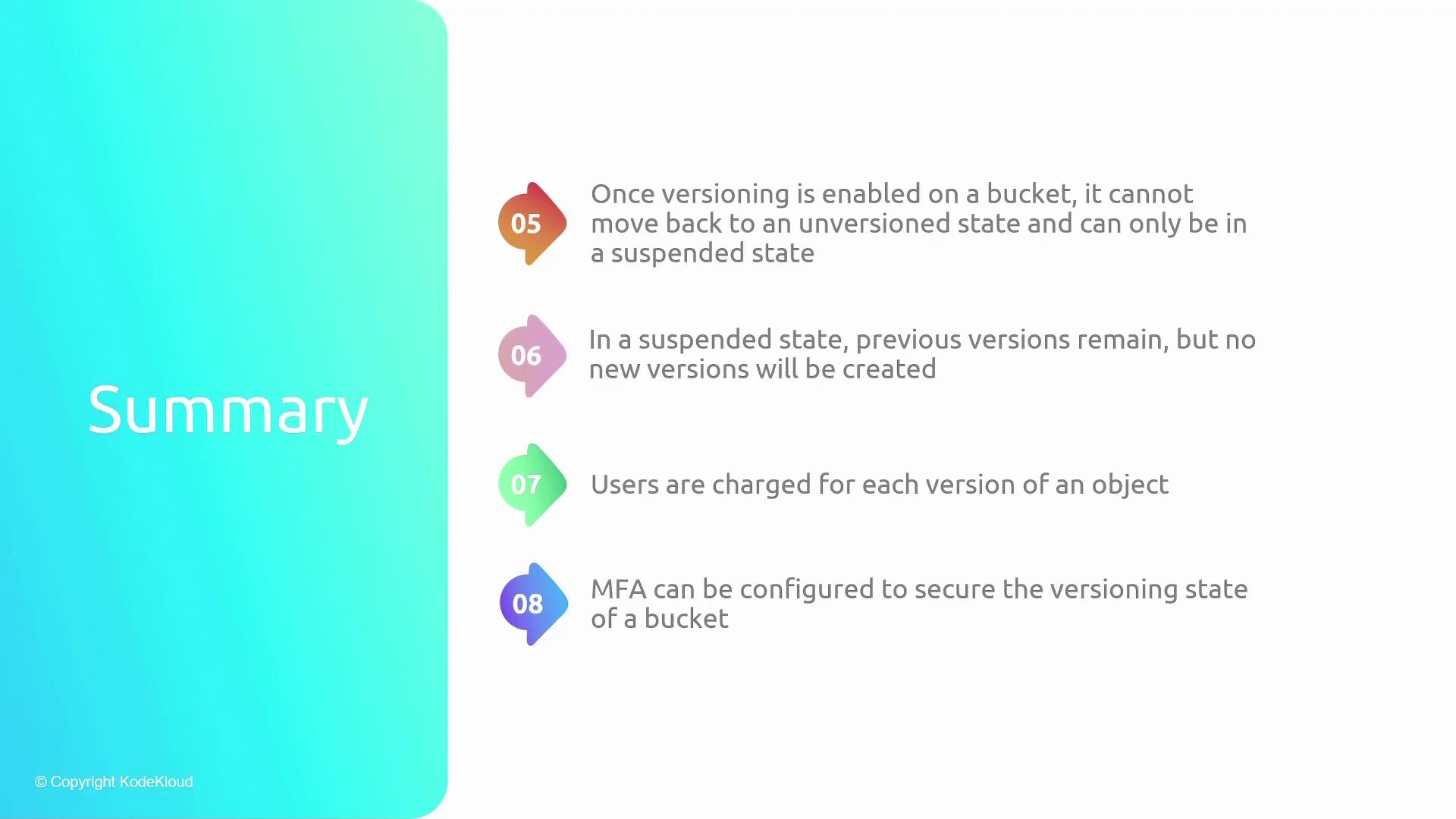
Keep in mind that when versioning is enabled, you are billed for each stored version of an object. For example, if file1.txt comprises two versions (one of 10 GB and another of 15 GB), you will incur charges for a cumulative 25 GB. This reinforces the importance of periodically cleaning up outdated versions, especially for large files.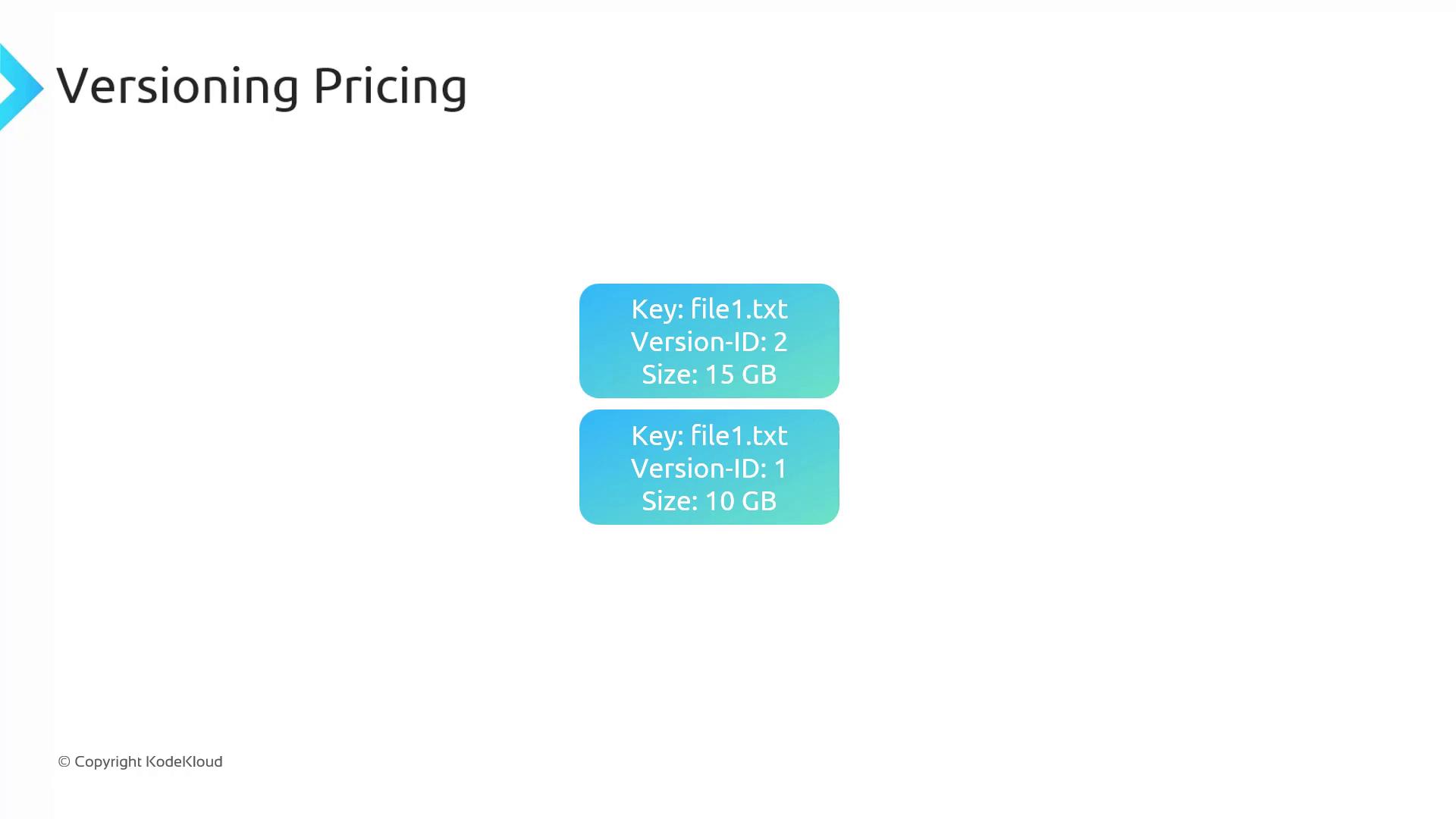
Suspended Versioning
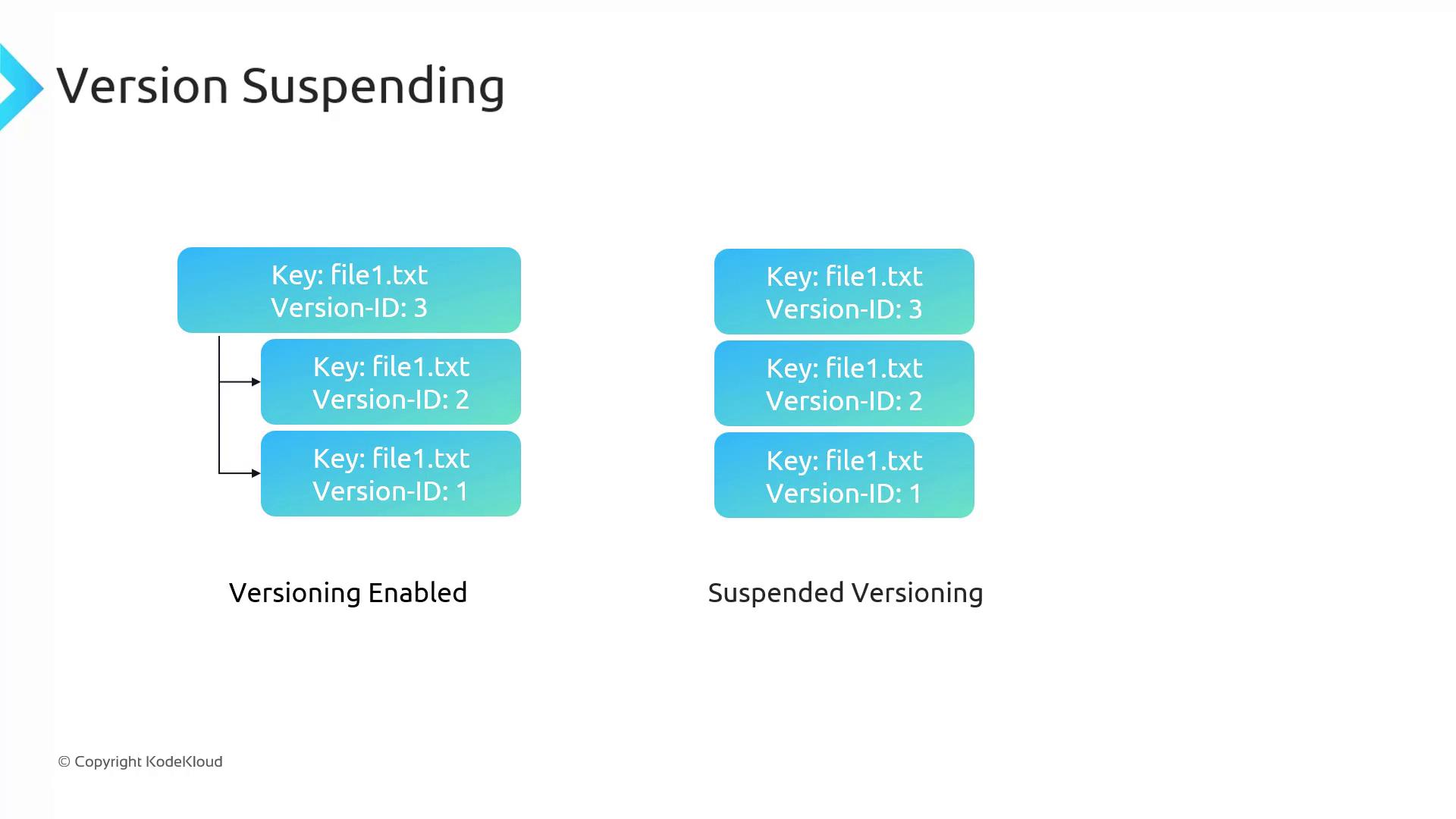
When you suspend versioning, the following behavior applies:- All previous versions remain stored in the bucket.
- New uploads receive a null version ID, effectively behaving as if versioning is disabled.
- If you upload a new object with an existing key, it permanently replaces the current version while preserving the historical versions.
MFA Delete
MFA Delete adds an extra layer of security to your bucket’s versioning operations. When enabled, any changes to the bucket’s versioning configuration or deletions of specific versions require multi-factor authentication (MFA). This feature ensures that such critical actions are executed only with proper verification. Note that MFA Delete can only be enabled using the AWS CLI.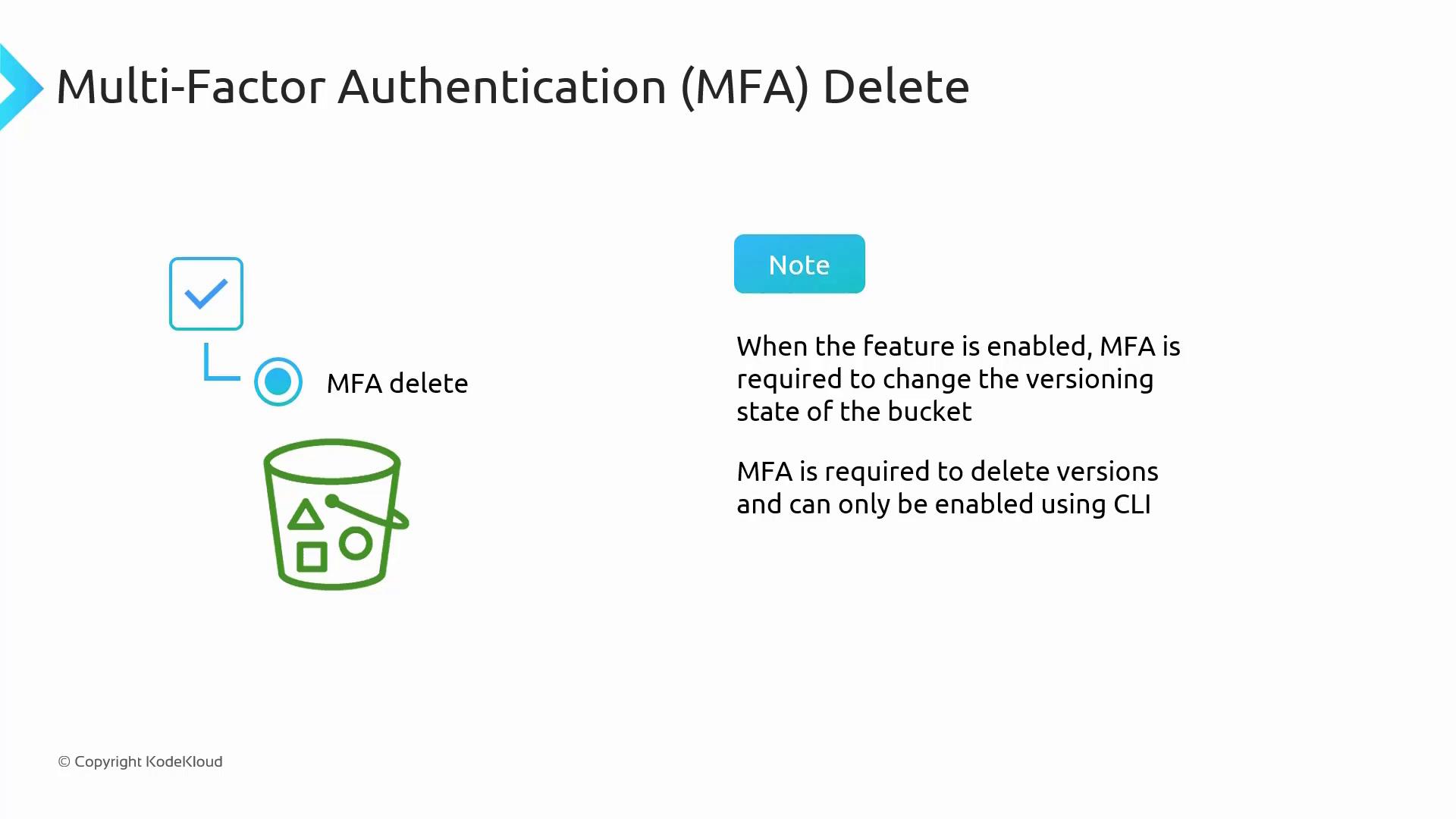
Summary
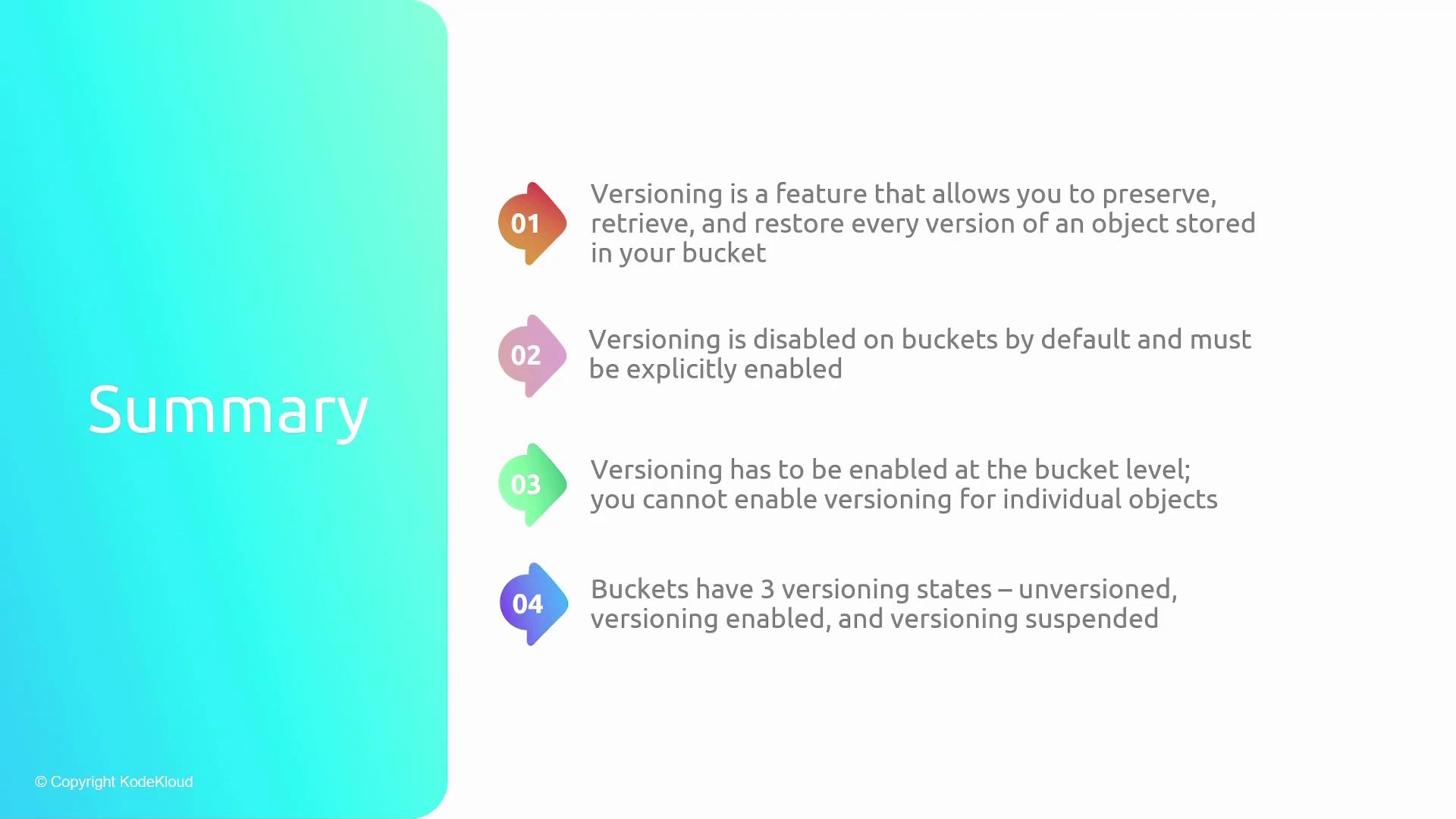
Versioning in S3 lets you protect your data against accidental modifications and deletions by maintaining historical versions of your objects. Key points include:- Default State: Versioning is disabled by default and must be explicitly enabled at the bucket level.
- Irreversible Activation: Once enabled, versioning cannot be completely turned off; it can only be suspended.
- Storage Costs: All versions of an object are stored and billed, so it’s important to manage versions to optimize costs.
- Deletion Mechanics: Deleting an object without specifying a version ID adds a delete marker rather than erasing previous versions. Deleting a specified version permanently removes that version.
- Enhanced Security: MFA Delete requires multi-factor authentication to change versioning settings or delete versions, adding an extra layer of security.