

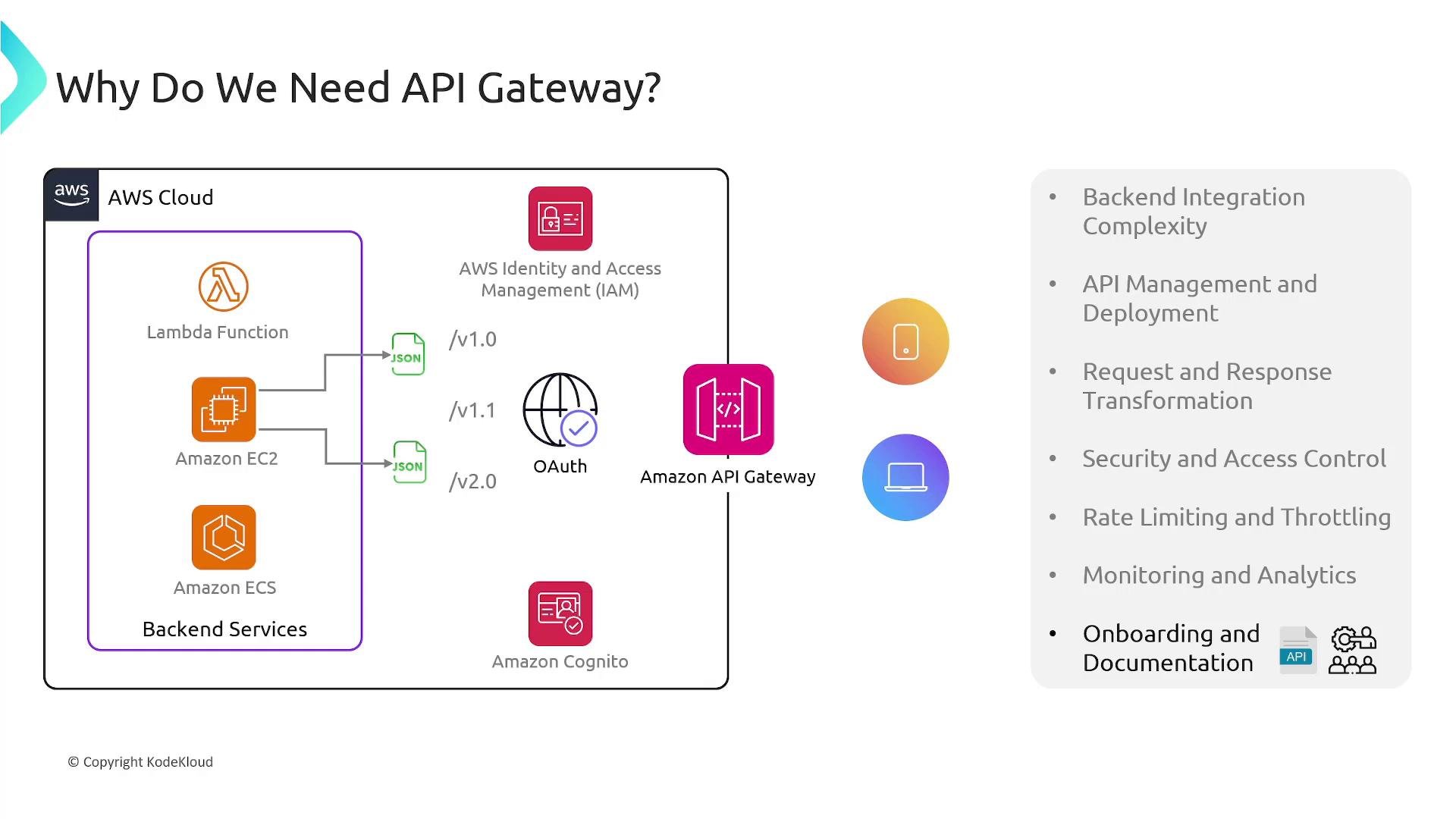
API Gateway centralizes cross-cutting concerns—security, request/response transformation, rate limiting, monitoring, and documentation—so teams can focus on application logic and iterate faster.
- Seamless integration with backend services such as AWS Lambda, Amazon EC2, Amazon ECS, and external HTTP endpoints.
- Centralized request/response transformation, validation, and model mapping so clients and backends can use different formats.
- Built-in authentication and authorization via IAM, Amazon Cognito, or custom Lambda authorizers.
- Throttling, rate limiting, and usage plans to protect backends from spikes and abuse.
- Monitoring, logging, and analytics via CloudWatch for usage, latency, and error visibility.
- Tools for generating API documentation and developer portals to reduce documentation drift and speed onboarding.
Types of APIs supported
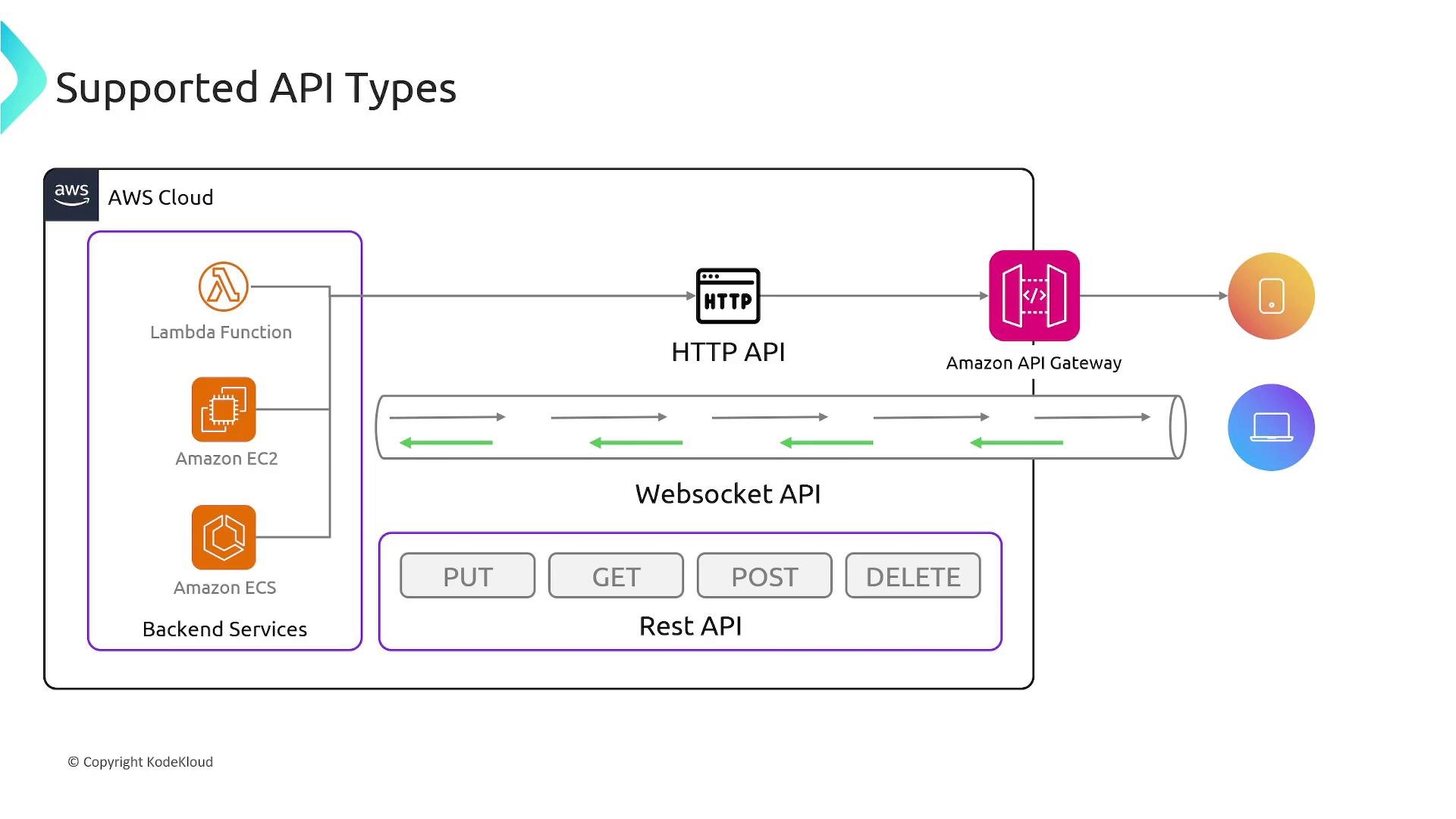
API Gateway currently supports three main API types. Choose based on your use-case, cost sensitivity, and required features.Choose HTTP APIs for most CRUD and proxy use-cases to save cost and latency. Use REST APIs when you need stage-level caching, fine-grained usage plans/API key features, or generated SDKs. Use WebSocket APIs when the server must push updates to clients.
Key features and benefits
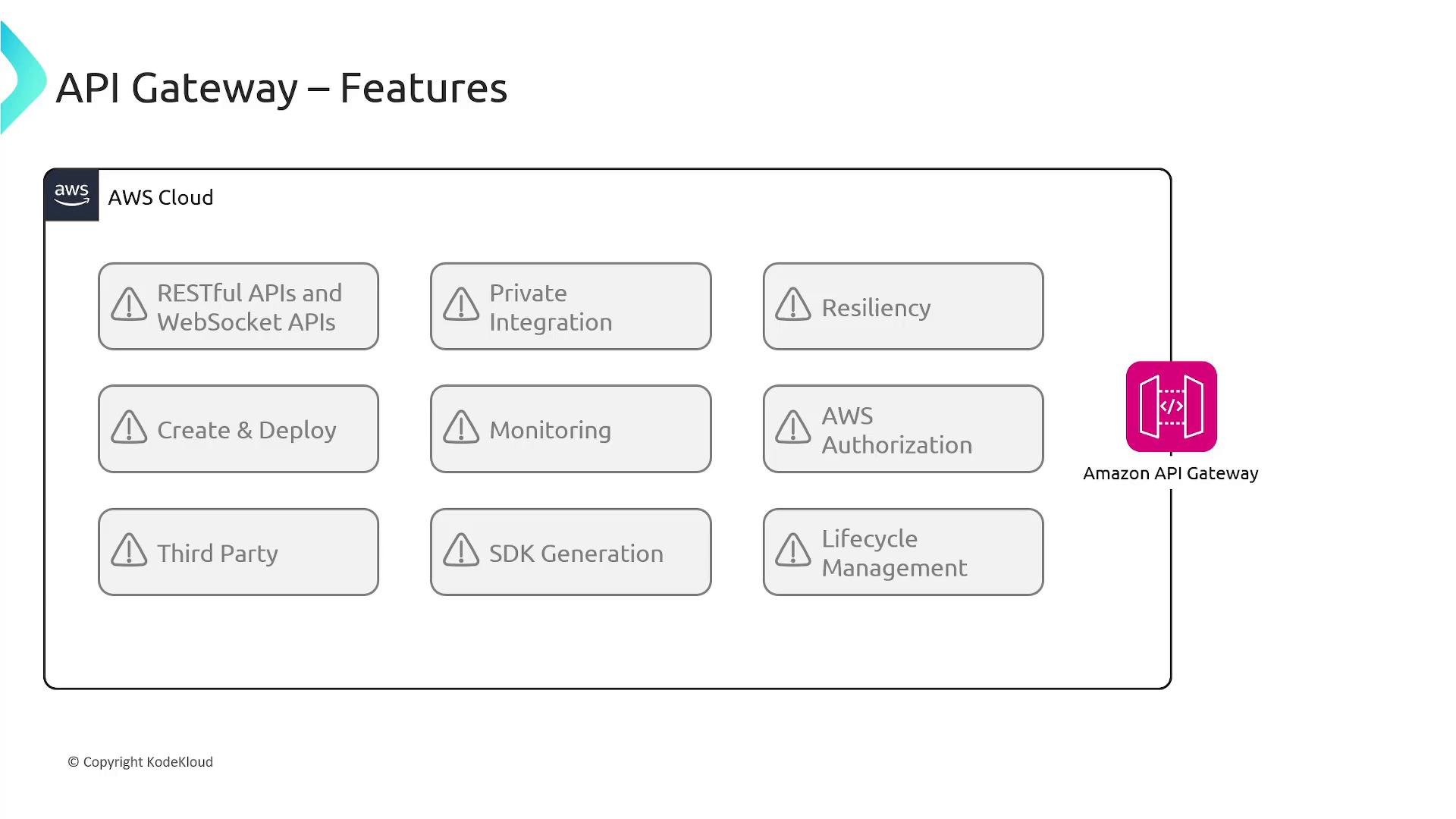
API Gateway provides a range of features that simplify building, securing, and operating APIs:- Build RESTful and WebSocket APIs: Create HTTP and real-time endpoints with managed execution environments.
- Private integrations: Route requests to private resources inside a VPC using private ALB/NLB targets or IP-based services registered in AWS Cloud Map.
- Resiliency and throttling: Configure per-method throttling and request-per-second limits to protect backend systems.
- Caching: For REST APIs, enable stage-level caching with customizable cache keys and TTL values to reduce backend load.
- Rapid deployment: Wire API methods to Lambda functions, Step Functions, Elastic Beanstalk apps, EC2, or external HTTP services.
- Monitoring and logging: Integrated with CloudWatch for dashboards, metrics (calls, latency, errors), and logs—plus alarms on API metrics.
- Authentication & Authorization:
- IAM SigV4 for service-to-service auth.
- Amazon Cognito for user authentication and federated identities.
- Lambda authorizers for custom token validation (JWTs, SAML).
- API keys & usage plans (REST APIs): Issue API keys, assign fine-grained permissions, and enforce throttling/quota per key.
- SDK generation (REST APIs): Auto-generate client SDKs (Java, JavaScript, Android, iOS, Ruby, etc.) or use AWS CLI (
get-sdk) to simplify client integration. - Lifecycle management: Manage versions and stages (alpha, beta, production), map custom domain names to stages, and route traffic to different backend endpoints for safe rollouts.
Service integrations
API Gateway integrates natively with many AWS services and external endpoints—allowing flexible architectures without managing additional infrastructure.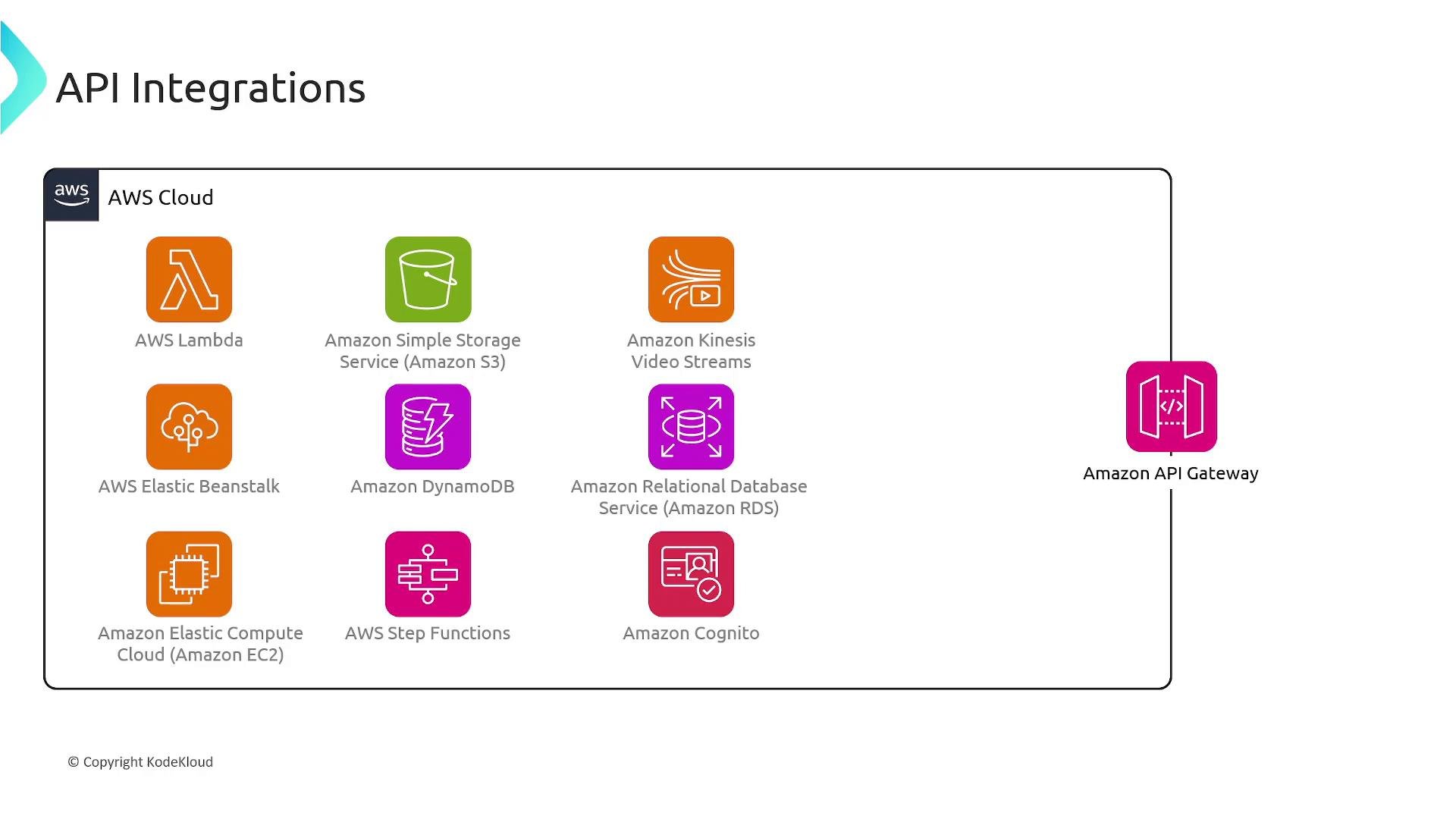
Best practices checklist
- Choose the right API type:
- HTTP APIs for low-latency, low-cost HTTP use-cases.
- REST APIs when you need caching, SDKs, and advanced usage plans.
- WebSocket APIs for real-time, two-way client-server communication.
- Offload cross-cutting concerns to API Gateway:
- Authentication, request validation, transformation, throttling, and logging.
- Protect backends:
- Enforce throttling, quotas, WAF (where applicable), and rate limits.
- Use stages and versions:
- Maintain backward compatibility and enable safe rollouts.
- Centralize secrets:
- Use Secrets Manager instead of embedding credentials in code or configs.
- Monitor and alert:
- Send metrics and logs to CloudWatch and create alarms for error spikes or latency regressions.
- Secure private integrations:
- Use VPC links for private ALB/NLB targets and restrict access via security groups and IAM.
Links and references
- AWS API Gateway Developer Guide
- Kubernetes Documentation (for service patterns related to containerized backends)
- Learn from related KodeKloud courses:
- AWS Lambda: https://learn.kodekloud.com/user/courses/aws-lambda
- AWS IAM: https://learn.kodekloud.com/user/courses/aws-iam
- Amazon EC2: https://learn.kodekloud.com/user/courses/amazon-elastic-compute-cloud-ec2
- Amazon ECS: https://learn.kodekloud.com/user/courses/amazon-elastic-container-service-aws-ecs
- Amazon S3: https://learn.kodekloud.com/user/courses/amazon-simple-storage-service-amazon-s3
- AWS CloudWatch: https://learn.kodekloud.com/user/courses/aws-cloudwatch
- AWS RDS: https://learn.kodekloud.com/user/courses/aws-rds
Use this guide as a foundation to design API architectures that balance cost, performance, and operational complexity. Start with HTTP APIs for simple workloads, then introduce REST features or WebSocket capabilities where the use-case demands them.