

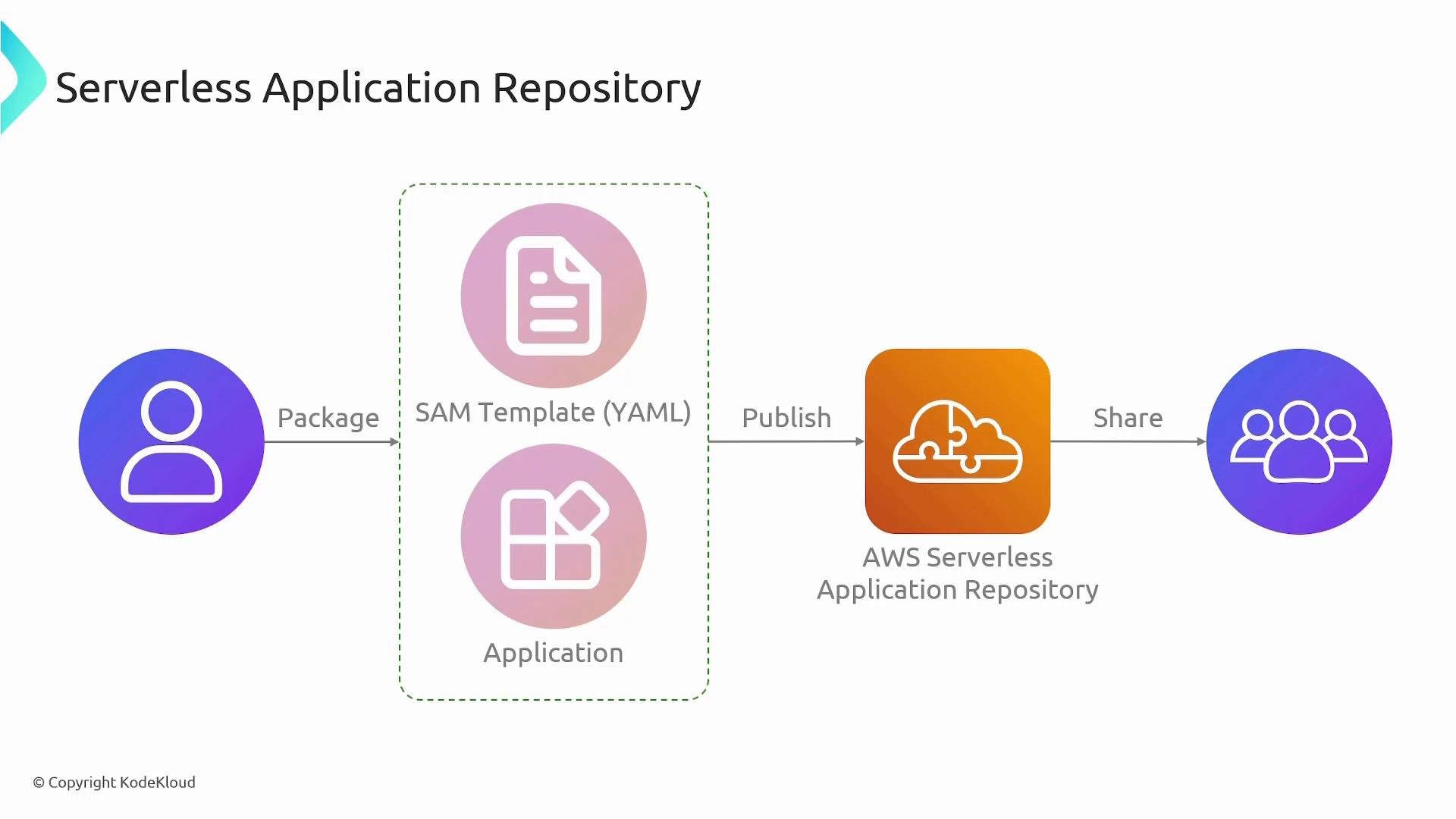
How it works — packaging, publishing, and deploying
Typical workflow:- Define your application with an AWS SAM template that references your Lambda code, API definitions, and other resources.
- Package application artifacts (upload code and assets to an S3 bucket) and produce a packaged SAM template that refers to those uploaded artifacts.
- Publish the packaged template and metadata to the Serverless Application Repository.
- Consumers discover the application, provide parameter values and settings, and deploy it into their own AWS accounts.
- Lambda functions
- Amazon API Gateway endpoints
- IAM roles and policies
- Supporting resources such as DynamoDB tables, S3 buckets, EventBridge rules, etc.
Benefits and features
The Serverless Application Repository helps teams accelerate development by offering reusable, vetted serverless components, and simplifying deployment via SAM + CloudFormation.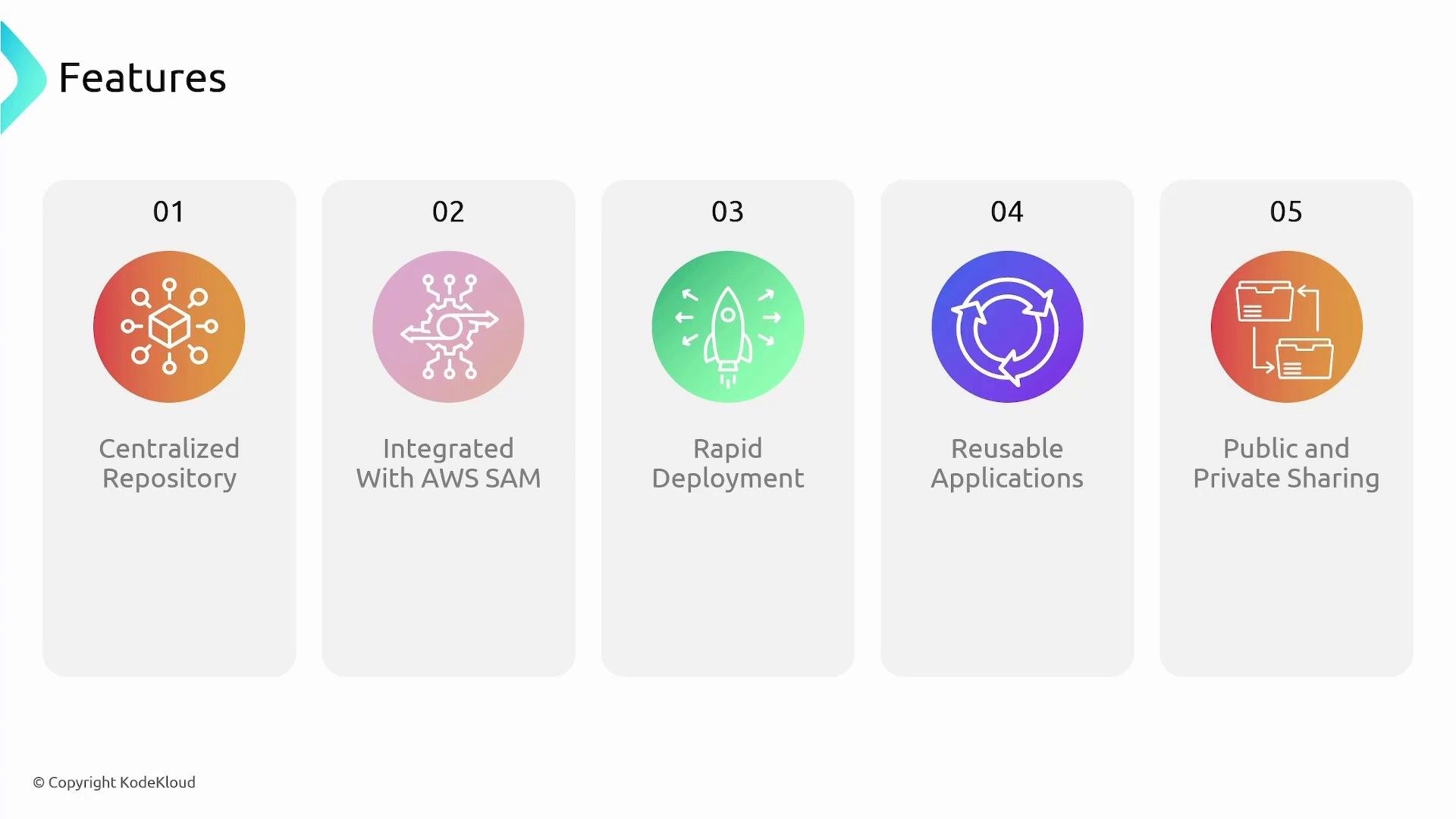
Applications published to the repository can be shared publicly, privately, or with specific AWS accounts. Use IAM and resource-based policies to control publishing and deployment permissions.
Best practices
- Use versioning when publishing so consumers can pick specific stable releases.
- Limit deployment permissions with IAM and resource-based policies so only authorized accounts can publish or deploy.
- Publish clear metadata, parameter descriptions, and examples to make adoption easier.
- Reuse Lambda layers and other shared resources where possible to minimize package size and duplication.
Links and references
- Serverless Application Repository — https://docs.aws.amazon.com/serverlessrepo/latest/devguide/
- AWS SAM (Serverless Application Model) — https://docs.aws.amazon.com/serverless-application-model/latest/developerguide/
- AWS SAM CLI — https://docs.aws.amazon.com/serverless-application-model/latest/developerguide/serverless-sam-cli.html
- AWS CloudFormation — https://docs.aws.amazon.com/AWSCloudFormation/latest/UserGuide/Welcome.html
- AWS Lambda — https://docs.aws.amazon.com/lambda/latest/dg/welcome.html
- Amazon API Gateway — https://docs.aws.amazon.com/apigateway/latest/developerguide/welcome.html
- AWS IAM — https://docs.aws.amazon.com/IAM/latest/UserGuide/