

- Snapshots and backups get slower as data grows because attached storage must be copied.
- Scaling storage independently of compute often requires downtime or complex migration.
- Backup and restore times for very large databases increase.
- To meet peak demands, you may overprovision storage, increasing cost.
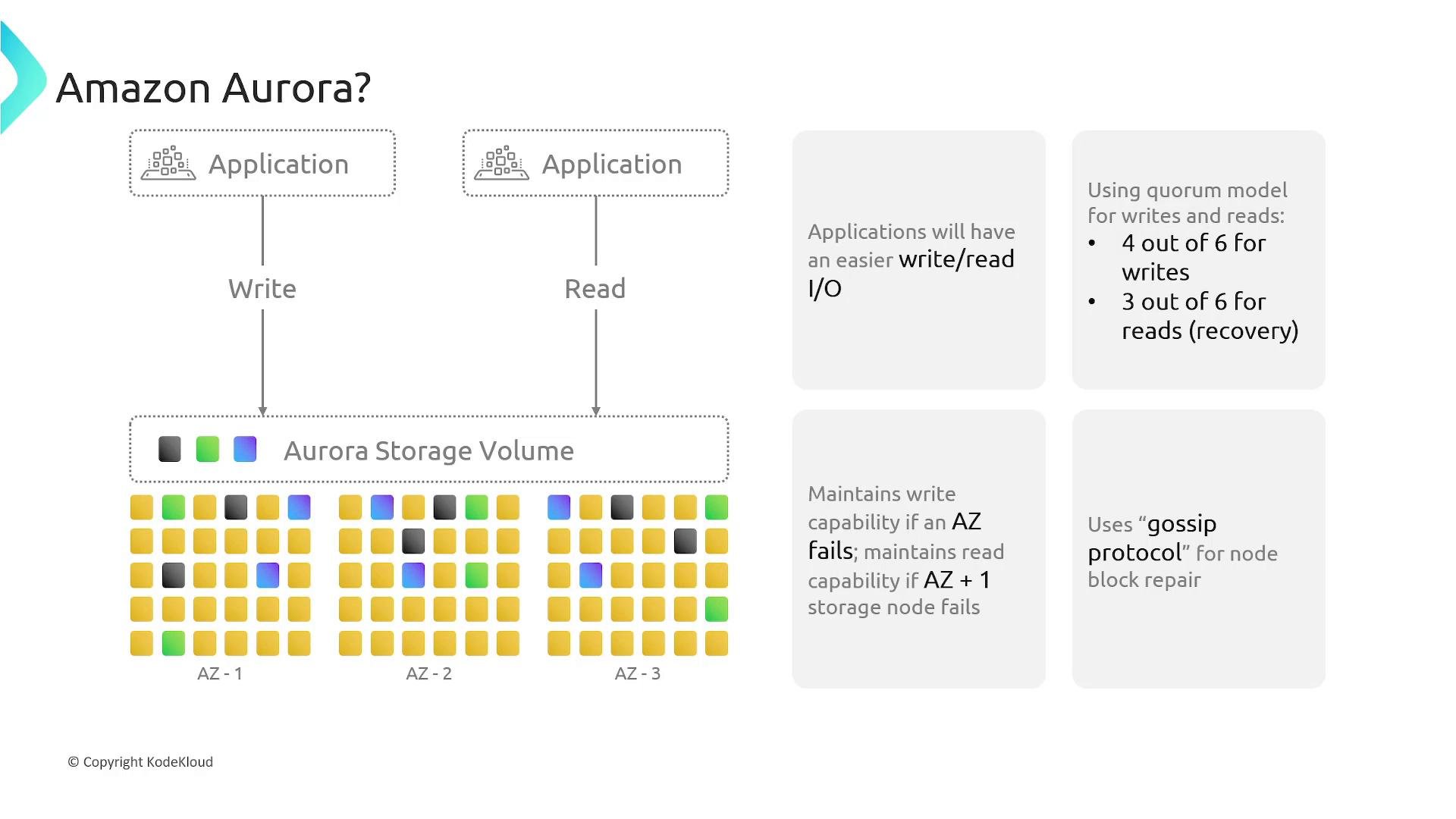
Aurora storage architecture (high level)
Aurora stores data in a distributed, log-structured system that stripes segments across many storage nodes. The design enables continuous backups, AZ-level replication, and fast recovery using quorum rules and node repair protocols. Key storage details:
These components give Aurora highly available, durable storage with continuous backups to Amazon S3 and rapid failover behavior.
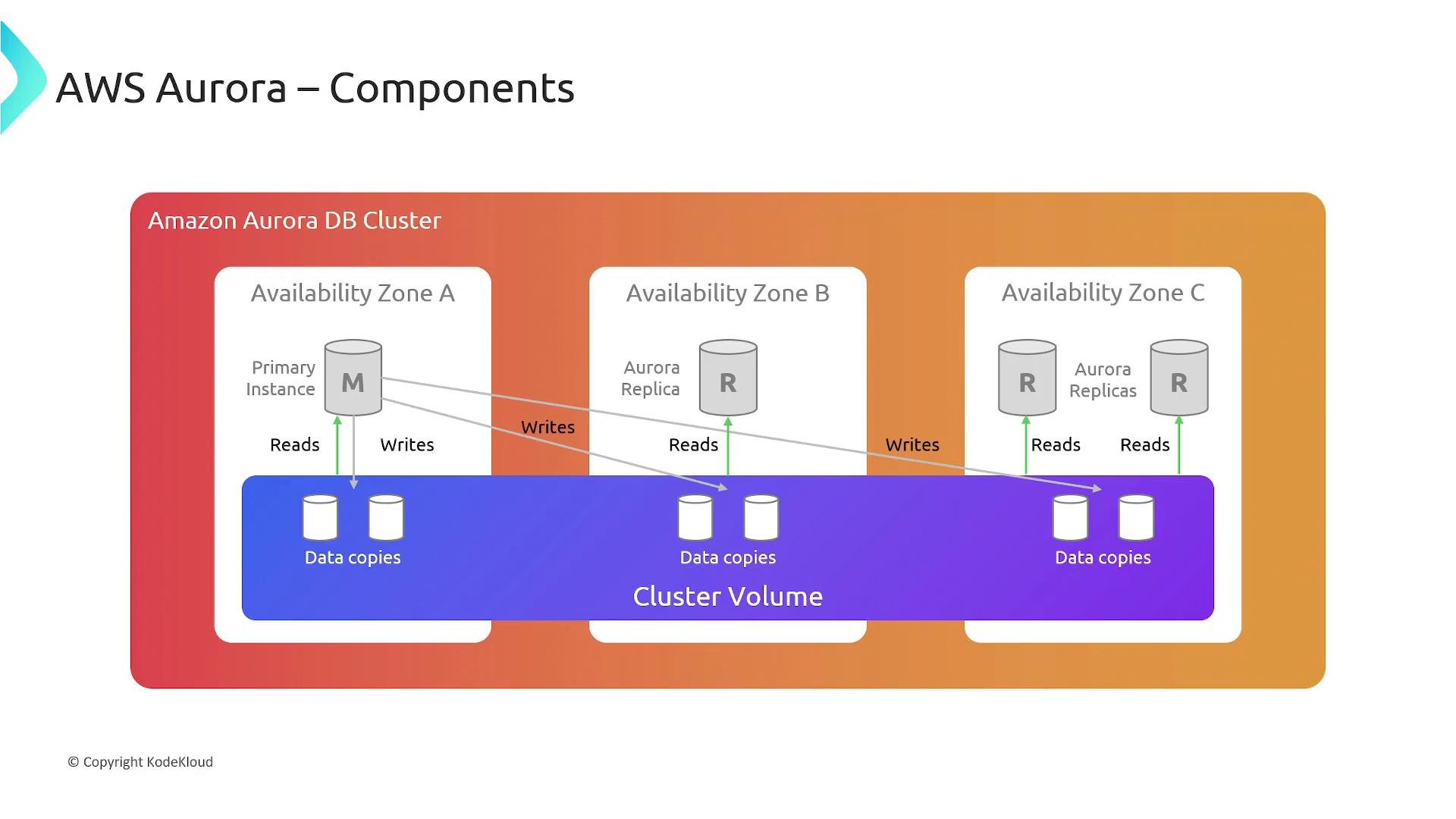
Architecture components and cluster model
An Aurora DB cluster includes:- A cluster volume — a virtual storage layer that spans multiple Availability Zones.
- One primary instance — the read/write endpoint that applies data modifications to the cluster volume.
- Up to 15 Aurora Replicas — read-only instances attached to the same cluster volume for read scaling and failover.
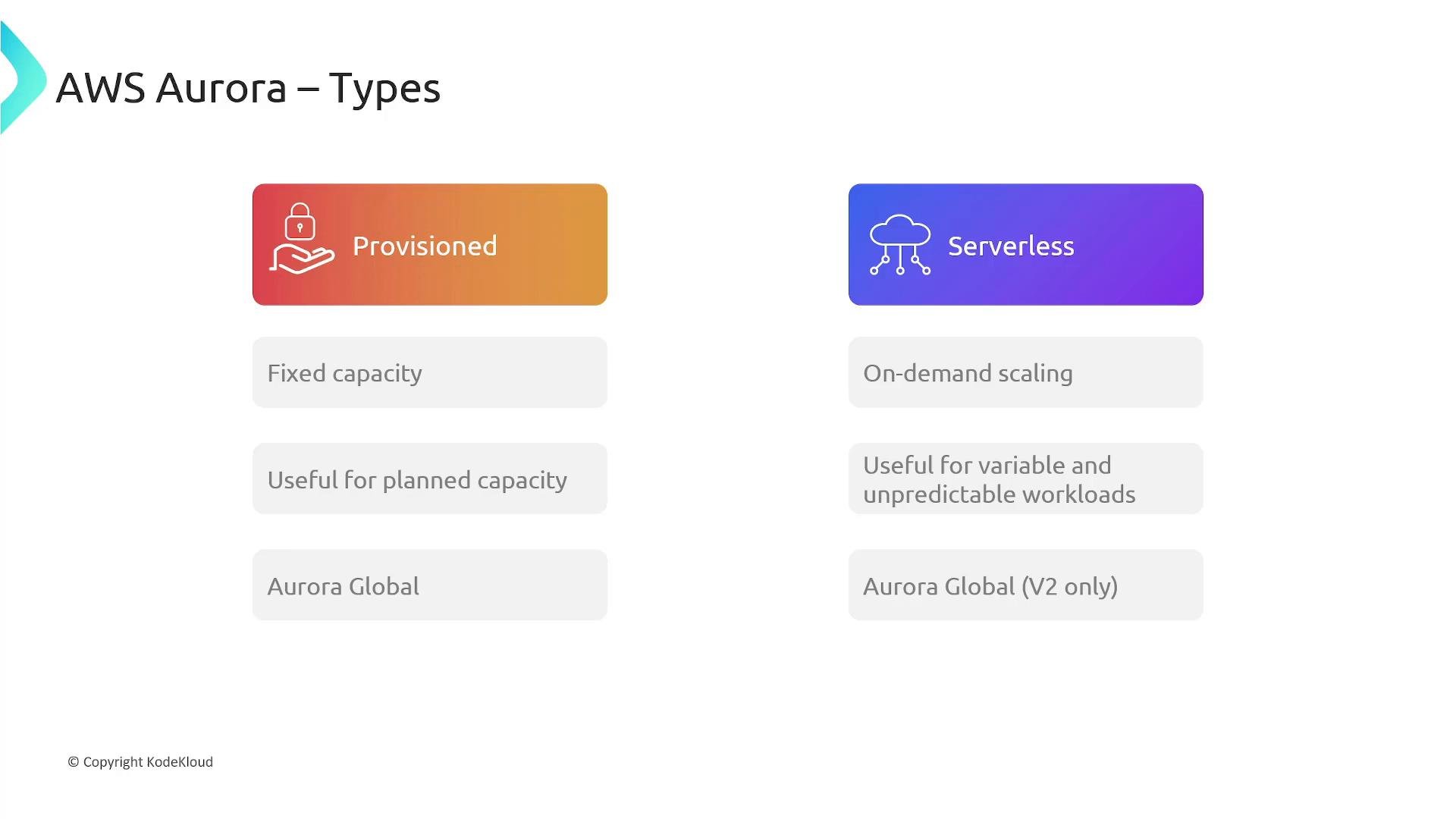
Provisioned vs Serverless
When you create an Aurora cluster you choose between two provisioning models. Pick the model that best fits workload predictability, scaling needs, and operational constraints.If you need strict, pre-provisioned performance guarantees or specific instance-level configuration (e.g., specific CPU/memory combinations), use provisioned clusters. For flexible, demand-driven workloads with simpler operations, prefer Aurora Serverless v2.
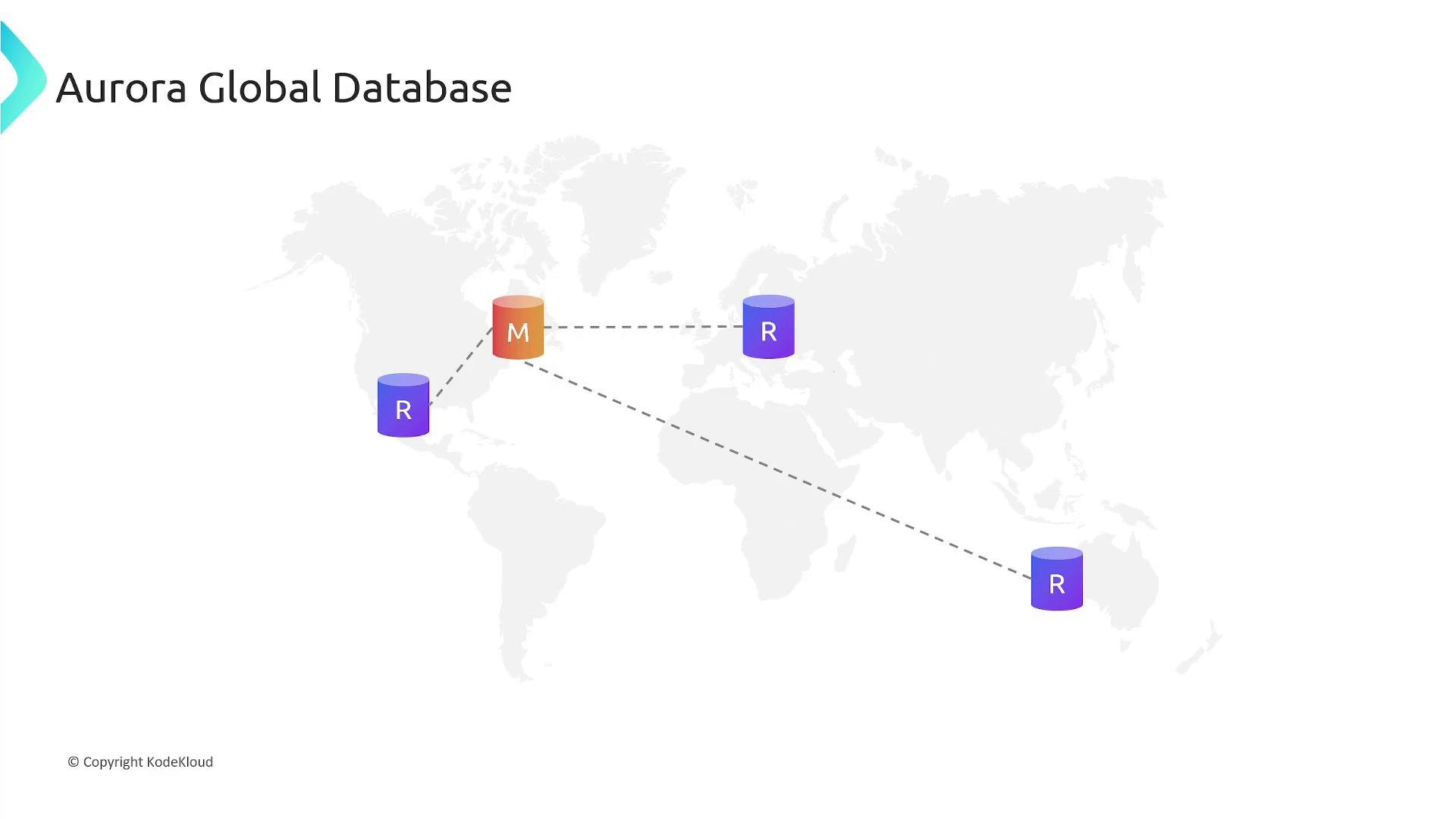
Aurora Global Database
Aurora Global Database enables a single logical database to span multiple AWS Regions for low-latency reads and cross-region disaster recovery.- One primary DB cluster in the primary region accepts writes.
- Up to five secondary DB clusters in other regions are read-only.
- Data replication from primary to secondary clusters is asynchronous using a high-throughput replication channel, providing low-latency global reads and regional resilience.
Aurora Serverless v2 — ACUs explained
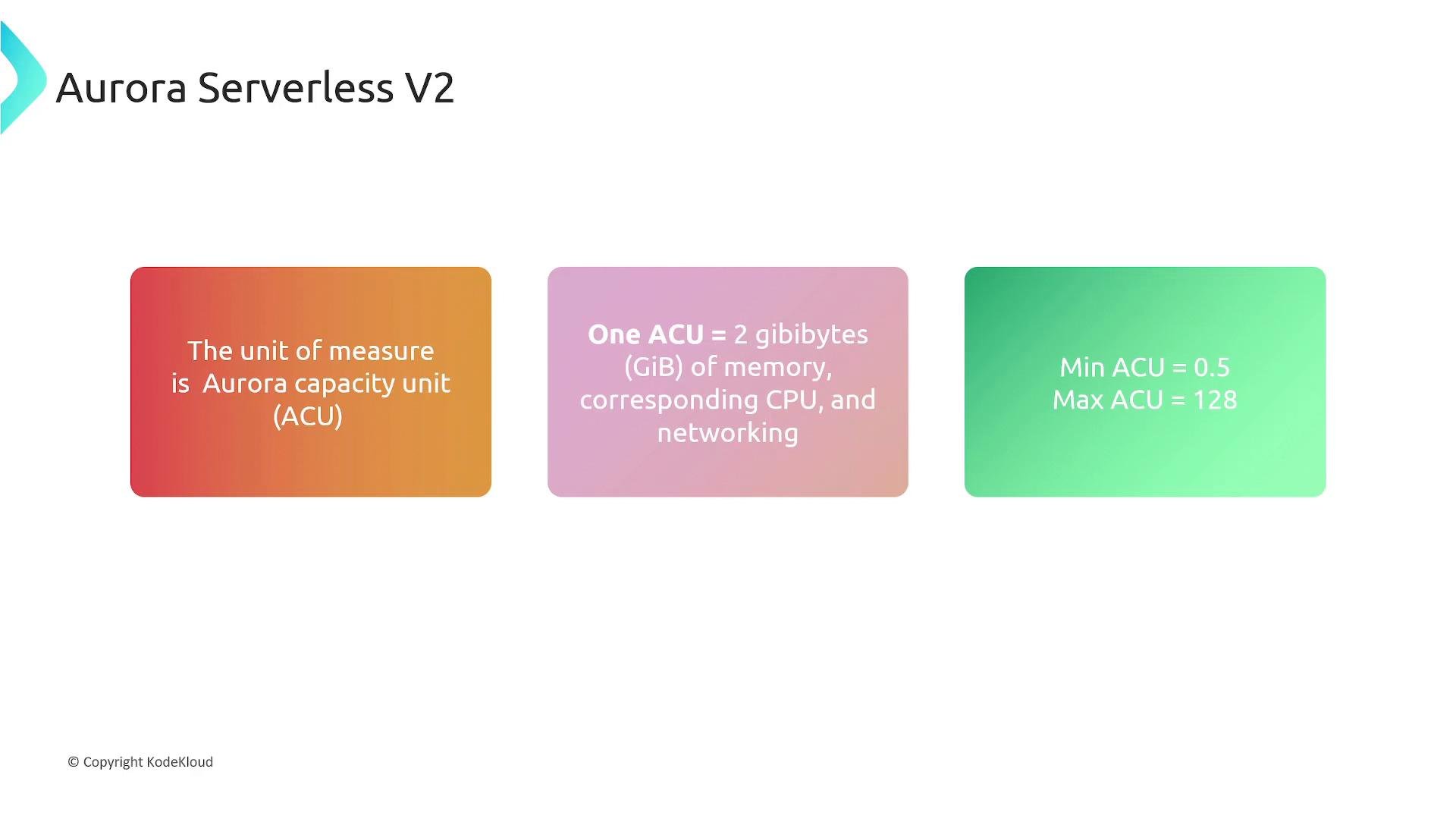
Aurora Serverless v2 measures capacity in Aurora Capacity Units (ACUs):- 1 ACU ≈ 2 GiB memory (plus proportional CPU and networking).
- Minimum ACU: 0.5
- Maximum ACU: 128
Aurora Serverless v1 used a different scaling model and could pause when idle. Serverless v2 is the recommended option for new deployments — it provides faster, fine-grained scaling and broader feature parity with provisioned Aurora.
Integrations and ecosystem
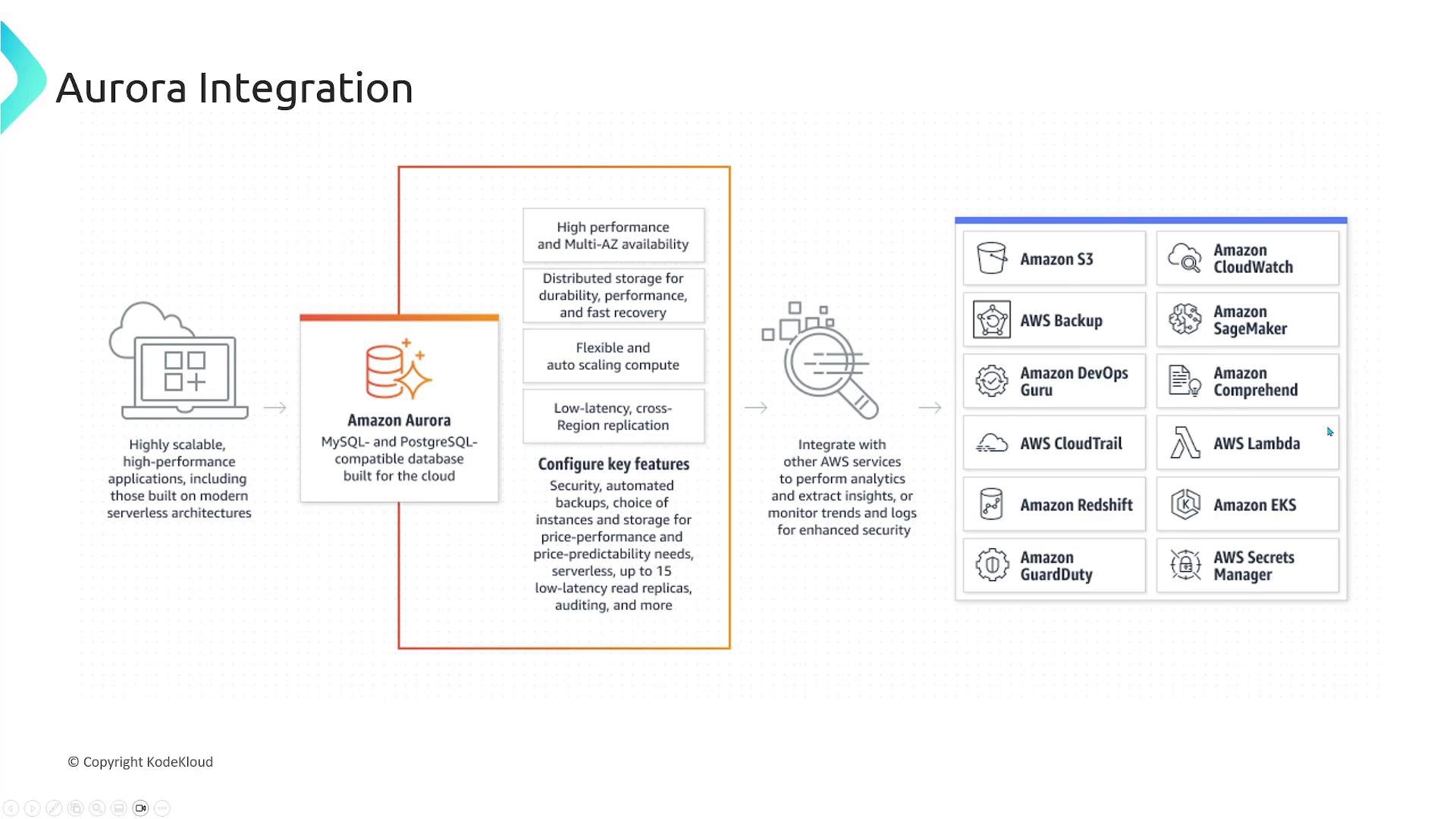
Aurora integrates across the AWS ecosystem to support monitoring, security, compute, and analytics:- Backups and snapshots — integrated with Amazon S3 for durable storage.
- Observability — Amazon CloudWatch for metrics and alarms.
- Secrets and credentials — AWS Secrets Manager for secure credential rotation and retrieval.
- Compute integrations — AWS Lambda, Amazon ECS, Amazon EKS for application hosting and serverless compute.
- Analytics & ML — Amazon Redshift, Amazon SageMaker for analytics and machine learning workflows.
Common use cases
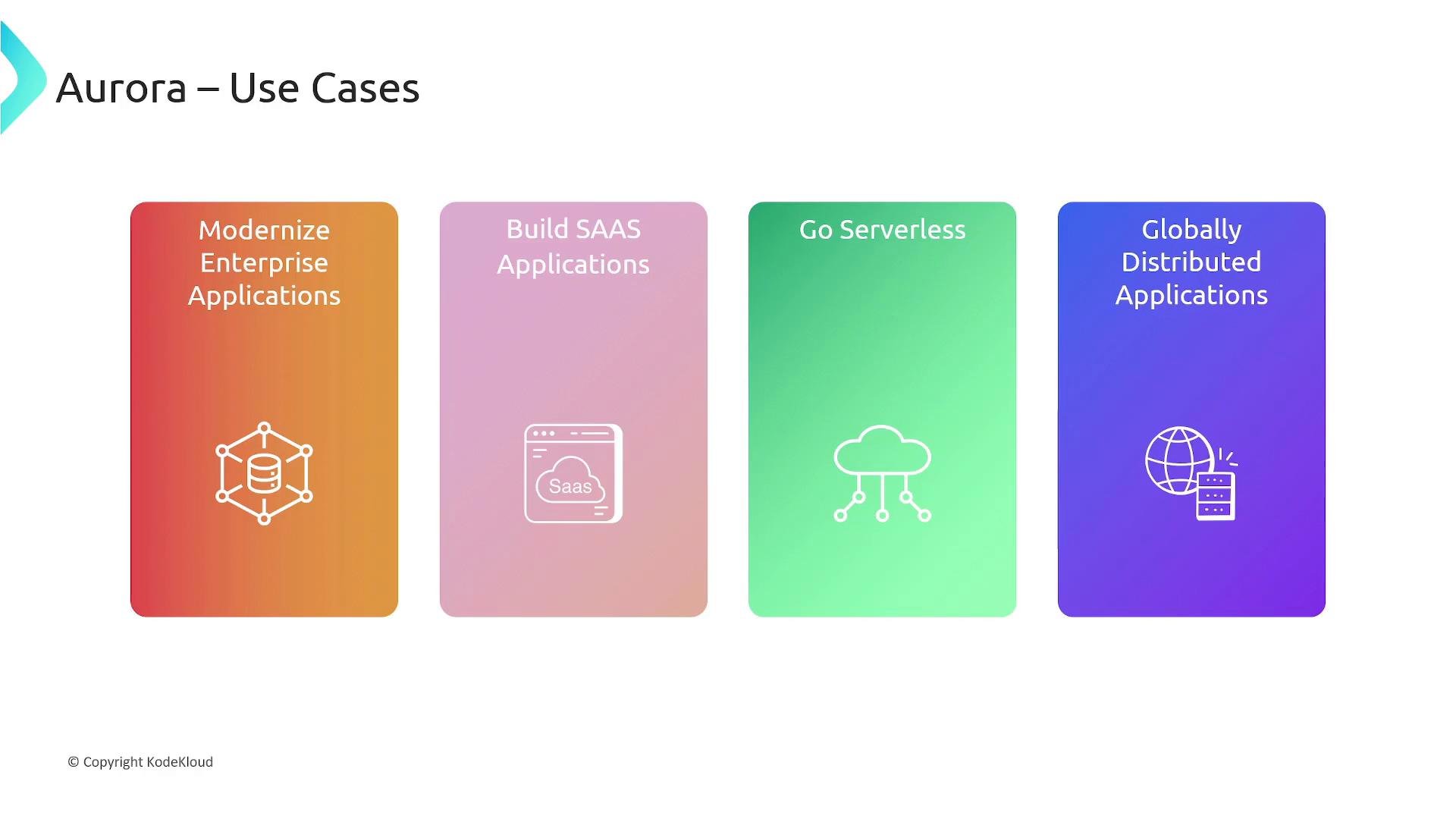
- Modernizing enterprise applications (CRM, ERP, billing) requiring high throughput and reliability.
- Building SaaS and multi-tenant applications that need flexible scaling and isolation.
- Serverless-first architectures where hands-off capacity management reduces operational overhead.
- Globally distributed applications (mobile games, social platforms, global services) that require low-latency local reads and regional resilience.
Summary — key takeaways
- Aurora is a fully managed relational database service that handles provisioning, patching, backups, and failover.
- Its distributed, fault-tolerant storage automatically scales (up to 128 TiB per cluster) and provides high performance and durability.
- Aurora Global Database spans Regions to enable low-latency global reads and cross‑Region disaster recovery.
- Aurora Serverless v2 scales capacity automatically using ACUs and is the recommended serverless option for new deployments.
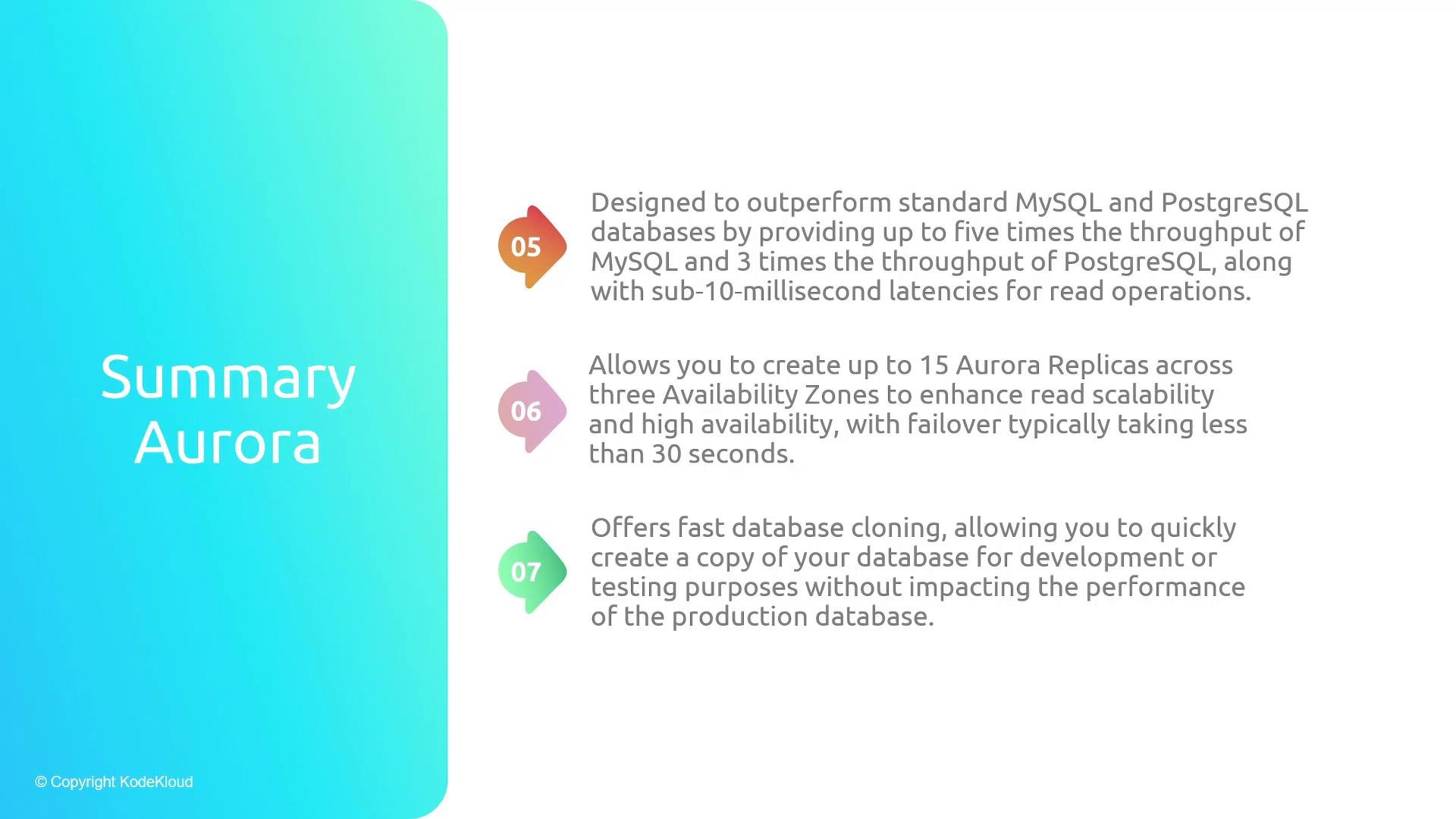
- Performance: Aurora commonly delivers significantly higher throughput than standard MySQL or PostgreSQL (case-dependent — often cited up to ~5x for MySQL and ~3x for PostgreSQL).
- High availability and read scaling: up to 15 Aurora Replicas across AZs with fast failover and quick replica attachment to the shared cluster volume.
- Fast cloning enables rapid creation of database copies for development and testing without duplicating all data.
Links and references
- Amazon Aurora product page: https://aws.amazon.com/rds/aurora/
- Aurora documentation: https://docs.aws.amazon.com/aurora/latest/userguide/what-is-aurora.html
- Aurora Serverless v2: https://docs.aws.amazon.com/AmazonRDS/latest/AuroraUserGuide/aurora-serverless.html
- Aurora Global Database: https://docs.aws.amazon.com/AmazonRDS/latest/AuroraUserGuide/aurora-global-database.html
- AWS Blogs & whitepapers for performance comparisons and architecture patterns