

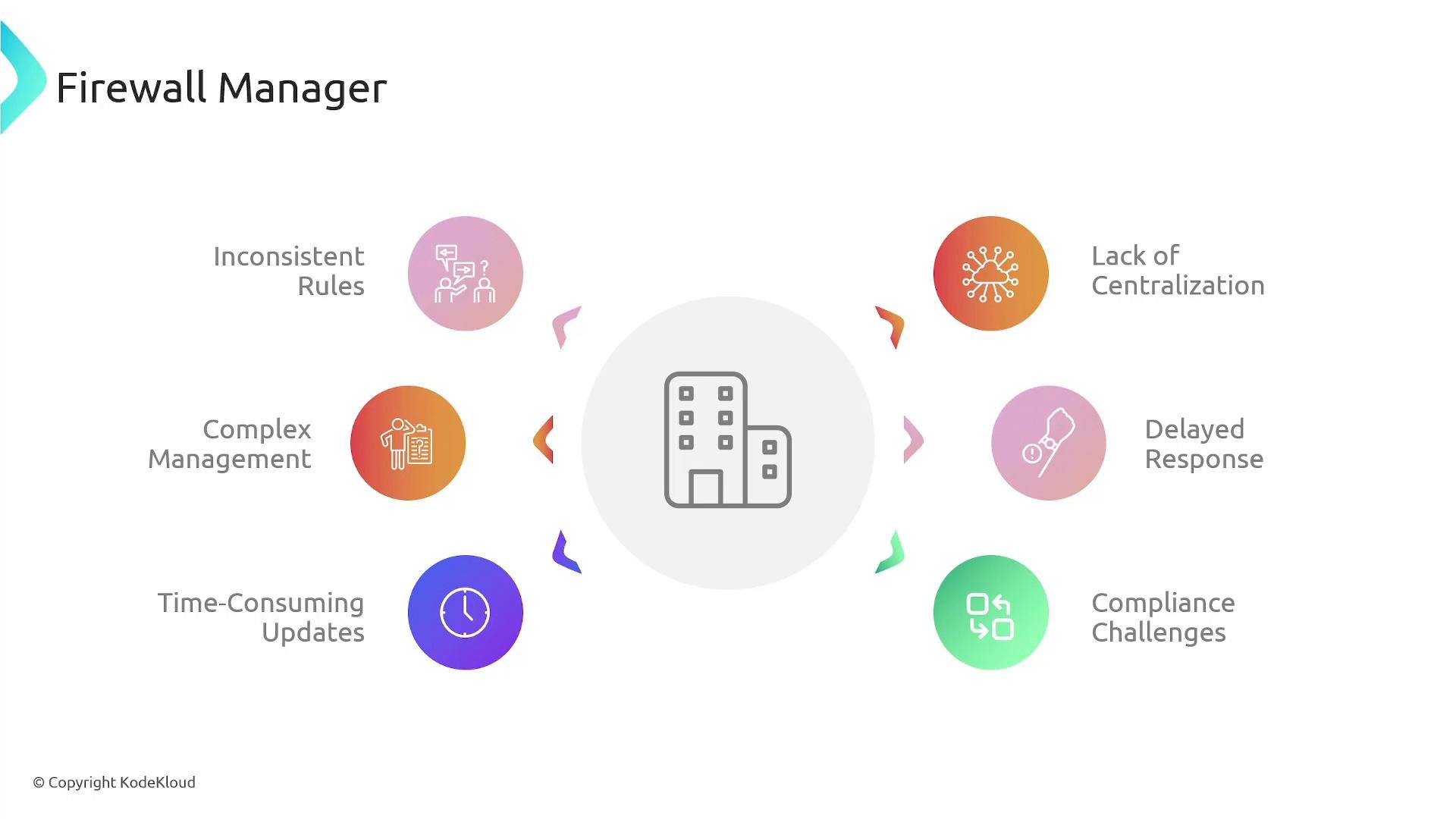
- Inconsistent rulesets across accounts and environments
- Time-consuming, manual configuration and updates
- Delayed response to threats while rules are propagated manually
- Difficulty enforcing and auditing corporate security and compliance standards
What is AWS Firewall Manager?
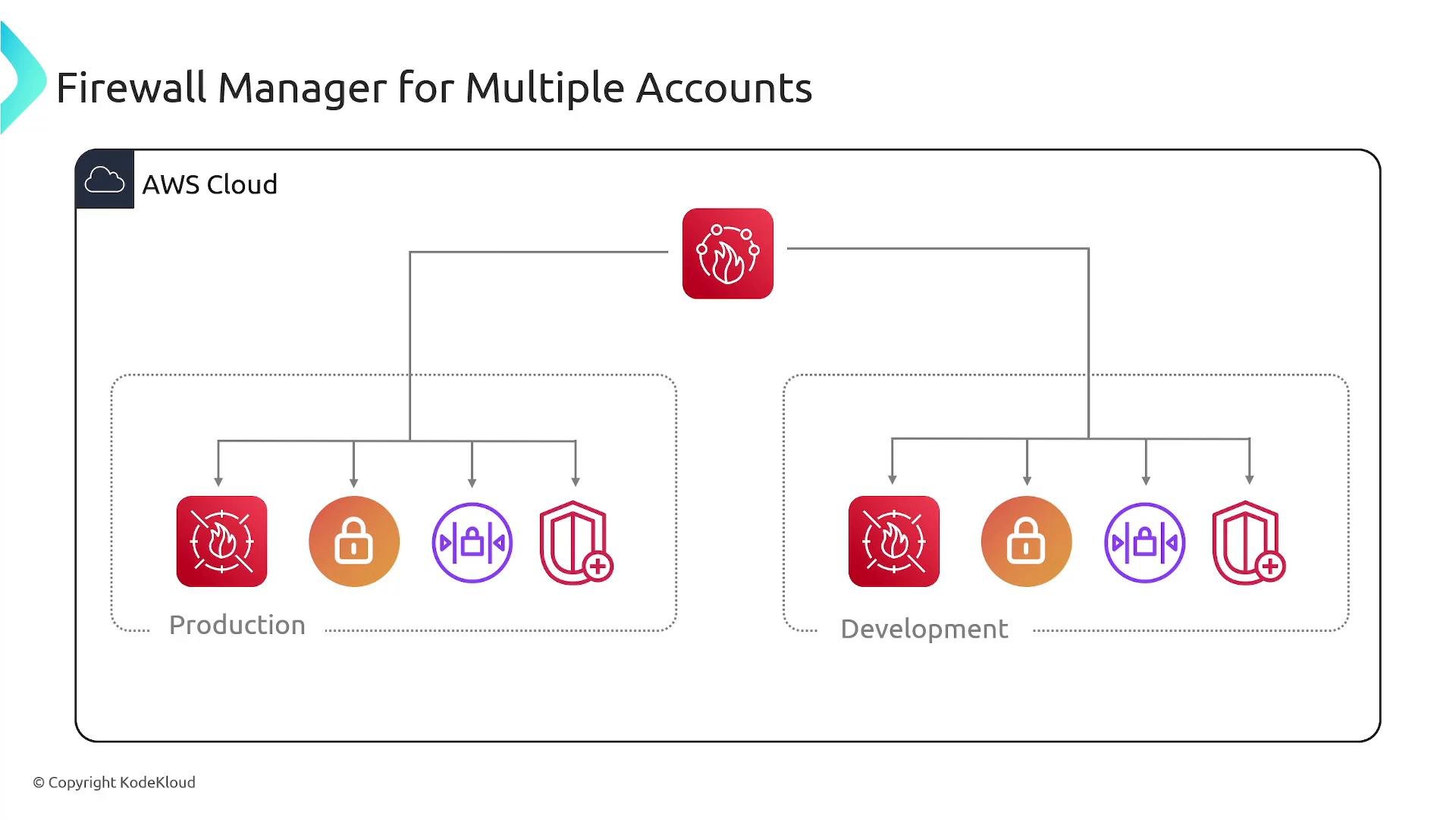
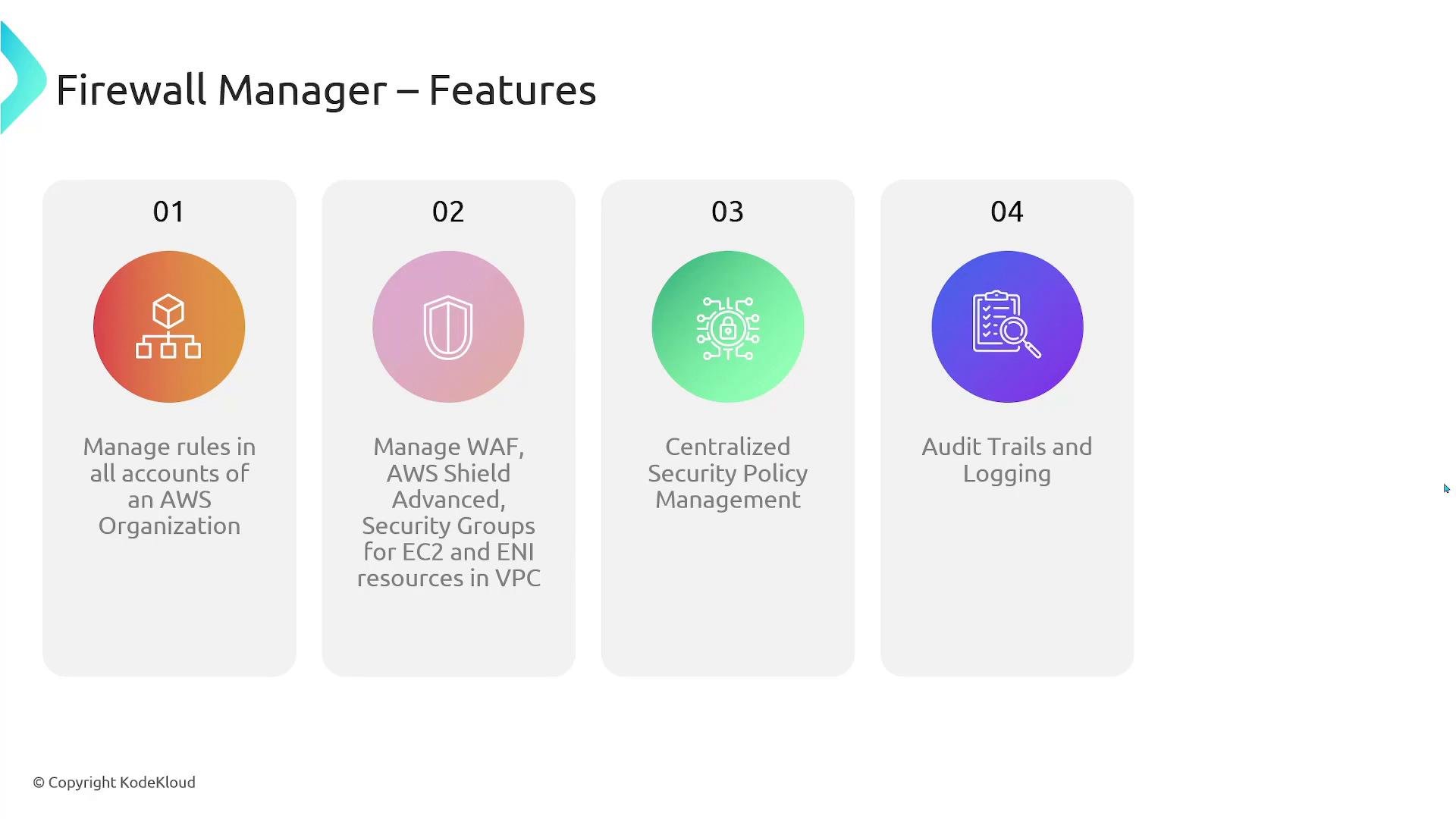
AWS Firewall Manager is a centralized security management service that simplifies applying, auditing, and continuously evaluating network and application protection across accounts in an AWS Organization. Instead of repeating the same WAF rules, network firewall policies, or security group controls in every account, you create policies in a designated administrator account and Firewall Manager enforces them across member accounts. Firewall Manager can centrally manage policies for multiple AWS services, including:- AWS WAF (WAFv2) rules and web ACLs
- AWS Network Firewall policies
- VPC security group policies (centralized auditing and remediation)
- AWS Shield Advanced protections
- Integration with logging and monitoring systems such as CloudWatch for audit trails and alerts
How Firewall Manager works (high level)
- Designate a Firewall Manager administrator account (management account or a delegated administrator).
- Create a policy (scope by OU, tag, or account) that targets one or more security services.
- Firewall Manager evaluates member accounts and resources, applies the policy, and continuously monitors compliance.
- When a policy is updated, Firewall Manager propagates changes and remediates non-compliant resources automatically (if configured).
Key benefits and capabilities
Important prerequisites and notes: Firewall Manager requires that your accounts are part of an AWS Organization and that a Firewall Manager administrator account is designated (either the Organizations management account or a delegated administrator). Some policy types require additional services enabled in member accounts — for example, Security Group policies and Network Firewall evaluation rely on
AWS Config being enabled, and using Shield Advanced protections requires a Shield Advanced subscription for affected accounts.Common policy types and requirements
Links and references
- AWS Firewall Manager documentation
- AWS WAF (WAFv2) overview
- AWS Network Firewall overview
- AWS Shield Advanced overview
- AWS Organizations introduction
- AWS Config overview
- Amazon CloudWatch documentation