

The moving-house analogy maps directly to migration tasks: assessment → discovery, sorting → application categorization, packing/loading → data transfer, and unloading → cutover/validation. Think of AWS services as specialized movers, trucks, and packing materials tailored for different parts of the migration.
Moving-house → Cloud migration: stage-by-stage mapping
Below are the typical stages of a physical move followed by the equivalent cloud-migration activities and examples of AWS tooling you might use at each stage.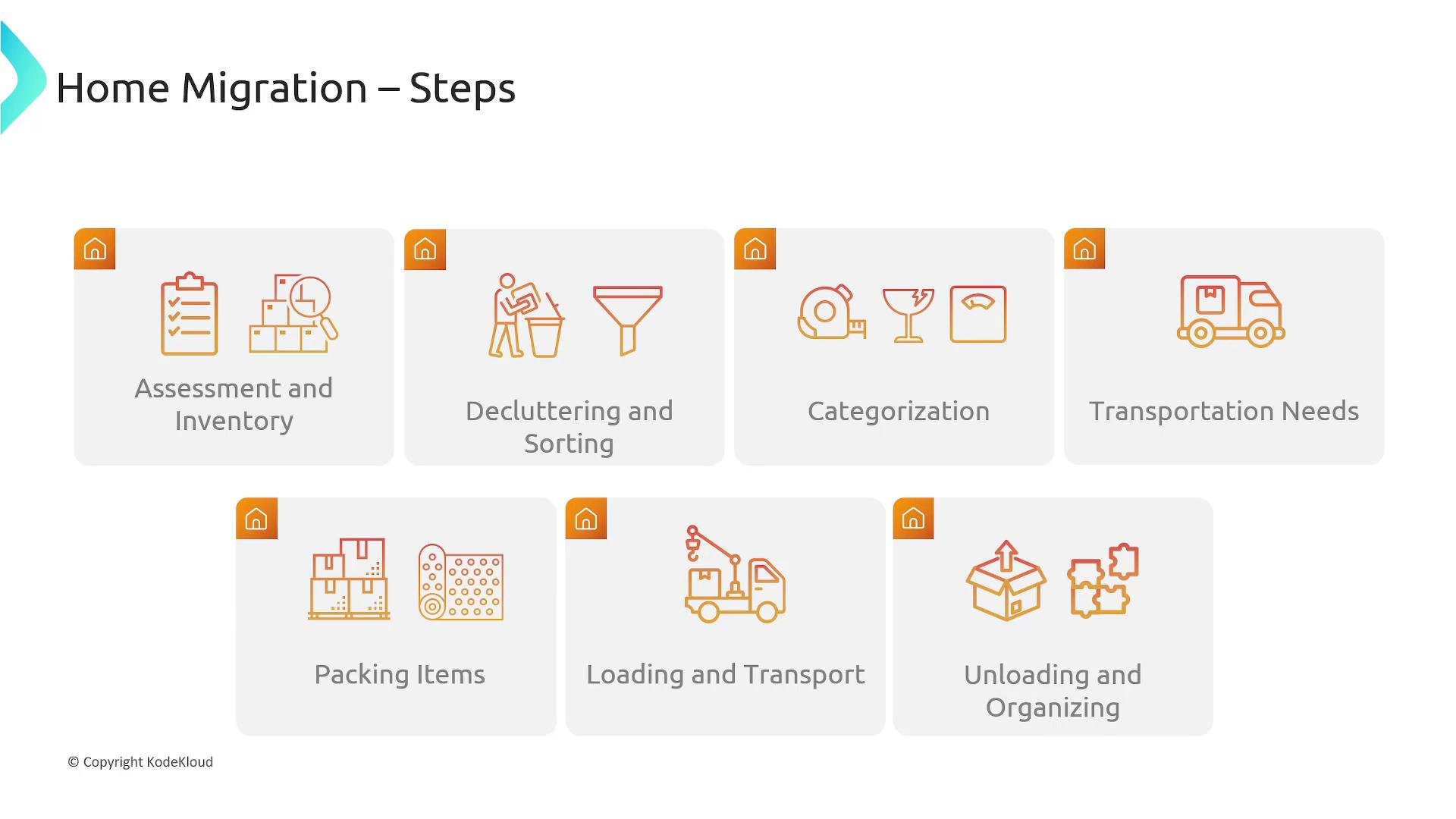
Primary AWS migration and transfer services (overview)
The table below summarizes core AWS migration and transfer services, what they do, and where they fit in the migration lifecycle.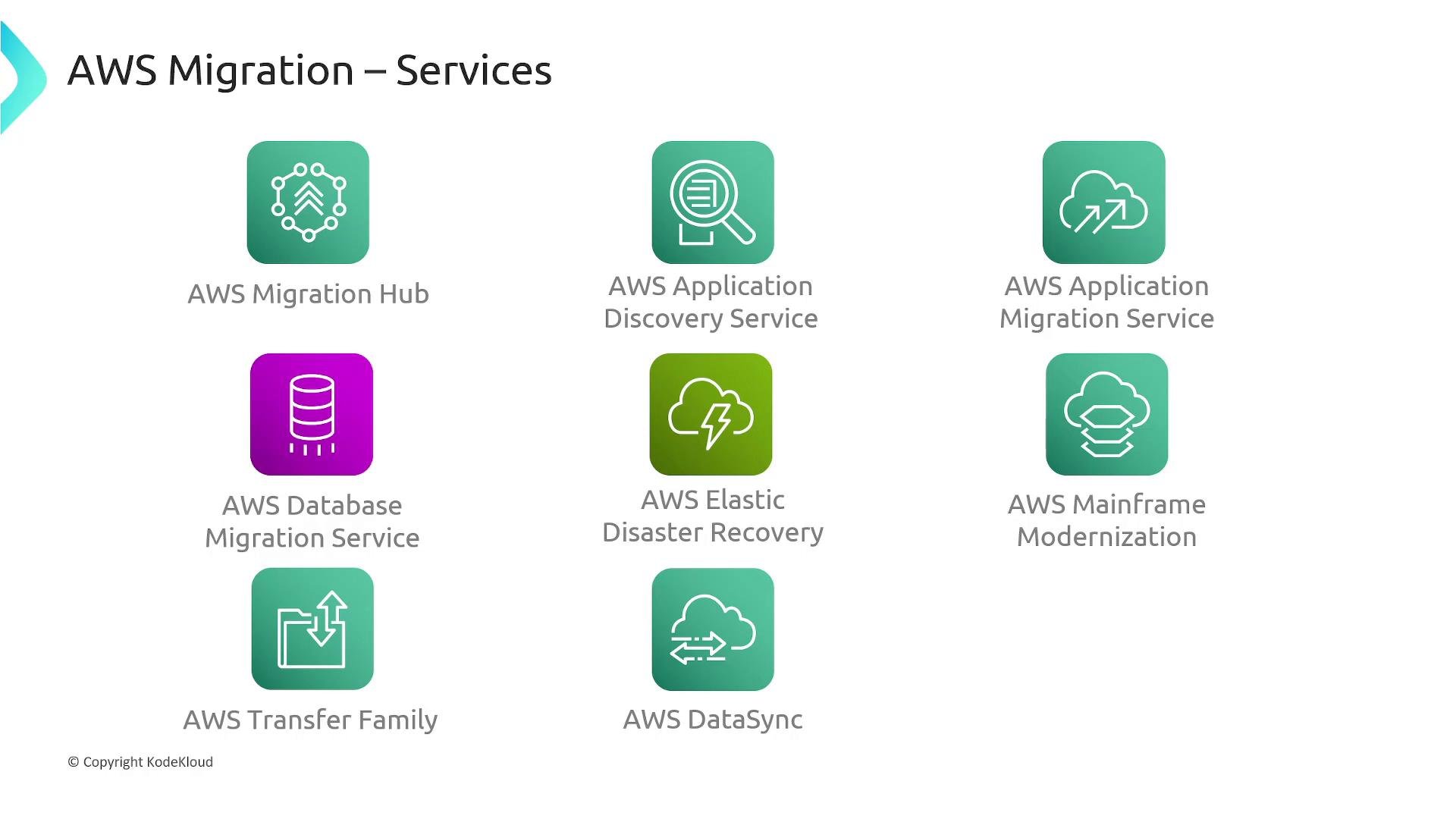
- AWS Snow Family
If network transfer is impractical or too slow, Snow devices (Snowcone, Snowball, Snowmobile) provide secure offline, large-scale data transport. Use Snow Family when data volumes, bandwidth constraints, or regulatory requirements favor physical shipment.
Remember: AWS Elastic Disaster Recovery (DRS) is built for continuous replication and rapid failover for disaster recovery scenarios. For long-term permanent migration, consider AWS Application Migration Service (MGN) or DMS depending on workload type and migration goals.
How these services combine in a migration project
- Discovery and planning: Start with Application Discovery Service to create an inventory, then use Migration Hub to track waves and tool integrations.
- Application migration: Use AWS MGN for rehosts; refactor and replatform as appropriate.
- Database migration: Use AWS DMS for data replication and cutover; use AWS SCT where schema conversion is required.
- File and bulk data transfer: Use DataSync for online transfers; use Transfer Family for protocol-based file access; use Snow Family for offline transfers at scale.
- DR or fallback capability: Use Elastic Disaster Recovery to maintain a continuously replicated recovery site.
Next steps and references
- Map your inventory and dependencies before choosing the transfer mechanism—network transfers, managed services, or offline devices.
- Plan migration waves by grouping applications with tight dependencies together.
- Validate cutover and measure RTO/RPO objectives against service capabilities.
- AWS Migration Hub
- AWS Application Discovery Service
- AWS Application Migration Service (AWS MGN)
- AWS Database Migration Service (AWS DMS)
- AWS Schema Conversion Tool (SCT)
- AWS Elastic Disaster Recovery (AWS DRS)
- AWS Transfer Family
- AWS DataSync
- AWS Snow Family
- Mainframe Modernization