

- Plaintext data is readable by anyone who can access the storage — including attackers who gain access to S3 buckets, EBS snapshots, or source code repositories.
- Encryption transforms data into ciphertext so it is unreadable without the correct cryptographic key.
- Proper encryption also supports integrity checks and reduces the risk of tampering when data is transmitted across networks.
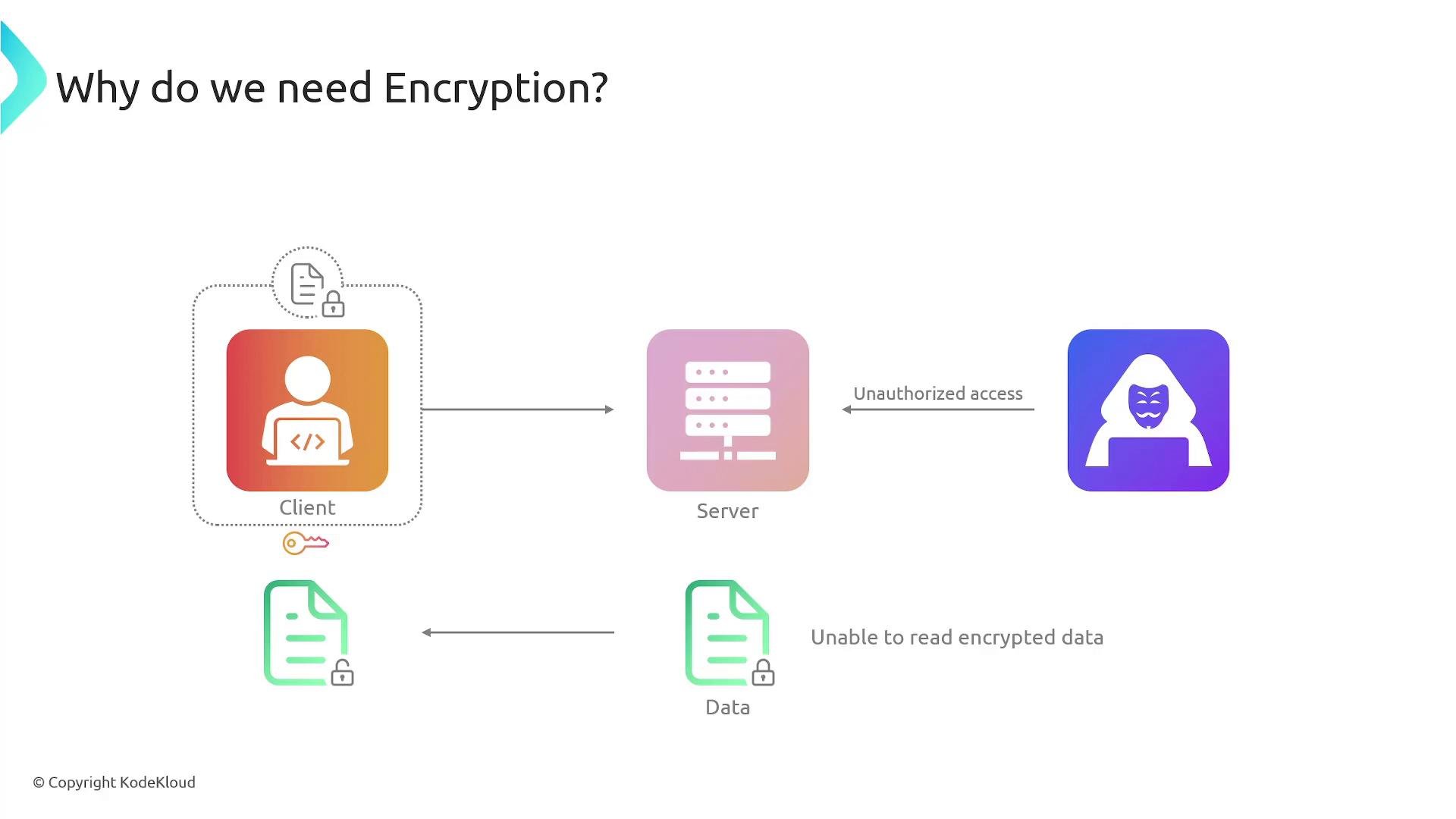
- Managing keys across many applications and services becomes complex: creation, rotation, policy management, and auditing are required for each key.
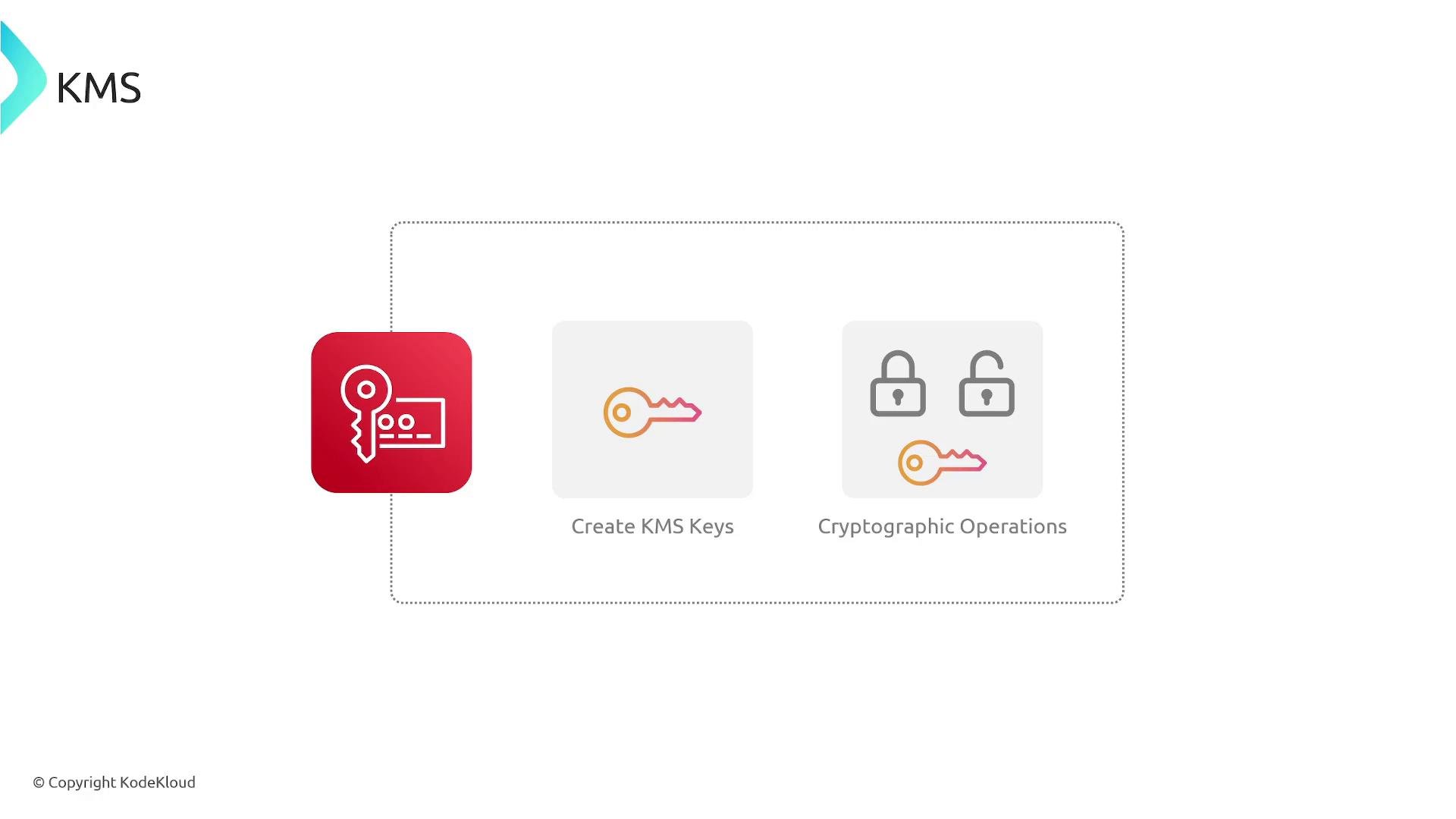
- KMS provides a managed, centralized service that handles key lifecycle and exposes cryptographic APIs you can call from applications or AWS services.
- KMS creates and stores keys (you typically don’t have direct access to key material KMS manages).
- KMS enforces key policies and IAM controls.
- KMS exposes APIs for cryptographic operations (Encrypt, Decrypt, GenerateDataKey, Sign, Verify).
- KMS supports automated rotation (for eligible keys), scheduled deletion, and import of customer key material under controlled workflows.
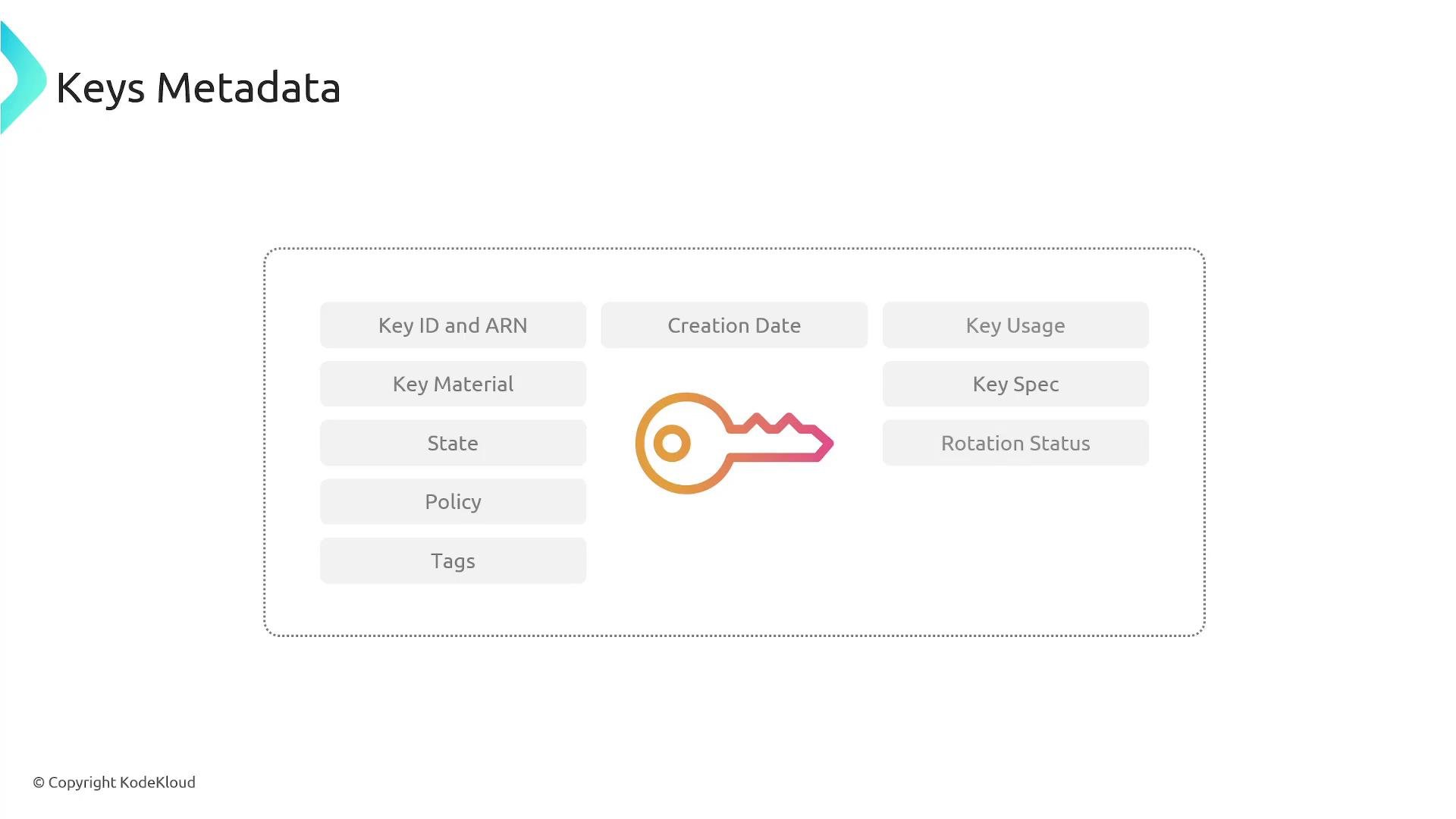
- Key ID and Amazon Resource Name (ARN)
- Key material origin (KMS-generated or imported)
- Key state (Enabled, Disabled, Pending Deletion, Pending Import, etc.)
- Key usage (
Encrypt/Decryptfor symmetric;Sign/Verifyfor asymmetric) - Key spec and algorithm size
- Creation date
- Rotation status (automatic rotation enabled/disabled)
- Key policy (controls permissions at the key level)
- Tags and aliases
- Deletion scheduled date (if pending deletion)
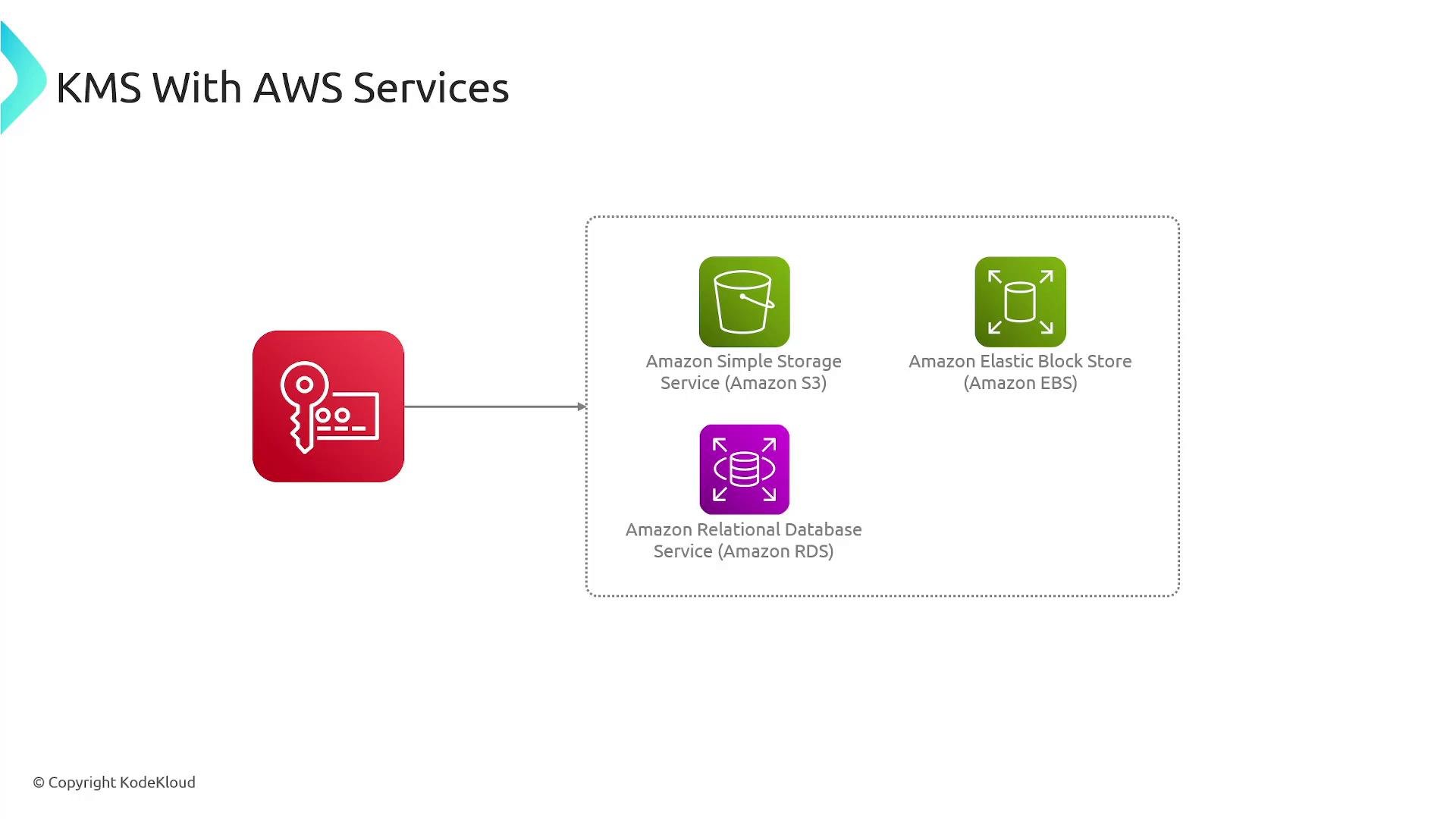
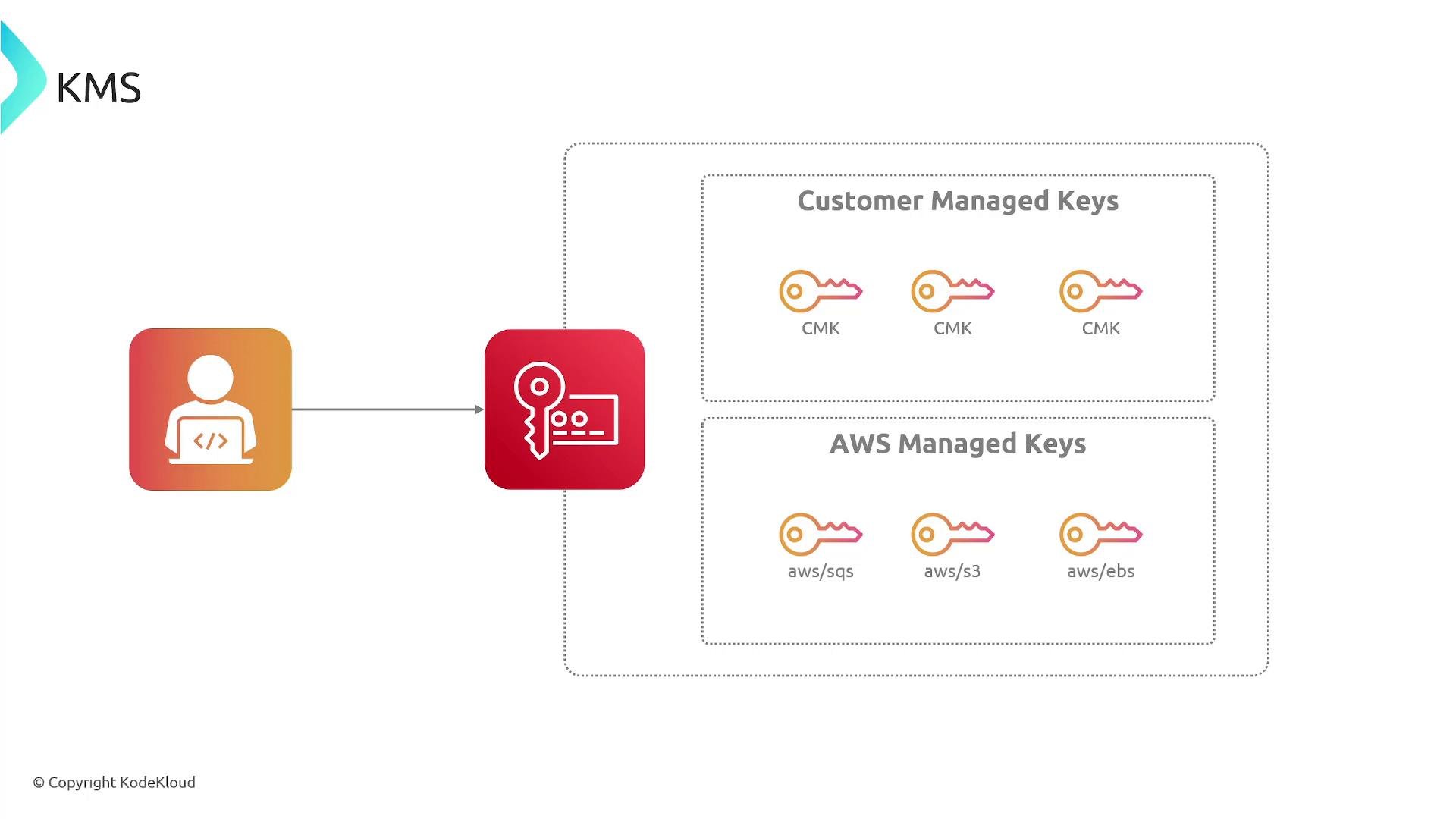
These services can use AWS-managed keys automatically or accept customer-managed keys so you can apply your own policies and rotation settings.
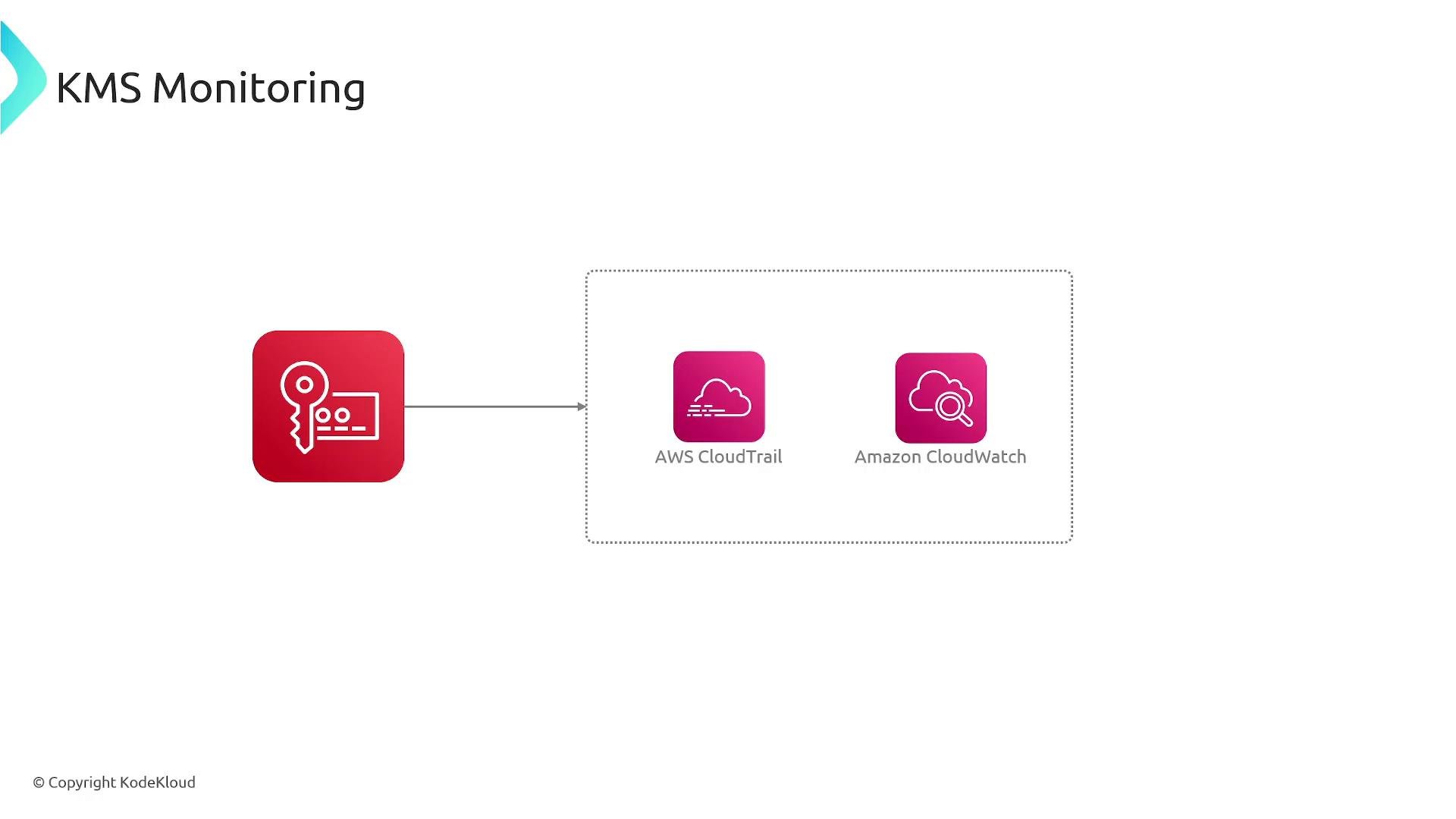
- AWS CloudTrail logs all KMS API calls (CreateKey, Encrypt, Decrypt, GenerateDataKey, policy changes, etc.), enabling a complete audit trail of key usage and administrative actions.
- Amazon CloudWatch collects KMS metrics and supports alarms/dashboards for request counts, error rates, and operation latencies.
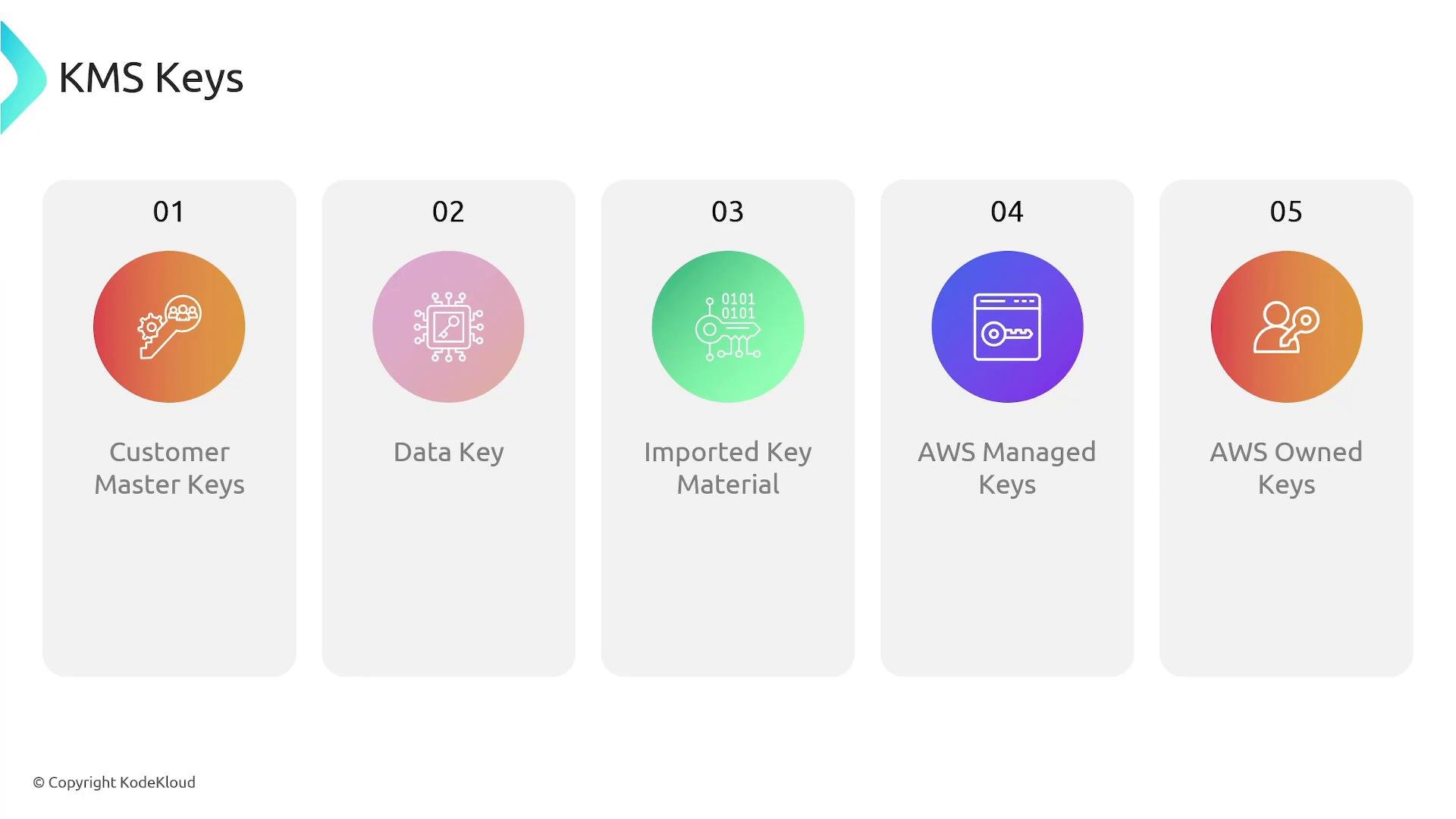
- Customer master keys (CMKs) / KMS keys — primary KMS resources used to perform cryptographic operations and protect data keys. Can be customer-managed or AWS-managed.
- Data keys — plaintext keys used to encrypt large data objects; KMS can generate data keys and return both plaintext and encrypted forms.
- Imported key material — your own key material imported into a customer-managed key under defined import procedures.
- AWS-managed keys — created and managed by AWS for use with specific services (for example,
aws/s3,aws/ebs). You cannot edit their policy or rotation settings. - AWS-owned keys — keys owned and used by AWS across accounts; not visible in your account.
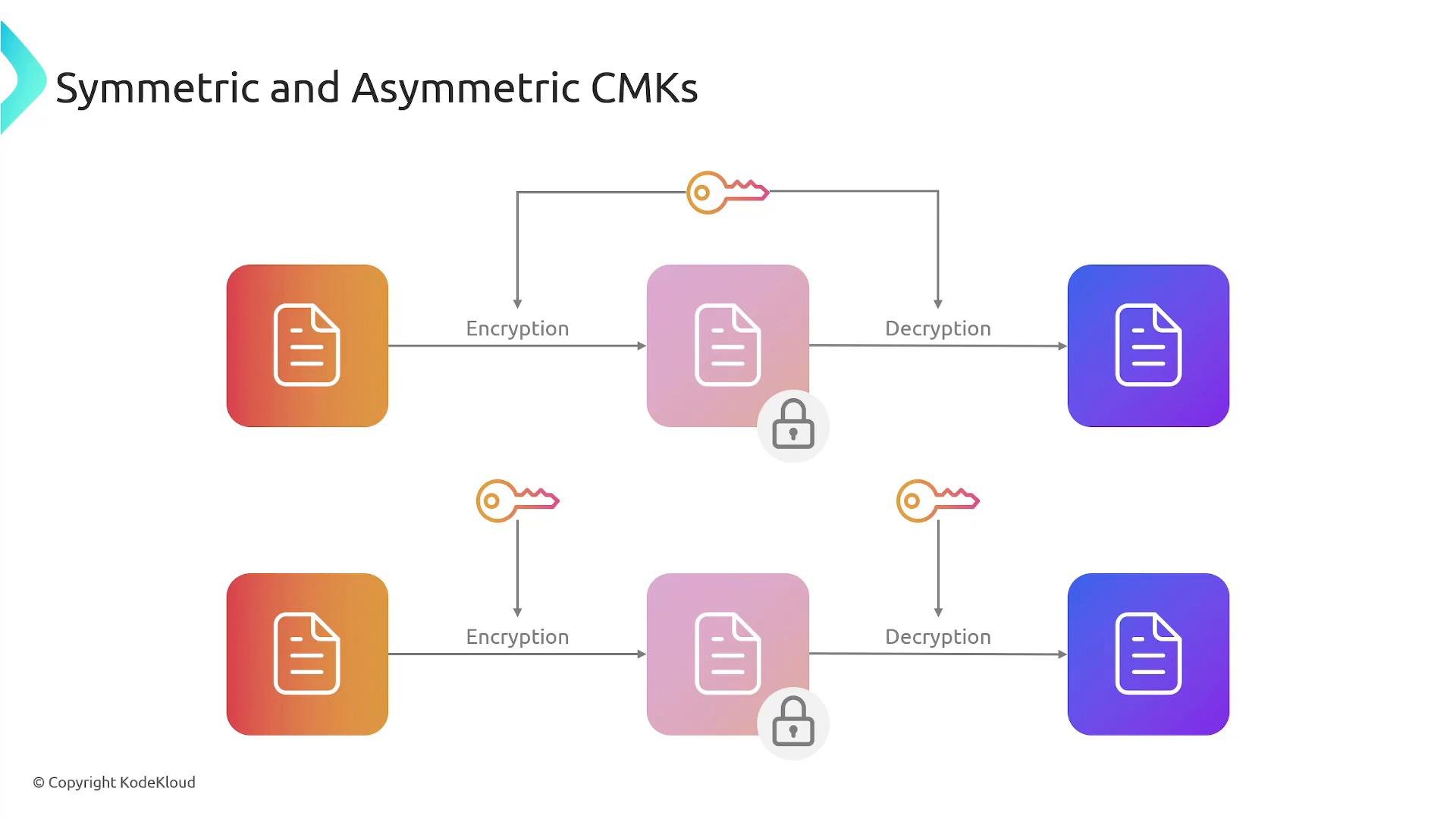
- Symmetric keys: single secret key used for both encryption and decryption. Ideal for encrypting data at rest, widely supported by KMS.
- Asymmetric keys: a public/private key pair. Use the public key for encryption or signature verification and the private key for decryption or signing. Asymmetric keys are useful where public distribution of the verification/encryption key is required while keeping the private key secret.
- Call KMS
GenerateDataKey(orGenerateDataKeyWithoutPlaintextif you only need the encrypted form).GenerateDataKeyreturns both:- The plaintext data key (raw key bytes), and
- The same data key encrypted (ciphertext) under a CMK.
- Use the plaintext data key locally to encrypt the large object (file, stream), then immediately discard the plaintext data key from memory.
- Store the encrypted object together with the encrypted data key (the ciphertext blob returned by KMS).
- To decrypt: retrieve the encrypted data key and call KMS
Decryptto obtain the plaintext data key. Use that plaintext data key to decrypt the object, then discard it from memory. - For additional protection or distributed architectures, use
GenerateDataKeyWithoutPlaintextso services never receive plaintext keys — they can instead rely on KMS to unwrap keys when needed.
- Centralized key lifecycle management across AWS resources and applications
- Fine-grained access control via key policies and IAM
- Built-in auditability through CloudTrail and monitoring via CloudWatch
- Native integration with many AWS services (S3, EBS, RDS, etc.)
- Support for envelope encryption (data keys) to encrypt large data efficiently
- Automatic rotation for eligible symmetric customer-managed CMKs and ability to import key material when required
Never store plaintext secrets (like credentials or private keys) in source code, configuration files, or unprotected storage. Use KMS (or a
Secrets Manager) and follow the envelope encryption pattern to protect large data and maintain centralized control and auditability.- AWS KMS overview: https://docs.aws.amazon.com/kms/latest/developerguide/overview.html
- GenerateDataKey: https://docs.aws.amazon.com/kms/latest/developerguide/generate-data-keys.html
- GenerateDataKeyWithoutPlaintext: https://docs.aws.amazon.com/kms/latest/developerguide/generate-data-key-without-plaintext.html
- Envelope encryption: https://docs.aws.amazon.com/kms/latest/developerguide/envelope-encryption.html
- AWS CloudTrail: https://aws.amazon.com/cloudtrail/
- Amazon CloudWatch: https://aws.amazon.com/cloudwatch/
- AWS Secrets Manager: https://aws.amazon.com/secrets-manager/