

Amazon Lightsail — When to use it (and security caveats)
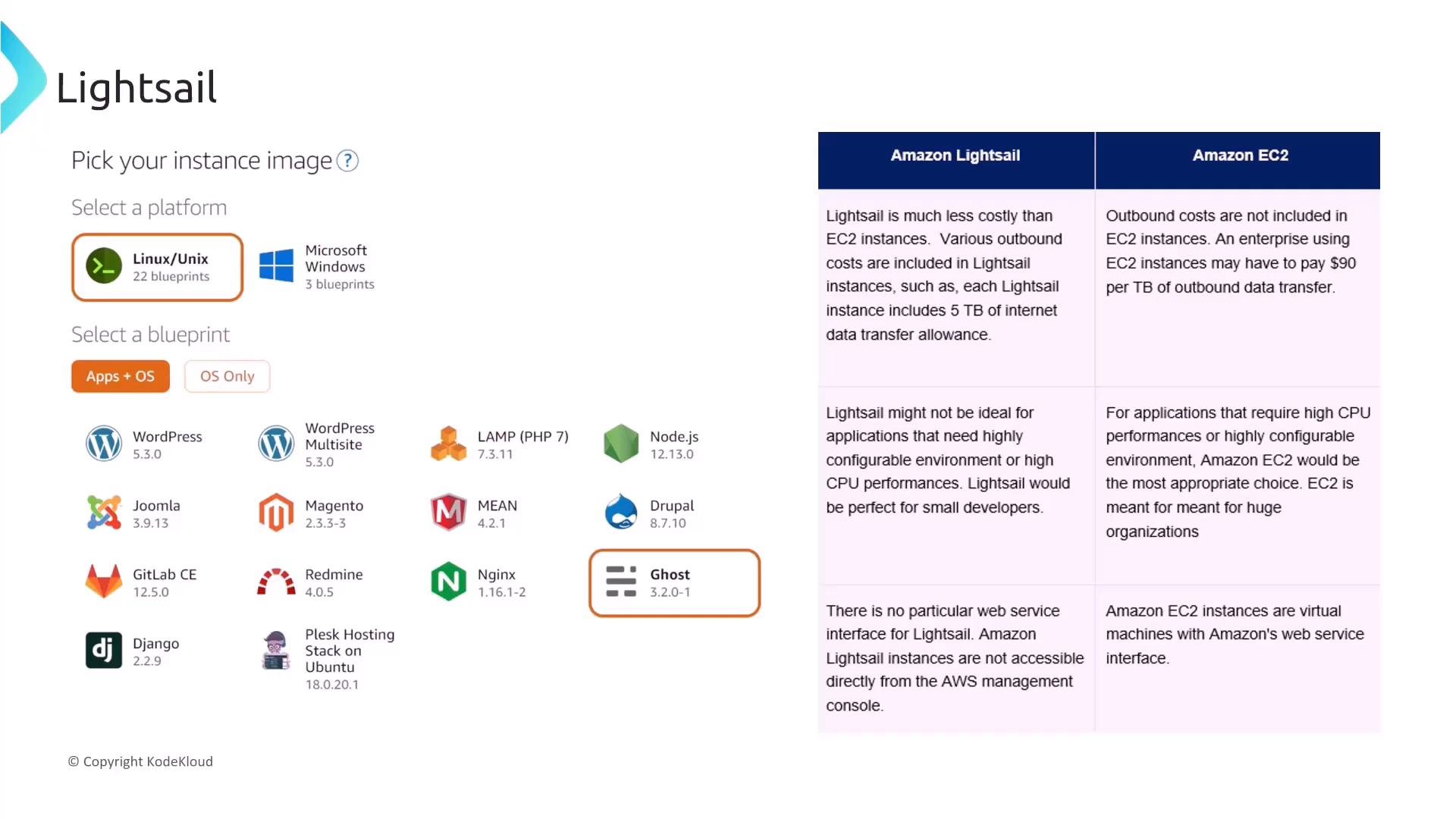
Amazon Lightsail is a simplified virtual private server (VPS) service that’s cost-effective and fast to provision for small projects — e.g., a basic instance (1 vCPU, 2 GB RAM) and one-click blueprints for apps such as WordPress. It bundles networking, storage, and easy admin access, but it’s not intended for enterprise-grade workloads and isn’t part of the AWS Solutions Architect — Associate exam scope.Amazon Lightsail is a simplified VPS offering and is not in scope for the Solutions Architect — Associate exam. Be aware of it, but don’t expect it on the exam.
- Treat default firewall settings as a starting point — verify and tighten inbound/outbound rules per instance.
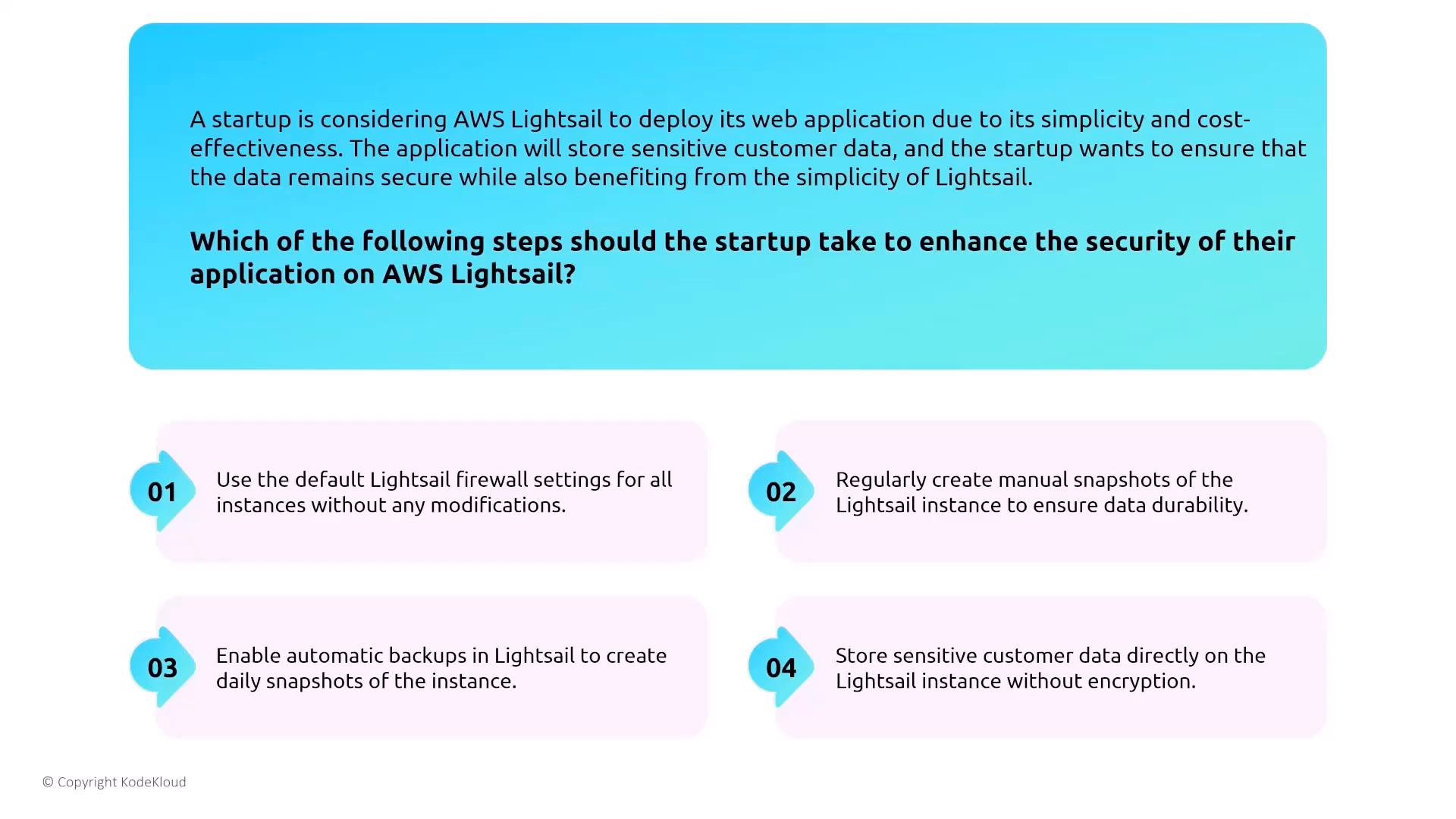
- Enable automated snapshots/backups rather than relying on manual snapshots alone.
- Encrypt sensitive data at rest and in transit; do not store unencrypted customer data on Lightsail volumes.
- Do not rely solely on default firewall rules.
- Prefer automated daily snapshots/backups.
- Always encrypt sensitive data in transit and at rest.
Containers — Amazon Elastic Container Service (ECS) overview
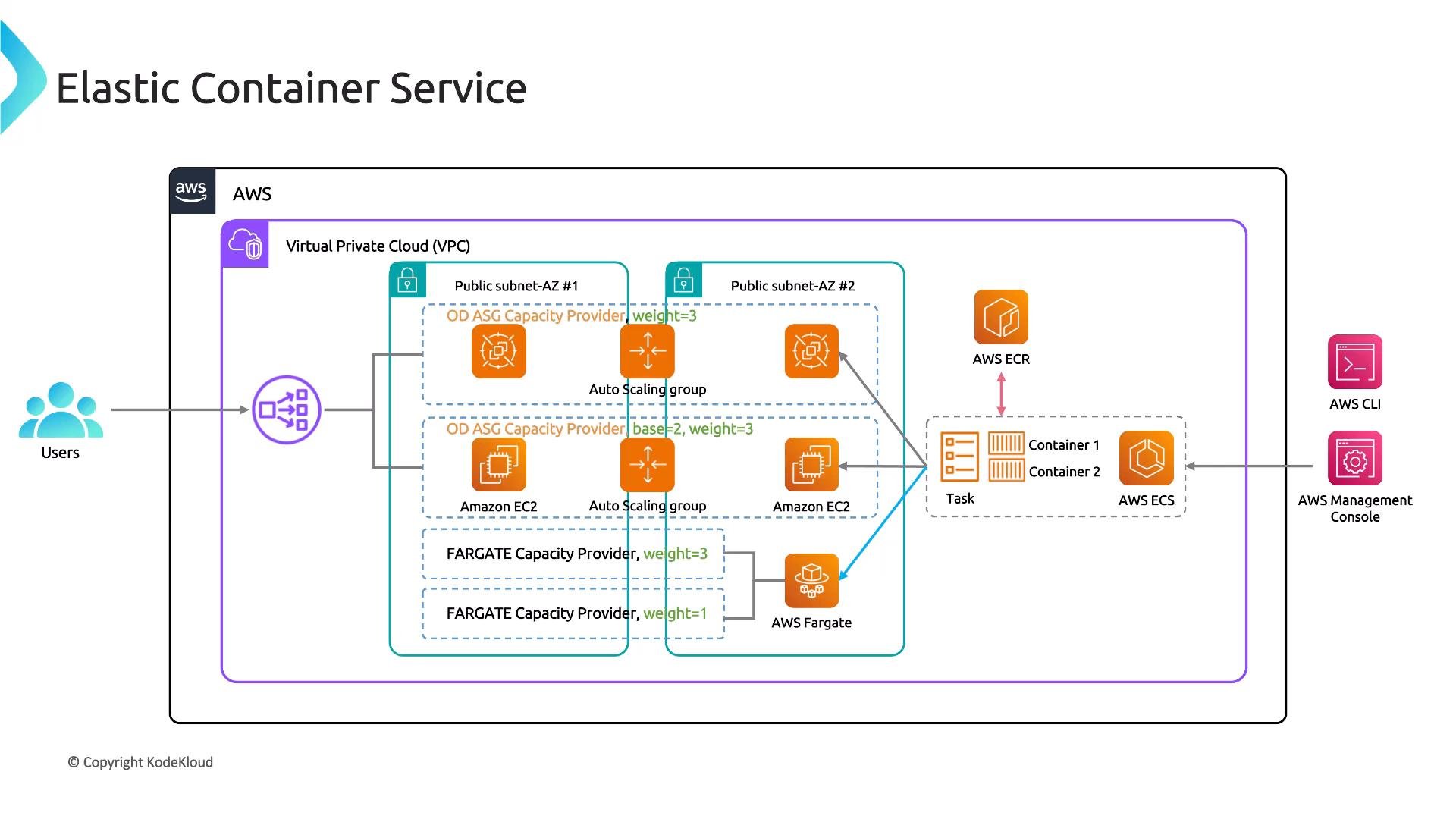
We cover ECS and related services (ECR, Fargate, capacity providers). At a high level:- ECS runs tasks (containers) defined by task definitions.
- Tasks launch on EC2 instances (EC2 launch type) or on AWS-managed infrastructure (Fargate).
- Container images are stored in registries such as ECR.
- Load balancers (typically ALB) route client traffic across tasks and AZs.
- Task and execution IAM roles — follow least-privilege (grant only the permissions tasks need to access AWS services like S3, ECR, Secrets Manager).
- Secrets management — use Secrets Manager or Systems Manager Parameter Store instead of baking secrets in images or plaintext env variables.
- Network and encryption — use ALB with TLS (HTTPS), enforce encryption in transit, and consider a service mesh (App Mesh) or VPC Lattice for secure service-to-service traffic.
- Monitoring and logging — send container logs and metrics to CloudWatch (or a logging pipeline) and set alerts/dashboards.
- Avoid manual scaling.
- Avoid fixed task counts that don’t react to queue load.
- Recommended: run an ECS service with autoscaling triggered by a queue metric (e.g., SQS message count) and assign least-privilege IAM roles to tasks for S3 access.
ECS task execution roles and secrets
- The ECS task execution role allows the ECS agent/platform to perform runtime operations (pull images from ECR, publish logs to CloudWatch, etc.).
- Use an IAM task role for containers to access AWS APIs — this prevents embedding long-term credentials in images.
- Use Secrets Manager or Parameter Store to inject secrets securely; environment variables in task definitions are plaintext unless backed by a secrets store.
Do not embed AWS credentials or application secrets in container images or plaintext environment variables. Use IAM task roles for API access and Secrets Manager / Parameter Store for secrets.
- Use an Application Load Balancer (ALB) with HTTPS listeners — it integrates with ECS, supports path/host-based routing, and enables TLS termination (recommended).
- Network Load Balancer (NLB) is suitable for high-performance or static IP needs but lacks ALB’s application routing features.
- ECS Service Discovery without a load balancer is suitable for internal communication but does not provide client-facing TLS termination and distribution.
- Classic Load Balancer is legacy and not recommended for modern ECS workloads.
Fargate vs EC2 for ECS tasks
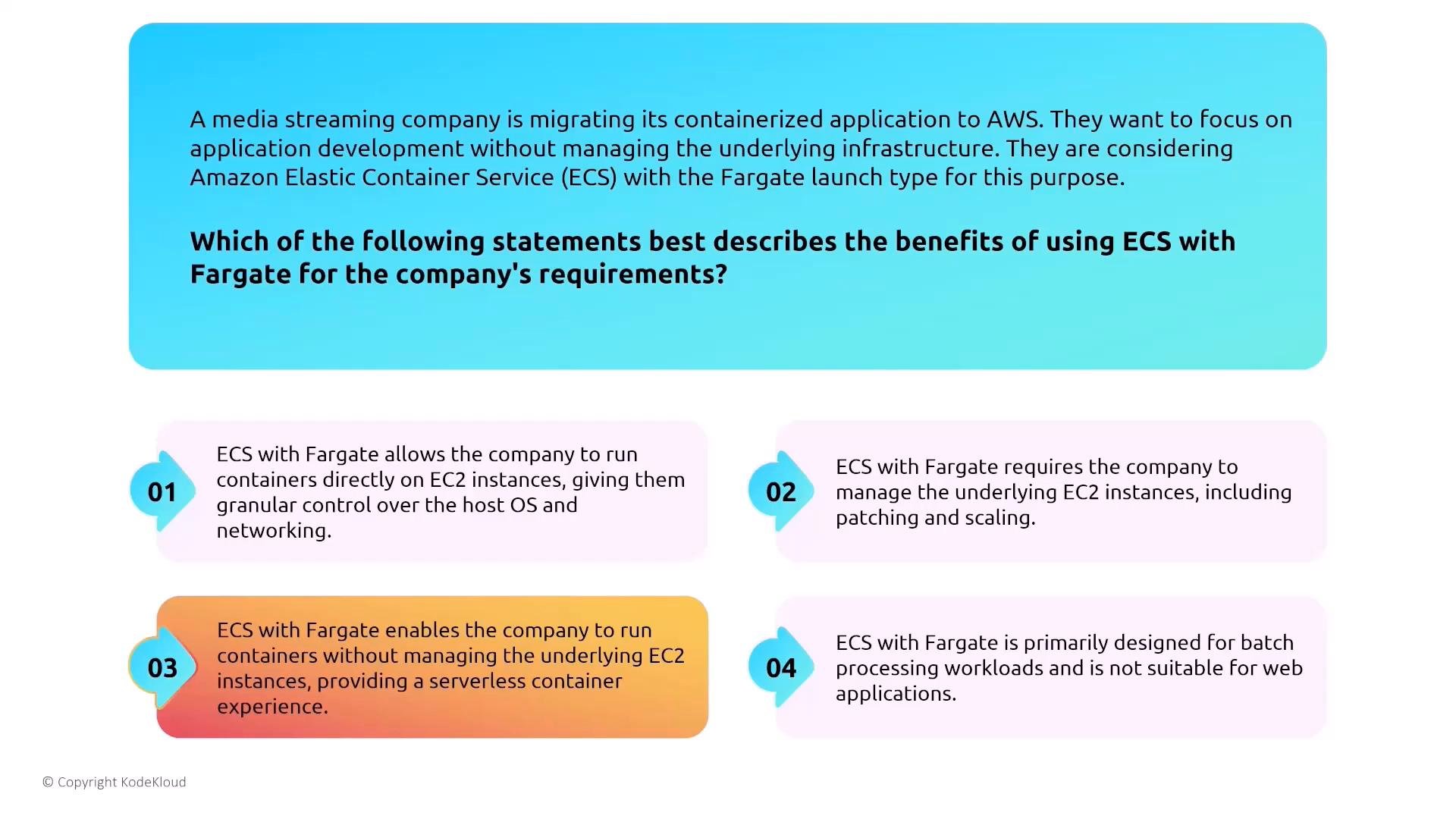
- Fargate: serverless containers — AWS manages the host OS, scaling, and patching. Use when you want to avoid host management and reduce attack surface.
- EC2 launch type: gives you host-level control (useful for specialized drivers, custom AMIs, or when persistent host storage/advanced networking features are required).
- Validate workload compatibility for Fargate (resource limits, supported features).
Monitoring ECS with CloudWatch
CloudWatch offers metrics and logs at multiple granularity levels (cluster, service, task, and container-level metrics when enabled). Configure logging using the CloudWatch Logs driver, FireLens, or another log router to capture container stdout/stderr and platform logs.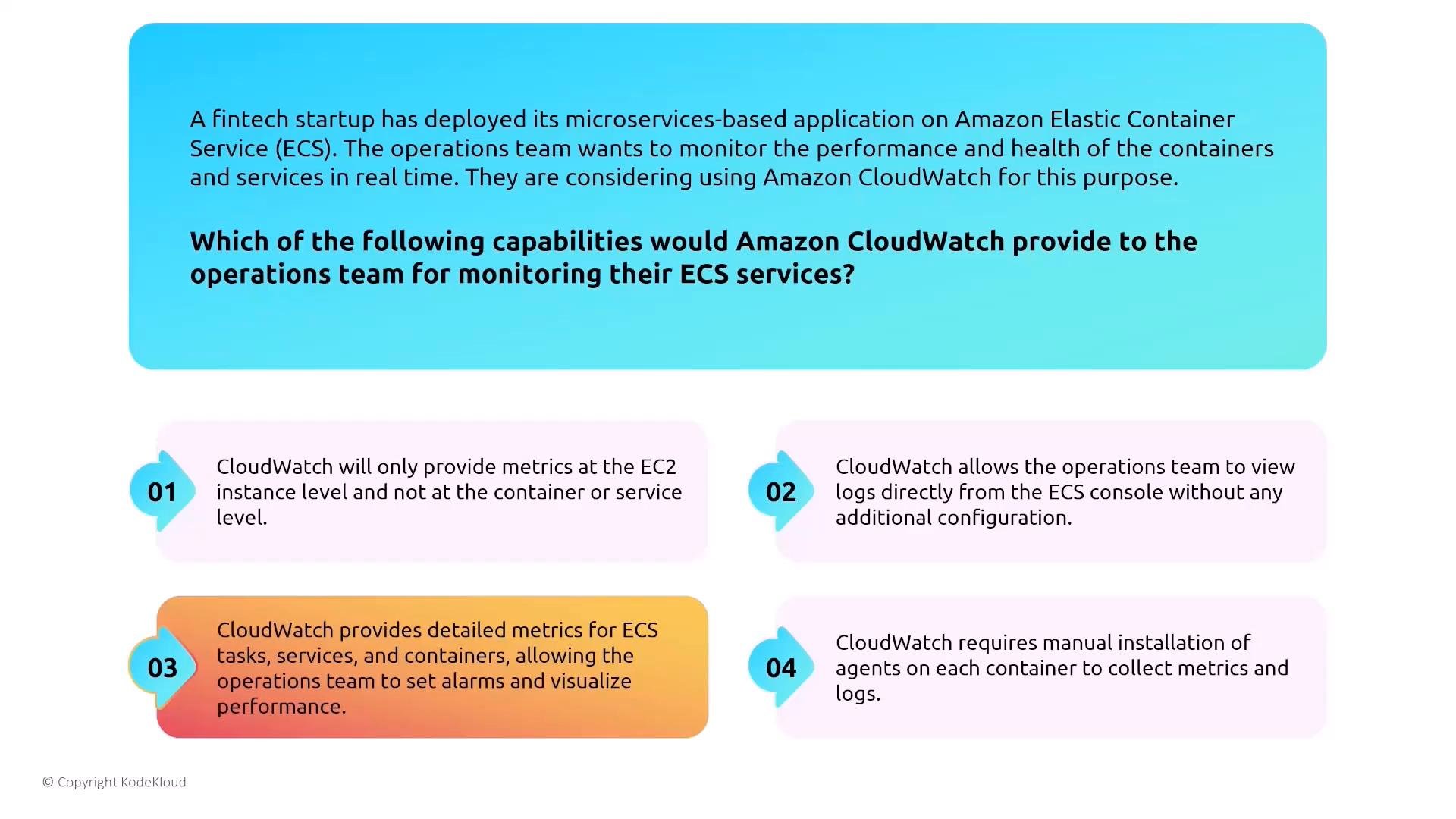
- Enable CloudWatch Logs for containers and configure log retention/rotation.
- Enable task and service metrics and create alarms (e.g., CPU, memory, and custom application metrics).
- Use dashboards and alerts to detect performance regressions or security anomalies.
Other container security considerations
- Data persistence: containers are ephemeral. Use durable services for persistent data — S3, EFS, or encrypted EBS (for EC2-backed hosts).
- Network protections: secure tasks with security groups, NACLs, and subnet design. Implement least-privilege network access.
- Least-privilege IAM: attach IAM task roles with minimal permissions rather than embedding credentials.
- Automated resilience: configure ECS services to replace failed tasks and enable autoscaling based on meaningful metrics (queue depth, CPU, custom metrics).
CI/CD and multi-account patterns
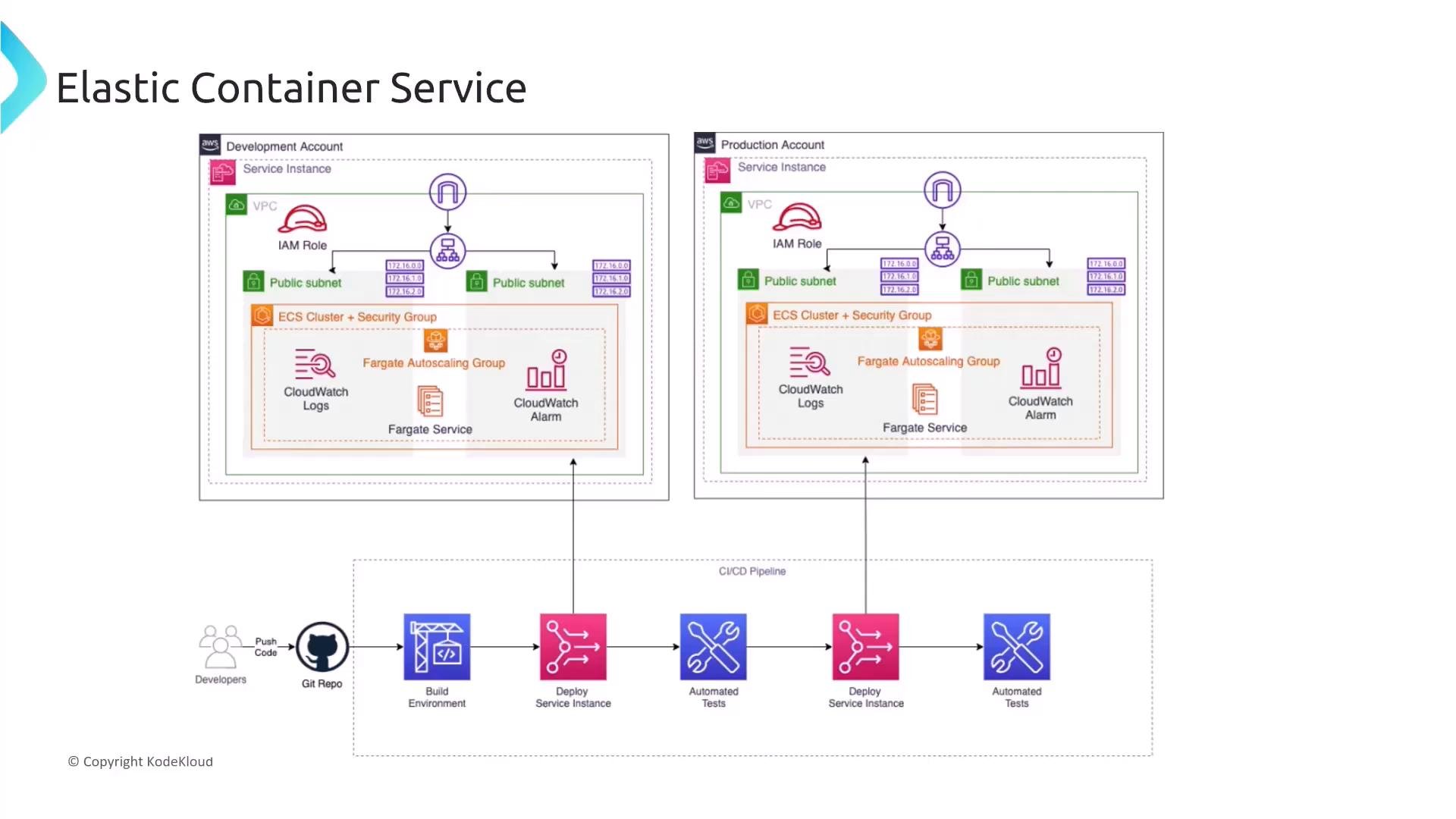
A secure operational model commonly separates Development and Production accounts, each with its own VPC and ECS clusters (often Fargate). CI/CD pipelines push artifacts from source control to build and test stages, promote validated artifacts through development, and then deploy to production to preserve isolation and provide safe rollout.Security controls summary (quick-reference table)
Final checklist — turning up security on container compute services
- Use IAM task roles for least-privilege access.
- Store secrets in Secrets Manager or Systems Manager Parameter Store — never embed credentials in images.
- Use ALB with TLS for encrypted ingress; consider App Mesh or VPC Lattice for service-to-service encryption.
- Prefer managed compute (Fargate) when feasible to reduce host management overhead and attack surface.
- Configure CloudWatch metrics and logs for tasks and services; enable alerts and dashboards.
- Use persistent, encrypted storage for data that must survive container restarts (S3, EFS, encrypted EBS).
- Enforce network security using security groups, NACLs, and subnet segmentation.
Links and references
- Amazon Lightsail overview
- Amazon EC2 (Elastic Compute Cloud)
- Amazon ECS (Elastic Container Service)
- Amazon ECR (Elastic Container Registry)
- AWS Fargate
- AWS App Mesh
- Amazon CloudWatch
- AWS IAM best practices
- AWS Secrets Manager
- AWS Systems Manager Parameter Store