- Each VPC can have only one Internet Gateway attached.
- An Internet Gateway can only be attached to one VPC at a time.
Converting a Private Subnet to a Public Subnet
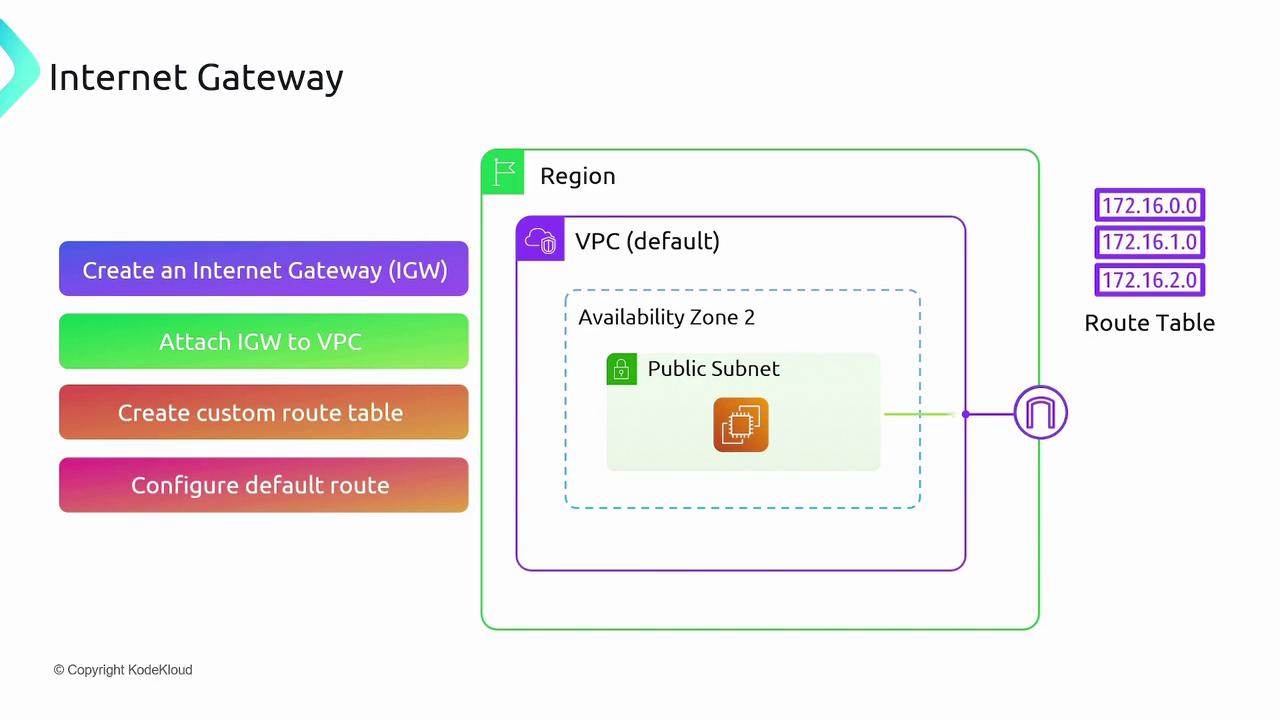
To transform a private subnet into a public one, follow these essential steps:- Create an Internet Gateway.
- Attach the Internet Gateway to your VPC.
- Create a custom route table.
- Configure a default route in the route table that points to the Internet Gateway.
This default route ensures that any traffic without a more specific route is forwarded to the Internet Gateway. - Associate the desired subnet with the custom route table.
This association enables all resources within that subnet to access the Internet.
Public and Private IP Addressing
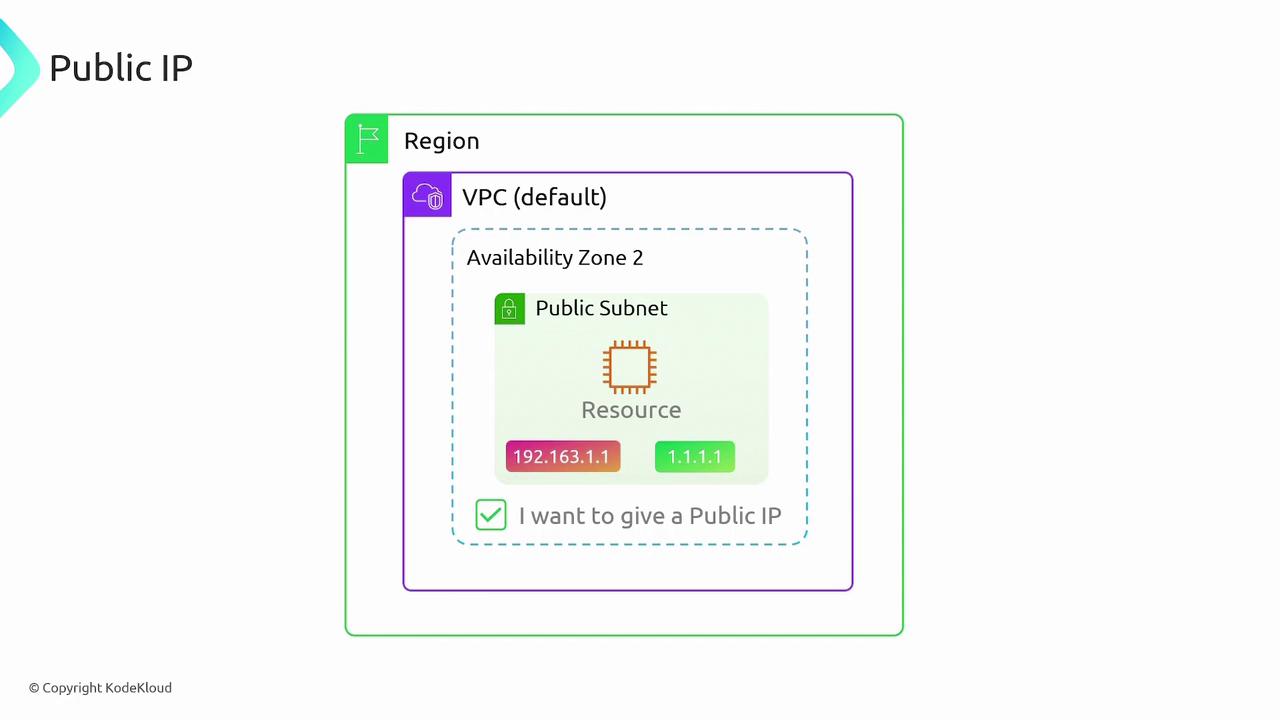
When you deploy resources in a public subnet, they automatically receive a private IP address. To allow Internet-facing communication, you must enable the assignment of public IP addresses. For example:- A resource might have a private IP like 192.168.1.1.
- Additionally, it will receive a public IP, such as 1.1.1.1, which external clients can use to reach the resource.
Summary
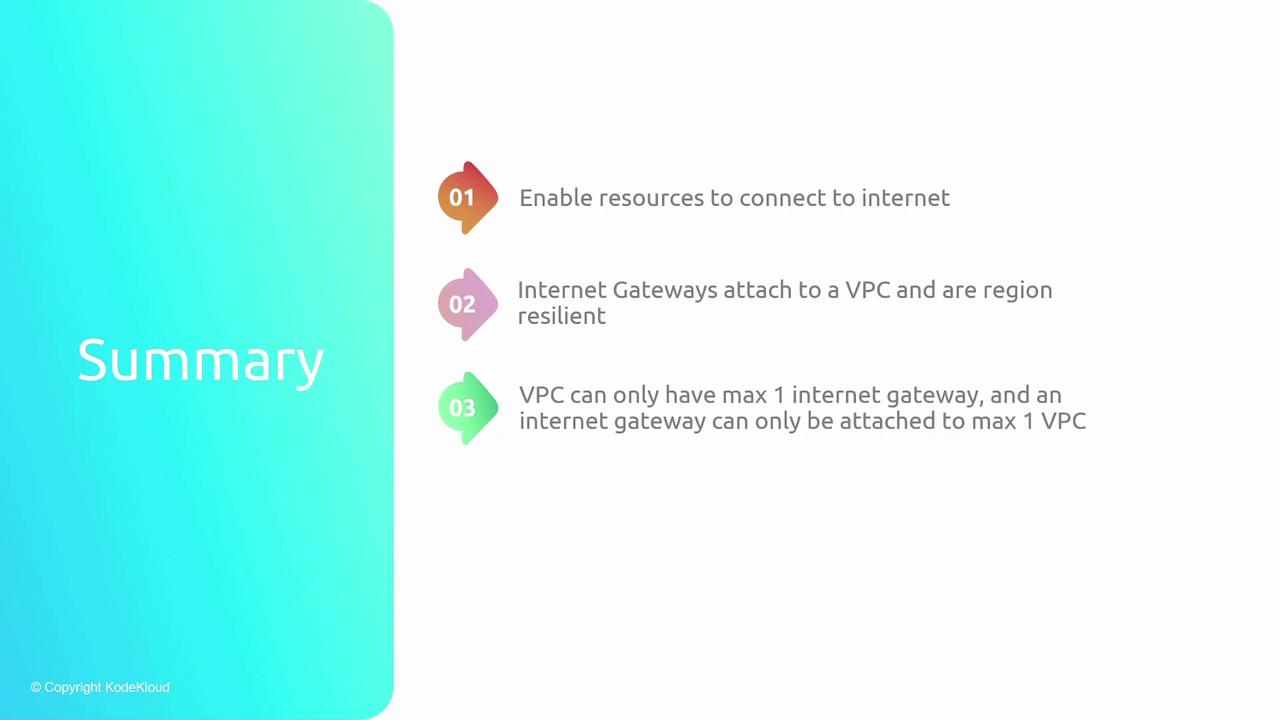
To recap the key points about Internet Gateways and VPC connectivity:- Internet Gateways provide necessary public connectivity for VPC resources.
- They offer regional resilience by spanning all Availability Zones.
- Each VPC is limited to one Internet Gateway, and an Internet Gateway can be attached to only a single VPC.
- A subnet is converted to a public subnet when its route table includes a default route pointing to the Internet Gateway.