

- Scans your account configuration and resource usage.
- Flags issues and prioritizes recommendations.
- Provides links to the AWS Management Console to help you remediate issues quickly.
- Exports results for reporting and tracking.
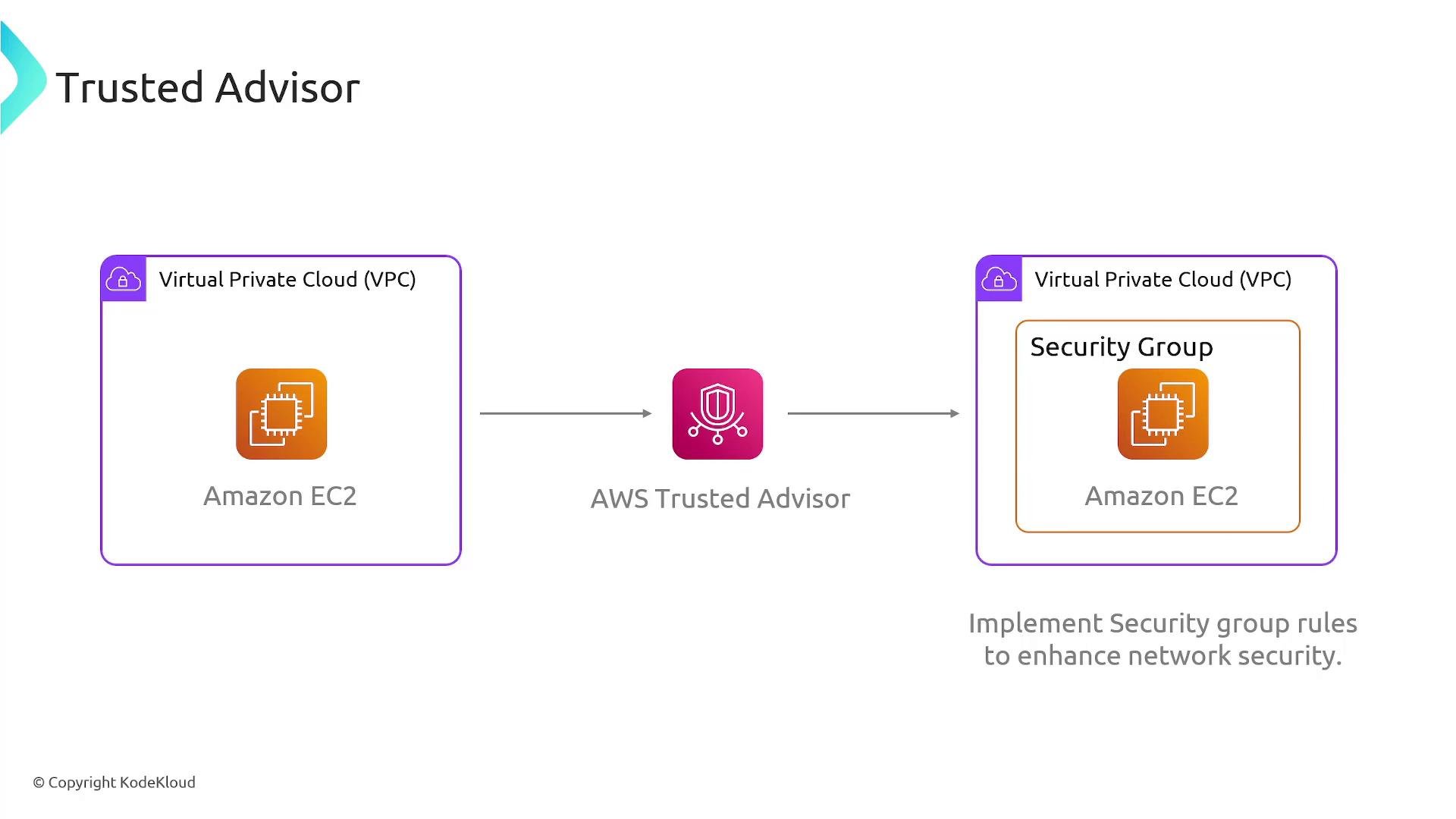
- Tighten overly permissive security group rules (for example, remove 0.0.0.0/0 where not required).
- Identify and remove unused Elastic IP addresses to avoid charges.
- Suggest better instance sizing or purchasing options (Reserved Instances / Savings Plans) to match workload needs.
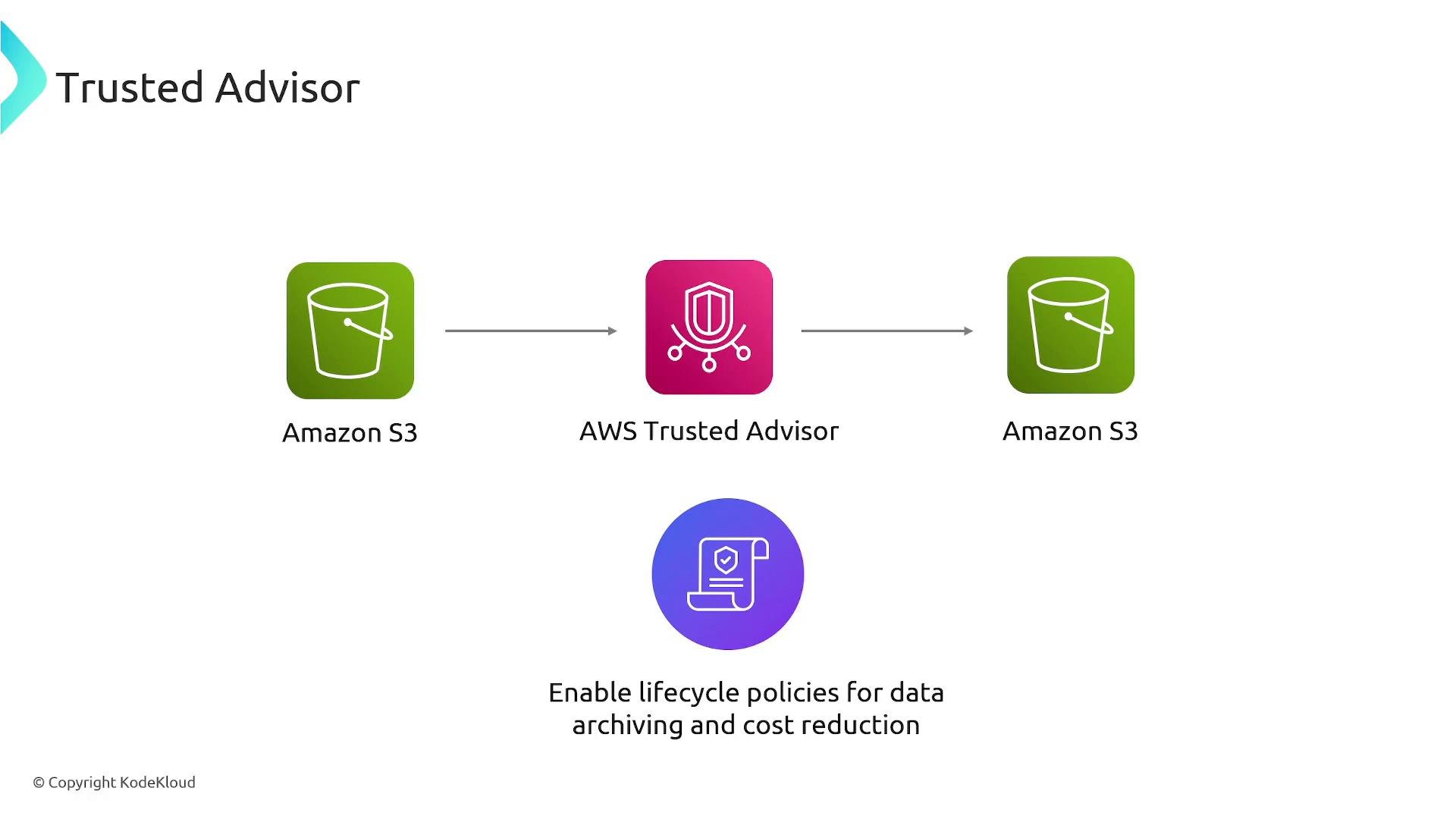
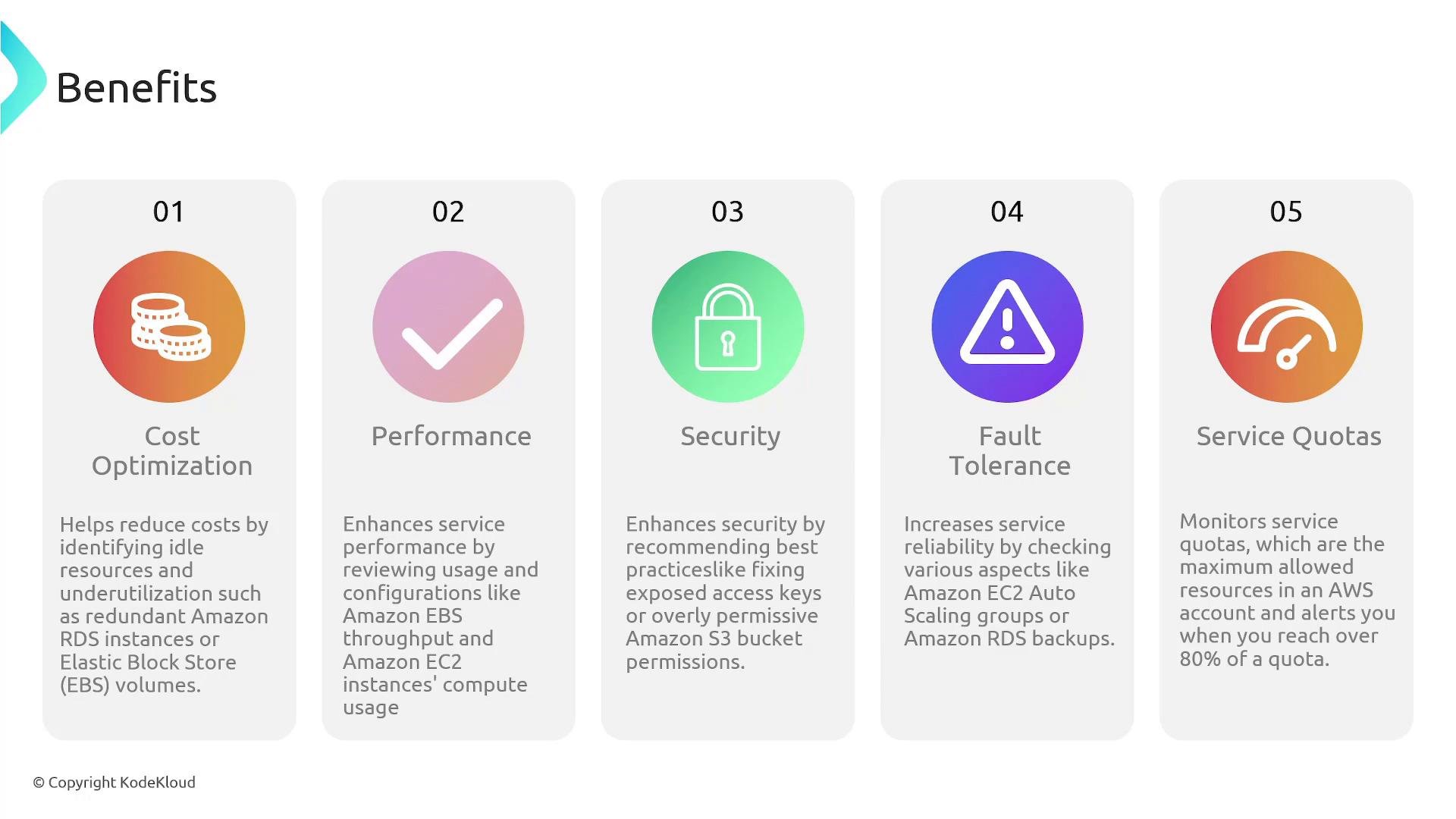
- Checks and coverage: Trusted Advisor organizes its checks into the five categories above and reports results as flagged resources with recommended actions.
- Support levels: Some checks are available to all AWS customers. The fuller, more detailed set of checks requires a Business or Enterprise support plan.
- Integrations: Recommendations often include direct links to the AWS Management Console for remediation. Results are exportable for compliance, tracking, and reporting.
- Alerts and quotas: Trusted Advisor can alert you when resource usage approaches typical thresholds (for example, around 80% of a service quota), giving you time to request increases or remediate.
Exam tip: If a question asks which AWS service provides prescriptive recommendations to improve cost, security, performance, or reliability (and monitors service quotas), the answer is AWS Trusted Advisor. Remember that a more complete set of checks is available with Business/Enterprise support plans.
- AWS Trusted Advisor: https://aws.amazon.com/premiumsupport/technology/trusted-advisor/
- AWS Management Console: https://aws.amazon.com/console/
- EC2: https://aws.amazon.com/ec2/
- VPC & Security Groups: https://docs.aws.amazon.com/vpc/latest/userguide/VPC_SecurityGroups.html
- Elastic IPs: https://docs.aws.amazon.com/AWSEC2/latest/UserGuide/elastic-ip-addresses-eip.html
- Amazon S3 & lifecycle policies: https://docs.aws.amazon.com/AmazonS3/latest/userguide/lifecycle-configuration-examples.html
- S3 storage classes: https://aws.amazon.com/s3/storage-classes/
- AWS IAM: https://aws.amazon.com/iam/
- Service Quotas: https://aws.amazon.com/service-quotas/