

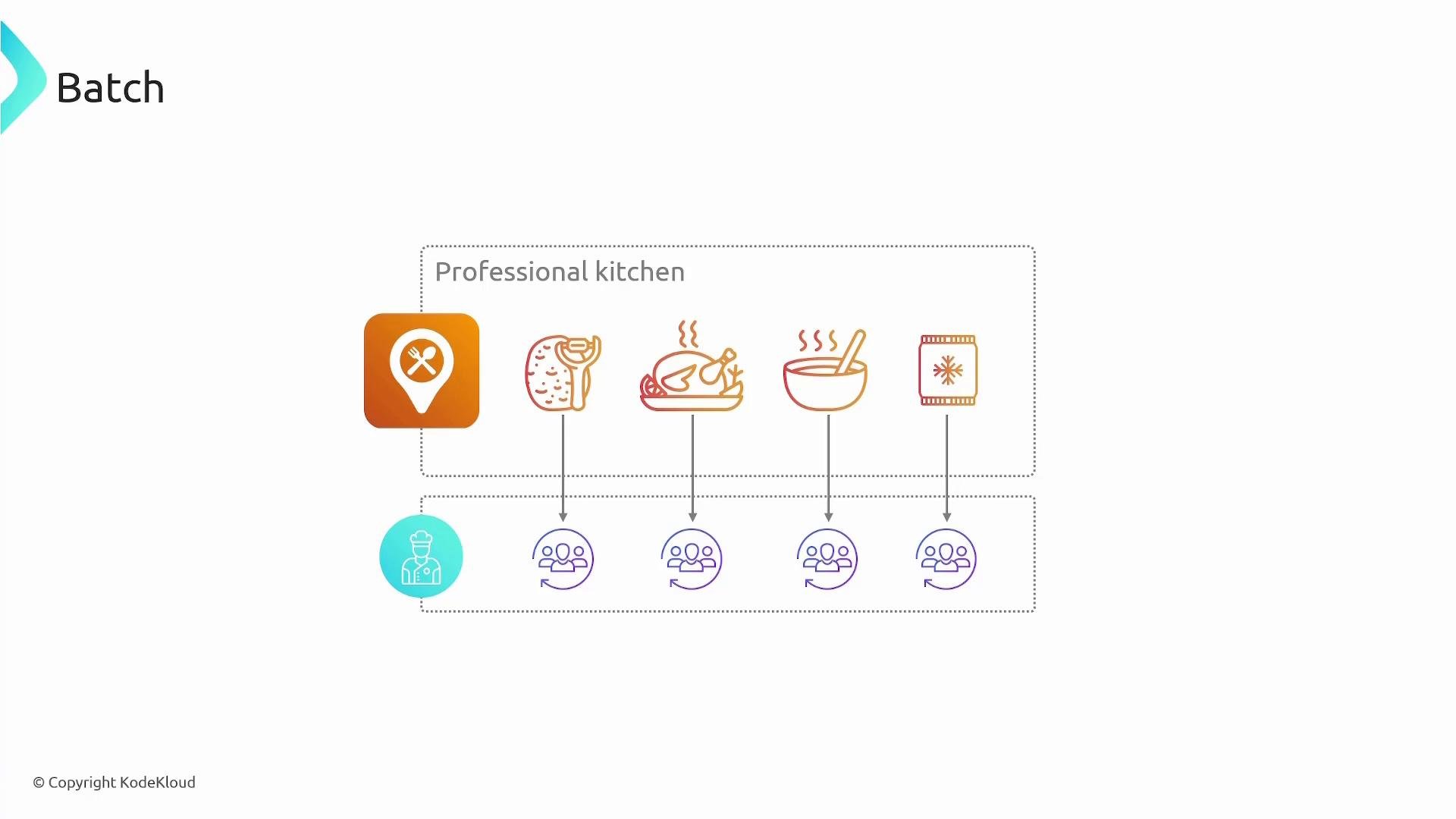
- Submit a job description (Docker image, vCPUs, memory, command, env vars, IAM role, retry strategy).
- AWS Batch places jobs into queues, evaluates priorities and dependencies, and schedules them onto appropriate compute resources.
- It provisions and scales compute resources automatically (EC2 On-Demand, EC2 Spot, or serverless/Fargate) so you don’t manually pick instance types or manage instance lifecycles.
- Choose On-Demand for predictable capacity, Spot for cost savings, or serverless containers for simplified operations.
- Jobs can be gated by dependencies and priorities so critical workloads run earlier while lower-priority jobs wait.
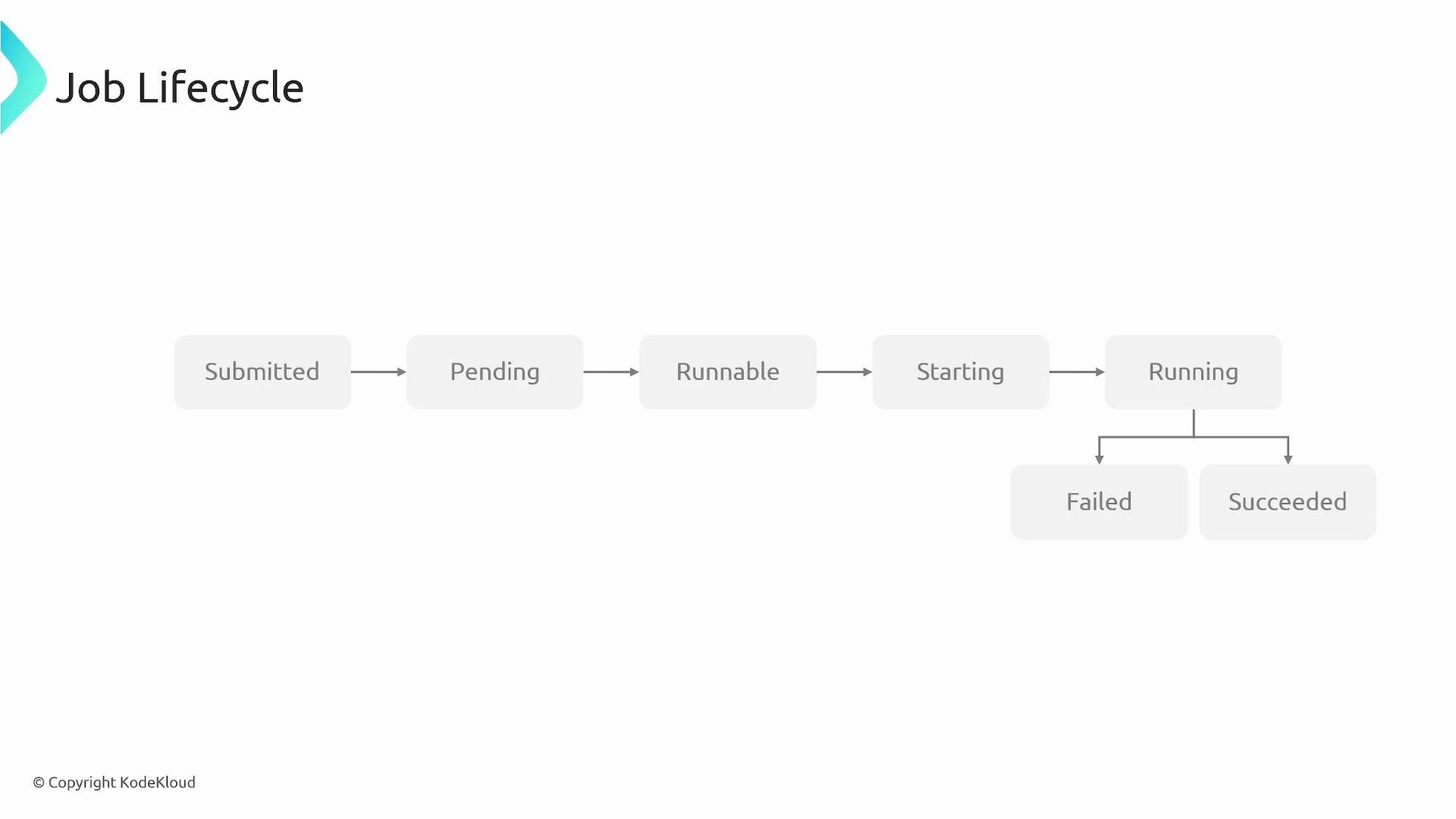
- Submitted — Job has been accepted by AWS Batch.
- Pending — Job is in the queue, waiting for resources or for dependent jobs to finish.
- Runnable — Job is eligible to run and is waiting for the required vCPUs and memory to become available.
- Starting — A compute resource has been allocated and the container runtime is preparing the container.
- Running — The container is executing the job commands.
- Succeeded / Failed — Terminal states indicating completion or error.
Compute environments can be managed by AWS Batch (AWS provisions and scales instances) or unmanaged (you provide instances). When managed, you define allowed instance types, minimum/maximum vCPUs, and launch templates; Batch scales resources to match queue demand.
Benefits and features
- Dynamic resource provisioning — Batch selects instance footprint and scale based on job requirements and backlog.
- Queue-based scheduling with prioritization — Ensure critical workloads run first and dependencies are respected.
- Cost optimization — Use EC2 Spot and automatic scaling to reduce over-provisioning and lower costs.
- Deep AWS integration — Works with EC2, ECS, ECR (container registries), CloudWatch (logs & metrics), and IAM (fine-grained access control).
- Flexible compute configuration — Define specific instance families, vCPU limits, Fargate usage, and launch templates for compliance and performance.
AWS Batch is optimized for large-scale, automated, containerized workloads (ETL, ML training, video transcoding, nightly analytics). For single-request, low-latency, or interactive services, consider alternatives such as AWS Lambda, Amazon ECS, or Amazon EKS depending on latency and operational needs.