Key Steps in the Machine Learning Workflow
1. Data Ingestion and Preparation
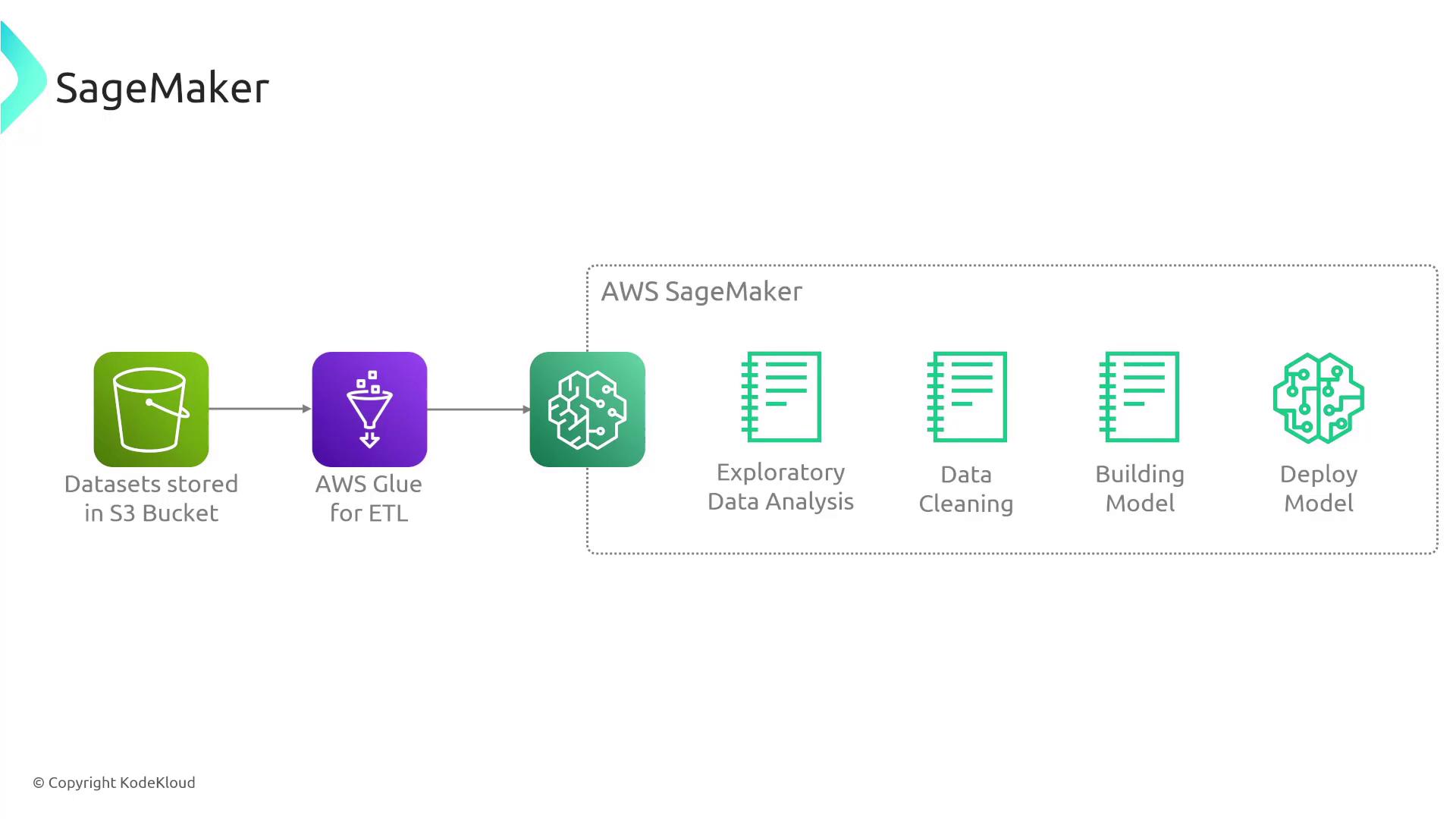
Begin by gathering relevant data that addresses your business or technical problem. For example, you might store demographic data and historical purchase information in an Amazon S3 bucket. SageMaker integrates with services like AWS Glue DataBrew, Data Wrangler, and SageMaker Notebooks (Jupyter Notebooks) to help you explore, clean, and pre-process your data. Tools such as SageMaker Data Wrangler offer an intuitive interface to remove outliers, transform data, and ensure high-quality input for model training.2. Model Training
Once your data is prepared, you can train your machine learning model. During training, the model learns relationships within the data by processing both known outcomes and new cases. The objective is to develop a model capable of making accurate predictions—for instance, determining whether a person is likely to purchase a hat with high certainty.3. Model Evaluation and Tuning
After training, SageMaker provides tools to validate and fine-tune your model. This phase involves adjusting parameters to improve accuracy and reliability. Evaluating the model before deployment ensures that it performs effectively in production environments.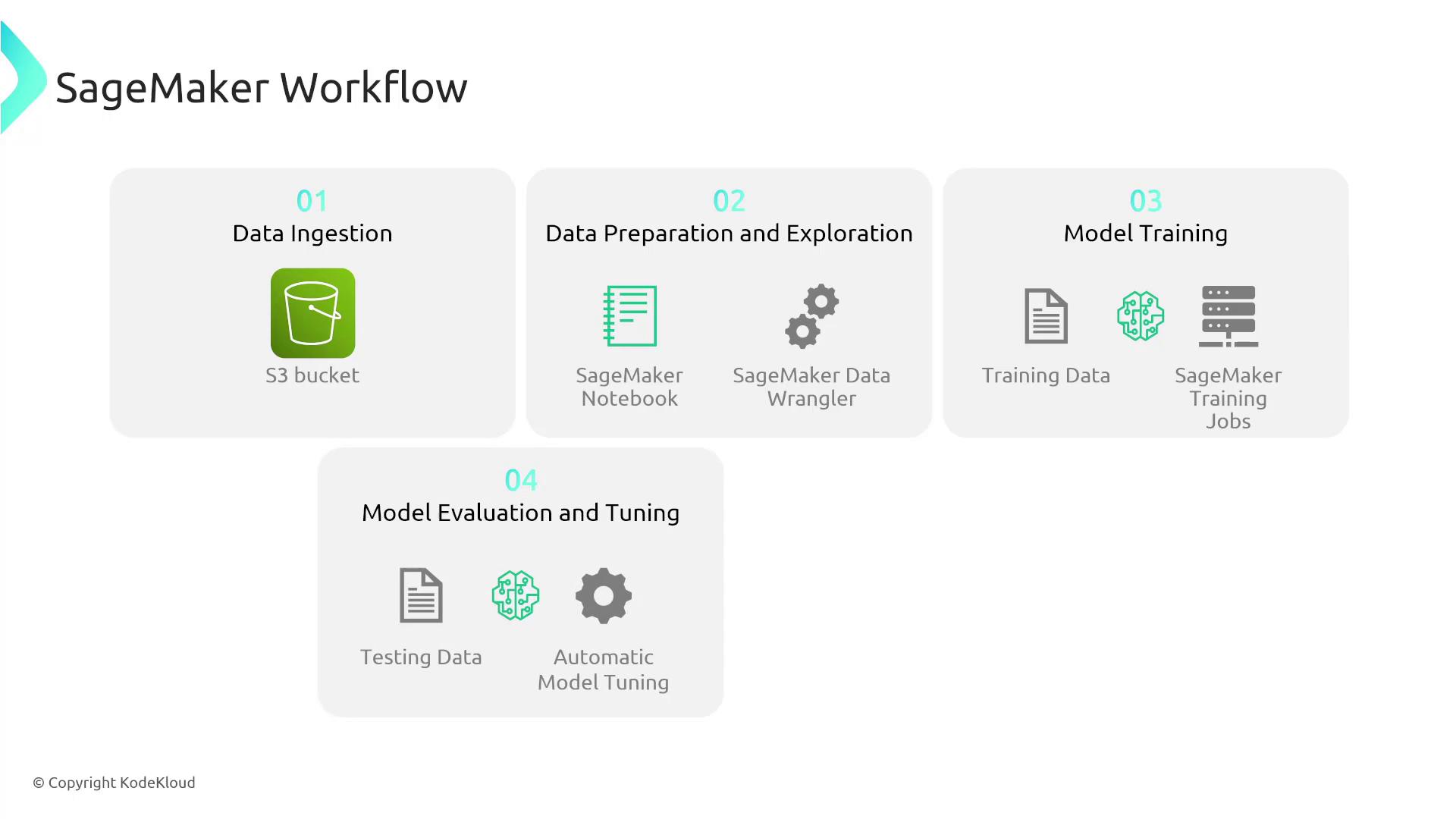
4. Model Deployment
When your model is tuned and validated, you can deploy it to production using SageMaker Endpoints. This enables near real-time predictions and supports advanced deployment options such as A/B testing, auto scaling, and concurrent serving of multiple models.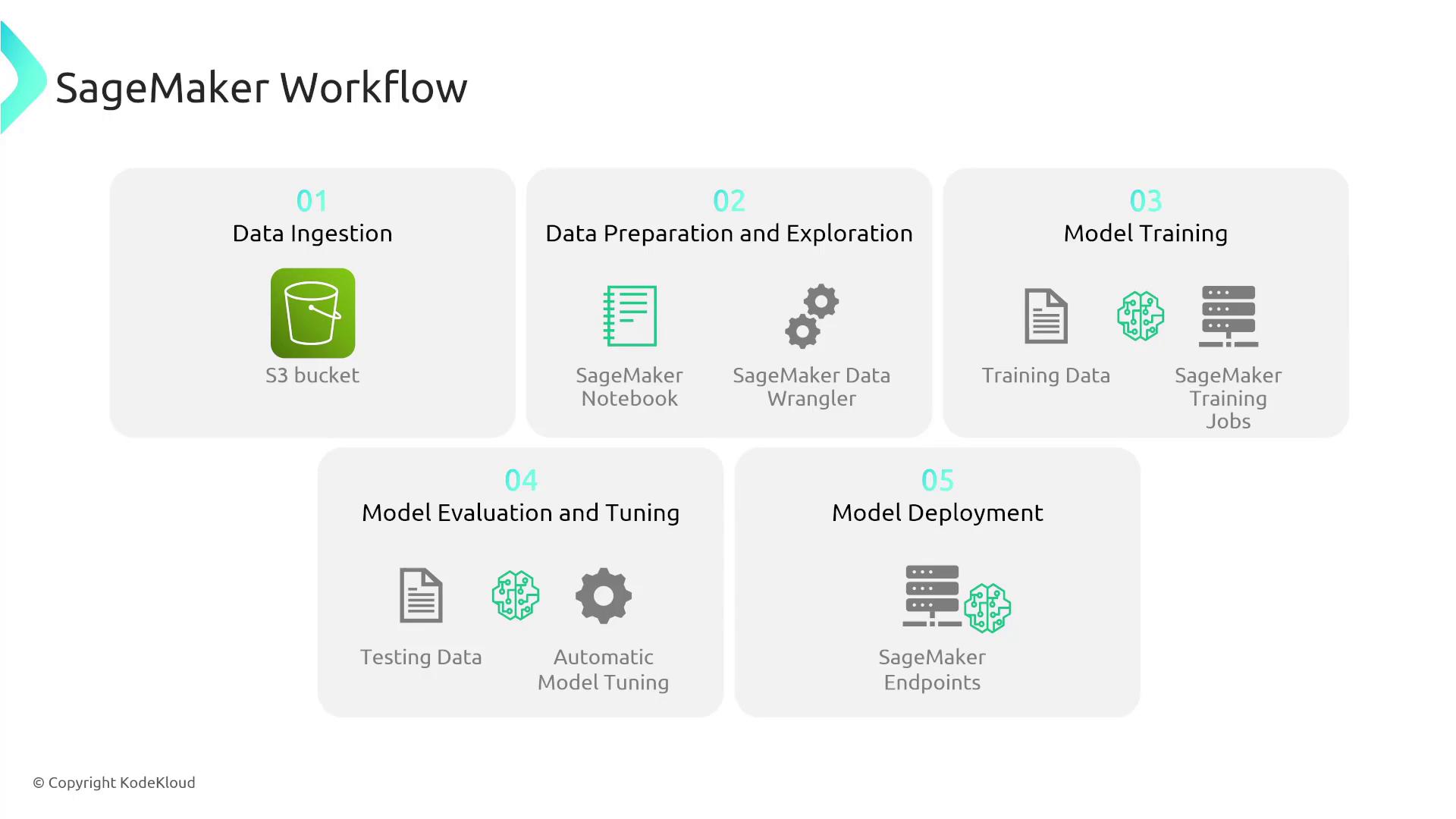
Deep Dive into SageMaker Components
Notebook Instances
SageMaker offers interactive Jupyter Notebooks that allow you to write, run, and visualize Python code. This environment is ideal for exploring data and developing code in a web-based setting.Training Jobs
You can launch training jobs that leverage various machine learning algorithms suitable for diverse data scenarios. SageMaker also supports distributed training across multiple instances, which can significantly reduce the time required to train your models.Endpoints for Deployment
Deploy your trained and tuned models to SageMaker Endpoints to integrate machine learning predictions into your live applications. This feature includes support for auto scaling to handle varying workloads.SageMaker integrates seamlessly with other AWS services. For example, AWS Glue can be used for ETL tasks, while S3 serves as secure and scalable data storage.
Advanced Features of SageMaker
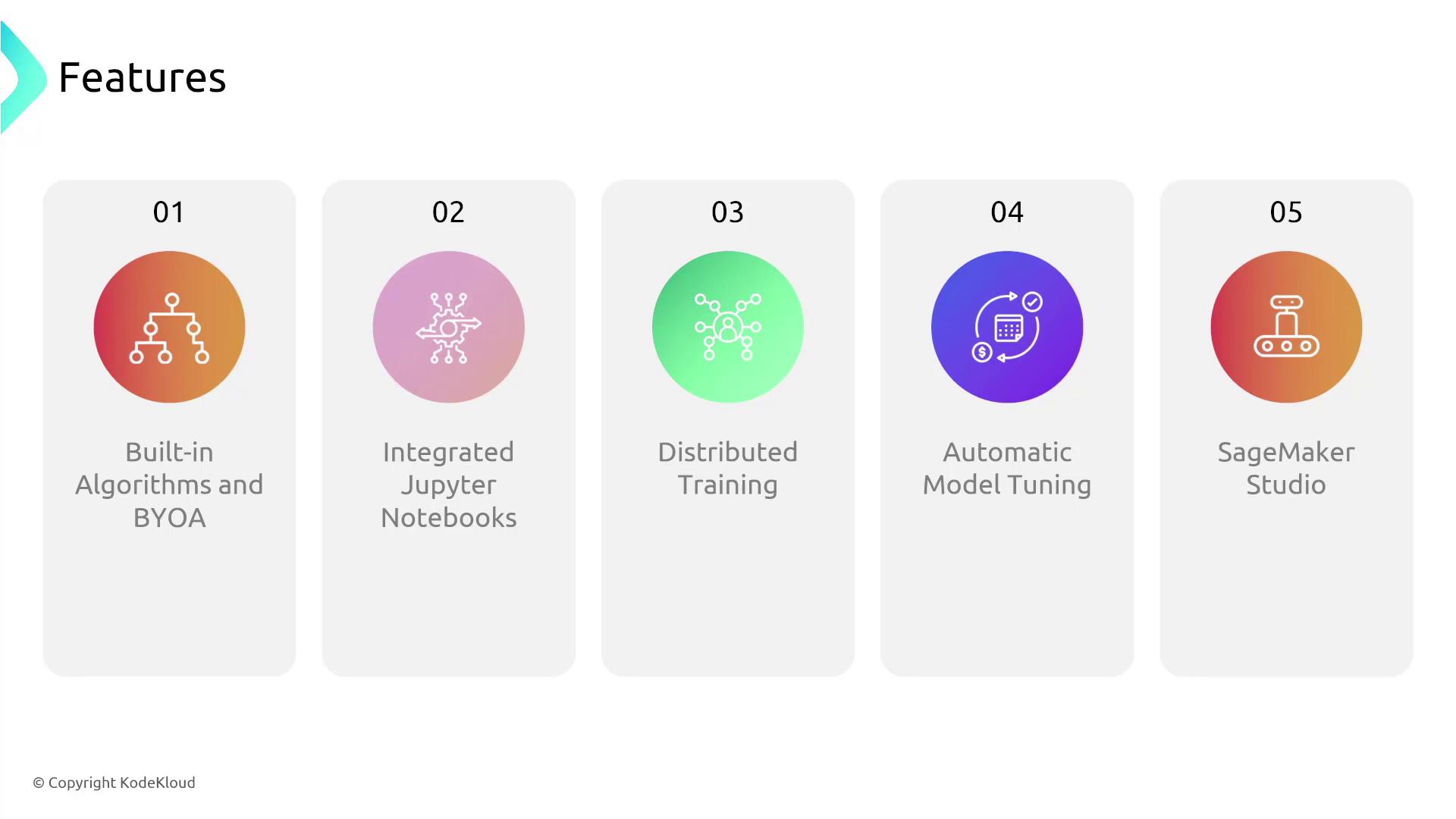
SageMaker offers several advanced capabilities that make it a complete ML platform:- Integrated Jupyter Notebooks: Use a familiar environment for interactive development.
- Distributed Training: Scale training across multiple instances to speed up the process.
- Automatic Model Tuning: Optimize model parameters to enhance prediction accuracy.
- SageMaker Studio: Access a unified IDE covering every stage of the ML lifecycle, from data preparation to deployment.
- Built-in Algorithms and Bring Your Own Algorithm (BYOA): Flexibility to choose from pre-built algorithms or integrate your custom algorithms within SageMaker’s containerized environment.