

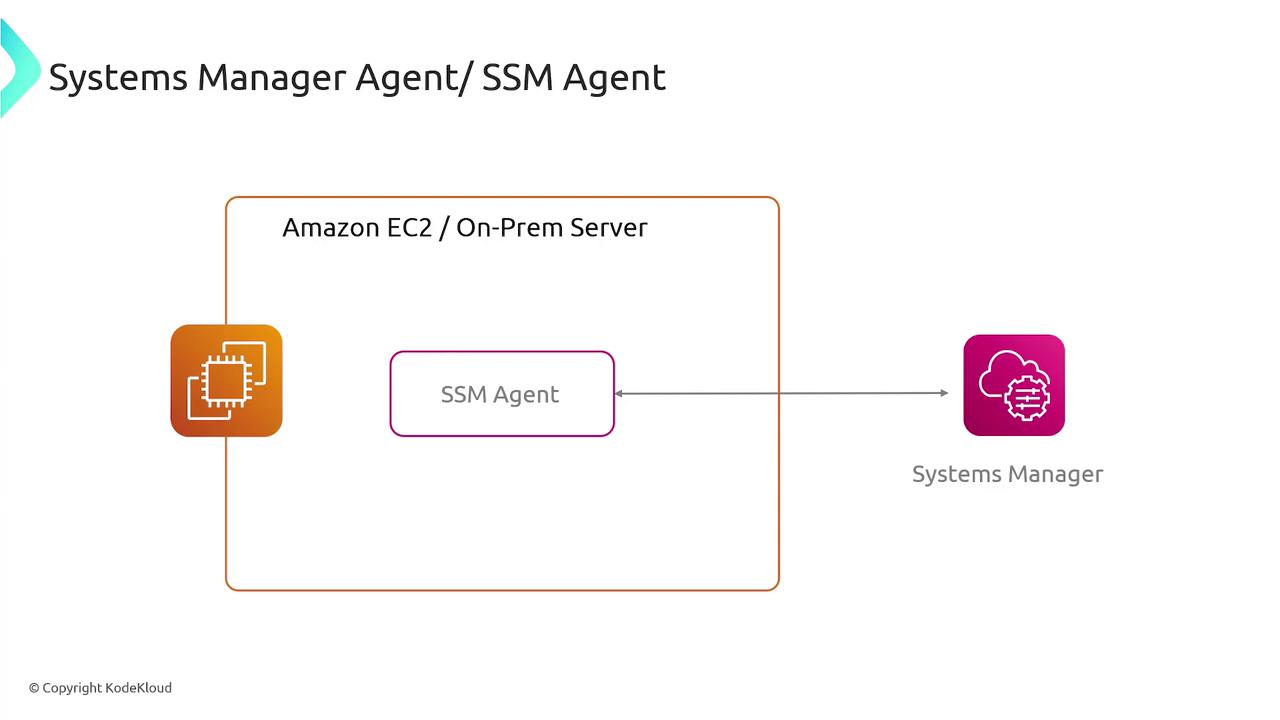
To manage various systems seamlessly, Systems Manager relies on the SSM agent. This lightweight software runs on both EC2 instances and on-premises servers or virtual machines, ensuring secure communication between your servers and the Systems Manager service. With the SSM agent, you can efficiently handle configuration management, inventory collection, and remote command execution.
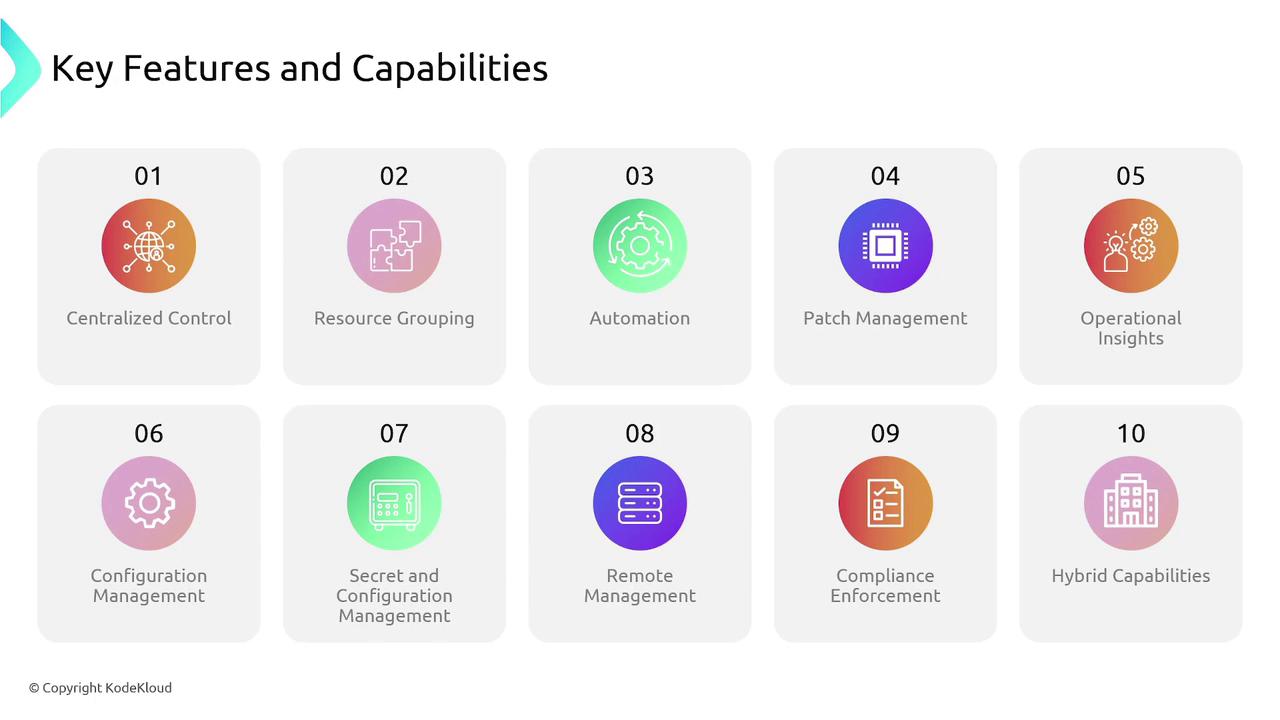
- Centralized control via a unified user interface.
- Grouping resources to target specific subsets of servers.
- Automation of repetitive IT operations, such as patch management and configuration updates.
- Operational insights through Systems Manager Explorer and Insights.
- The State Manager, ensuring servers remain in their predefined configuration state.
- Secure hierarchical storage for configuration data and secrets via the Parameter Store.
- Remote management with Session Manager, offering browser-based shell access or CLI connectivity.
- Compliance scanning to verify adherence to defined configuration and patch policies.
Application Management
AWS Systems Manager enhances application management through two primary services:-
Application Manager
Application Manager assists in investigating and mitigating issues within applications and clusters. For instance, if your e-commerce application (which might include resources like EC2, RDS, and Lambda functions) exhibits a spike in error rates, Application Manager helps visualize the architecture, pinpoint problematic components (e.g., a non-responsive EC2 instance), and leverage features like Run Command to resolve issues. -
Parameter Store
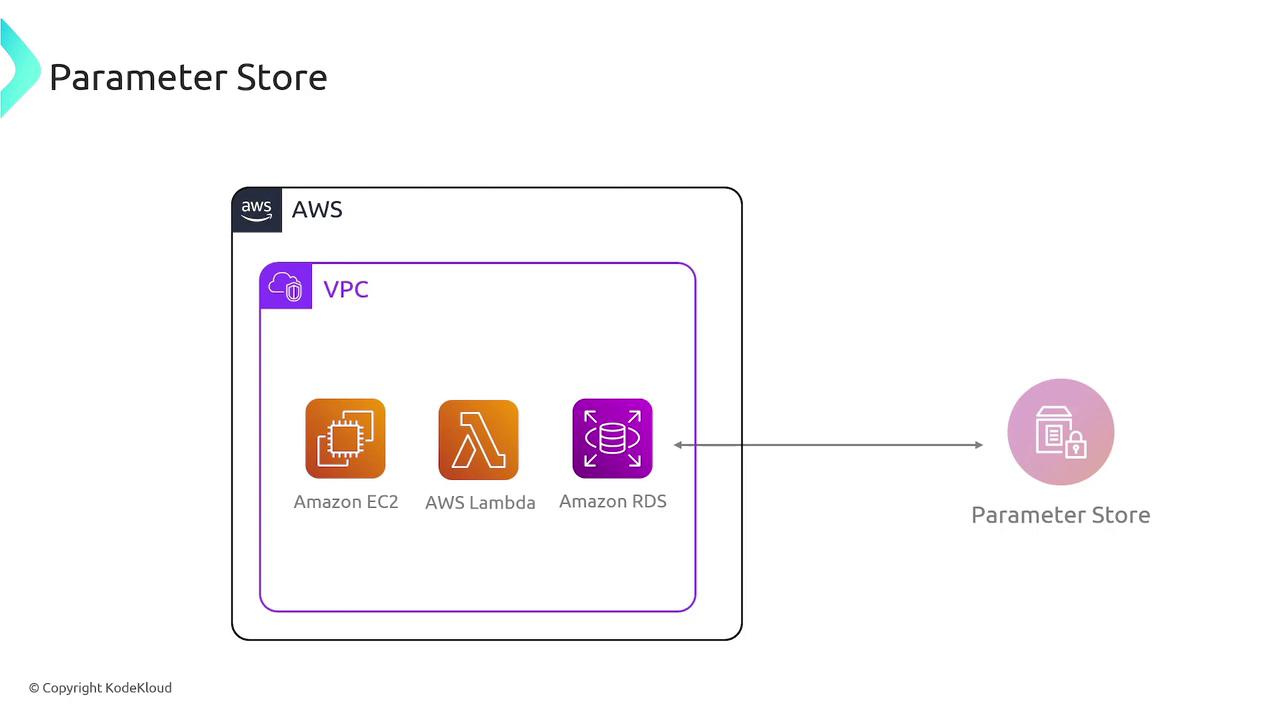
Parameter Store provides a secure storage mechanism for configuration data and secrets. Instead of embedding credentials directly in your application code, store sensitive information such as database usernames and passwords securely in the Parameter Store with KMS encryption. Your application can then retrieve these credentials at runtime, simplifying credential rotation and enhancing security.
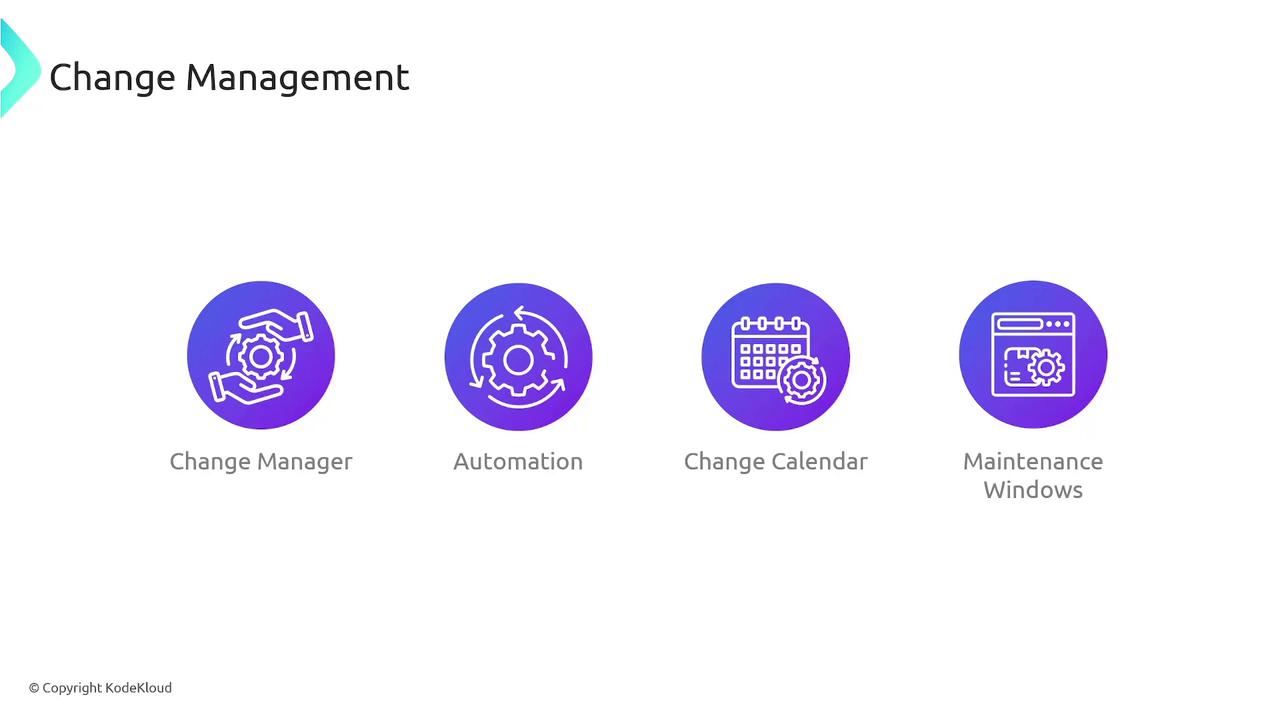
Change Management
Managing changes in dynamic environments is seamless with Systems Manager. Its suite of tools includes:-
Change Manager
An enterprise framework that governs operational changes to application configurations and infrastructure. For example, when upgrading a critical database, Change Manager allows you to create a structured workflow with necessary approvals from involved teams before any modifications are implemented. -
Automation
This tool automates repetitive IT tasks. For instance, if new EC2 instances require specific security configurations, Automation can attach the correct IAM role and apply necessary security groups automatically. -
Change Calendar
Change Calendar helps schedule modifications to avoid critical business periods. For example, during peak shopping seasons like Thanksgiving or Christmas, you can prevent significant changes to sustain stability. -
Maintenance Windows
Maintenance Windows are designed to schedule system tasks during off-peak hours. Whether patching or updating code, you can plan these activities during late nights or weekends to minimize impact on business operations.
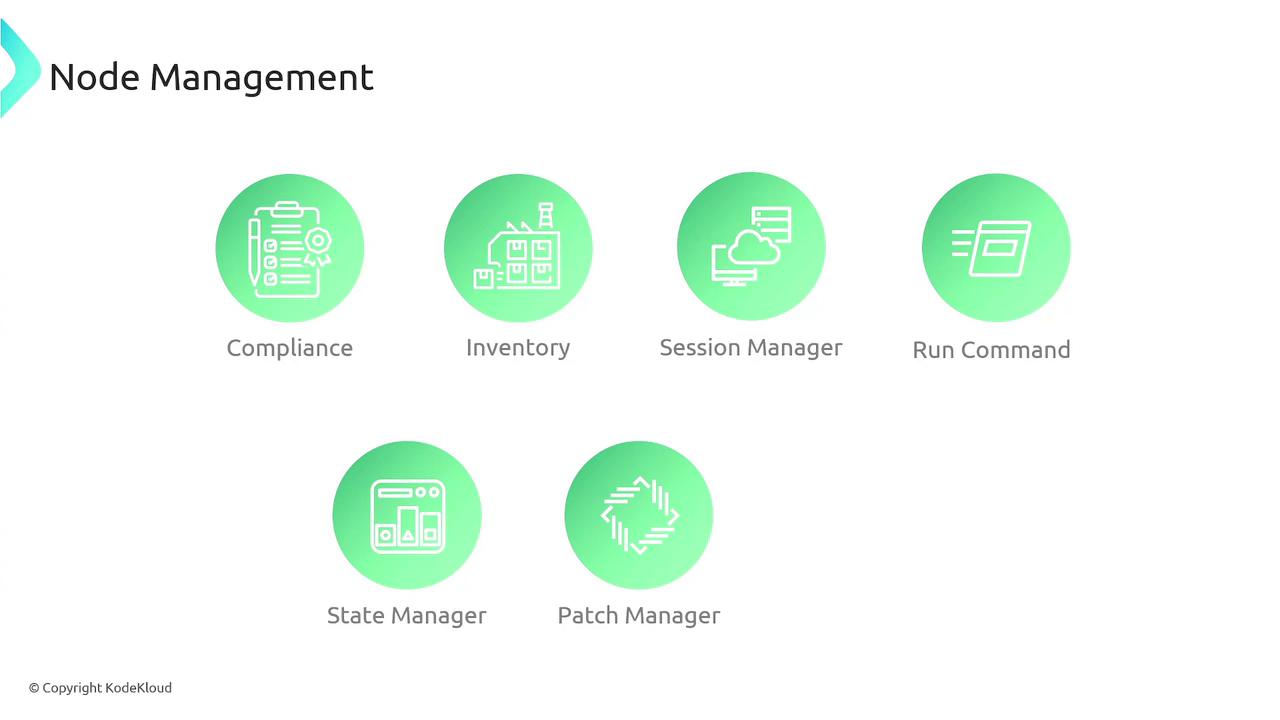
Node Management
For effective day-to-day server management, Systems Manager includes several essential tools:- Compliance – Scan your server fleet for patch compliance and configuration discrepancies.
- Inventory – Generate comprehensive reports on all servers managed by Systems Manager.
- Session Manager – Provides secure, remote connectivity to managed instances.
- Run Command – Execute commands and configurations across multiple servers without manual intervention.
- State Manager – Maintain defined configuration states across instances.
- Patch Manager – Automate patching processes for managed instances.
- Distributor – Seamlessly distribute software packages to your instances.
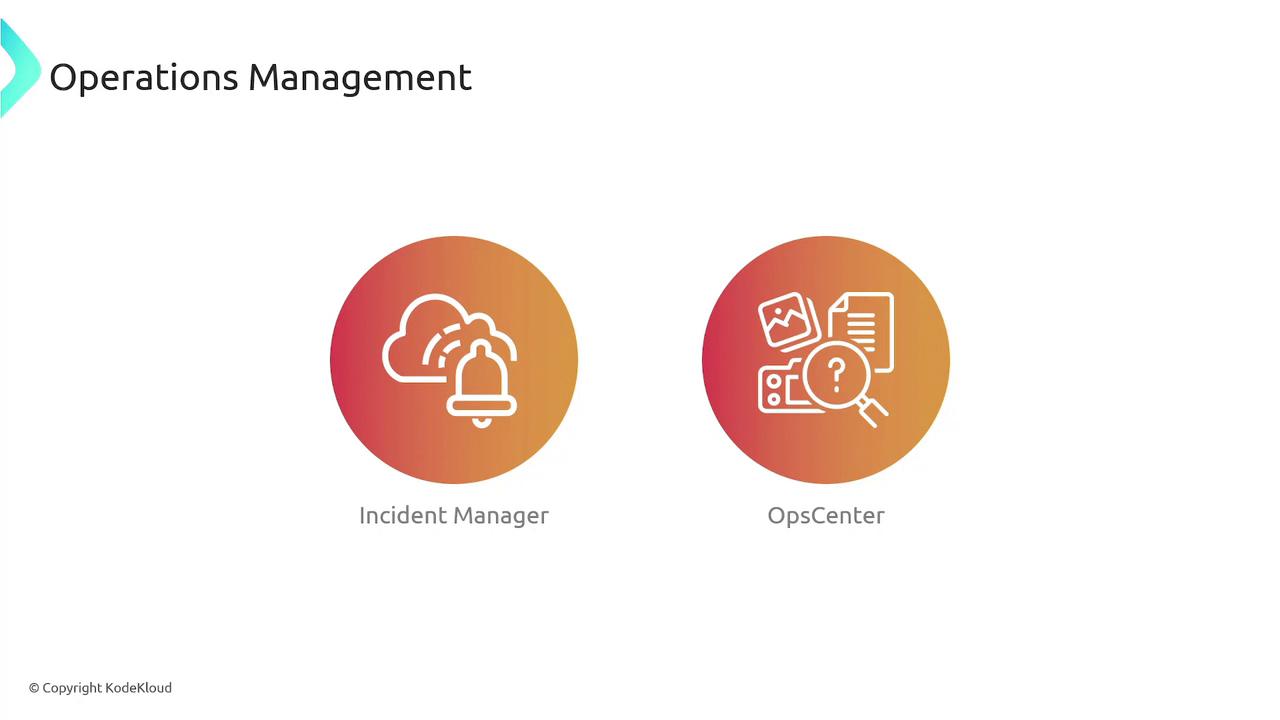
Operations Management
To effectively manage and resolve operational issues, AWS Systems Manager offers:-
Incident Manager
Incident Manager aids in mitigating and recovering from critical incidents. For example, during website downtime at peak hours, it can detect outages through pre-set CloudWatch alarms, alert on-call engineers via SMS or email, and initiate predefined response plans that include diagnostic instructions and runbooks. -
OpsCenter
OpsCenter consolidates alerts and findings from various AWS services onto a centralized dashboard, making it easier to investigate and resolve operational challenges. It can, for instance, help identify which EC2 instances need patching.
Always ensure that your Systems Manager configurations and permissions follow AWS best practices. Properly managing roles, policies, and security settings is crucial to safeguard your infrastructure.