

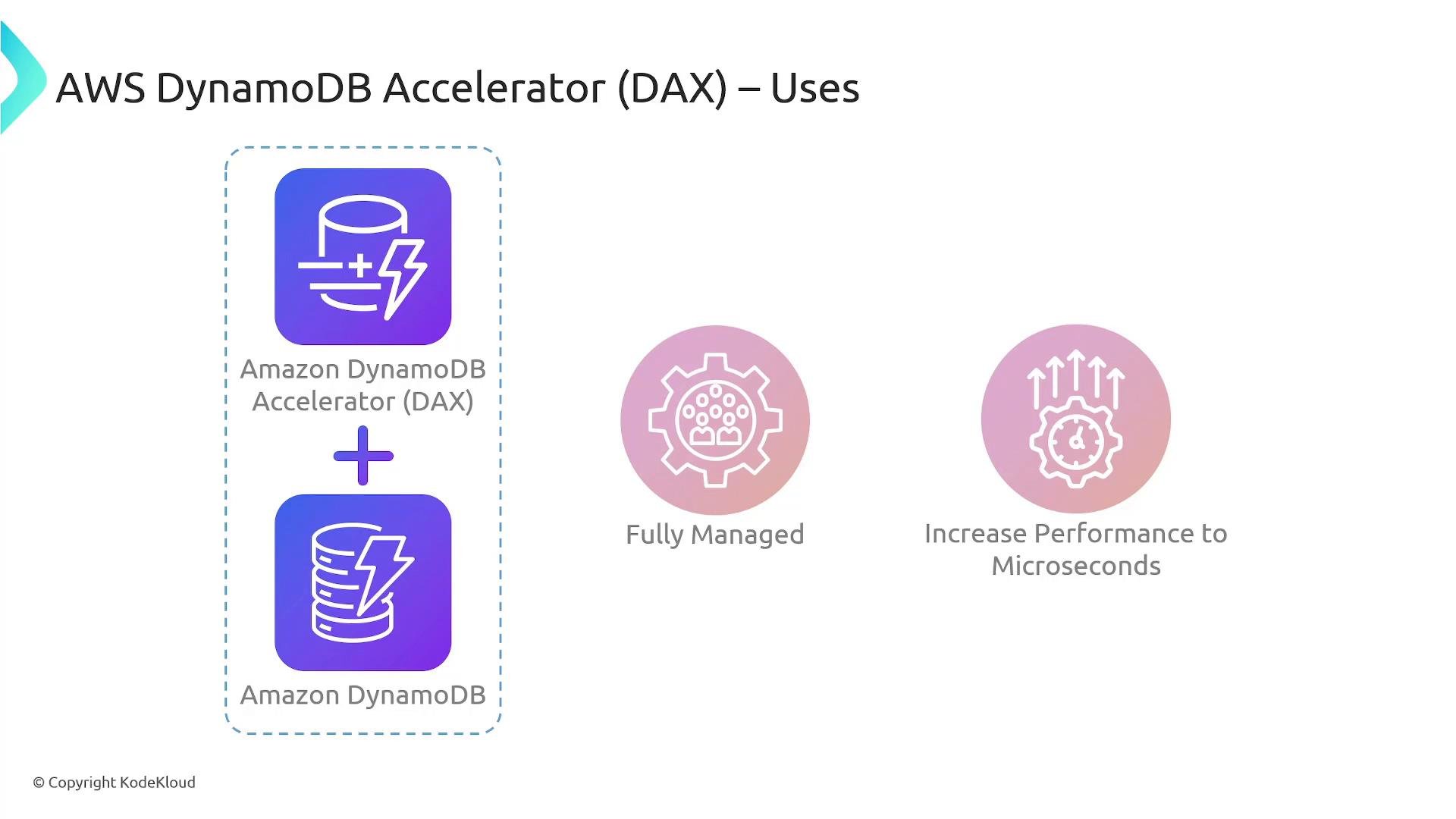
- Provides in-memory acceleration for supported DynamoDB read operations, handling cache population, invalidation (for operations issued through the DAX client), replication, and cluster management.
- Returns cached items in microseconds when available, and transparently fetches and caches items from DynamoDB on cache misses.
- Is API-compatible with DynamoDB for the supported operations, allowing minimal code changes when integrating.
- A DAX cluster consists of one primary node and up to nine read replicas (maximum 10 nodes).
- The DAX client sends your application’s DynamoDB API calls to the DAX cluster. The cluster manages routing and load balancing across nodes.
- The service handles replication and automatically fails over if a node becomes unhealthy, enabling high availability and scaling for read-heavy workloads.
- Cache hit: DAX serves the item directly from the cache in microseconds.
- Cache miss: DAX forwards the request to DynamoDB, returns the item to the application, and caches it for subsequent requests.
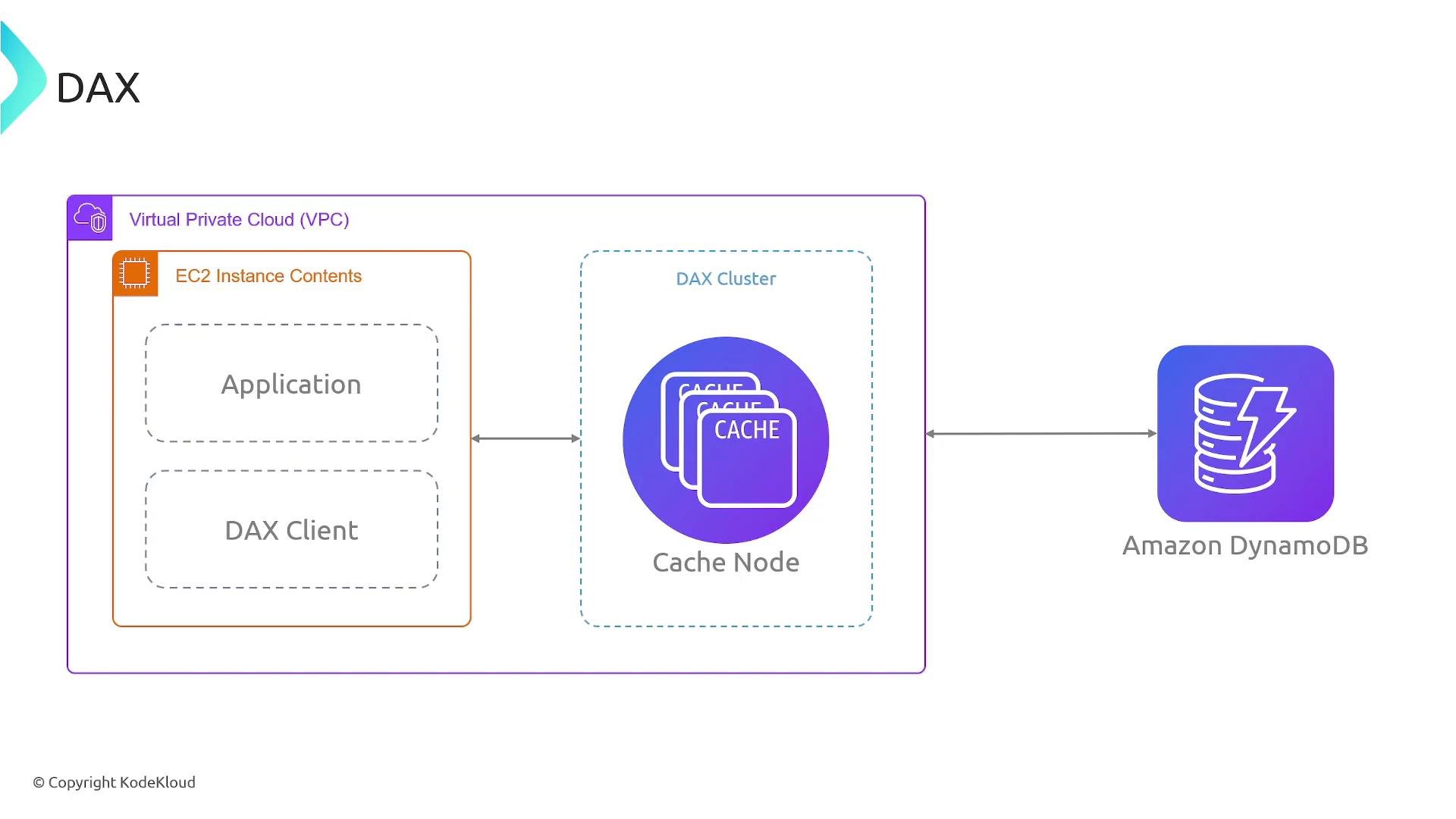
- Read-through caching: DAX returns cached items when available. On a miss, DAX loads items from DynamoDB and caches them.
- Write-through caching: When write operations go through the DAX client and write-through mode is used, writes update both DynamoDB and the DAX cache to keep the cache consistent.
- Integration is typically straightforward: replace your DynamoDB client with the DAX client and use the same API calls (for supported operations). DAX works with applications on EC2, Lambda, containers, and other compute platforms.
- Replace the DynamoDB client with a DAX client pointing at your cluster endpoint, then call the same operations:
DAX accelerates eventually-consistent reads only. It does not support strongly consistent reads or DynamoDB transactions (TransactGetItems / TransactWriteItems). Some DynamoDB APIs are not supported by DAX — check the official AWS DAX documentation for the current supported API list before migrating: https://docs.aws.amazon.com/amazondynamodb/latest/developerguide/DAX.html
Benefits summary
- Reduced read latency: Microsecond-level responses for cached items.
- High throughput: Scale clusters up to 10 nodes (1 primary + 9 replicas) to support millions of reads per second.
- Fully managed: AWS handles replication, failover, and cluster management.
- Minimal code changes: API compatibility for supported operations eases migration.
- Start with a multi-node cluster (e.g., three nodes) for high availability and then scale as needed.
- Ensure your application can tolerate eventual consistency for reads that are accelerated by DAX.
- Execute supported write operations through the DAX client if you plan to use write-through caching so the cache is updated consistently.
- Validate that the DynamoDB APIs your application uses are supported by DAX by consulting the official documentation.
DAX reduces application-level caching complexity by providing read-through and write-through patterns and handling cache invalidation for supported operations executed through the DAX client. For the latest list of supported APIs and integration details, refer to the AWS documentation: https://docs.aws.amazon.com/amazondynamodb/latest/developerguide/DAX.html
- Amazon DAX is a fully managed in-memory cache for DynamoDB that significantly reduces read latency for supported, eventually-consistent read operations.
- A DAX cluster has up to 10 nodes and provides replication and automatic failover for high availability.
- Integration typically requires swapping your DynamoDB client for a DAX client — supported API calls continue to work with minimal changes.
- DAX is ideal for read-heavy workloads where lower read latency and higher throughput are required, but it is not suitable for workloads requiring strongly consistent reads or DynamoDB transactions.
- AWS DAX documentation: https://docs.aws.amazon.com/amazondynamodb/latest/developerguide/DAX.html
- DynamoDB concepts: https://docs.aws.amazon.com/amazondynamodb/latest/developerguide/Introduction.html
- Learn more about running compute workloads where you can integrate DAX: EC2, Lambda, and containers — for example: EC2 course, AWS Lambda course, Containers course