Event Classification
AWS Health Dashboard categorizes events into two main types:-
Public Events
These events affect multiple accounts. For instance, if there is a disruption in the Amazon EC2 service that impacts all customers, AWS Health logs it as a public event. -
Private Events
These events are specific to your AWS account. They may involve issues with a particular resource, such as an EC2 or RDS instance in your designated region. AWS Health provides detailed information about the affected resources, allowing for targeted remediation.
Integration with Other AWS Services
AWS Health Dashboard is designed to work seamlessly with services like Amazon CloudWatch, SNS, and EventBridge. This integration enables you to automate notifications and remediation processes, ensuring that your team receives near-instant alerts regarding any issues that could affect your applications.For streamlined operations, consider configuring automated alerts through EventBridge or SNS. This helps minimize downtime and simplifies incident management.
AWS Health Dashboard Infographic
Below is an infographic summarizing five key features of AWS Health Dashboard: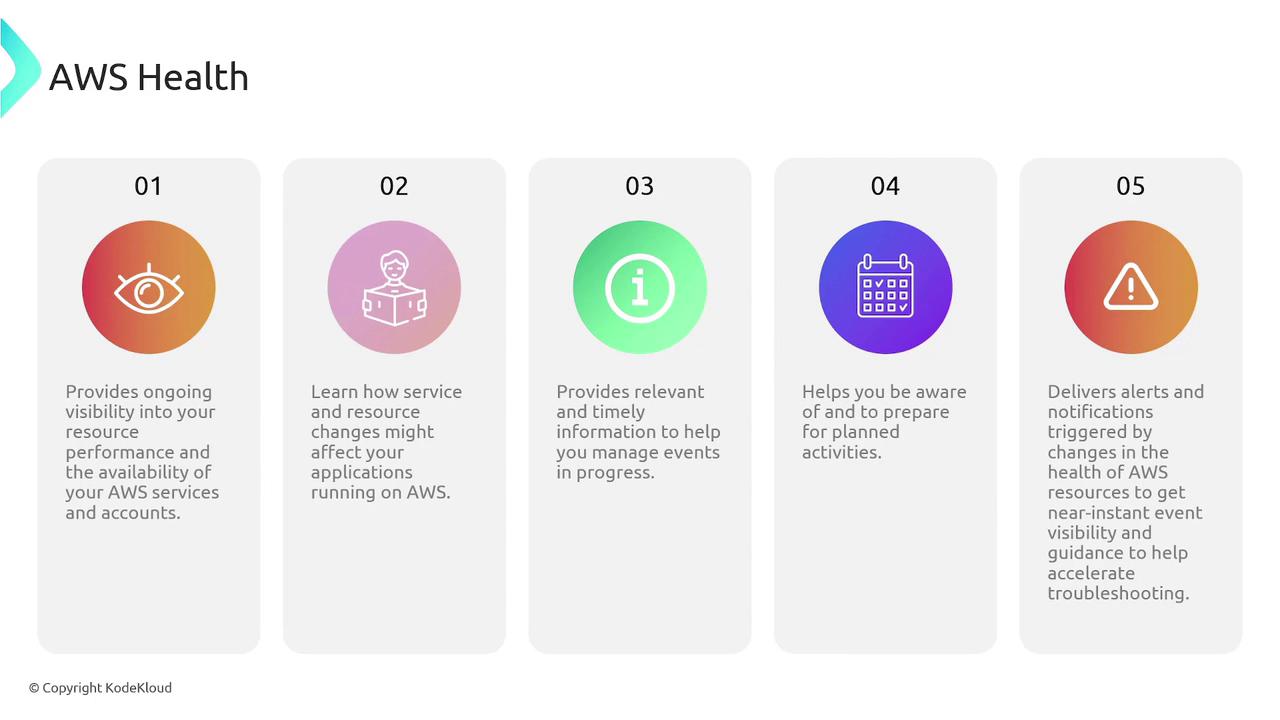
Key Benefits
Implementing the AWS Health Dashboard within your AWS environment offers several advantages:- Enhanced visibility into the performance and availability of AWS resources.
- Better understanding of how AWS service changes can affect your applications.
- Timely, relevant information that supports proactive event management.
- Advanced planning capabilities for AWS maintenance activities.
- A centralized dashboard that aggregates all event-related data, reducing the need to check multiple sources.
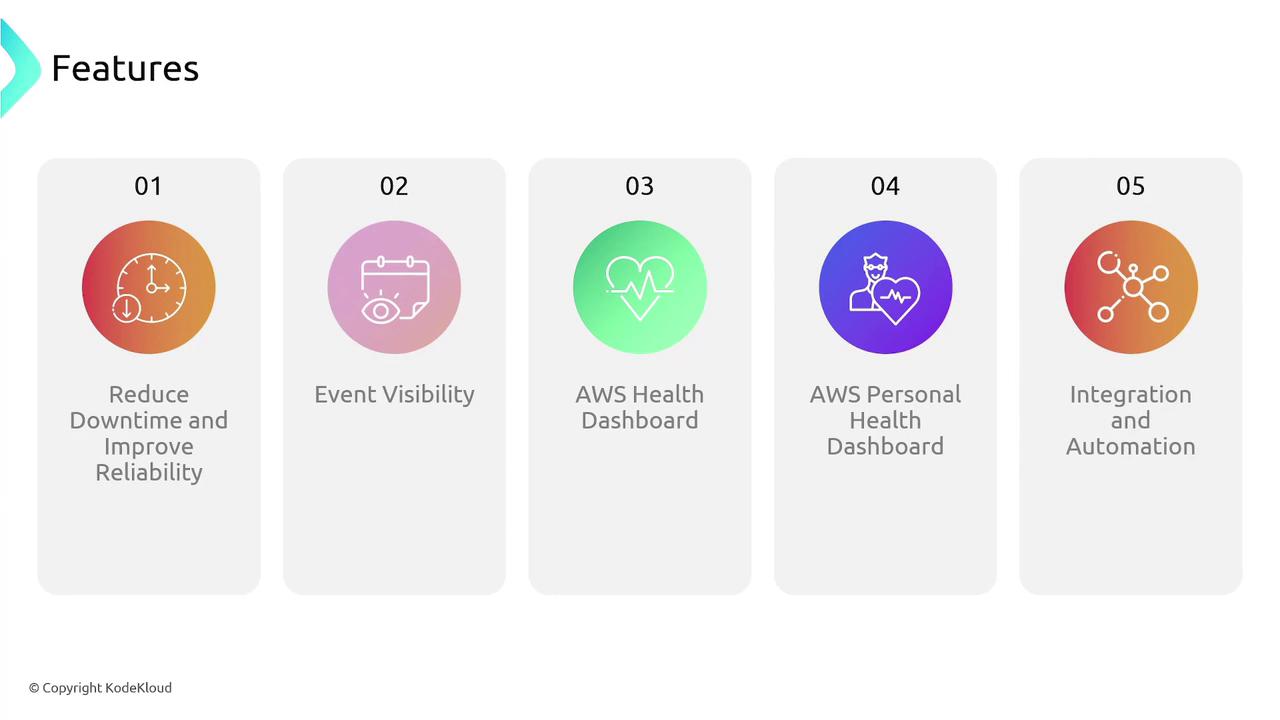
Core Features Diagram
The following diagram illustrates five core features of the AWS Health Dashboard ecosystem, emphasizing its role in reducing downtime and bolstering reliability: