

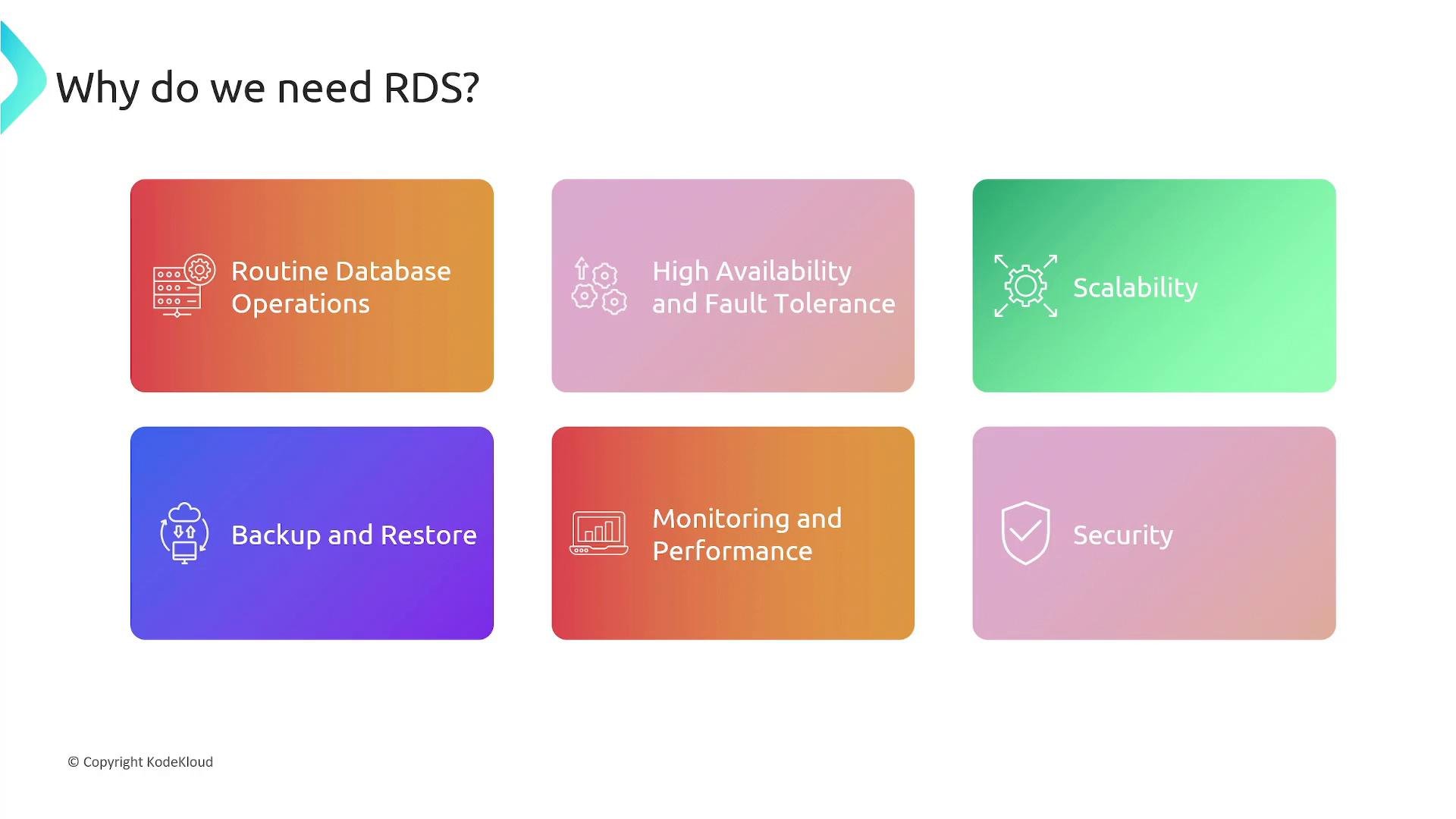
- Offloads routine operational work to AWS.
- Reduces the need for specialized DBA resources.
- Provides built-in disaster recovery and high-availability options.
- Enables automated backups, point-in-time recovery, and integrated monitoring.
- Simplifies security, patching, and lifecycle management.
- Routine backups and point-in-time recovery.
- Patching the database engine and underlying instances for security and stability.
- Ensuring high availability and fault tolerance.
- Scaling to cope with changes in read and write traffic.
- Monitoring performance (metrics, slow queries, tuning).
- Securing access to protect sensitive data.
- Amazon Aurora
- MySQL
- PostgreSQL
- MariaDB
- Oracle
- Microsoft SQL Server
- Reduced operational overhead and less dependency on in-house DBAs.
- Built-in high availability and disaster recovery options.
- Automated backups and point-in-time restore.
- Integrated monitoring, logging, and security features.
- Support for multiple database engines and instance classes.
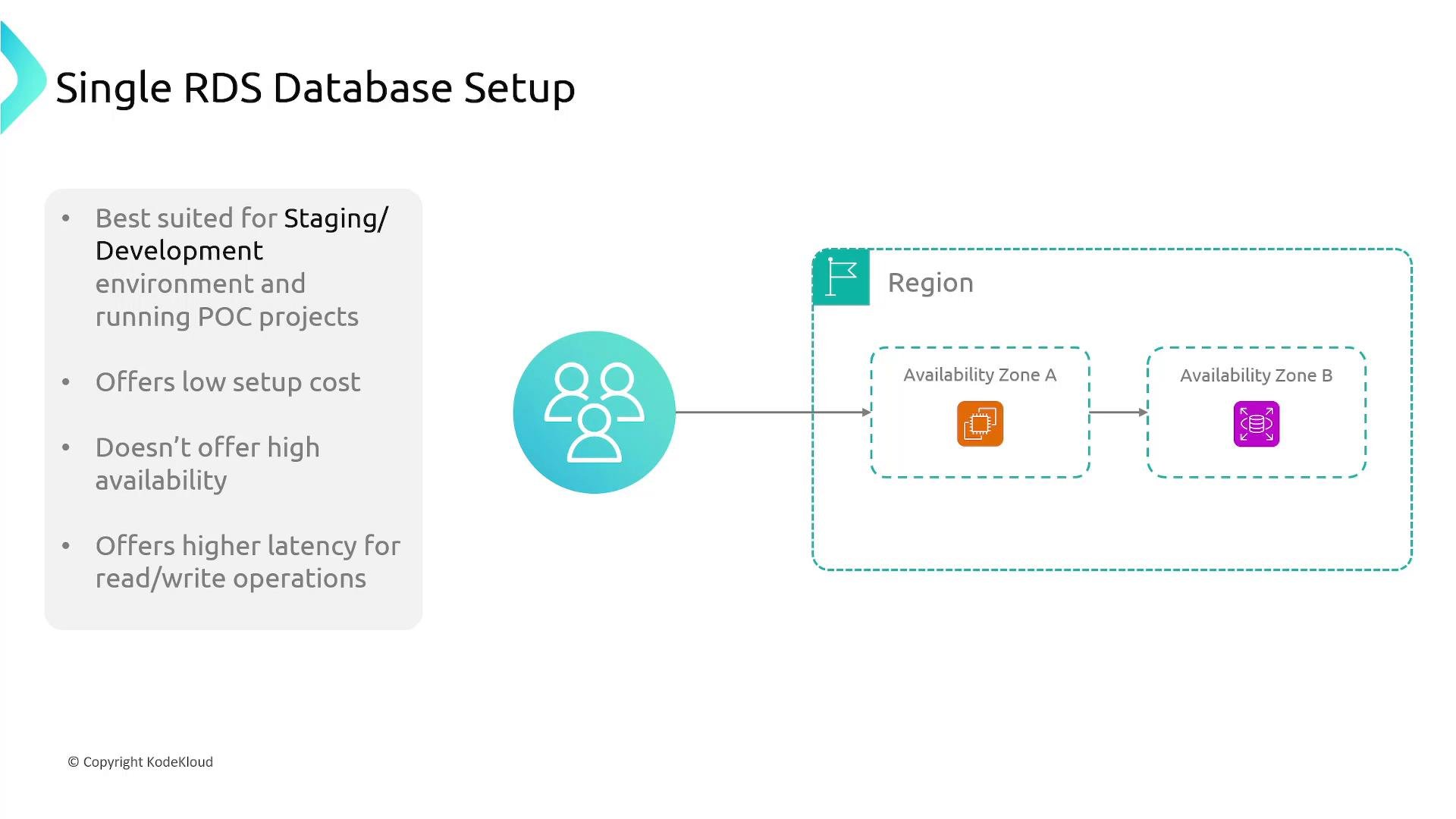
- Deployed in a single Availability Zone (AZ).
- No automatic standby replica; if that AZ or instance fails, the database is unavailable until recovery.
- Best for development, testing, or low-cost environments where uptime is not critical.
- Note: clients in other AZs can still connect over the network, but compute and storage live in a single AZ.
- RDS provisions a synchronous standby in a different AZ and replicates data to it.
- Failover to the standby is automatic if the primary fails.
- The standby is passive and not used for read traffic.
- Ideal for production workloads that require high availability and minimal downtime.
- Asynchronous copies of the primary used to offload read traffic.
- Useful for read-heavy workloads and reducing latency for geographically distributed users.
- Read replicas can be promoted to become standalone primaries for disaster recovery or scaling.
- Multiple read replicas can scale reads horizontally.
Note: For standard RDS engines (MySQL, PostgreSQL, etc.), read replicas use asynchronous replication. Amazon Aurora differs: Aurora reader instances share the same distributed storage layer and provide low-latency read scaling with replication handled at the storage level rather than by asynchronous logical replication.
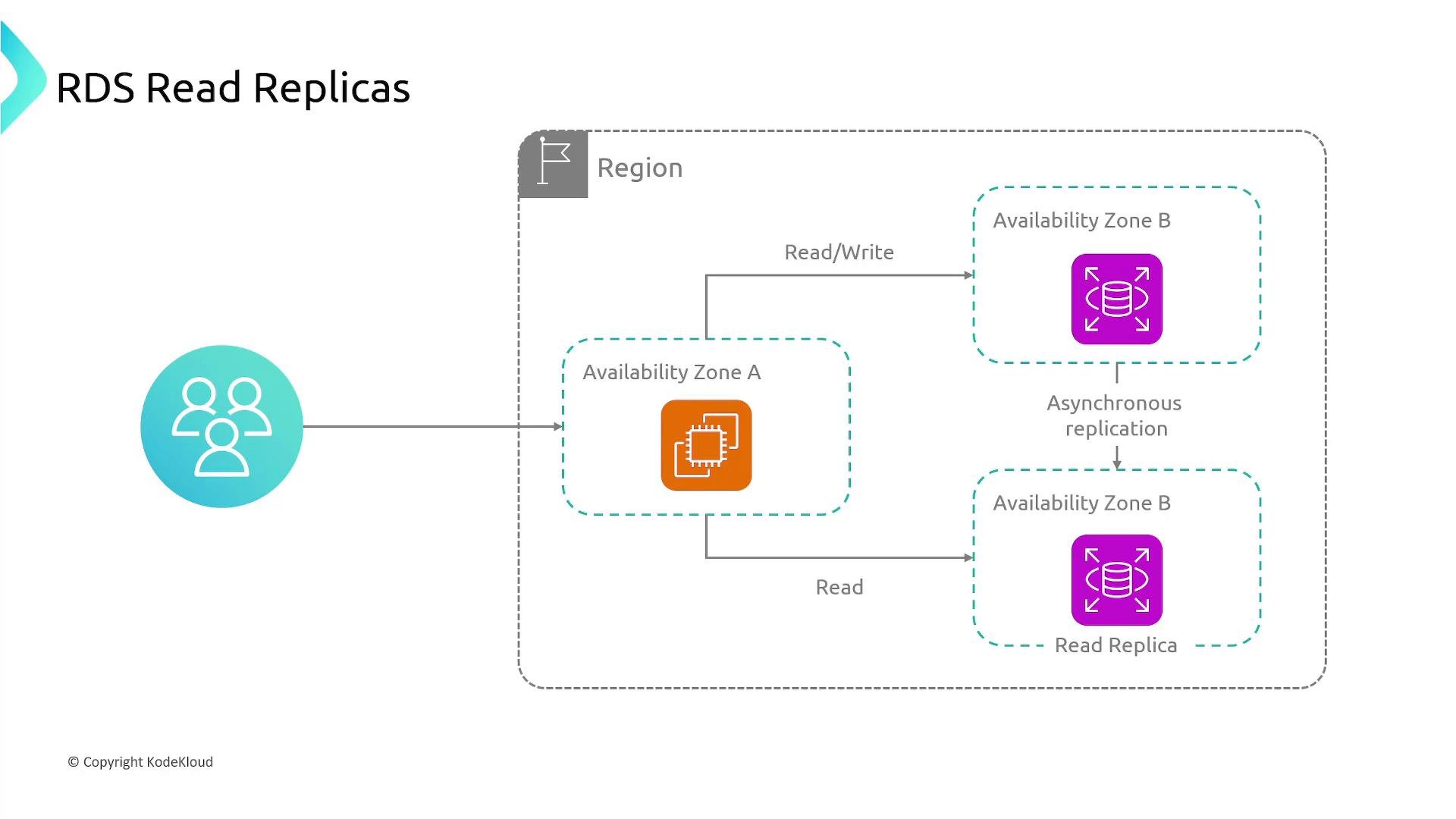
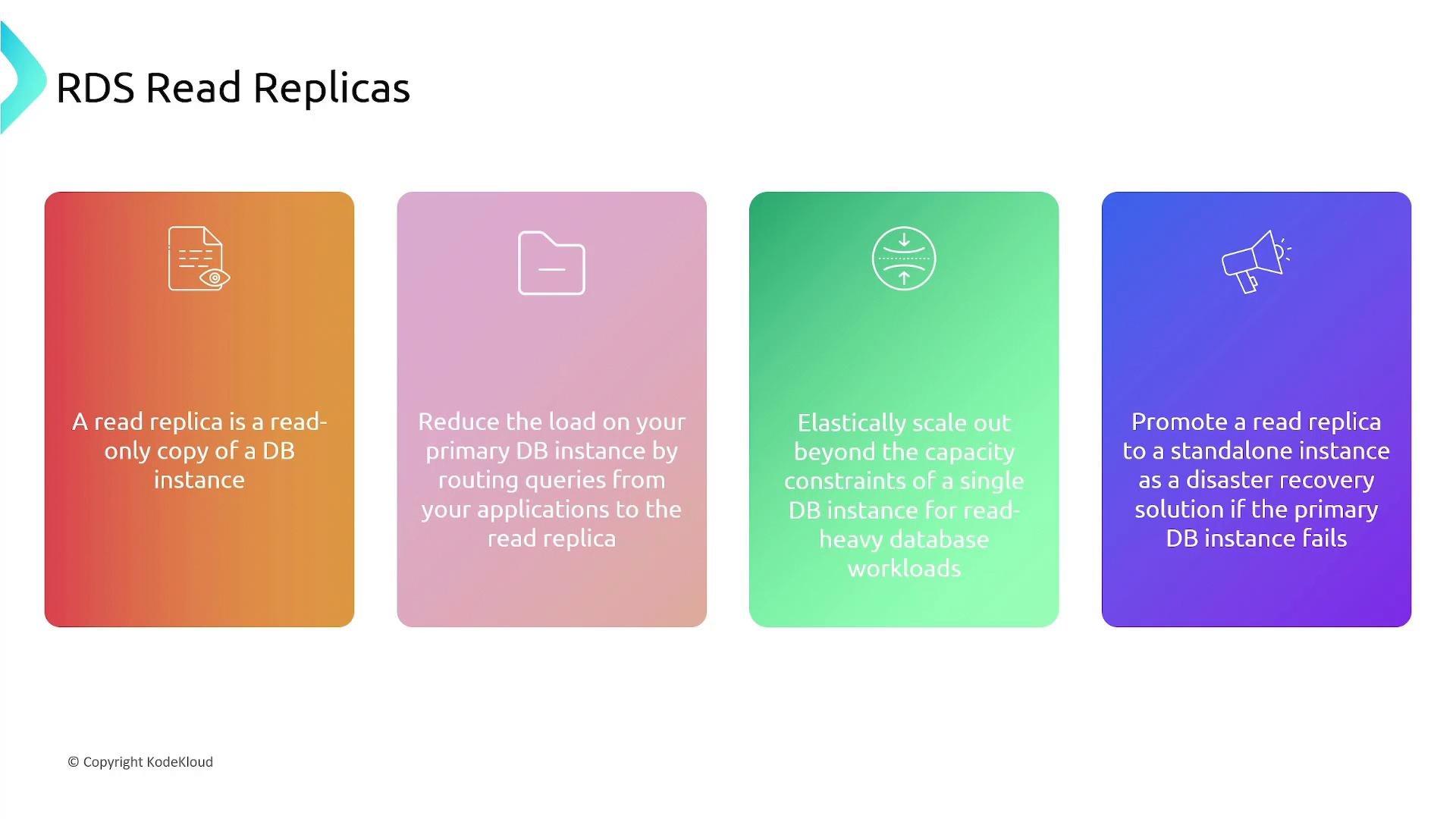
- They are read-only copies that reduce load on the primary instance.
- Provide elastic read scaling beyond a single instance’s capacity.
- Can be promoted to a primary for failover or scaling needs.
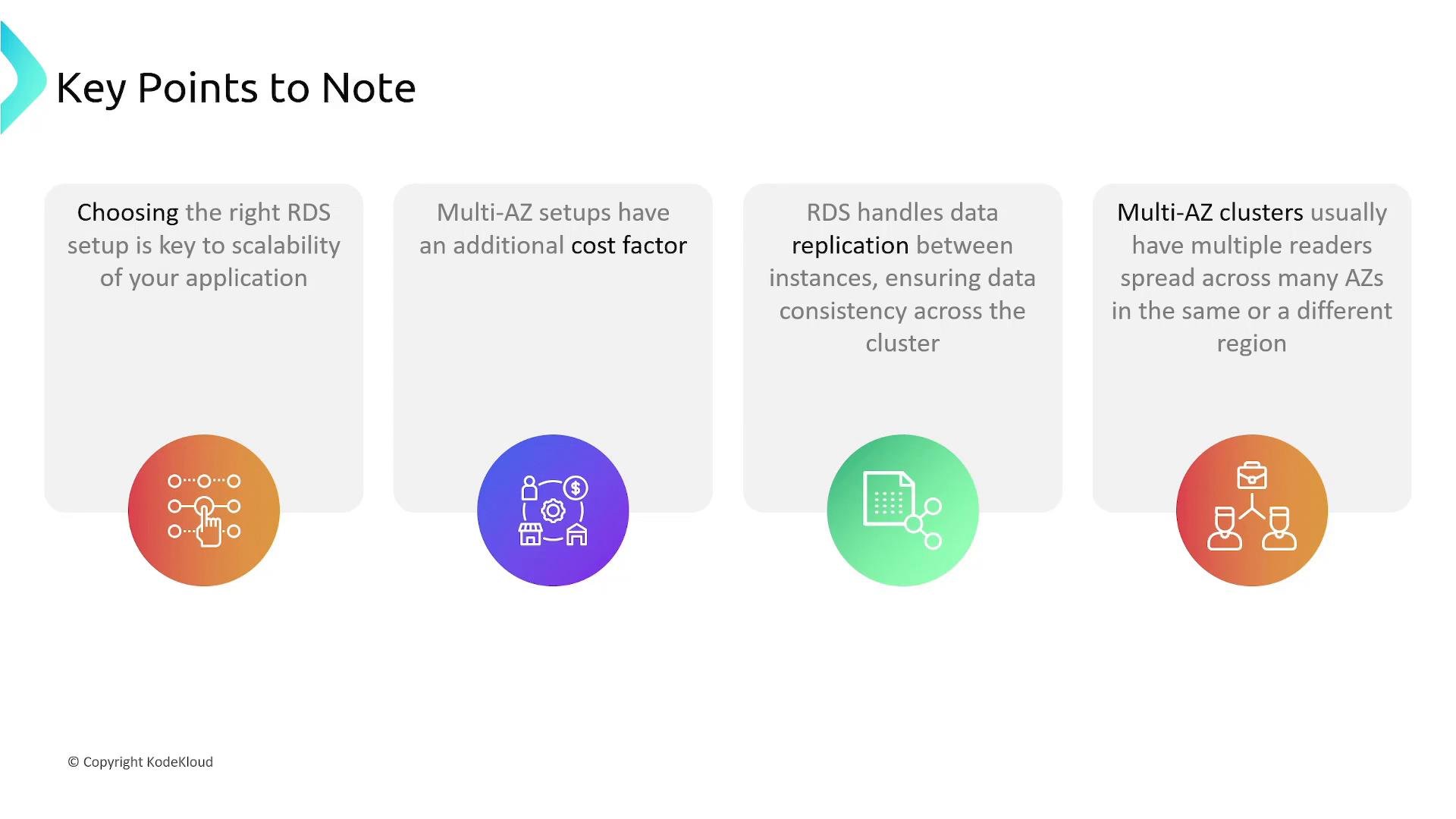
- Choose Single-AZ vs Multi-AZ depending on your availability and cost requirements.
- Multi-AZ increases costs due to the standby instance and cross-AZ replication.
- RDS manages replication and consistency between primary and standby/replica instances where applicable.
- Place read replicas in different regions to reduce latency for distant users.
- Use cross-region read replicas when you have users in geographically distant regions and want to reduce read latency by placing a copy closer to them.
- You can combine Multi-AZ for high availability with read replicas for scaling and cross-region replication for global performance and disaster recovery.
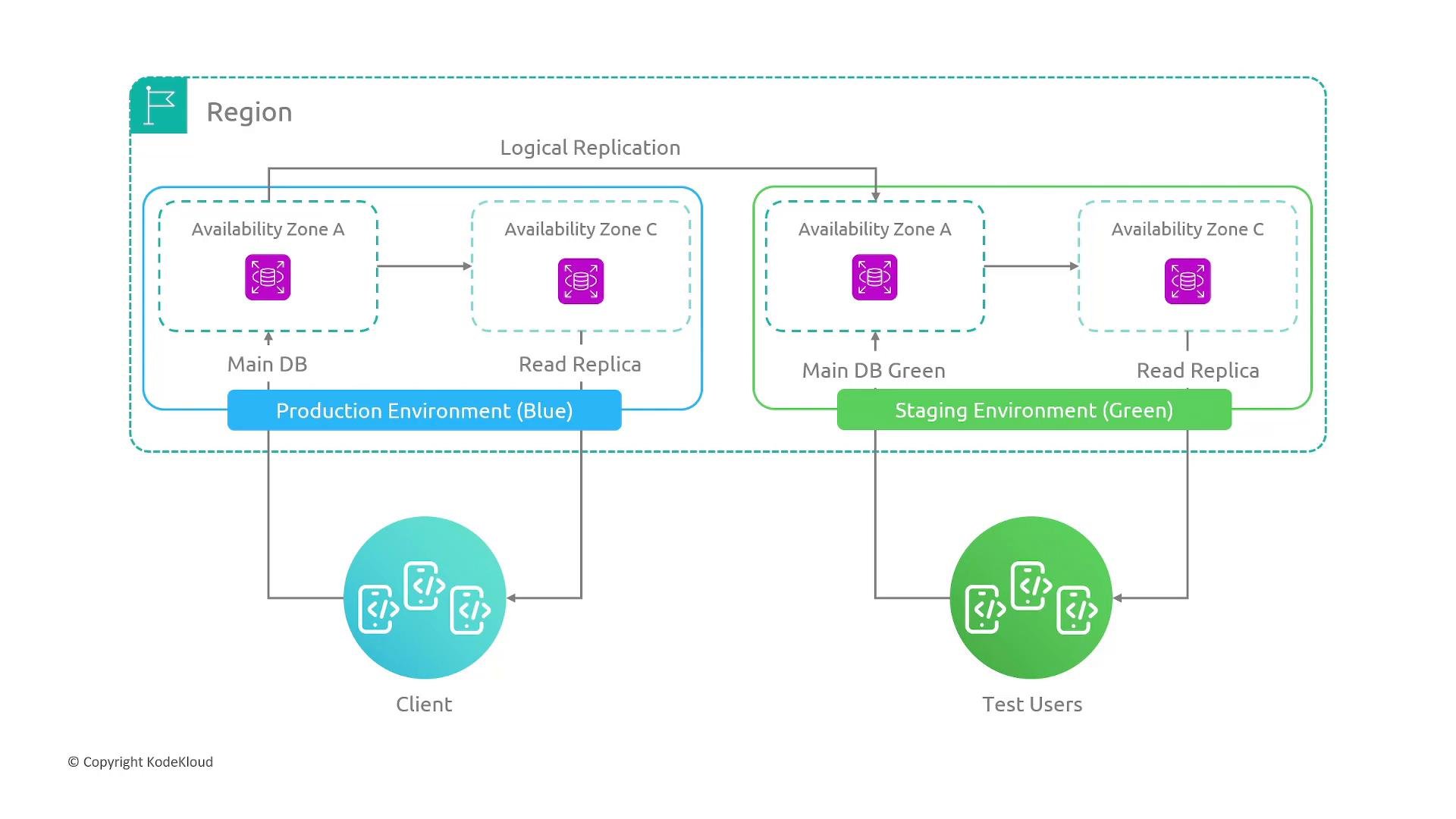
- Maintain two parallel environments: Blue (production) and Green (staging/test).
- Replicate data from Blue to Green, validate changes in Green with production-like data, then switch traffic to Green via DNS or routing update.
- Benefits: safer testing, quick switchover, minimal downtime when synchronized correctly.
- Trade-offs: higher cost due to running parallel environments.
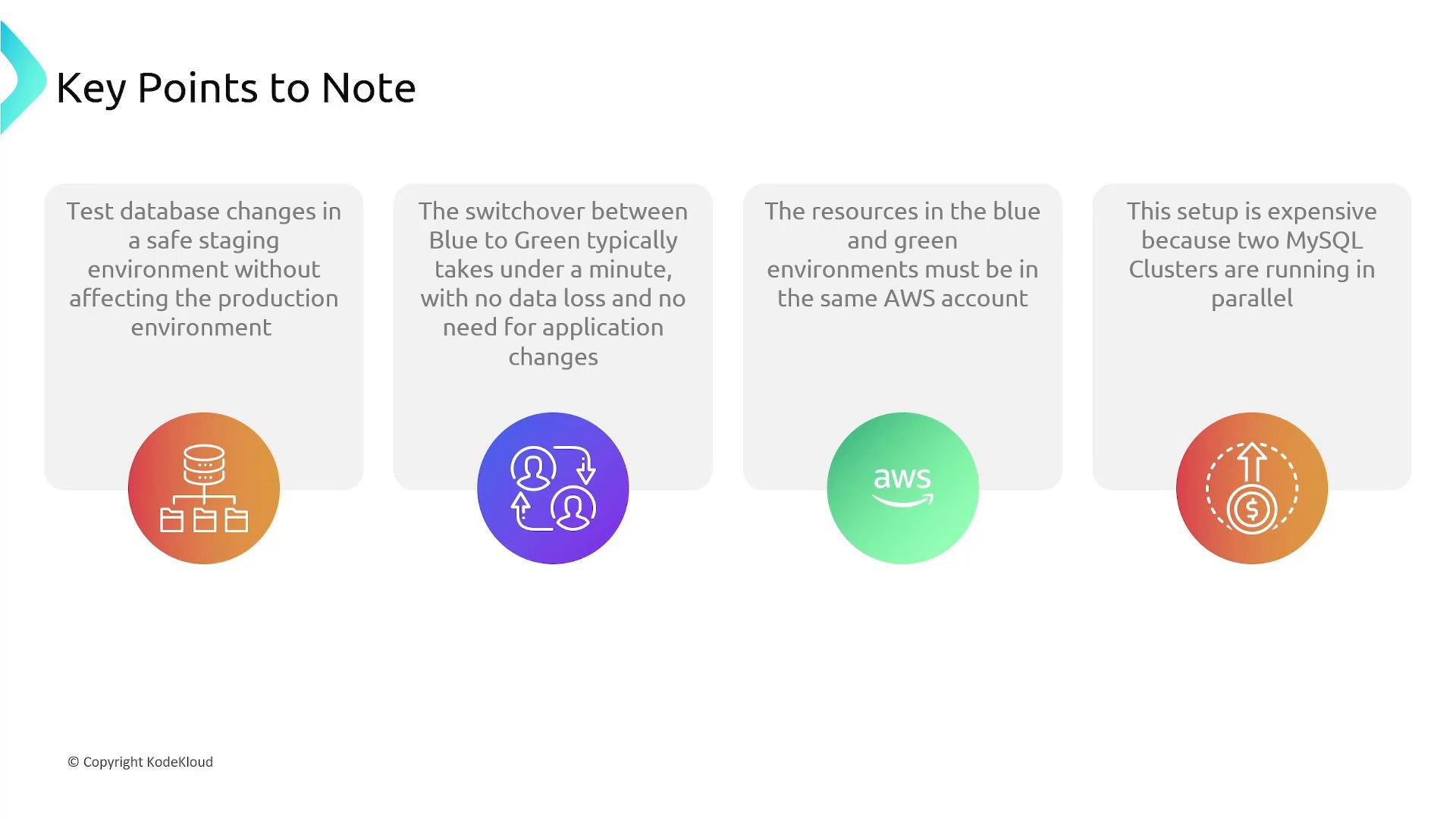
- Test DB schema or engine changes safely in staging without impacting production.
- Switchover can be quick and have no data loss if replication and final synchronization are handled correctly.
- Keep both environments in the same AWS account to simplify networking and permissions.
- Cost increases because you run two full clusters simultaneously.
Note: Newer RDS deployments often use
gp3, which lets you provision IOPS and throughput independently from storage size. For predictable IOPS requirements, consider gp3 or Provisioned IOPS.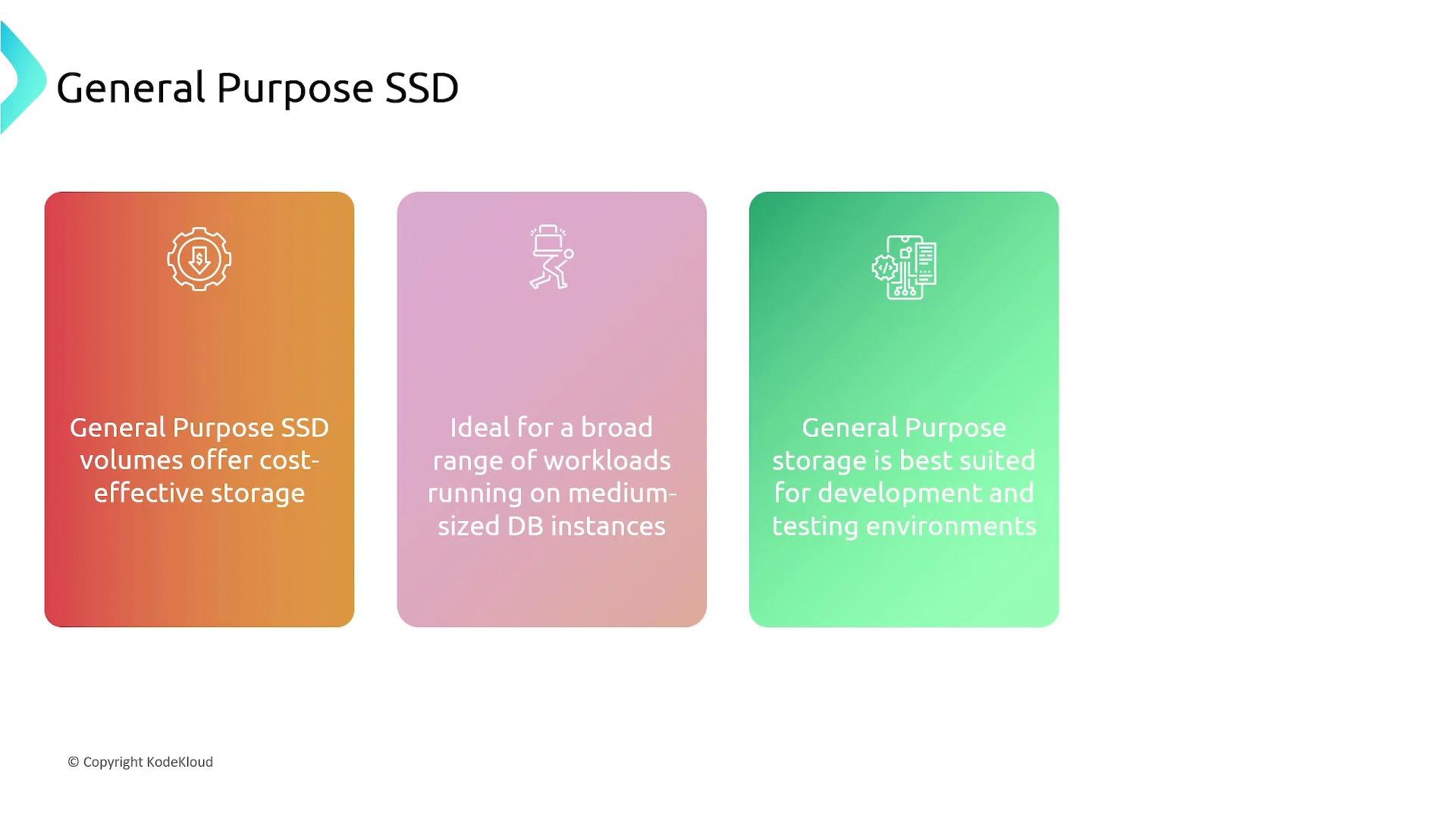
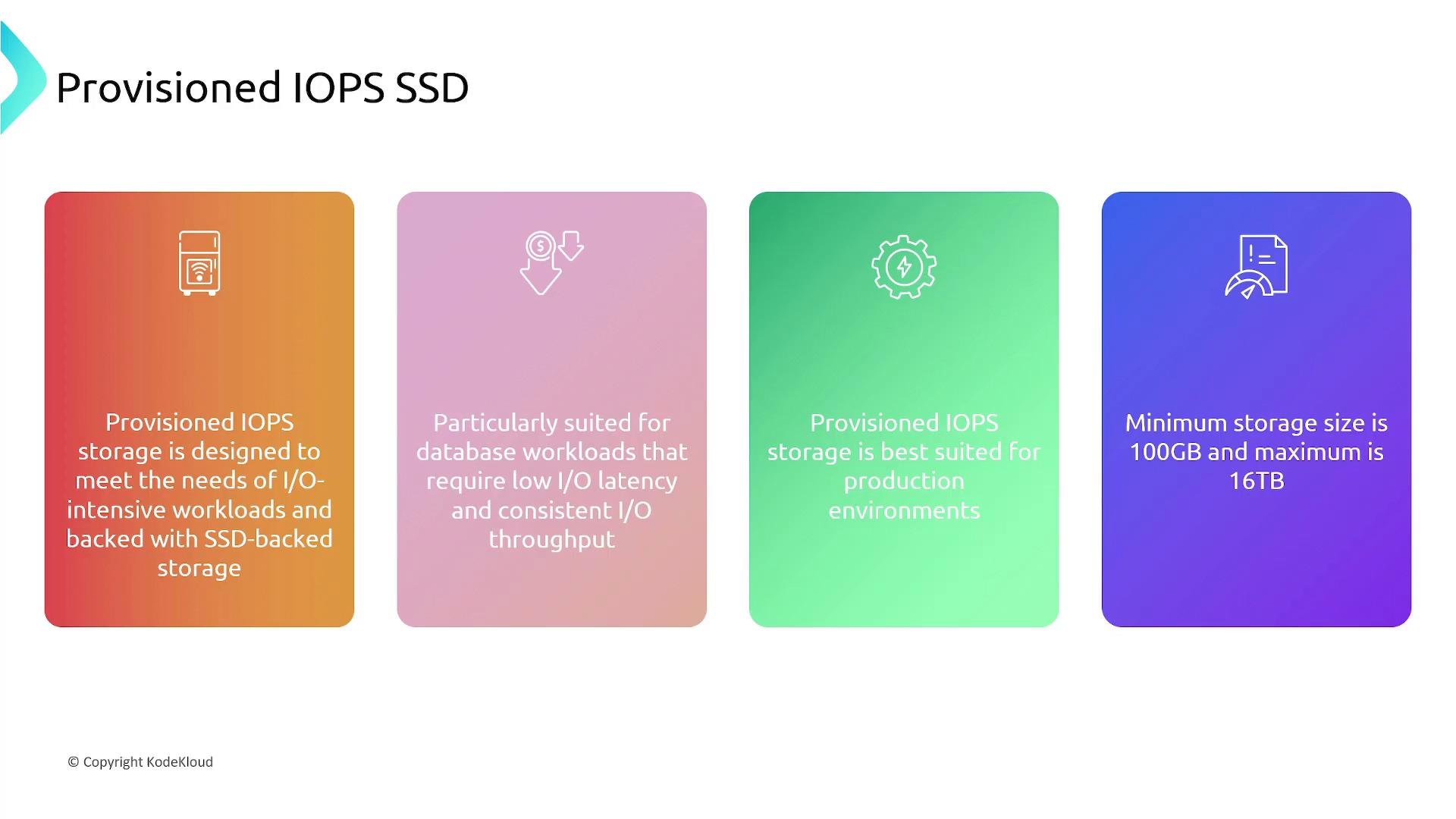
- Designed for I/O-intensive workloads requiring low latency and consistent throughput.
- Best for production systems where I/O performance is critical.
- Available sizes vary by engine and instance class.
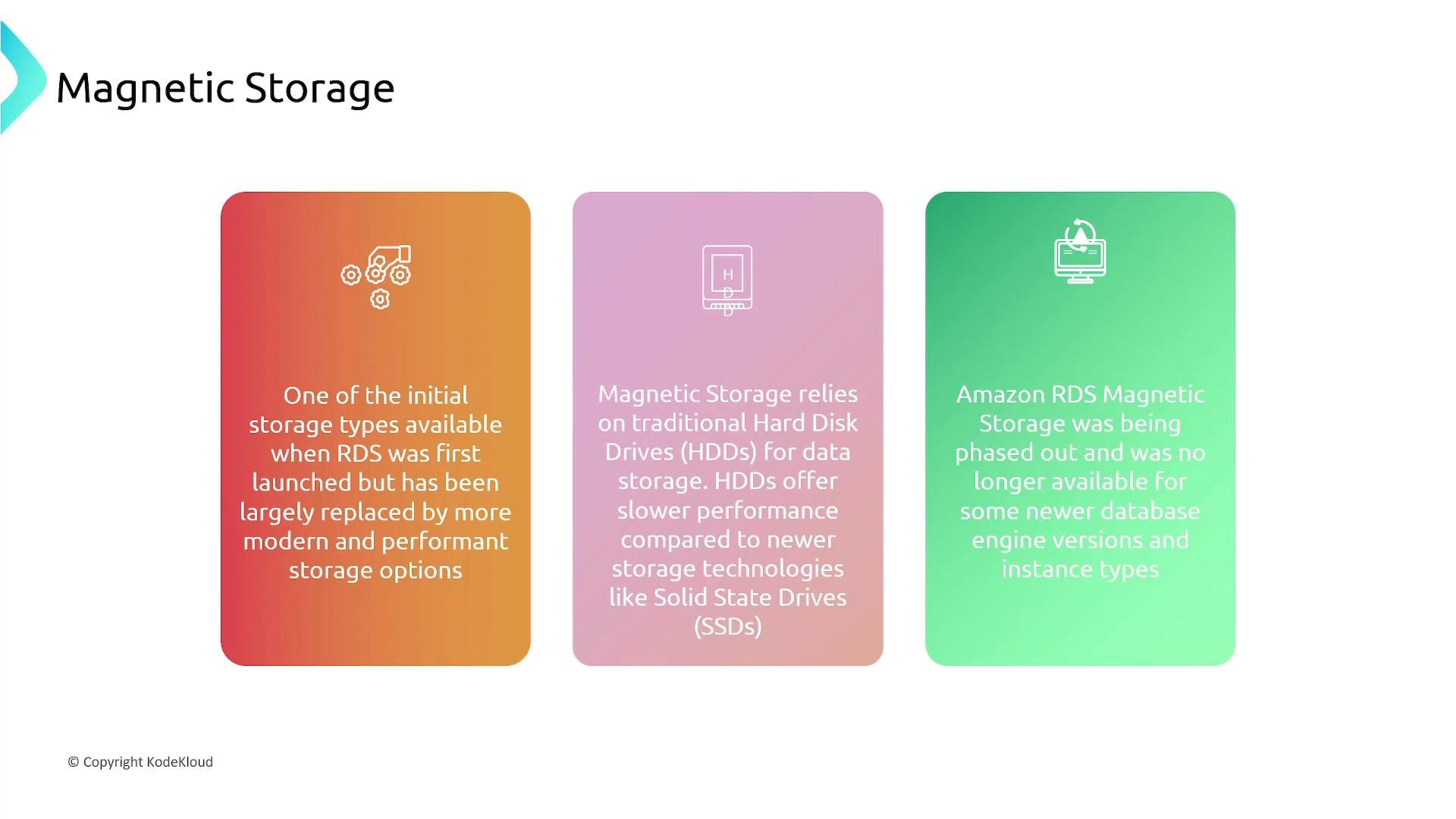
- Legacy HDD-based storage with slower performance compared to SSD.
- Being phased out and often unsupported on newer engines and instance types.
- Avoid for new production deployments—prefer SSD options for performance and durability.
Warning: Magnetic storage is legacy and should be avoided for new deployments. Many modern RDS engines and instance types no longer support HDD volumes.
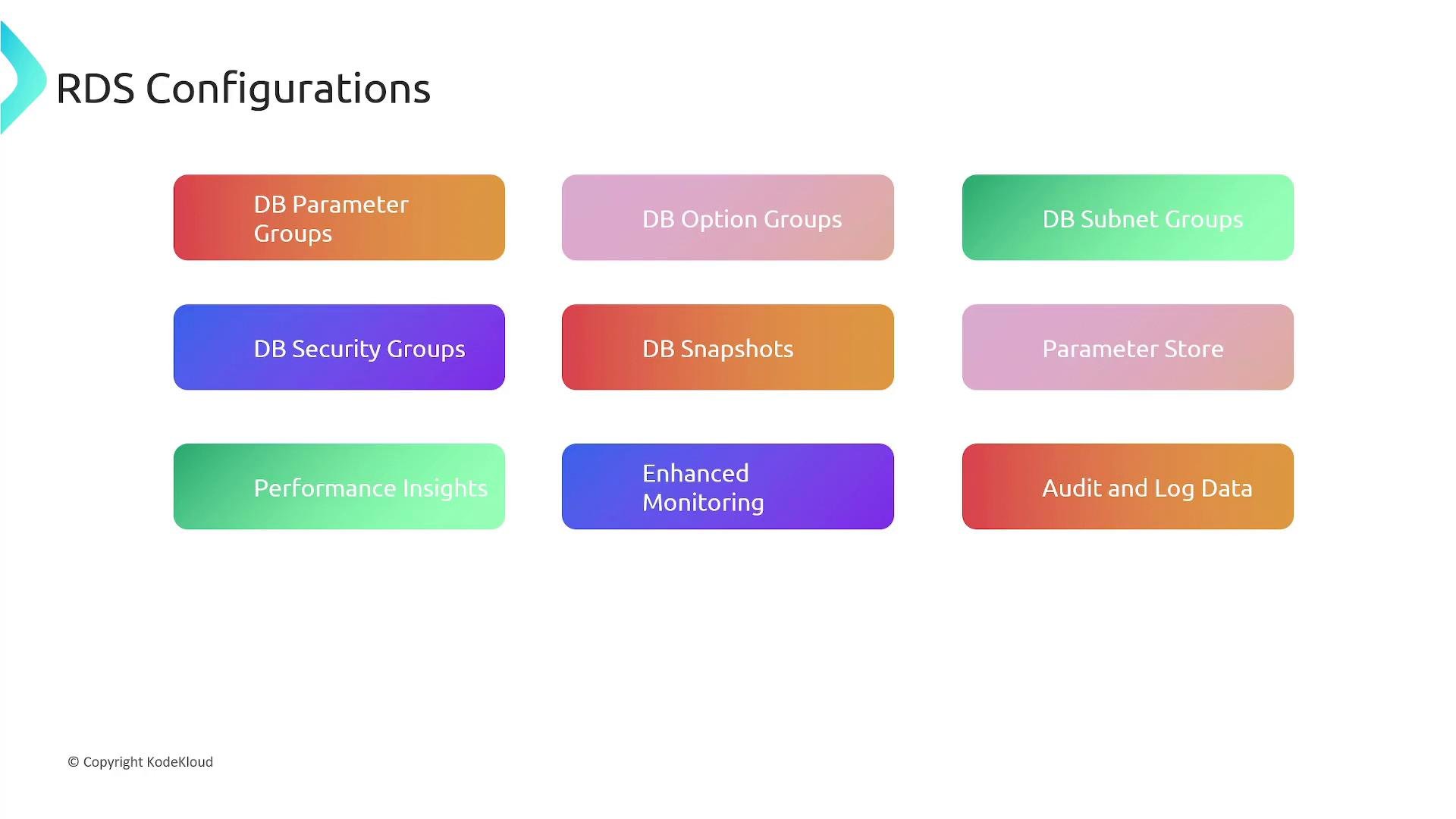
- DB parameter groups: engine-level settings you can tune (memory usage, planner options).
- Option groups: enable optional features or plugins for specific engines.
- DB subnet groups: define which subnets (and AZs) RDS instances can use inside a VPC.
- Security groups: control inbound/outbound network access to the DB instance.
- Manual DB snapshots and automated backups: snapshots for on-demand restores; automated backups for point-in-time recovery within a retention window.
- AWS Systems Manager Parameter Store or Secrets Manager: securely store DB credentials and secrets.
- Performance Insights: visual SQL and resource analysis to identify bottlenecks.
- Enhanced Monitoring: OS-level metrics for deeper troubleshooting.
- Audit and log exports: send database logs to CloudWatch Logs or S3 for auditing and analysis.
- Encryption: at rest (AWS KMS) and in transit (TLS) support.
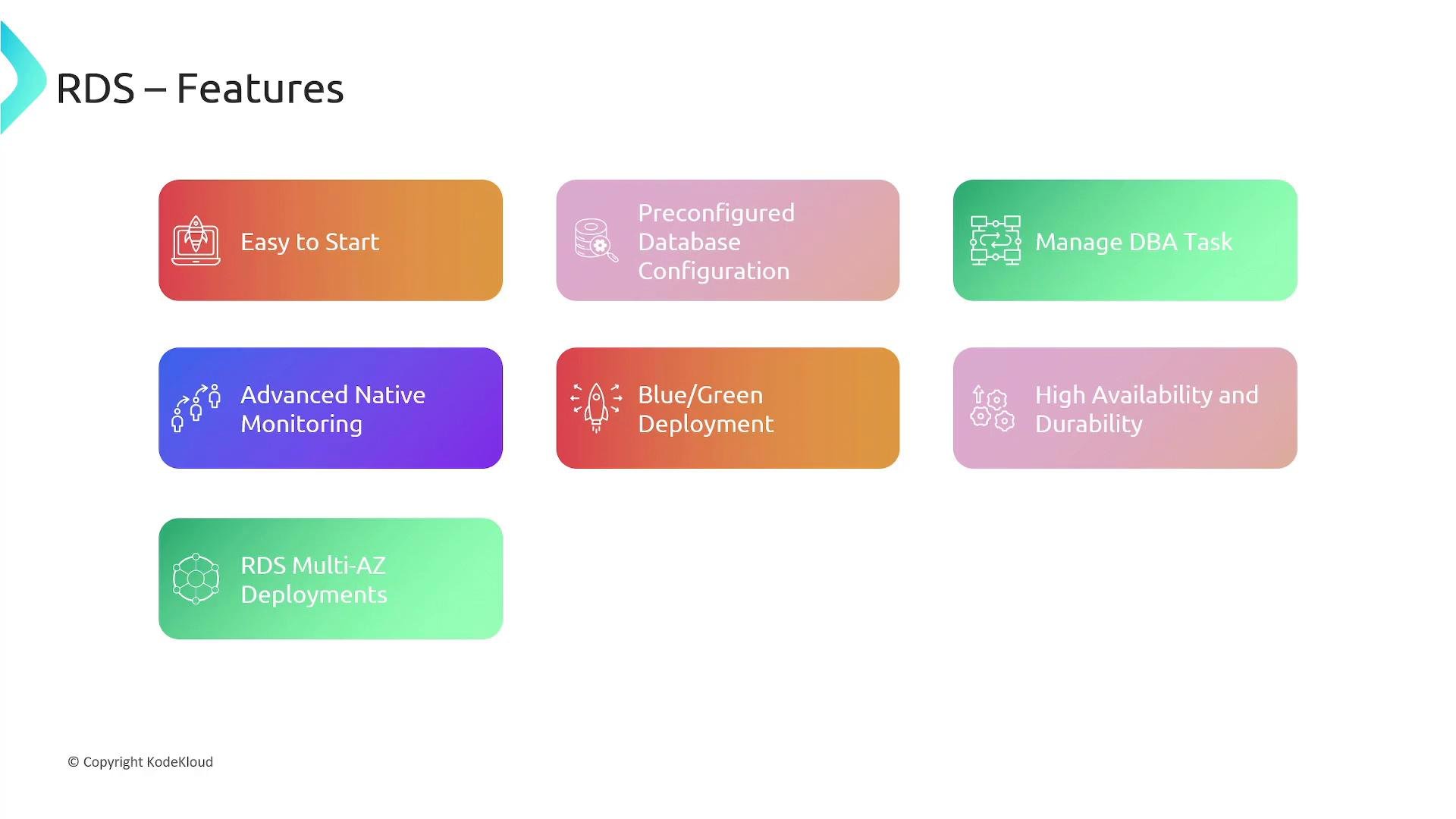
- Fast to launch: create a production-ready DB in minutes via Console, CLI, SDK, or API.
- Engine-specific defaults: best-practice settings applied automatically; override with parameter groups as needed.
- Reduced operational burden: AWS manages backups, patching, and maintenance tasks.
- Monitoring: CloudWatch metrics and RDS Performance Insights help surface resource usage and slow queries.
- Blue/Green support: enables safer database updates with minimal downtime.
- High availability & durability: automated backups, Multi-AZ, and snapshot features provide point-in-time recovery and failover.
- Web and mobile app backends requiring reliable, managed relational databases.
- Offloading DB operations to reduce costs and focus on product development.
- Modernizing legacy databases by migrating to scalable, managed RDS engines.
- Amazon RDS is a managed relational database service supporting Aurora, PostgreSQL, MySQL, MariaDB, Oracle, and SQL Server.
- Deployment choices: Single-AZ (cost-conscious), Multi-AZ (high availability), read replicas (read scaling and cross-region copies), and Blue-Green (safer updates).
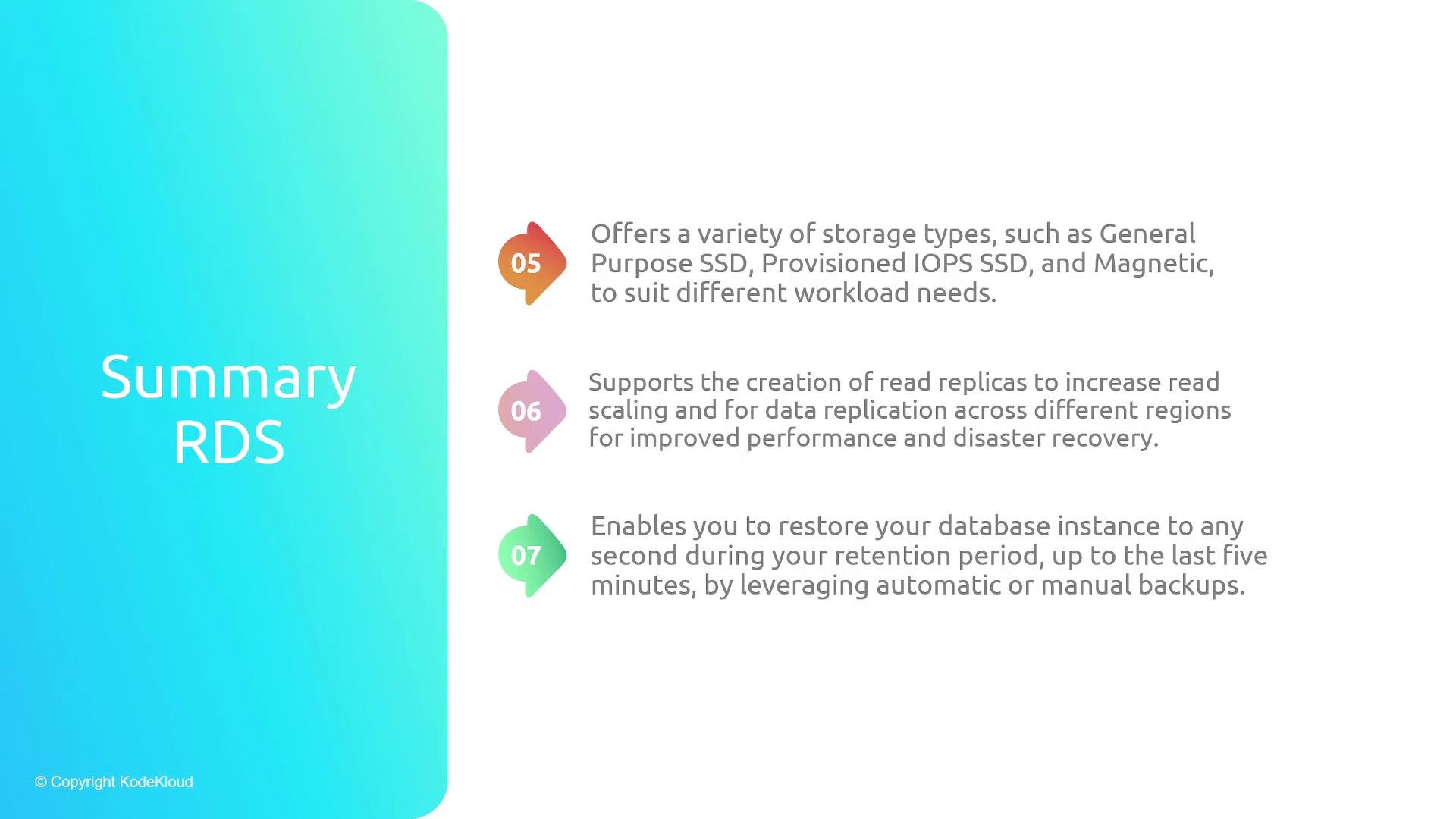
- Storage choices: General Purpose SSD (
gp2/gp3) for most workloads, Provisioned IOPS for demanding I/O, and legacy Magnetic (avoid for new systems). - Use automated backups and retention windows for point-in-time restore, enable Performance Insights and Enhanced Monitoring for production troubleshooting, and store secrets safely with Secrets Manager or Parameter Store.
- AWS RDS Documentation: https://docs.aws.amazon.com/rds/
- Amazon Aurora Overview: https://docs.aws.amazon.com/aurora/
- AWS Best Practices for RDS: https://aws.amazon.com/rds/resources/
- Kubernetes and RDS connectivity patterns, or migrating existing databases: consult engine-specific migration guides and AWS Database Migration Service (DMS) docs.