Key Components of CloudWatch
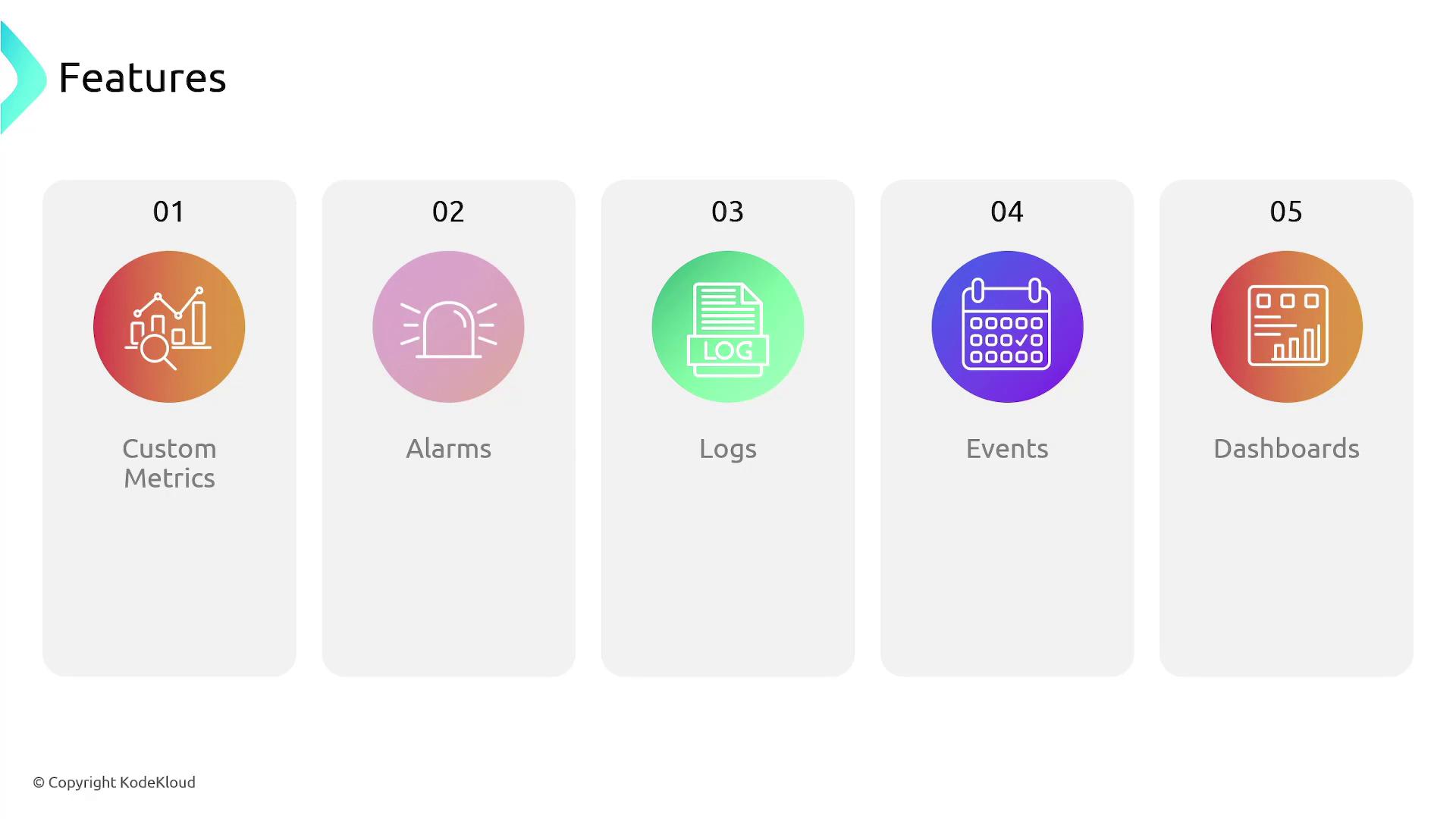
Below is an overview of the primary components that make CloudWatch a comprehensive monitoring solution:-
Metrics
Metrics are the foundational data points that indicate the performance of your services and applications. Common examples include CPU utilization and application latency. -
Alarms
Alarms enable you to set thresholds on metrics. For example, you can configure an alarm to trigger when the average CPU utilization of an EC2 instance exceeds 80%. -
Logs
CloudWatch Logs offer a centralized repository to store, view, and analyze logs from a variety of services and applications, both current and historical. -
Events (EventBridge)
Formerly known as CloudWatch Events, EventBridge responds to state changes in AWS resources. With custom rules, you can automate responses to events, such as triggering a Lambda function when a new file is uploaded to an S3 bucket. -
Custom Dashboards
Create personalized dashboards on CloudWatch’s customizable console homepage to display relevant metrics, logs, and data points for your operations. -
Insights
Logs Insights provide the ability to perform advanced queries on your log data. This feature allows for sophisticated analysis and the extraction of complex metrics.
CloudWatch also plays a critical role in the management of AWS Auto Scaling groups. For instance, alarms monitoring EC2 instance metrics within an autoscaling group can directly influence decisions that trigger scaling actions based on predefined thresholds.
CloudWatch Capabilities
CloudWatch empowers you to:- Publish custom metrics in dedicated namespaces alongside AWS’s built-in metrics.
- Set up alarms to receive notifications when specific metric thresholds are exceeded.
- Collect and securely store logs from your infrastructure, resources, and applications.
- Stream near real-time system events using EventBridge.
- Create and configure interactive dashboards to consolidate your monitoring data.