

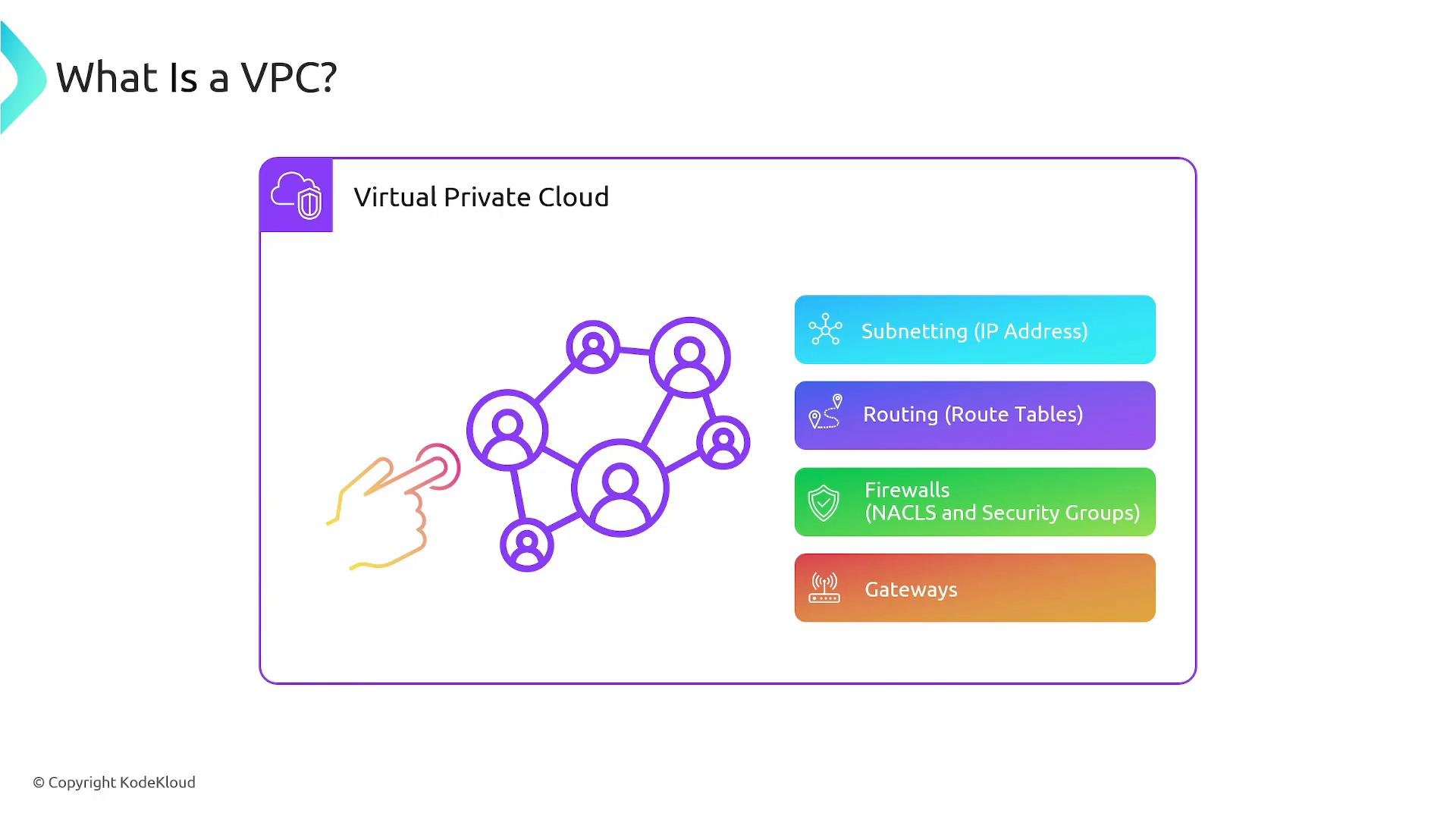
- Subnetting — choose the IP address ranges (CIDR blocks) for your VPC and subnets.
- Routing — manage route tables and packet paths.
- Firewalls — control traffic using Security Groups (stateful) and Network ACLs (stateless).
- Gateways — manage inbound/outbound traffic through Internet Gateways, NAT Gateways, Transit Gateways, or VPNs.
VPCs exist within a single AWS region. A VPC created in
us-east-1 cannot span to us-west-2. To enable cross-region connectivity you must use VPC peering, Transit Gateway, VPN, or other explicit cross-VPC networking solutions.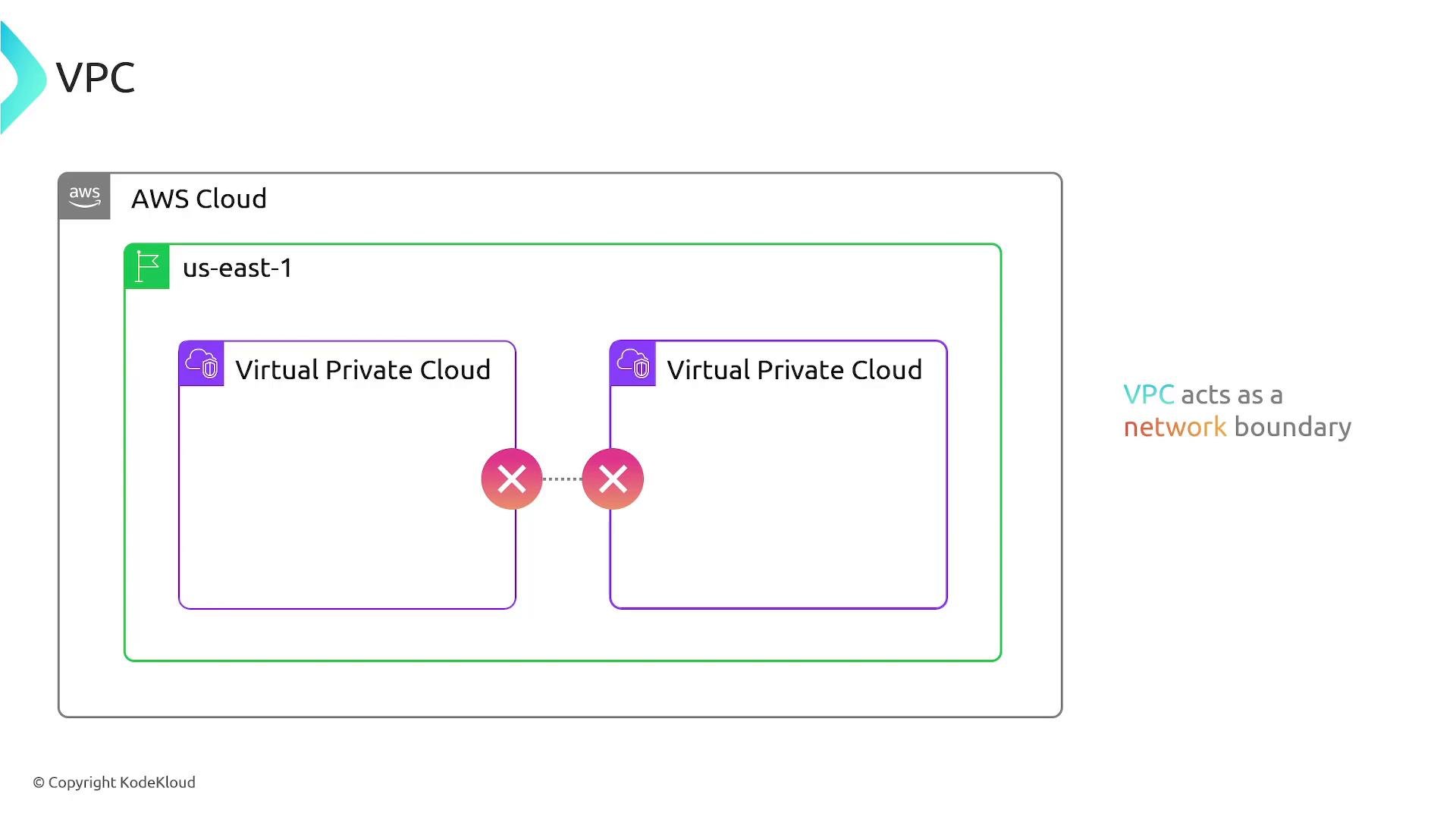
CIDR blocks and IP addressing
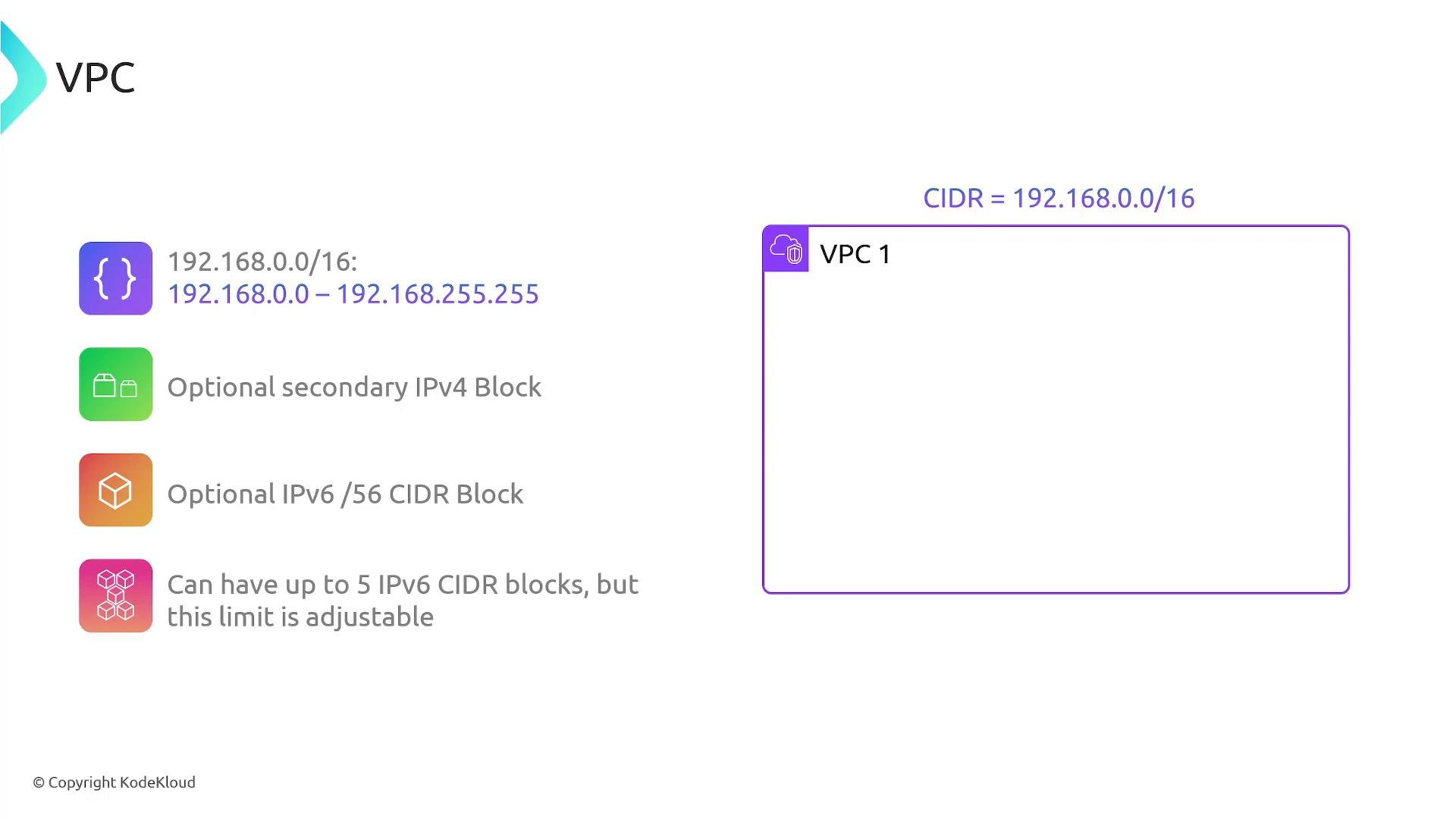
Every VPC receives a primary IPv4 CIDR block that defines the VPC’s address space. The primary IPv4 CIDR must be between/16 and /28. For example, a VPC with CIDR 192.168.0.0/16 covers addresses from 192.168.0.0 through 192.168.255.255.
You can also:
- Add an optional secondary IPv4 CIDR block to expand address space.
- Enable IPv6 addressing. When enabled, AWS assigns a
/56IPv6 CIDR block to the VPC (you can associate multiple IPv6 CIDR blocks, subject to limits).
Plan CIDR ranges carefully. Overlapping CIDR blocks prevent VPC peering and many cross-VPC connectivity options. Also choose sufficiently large CIDR blocks up-front because shrinking an existing VPC’s primary CIDR is not supported.
Default VPC vs. Custom VPC
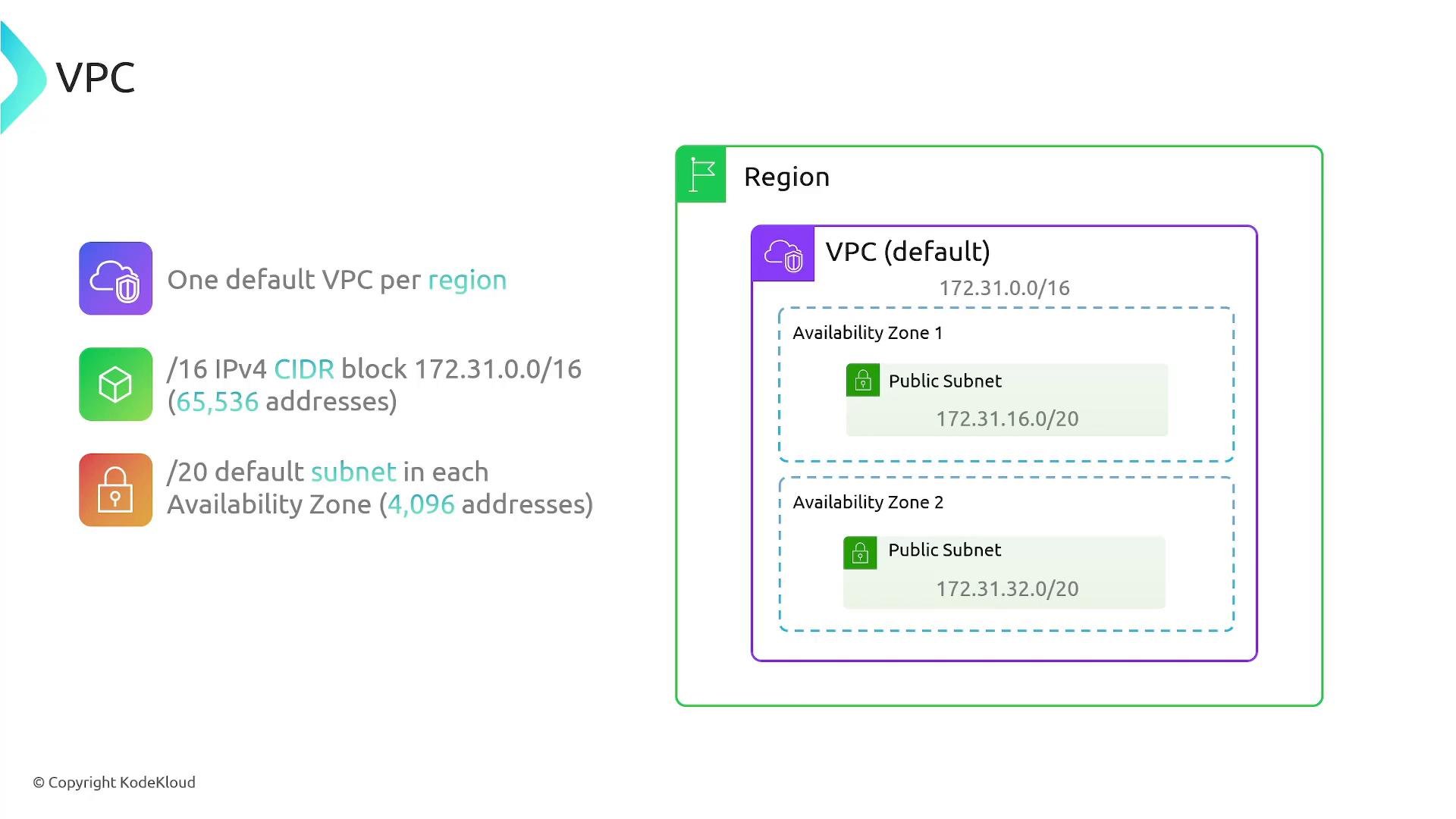
You can either use the AWS-provided default VPC or create a custom VPC to meet specific network and security requirements.
What AWS typically configures for a default VPC:
Use a custom VPC when you need control over:
- Non-default CIDR ranges or multiple CIDR blocks
- Private-only subnets with NAT for outbound internet
- Fine-grained route table and gateway topologies
- Segmented security groups and NACLs for strict segmentation
Summary
- A VPC is an isolated, customer-controlled virtual network in AWS.
- VPCs are regional — they do not span multiple regions.
- VPC addressing is defined by CIDR blocks: primary IPv4 must be between
/16and/28. You can add secondary IPv4 blocks and IPv6/56blocks. - Default VPCs are created automatically in every region and include default subnets, an Internet Gateway, a main route for Internet access, a default security group, and a default NACL to let you launch Internet-connected resources quickly.
- Custom VPCs let you design your own network topology, address plan, and security controls.
- By default, VPCs isolate resources; you must explicitly enable Internet or cross-VPC communication.