

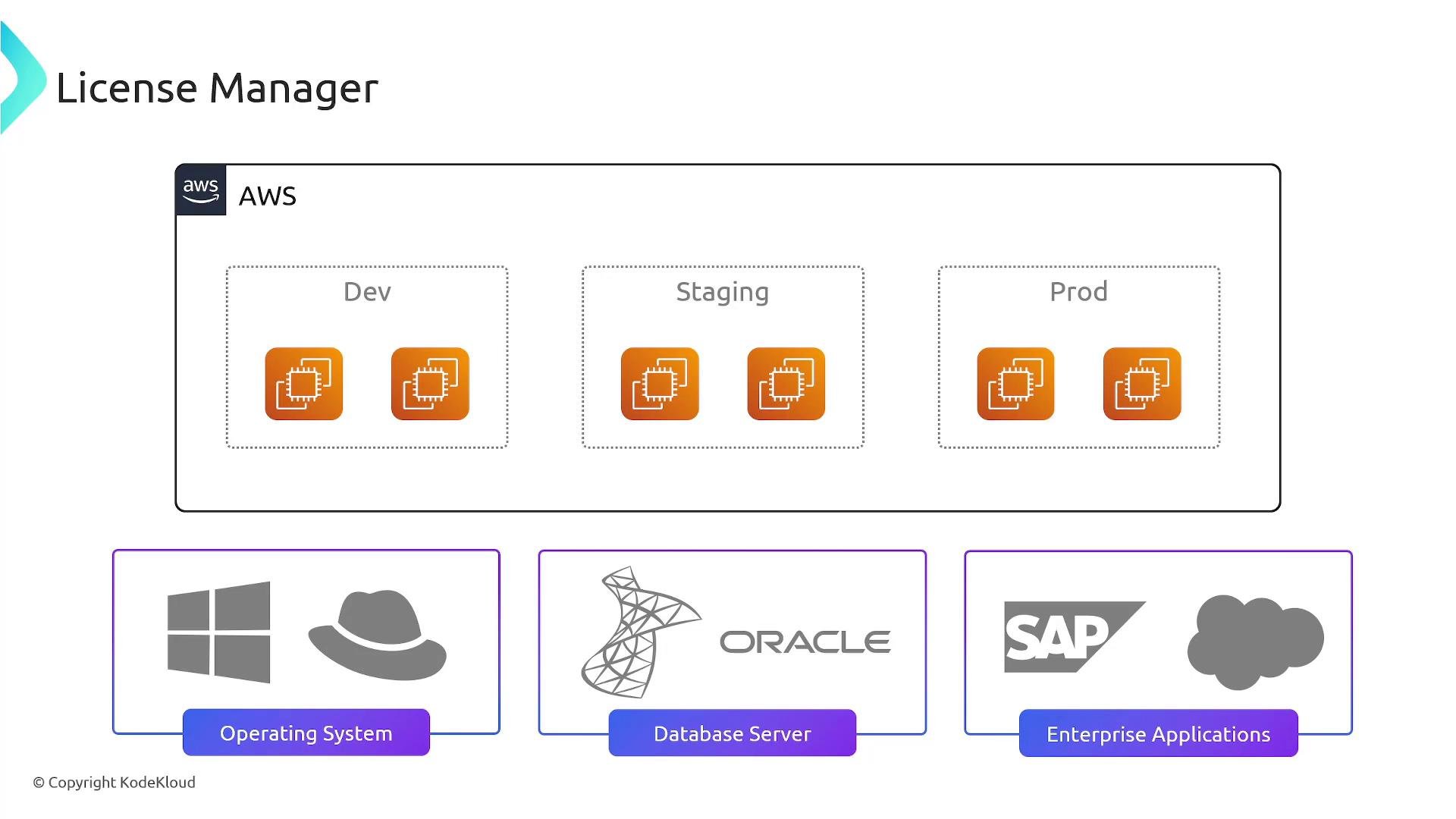
- Centralized license definitions and entitlements for vendor software such as Microsoft, Oracle, SAP, IBM, and others.
- Configurable license configurations that represent purchased entitlements: counts, measurement units (vCPUs, cores, sockets, instances), and expiration/renewal metadata.
- Application of license configurations to supported AWS resources (for example, EC2 instances and supported RDS instances) and to on‑premises hosts discovered through AWS Systems Manager.
- Consumption tracking and reporting to help avoid over‑purchasing and demonstrate compliance during audits.
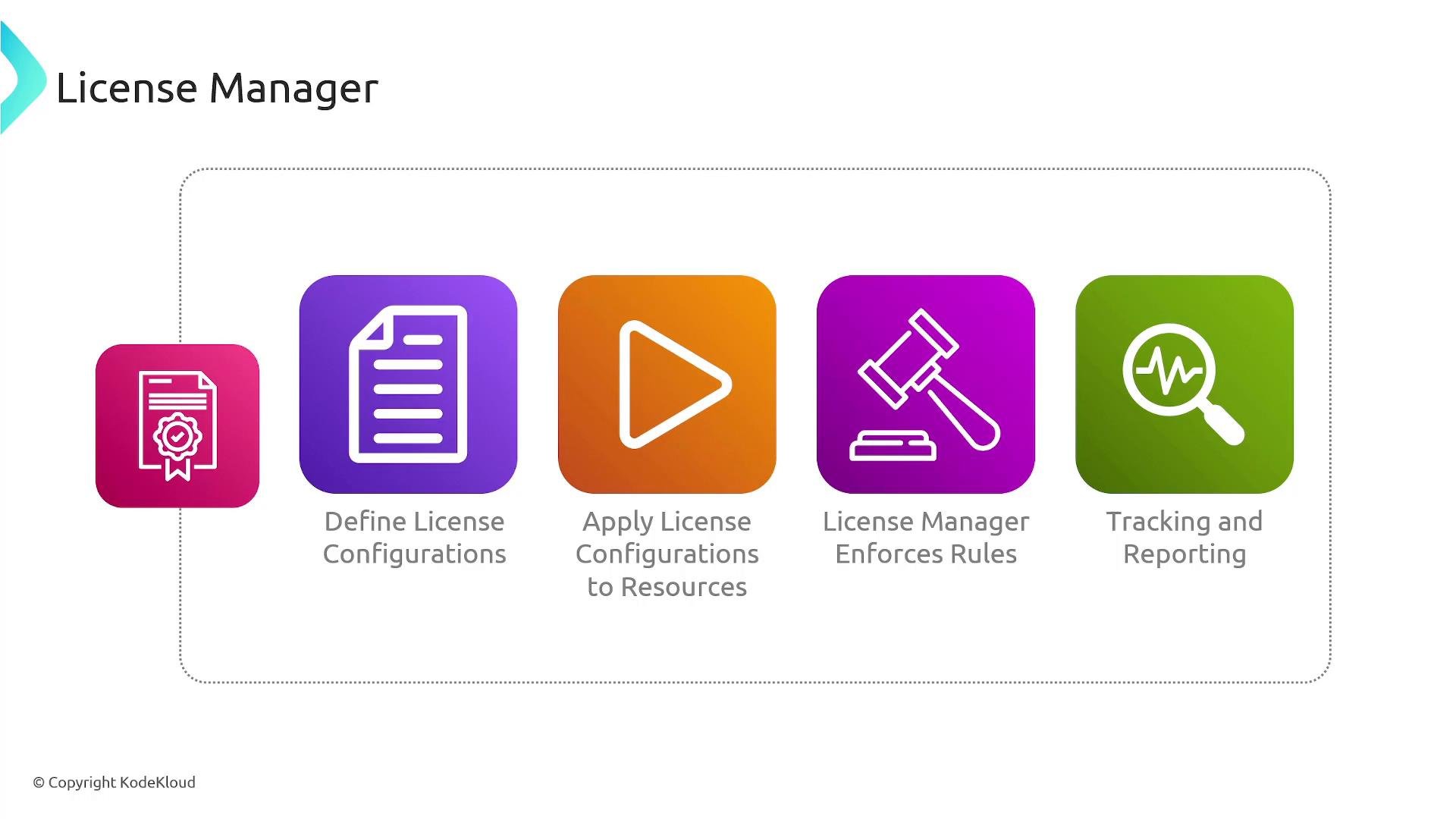
- Define a license configuration — declare the product/vendor, license counting dimension (vCPU, core, socket, instance), total license count, allowed tenancy/regions, and expiration/renewal details.
- Associate the license configuration with resources — attach to EC2 instances, supported RDS instances, or on‑premises servers managed by AWS Systems Manager.
- Enforcement and launch checks — when a supported resource is launched, License Manager evaluates the launch against your configured rules and (for integrated resource types) can block launches that would violate limits.
- Track and report usage — License Manager aggregates consumption across accounts and regions and generates usage reports for cost optimization and compliance.
- License configurations: choose counting rules and entitlements (license count, measurement unit, expiration).
- Enforcement for supported resources: License Manager supports enforcement integration for certain AWS resources and can prevent noncompliant launches where enforcement is available.
- Discovery and inventory: integrates with AWS Systems Manager Inventory to discover installed software on EC2 instances and on‑premises servers (Systems Manager agent required), enabling more accurate software usage reporting.
- Cross-account visibility: integrates with AWS Organizations to consolidate license usage and reporting across multiple accounts.
- BYOL (Bring Your Own License): helps manage BYOL scenarios by tracking entitlements and enforcing limits so you don’t exceed purchased licenses. See AWS guidance on BYOL with License Manager: https://docs.aws.amazon.com/license-manager/latest/userguide/byol.html
License Manager delivers the best results when paired with AWS Systems Manager for inventory collection and when integrated across accounts via AWS Organizations. Enforcement capability varies by resource type—some AWS resource types support hard enforcement while others provide only visibility and reporting.
- Reduce license compliance risk through centralized policies and enforcement for supported resources.
- Avoid unnecessary license purchases by identifying idle, underused, or orphaned licenses.
- Consolidate license policies and reporting across AWS accounts and on‑premises servers for clearer cost and compliance visibility.
License Manager helps track and enforce license rules, but you remain responsible for complying with vendor license terms. Regularly review vendor agreements and License Manager reports to ensure alignment with licensing contracts and audit requirements.
- AWS License Manager: https://aws.amazon.com/license-manager/
- AWS Systems Manager: https://aws.amazon.com/systems-manager/
- AWS Organizations: https://aws.amazon.com/organizations/
- BYOL with License Manager: https://docs.aws.amazon.com/license-manager/latest/userguide/byol.html