

- The AWS Well-Architected Framework — conceptual model and pillars.
- The Well-Architected Tool — console-based tool for evaluating workloads.
- AWS Lenses and Well-Architected Guidance whitepapers — targeted and higher-level guidance.
Read on for more detail about each resource and where they fit into real-world architecture work.
Well-Architected Framework
The Well-Architected Framework defines best practices organized into six pillars. The AWS Solutions Architect Associate Certification emphasizes four pillars: Security, Reliability, Performance Efficiency, and Cost Optimization. Operational Excellence and Sustainability are also official pillars and are increasingly important in production systems.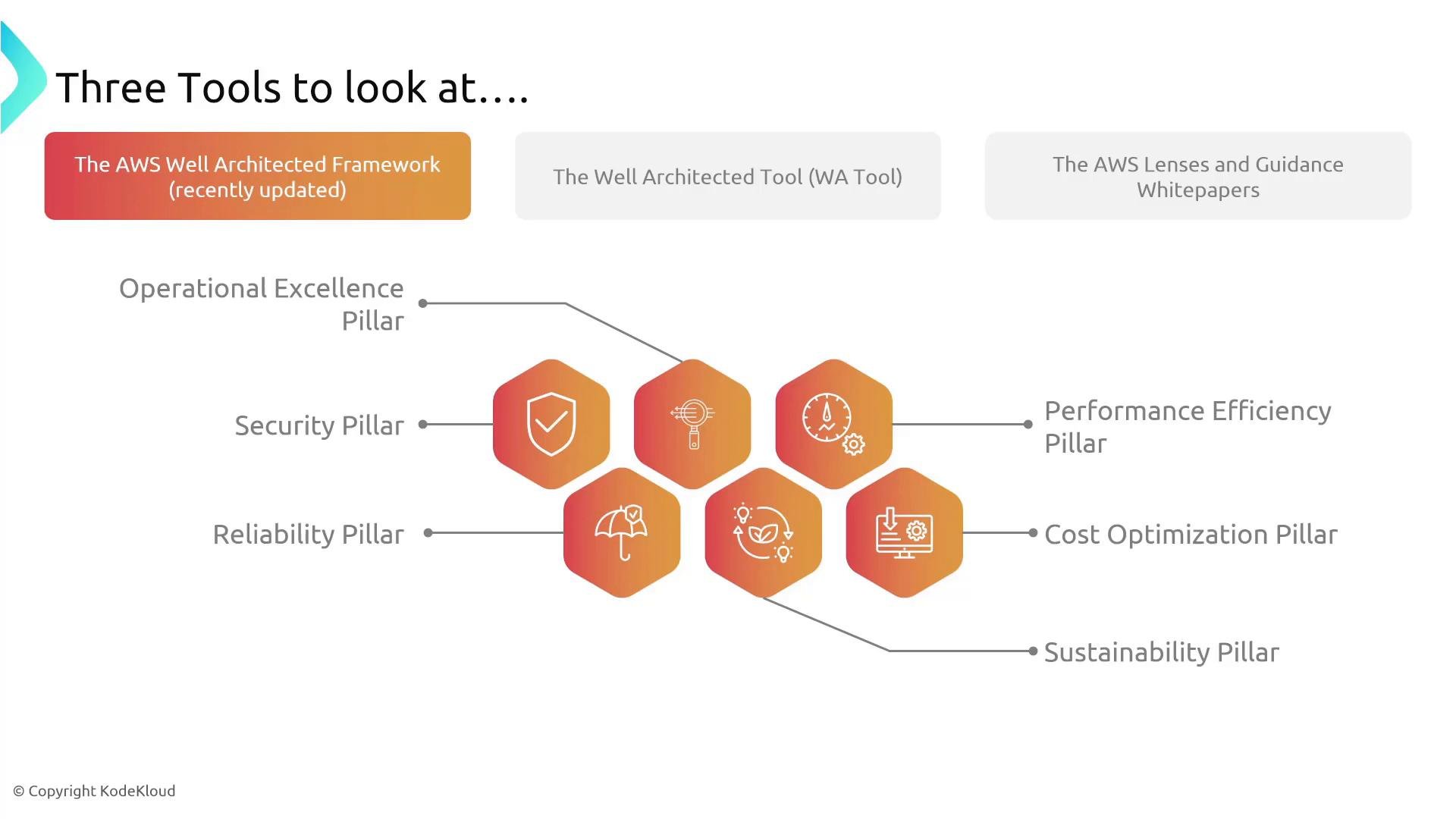
- The four pillars most relevant to the Solutions Architect Associate exam are Security, Reliability, Performance Efficiency, and Cost Optimization.
- Operational Excellence emphasizes processes and practices (valuable for DevOps and platform engineering).
- Sustainability is a newer pillar focused on reducing environmental impact and energy use.
- AWS publishes whitepapers for the full framework and deep dives for each pillar. Skimming these whitepapers builds practical architecture knowledge, but you are not expected to memorize every detail for the exam.
Well-Architected Tool
The Well-Architected Tool (available in the AWS Management Console and via APIs/SDKs) helps you run structured reviews of workloads. You create a workload, answer standardized questions, and receive a prioritized risk profile plus recommended remediations. Typical workflow:- Define a workload (for example: “stock-portfolio-app”).
- Specify workload attributes like industry, regions, and scope.
- Answer the Well-Architected questions for the workload.
- Review identified high/medium/low risks and suggested remediations.
- Generate and export reports for one or multiple workloads.
The Well-Architected Tool is ideal for continuous improvement and formal reviews. Teams commonly run it during design reviews, operational readiness assessments, or post-incident reviews.
- Which workloads have unanswered questions
- Where high-risk issues exist
- Progress on improvement plans and remediation status
Lenses and Well-Architected Guidance
AWS provides two complementary collections to tailor the framework to specific technologies and high-level processes:- Lenses: Technology- and industry-specific extensions of the core framework. Examples include Machine Learning, Serverless, HPC, and Government workloads. Lenses translate pillars into concrete patterns and questions for those domains.
- Guidance (Well-Architected Guidance whitepapers): High-level whitepapers addressing cross-cutting processes and patterns such as operational readiness, disaster recovery, DevOps guidance, and platform design.
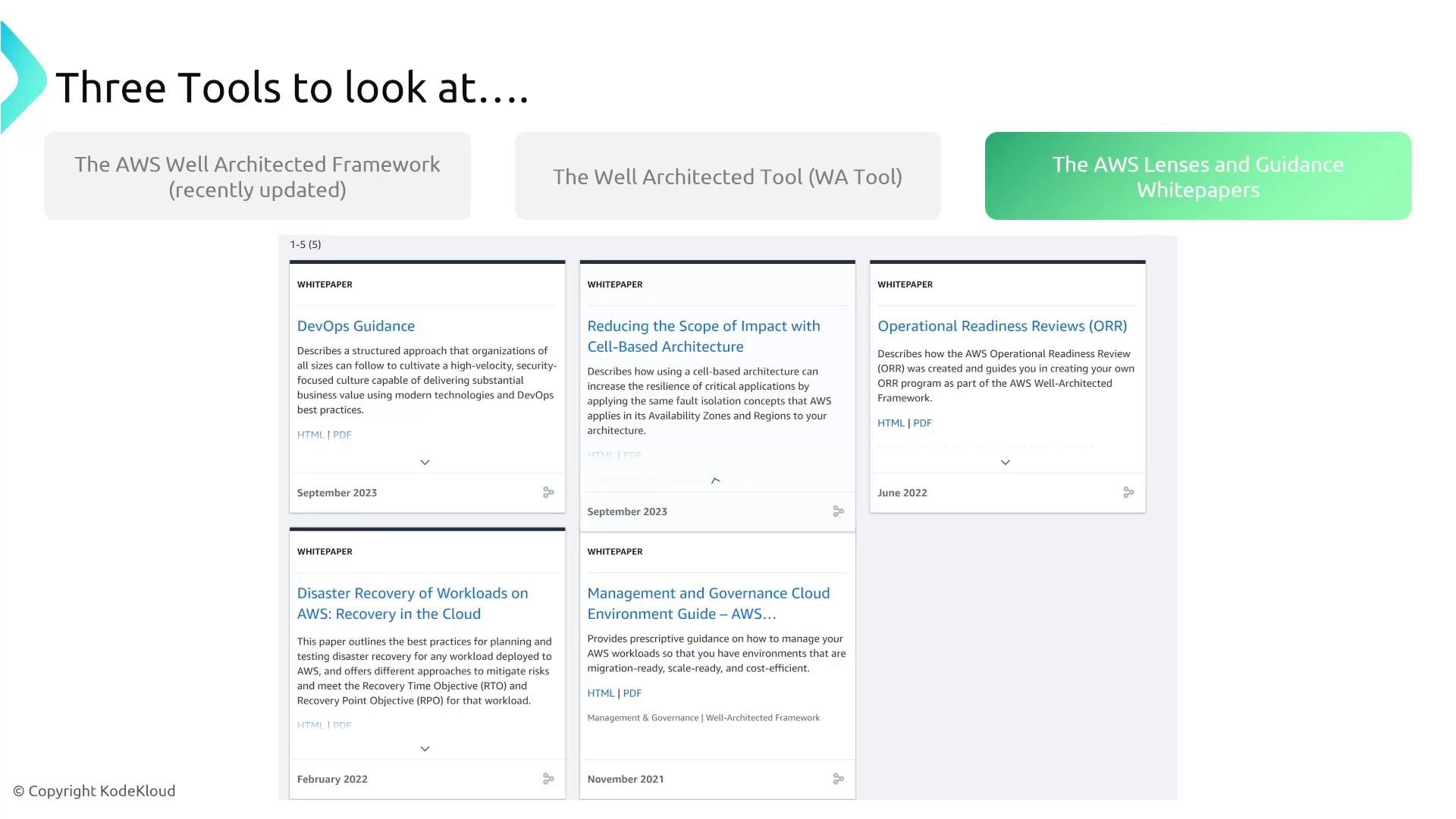
- Lenses are updated periodically to reflect evolving best practices for their domain; use them to adapt the core pillars to your technology stack or compliance needs.
- Guidance papers cover processes and organizational patterns—use them when you need to standardize platform practices (for example, operational readiness or disaster recovery at scale).
- AWS expands the Guidance collection over time, so check the Well-Architected pages for new papers and lenses.
Summary — how to use these tools together
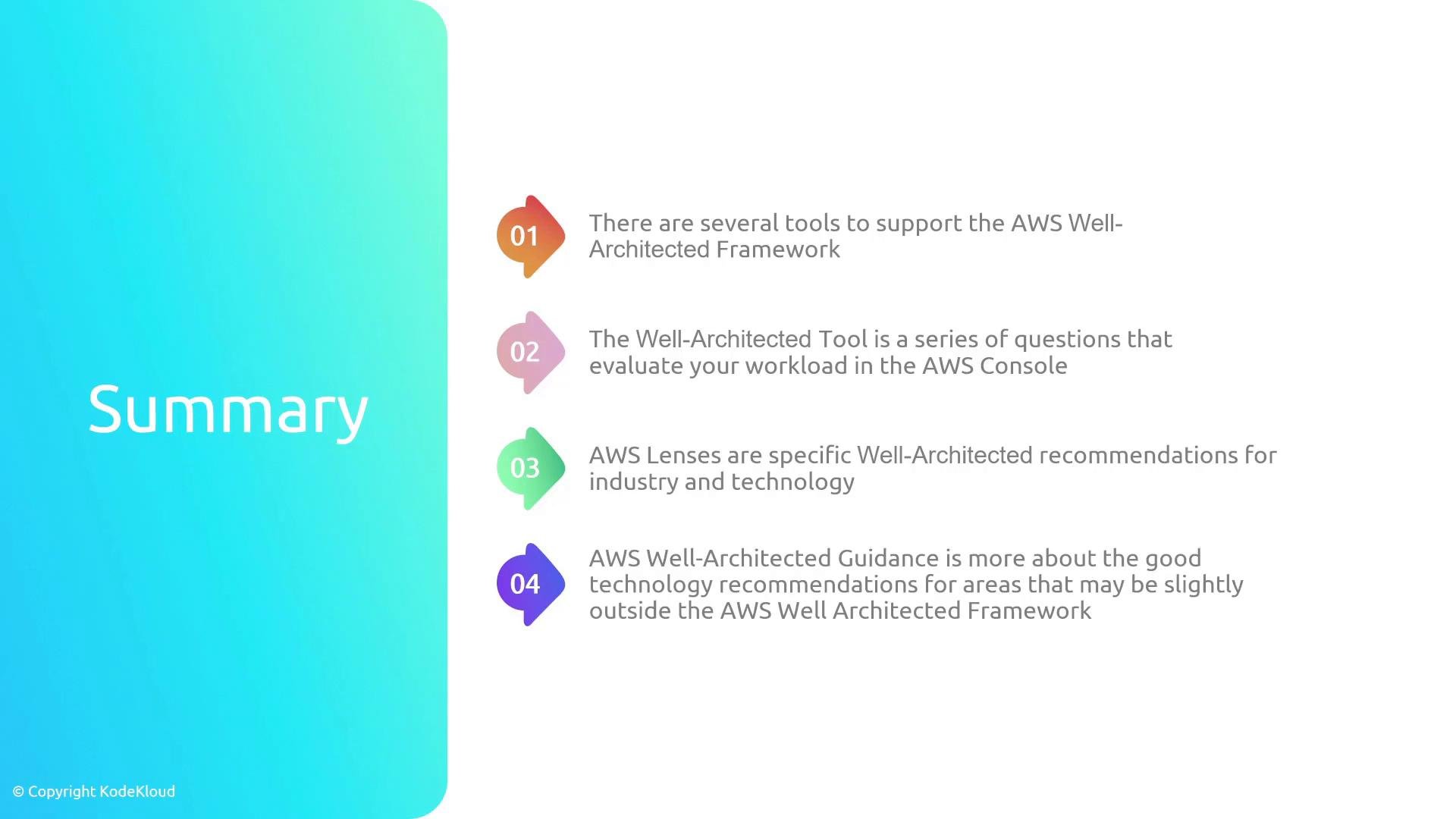
Use the three resources in combination to design, evaluate, and improve cloud workloads:- The Well-Architected Framework: foundational pillars and best practices.
- The Well-Architected Tool: structured, repeatable workload reviews and reporting.
- AWS Lenses & Guidance: domain-specific and high-level implementation advice.
- Read the core AWS Well-Architected Framework.
- Try a sample workload in the Well-Architected Tool.
- Browse available AWS Lenses and Well-Architected Guidance whitepapers.