

Key Components of DMS
DMS Fleet Advisor
The DMS Fleet Advisor gathers data from multiple database environments to provide comprehensive insights into your data infrastructure. It supports popular databases such as Microsoft SQL Server, MySQL, Oracle, and PostgreSQL. A data collector is installed on your database server (for example, a MySQL on-premises server) and captures essential information, which is then reported to DMS. This data can be exported for further analysis.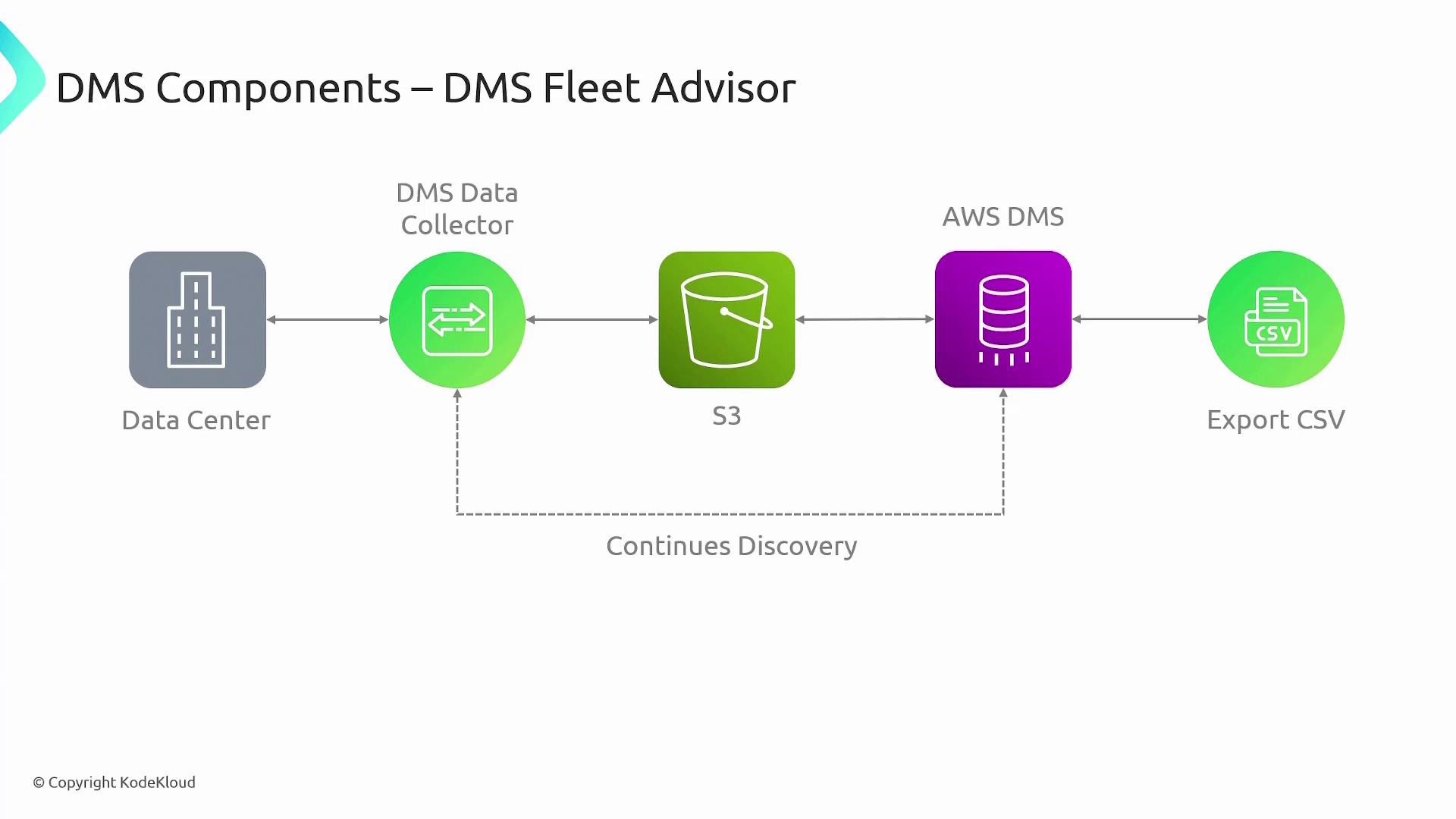
DMS Schema Conversion Tool
The DMS Schema Conversion Tool is specifically designed to simplify migrations between different database types. It evaluates the complexity of the migration and converts database schemas along with associated code objects. For example, when switching from MySQL to PostgreSQL, the tool addresses subtle differences in schema definitions between the two systems.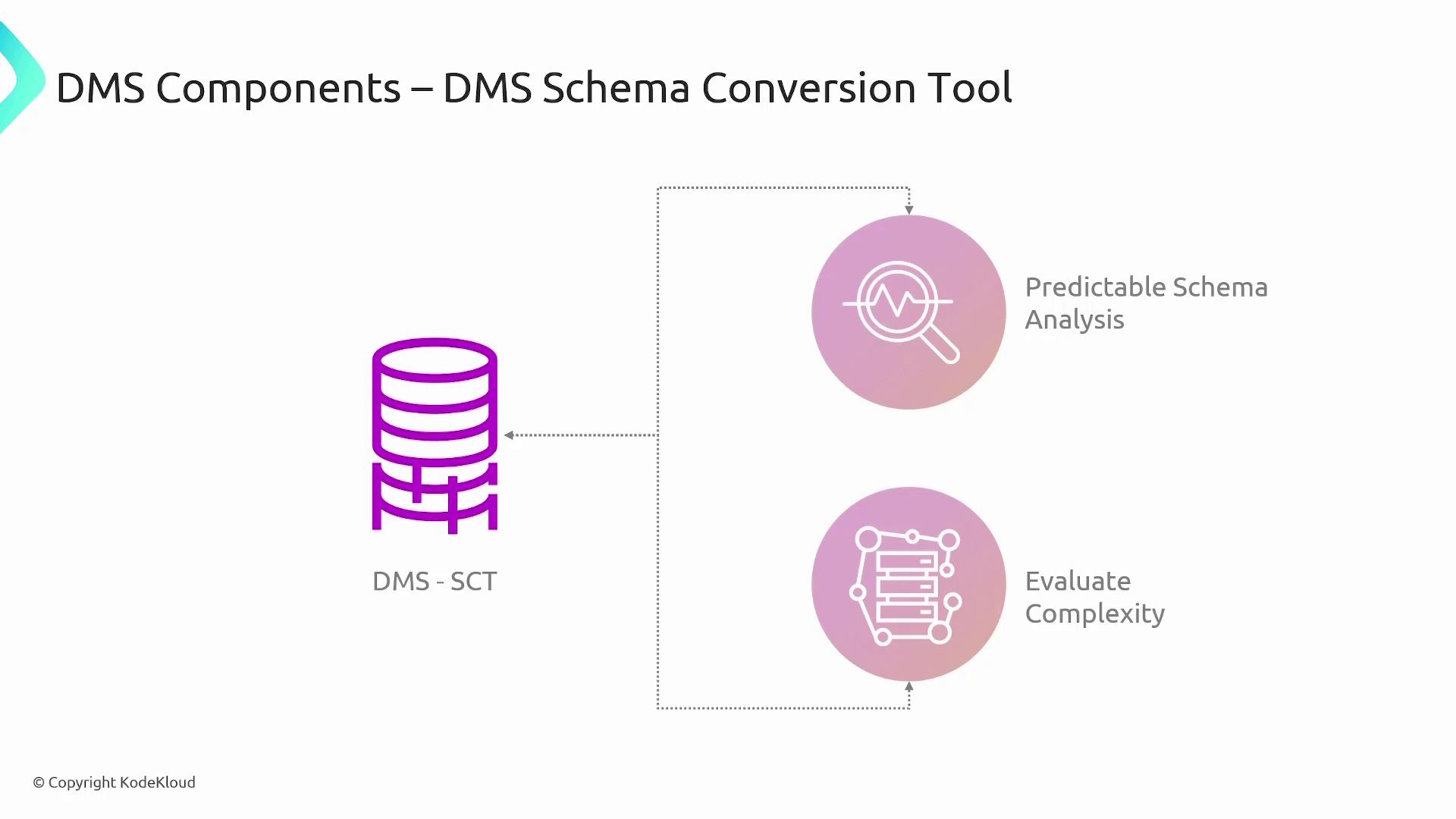
The Schema Conversion Tool is particularly beneficial when migrating between systems with differing SQL dialects, ensuring that your target environment is correctly configured.
Replication Instance
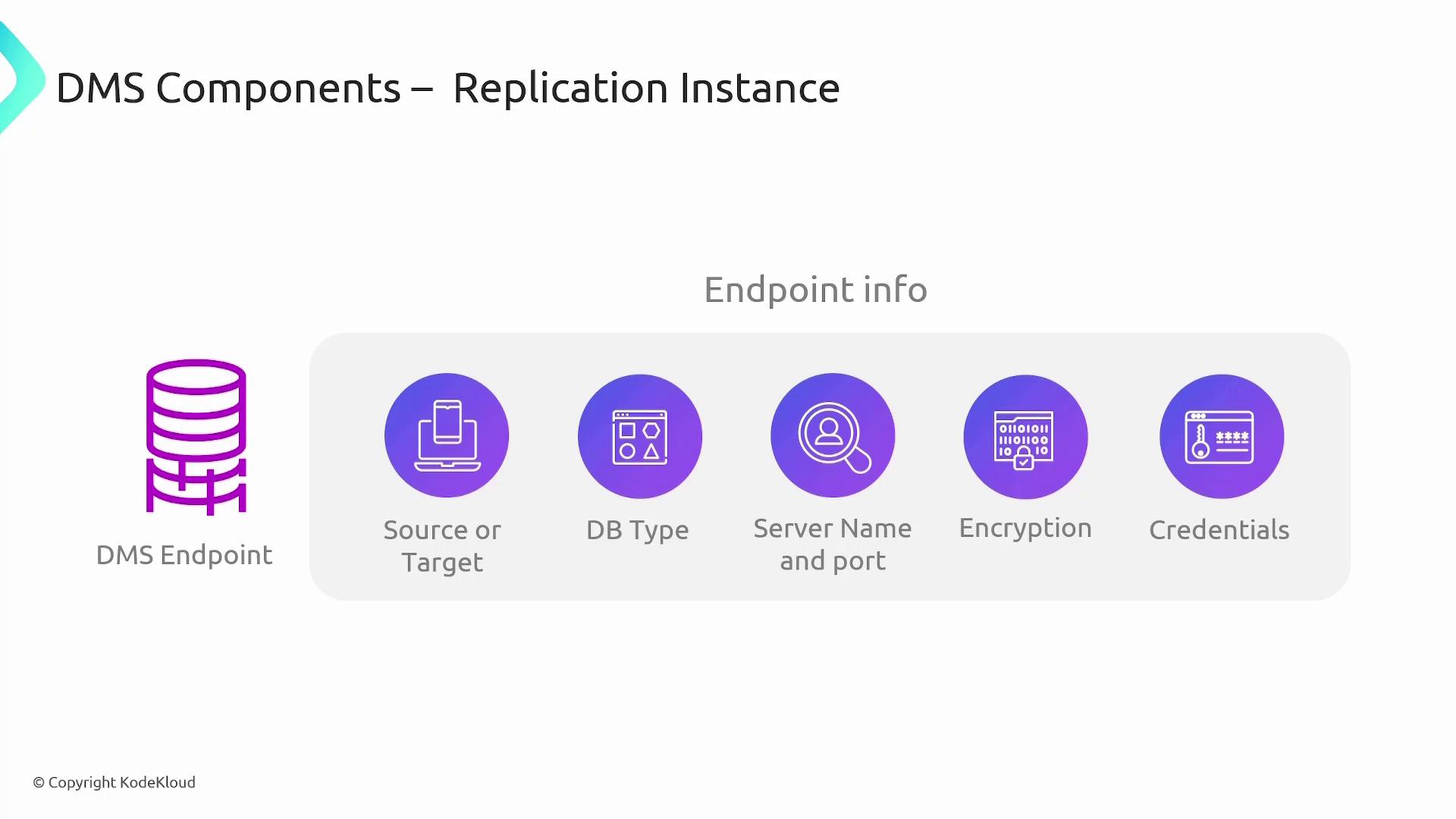
During the migration process, the replication instance continuously transfers data from your on-premises source to the AWS target environment. This ensures that the target always mirrors the most current data. AWS DMS connects to your data stores via endpoints, which function as access points for both the source and the target databases. When configuring these endpoints, details such as endpoint type (source or target), database engine (e.g., Oracle or MySQL), server address, port number, encryption options, and credentials must be specified to guarantee secure connectivity.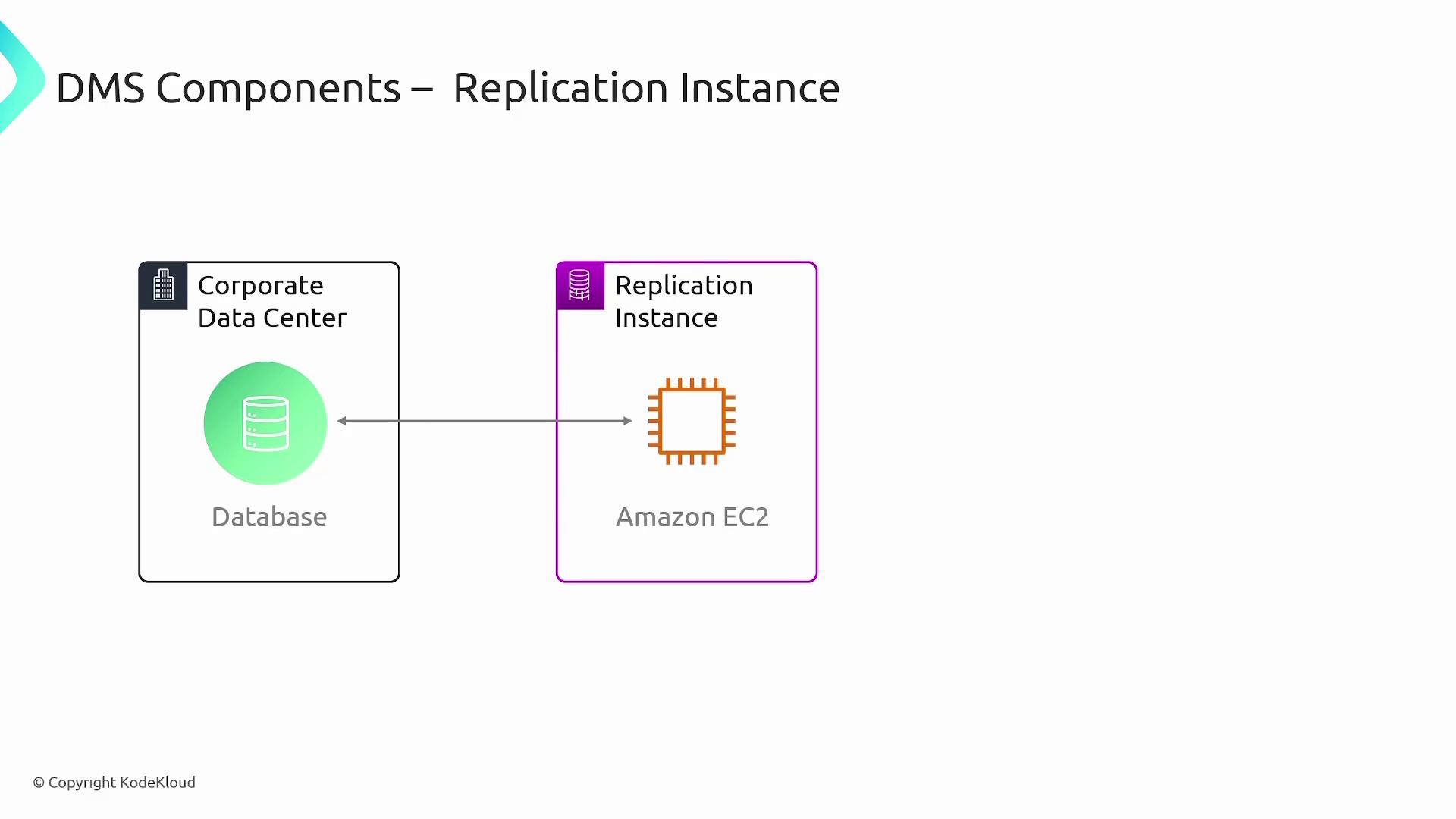
Migration Types
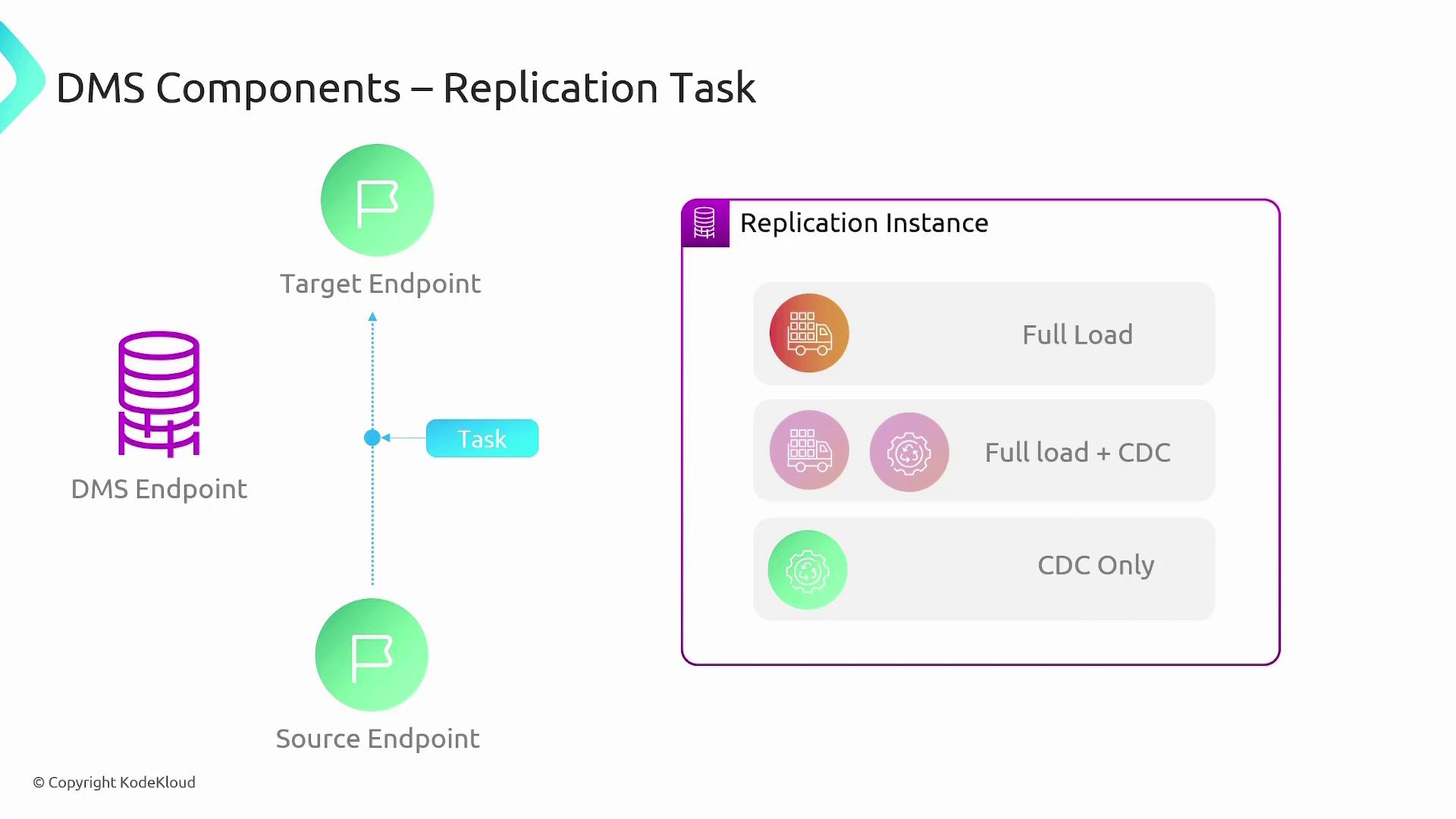
DMS supports several migration strategies to suit different use cases:- Full Load: Migrates all current data from the source to the target database while creating necessary tables. This method is suitable if you can allocate a brief period of downtime.
- Full Load plus CDC (Change Data Capture): Performs a complete initial data load and then captures any ongoing changes in the source database. This ensures that after the initial migration, the target database is continuously updated until final cutover.
- CDC Only: When a bulk initial load is handled by another method, DMS can be used solely for capturing and applying ongoing changes during the migration process, particularly in homogeneous environments using native tools.
Continuous Data Replication and Schema Conversion
One of the key strengths of AWS DMS is its ability to maintain continuous data replication between the source and target databases, keeping both environments in sync throughout the migration period.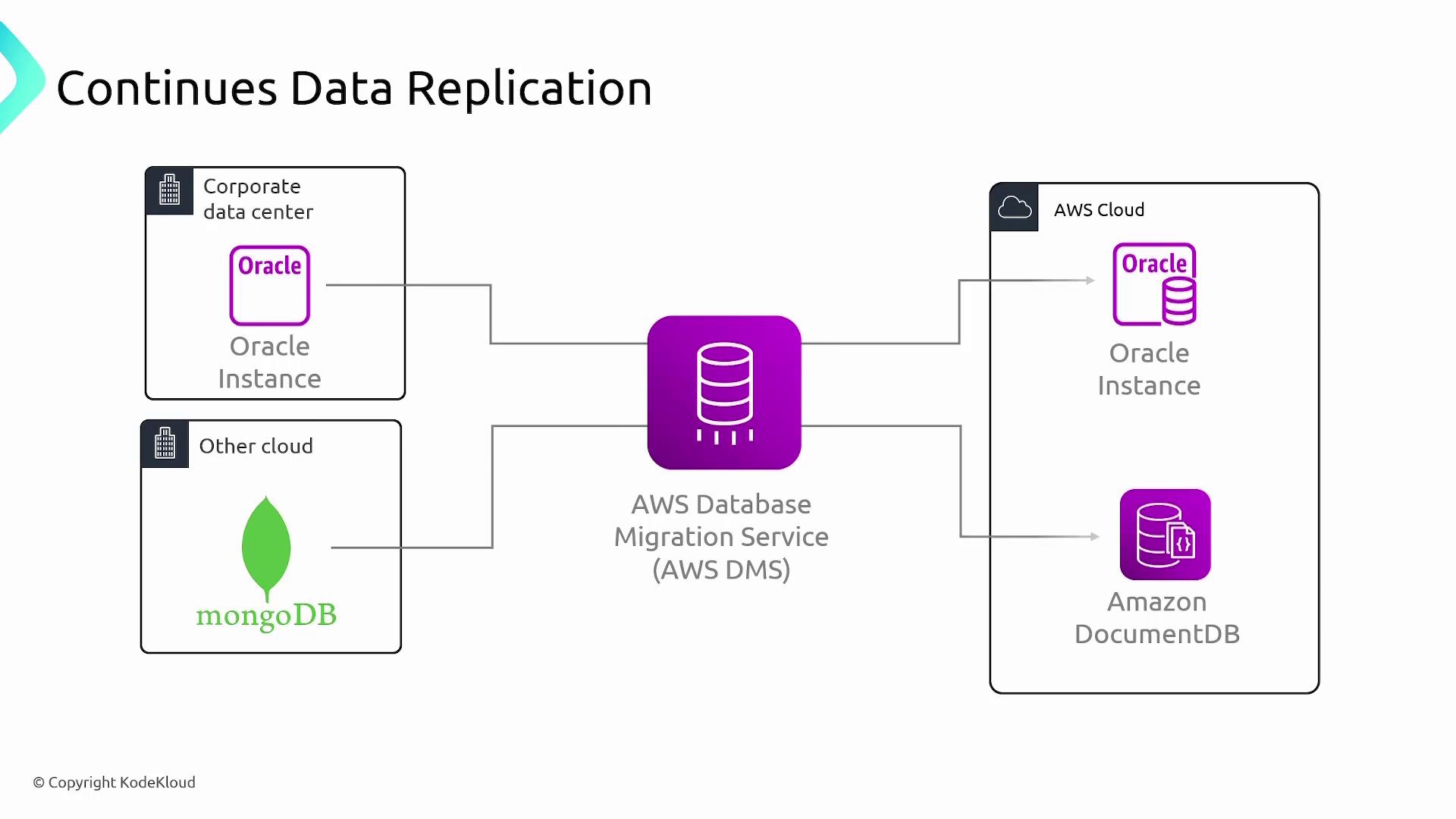

Endpoints and Tasks
Endpoints in AWS DMS represent source and target databases. For instance, an on-premises Oracle database serves as a source endpoint, while an Amazon Aurora database in the cloud serves as a destination endpoint. A migration task defines how data moves from the source to the target. These tasks can be started, stopped, paused, updated, and monitored to ensure real-time progress and receive actionable alerts.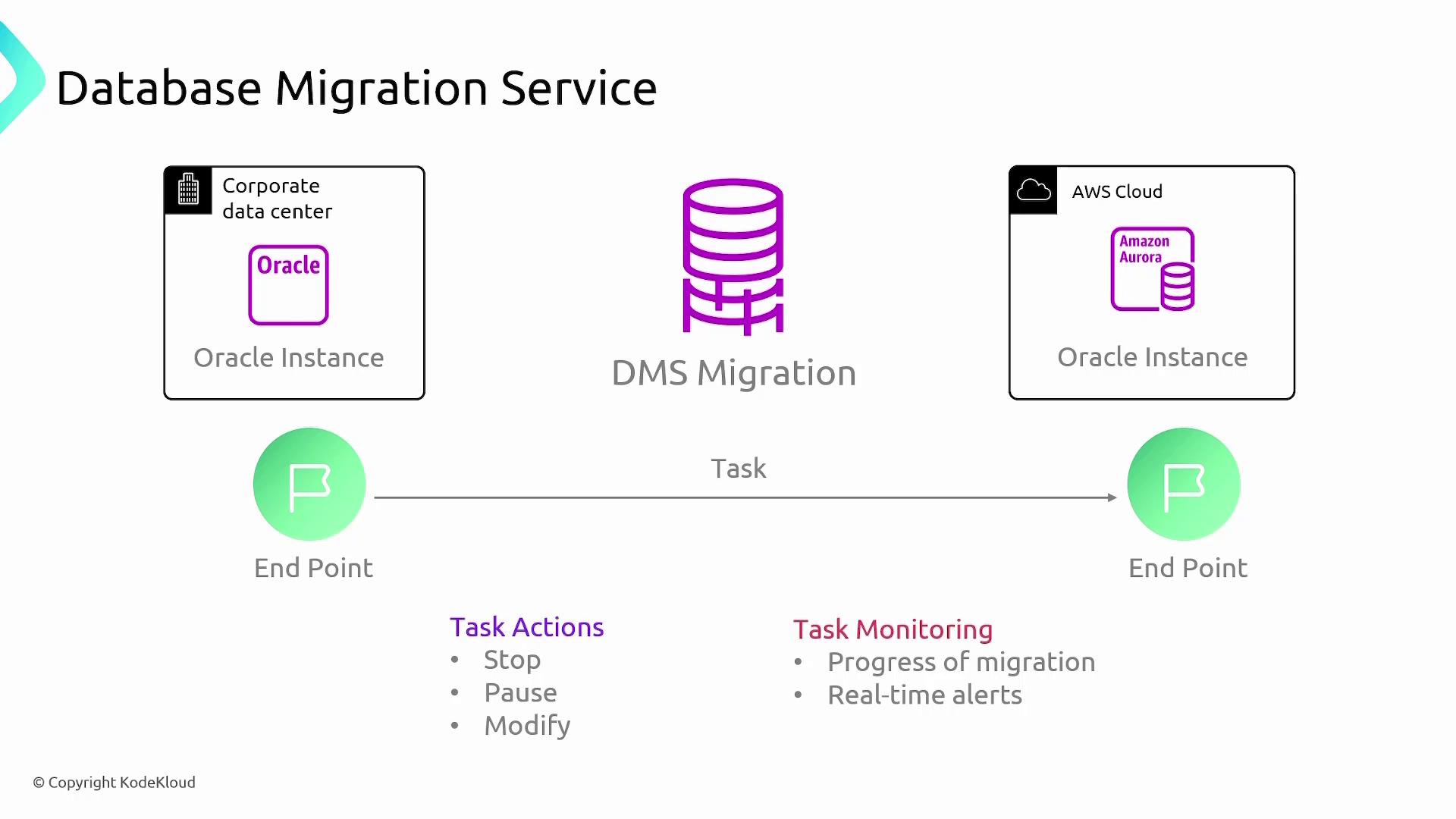
Ensure that all endpoint configurations, including encryption and credential settings, are correct before initiating the migration to prevent potential data loss or security issues.
Use Cases of Database Migration Service
AWS Database Migration Service is a versatile tool that can be used in several scenarios: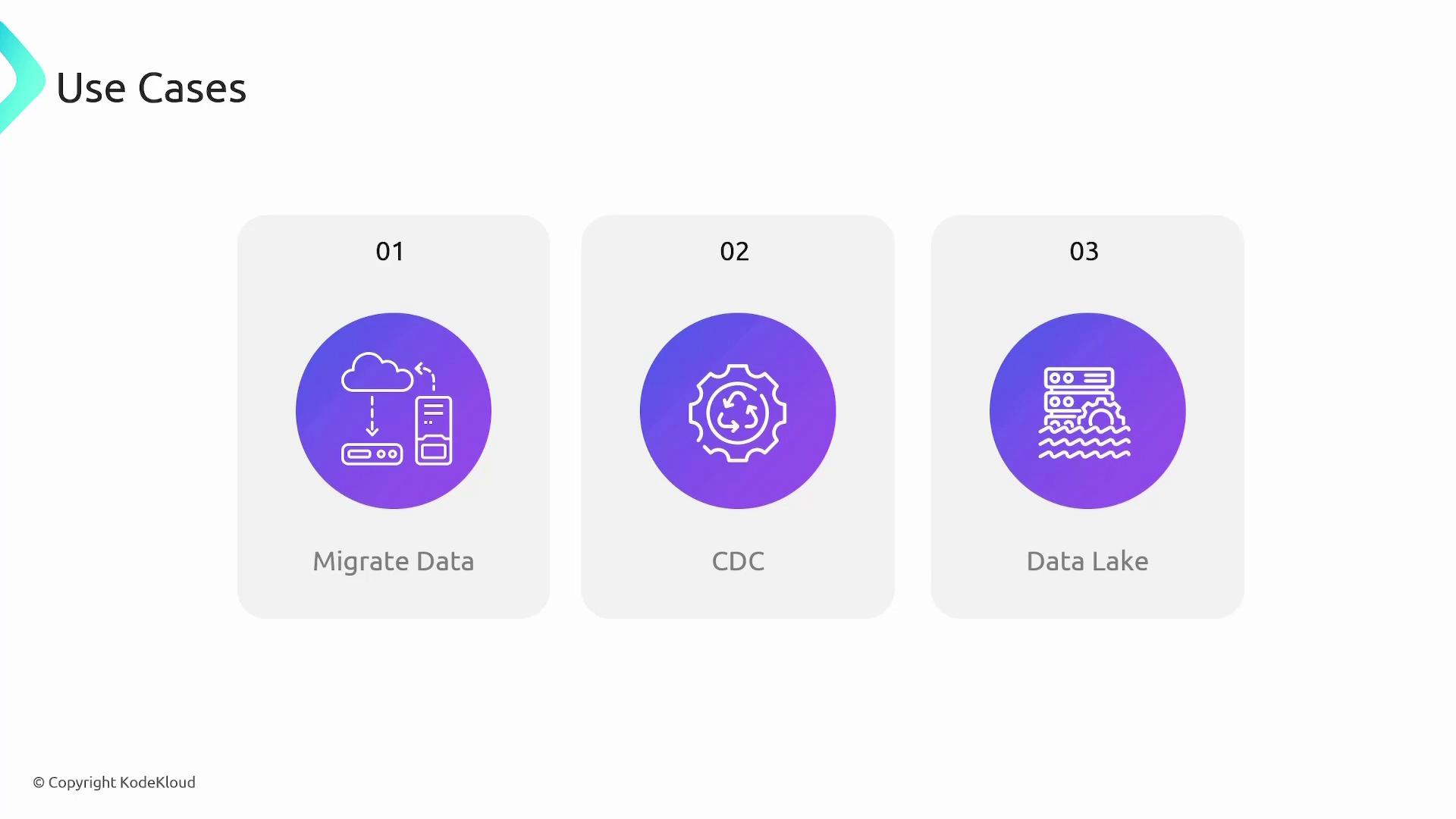
For more information on database migration and other AWS services, explore the AWS Documentation.