192.168.1.0/24 the router’s interface in that subnet will be 192.168.1.1. The VPC router forwards traffic between subnets and between the VPC and external networks—just like a physical router in a data center.
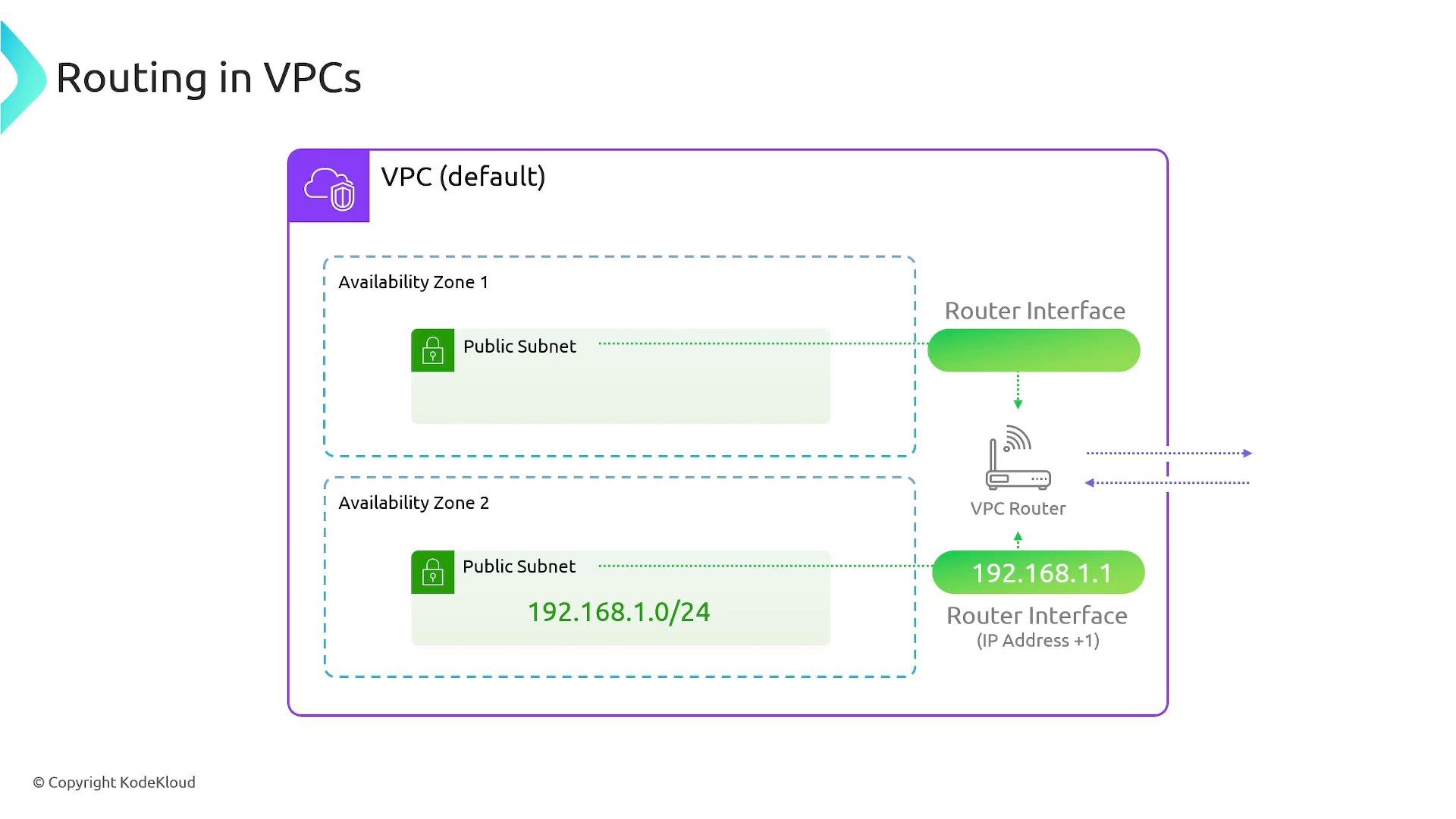
The implicit VPC router is managed by AWS and is present in every VPC. You control its behavior by editing route tables that the router consults when forwarding packets.
Route tables and how they work
A route table is a collection of routes (rules). Each route contains:- a destination CIDR (the traffic’s destination),
- a target (where to send matching traffic).
- Looks up the route table associated with the subnet.
- Compares the packet’s destination IP against each route’s destination CIDR.
- Chooses the best match — the route with the longest prefix (most specific) if multiple routes match.
- Forwards the packet to the selected route’s target.
10.0.0.0/16 and 10.0.1.0/24 match, traffic to 10.0.1.45 uses the /24 route because it is more specific.
Common route targets
All route tables include an implicit
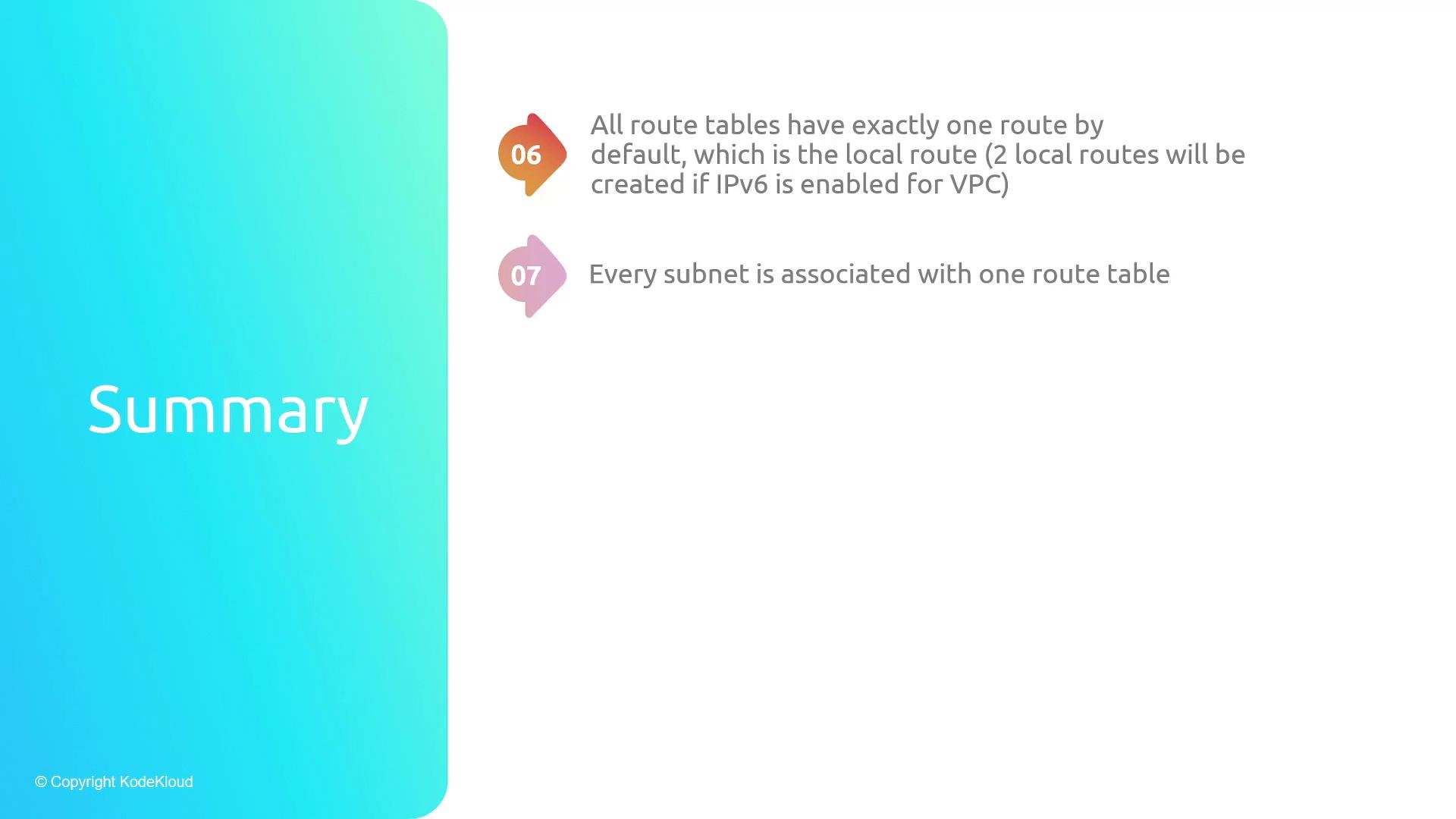
local route that covers the VPC CIDR block(s). If IPv6 is enabled, a separate IPv6 local route exists as well. These local routes cannot be removed and ensure instances inside the VPC can reach one another.
Examples and best practices
Example: a public subnet that needs internet access typically has a route like:0.0.0.0/0 to a NAT Gateway:
Be careful with overlapping CIDRs and route entries. When multiple routes match, AWS always uses the route with the longest prefix (most specific). Also remember: a subnet can only be associated with a single route table at once.
Quick reference
- Every VPC has a router with an interface in each subnet at the subnet’s network address + 1 (e.g.,
192.168.1.1for192.168.1.0/24). - Route tables define how the router forwards traffic by matching destination CIDRs and forwarding to targets.
- The router uses the most specific (longest prefix) matching route when multiple routes match.
- A route’s target determines where the router forwards matching packets (IGW, NAT, peering, VGW, transit gateway, ENI, etc.).
- Route tables always include a default
localroute (and an IPv6 local route if IPv6 is enabled). - Each subnet is associated with exactly one route table; a single route table can be associated with multiple subnets.