

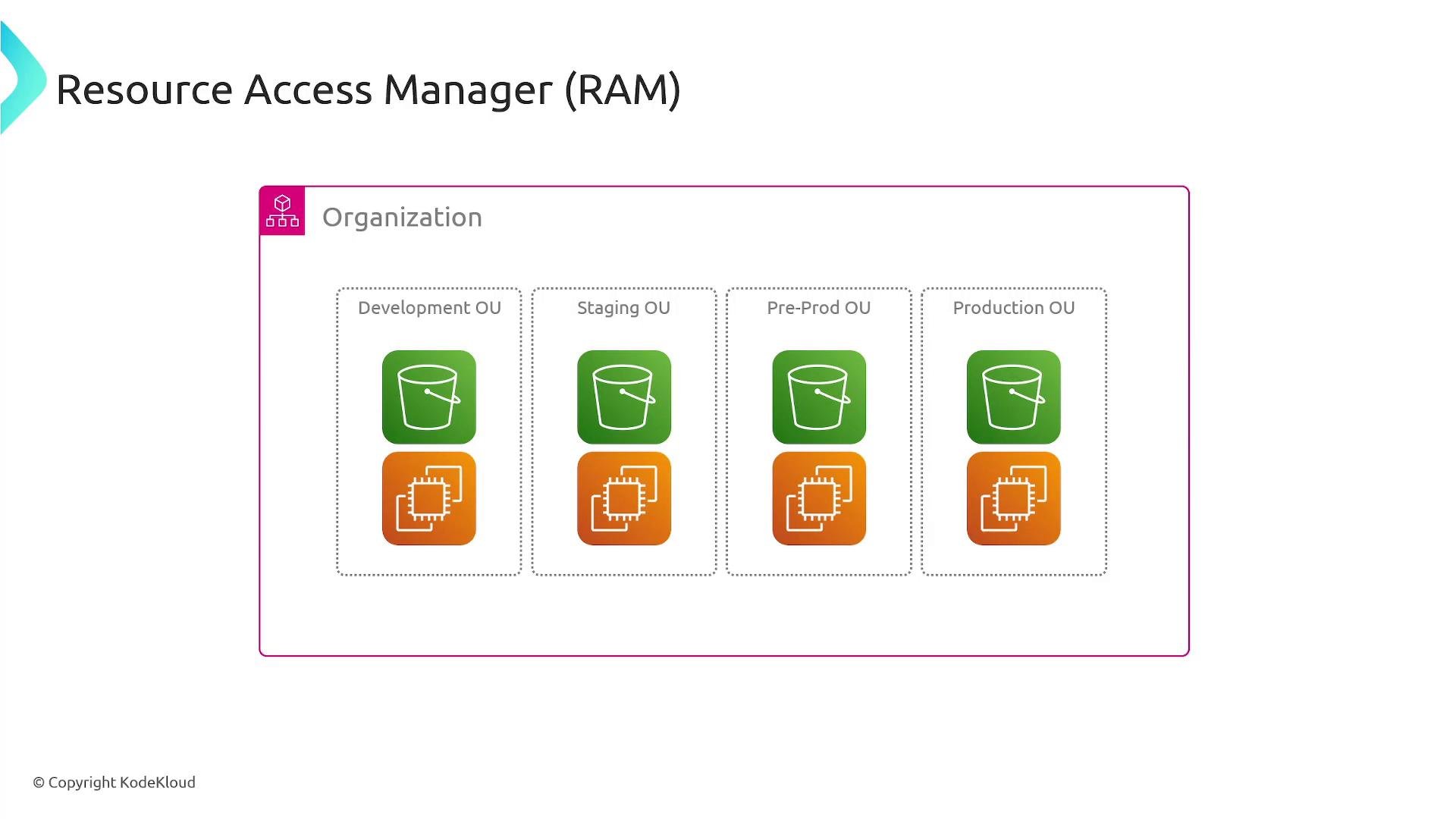
- Share supported resources (for example, network components or managed lists) from a single owner account with other AWS accounts, OUs, or the entire AWS Organization.
- Allow consuming accounts to use shared resources (for example, launch EC2 instances into a shared subnet, attach to a shared Transit Gateway, or reference a shared prefix list) without copying or recreating them.
- Centralize management and tracking of resource access across your multi-account environment.
Note: Not all AWS resources can be shared via RAM. For example, Amazon S3 buckets are not shared through RAM — use S3 bucket policies, cross-account IAM roles, or S3 Access Points for cross-account S3 access. Always consult the AWS RAM documentation for the current list of supported resource types.
- Prevents resource fragmentation and duplication across accounts.
- Reduces cost and operational overhead by centralizing ownership.
- Simplifies access control by granting shares to account principals, OUs, or the entire AWS Organization.
- Reduces the need for complex peering or multiple VPNs when using shared networking services like Transit Gateway.
- Fragmented resources across accounts led to poor utilization.
- Duplicate resources were created in each account to enable cross-account access, increasing cost and maintenance.
- Complex IAM, VPC peering, and network topologies made troubleshooting and management difficult.
- No central, auditable way to track who had access to which resources.
- Create the resource in a central (owner) account.
- Create a resource share and select the resources to share.
- Choose principals (specific account IDs, Organizational Units, or the entire AWS Organization).
- If required, accept the resource share invitation in the recipient account.
- Monitor and manage the resource share from the AWS RAM console or via APIs/CLI.
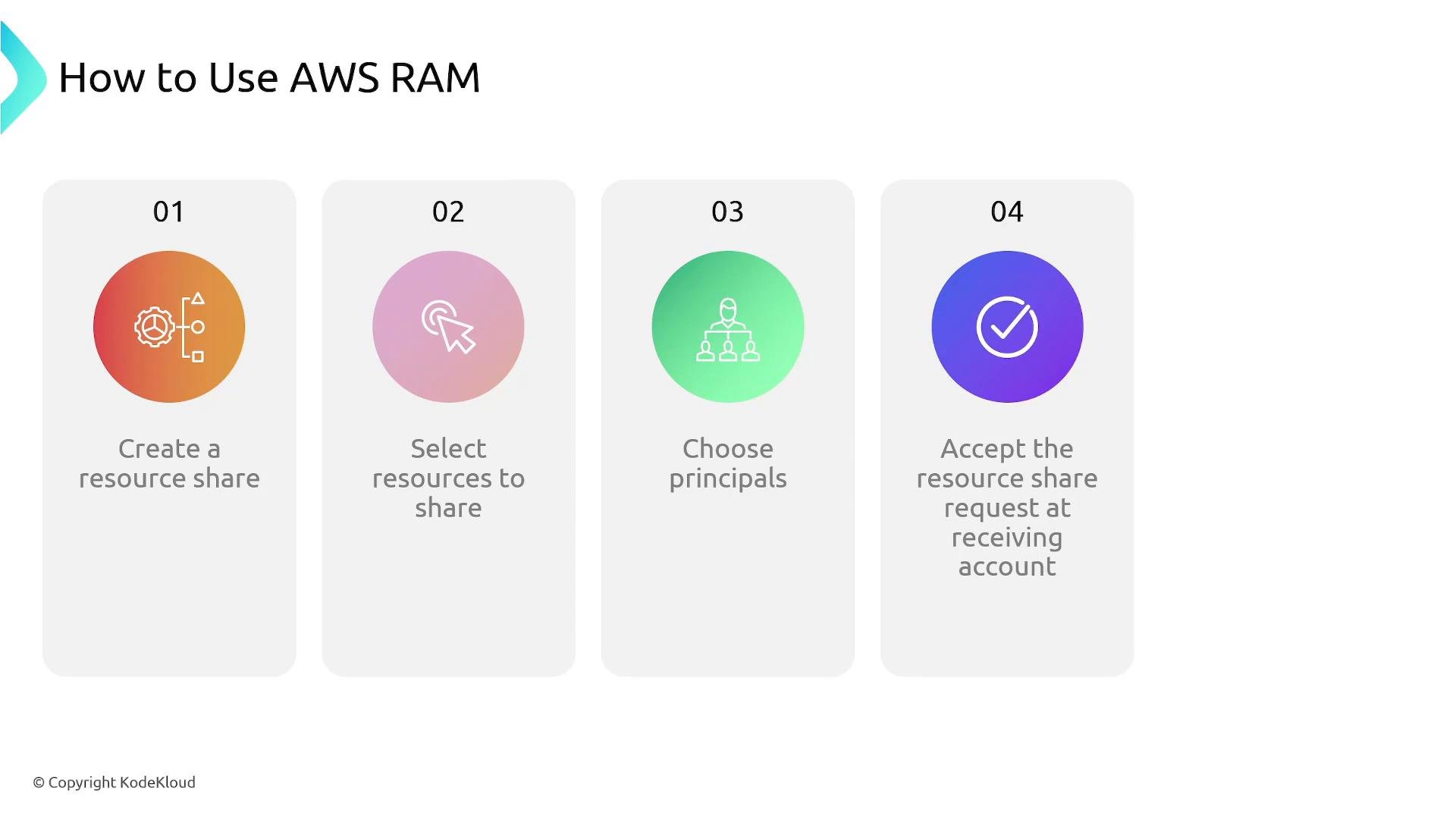
- Shares to individual account IDs require the recipient account to accept the invitation.
- Shares to your AWS Organization or to an OU can be configured to auto-enable for members (no manual acceptance needed) depending on your organization settings and share configuration.
- Use organization-level shares where possible to reduce manual acceptance overhead.
- Verify the resource type is supported by RAM before designing your sharing strategy — see the AWS RAM documentation.
- Apply least-privilege and principle-of-minimum-exposure: share only the resources required and monitor access.
- Prefer sharing with the AWS Organization or OUs when possible to avoid per-account invitation acceptance.
- Understand billing and operational implications — the owner account generally remains responsible for the resource.
- For some resource types you may still need additional IAM permissions or resource-based policies even after creating a RAM share.
AWS Resource Access Manager (RAM) enables centralized ownership and secure cross-account sharing of supported AWS resources. Use RAM to reduce duplication, lower costs, and simplify management in multi-account environments — but always confirm support for the specific resource type and follow security best practices when granting access.