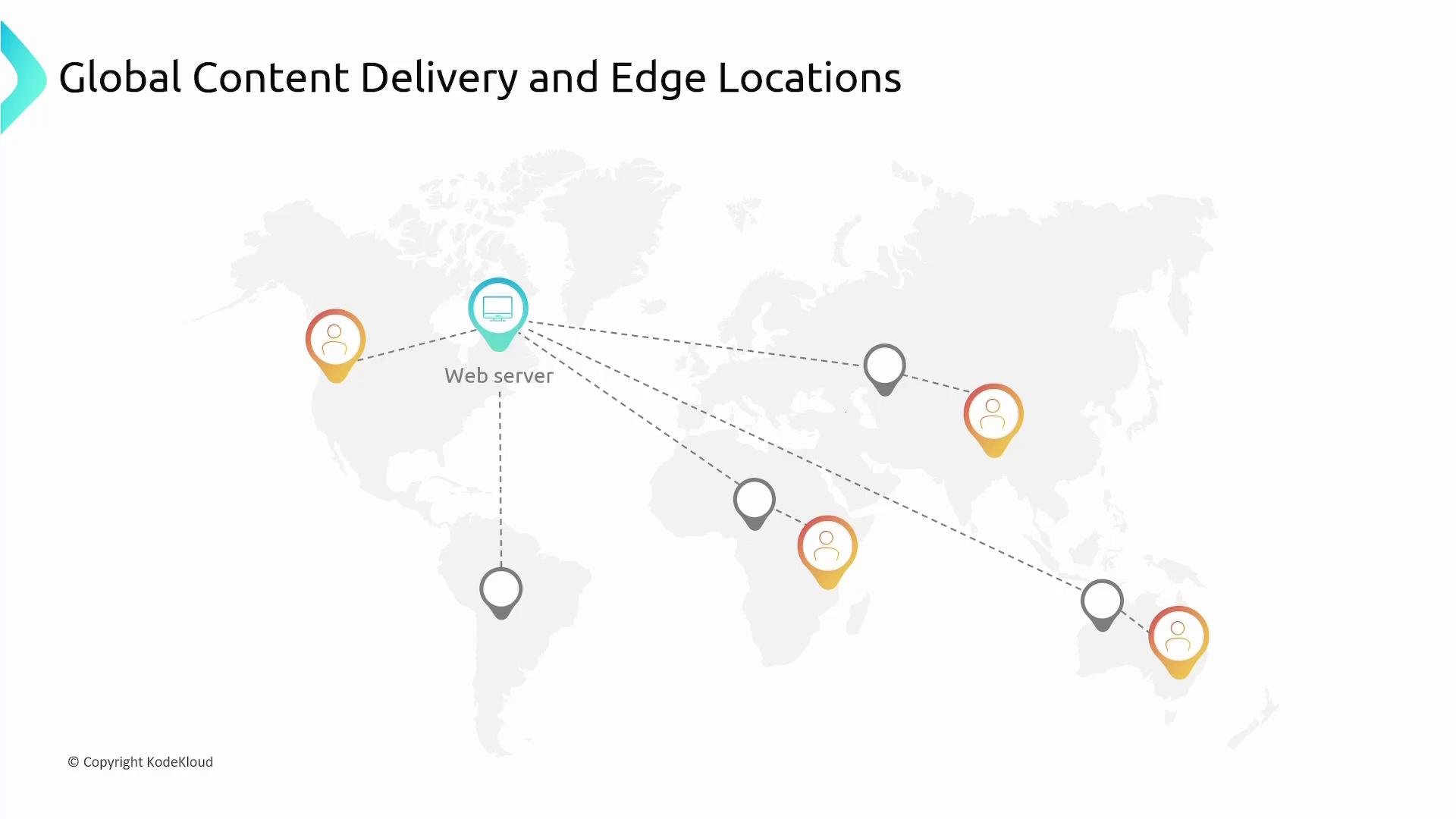
In this lesson we’ll cover Amazon CloudFront — AWS’s global Content Delivery Network (CDN) — and how it speeds up delivery of static and dynamic content by caching at edge locations around the world. Global content delivery — quick recap When your web servers live in a single AWS Region (for example, a North America Region), users that are far from that Region (for example, in India or Australia) will see increased latency because requests must travel long distances to reach your origin. To reduce latency, AWS provides edge locations: many smaller data centers that cache and serve content closer to users. By caching your application assets at edge locations, end users fetch content from a nearby location instead of traveling back to the origin — significantly improving response times and perceived performance.
A world map diagram titled "Global Content Delivery and Edge Locations" showing a central "Web server" node connected by dashed lines to multiple edge/user location markers across different continents. The image illustrates content distribution from a single server to regional edge points.
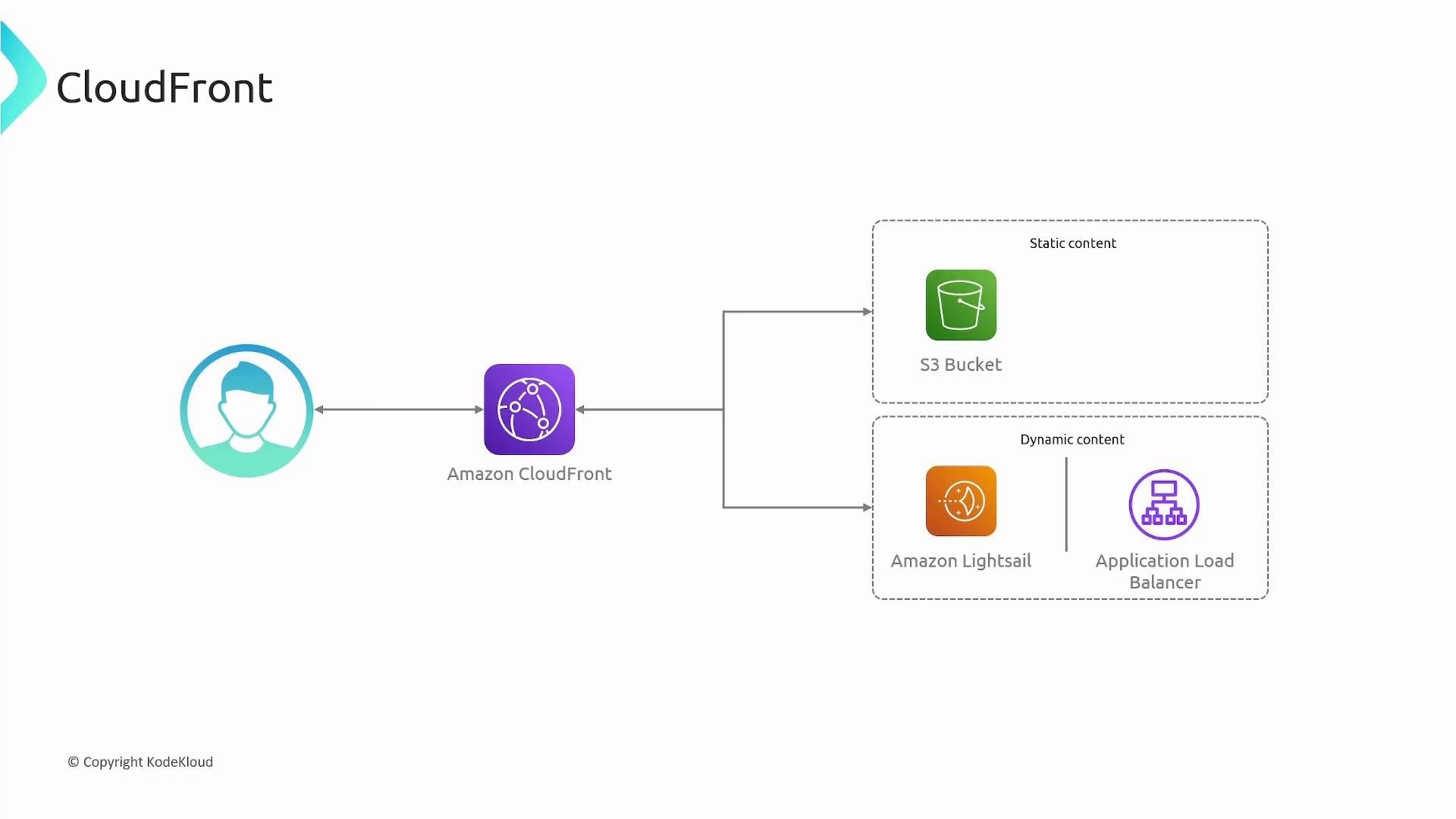
What is CloudFront? CloudFront is Amazon’s CDN. It accelerates delivery of HTML, CSS, JavaScript, images, video, audio, APIs, and other media by routing user requests to the nearest edge location. CloudFront supports both static and dynamic content and intelligently routes requests to minimize latency and improve user experience. Common benefits:
  • Lower latency and faster page loads
  • Reduced load on origin servers
  • Built-in HTTPS and integration with IAM/ACM
  • Metrics via Amazon CloudWatch
A simple architecture diagram showing Amazon CloudFront between a user and backend origins: an S3 bucket for static content and Amazon Lightsail with an Application Load Balancer for dynamic content. Arrows indicate request/response flow through CloudFront to those origins.
CloudFront architecture and core components Origin The origin is the source of the content CloudFront fetches and caches at edge locations. Typical origins include:
  • Amazon S3 buckets (static assets like images, CSS, JS)
  • Application Load Balancers (ALB) serving dynamic content
  • EC2 instances or any HTTP(S) server (custom origin)
Table — Common origin types and use cases: CloudFront pulls content from the origin when a requested object is not cached at the edge, and then caches it for subsequent requests. Distribution A CloudFront distribution is the configuration object that ties origins to edge locations and defines cache behavior, security, SSL settings, and more. When you create a distribution you:
  • Specify one or more origins
  • Configure cache behaviors, TTLs, and path patterns
  • Associate an SSL/TLS certificate for custom domains (optional)
Each distribution is assigned a default domain name such as xyz.cloudfront.net. The distribution configuration is propagated to edge locations so they know how to fetch content from the origin. Request flow:
  • If the requested object is cached at the edge location, CloudFront returns it immediately.
  • If the object is not cached, the edge location requests it from the origin, returns the response to the client, and caches it for subsequent requests.
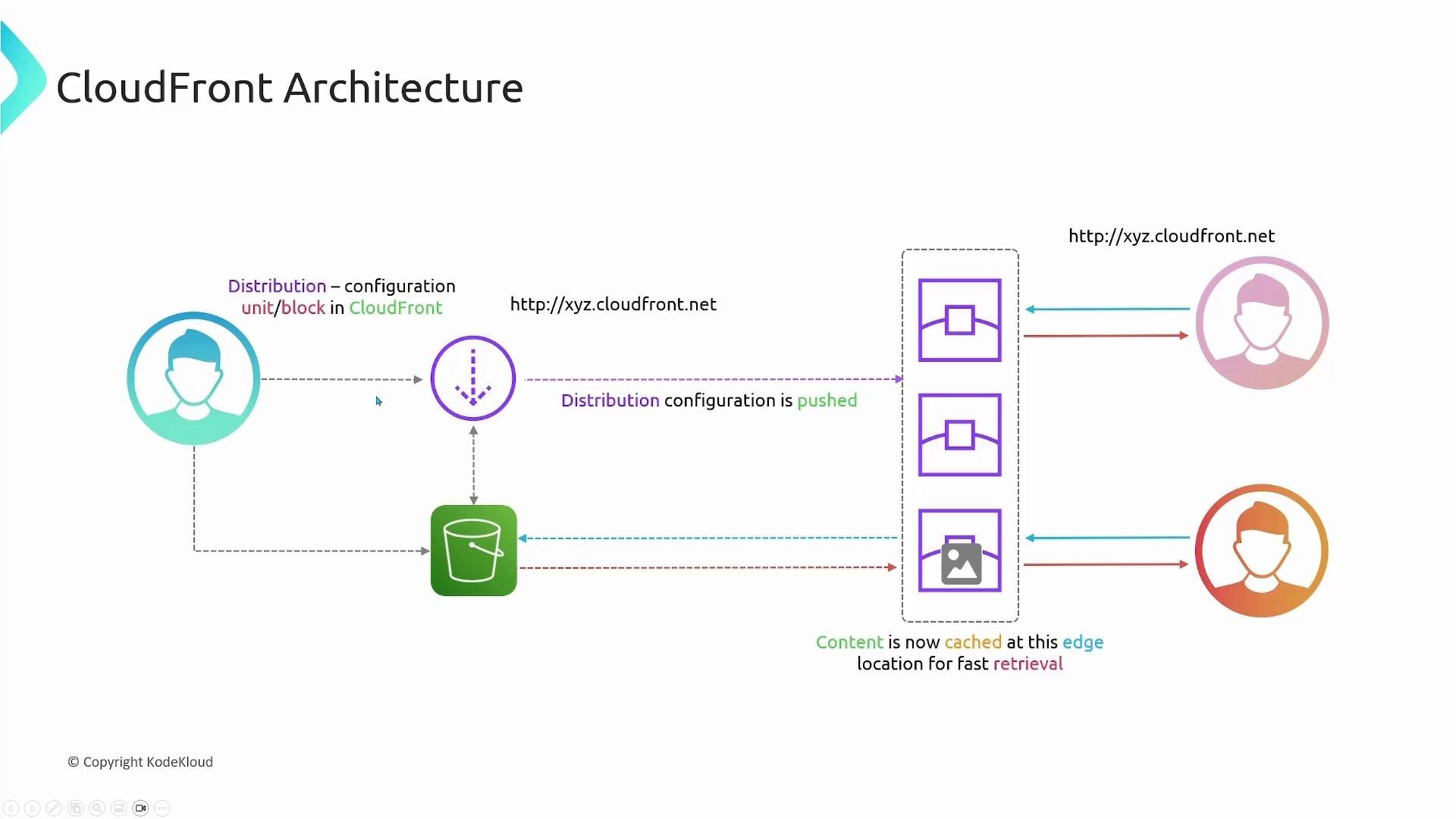
A diagram of AWS CloudFront architecture showing a CloudFront distribution (with URL http://xyz.cloudfront.net) retrieving content from an S3 origin and pushing distribution configuration to edge locations. The edge caches the content for fast retrieval by end users.
Time to Live (TTL) TTL (Time To Live) controls how long a cached object remains fresh at an edge location before CloudFront must revalidate or fetch it from the origin. Key TTL rules:
  • CloudFront respects Cache-Control and Expires headers returned by the origin by default.
  • If no caching headers are present, CloudFront’s default TTL is 24 hours.
  • You can configure MinimumTTL, DefaultTTL, and MaximumTTL in the distribution’s cache behavior to override origin headers.
Example — set Cache-Control on objects (recommended for predictable caching):
This instructs CloudFront and browsers to treat the object as fresh for 3600 seconds. Common patterns:
  • Short TTLs for frequently changing content (APIs, JSON, small assets)
  • Long TTLs for versioned static assets (hashed filenames for cache-busting)
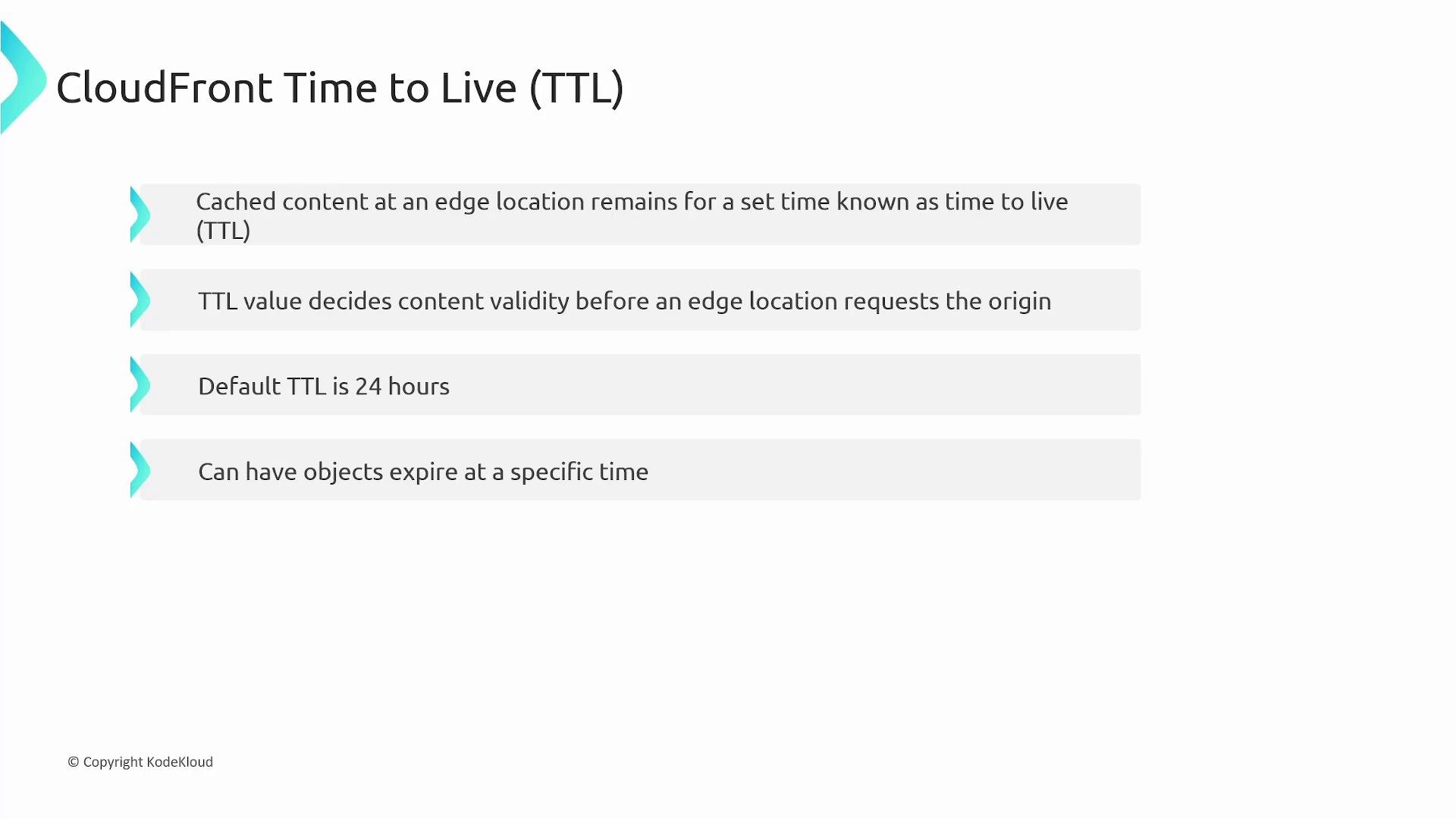
A presentation slide titled "CloudFront Time to Live (TTL)". It lists key points about TTL: cached content duration, TTL deciding when an edge location requests the origin, a default of 24 hours, and that objects can expire at a specific time.
Cache invalidation Cache invalidation forces CloudFront to remove objects from edge caches before their TTL expires — useful when you update content at the origin and need users to receive the new version immediately. Typical workflow:
  1. Object (version 1) is cached at edge locations per TTL.
  2. You update the object at the origin (version 2).
  3. Without invalidation, edge caches continue serving version 1 until the TTL expires.
  4. An invalidation removes the specified objects from edge caches; the next request triggers a fetch of version 2 from the origin.
Invalidation targets:
  • Specific object: /images/logo.png
  • Folder or pattern: /images/*
  • Entire distribution: /*
Example — AWS CLI invalidation:
To invalidate the entire distribution:
Alternatives to invalidation:
  • Use versioned object names (e.g., app.v2.js) for cache-busting — generally cheaper and avoids invalidation overhead.
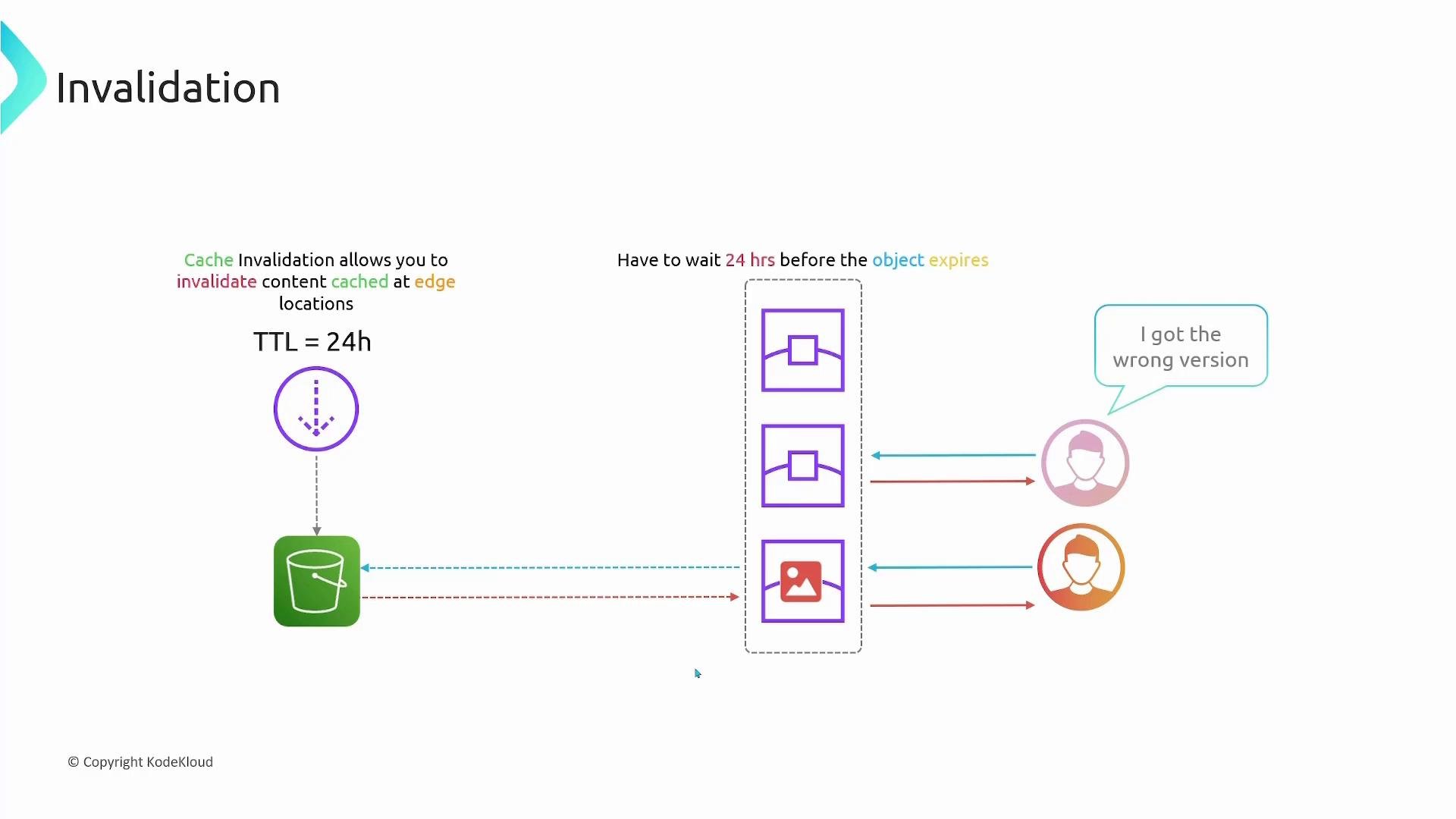
A diagram explaining cache invalidation: an origin (S3) with TTL = 24h, edge cache nodes serving cached objects, and users showing they received the wrong version before the object expired.
For many release workflows, prefer versioned file names (cache-busting) instead of frequent invalidations. Versioned filenames avoid cache churn and typically reduce costs and propagation delay.
Cache invalidations can temporarily impact performance while edge caches repopulate and may incur charges depending on volume. Plan invalidations sparingly and prefer versioning when possible.
Integrations and features SSL/TLS and custom domains
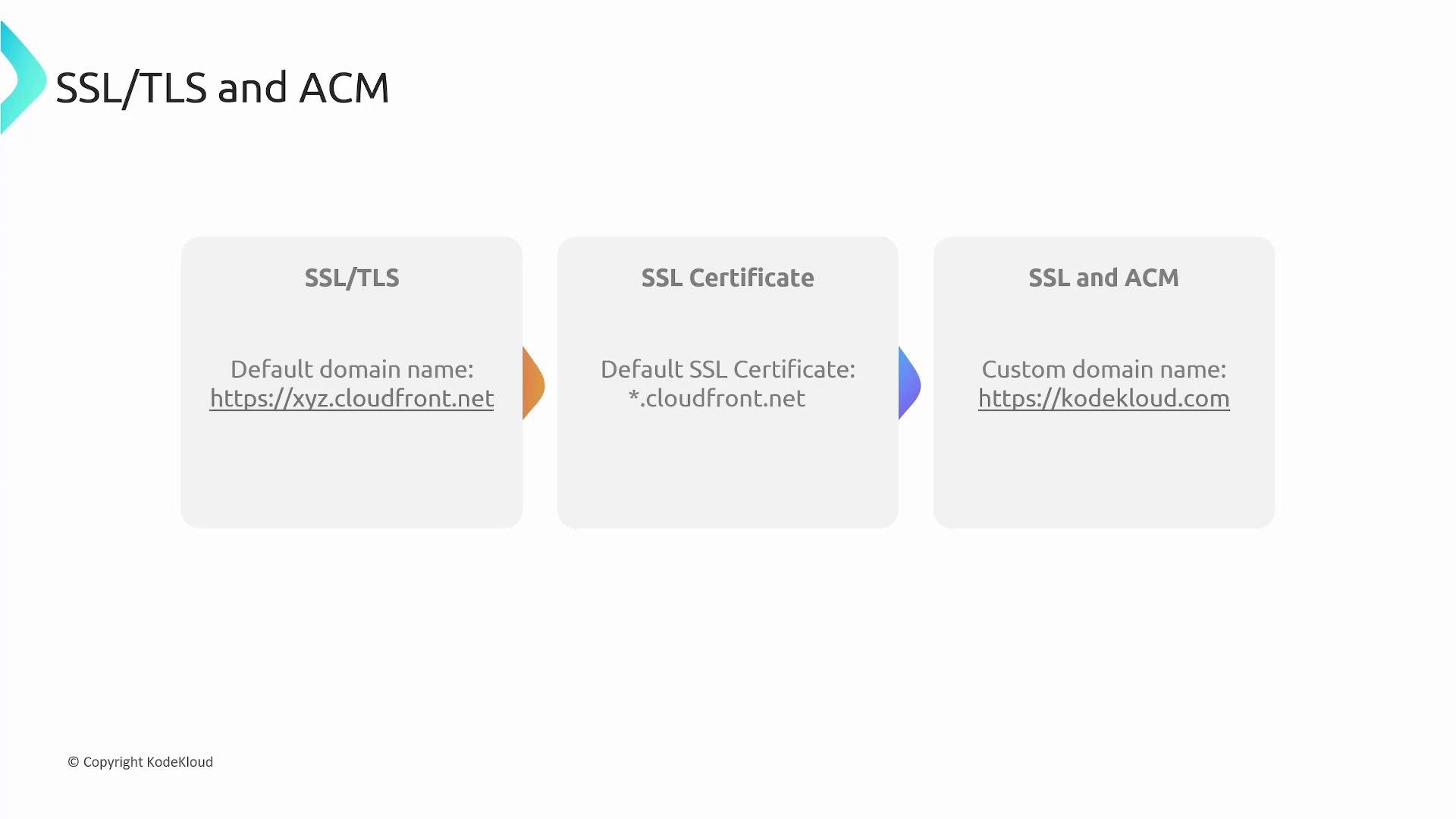
  • CloudFront supports HTTPS by default and provides a default certificate for *.cloudfront.net.
  • To use a custom domain (for example https://example.com), request/import an SSL/TLS certificate via AWS Certificate Manager (ACM) and attach it to the distribution.
  • Important: ACM certificates used with CloudFront must be created in the US East (N. Virginia) region (us-east-1).
Table — SSL options:
A slide titled "SSL/TLS and ACM" showing three panels that explain: default CloudFront domain (https://xyz.cloudfront.net), the default SSL certificate (*.cloudfront.net), and using ACM for a custom domain (https://kodekloud.com). The slide is branded © KodeKloud.
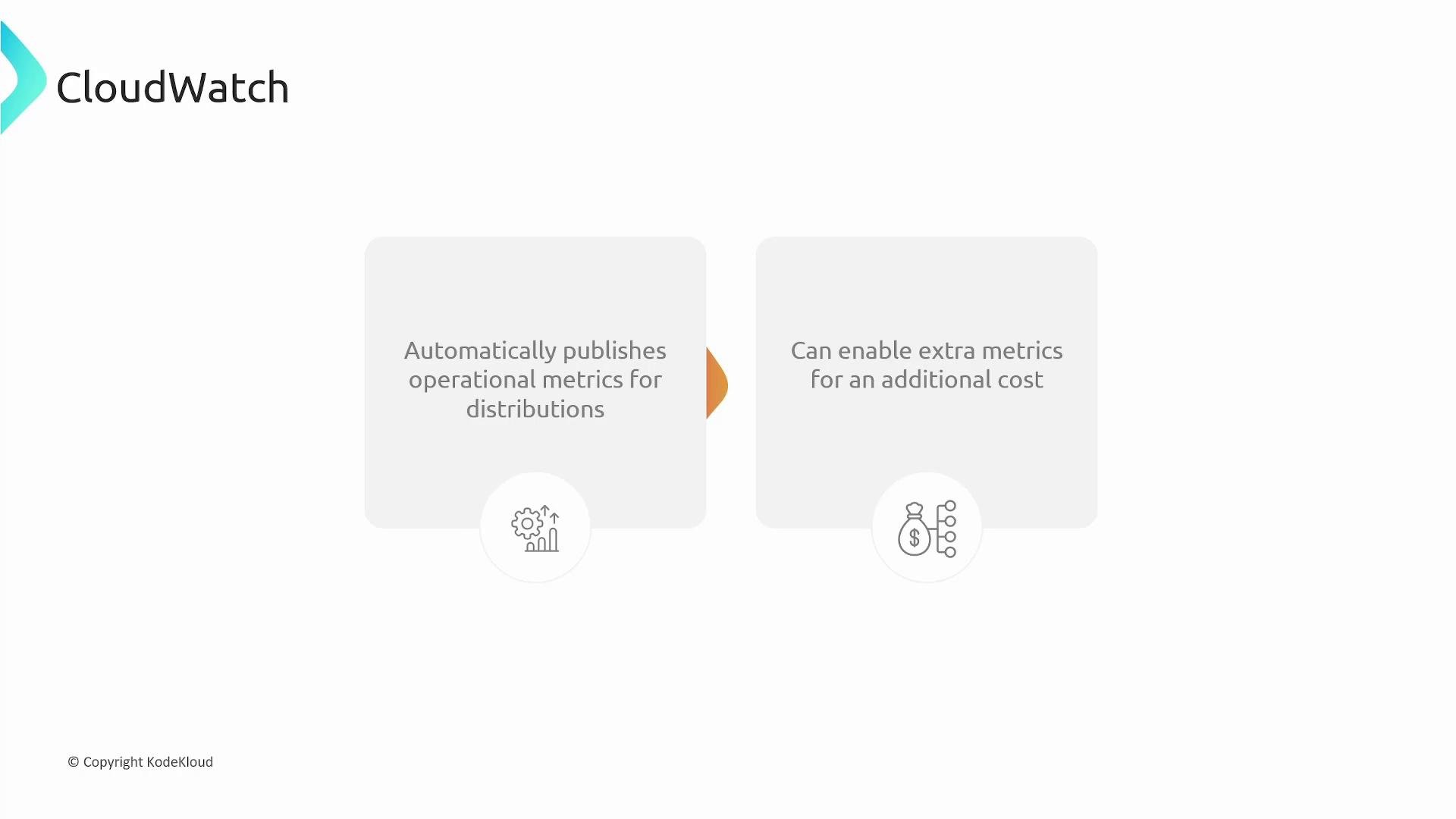
Monitoring with CloudWatch CloudFront automatically publishes operational metrics to Amazon CloudWatch, including:
  • Request count
  • Bytes transferred
  • Error rates (4xx/5xx)
  • Cache hit/miss metrics
You can view these metrics, create dashboards, and set alarms. Optional, more granular metrics are available for an additional cost.
A slide titled "CloudWatch" showing two gray info boxes: the left reads "Automatically publishes operational metrics for distributions" and the right reads "Can enable extra metrics for an additional cost," each with a small icon beneath.
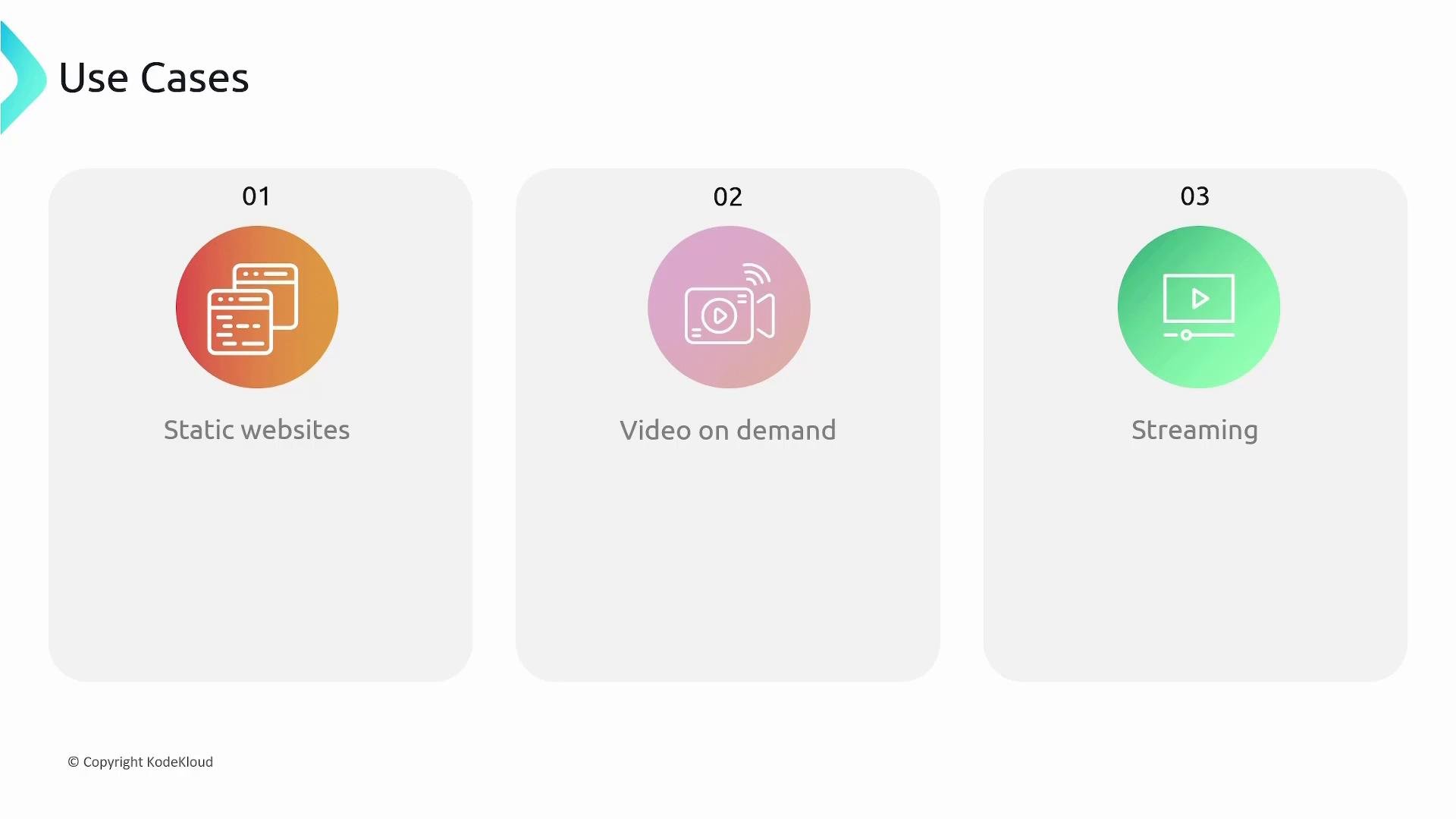
Common use cases CloudFront is ideal for:
A presentation slide titled "Use Cases" with three rounded panels numbered 01–03. Each panel lists a use case — "Static websites", "Video on demand", and "Streaming" — with a colored circular icon for a webpage, a camera, and a media player respectively.
Summary
  • Amazon CloudFront is a global CDN that reduces latency by caching content at edge locations.
  • Origins (S3, ALB, EC2, or custom HTTP servers) are the source of truth for objects CloudFront caches.
  • A CloudFront distribution ties origins to cache behaviors and assigns a *.cloudfront.net domain name.
  • TTL controls cache freshness (CloudFront default: 24 hours if no caching headers are present). Use Cache-Control headers for finer control.
  • Cache invalidation forces eviction of objects from edge caches, but consider versioned filenames to avoid frequent invalidations.
  • CloudFront integrates with ACM for custom certificates (ACM certs for CloudFront must be in us-east-1) and emits metrics to CloudWatch.
Links and references

Watch Video