This lesson explains AWS Application Migration Service (MGN), where it fits in the migration workflow, and how it automates lift-and-shift migrations of physical servers, virtual machines, and databases into AWS. AWS Migration Hub and Application Discovery Service collect inventory and dependency data from your on‑premises environment to help you plan migrations. After discovery and planning, AWS Application Migration Service performs the actual migration by continuously replicating source servers and automating conversions required to run natively on AWS.
Exam tip: For the Solutions Architect exam, know that Application Migration Service (MGN) automates lift-and-shift migrations across platforms (physical servers, VMware, Hyper‑V, and other clouds) and simplifies testing and cutover with continuous replication.
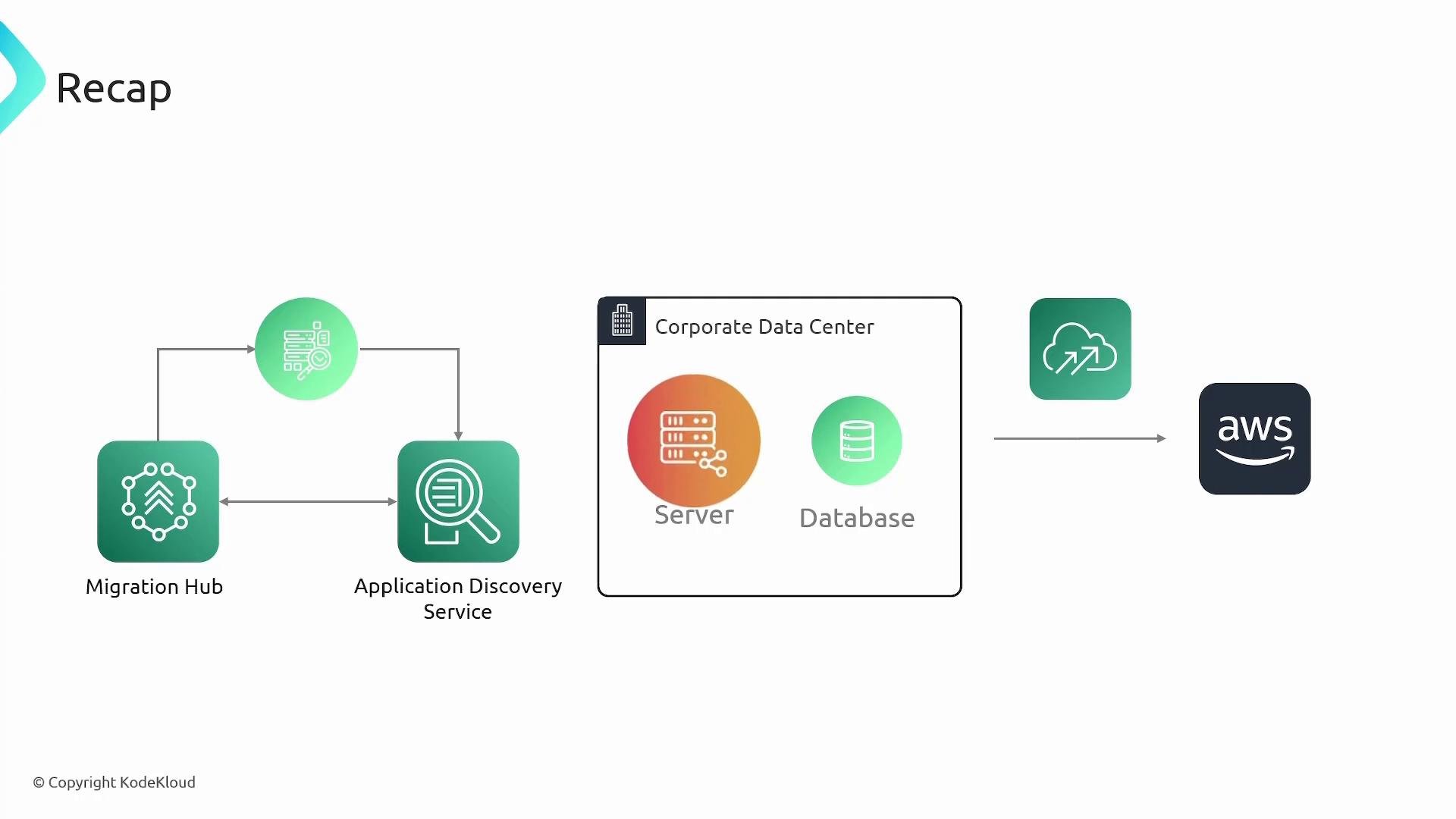
A slide titled "Recap" illustrating an AWS migration workflow with icons for Migration Hub and Application Discovery Service connected to a corporate data center containing a server and database. An arrow points from the data center toward a cloud icon and the AWS logo indicating migration to AWS.
What is AWS Application Migration Service (MGN)? AWS Application Migration Service (MGN) automates the lift-and-shift migration process by:
  • Continuously replicating block-level data from source machines to AWS.
  • Converting source server boot drivers/configuration so the server can boot on EC2.
  • Provisioning target resources (EBS volumes, EC2 instances) in a staging area for testing and cutover.
  • Supporting repeated testing and easy rollback because replication is continuous.
Supported source platforms and enterprise applications Application Migration Service supports a broad set of sources and common enterprise workloads:
  • Source platforms: physical servers, VMware vSphere, Microsoft Hyper‑V, and other cloud providers.
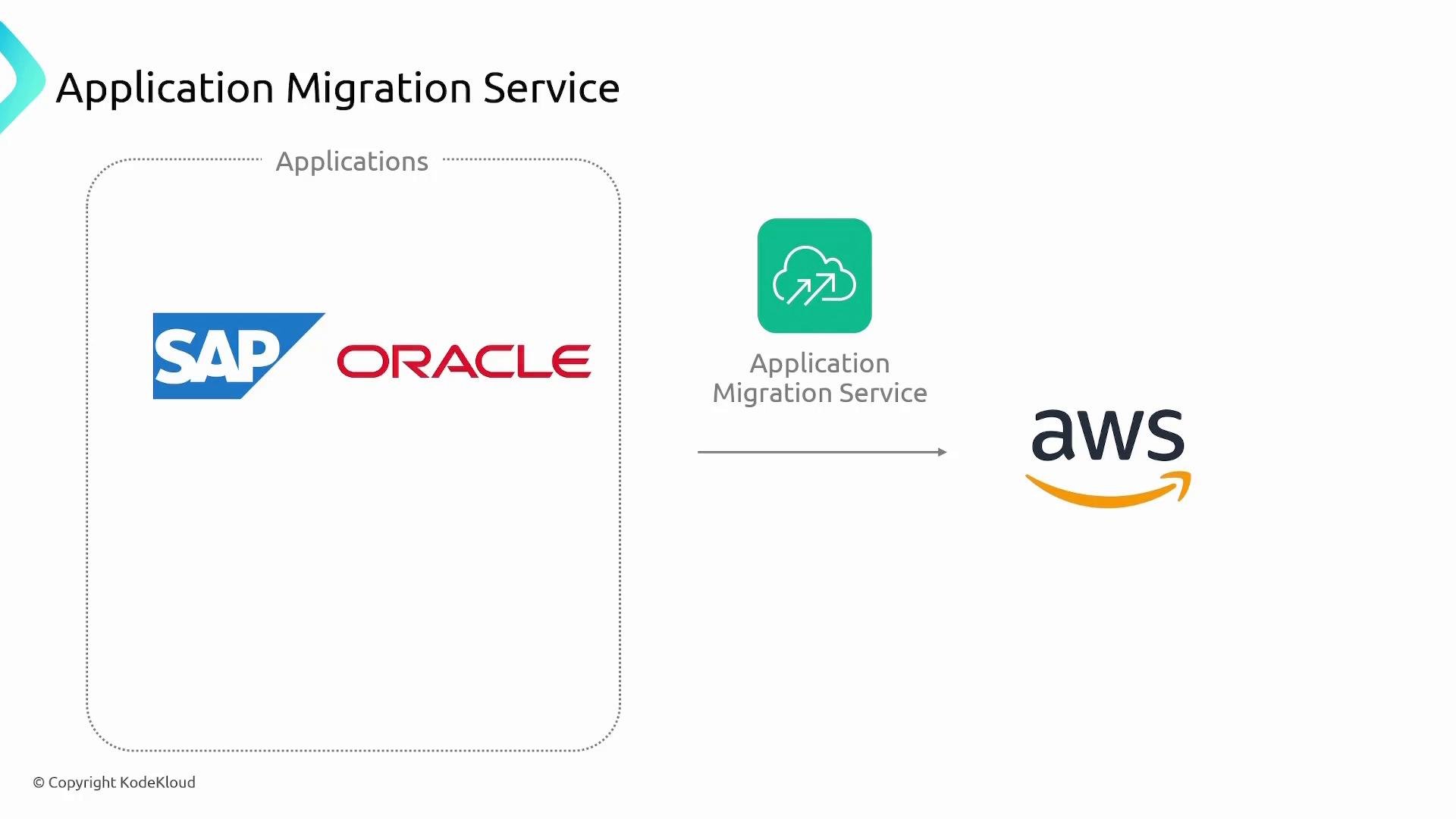
  • Enterprise applications: SAP, Oracle, Microsoft SQL Server, and other common commercial/custom apps.
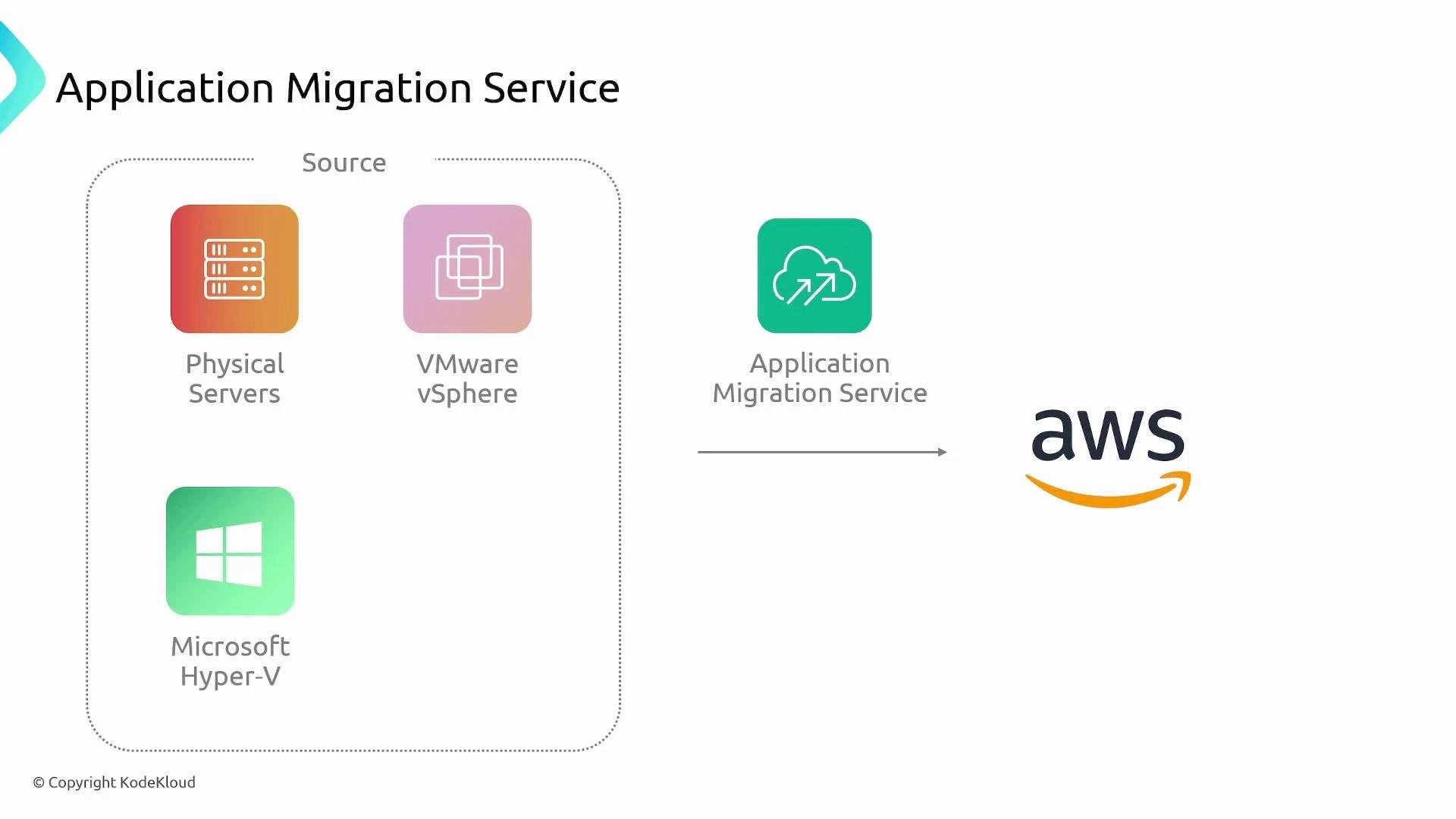
A diagram titled "Application Migration Service" showing source systems (Physical Servers, VMware vSphere, Microsoft Hyper-V) on the left. An Application Migration Service icon and arrow point to the AWS logo on the right.
A simple diagram titled "Application Migration Service" showing SAP and Oracle applications on the left being migrated via an Application Migration Service icon to AWS on the right. The image illustrates moving enterprise apps to AWS.
Key features
AWS may offer free trials or promotional terms for migration features. Trial periods, included resources, and pricing may change—always check the current AWS pricing and service documentation before relying on trial limits.
How the pieces fit together — high-level replication and cutover flow
  1. Install the replication agent on each on‑premises source server. The agent registers with the MGN service and starts continuous replication.
  2. MGN reads agent-reported server details (disk layout, sizes) and provisions a dedicated staging area in the target AWS region. For each source disk, it creates an appropriately sized EBS volume in the staging subnet.
  3. The agent continuously replicates block-level changes from source disks to the corresponding EBS volumes. Control traffic uses HTTPS; data channels use the configured replication endpoints and ports.
  4. For tests, failovers, or final cutover, Application Migration Service launches EC2 instances in the migrated-resources subnet, attaches the latest EBS snapshots, and boots the instances so you can validate or finalize the migration.
  5. Because replication is continuous, you can execute multiple tests, retries, or rollbacks and always target the most recent replicated snapshot.
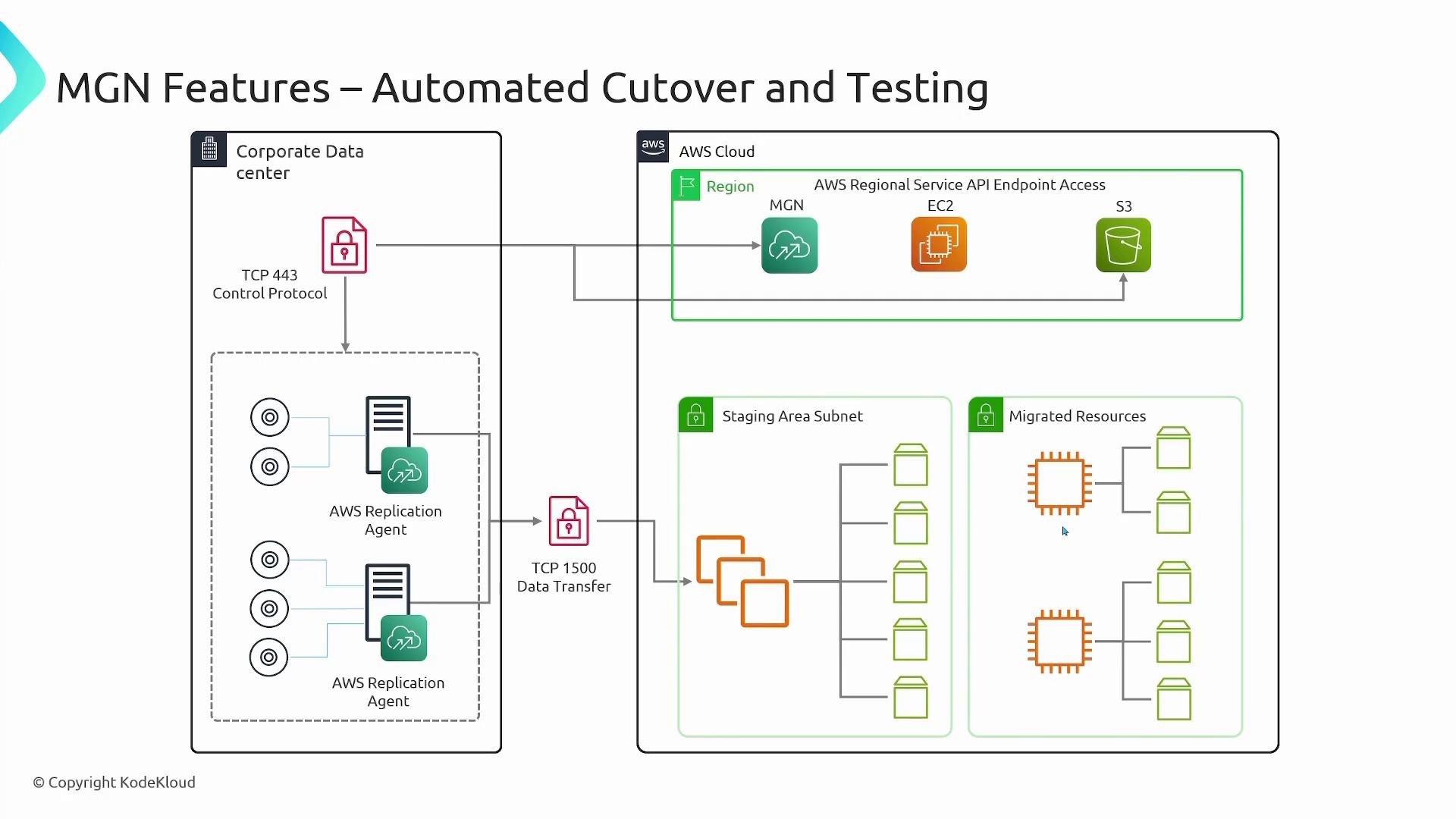
A labeled AWS architecture diagram titled "MGN Features – Automated Cutover and Testing" showing a corporate data center with AWS Replication Agents sending control (TCP 443) and data (TCP 1500) to AWS services (MGN, EC2, S3), plus a staging subnet and migrated resources. It illustrates automated replication and testing/cutover flow between on‑premises servers and AWS.
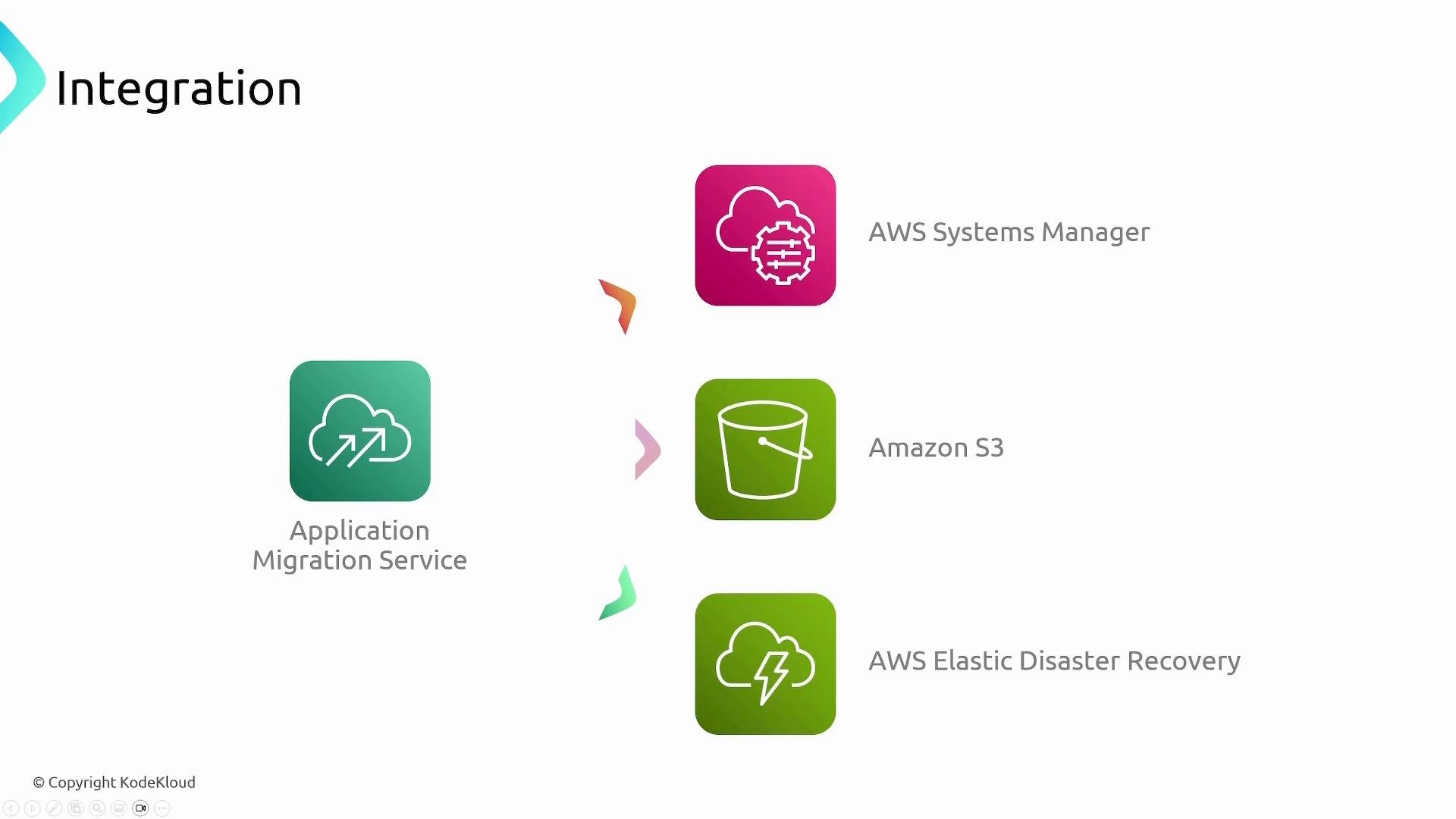
Because the staging area receives ongoing replication, cutover instances boot from up‑to‑date EBS volumes (snapshots taken at cutover time). If testing fails or you need to rollback, you can re-launch instances using the latest replicated snapshot without data loss. Integrations and related AWS services Application Migration Service integrates with other AWS services to provide automation and operational controls:
A presentation slide titled "Integration" showing colored icons and labels for AWS services. It lists Application Migration Service, AWS Systems Manager, Amazon S3, and AWS Elastic Disaster Recovery.
Common use cases
  • Lift-and-shift rehosting of on‑premises applications (SAP, Oracle, SQL Server) and virtualization platforms (VMware, Hyper‑V).
  • Rehosting workloads from other clouds (Azure, Google Cloud) into AWS.
  • Cross‑region migrations within AWS for consolidation, locality, or failover planning.
  • Test migrations and staged cutover workflows to reduce production downtime and validate application behavior on AWS.
Summary AWS Application Migration Service (MGN) streamlines lift-and-shift migrations by automating discovery integrations, continuous block-level replication, and provisioning of target AWS resources. With testing support and automated cutover, MGN enables incremental, reliable migrations that minimize downtime and the risk of stale or lost data.

Watch Video