

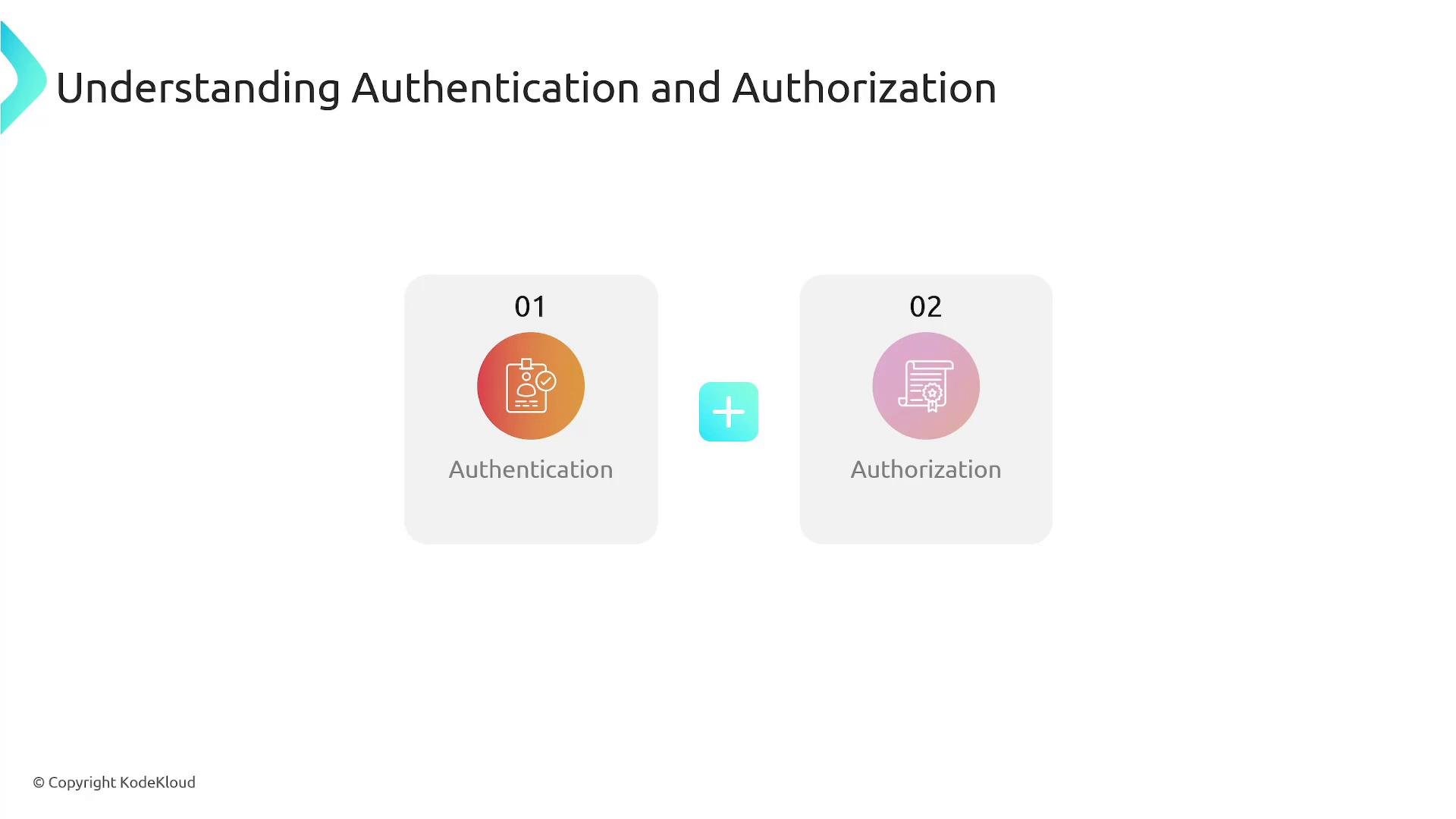
- Authentication: proves the identity of a user or service.
- Authorization: grants or denies permissions that control actions on AWS resources.
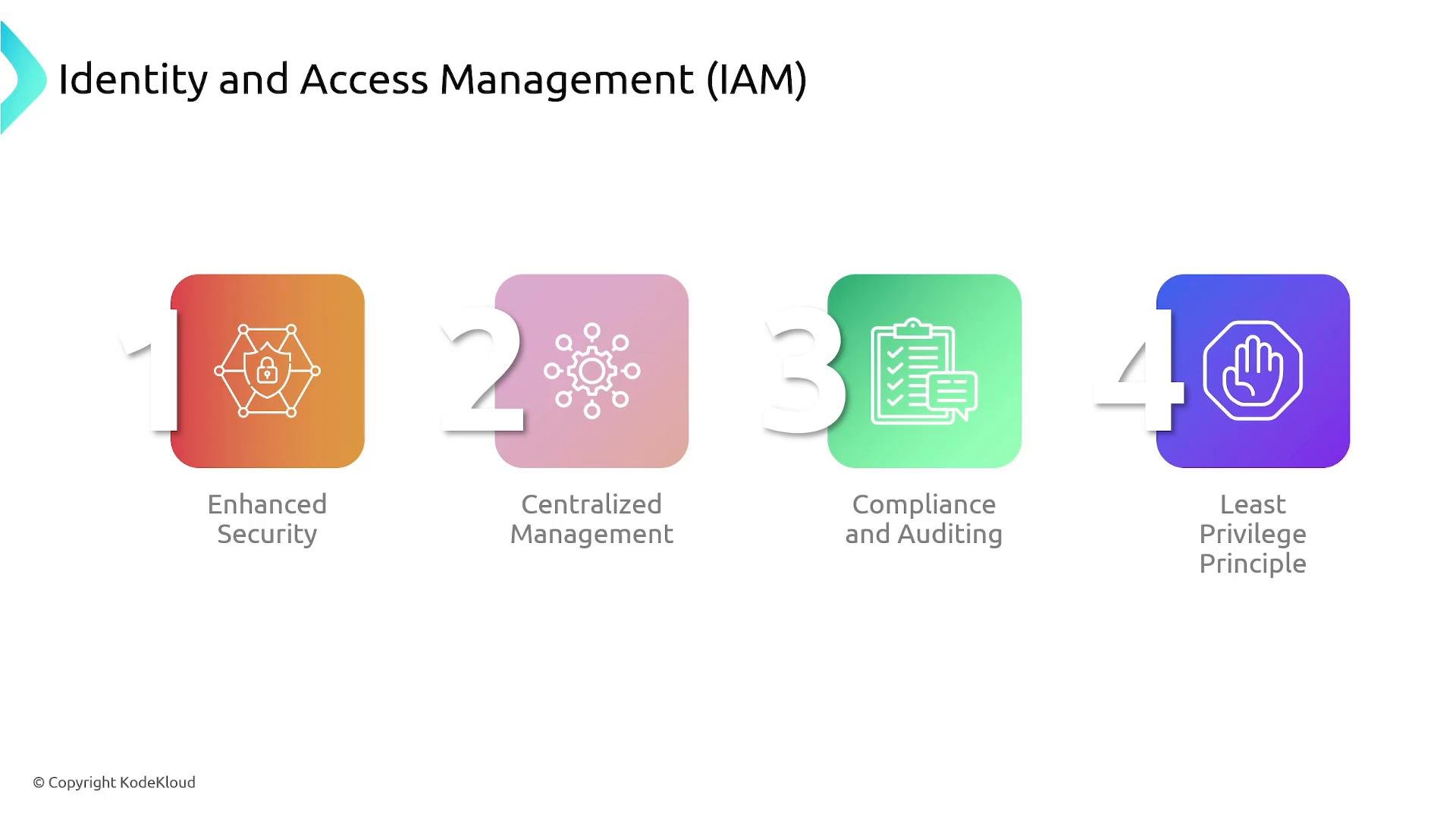
Creating access in AWS
- IAM user — represents an identity that can authenticate to AWS. Users may have console, programmatic (API/SDK), or both types of access.
- By default, a new IAM user has no permissions; you must explicitly grant them.
- Permissions are assigned with IAM policies: JSON documents that describe allowed or denied actions on specific resources.
Version and an array of Statement objects. Each statement defines the effect, the action(s), the resource(s), and optional conditions.
Example policy that allows listing a bucket and getting objects from a single S3 bucket:
Explanation of the example
Version: identifies the policy language version (use2012-10-17).Statement: an array of one or more rules; here there’s a single statement.Effect: "Allow"grants the listed actions.Action: permitss3:ListBucket(list the bucket) ands3:GetObject(retrieve objects).Resource: restricts those actions to the specified bucket and its objects.
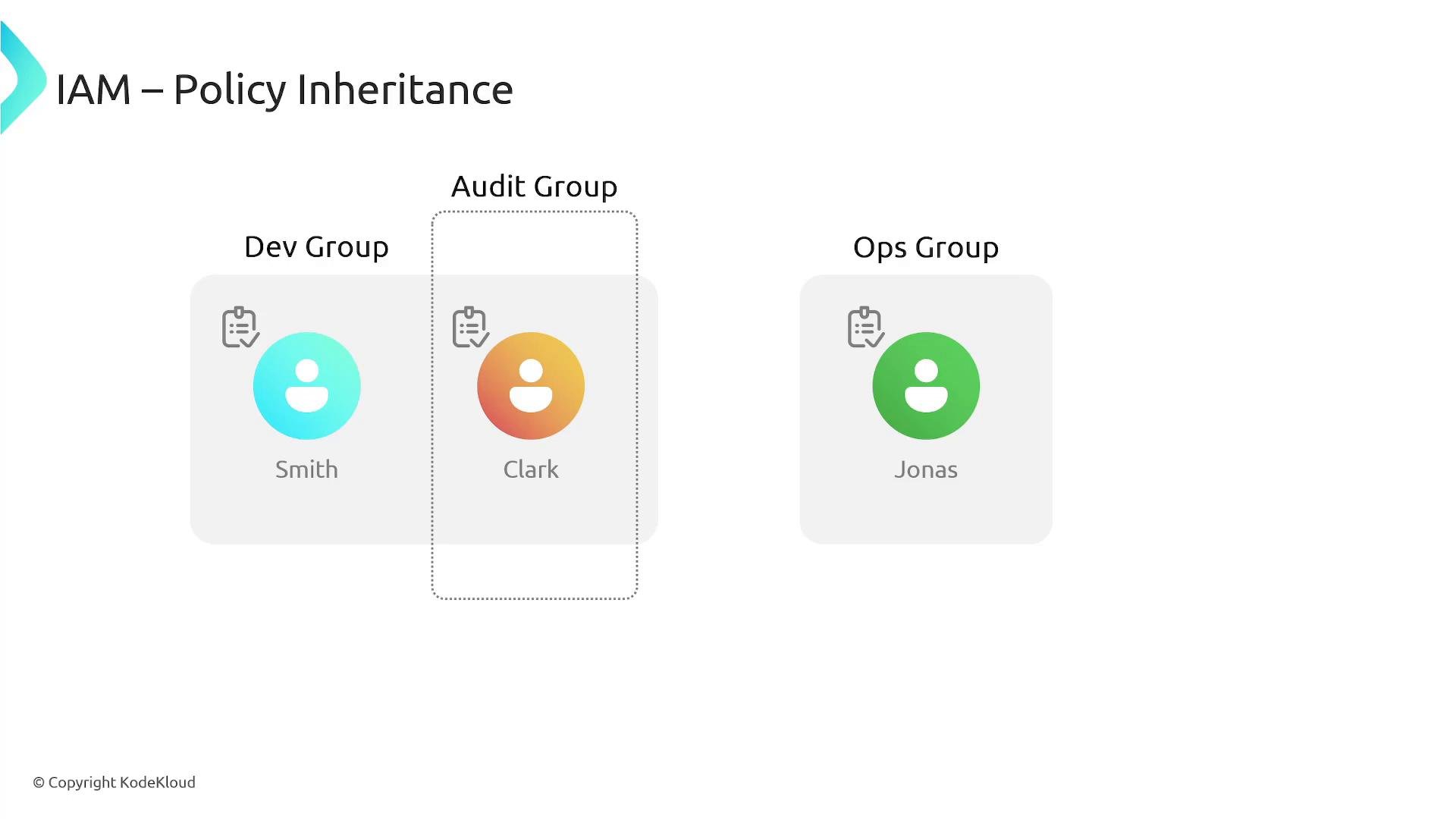
- Policies can be attached to users, groups, or roles.
- Managed policies (AWS-managed or customer-managed) are reusable across identities. Inline policies are embedded directly on a single identity.
- Policy evaluation rules:
- Explicit
Denyalways overridesAllow. - If no statement allows an action, the default is
Deny. - AWS evaluates all applicable policies (identity-based, resource-based, permissions boundaries, SCPs) to determine the final decision.
- Explicit
Always follow the principle of least privilege: grant only the permissions required, and prefer managed policies or role-based access over broad, long-lived credentials.
- AWS IAM documentation: https://docs.aws.amazon.com/iam/
- KodeKloud — Amazon S3 course: https://learn.kodekloud.com/user/courses/amazon-simple-storage-service-amazon-s3
- KodeKloud — AWS RDS course: https://learn.kodekloud.com/user/courses/aws-rds
- KodeKloud — EC2 course: https://learn.kodekloud.com/user/courses/amazon-elastic-compute-cloud-ec2
- KodeKloud — AWS Solutions Architect Associate Certification: https://learn.kodekloud.com/user/courses/aws-solutions-architect-associate-certification