Welcome back, Solutions Architects. This lesson covers Designing for Reliability — the practical design principles and patterns you should use when architecting resilient systems. These guidelines are especially useful for the AWS Solutions Architect Associate exam and for real-world architectures on AWS.
This article focuses on actionable reliability design principles: plan for failure, automate recovery, scale to avoid capacity outages, and test restores. Use these principles as filtering questions: does a decision improve reliability, reduce it, or leave it unchanged?
Why these principles matter
  • They help you reason about trade-offs between availability, cost, and complexity.
  • They provide a common language to set recovery objectives (RTO/RPO) with stakeholders.
  • They guide service choices and configuration to meet reliability targets.
Core design principles (overview)
  • Resilience: ability to recover from disruptions.
  • Plan for failure: assume components will fail and define recovery.
  • Automate recovery: reduce MTTR with automation.
  • Prevent capacity outages: scale horizontally and proactively.
  • Test everything: validate failover, restores, and autoscaling.
Quick reference: principles, intent, and AWS examples One: Ability to recover from disruption (resilience) Resilience is the core of reliability: your workload must recover from server crashes, capacity exhaustion, misconfiguration, or third‑party network issues. Design systems to:
  • Fail fast and recover quickly, or
  • Fail gracefully and operate in a degraded state until full capacity returns.
Favor services and architectures with built‑in redundancy or simple recovery mechanisms. For example, many AWS managed services handle underlying hardware failures for you.
A slide titled "Design Principle #1" showing a purple circular-refresh icon next to a stylized document with yellow sparkles. A partial quote and a small © Copyright KodeKloud note appear near the bottom.
Two: Plan for failure Assume components will fail — compute, network, disks, AZs, or regions. Planning for failure means defining how your system responds, who performs recovery steps, and what recovery targets are acceptable.
  • Document recovery runbooks and expected RTO/RPO for each critical component.
  • Decide which components need active redundancy vs. documented/manual recovery.
  • Use cross-AZ and cross-region strategies where appropriate.
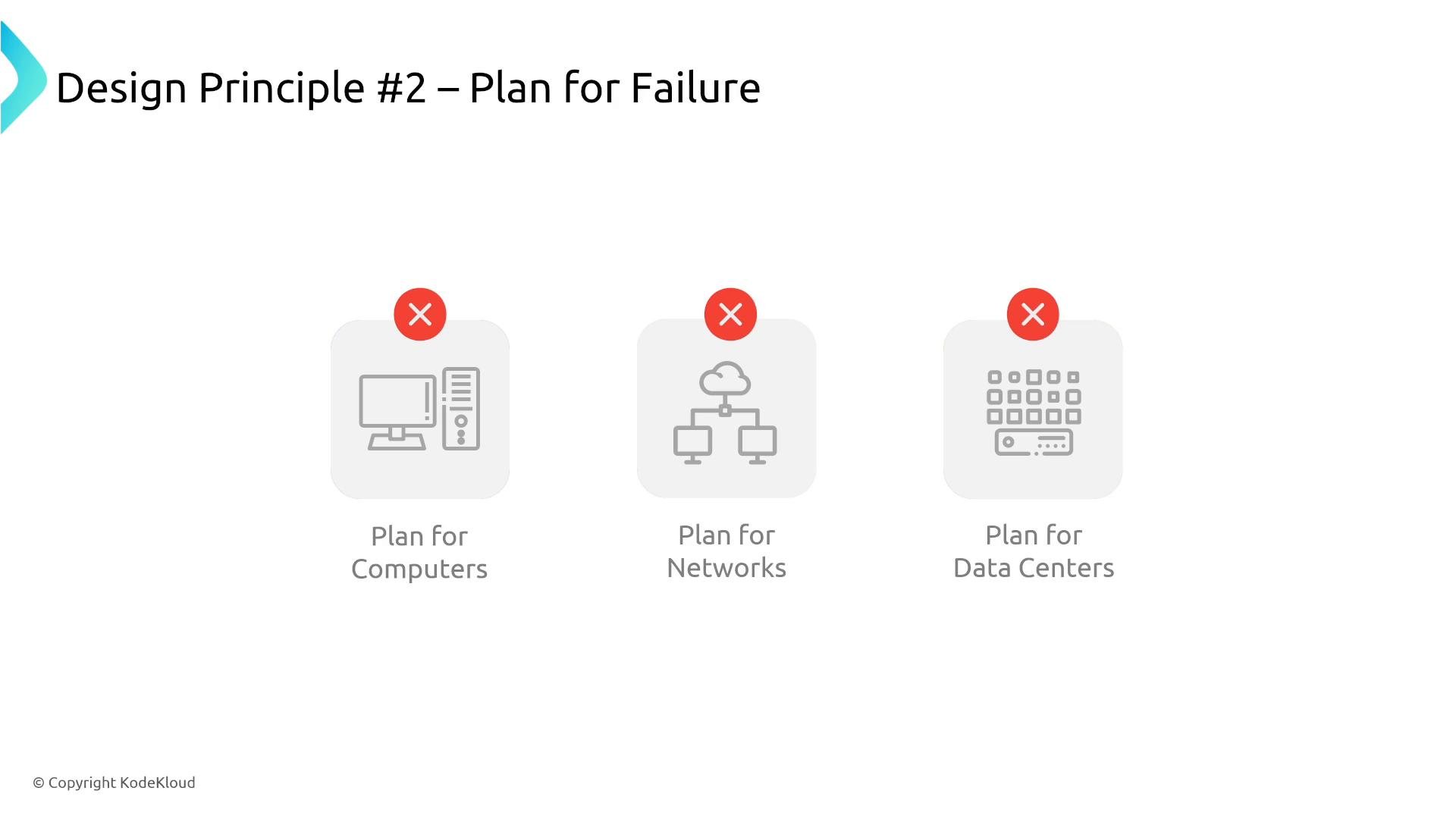
A presentation slide titled "Design Principle #2 – Plan for Failure" showing three grey icons labeled "Plan for Computers," "Plan for Networks," and "Plan for Data Centers," each marked with a red X. It emphasizes planning for failures across IT infrastructure.
Three: Automate your recovery Automated failover and self-healing reduce the chance of human error and shorten mean time to recovery (MTTR).
  • Automate DNS updates, instance replacement, container restarts, and database promotion when possible.
  • Use built-in automation: RDS Multi‑AZ and Amazon Aurora perform automatic failover; RDS Proxy handles connection pool smoothing during failover.
Automation examples:
  • Replace unhealthy EC2 instances with Auto Scaling.
  • Promote read replicas for regional failover (with automation).
  • Automate health checks and circuit breakers in application layers.
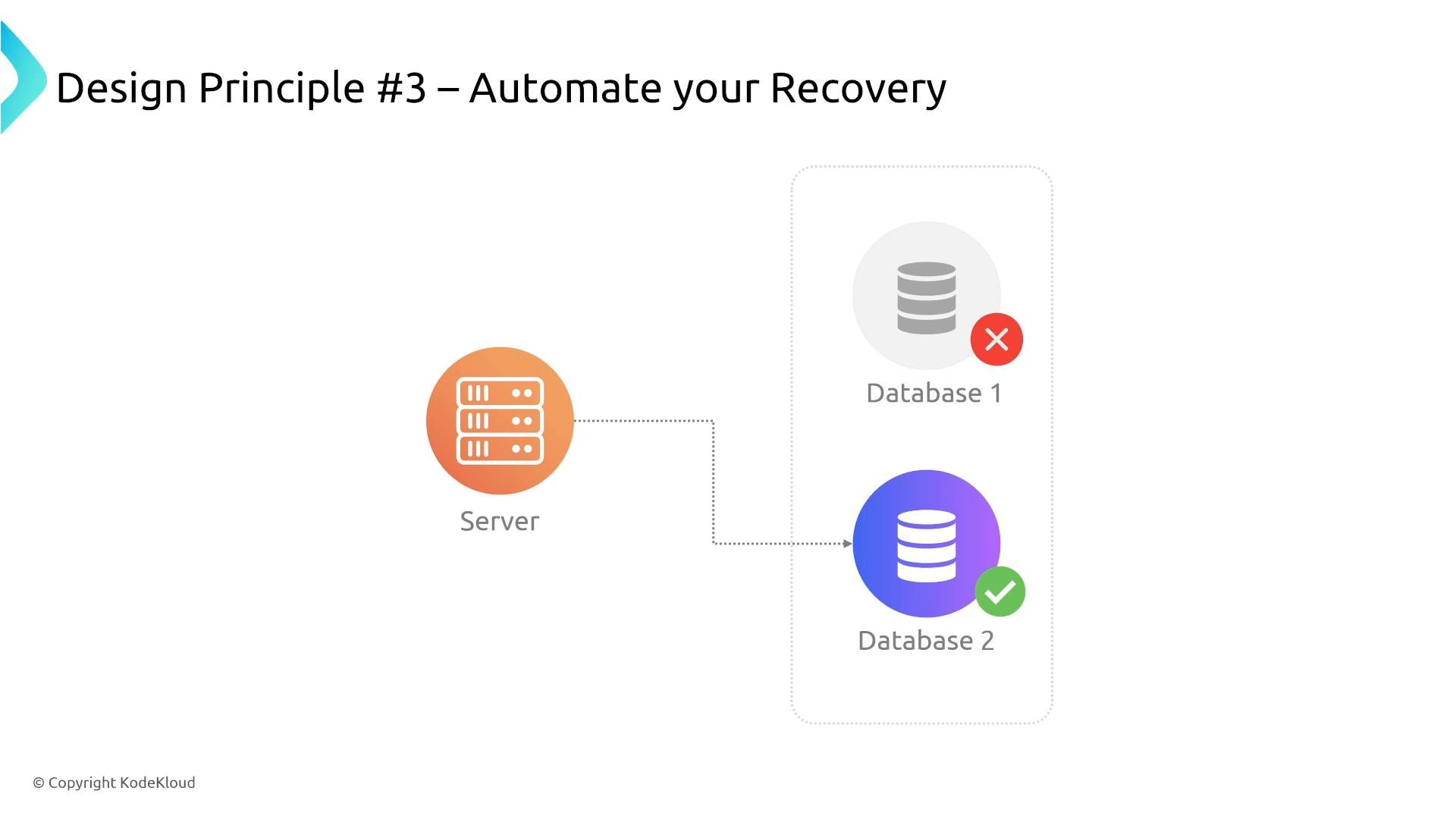
Slide titled "Design Principle #3 – Automate your Recovery" showing a server icon connected to two database icons inside a dotted box, with Database 1 marked failed (red X) and Database 2 marked active/healthy (green check).
Four: Prevent capacity outages through scaling Design for horizontal scale to avoid capacity constraints. Use autoscaling strategies that match workload patterns and cost constraints:
  • Reactive scaling (Auto Scaling Groups)
  • Proactive scaling (scheduled scaling, predictive scaling)
  • Managed serverless and autoscaling services (AWS Lambda, DynamoDB autoscaling, managed container services)
  • Use caches and CDNs to reduce load on origin systems.
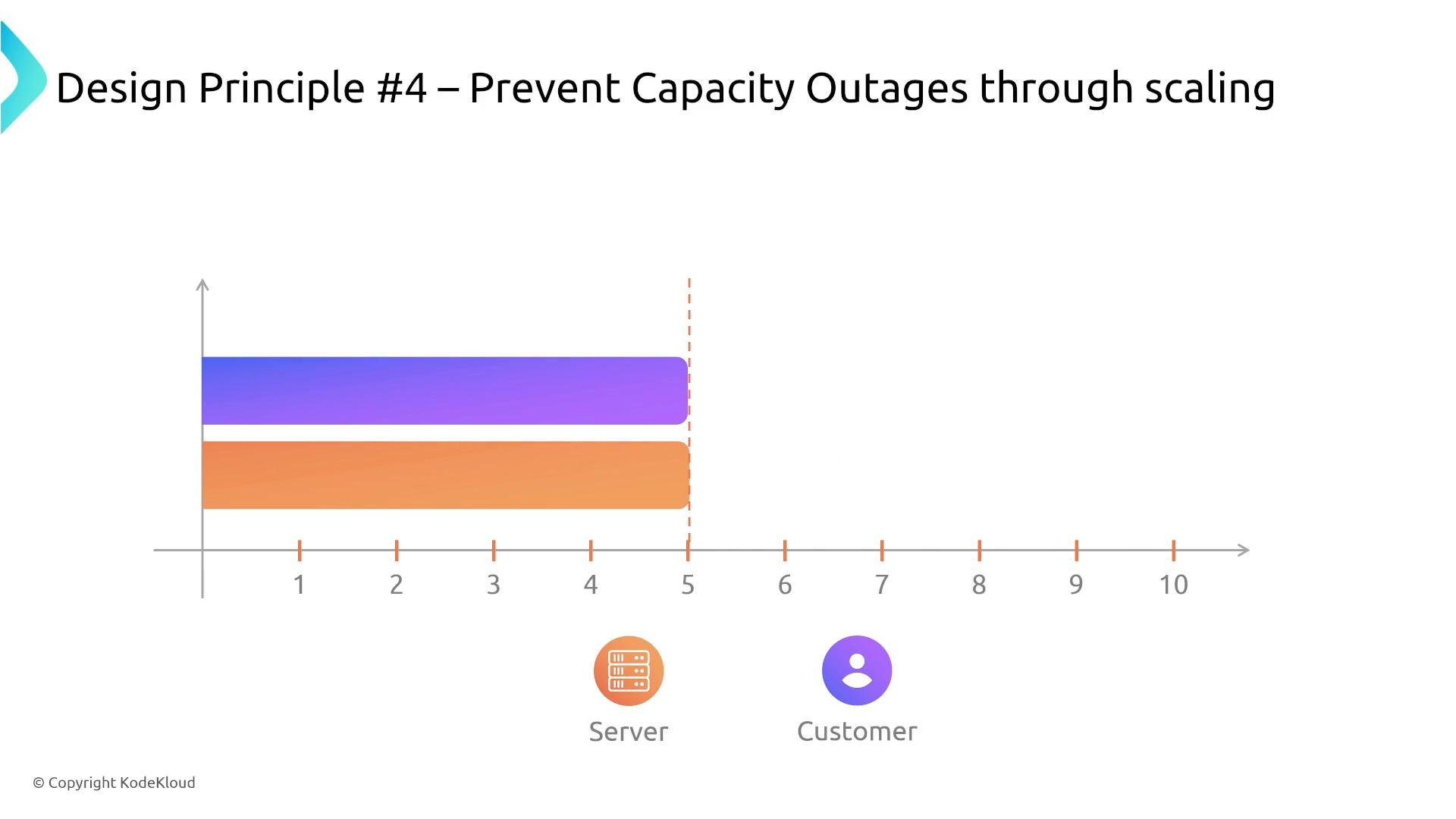
A presentation slide titled "Design Principle #4 – Prevent Capacity Outages through scaling" showing two horizontal rounded bars (purple and orange) that reach a dashed threshold at 5 on a numbered axis. Server and Customer icons with labels appear below the chart.
Five: Test everything A plan or backup is only effective if it has been validated. Regular testing ensures recovery procedures meet RTO/RPO goals and that backups are restorable.
  • Run failover rehearsals and chaos experiments in safe environments.
  • Perform load testing to validate autoscaling and capacity planning.
  • Periodically restore backups to validate integrity and restore time.
Backups are useful only if you can restore from them. Regularly test restores and recovery procedures (automated or manual) to ensure backups meet your recovery objectives.
Applying the principles to service choices Match requirements (availability, durability, latency, cost) to service features:
  • If you need cross‑region protection for S3 objects, enable replication.
  • If you need point‑in‑time recovery, enable S3 Versioning or use appropriate database snapshotting.
  • If you need low latency and highest availability, choose storage or compute tiers that match those SLAs.
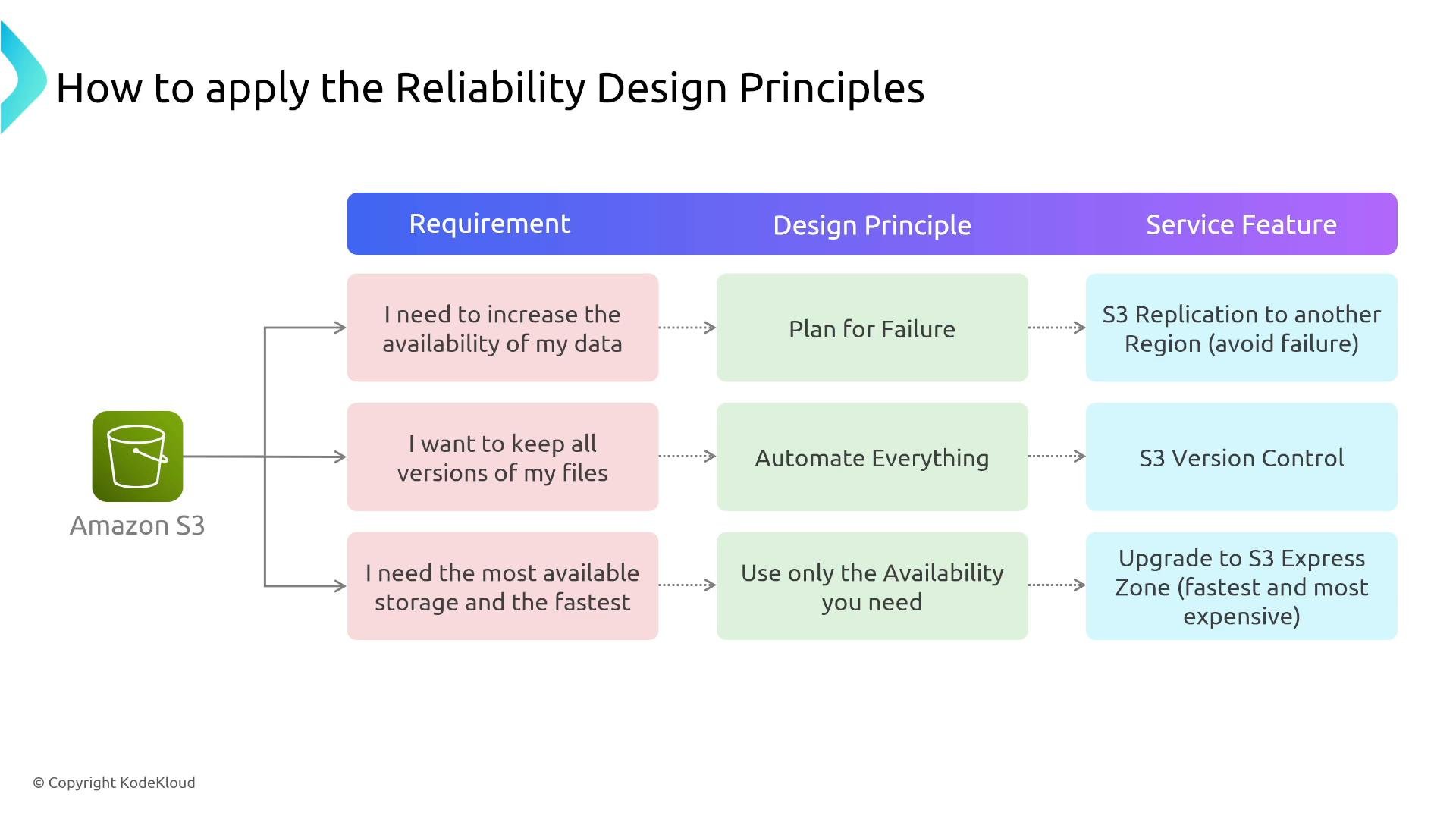
A slide titled "How to apply the Reliability Design Principles" mapping Amazon S3 requirements to design principles and corresponding service features. Examples shown: increase availability → plan for failure → S3 replication to another region; keep versions → automate everything → S3 versioning; need fastest/most available → upgrade to S3 Express Zone.
Summary Use these design principles as structured questions during architecture reviews:
  • Will this change increase or decrease reliability?
  • What are the RTO and RPO for each critical component?
  • Can recovery be automated or validated through tests?
  • Does capacity scale with demand?
Keep the core ideas top of mind: plan for failure, automate recovery, scale to prevent capacity outages, and test everything — especially restores. These practices improve resilience, availability, and fault tolerance, and they help you choose the right AWS services and configurations for your requirements. Further reading and references I’m Michael Forrester. Catch me on the forums or at michael@GoCloud.com.

Watch Video