

Create a private bucket
I create a new bucket using the S3 console with the default settings and keep Block all public access enabled. This makes the bucket private to my AWS account and any principals explicitly granted access.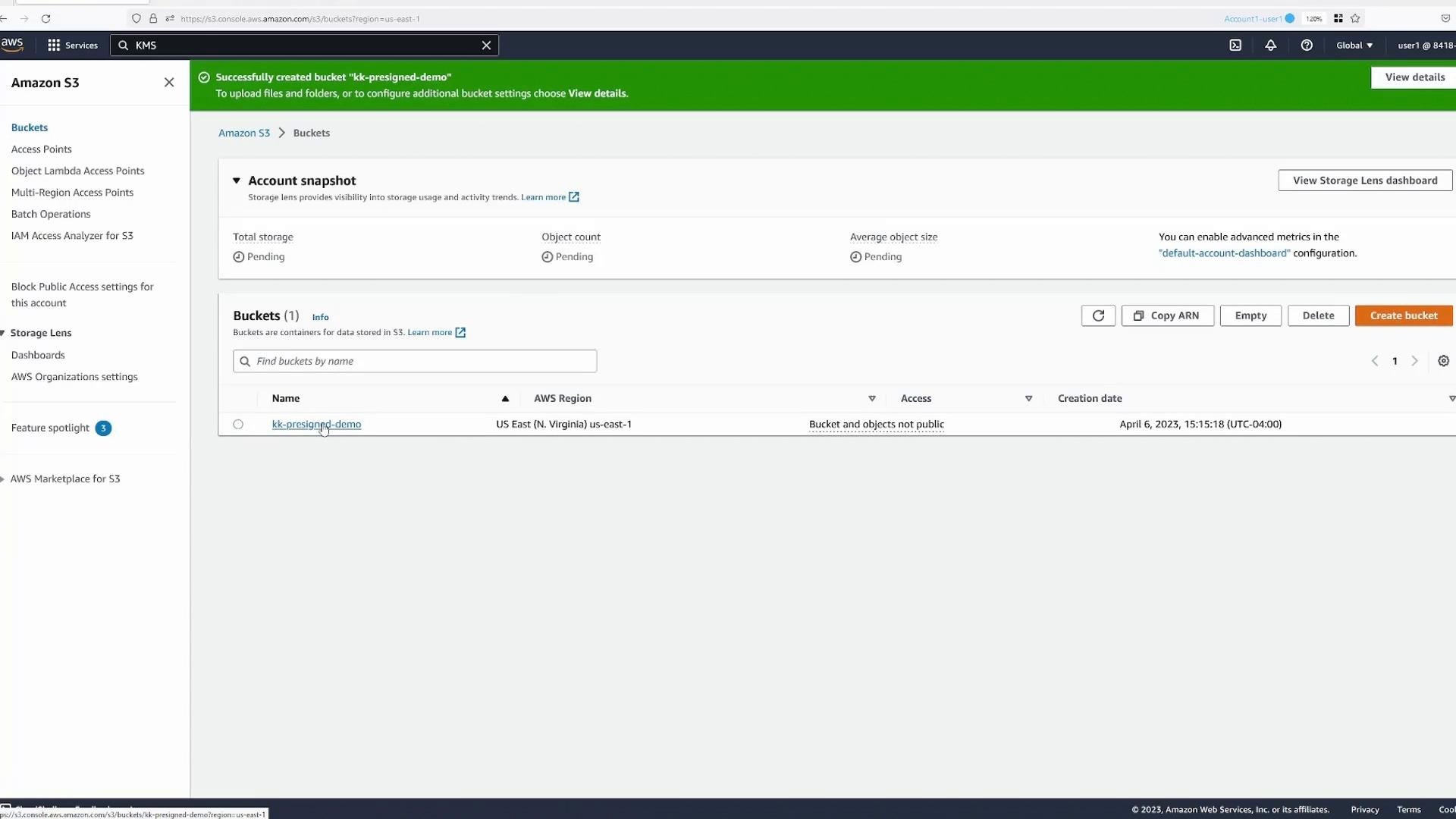
Upload an object and test access
After uploading an object (for example,boat.jpg) an authenticated IAM user in the same account can open the object normally. Unauthenticated or anonymous users receive Access Denied because public access is blocked and there is no policy allowing anonymous GetObject.
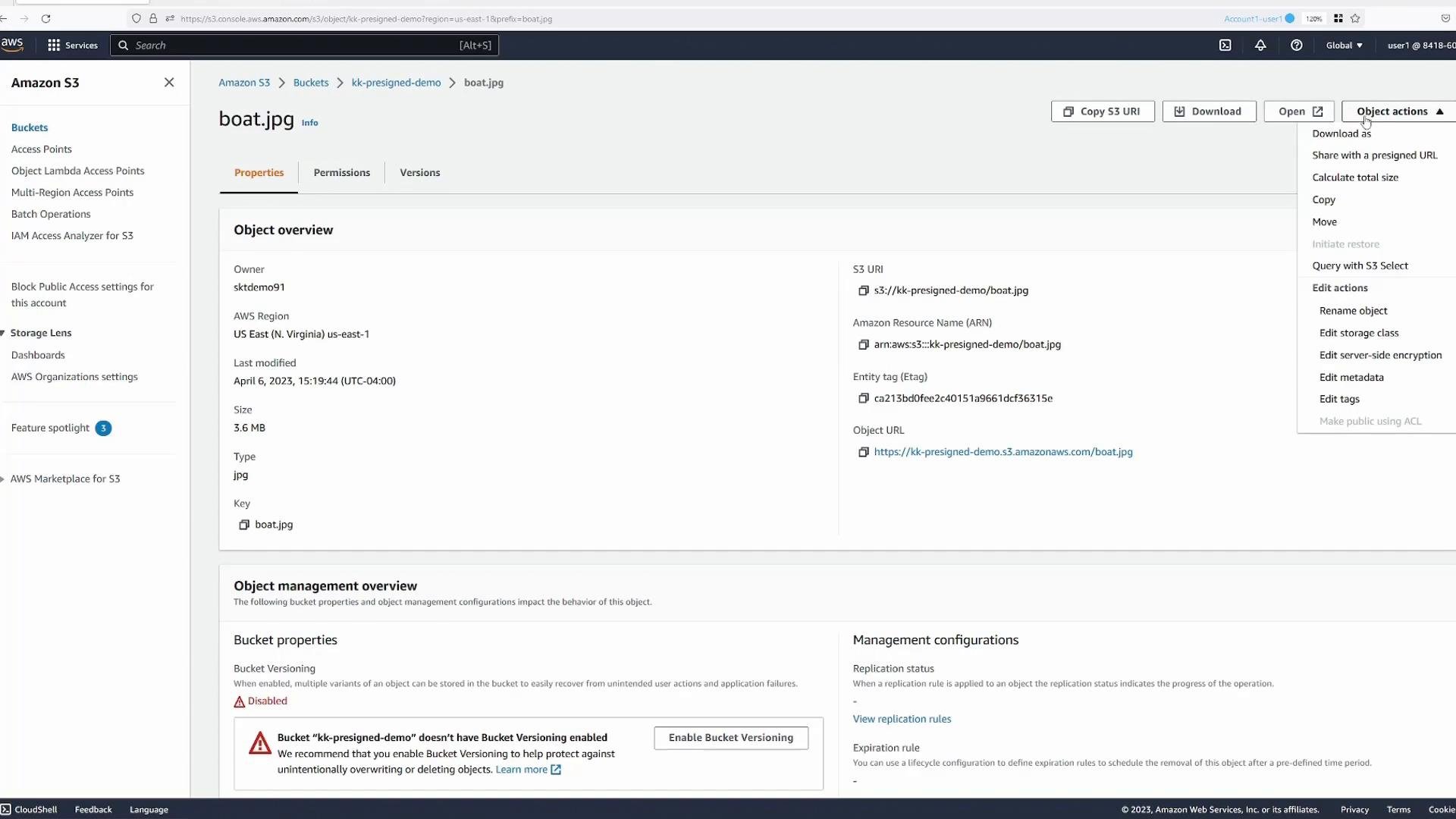
To grant temporary access to a specific person (for example, a friend without an AWS account) without making the object public, generate a pre-signed URL. In the S3 console open the object and choose Share with a pre-signed URL.
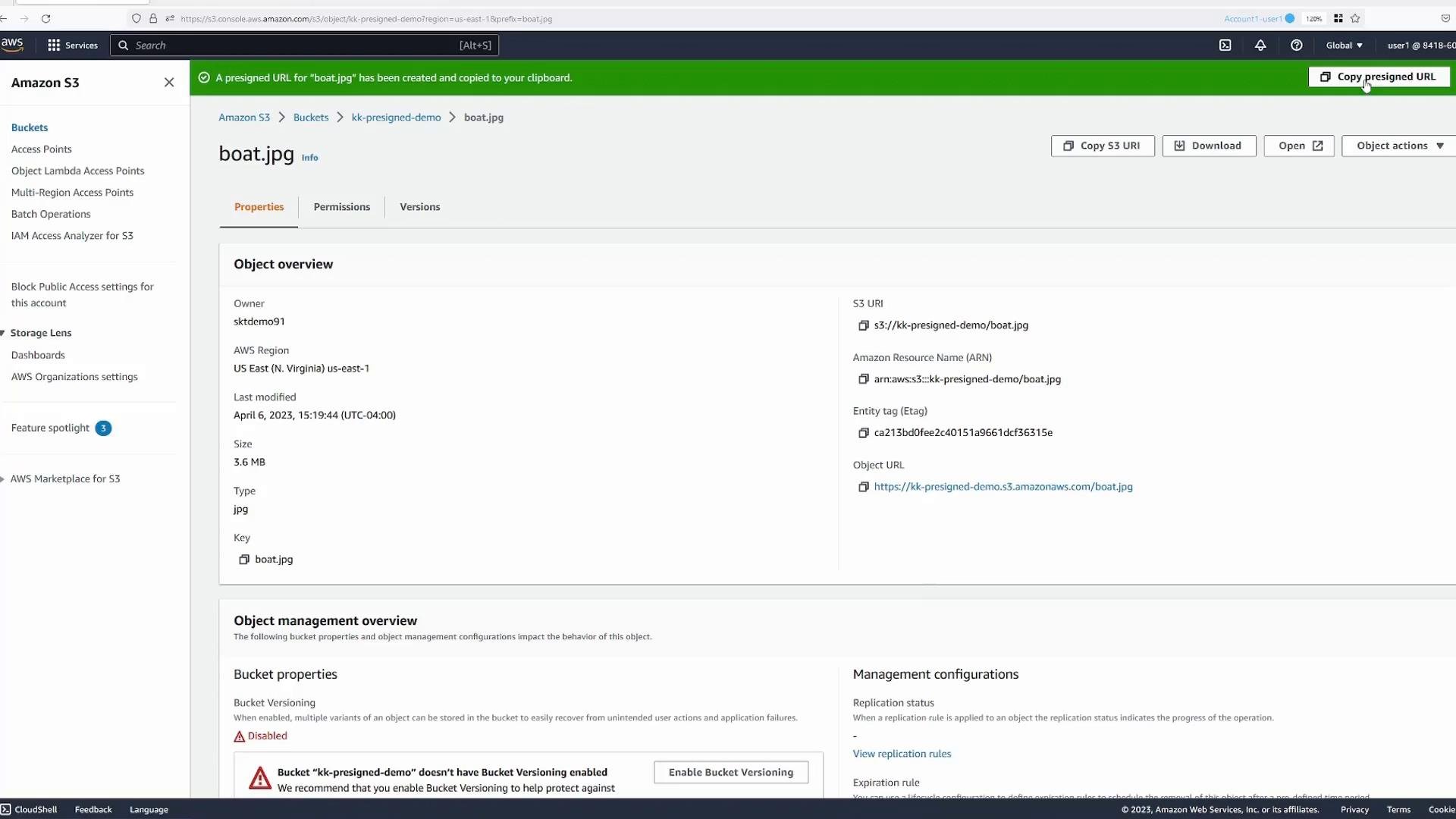
A pre-signed URL signs a specific request using the creator’s credentials. The URL allows whoever has it to perform the signed operation only if the signer has permission to perform that operation.
How signing identity controls access (example with a limited IAM user)
Pre-signed URLs do not change object ACLs or bucket policies. They encode a signed request that S3 evaluates against the permissions of the IAM principal who generated the signature. Example: a second IAM useruser2 who is intentionally granted only listing permissions. Their policy might look like:
user2can list buckets and list objects in a bucket (and see object metadata returned by list operations).user2cannot perform data-plane operations likes3:GetObjectors3:DeleteObject.
user2 attempts to open the object directly (attempt a GetObject), the request is denied:
user2 generates a pre-signed URL, that URL is a request signed with user2’s credentials. Because user2 lacks s3:GetObject, any pre-signed URL they create for boat.jpg will also fail when used by an anonymous user—the signature is evaluated and rejected.
Here is a truncated example pre-signed URL:
GetObject, using that URL results in Access Denied:
Quick reference table
Best practices and notes
- Pre-signed URLs grant temporary access using the permissions of the signer — they do not modify bucket ACLs or policies.
- Generate pre-signed URLs from a principal that has only the minimum required permissions (ideally, a service role or temporary credentials).
- Choose an appropriate expiration time (shorter is safer).
- Create pre-signed URLs programmatically with the AWS SDKs or the AWS CLI for automation and logging. See the AWS SDK documentation for examples.
- Pre-signed URLs grant temporary access based on the IAM principal that signs them.
- They do not change bucket or object permissions — the signer must already be allowed to perform the requested operation.
- Use pre-signed URLs to provide temporary, controlled access without making objects public.