Bucket Policy Structure
Bucket policies are written in JSON and generally include the following components:- Version: Specifies the policy language syntax (e.g., “2012-10-17”).
- Statement: Contains one or more policy statements. Each statement includes:
- Sid: An optional statement identifier for reference.
- Principal: The AWS user(s) or account(s) the policy applies to.
- Effect: Indicates whether the policy allows or denies access.
- Action: Specifies the allowed or denied actions.
- Resource: Defines the ARN (Amazon Resource Name) of the bucket or its objects that the statement affects.
Example Bucket Policy
Below is a sample bucket policy that grants the user JohnDoe (from account 111122223333) permission to perform thes3:GetObject action on any object within the bucket:
Multiple Statements in a Bucket Policy
A bucket policy can contain multiple statements to enforce different rules. For instance, you might grant access to everyone and then specifically deny access to one user:"Principal": "*" means the first rule applies to everyone—including anonymous users. The second statement explicitly denies the user DaisyM from accessing the objects.
Defining Access for Specific Prefixes
Bucket policies also support restrictions based on object prefixes. For instance, you can allow a user to only access objects located under the/media prefix:
media), and a wildcard (*), which grants access to all objects within that folder.
Using Conditions in Bucket Policies
Conditions in policies can further refine access rules. For example, you might restrict operations based on the user’s source IP address. The following policy only allows actions from the 192.0.2.0/24 subnet:/audio and /video prefixes:
Public Access and Extra Security Measures
AWS provides a “Block Public Access” setting as an extra security measure to prevent accidental exposure of your buckets. Even if you create a bucket policy that appears to grant public access, AWS will block it until you disable the “Block all public access” option.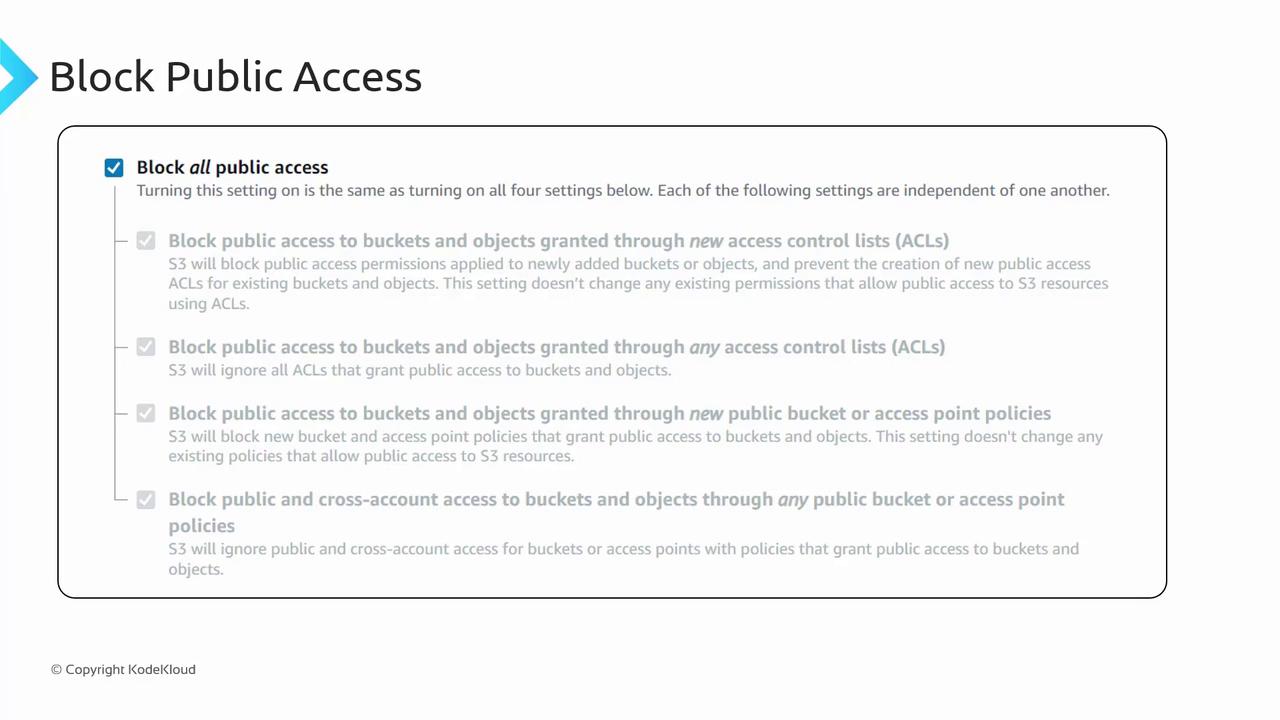
Using
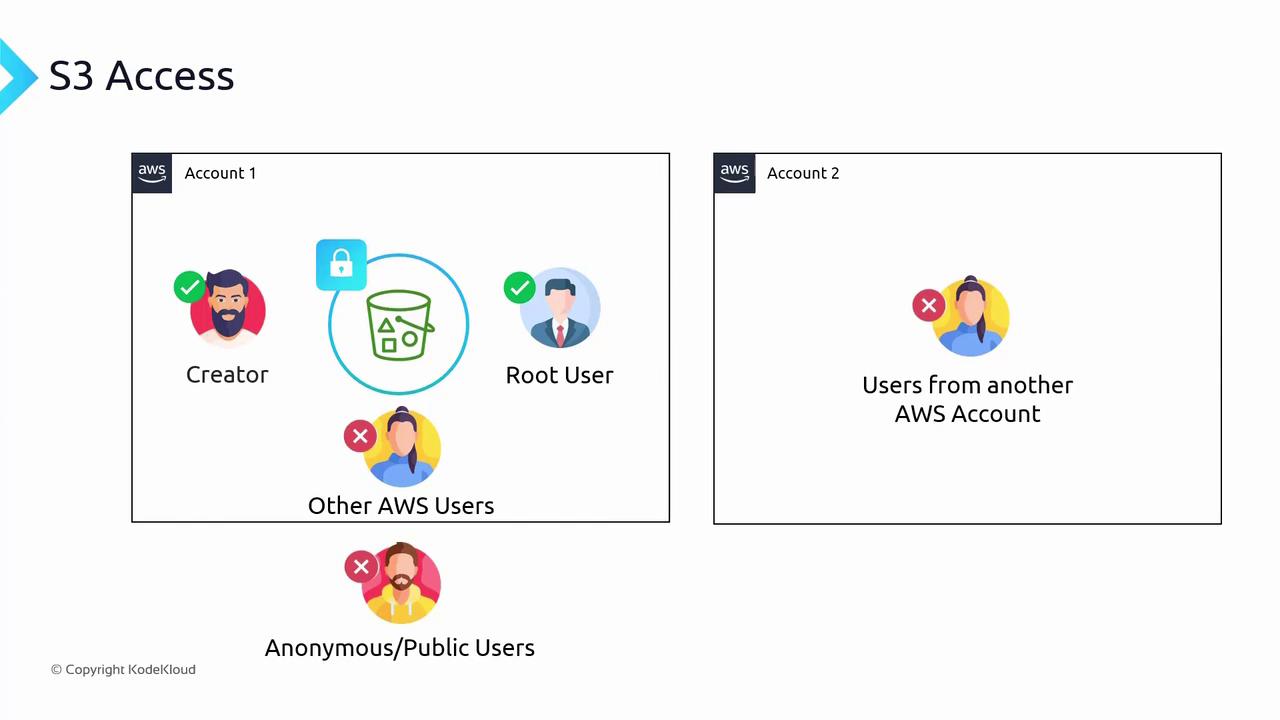
"Principal": "*" as shown above unintentionally opens access to the public, including all users from other AWS accounts and anonymous users. This can lead to excessive permissions when using "s3:*", which allows all S3 operations. Always review your bucket policies carefully to avoid unintended public access.IAM Policies vs. Resource Policies
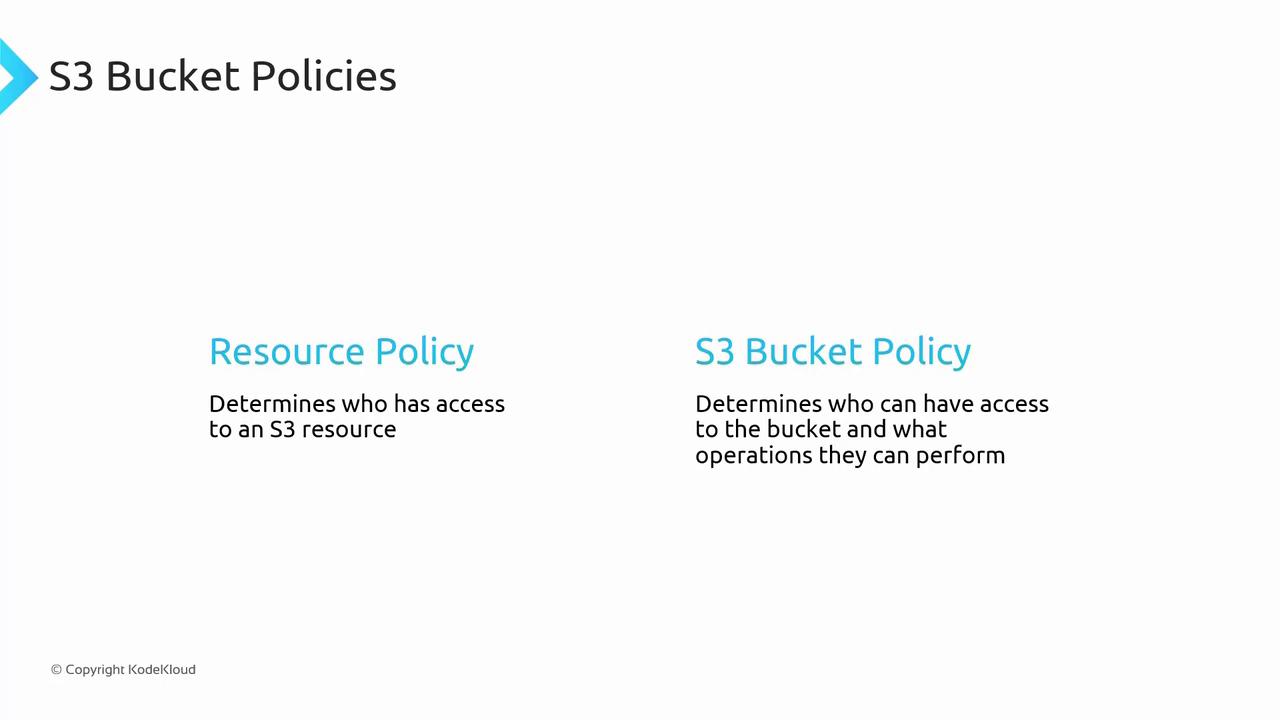
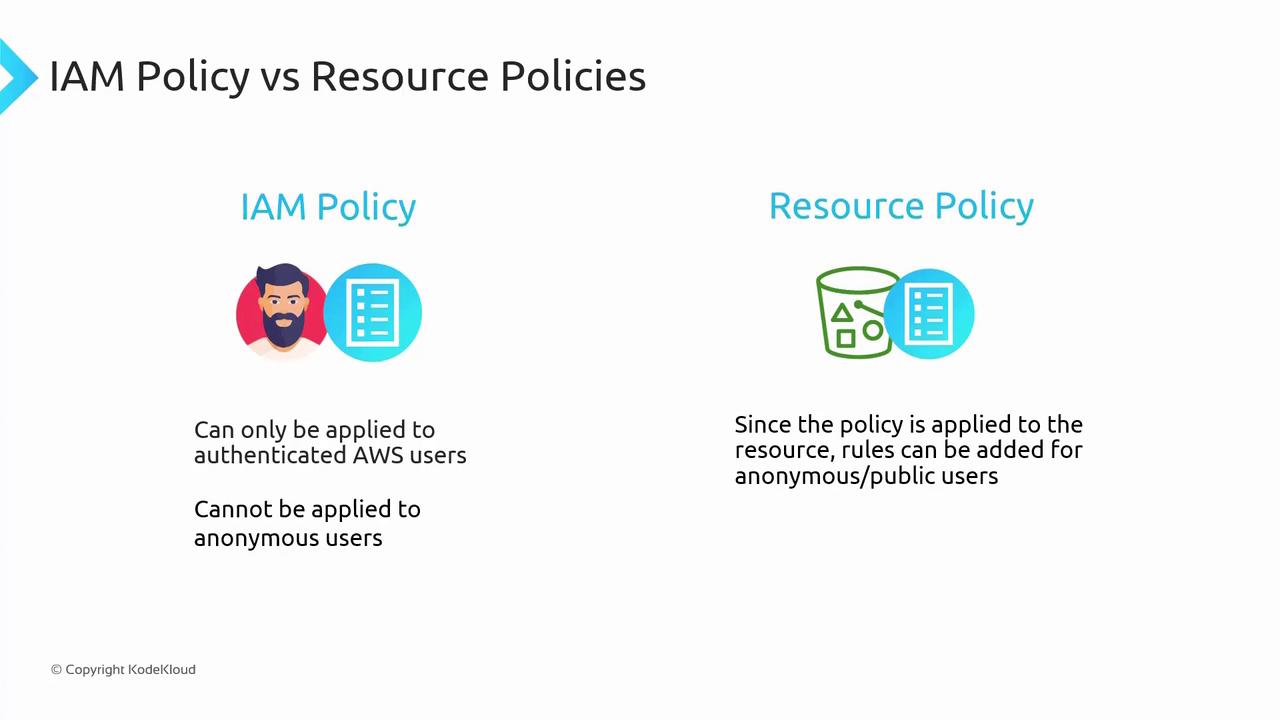
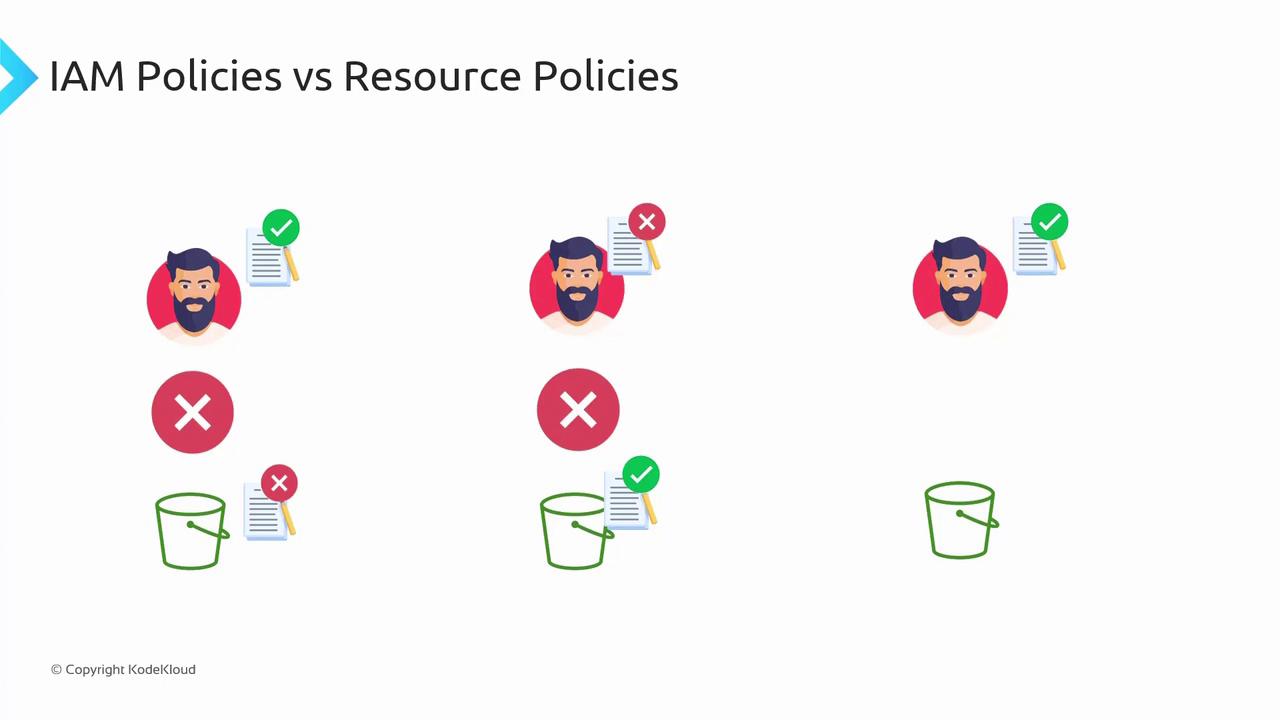
Understanding the differences between IAM policies and resource (bucket) policies is critical:-
IAM Policies:
These are attached to users or roles and determine the actions they can perform. They apply only to authenticated AWS users. -
Resource Policies:
These policies are directly attached to AWS resources such as S3 buckets. They can grant permissions to both authenticated AWS users and anonymous/public users.
Legacy ACLs
Access Control Lists (ACLs) are a legacy mechanism predating IAM that provide basic access control through a limited set of rules. ACLs offer five permissions such as reading objects, writing objects, reading ACLs, writing ACLs, and full control. Due to their limited flexibility and granularity, ACLs are not recommended for routine bucket management.
Summary
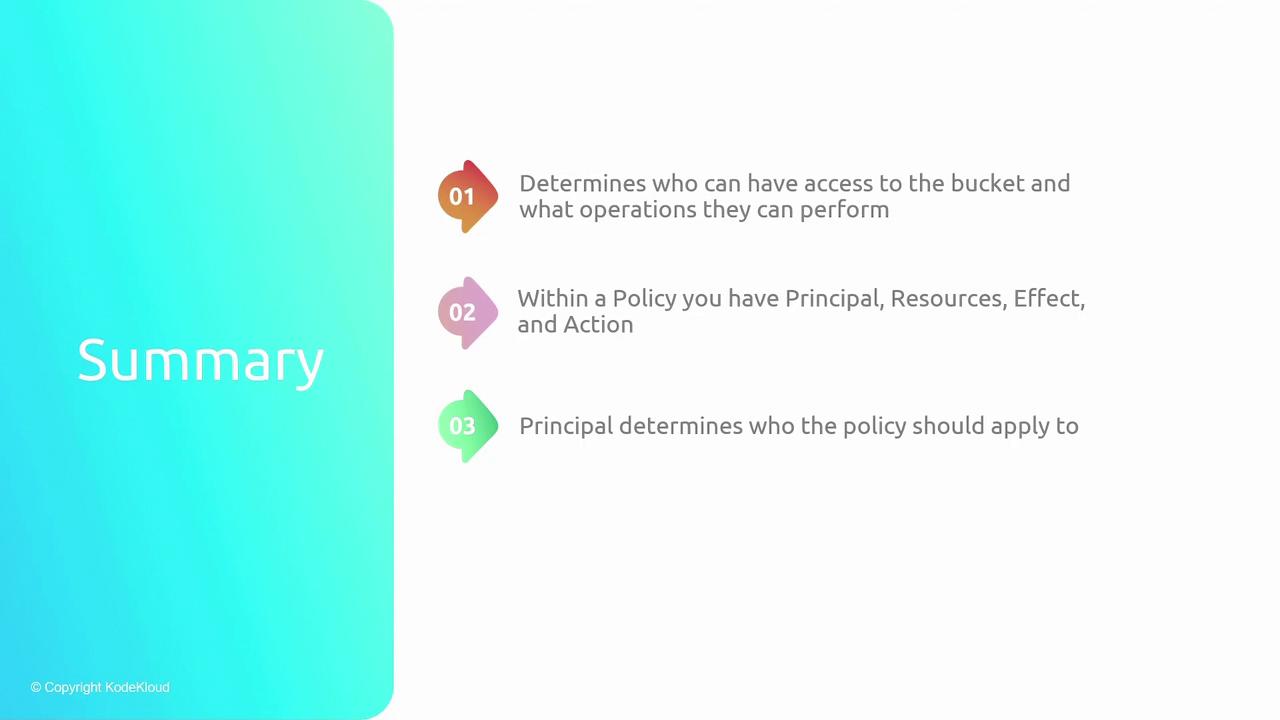
Bucket policies define who can access your S3 bucket and what operations they can perform by specifying the following components:- Principal: The user, role, or group the policy affects.
- Resource: The AWS resource (e.g., bucket or objects) the policy governs.
- Action: The S3 operations that are allowed or denied.
- Effect: Whether the defined actions are permitted or denied.