

Creating a Kinesis Data Stream
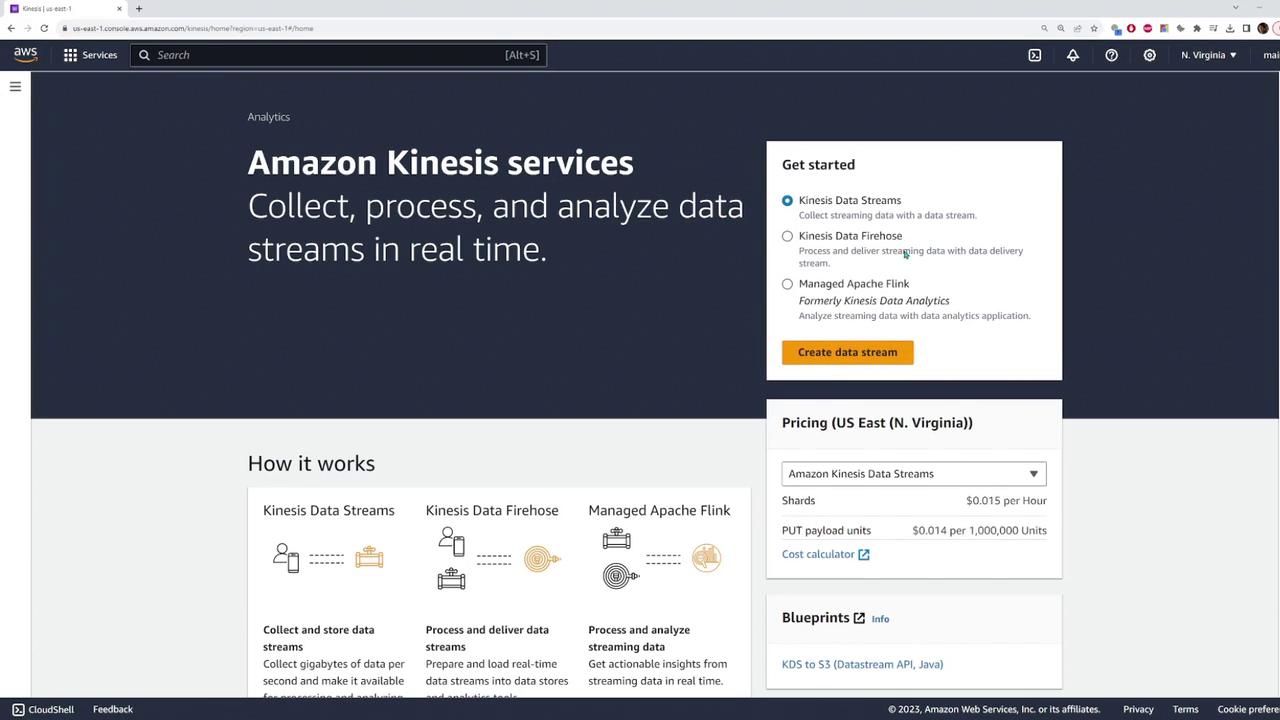
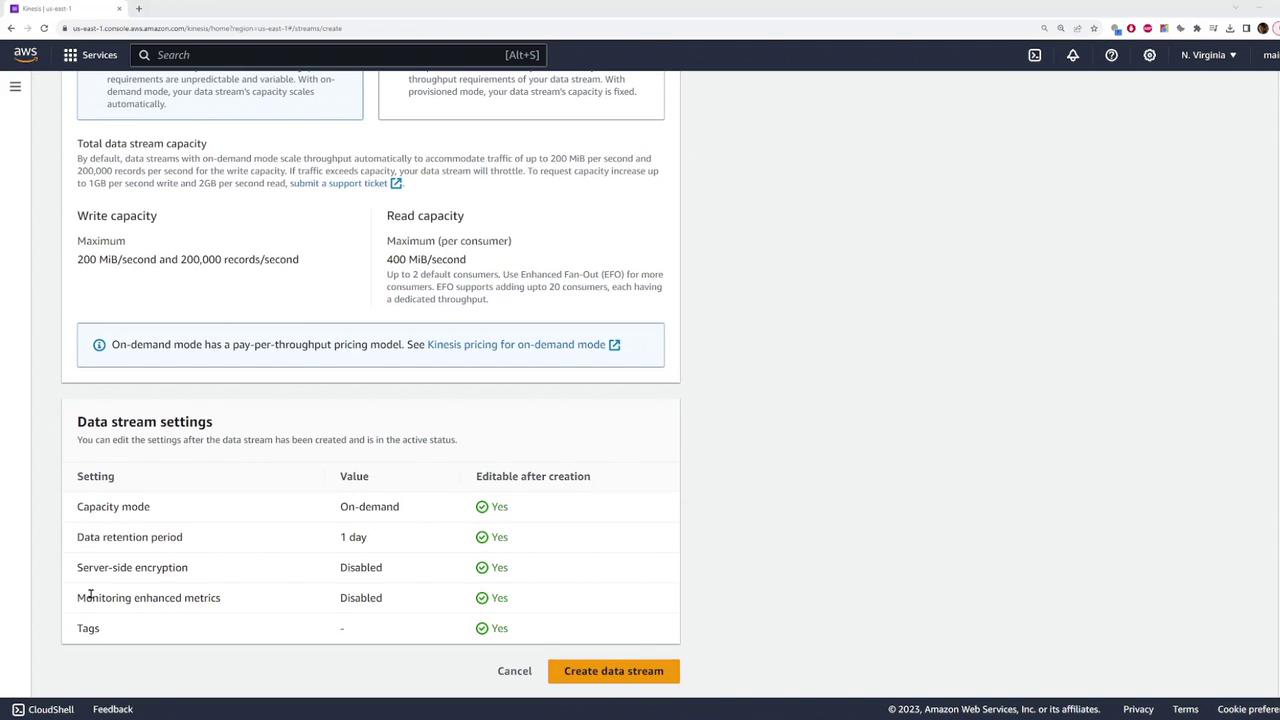
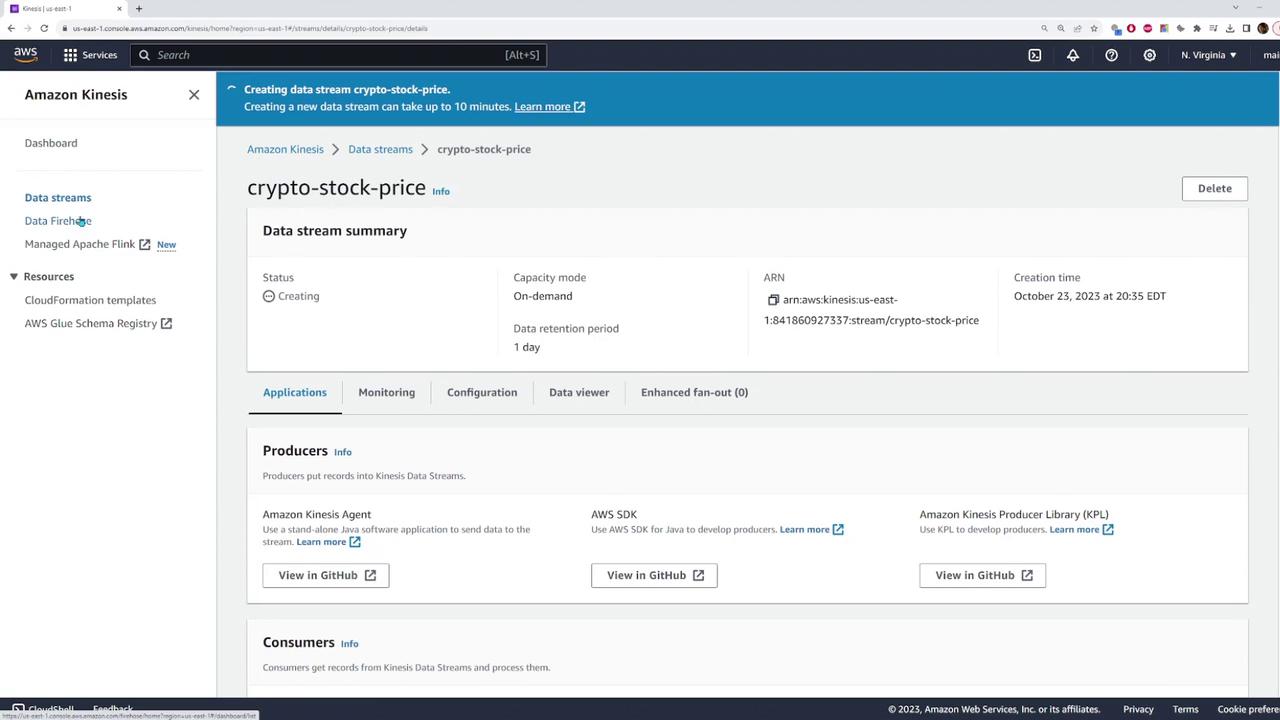
Start by navigating to the Kinesis service page in the AWS console and creating a new data stream.- Enter a stream name (for example, “crypto stock price”).
- Choose the capacity mode:
- Select Provisioned if you know your overall throughput requirements.
- Select On-Demand for dynamic scaling.
Note that the On-Demand option may be pricier compared to Provisioned capacity.
- Configure additional stream settings as required.
Configuring the Kinesis Data Firehose
Next, configure a Kinesis Data Firehose to channel data from the Kinesis data stream to an S3 bucket.- Choose the data stream you just created as your source.
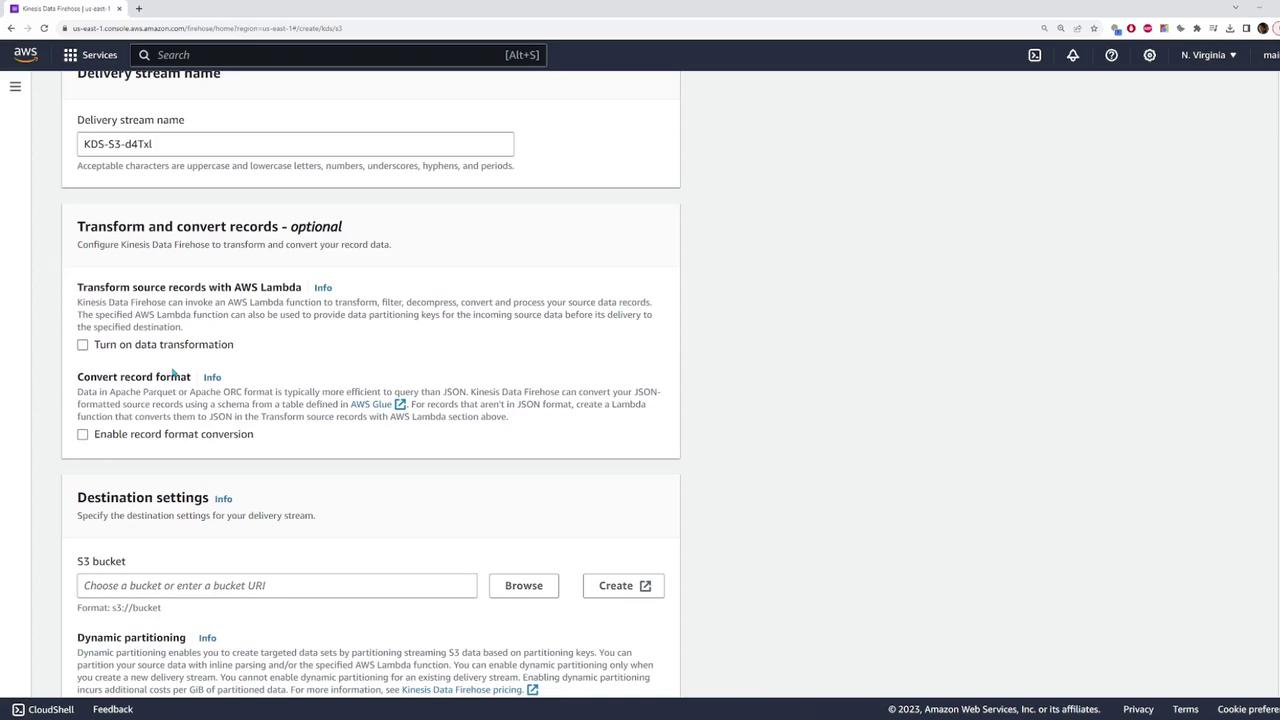
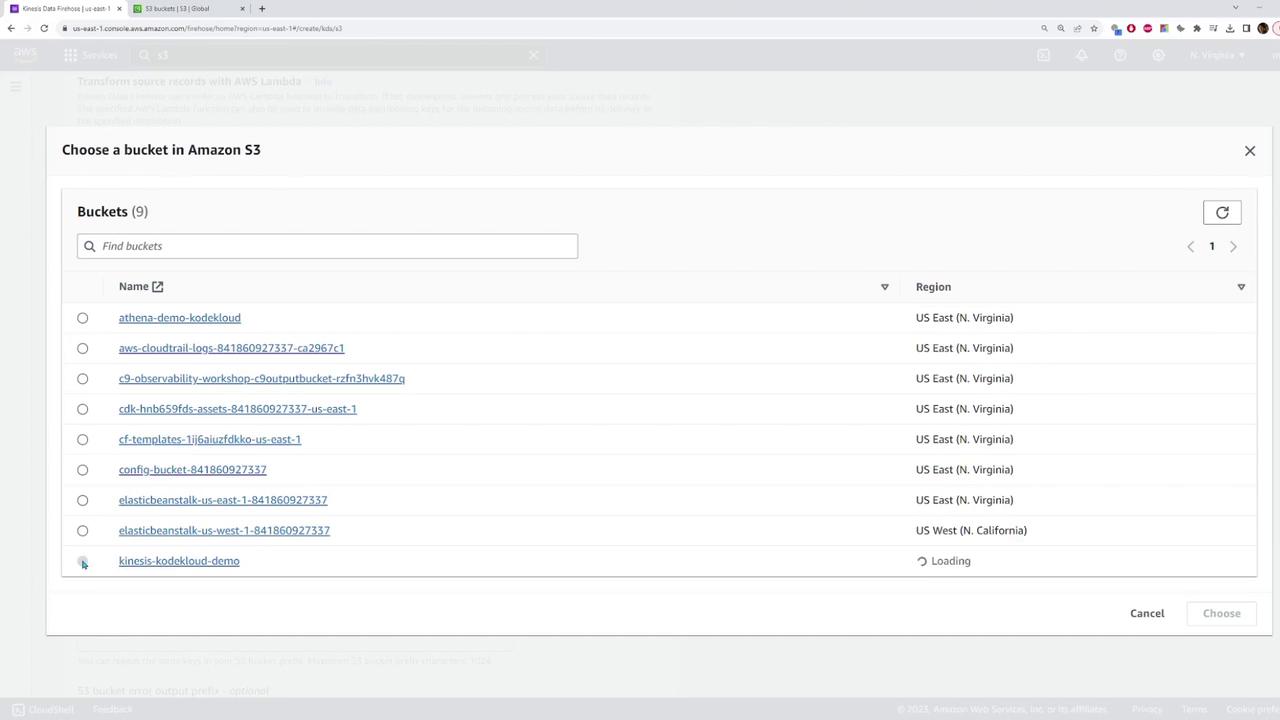
- For the destination, select or create an S3 bucket. In this example, a new bucket named “Kinesis Code Cloud Demo” is created.
- Optionally, enable data transformation by activating a Lambda function. For this demo, leave the transformation settings as default.
- Review your settings and create the delivery stream.
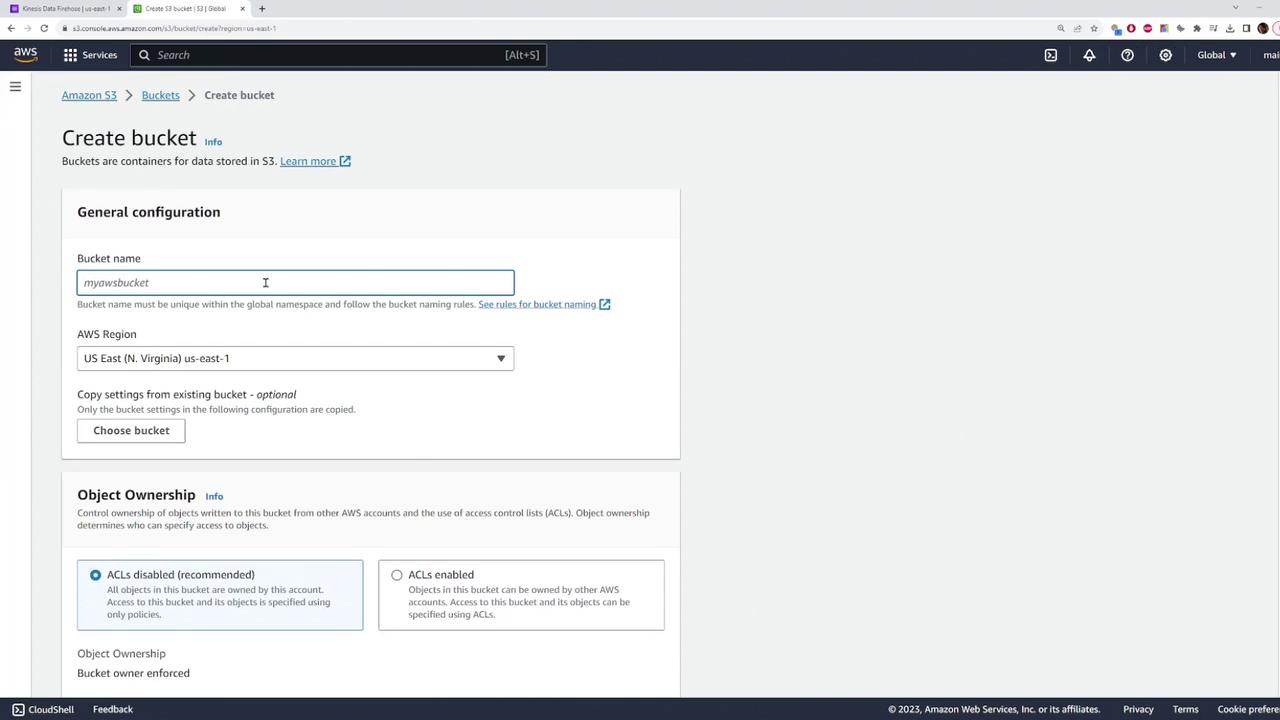
Setting Up an S3 Bucket
If you do not already have an S3 bucket, follow these steps to create one:- Enter the bucket name (“Kinesis Code Cloud Demo” in this example).
- Select your AWS region and configure additional settings as needed.
- Click Create bucket to finalize the setup.
Sending Test Data to the Data Stream
With the Kinesis data stream and Firehose set up, send test data using the AWS SDK with JavaScript. The sample code provided below sends a test record every 50 milliseconds.Code Example: Sending a Single Record
Complete Snippet: Generating Dummy Data
This complete snippet generates dummy data with timestamps and simulated prices: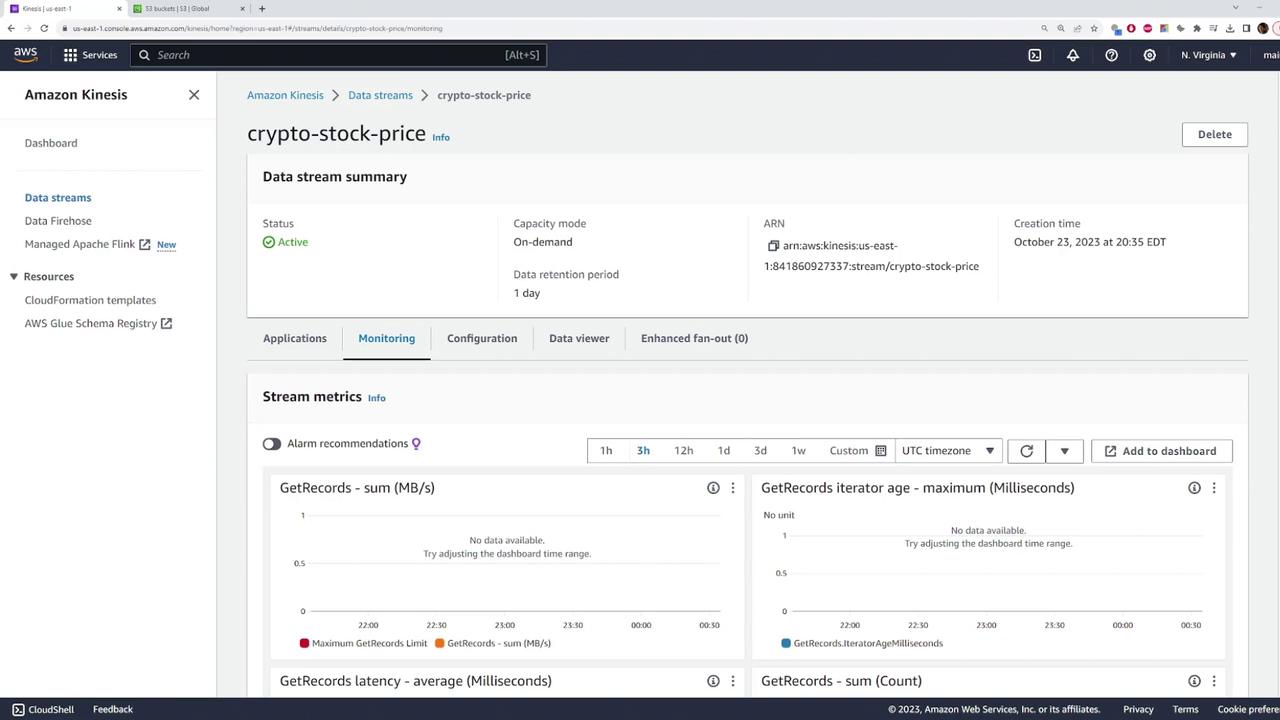
Verifying Data Delivery in S3
Once the test data has been sent, verify delivery by checking your S3 bucket. The Kinesis Data Firehose typically organizes files into folders based on the current date (e.g., “2023”). Opening one of these files should reveal JSON objects similar to the examples below:Example 1
Example 2
Conclusion
This demonstration has shown you how to set up a real-time data ingestion and delivery pipeline using Amazon Kinesis. The steps covered include:- Creating a Kinesis data stream
- Configuring a Kinesis Data Firehose
- Setting up an S3 bucket
- Sending test data using the AWS SDK
- Verifying data delivery in S3