

Aurora Architecture Quiz
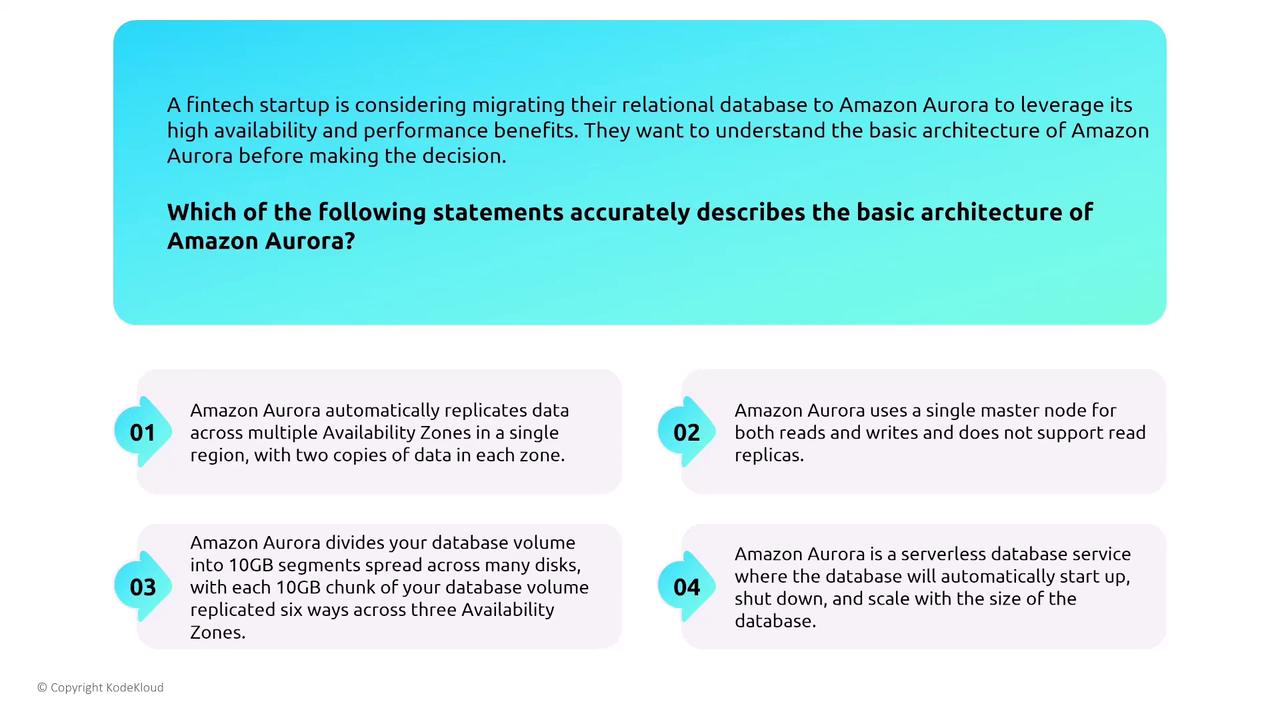
Fintech startups assessing a migration to Aurora often review its architecture to take advantage of high availability and enhanced performance. Consider the following statements regarding Aurora’s architecture:- Aurora automatically replicates data across multiple Availability Zones in a single region with two copies per zone.
(This description oversimplifies the replication process.) - Aurora uses a single master node for both reads and writes without support for read replicas.
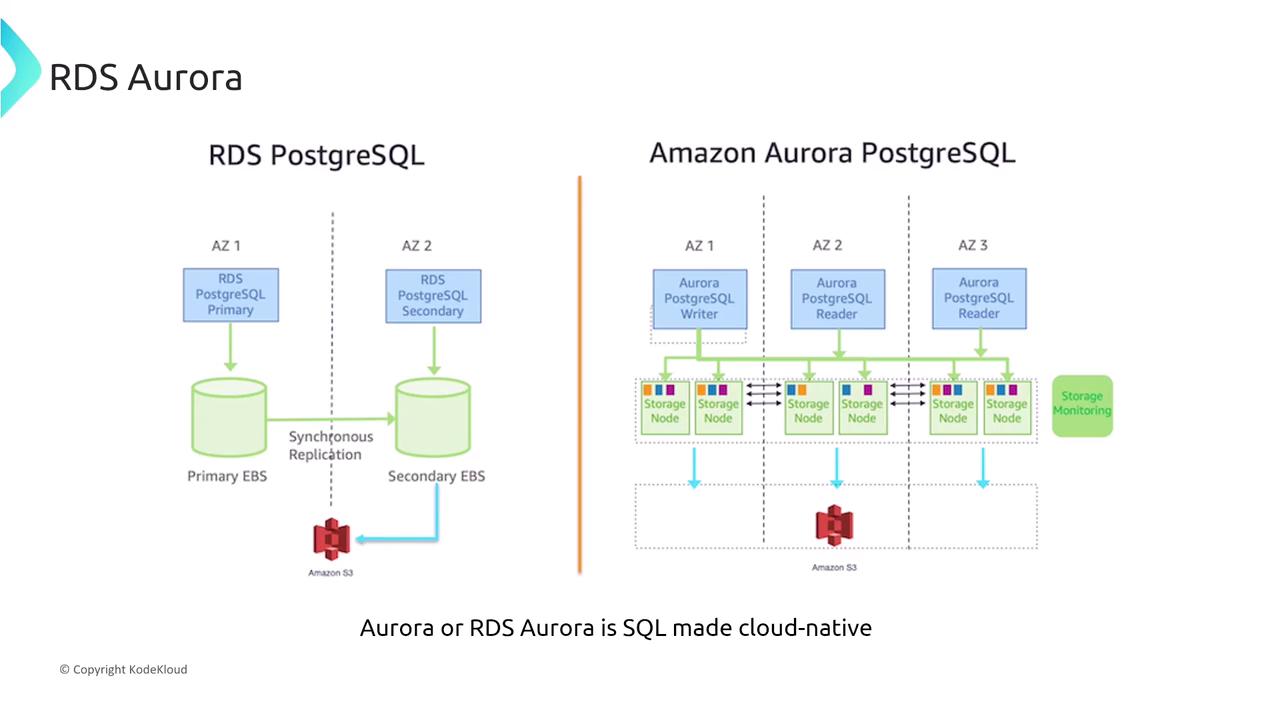
(This is incorrect; Aurora supports up to 15 or 16 read replicas.) - Aurora divides the database volume into 10 GB segments distributed across many disks, with each segment replicated six times across three Availability Zones.
(This is the most accurate portrayal, where each 10 GB chunk is replicated six ways regardless of overall data size.) - Aurora is a serverless database service that automatically starts up, shuts down, and scales based on demand.
(While Aurora Serverless does introduce automatic scaling, it simplifies the startup and shutdown process too much.)
IAM Integration and Authentication Options
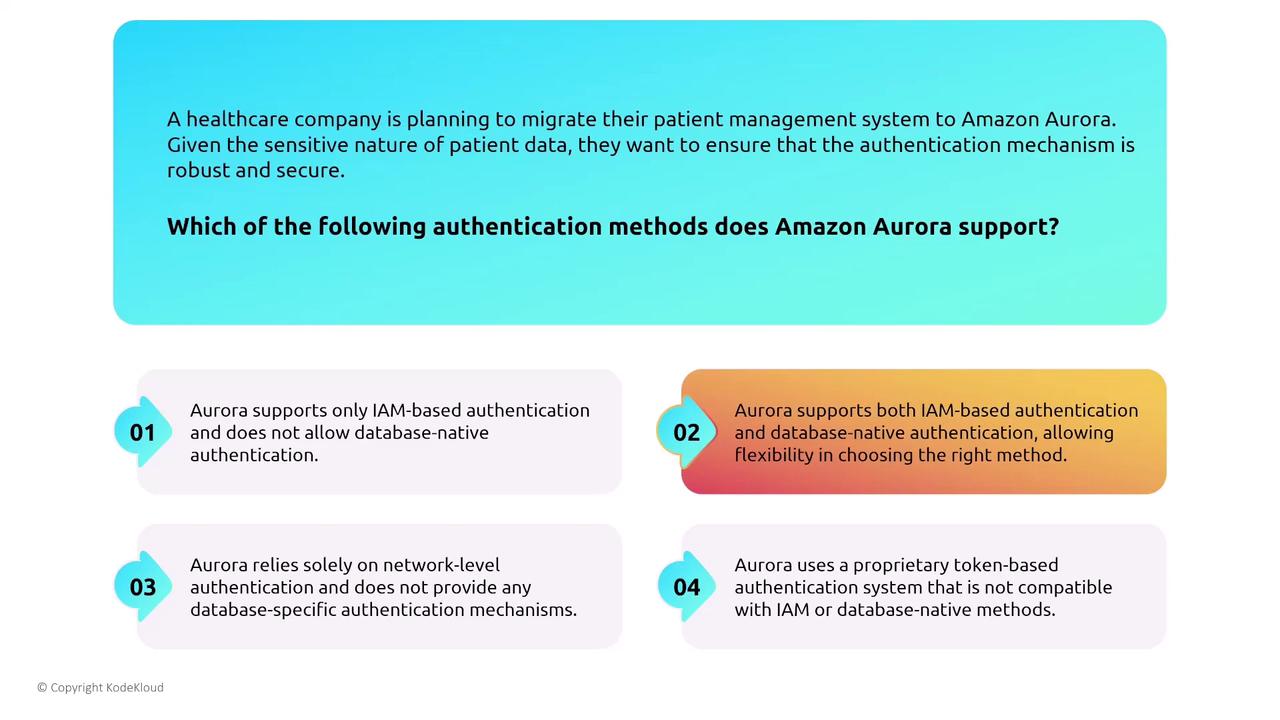
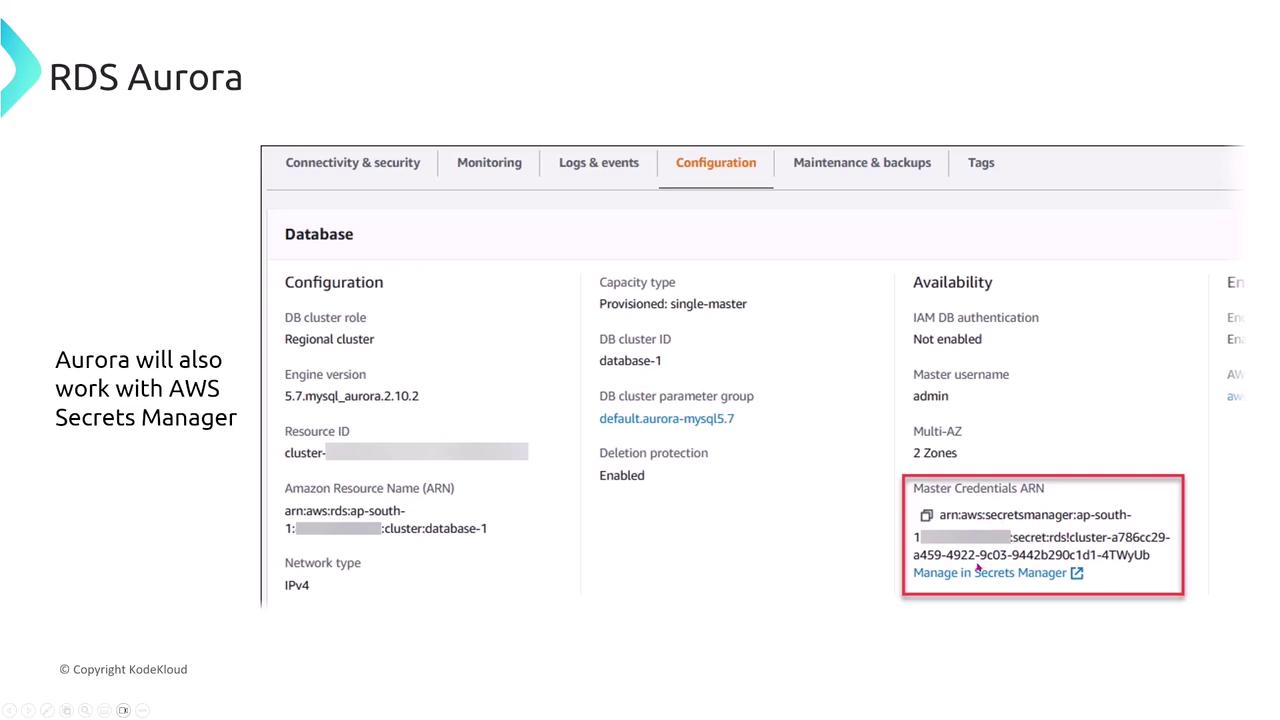
Aurora supports both IAM-based and native database authentication methods. It integrates seamlessly with AWS IAM and can also synchronize with AWS SSO if required.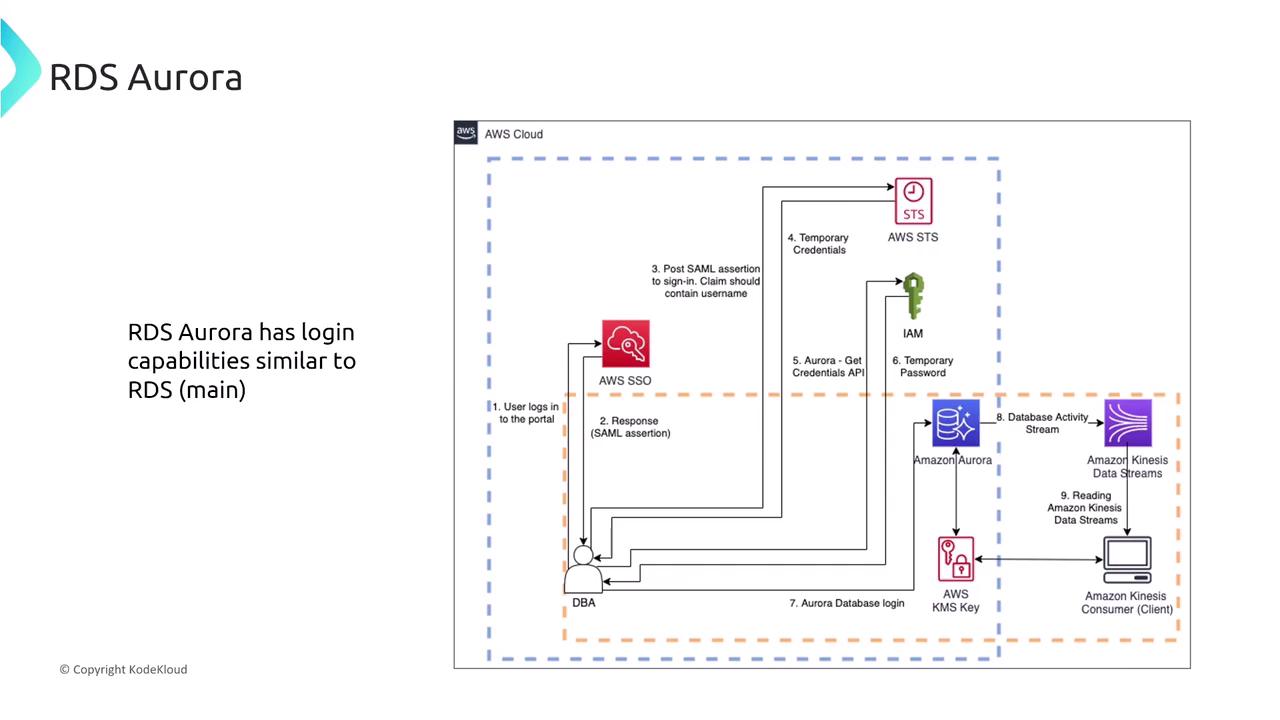
Networking and VPC Configurations
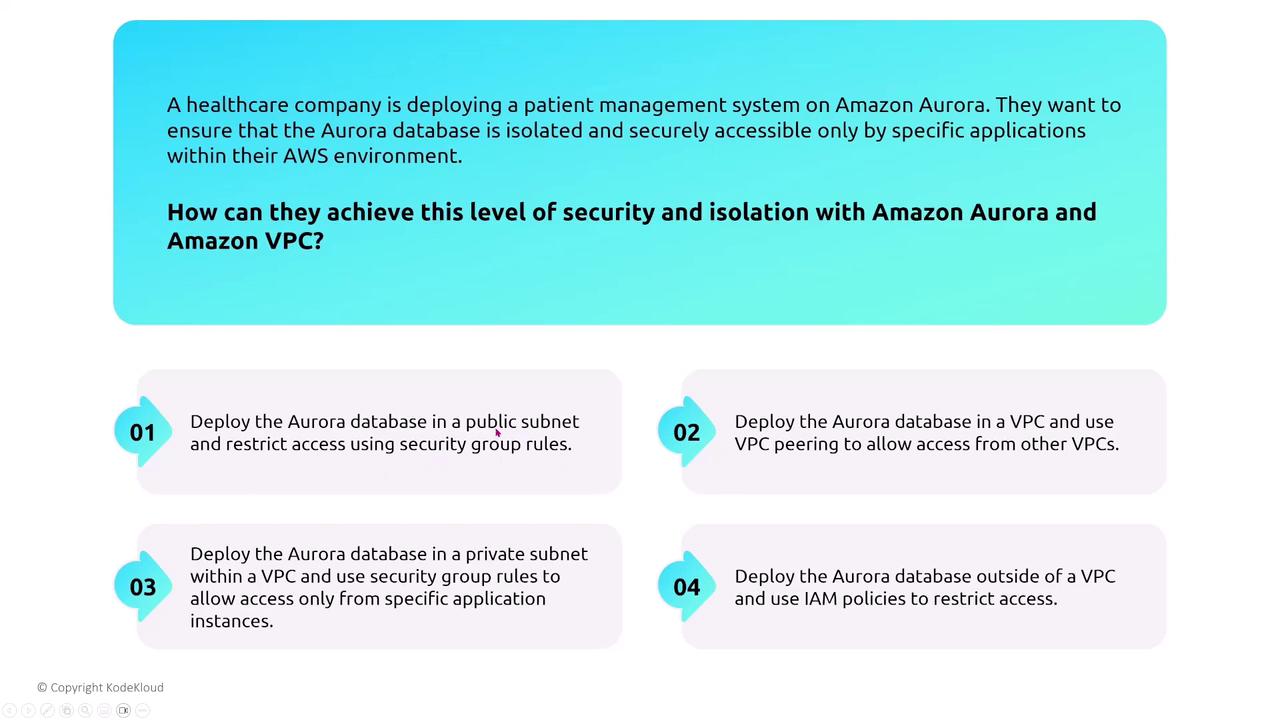
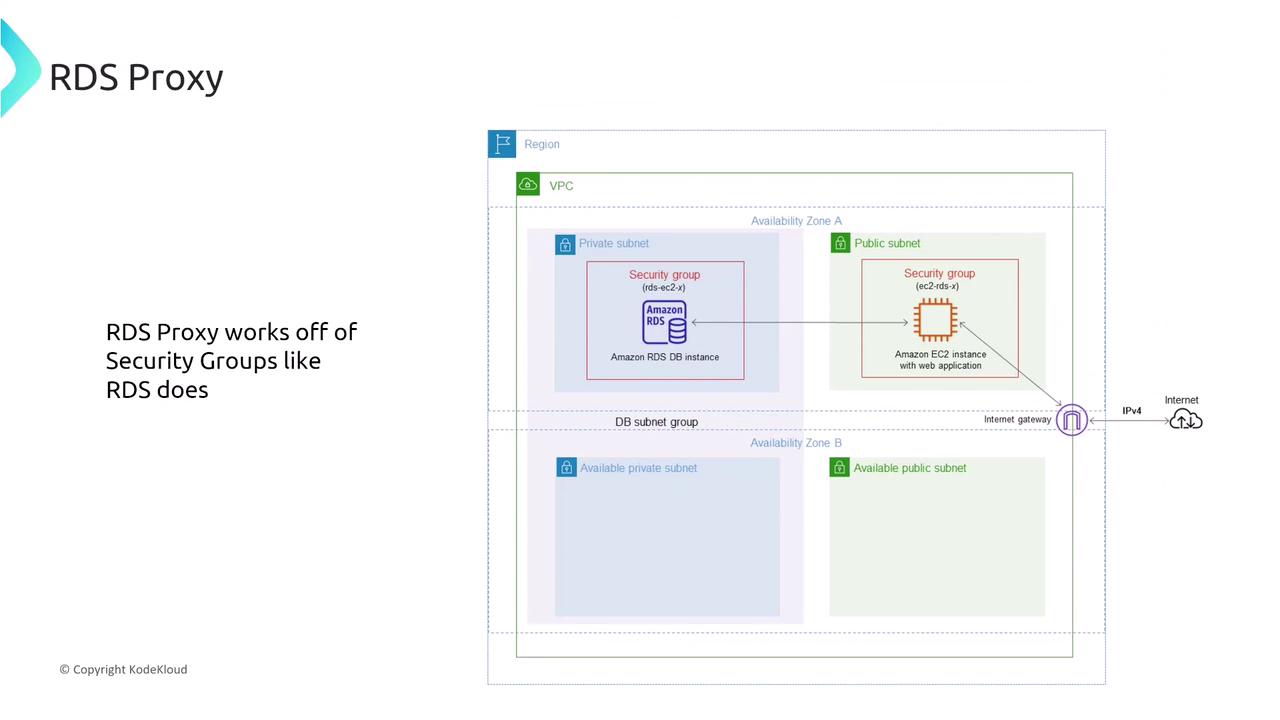
Aurora’s networking setup follows a familiar pattern seen in other RDS products: one primary writer node with multiple reader instances. These reader nodes can scale within security groups, reside in private subnets, or in some cases, be publicly accessible (though they are typically kept private). Metrics and monitoring data are primarily emitted through CloudWatch. For healthcare companies deploying patient management systems on Aurora, isolating the database environment and safeguarding access is essential. The best practice is to deploy Aurora within a VPC, assign it to a private subnet, and restrict network access via tightly controlled security group rules that allow only specific application instances (hosted on AWS Lambda, ECS, EKS, or EC2) to connect.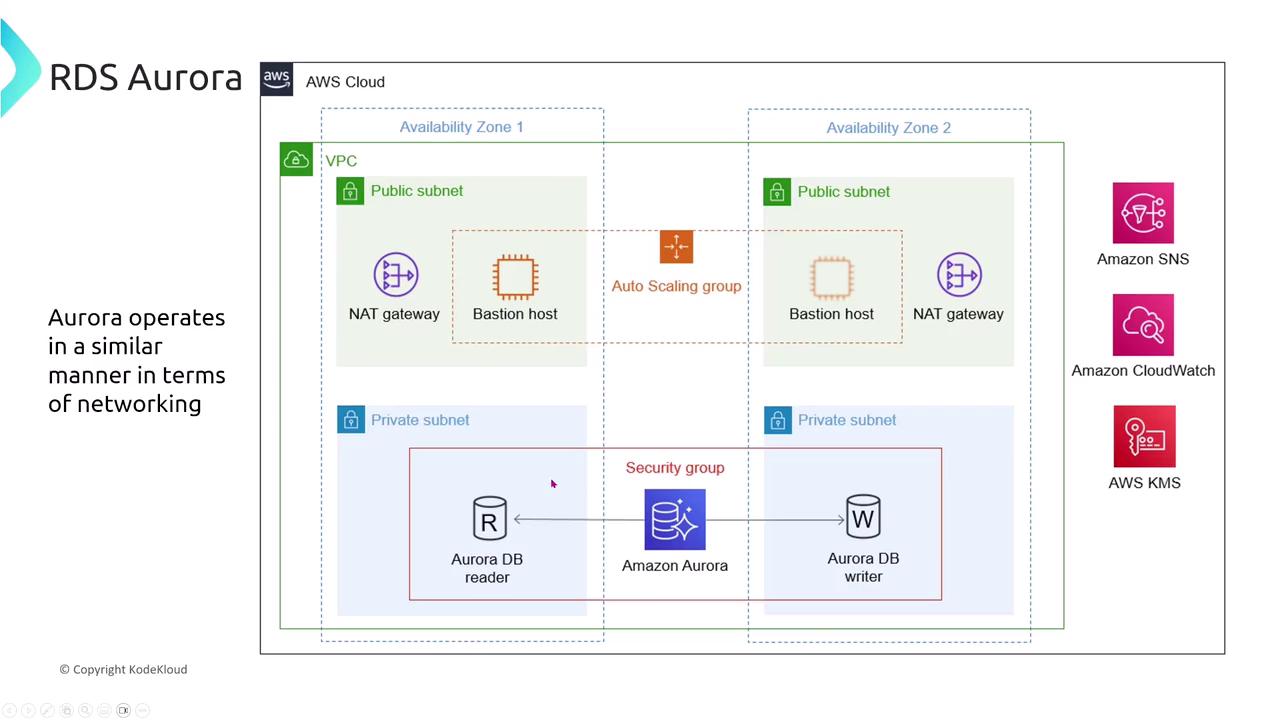
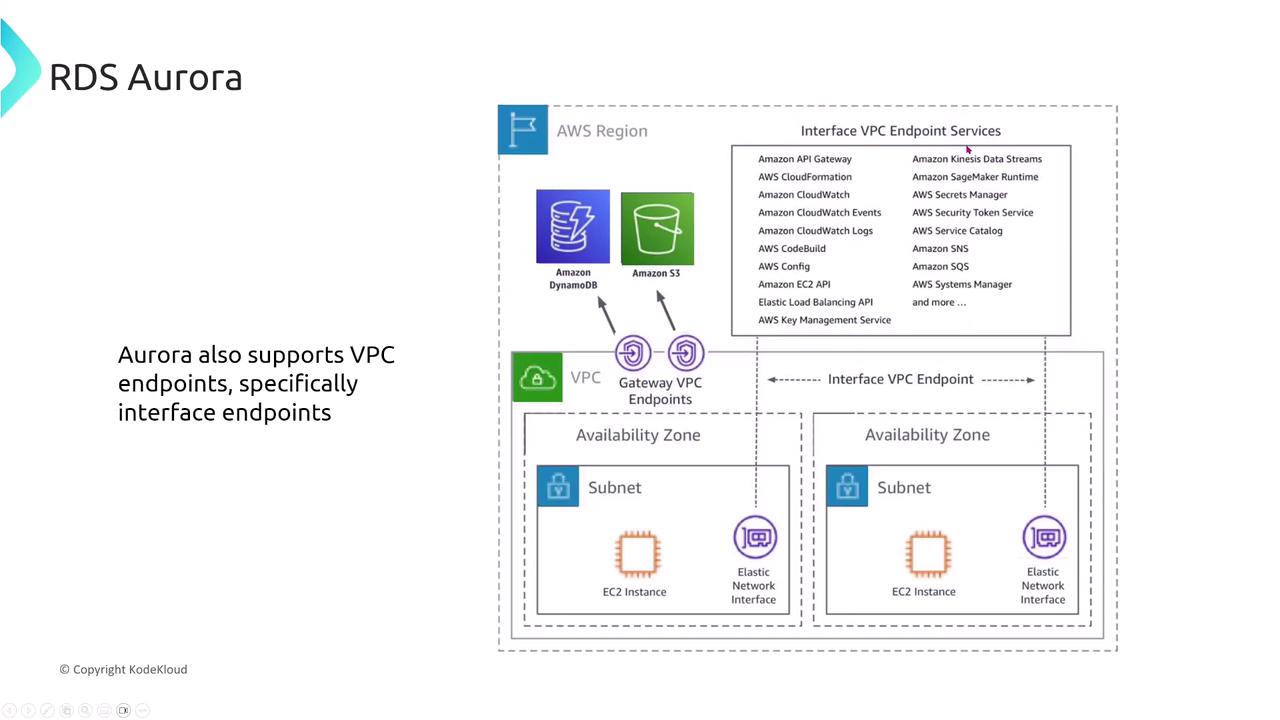
Monitoring, Auditing, and Encryption
Aurora provides advanced monitoring and auditing capabilities. A notable feature is Aurora Database Activity Streams, which delivers real-time database activity data for enhanced monitoring and compliance. This is particularly valuable for fintech companies subject to strict financial regulations. In addition to activity streaming, Aurora offers encryption for data at rest and in transit. Utilizing AWS KMS, you can enable the built-in encryption features and configure SSL/TLS for database connections to maintain data integrity and confidentiality.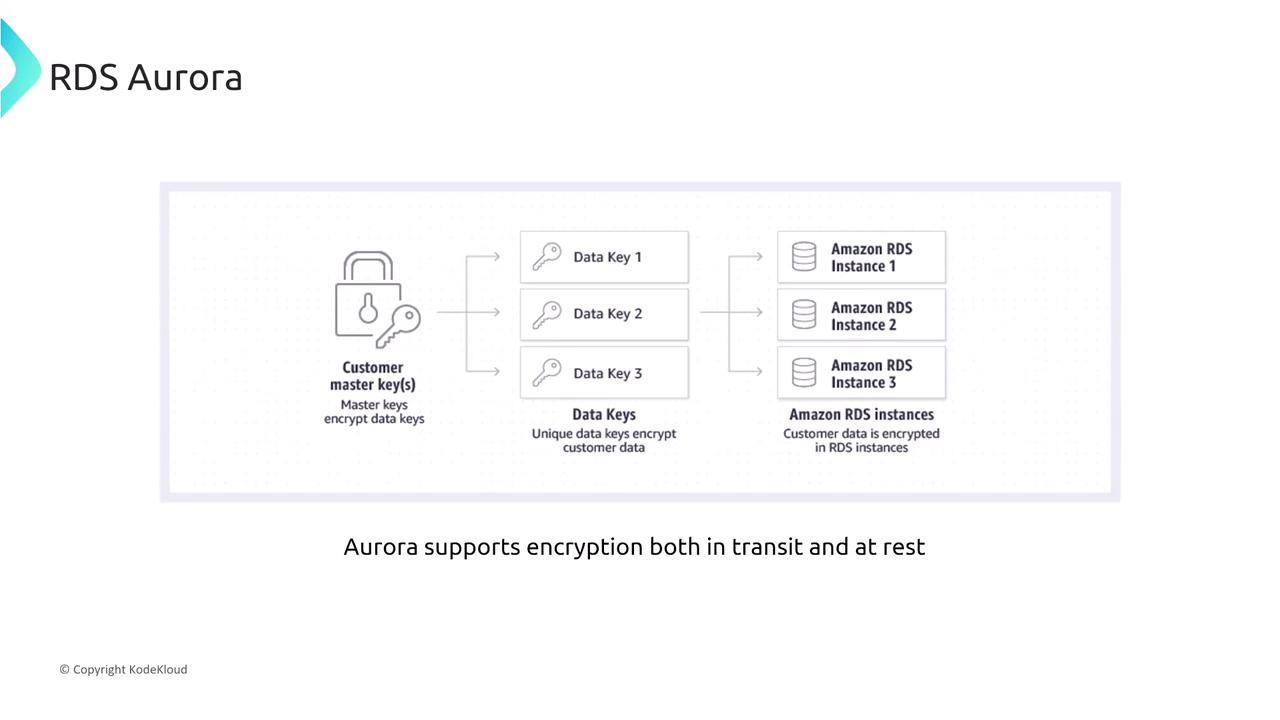
- Enable the built-in encryption-at-rest feature.
- Configure the database to enforce SSL/TLS connections.
Implementing these encryption measures ensures that sensitive data—such as patient records—is securely stored and transmitted.
Aurora Serverless and Security Considerations
Aurora Serverless delivers scalability equivalent to traditional Aurora deployments while maintaining rigorous security standards. When using Aurora Serverless, it is imperative to enable built-in encryption and enforce SSL/TLS for all connections, just as you would with non-serverless deployments.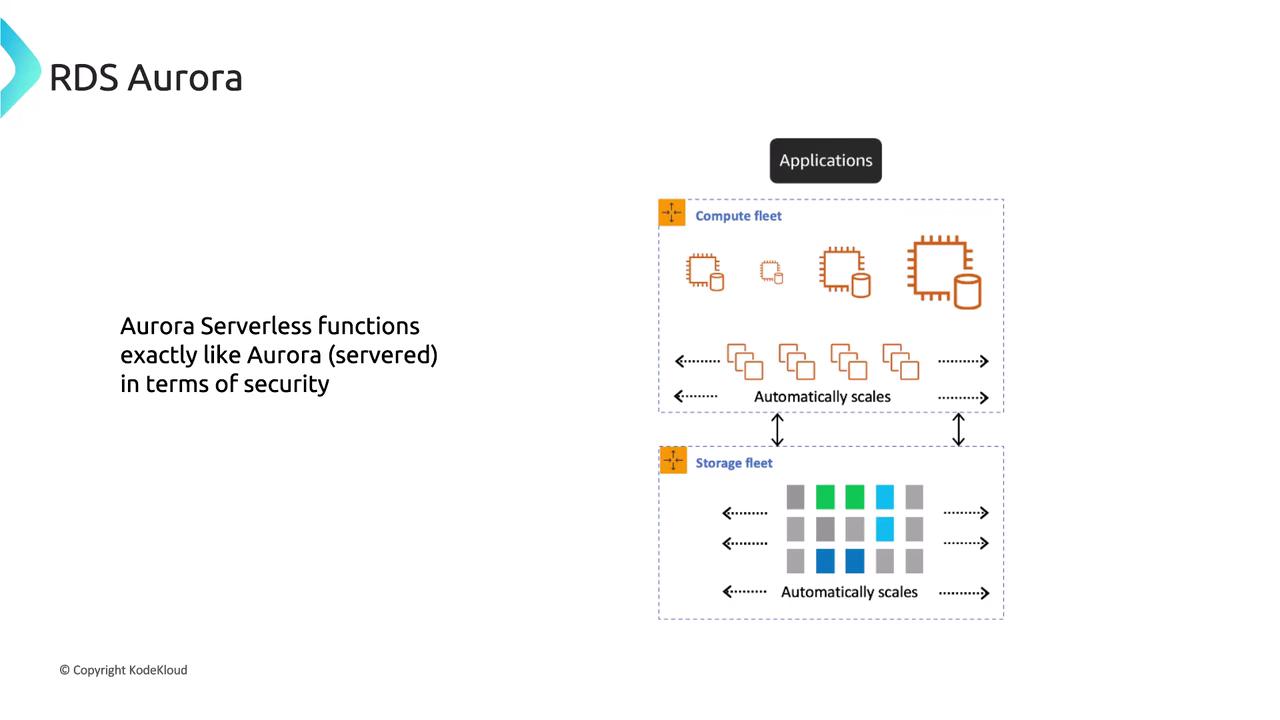
RDS Proxy Overview and Its Security Benefits
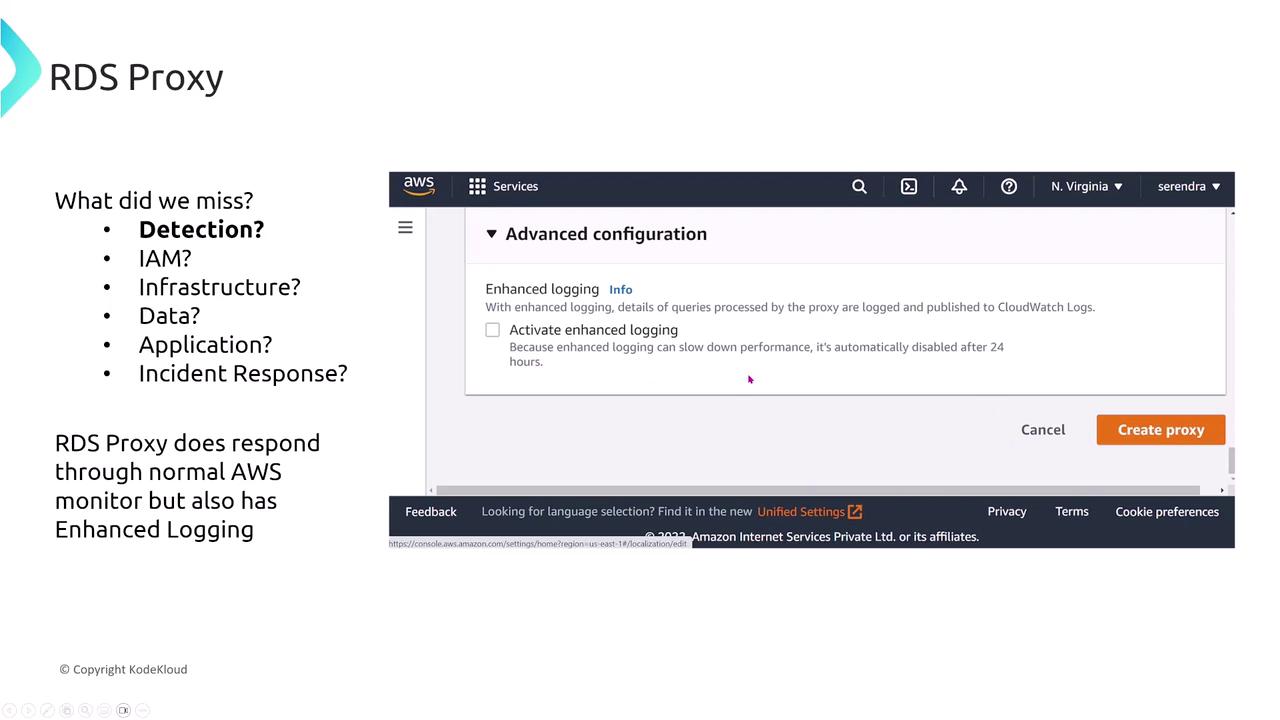
RDS Proxy is designed to efficiently manage connections between applications and RDS databases. It helps mitigate connection overloads during sudden traffic spikes by acting as an intermediary, thereby reducing the load on the RDS instances. Additionally, RDS Proxy offers enhanced logging, caching (if enabled), and improved failover handling.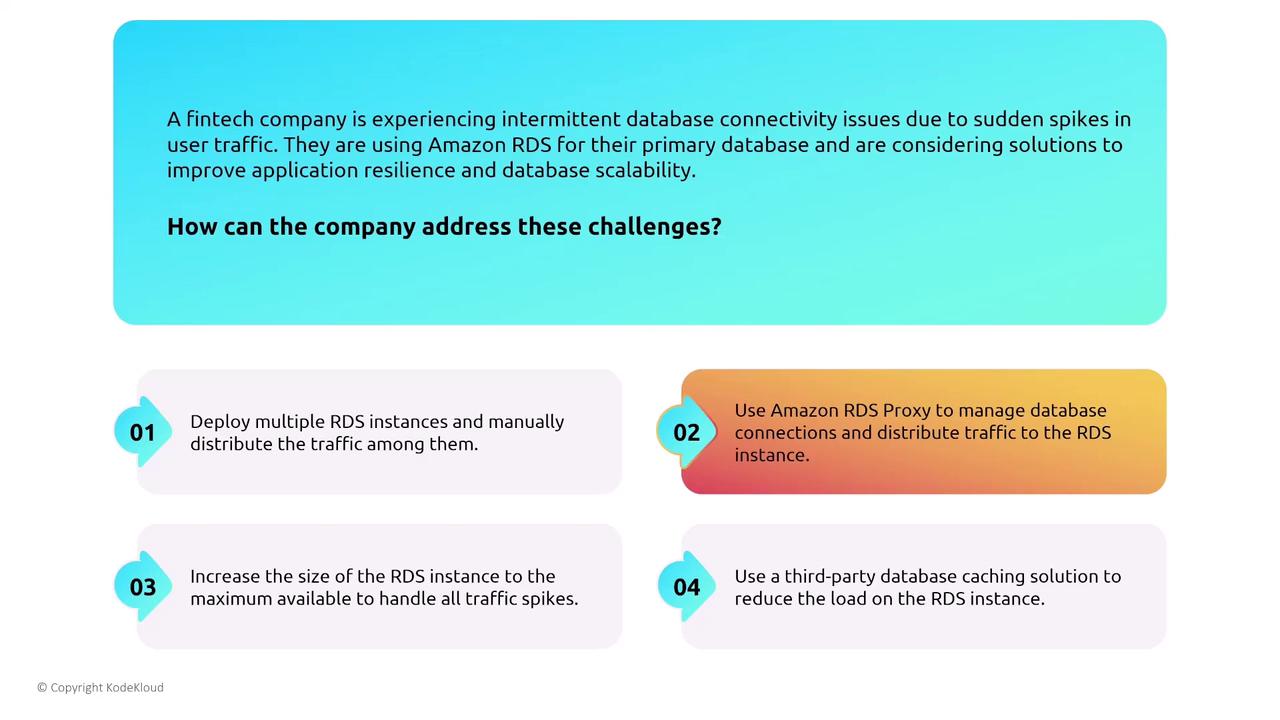
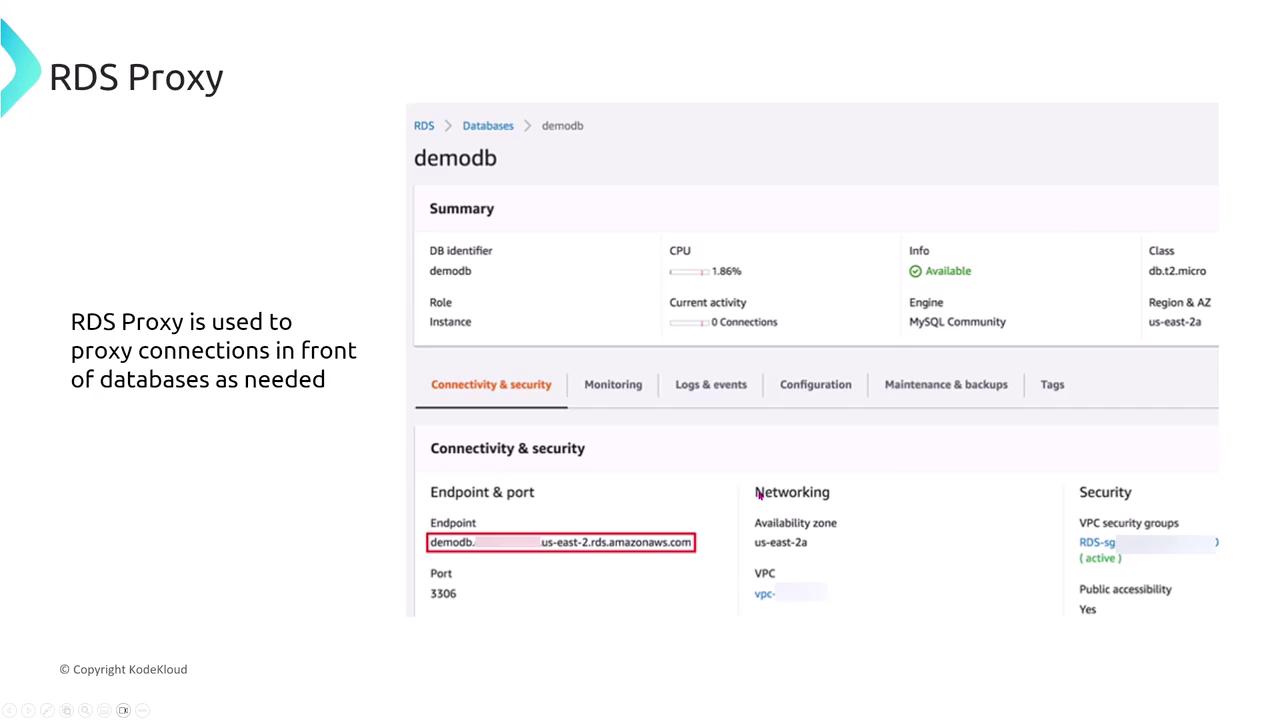
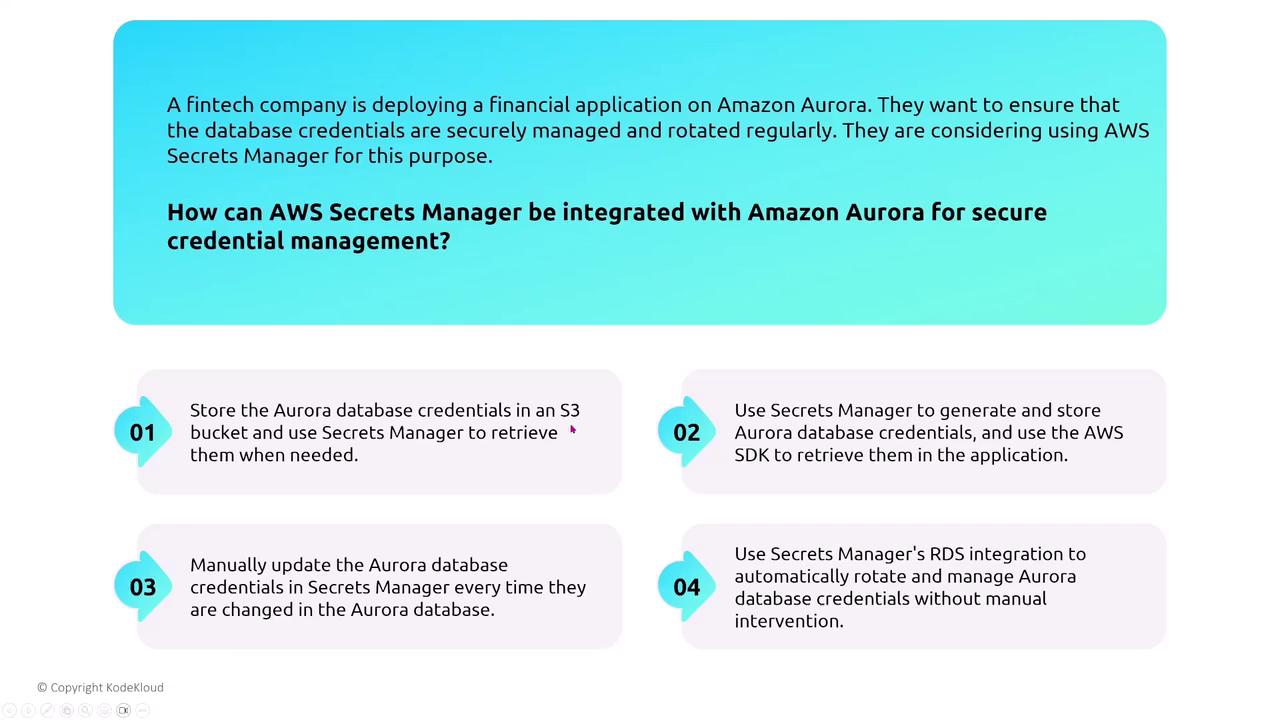
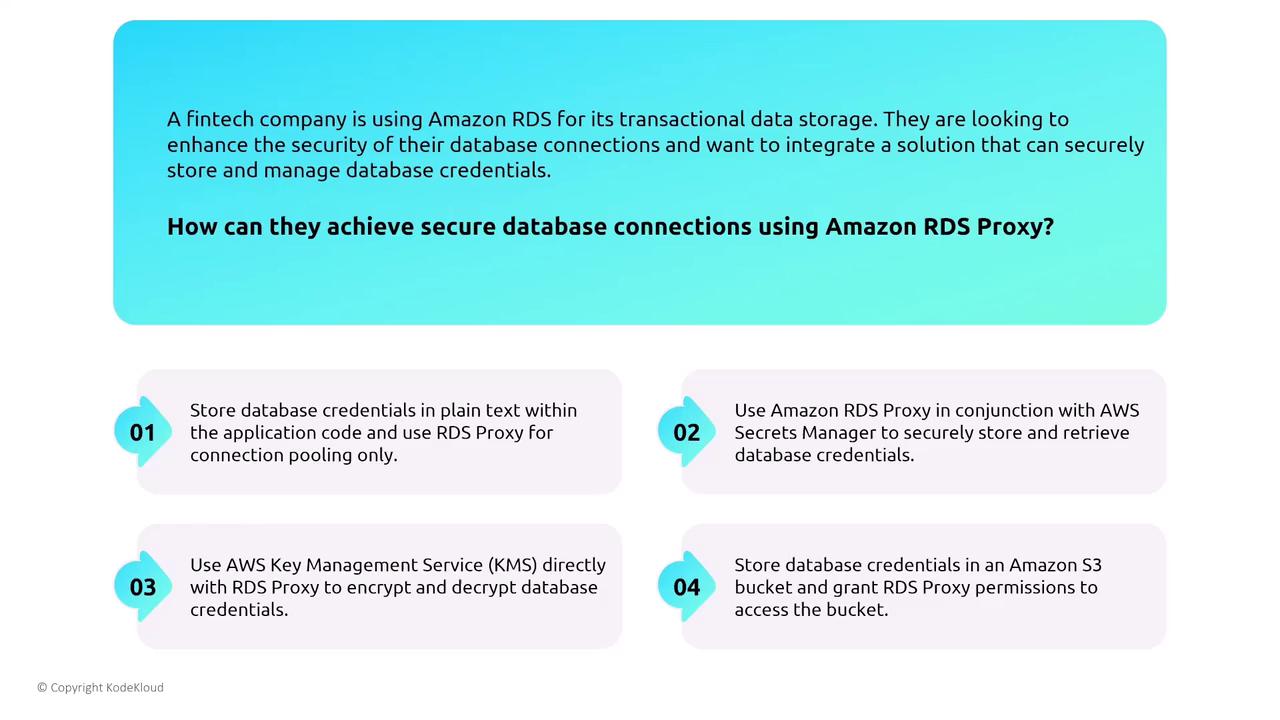
Always use AWS Secrets Manager in conjunction with RDS Proxy to securely manage database credentials. Avoid insecure methods such as storing credentials in plain text or using unsupported third-party tools.
In summary, both Aurora and RDS Proxy deliver enhanced high-availability, scalability, and security features. By leveraging multi-AZ replication, integrated IAM and Secrets Manager support, secure VPC deployments, and advanced logging capabilities, organizations ranging from healthcare providers to fintech startups can protect their databases and maintain robust performance across varying workloads. For further details, consider exploring related topics such as Kubernetes Basics, Kubernetes Documentation, Docker Hub, and the Terraform Registry.