

How It Works
When building a web application, you first upload your source code (HTML, CSS, JavaScript, etc.) to a storage location. Then, you configure Elastic Beanstalk with your deployment specifications, which include environment variables, instance types, runtime settings, and the desired platform. Once your code is uploaded, Elastic Beanstalk automatically deploys all the required resources, such as VPCs, subnets, EC2 instances, load balancers, and databases if needed. The result is a fully operational web application with managed infrastructure.Elastic Beanstalk introduces the concept of environments—a collection of AWS resources required for your application to run. You can create separate environments for development, staging, and production, ensuring consistent service configurations across all stages of your development lifecycle.
Supported Platforms
Elastic Beanstalk supports a wide range of programming languages and platforms, including Docker, .NET Core, Python, PHP, Go, Java, Node.js, and Ruby. The process is straightforward: upload your code, select the appropriate runtime, and let Elastic Beanstalk handle the rest.
Deployment Workflow
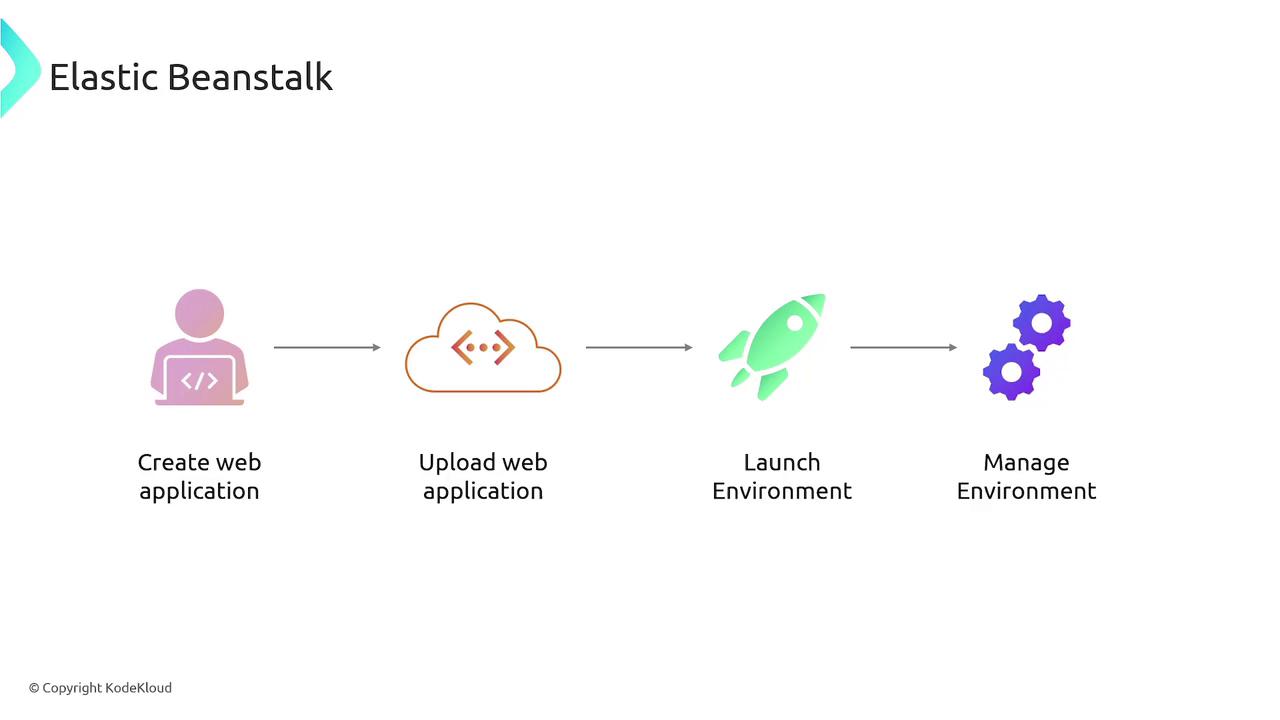
The deployment process with Elastic Beanstalk involves three core steps:- Create an Application: Start by creating an application in the Elastic Beanstalk console.
- Upload Your Code: Upload your application source code along with deployment configurations.
- Deploy to an Environment: Deploy the code to a designated environment, allowing you to test and manage the application.
Key Benefits and Features
Elastic Beanstalk offers several advantages that can accelerate your development process and ensure efficient management of your applications: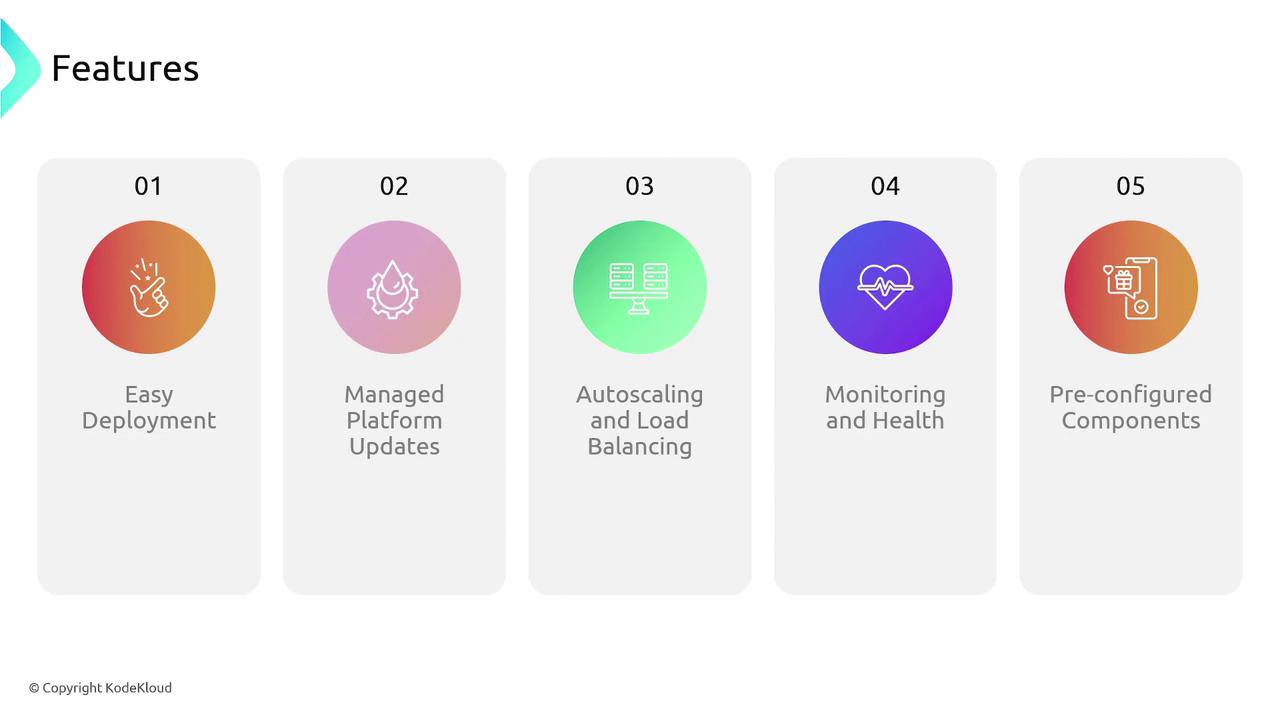
With Elastic Beanstalk, you can focus on developing your application without worrying about the underlying infrastructure. AWS manages the heavy lifting, ensuring that your environment is secure, scalable, and optimized for performance.