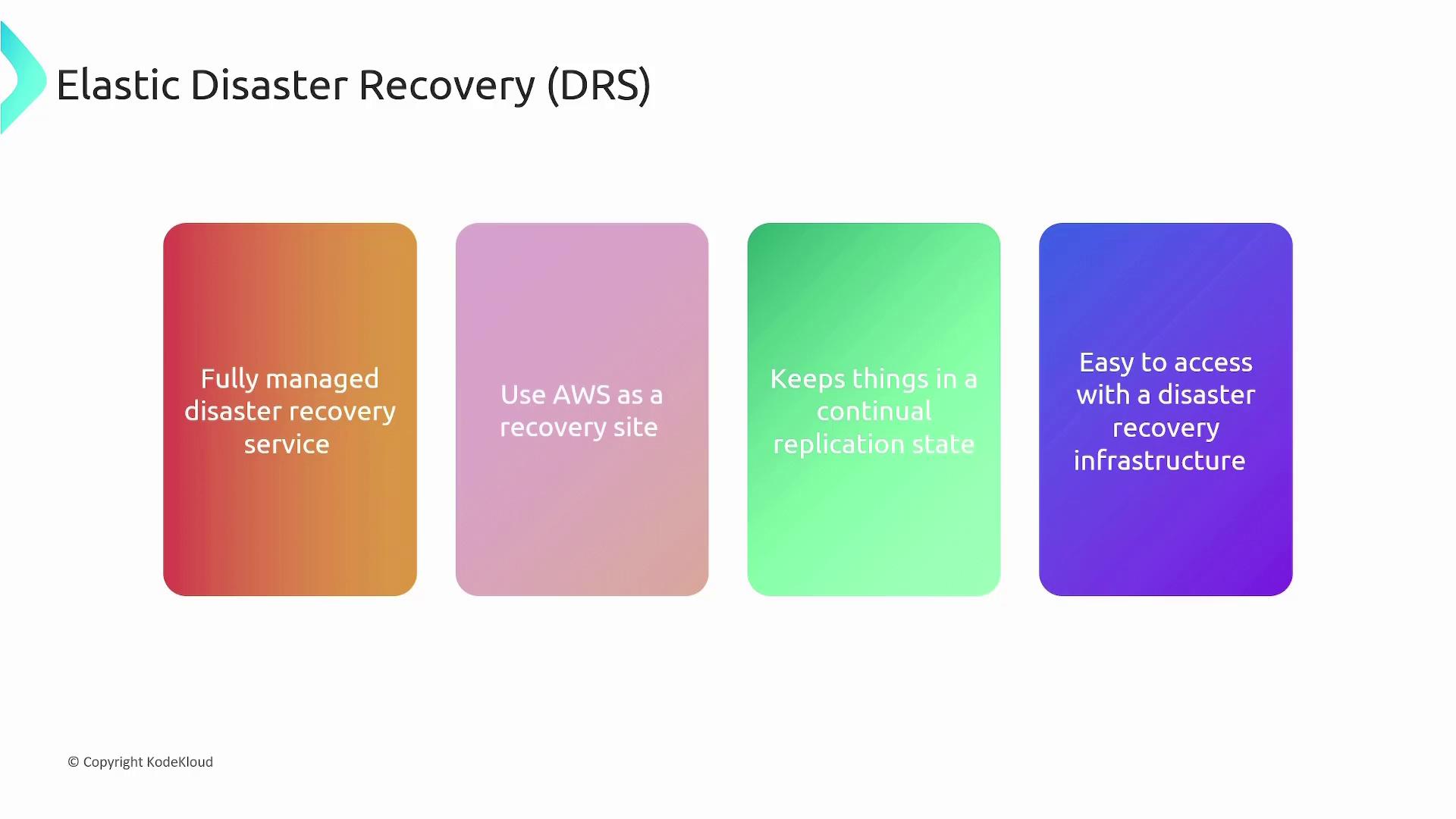
Elastic Disaster Recovery is a managed solution for fast recovery of on-premise and cloud applications, simplifying disaster recovery processes with cost-effective resources.
Elastic Disaster Recovery (DRS) is a fully managed solution that ensures fast, reliable recovery for both on-premise and cloud-based applications. This service leverages affordable storage options, minimal compute resources, and point-in-time recovery to simplify complex disaster recovery processes.
Elastic Disaster Recovery minimizes capital expenditure by eliminating the need for an extra on-premise backup environment. Instead of maintaining redundant infrastructure and paying for idle servers, costs are incurred only when resources are actively used.
Elastic Disaster Recovery manages disaster recovery for physical, virtual, and cloud servers. Traditionally, disaster recovery setups require an additional backup environment—which means provisioning extra servers, renting extra data center space, and shouldering continuous maintenance. With Elastic Disaster Recovery, AWS handles these complexities, letting you use its robust infrastructure as a recovery site.The service continuously replicates your operating system, applications, and databases with 24/7 monitoring. This constant replication ensures that during a disaster, a simple click deploys an up-to-date recovery infrastructure on AWS.
When a disaster strikes, notify AWS and witness your recovery resources come online within minutes. Elastic Disaster Recovery supports various failover scenarios including:
Identifying Source Servers
Determine the source servers whose data needs protection. Install the AWS replication agent on these servers to enable continuous monitoring and replication.
Configuring Replication Settings
Set up the replication process by defining a staging area—a dedicated subnet in AWS where EC2 instances capture and archive your replicated data. This process involves three key components:
Component
Description
On-premises System
The environment where the replication agent collects server data.
Staging Area
The AWS subnet that receives and archives the replicated data.
Production Subnet
The AWS subnet where recovery servers are launched during a failover.
Defining Launch Settings
Configure the recovery environment by defining launch settings. These settings include EC2 instance specifications such as instance types, sizes, regions, subnets, and security groups. When a disaster occurs, these parameters guide the quick deployment of recovery servers on AWS.
In summary, Elastic Disaster Recovery enables organizations to leverage AWS infrastructure for disaster recovery, eliminating the need for costly, redundant on-premise systems. Its pay-as-you-go model allows rapid scaling during emergencies, ensuring business continuity with a minimal cost footprint.The essential components of Elastic Disaster Recovery include:
Source Servers: On-premises servers and data slated for replication.
Staging Area: AWS subnet designated for receiving and archiving replicated data.
Launch Template: Predefined configurations (instance type, subnet, security groups) for recovery server deployment.