

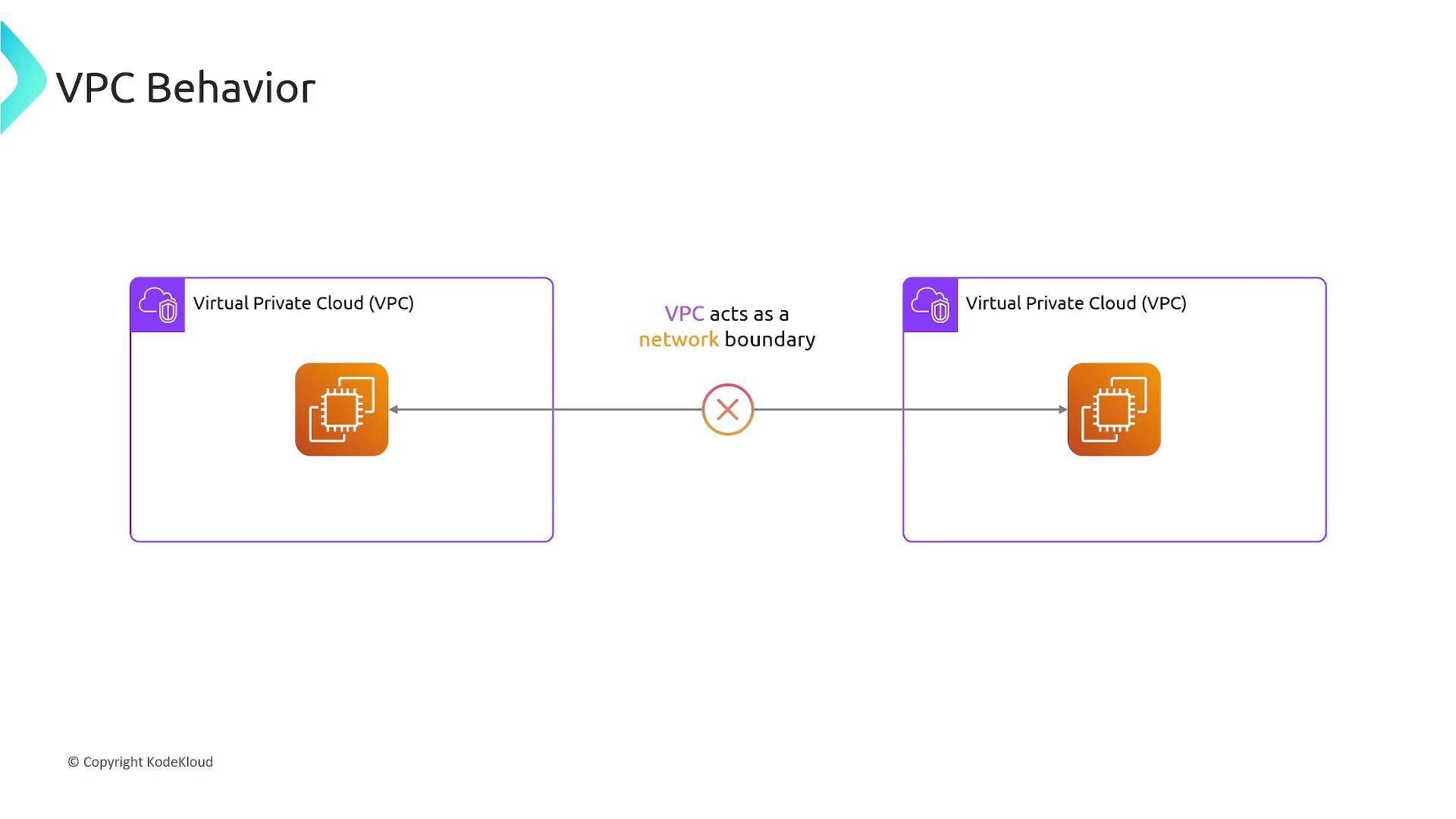
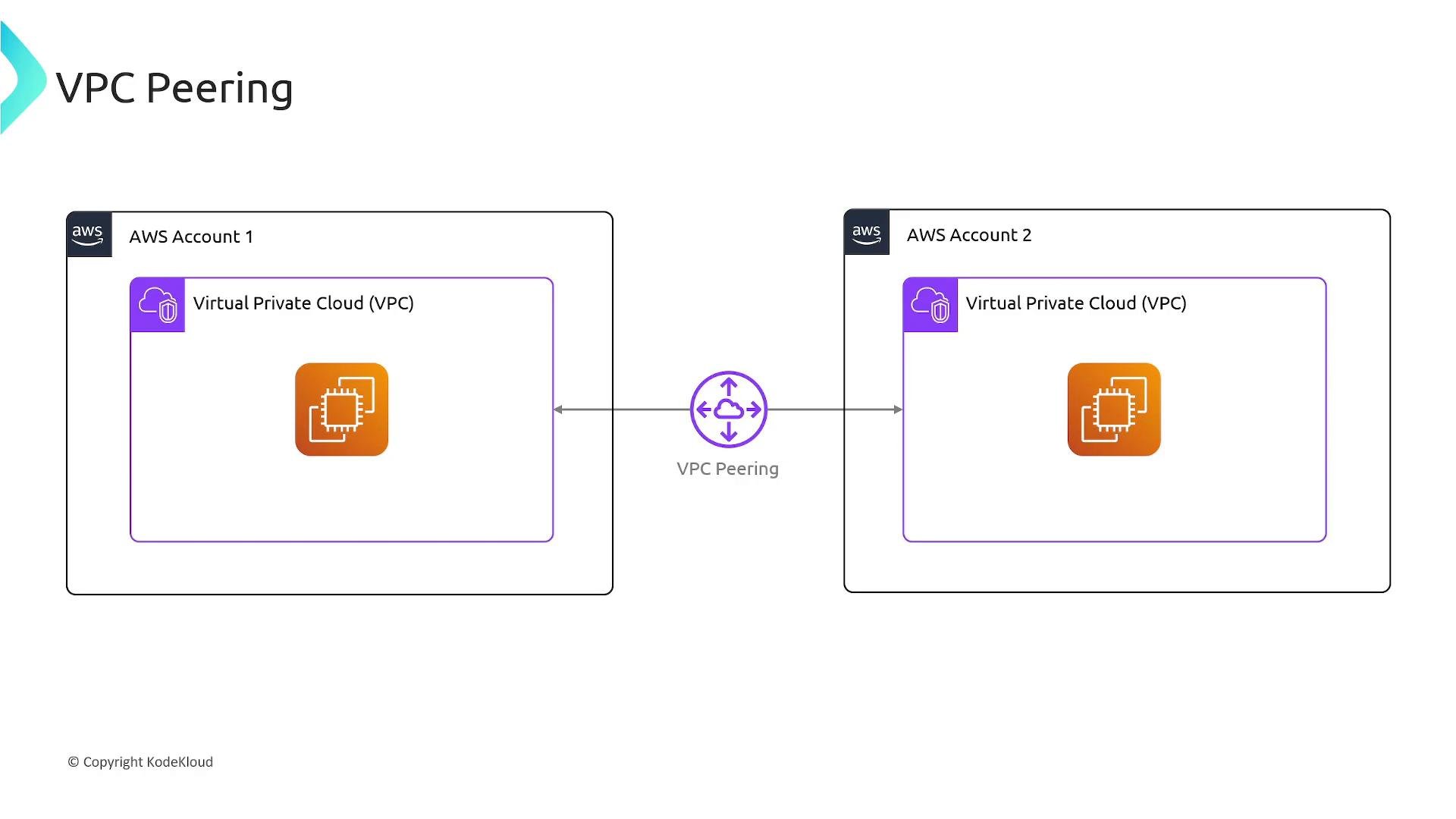
- A VPC peering connection is a private network connection between two VPCs. After establishing the peering and updating route tables and security controls, instances in the peered VPCs can exchange traffic over private IP addresses.
- VPC peering traffic stays within the AWS global backbone (unless crossing regions, in which case cross-region charges apply).
- VPCs in the same AWS account.
- VPCs across different AWS accounts.
- VPCs in the same region or in different regions (cross-region peering).
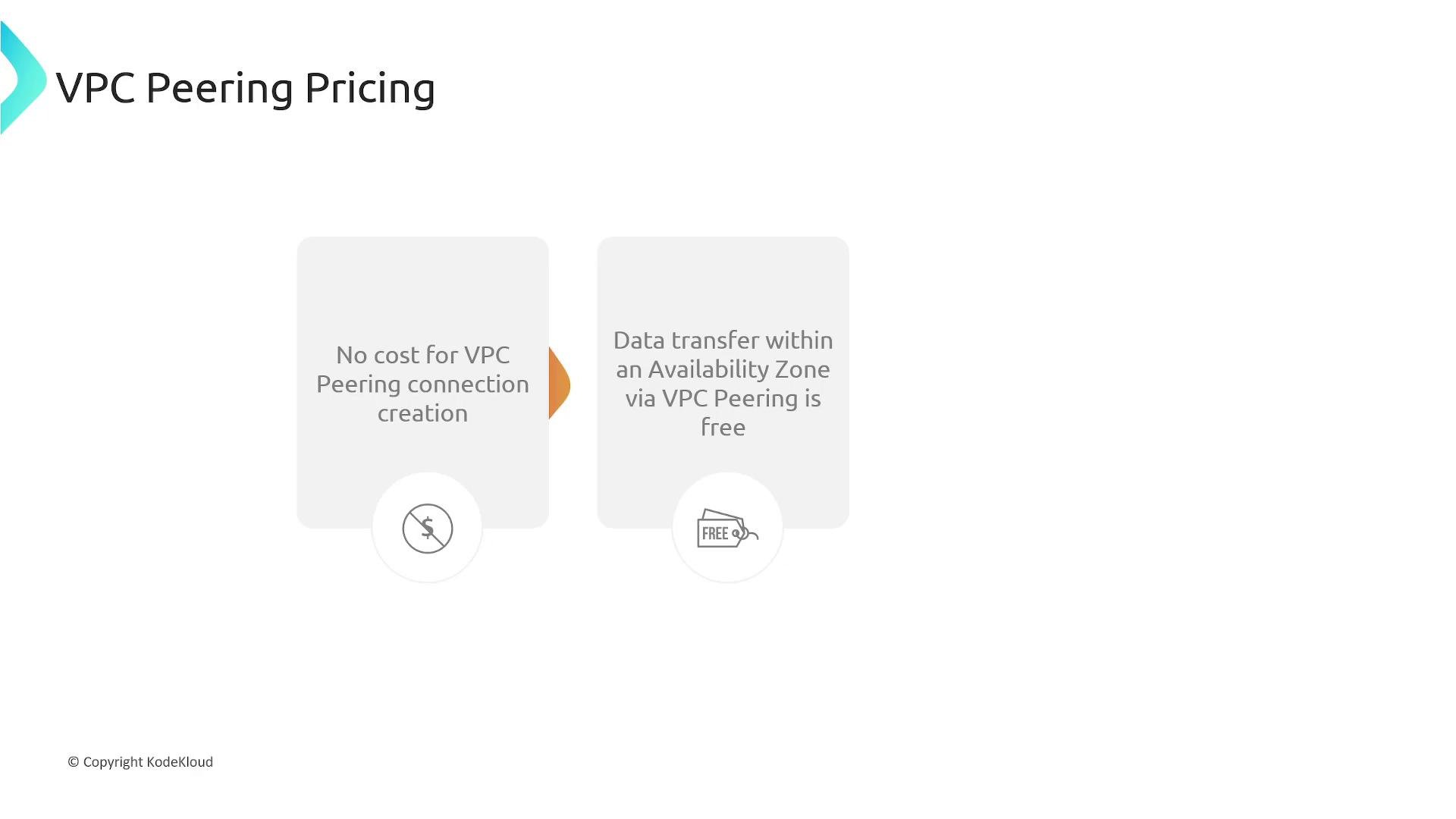
- There is no additional charge to create or accept a VPC peering connection.
- Data transfer charges apply for traffic traversing the peering connection. Rates depend on whether traffic stays in the same Availability Zone, crosses AZs, or crosses regions. Cross-region VPC peering incurs inter-region transfer charges.
- Create and accept the peering connection
- Initiator: One VPC owner requests a peering connection to the target VPC. If both VPCs are in the same account, you request a peering to your other VPC.
- Acceptance: The owner of the target VPC accepts the request. After acceptance, the peering connection is in the active state.
- Important: VPC CIDR ranges must not overlap. AWS will reject peering requests between VPCs with overlapping IP ranges.
- Update route tables (required)
- Creating the peering connection does not automatically add routes. You must add routes on both sides to direct traffic destined for the other VPC to the peering connection.
- Example:
- VPC-1 CIDR:
10.1.0.0/16 - VPC-2 CIDR:
10.2.0.0/16
- VPC-1 CIDR:
- Add a route in VPC-1’s route table:
- Destination:
10.2.0.0/16 - Target:
pcx-0123456789abcdef0(peering connection ID)
- Destination:
- Add the reciprocal route in VPC-2’s route table:
- Destination:
10.1.0.0/16 - Target:
pcx-0123456789abcdef0
- Destination:
- Configure security groups and network ACLs
- Security groups and NACLs are enforced for traffic between peered VPCs.
- Security groups cannot reference security groups in another VPC. To allow cross-VPC traffic, allow the peer’s CIDR range in security group rules (or use other methods such as AWS PrivateLink or Transit Gateway for more complex setups).
- Verify both inbound and outbound rules, and any applicable NACLs, on both sides.
Remember: creating the peering connection is only half the work — you must update route tables and security rules on both sides to allow traffic to flow.
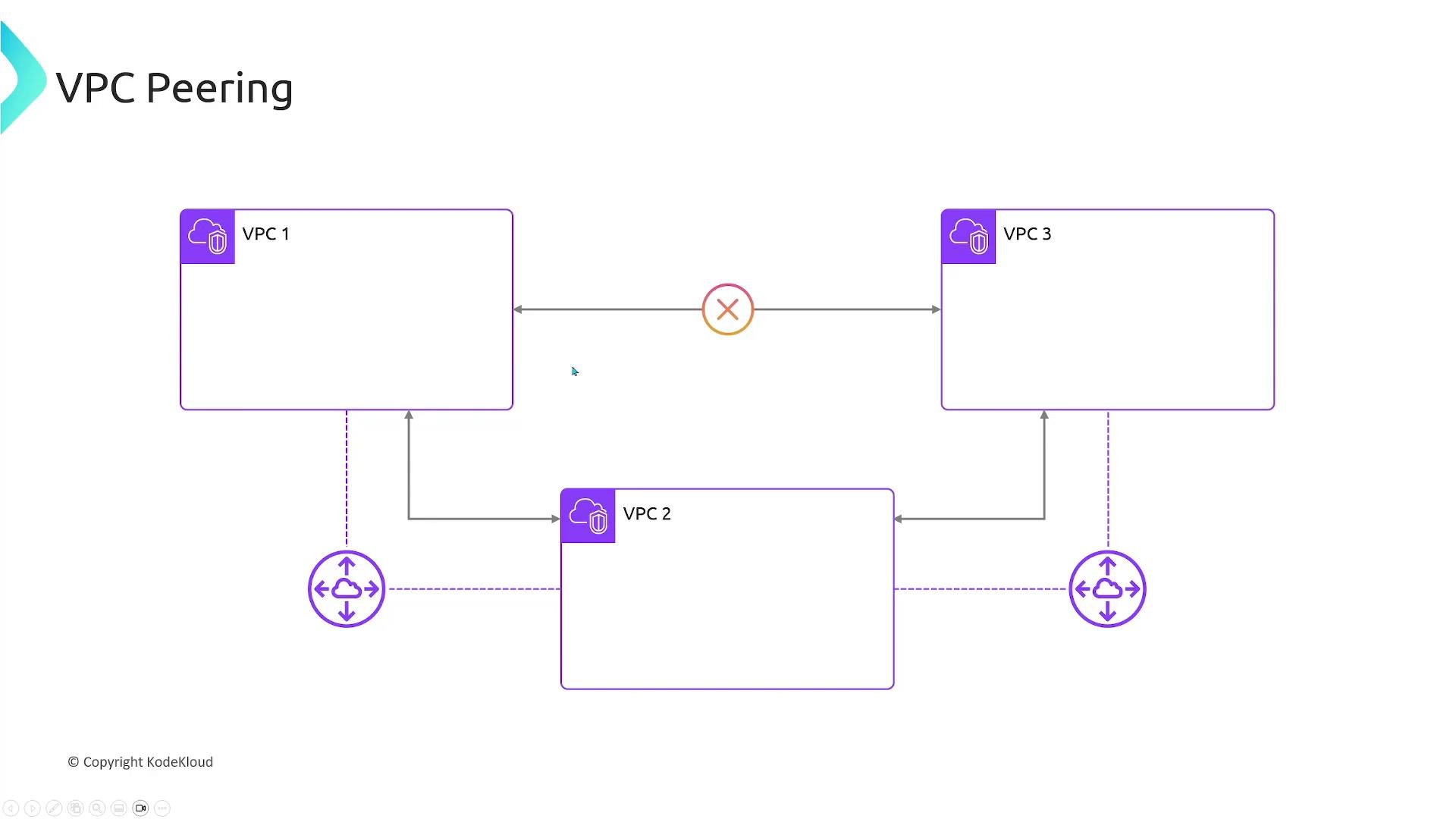
- AWS does not support transitive routing for VPC peering. If VPC-1 peers with VPC-2, and VPC-2 peers with VPC-3, VPC-1 cannot reach VPC-3 through VPC-2 using the peering connections.
- For multi-VPC connectivity where transit routing is required, consider using AWS Transit Gateway or a hub-and-spoke design.
Transitive peering is not supported. Each pair of VPCs that must communicate needs a direct peering connection or a Transit Gateway-based solution.
- Ensure VPC CIDR ranges do not overlap.
- Create the peering request and accept it from the target account/VPC.
- Add routes in both VPC route tables pointing to the peering connection ID.
- Update security groups and NACLs to allow cross-VPC traffic (use CIDR ranges as security groups cannot reference groups in another VPC).
- Verify data transfer costs (cross-AZ and cross-region charges may apply).
- For transitive requirements or many VPCs, evaluate AWS Transit Gateway instead of many peering connections.